


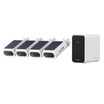

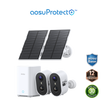
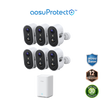
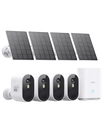
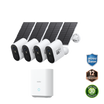
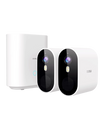
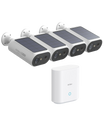
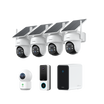
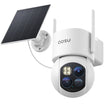
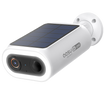
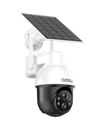
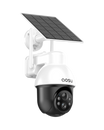
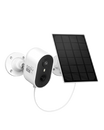
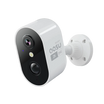
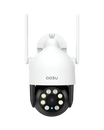
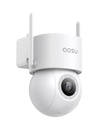


When the lights go out, the importance of maintaining vigilant security doesn't. That's where night vision cameras come into play, acting as your eyes in the dark. Whether you're setting up a home security system or upgrading an existing surveillance setup, understanding what to expect when choosing night vision cameras can be a game changer. This guide will walk you through the key features, the latest technological advancements, and practical tips to ensure you select the best night vision cameras for your specific needs.

Illustrative nighttime image. Camera model, distance, lighting mode and capture settings are not fully documented here; it does not establish identification distance or moving-subject performance.
What features should a night vision camera have?
Selecting the ideal night vision camera involves more than just opting for a particular brand or model; it requires a thorough understanding of the specific features that align with your security requirements. Here's an overview of critical features to evaluate that can influence both the effectiveness and appropriateness of your night vision camera for your needs.
1. Check Useful Detail, Not Resolution Alone
Decide what you need to see: a person entering the yard, a visitor’s face near the door, or a vehicle passing the driveway. These require different levels of detail.
Resolution is only part of the result. Compare saved nighttime footage at a similar distance and camera angle, including a moving subject. A sharp image of an empty driveway does not establish that a moving face or plate will be readable.
2. Separate Illumination, Detection and Identification
There is no single minimum night-viewing distance that fits every home. An advertised IR range describes illumination reach under stated conditions; it is not a guaranteed face- or plate-identification distance.
Detection means noticing a target or activity. Identification requires enough usable detail for the task. Ask what the manufacturer means by “range” and request supporting footage.
3. Match the Light and View to Your Target
A wider view covers more space but makes a distant target smaller in the image. NIST’s explanation of target size describes how distance and field of view affect the target’s apparent size.
Check whether the illumination reaches the area you actually need to record. Review near and far subjects, reflective surfaces and moving people. Do not choose from LED count or advertised range alone.
4. Check Environmental Limits Separately
Use the exact model’s outdoor rating and installation instructions. An IP rating describes protection against ingress; check operating temperature, charging temperature and connector protection separately.
The Swedish Electrical Safety Authority’s IP-code guide explains what the enclosure rating covers.
5. Check Power, Connection and Recording
Confirm how the camera receives power, connects to other devices and saves footage. These are separate questions.
Ask what happens during an internet outage, a local connection failure and a power cut. Verify the answer for the selected model and storage setup rather than assuming that wired or wireless operation guarantees continued recording.

Verify the Technology Behind the Feature Label
An IR night-vision camera forms an image using reflected near-infrared light. A thermal camera detects longer-wavelength infrared radiation associated with emitted heat. These are different camera categories; ordinary IR night vision does not make a camera a thermal imager.
For a fuller explanation, see Axis’s guide to IR surveillance. For a household comparison of infrared, low-light color and spotlight modes, read the aosu night-vision mode guide.
Verify smart features separately. Motion detection, human detection, face recognition and automatic tracking are different capabilities. Check the exact model, any subscription requirement and the controls available in its app.
A feature list helps you shortlist products. It does not replace footage showing performance in the lighting and movement conditions you need.

Installation illustration, not evidence of thermal imaging, identification distance or uninterrupted recording.
Compare an aosu Model Against Your Nighttime Scene
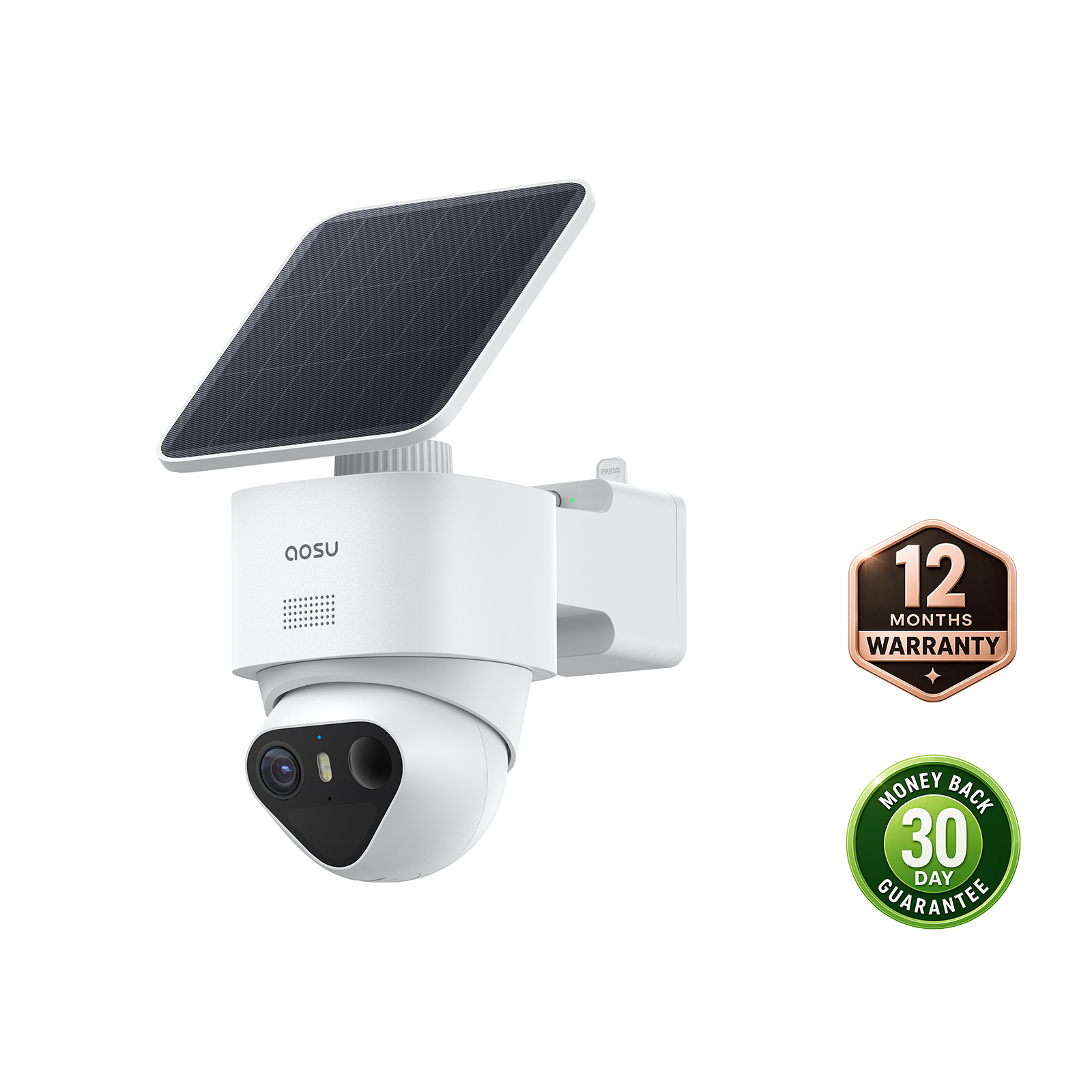
For a location with suitable wired power, the aosu Floodlight Cam Pro is one camera-light option to assess. Its current product page lists 5MP video, full-color night vision, pan-and-tilt movement and adjustable lighting up to 2,600 lumens.
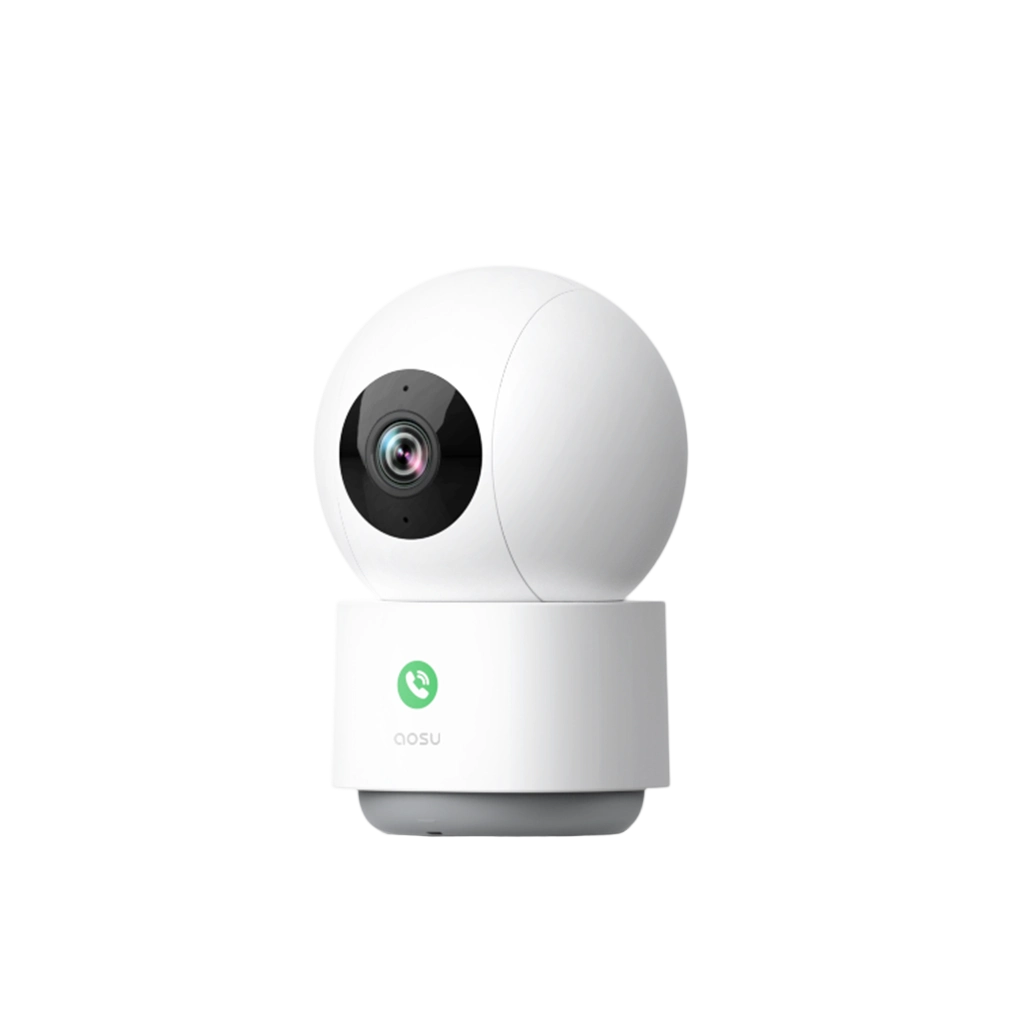
Compare those features with your installation rather than treating them as a performance guarantee. Check whether the light reaches your target area, whether moving subjects remain clear and whether the camera position creates glare. Pan-and-tilt movement changes the view; it does not provide simultaneous video in every direction.
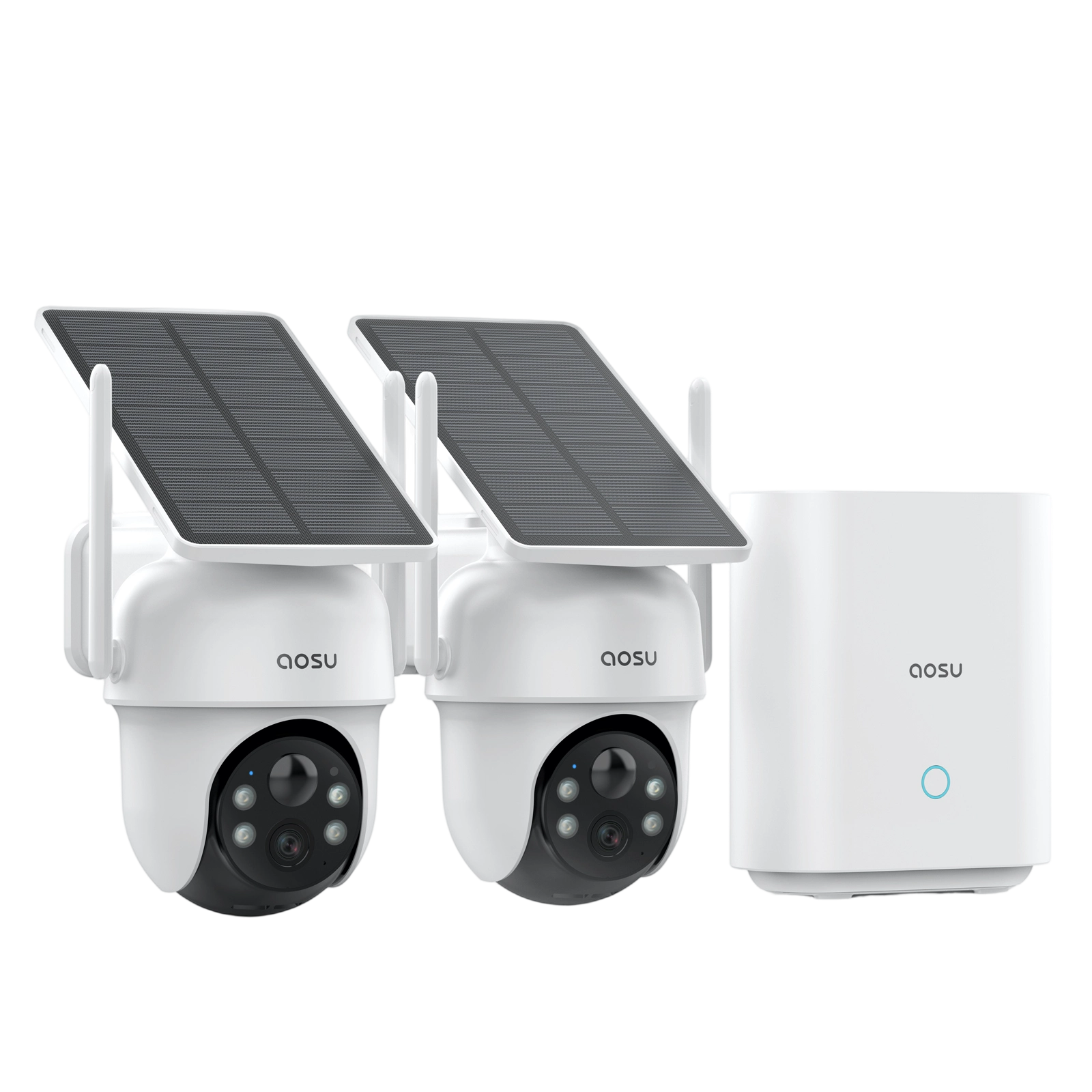
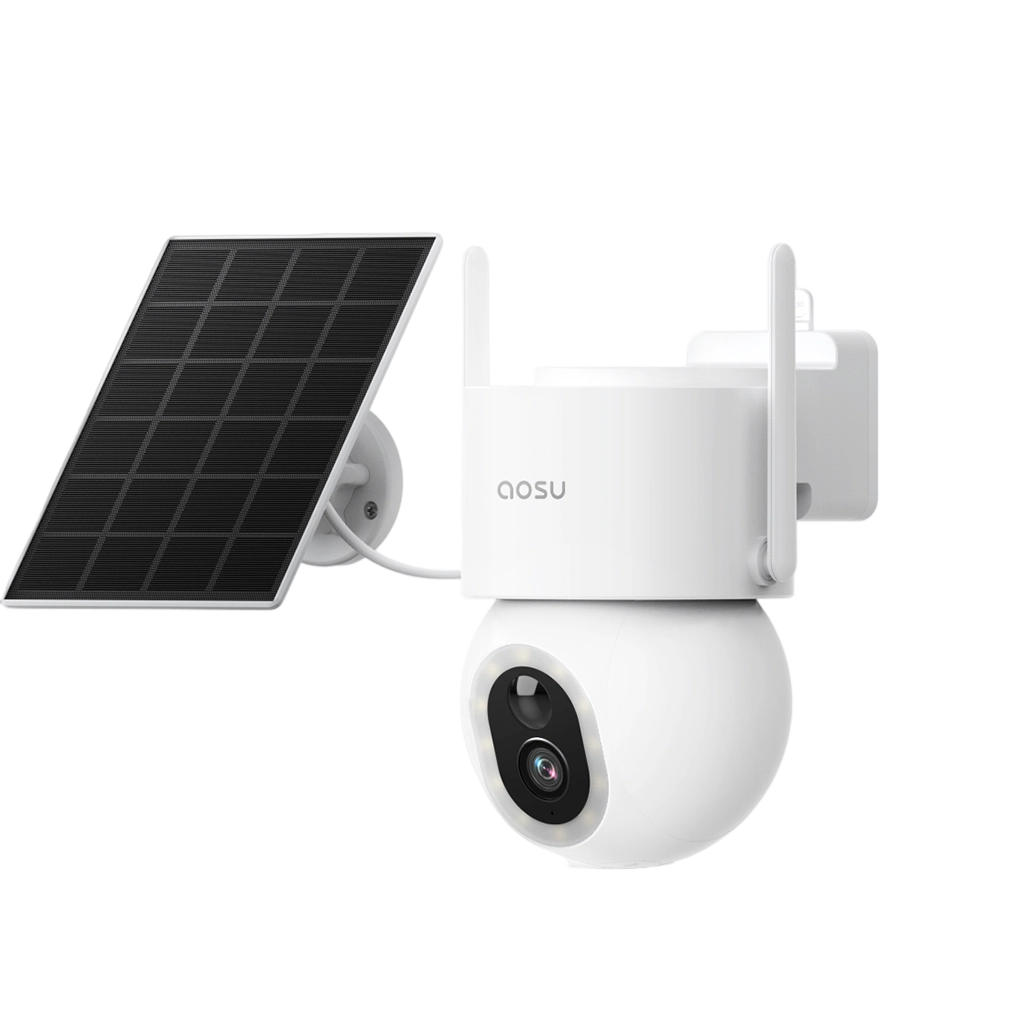
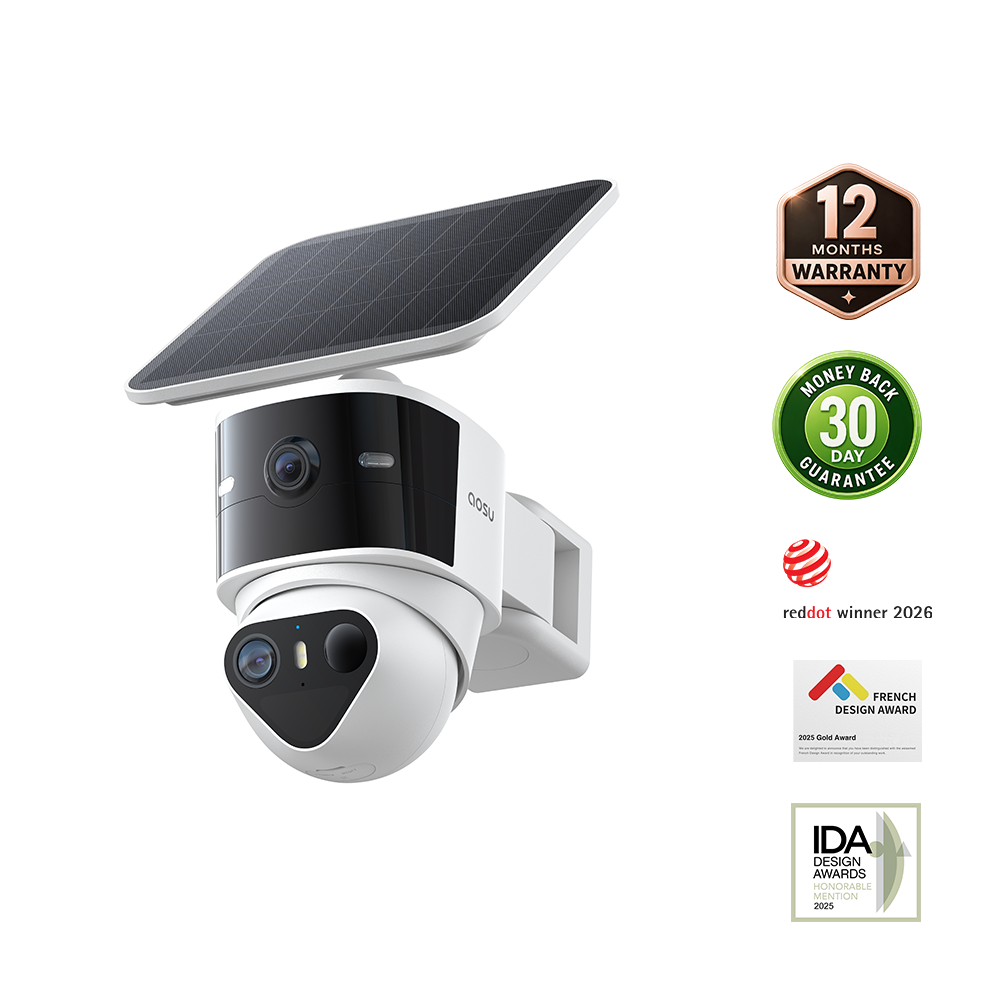
If you prefer a solar model, compare the exact camera and panel requirements. Review sunlight, charging-temperature limits and expected activity, and allow for maintenance or manual charging when needed. Do not assume that one sunlight claim applies to every aosu camera or installation.

Manufacturer feature illustration. It does not establish tracking accuracy for every model or installation, or prove that all directions are recorded simultaneously.
Before You Decide: Check a Real Nighttime Recording
Use this checklist when reviewing sample footage or testing your installation:
| Check | What to record |
|---|---|
| Target and distance | What you need to see and how far it is from the camera |
| Lighting | Nearby lights, camera illumination and night mode |
| Movement | A person walking through the required area |
| Difficult conditions | Headlights, reflective surfaces and dark corners |
| Saved footage | Recording quality, playback and download access |
| Power and settings | Power source and the settings used for the check |
Judge the saved result against your task. If the required detail is missing, consider changing placement, lighting or camera type. A higher resolution label or longer advertised range does not by itself solve the problem.
This is a suggested checking process, not a test completed for this article. Any future sample should identify the actual model, distance, lighting mode and recording settings.
FAQs
Do ordinary IR cameras detect body heat?
No. Ordinary IR night vision uses reflected infrared light. Thermal imaging is a different technology.
Is 100 feet a minimum requirement?
No. Choose around the target and distance at your property. Advertised illumination range is not a guaranteed identification distance.
Will 2K or 4K make a nighttime license plate readable?
Not necessarily. Distance, viewing angle, lighting, exposure and vehicle movement also matter. Look for saved footage under comparable conditions.
Does color night vision work without light?
Check the model’s requirements. Low-light color imaging needs sufficient scene light; other modes may use a spotlight. Do not assume a color label means imaging without illumination.
Does solar charging guarantee uninterrupted recording?
No. Performance depends on the specific camera, available sunlight, temperature, battery condition and activity. Recording mode must also be checked separately.
Does night vision mean continuous recording?
No. Night vision describes imaging capability. Continuous or event recording depends on the model, power, settings and storage.
What is the most useful sample to request?
Ask for saved nighttime video showing a moving subject at a relevant distance, with the camera model, lighting mode and recording settings identified.