The best floodlight camera for your home lights the area without washing out the recording, uses the power available at the mounting point and saves footage the way you need. Compare adjustable brightness, lamp direction, actual night clips, event versus continuous recording, storage and total installed cost.
A higher lumen figure alone does not prove that a moving person will be clear or that the light will stay out of a neighbor’s window.
Define the Area and Check Available Power
Start at the driveway, backyard or side gate you want to cover. Note the width of the area, how far a person or vehicle will be from the camera and where people normally enter the frame. A wide driveway needs different light distribution from a narrow side path, even when both cameras list the same maximum brightness.
The full-size floodlight cameras compared here are wired fixtures. Replacing an existing outdoor light may let you use its junction box and circuit, but a new location can require new cable, a weather-rated box and electrical work. Follow the product’s U.S. installation instructions and local requirements. Use a licensed electrician when the wiring work is outside your experience or local rules require one.
Choose the physical arrangement at the same time. A fixed-view floodlight keeps one scene framed. A PTZ floodlight can turn toward detected activity but does not show every direction at once. Keeping an existing light and adding a separate camera lets you aim each device independently, although it creates two purchases, two mounting decisions and possibly two apps or service plans.
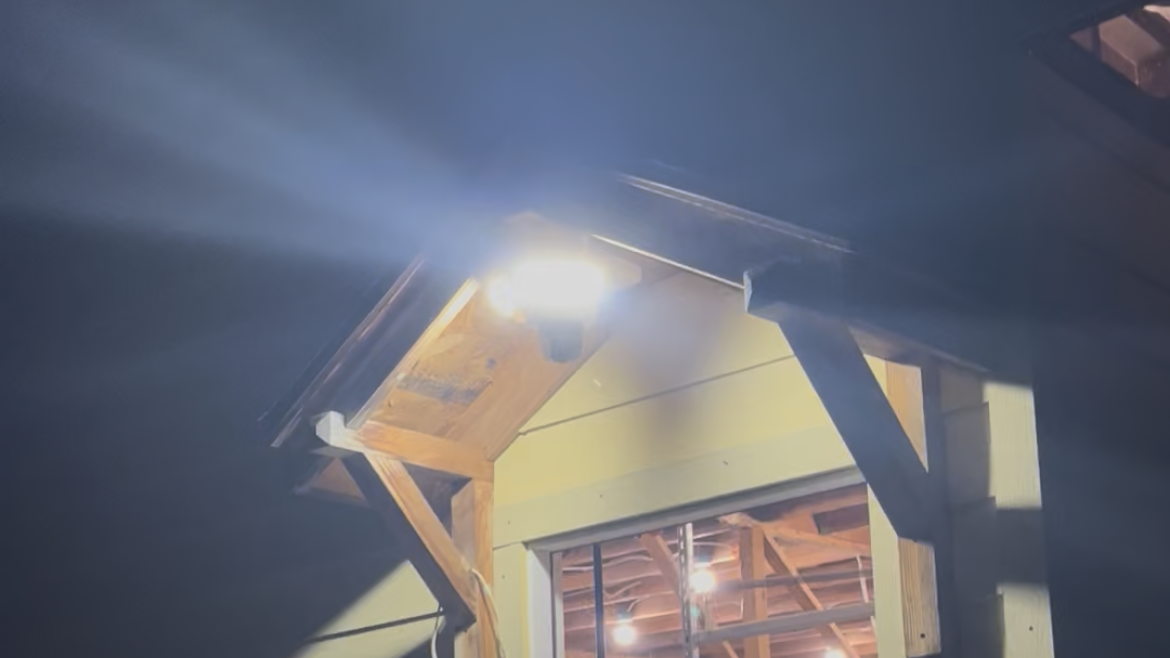
 The two adjustable lamp heads can be aimed in different directions to spread light across the area.
Related links:
· Compare spotlight and floodlight cameras
· Plan camera placement for full coverage
Compare Lighting Controls and Real Night Clips
Compare more than maximum lumens. Adjustable brightness helps match the light to a small porch or a deep driveway. Movable lamp heads direct light toward the walking route and away from windows. Motion activation, schedules and manual control determine when the property is illuminated, so verify the exact controls in the current app and manual for the model you are considering.
Lumens measure light output. They do not show how evenly the fixture spreads that light, how the camera handles bright and dark areas together or how much detail remains when someone is moving. A nearby white wall, a reflective license plate or a person close to the lamp can appear much brighter than the rest of the scene.
After someone walked up the driveway at night and the existing camera barely showed what happened, Jernaro_Trafeli wrote in r/homesecurity: “I want something with strong lighting and clear night footage to feel more secure.” That experience points to the test that matters here: can the camera preserve useful detail on a moving person at the distance you need to cover?
Ask for saved clips from the mounting distance you expect. Compare a person standing still and walking, with the light off and on. Look at the face, clothing, hands and vehicle details; then inspect the darker edges of the frame. Record the brightness setting and motion state with each sample so the comparison can be repeated.

Related links:
· Read the original r/homesecurity post
Compare Event and Continuous Recording
Event recording saves clips after the camera detects activity. It uses less storage and makes a short incident easier to find, but the result depends on detection, clip length and the delay before another clip can begin. Review the full saved event, not only the notification thumbnail.
Continuous recording creates a timeline across the day and night. It needs constant power and enough local or cloud storage. The camera may overwrite older local video when storage fills, so check the retention period produced by the card or hub you plan to use and download any incident you need to keep.
The recording mode belongs to the exact model. eufy’s current Floodlight Camera E340 page requires a microSD card or HomeBase S380 for 24/7 recording. Ring lists 24/7 cloud recording for the Floodlight Cam Wired Pro as a paid add-on to a Ring Protect plan. When another model page lists continuous recording, confirm its storage device, capacity and service terms before comparing it with these options.
Do not extend a wired floodlight model’s continuous-recording claim to a battery or solar camera. Power design, storage and firmware determine what each model can record between motion events.
Compare Ongoing Costs and Restrictions
Calculate total cost in four parts: the device, storage, installation and required service. The price on the product page covers only the first part. Add a compatible memory card or hub for local recording, electrician charges for a new circuit or junction box, and any plan required for the recording history you want.
Local recording can remove a required monthly video-storage bill when the model provides the needed playback and detection features without a plan. It still has an upfront storage cost, a finite retention window and a card or hub that remains at the property. Cloud recording adds off-site access, but plan limits, retention and per-camera pricing can change the long-term total.
Separate required and optional charges. Ring’s current U.S. terms allow live view and notifications without a plan, but saved cloud video requires Ring Protect. Ring Solo is listed at $4.99 per month or $49.99 per year for one device; 24/7 recording adds $3 per month for each eligible camera. A five-year comparison should include those recurring charges instead of stopping at the sale price.
If you are looking for the best floodlight camera without a subscription, verify the exact no-fee recording route rather than relying on a general claim. Confirm which AI detections, playback features and continuous modes remain available with local storage.
Related links:
· See what works without monthly fees
How Floodlight Cam Pro Fits the Comparison
Floodlight Cam Pro combines a wired 5MP camera with two adjustable light heads and brightness from 0 to 2,600 lumens. It records continuously to a compatible microSD card and lets you play back those recordings without a subscription. Local human, pet and vehicle detection is also subscription-free. Optional cloud recording requires a paid plan. Those specifications cover the main lighting, recording and ongoing-cost checks; the night result still needs to be judged from real footage at the intended distance.
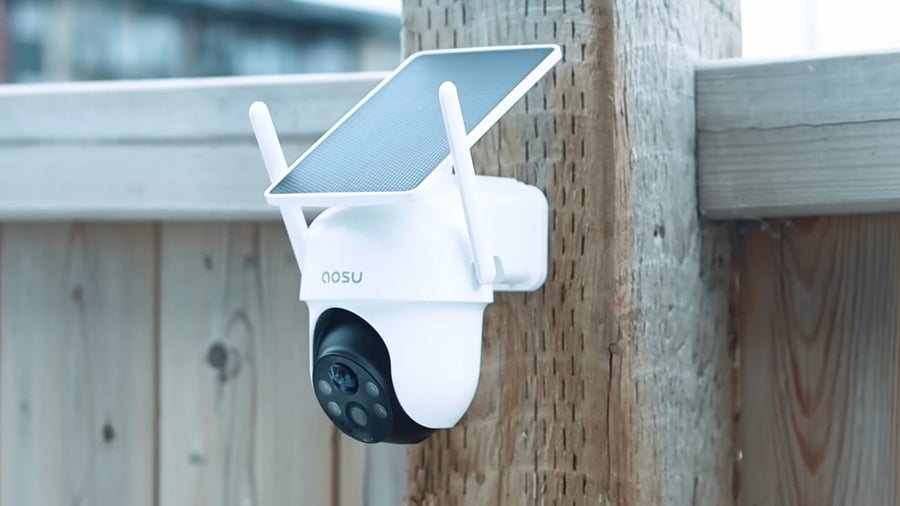
Three PIR sensors provide 270-degree detection coverage, and the PTZ camera can rotate to track detected activity. The 270-degree figure describes where the sensors can detect motion. It is not a 270- or 360-degree image recorded simultaneously. Aim the starting view at the highest-priority approach and confirm how the camera returns after tracking.
At the time of this review, Floodlight Cam Pro was listed at $159.99. Add a compatible SD card and any electrical work to the device cost, then decide whether optional cloud storage belongs in your total.
The comparison separates device cost from storage, service and installation so a lower shelf price does not hide a higher five-year total.
| Option | Suitable for | Drawbacks | Cost |
|---|---|---|---|
| Fixed-view floodlight: Ring Floodlight Cam Wired Pro | A set camera angle, 2,000-lumen lighting and paid cloud history; official specifications list 2K HDR and a 140° horizontal by 80° vertical field of view | Saved cloud video requires Ring Protect; 24/7 recording requires an additional eligible-camera fee and continuous internet | $149.99 sale / $229.99 regular device price; professional installation starts at $129.00; Ring Solo $4.99/month or $49.99/year; 24/7 add-on $3/month per camera |
| PTZ floodlight: aosu Floodlight Cam Pro | A wider area where 270° PIR detection can direct a rotating 5MP camera; adjustable 0–2,600-lumen lighting and wired 24/7 recording | The rotating camera records the direction it is facing rather than every direction simultaneously; local continuous recording also requires a compatible SD card | $159.99 displayed device price; compatible microSD card and electrical installation are additional; optional cloud recording requires a paid plan |
| PTZ floodlight: eufy Floodlight Camera E340 | A rotating dual-camera view with a 3K wide camera, 2K telephoto camera, 2,000-lumen adjustable light and local 24/7 option | Continuous recording requires a customer-supplied microSD card up to 128GB or HomeBase S380; hardwired installation needs a suitable junction box | $219.99 device price; microSD card or HomeBase and electrical installation are additional |
| Existing outdoor light plus a separate camera | Homes that need the light and camera aimed or upgraded independently, or that already have a useful fixture | Two devices to place and maintain; recording, alerts and lighting controls may be split across apps; two service plans may apply | Light, camera, storage and installation priced separately; total varies by the selected products and existing wiring |

Light Settings and Local Recording Mode appear separately in the Floodlight Pro app. The live view shows black-and-white night vision with the light off and color video with the light on.
Related links:
· Check Floodlight Cam Pro lighting and recording requirements
· View current cameras with lights
Use a Final Installation and Purchase Checklist
1. Coverage: mark the people, vehicles and doors the camera must show, then confirm that the proposed mounting point frames them at a useful distance.
2. Power: identify the circuit, junction box and mounting surface. Price an electrician if the fixture cannot be replaced safely at the existing point.
3. Light: confirm the adjustable range, trigger options and lamp-head movement. Aim the light across your property without shining into a neighbor’s window or directly into the lens.
4. Night proof: review saved clips from the expected distance with a person moving. Record the light setting and compare detail in both the bright center and darker edges.
5. Recording: choose event or continuous video, then confirm the exact model, storage device, retention and internet requirements for that mode.
6. Five-year cost: add the camera, card or hub, installation and every required service fee. Treat optional cloud backup as a separate choice.
Buy after the night footage, recording route and installed cost all fit the same location.
FAQs
Do floodlight cameras need a subscription?
Not all floodlight cameras require one. A model with local SD card or hub recording can save and play video without a monthly storage plan when those features are included. Cloud history, extended retention or some advanced services can still cost extra. Check the exact model’s local-storage requirements and separate required features from optional cloud service.
Can a floodlight camera record continuously?
Some wired floodlight cameras can record 24/7, but the exact storage and service requirements vary. Floodlight Cam Pro records continuously to a compatible microSD card without a subscription. eufy E340 requires a microSD card or HomeBase S380, while Ring sells 24/7 cloud recording as an add-on to a Ring Protect plan for eligible cameras.
Do more lumens always mean clearer footage?
No. The best floodlight camera is not automatically the model with the highest lumen rating. Recorded detail also depends on light direction and spread, subject distance, movement, exposure, the lens and image processing. Compare real night clips from the same distance and motion state, and check for washed-out faces, glare and dark edges.