Choose solar-powered security cameras by checking direct sunlight at the panel, the activity you need recorded, network coverage and access for maintenance. Then compare the complete camera-and-panel package, including storage and any required hub. A sunny driveway with occasional visitors needs a different setup from a shaded entrance or a yard you want recorded continuously.
The best solar powered security camera for your home passes those checks and captures the people or vehicles you care about. Use the scorecard below to narrow your shortlist before paying for extra features.
Is Solar Power Right for Your Location?
Start with the exact panel position. Look for direct sun and shadows from the roof, neighboring buildings and trees. A bright porch can still leave a panel shaded. Check several times during the day, and consider whether the lower winter sun will clear the same obstructions. Use our camera and solar-panel placement guide for the detailed positioning checks.
Next, watch what crosses the camera’s view. A few deliveries and family arrivals create a different recording load from cars passing all afternoon. If the street needs to stay visible, choose a model with activity zones that let you focus motion alerts on your driveway or gate while excluding passing road traffic. Person and vehicle filters can further limit which types of movement trigger alerts.
Check the supported network and test the connection at the proposed camera position. Solar supplies charging energy; a Wi-Fi model still needs its supported Wi-Fi or base connection. A remote gate without that connection needs a different network arrangement.
A Buyer’s Winter Charging Question
Winter also changes the purchase decision. A Calgary homeowner in r/homesecurity asks, “How does the battery perform during winter, and how often do you need to manually charge them?” The buyer describes temperatures below −20°C, sometimes around −30°C or colder.
Related links:
For that location, compare the model’s operating temperature and charging temperature separately. A camera can remain within its operating range while charging is paused. For prolonged temperatures far below freezing, look for a system designed for severe cold, including manufacturer-designed insulation or heating where needed. Insulation slows heat loss; a heater adds warmth but also uses power, which the power supply must cover.
Confirm the camera and battery are rated for your winter temperatures and whether any cold-weather protection is built in or requires a compatible powered enclosure. Manual-charge frequency depends on usable sun, temperature and recording demand; a summer battery estimate cannot supply a winter schedule. Plan safe charging access. Our winter solar-camera guide explains the seasonal checks.
Related links:
Related links:
· camera and solar-panel placement guide
Compare the Camera and Panel Together
Buy a mounting arrangement that gives you both the view and the sunlight you need. With a detachable panel, the camera can watch a covered entrance while the panel sits on a nearby sunny wall. Confirm cable reach, compatible connectors, included brackets and the manufacturer’s weather-sealing instructions before ordering.
An integrated panel keeps the installation compact when the camera position already receives useful sun. Exclude that configuration if aiming the camera at your gate turns the panel toward persistent shade. A larger battery provides reserve, but it still needs energy replaced over time.
Decide whether you need event clips or continuous video. Event recordings capture detected activity; continuous recording also retains the time between events. Require explicit support for your intended recording mode and power setup. A “24/7” viewing or protection headline alone does not establish continuous saved video.
Compare where footage is saved and what you can retrieve without a subscription. Storage in the camera, an indoor hub and a paid cloud account have different costs and access arrangements. Include any missing card or hub in the purchase total. Downloading a clip should be part of your return-window checks.
For the physical installation, allow access to clean the panel and lens and to recharge or service the camera when needed. A high mount that requires a difficult ladder trip for every adjustment adds a recurring maintenance burden.
What Changes Battery Life?
More recording time uses more energy. Frequent detected events, longer clips, repeated live viewing, motorized tracking and night lighting all affect the load. Compare battery-life claims only after reading their stated event count, clip duration and other test conditions.
Think through an ordinary evening: a car arrives, someone unloads groceries, a dog crosses the yard and the family checks live view. Those are useful reasons for the camera to work. Size your shortlist around that use rather than planning to disable the functions you bought it for.
Keep low-value road traffic outside supported detection zones where possible. Confirm how the model handles zones: suppressing a phone notification is not necessarily the same as preventing a recording or wake-up. Look for documentation of the behavior you need.
Solar powered cameras draw on stored battery energy after dark and when charging cannot keep up. For a busy entrance or prolonged cold weather, retain enough reserve and practical access for the permitted charging method. If uninterrupted continuous footage is essential, shortlist suitable wired or PoE systems alongside solar options.
Score Your Shortlist for Your Own Home
Apply these five checks to each candidate. Give 2 points when the condition is confirmed, 1 when it needs a specific change or verification, and 0 when it fails. This is a purchase worksheet, not a laboratory performance rating.
Score sunlight and installation separately: first check whether a proposed panel spot receives enough direct sun, then check whether the camera’s mounts and cable can connect your required view to that spot.
Exclude any candidate that fails an essential requirement, regardless of points. This includes usable sunlight, feasible panel positioning, safe access for required maintenance, supported operating temperatures, network access, the required recording mode and footage access. For candidates that pass these requirements, 8–10 points means a strong shortlist fit; 5–7 means resolve the named compromises; 0–4 means choose another configuration. Resolve every essential one-point uncertainty before buying.
| Check | 2 points: confirmed fit | 1 point: change or verification needed | 0 points: fails |
|---|---|---|---|
| Sun exposure at panel site | Proposed spot receives suitable direct sun | Seasonal shade at that spot needs checking | No available spot receives enough direct sun |
| Event activity | Recording pattern suits daily use | Busy periods need settings review | Required recording mode unsupported |
| Mounts and cable reach | Supported mounts and cable reach the sunny panel spot | Cable route or compatible bracket needs checking | Supported hardware cannot connect the camera to that spot |
| Storage and cost | Storage location and total cost accepted | Card, hub or fee still unpriced | Required footage access unavailable |
| Maintenance | Safe cleaning and charging access | Access plan needs arranging | Necessary servicing is impractical |
A Worked Shortlist Example
For an illustrative covered entrance, suppose the camera has a good view, a nearby wall gets direct sun, Wi-Fi works and event clips meet the household’s needs. A detachable-panel candidate scores 2 for sun exposure, 2 for activity, 1 for mounts and cable reach while the cable route is unconfirmed, 2 for accepted storage costs and 2 for safe access: 9/10, pending the cable check.
An integrated-only candidate at the same shaded camera position cannot use the sunny wall for its panel. It fails the installation check even though a sunny spot exists nearby. Exclude it there. For an open driveway, compare tracking and overview coverage; for a backyard, compare the gate and patio views you need. If trees shade every available panel position, consider a manually charged battery camera for event monitoring or wired power where practical.
Write the evidence beside every score: the panel position you checked, the recording mode you need and the accessories included in the price. If a specification is still unknown, keep it at one point until the seller or manual resolves it.
Compare Current Options—and When T2 Pro Fits
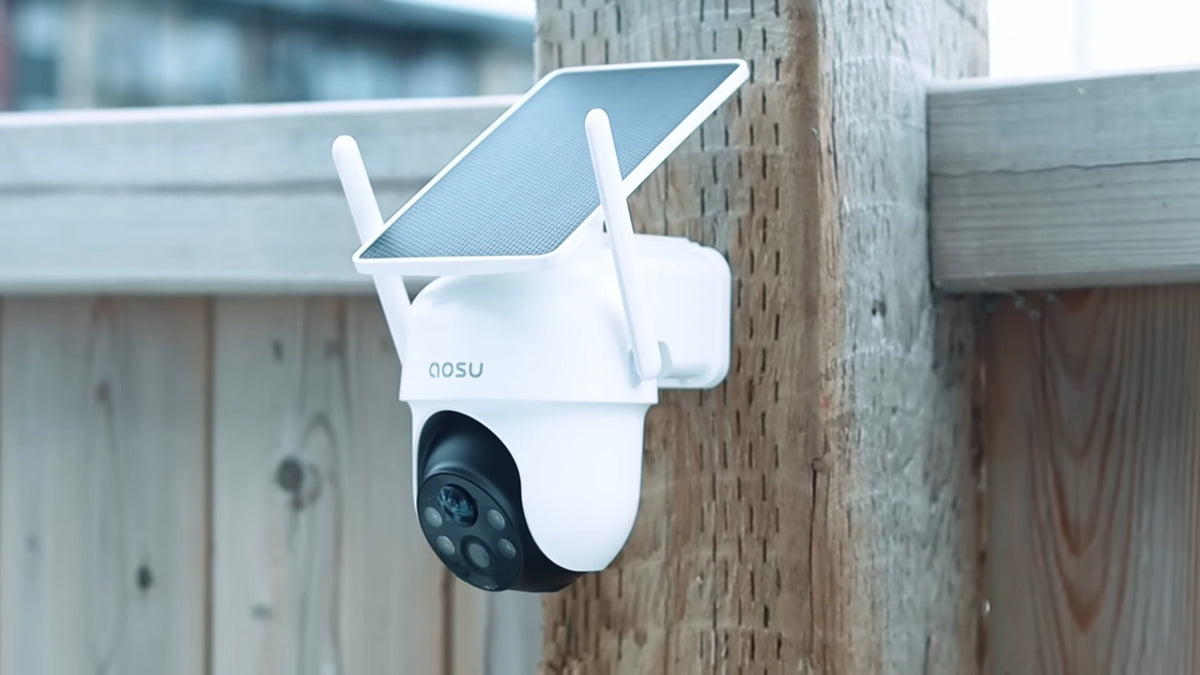
For a driveway and adjoining entrance, SolarCam T2 Pro pairs a fixed overview with a separate pan-and-tilt view that follows movement. The detachable panel lets you choose sunlight separately from the camera angle. Local storage is available without a required subscription; choose the camera/base configuration that provides the storage arrangement you want.
The alternatives below suit different coverage and budget needs. US displayed prices were checked October 27, 2026, before tax, shipping and extra storage. They are configuration-specific and can change.
| Candidate / use case | Sun and panel placement | Recording / coverage fit | Storage and fees | Maintenance or drawback | Displayed US price |
|---|---|---|---|---|---|
| Tapo C425 Kit V2: lower-cost fixed entrance or backyard view | Separate A201 panel and extension wire included | Fixed 2K view; confirm event behavior for your use | microSD up to 512GB, card extra; optional paid Tapo Care | Fixed direction; plan camera/card access | US$69.99, one camera + A201 |
| eufy SoloCam S340: moving view of an open yard | Included panel can mount on camera or nearby by cable | Dual-view pan/tilt; no continuous 24/7 recording | Local storage without mandatory monthly fee; optional HomeBase expansion | Moving view must face the area needed; extra hub costs for expansion | US$219.99, single S340 |
| aosu SolarCam T2 Pro: overview plus tracking at driveway/entrance | Detachable panel; integrated or split mounting | Fixed overview plus moving PTZ view | Local storage, no required subscription; select base/storage bundle | Camera-only price excludes aosuBase; verify bundle availability | US$169.99 camera-only; US$339.99 two-camera kit |

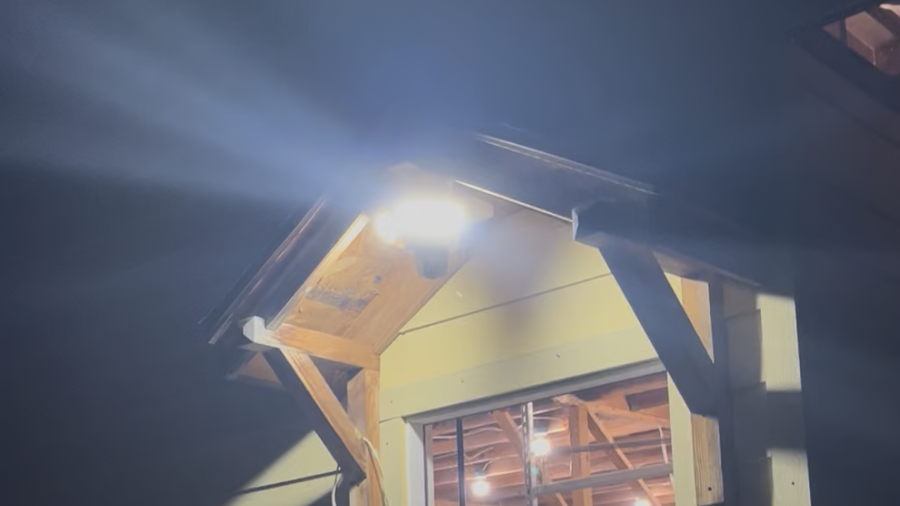
The closer view and wide driveway view show the same event. Faces and license plate are blurred.
Choose by Coverage, Then Complete the Price
For one fixed area on a tight budget, the C425 Kit V2 is the lower displayed-price option here; add the storage card. For a moving yard view, the SoloCam S340 offers local recording and a flexible panel position, with continuous recording explicitly excluded.
T2 Pro fits when keeping a broad view visible while following someone toward the gate helps you understand the event. Budget for the selected base/storage configuration, confirm that it is available to order, and use the installation placement guide to check the proposed mount. For a site outside the model’s temperature range or without usable panel exposure, choose another power arrangement.
Once your shortlist passes the site checks, compare the exact package in our solar-powered security camera collection.
Related links:
· installation placement guide
· solar-powered security camera collection
Related links:
To Wrap Up
Choose the camera that fits your sunlight, recording needs and access for maintenance. Complete the scorecard for the actual mounting spot, resolve every one-point uncertainty and price the camera, panel, storage and hub together before ordering.
FAQs
Do solar-powered security cameras work at night?
Yes. The battery supplies power after dark. Daytime solar charging replenishes that stored energy, and night lighting and recording use it.
Can I use a solar camera under a covered porch?
Choose a compatible detachable-panel model if the camera needs to sit in shade and a nearby panel position receives direct sun. Confirm cable reach and safe mounting before buying.
Will a solar security camera record continuously?
Only if the exact model supports continuous recording with your chosen power and storage setup. Verify that capability separately from live viewing, event clips and periodic snapshots.