



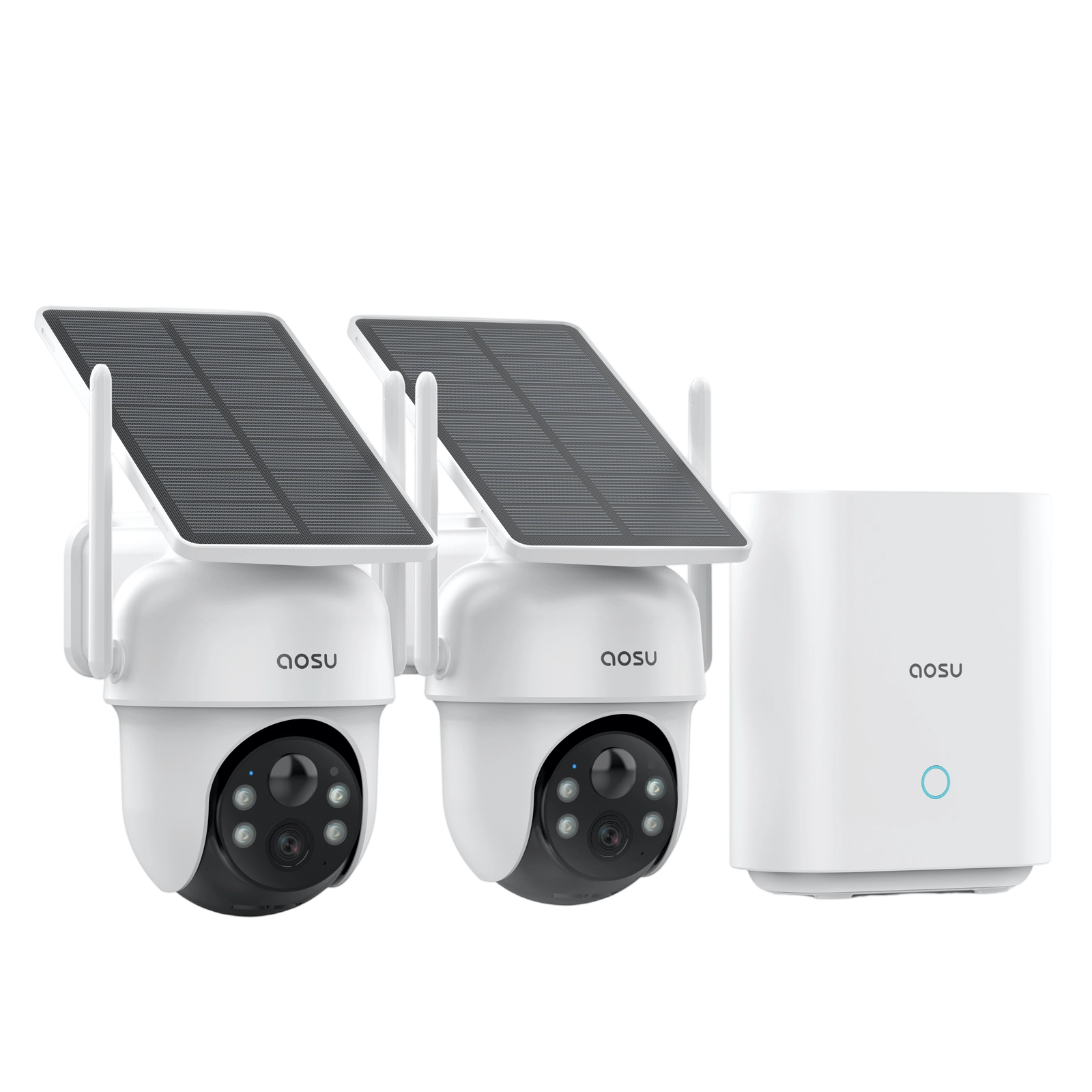
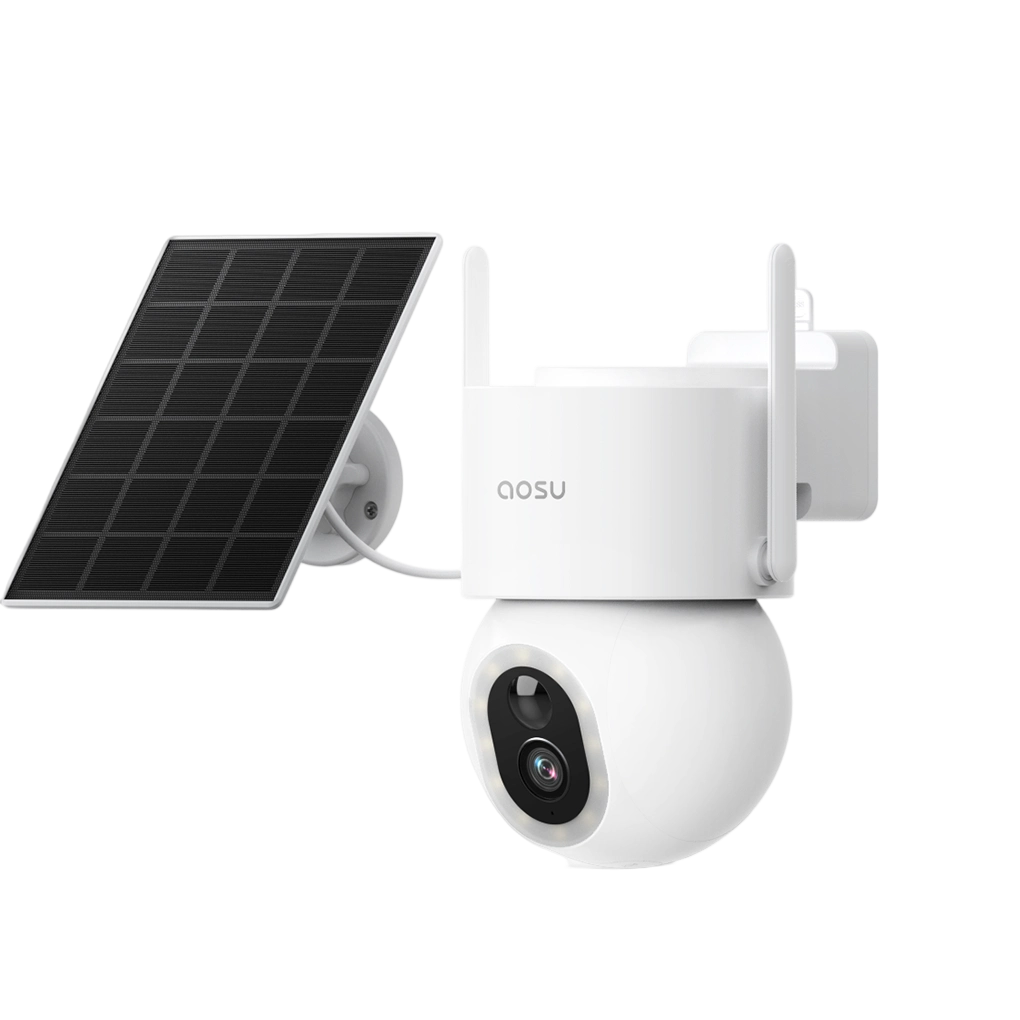
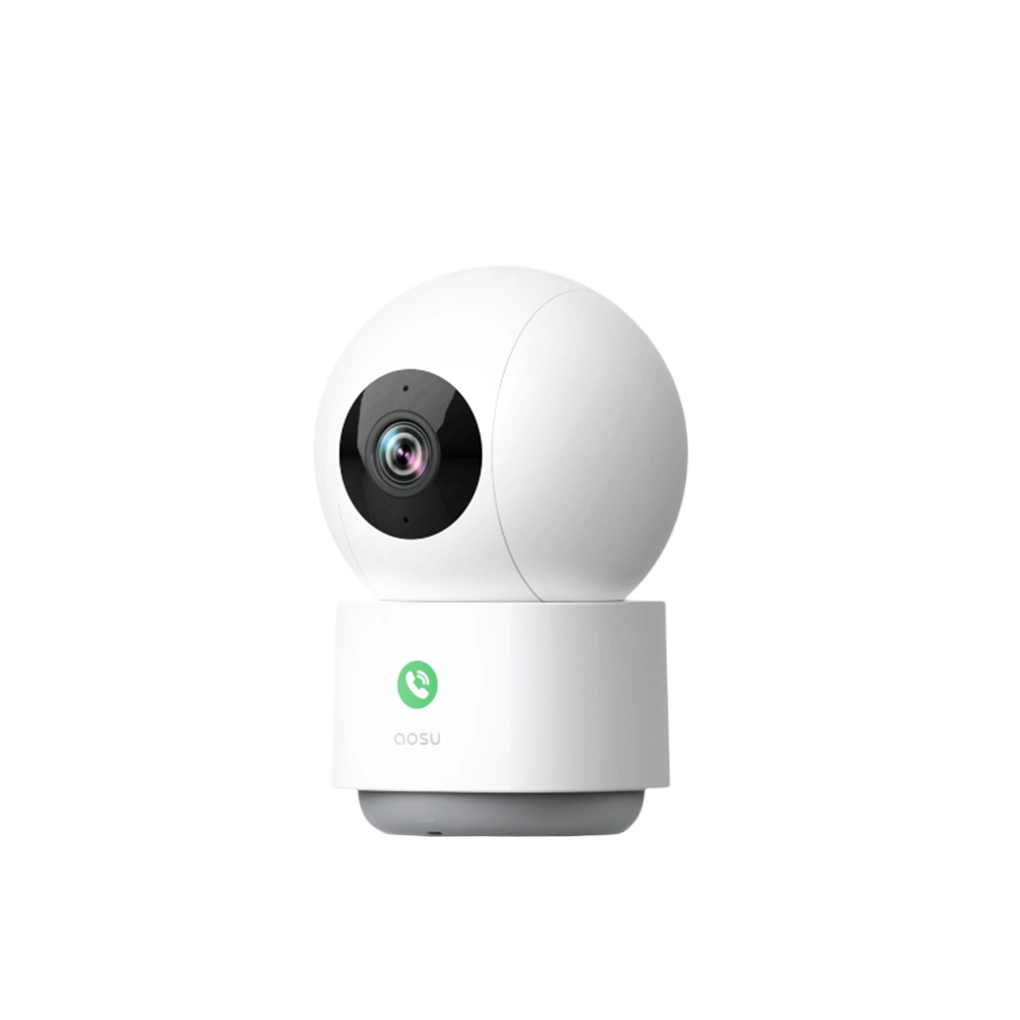




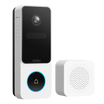

Concrete provides a strong, long-lasting mounting surface, but it requires the right tools and technique to ensure a secure, professional-grade installation.
What You'll Need
- Concrete screws or masonry anchors
- Masonry drill bit
- Hammer drill
- Level
- Marker or pencil
- Driver bit
- Safety glasses
- Dust mask (recommended)
- Brush, blower, or vacuum (recommended)

Step 1: Choose the Right Location
Before drilling, choose the placement carefully.
Look for:
- A clear view of the area you want to monitor
- A mounting height of around 7–10 feet
- A spot close enough for Wi-Fi or wiring (if needed)
Avoid:
- Installing right next to a light
- Angles facing straight into sunlight
- Areas with constant motion (such as busy streets)
Step 2: Mark the Drill Holes
Hold the camera mount against the concrete surface.
- Use a level to ensure it’s straight
- Put the marker through the mount's screw holes to mark position on concrete
- Double check camera angle, spacing, and alignment
Step 3: Drill into Concrete
Before drilling, make sure you’ve chosen your fastener (anchors or concrete screws), as this determines the correct drill bit size.
Use a hammer drill with a masonry bit to drill into each marked point.
- Start slowly to prevent slipping
- Keep the drill straight for a secure fit
- Take breaks to clear dust buildup from the hole and let the drill cool off
- Match hole diameter to your anchor or screw specification
- Match hole depth to your anchor or screw length (leave extra depth if using concrete screws)
Avoid forcing the drill—let the hammer action do the work.


Step 4: Clean Out the Holes
Concrete drilling creates fine dust that can affect how well anchors hold.
- Use a blower, brush, or vacuum to remove dust from each hole
- Ensure the hole is clear before inserting anchors or driving concrete screws
Note: Wear a dust mask to avoid inhaling concrete dust.
Step 5: Attach the Mount
Place the mount over the holes and fasten based on your chosen option:
If using anchors:
- Insert masonry anchors into each hole
- Tap them gently until flush with the surface
- Insert screws through the mount into the anchors
- Tighten until snug (do not overtighten)
If using concrete screws:
- Drive screws directly into the pre-drilled holes through the mount
- Apply steady pressure to ensure proper threading into the concrete
- Ensure the mount sits flush and stable
Note: Most hammer drills can switch to regular drill mode for driving screws. If yours cannot, it's recommended to tighten screws with a regular power drill and driver bit or by hand with a screwdriver.
Step 6: Mount and Adjust the Camera
Attach the camera to the mount and double check its view in your app or monitor. If satisfied, confirm all screws are securely tightened.
Safety Tips
- Wear safety glasses when drilling
- Use a dust mask to avoid inhaling concrete dust
- Use a hammer drill, not a standard drill
- Avoid drilling into cracked or weak concrete
Common Mistakes to Avoid
- Skipping hole cleaning
- Using the wrong drill bit size
- Drilling too shallow
These mistakes can cause loose anchors, reduced stability, or long-term failure.
To Wrap Up
Installing a security camera on concrete takes a bit more effort than softer materials, but it provides excellent durability and stability.
Focus on clean, accurate drilling and proper anchor installation, and you’ll have a setup that holds strong over time.
FAQs
Can you mount a security camera on concrete?
Yes, security cameras can be securely mounted on concrete, making it one of the most stable installation surfaces. For best results, use a hammer drill with a masonry bit, clean out any dust before inserting anchors, and drill slightly deeper than the screw length when using concrete screws to ensure a strong hold.
Will installing a security camera damage concrete?
When installed correctly, mounting a security camera will not damage the structural integrity of concrete. The installation typically leaves only a few small drill holes, which are minimal and generally do not affect the strength or durability of the surface.
Can you install a security camera on concrete without drilling?
In some cases, yes. On smooth surfaces like polished concrete, adhesive mounts may work as a no-drill option. To ensure a secure hold, thoroughly clean and dry the surface before applying the adhesive, and allow sufficient curing time before mounting the camera. However, drilling is still the most reliable method for long-term stability.


Zostaw komentarz
Ta strona jest chroniona przez hCaptcha i obowiązują na niej Polityka prywatności i Warunki korzystania z usługi serwisu hCaptcha.