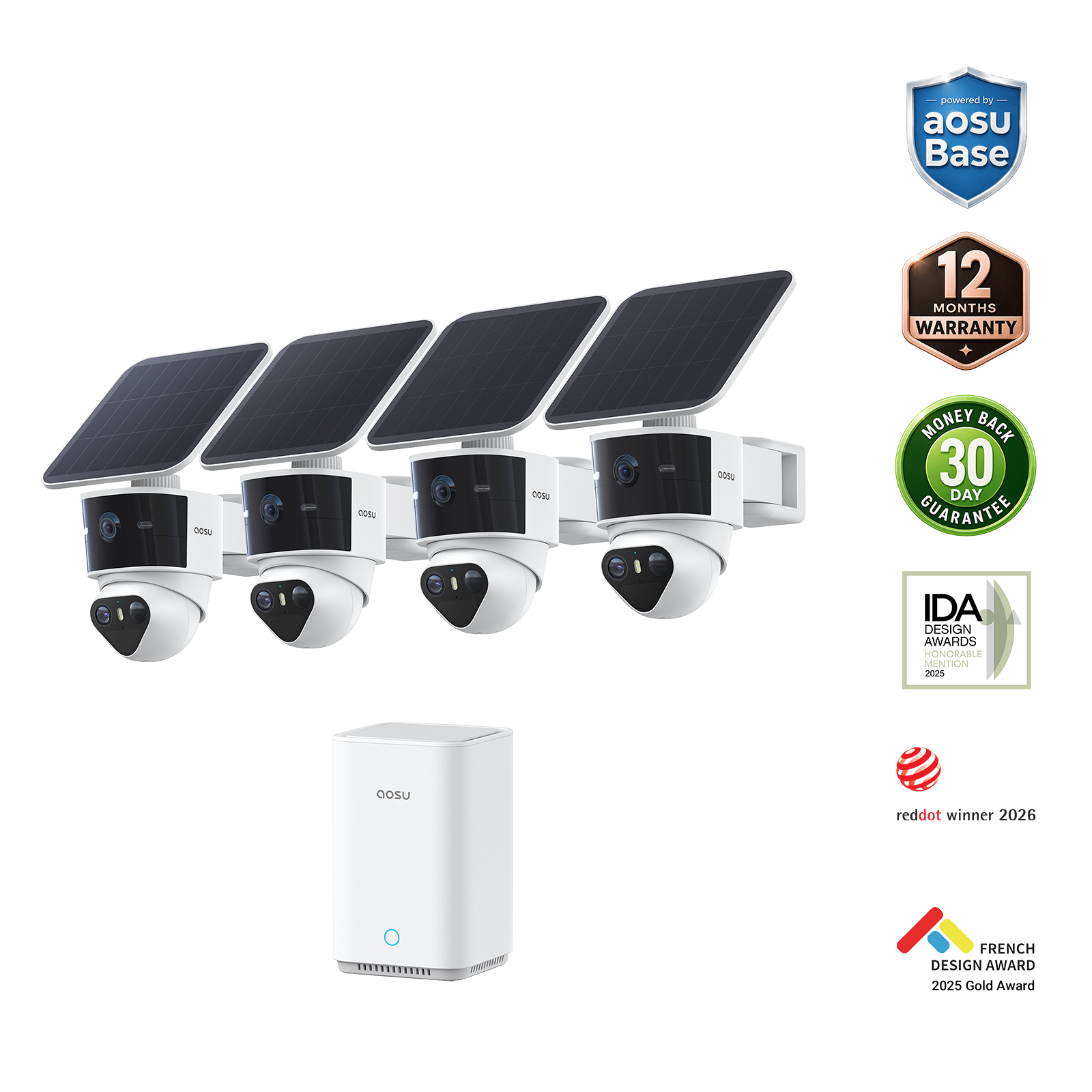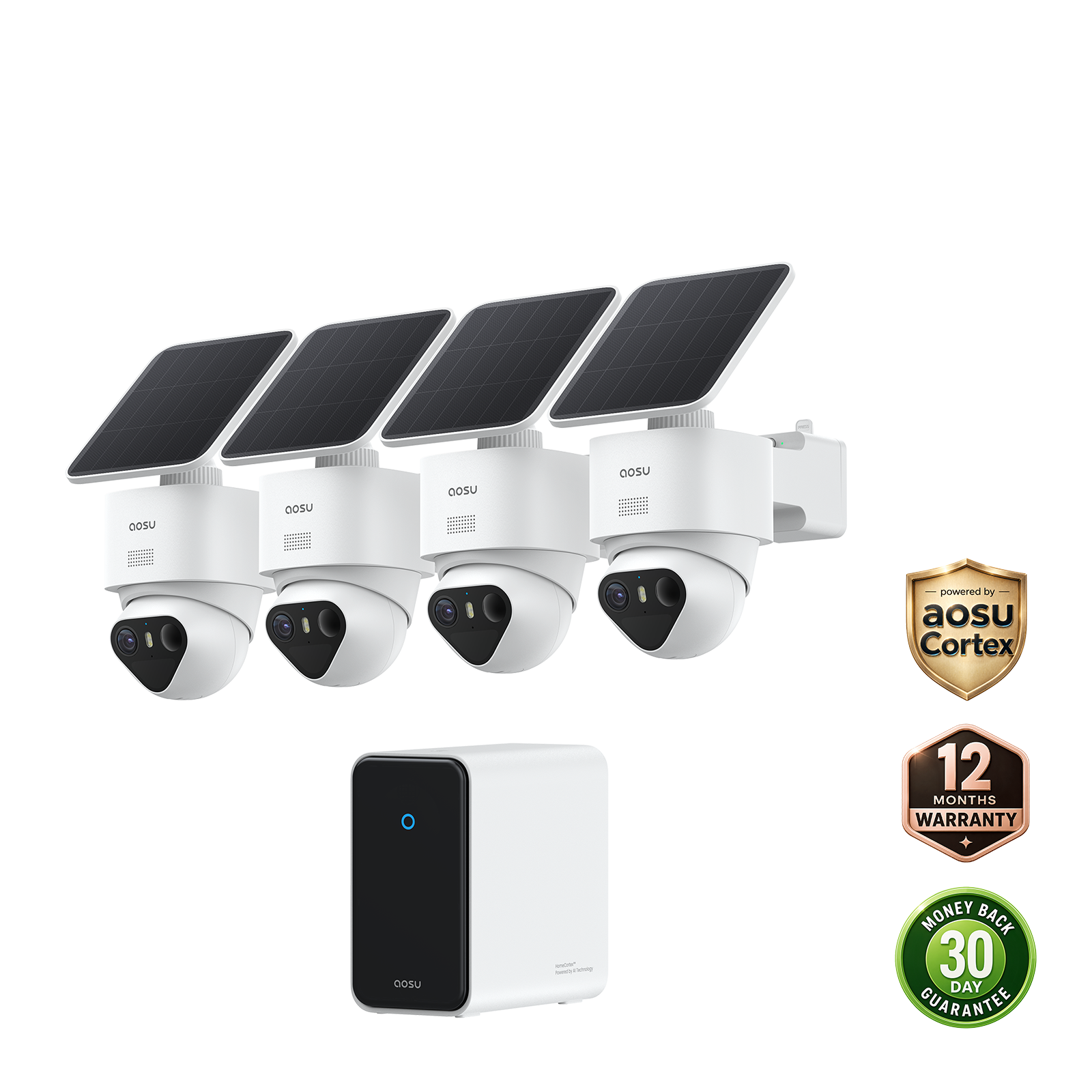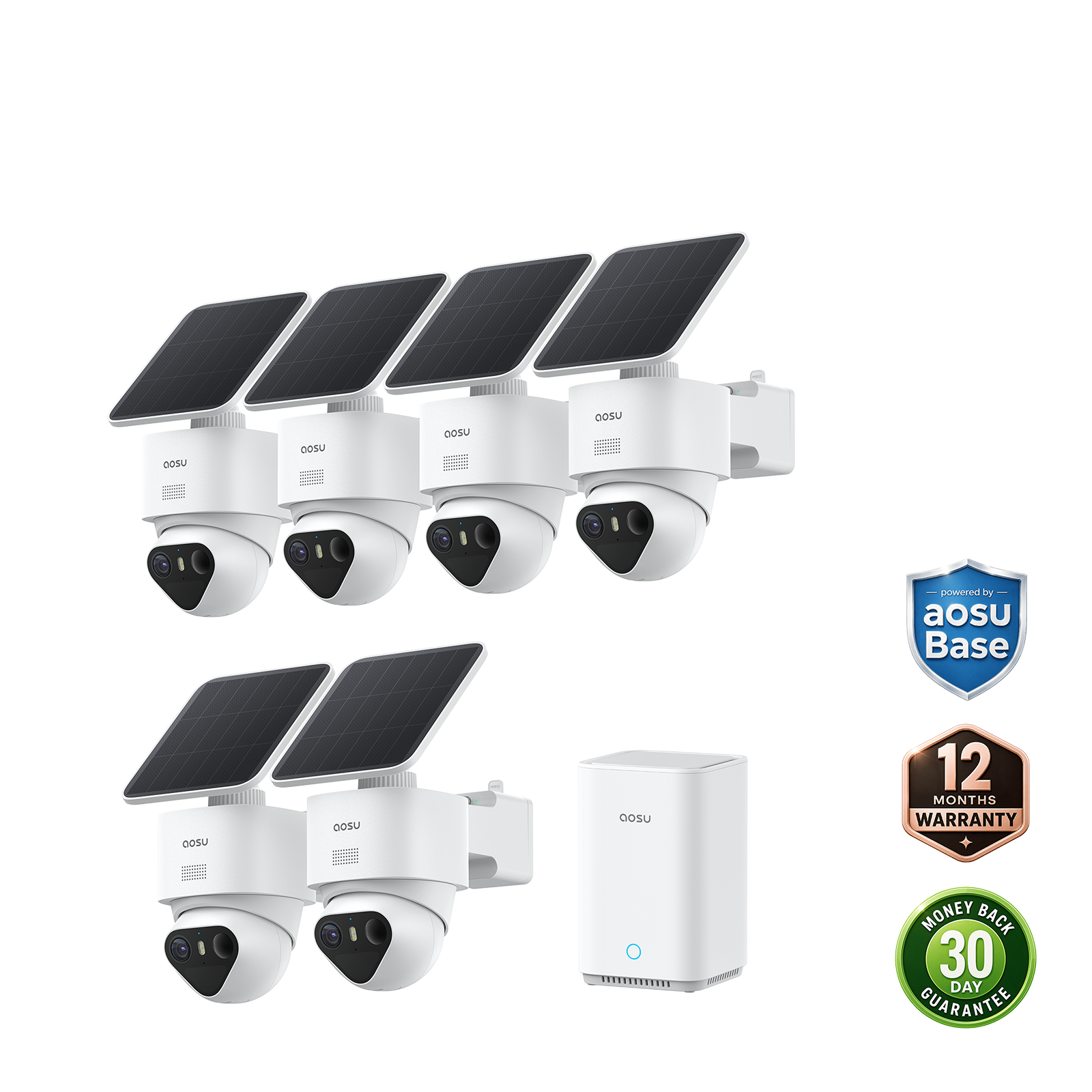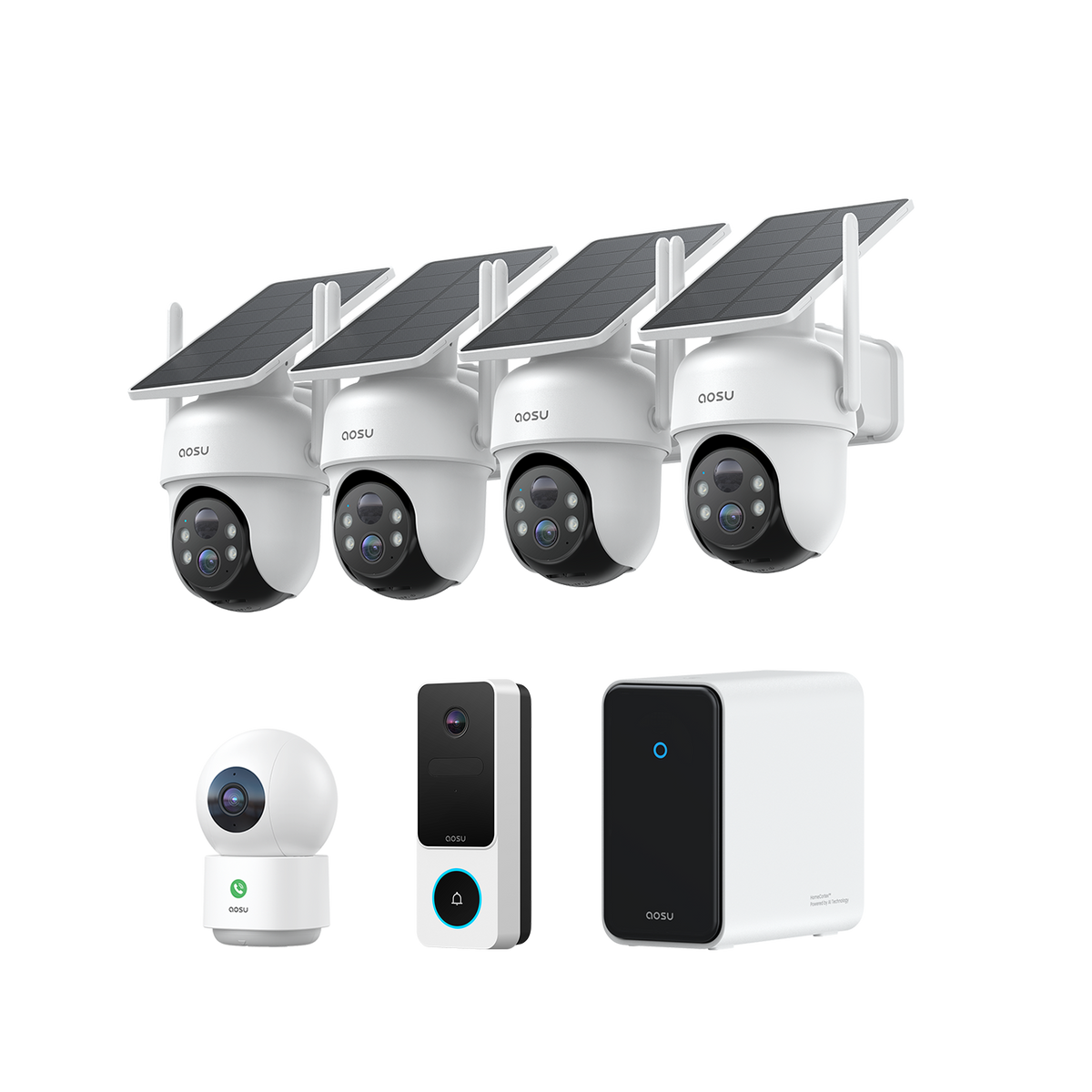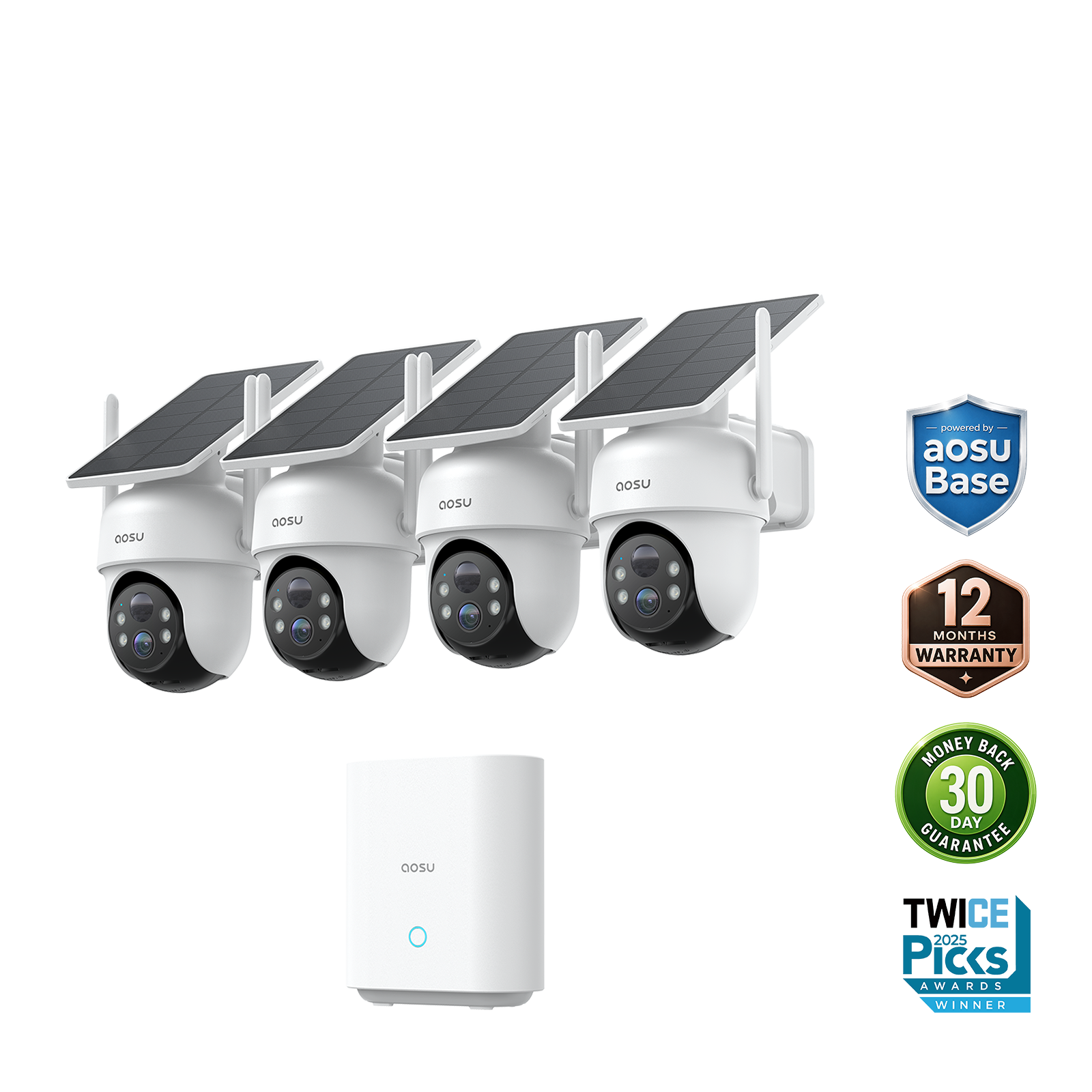
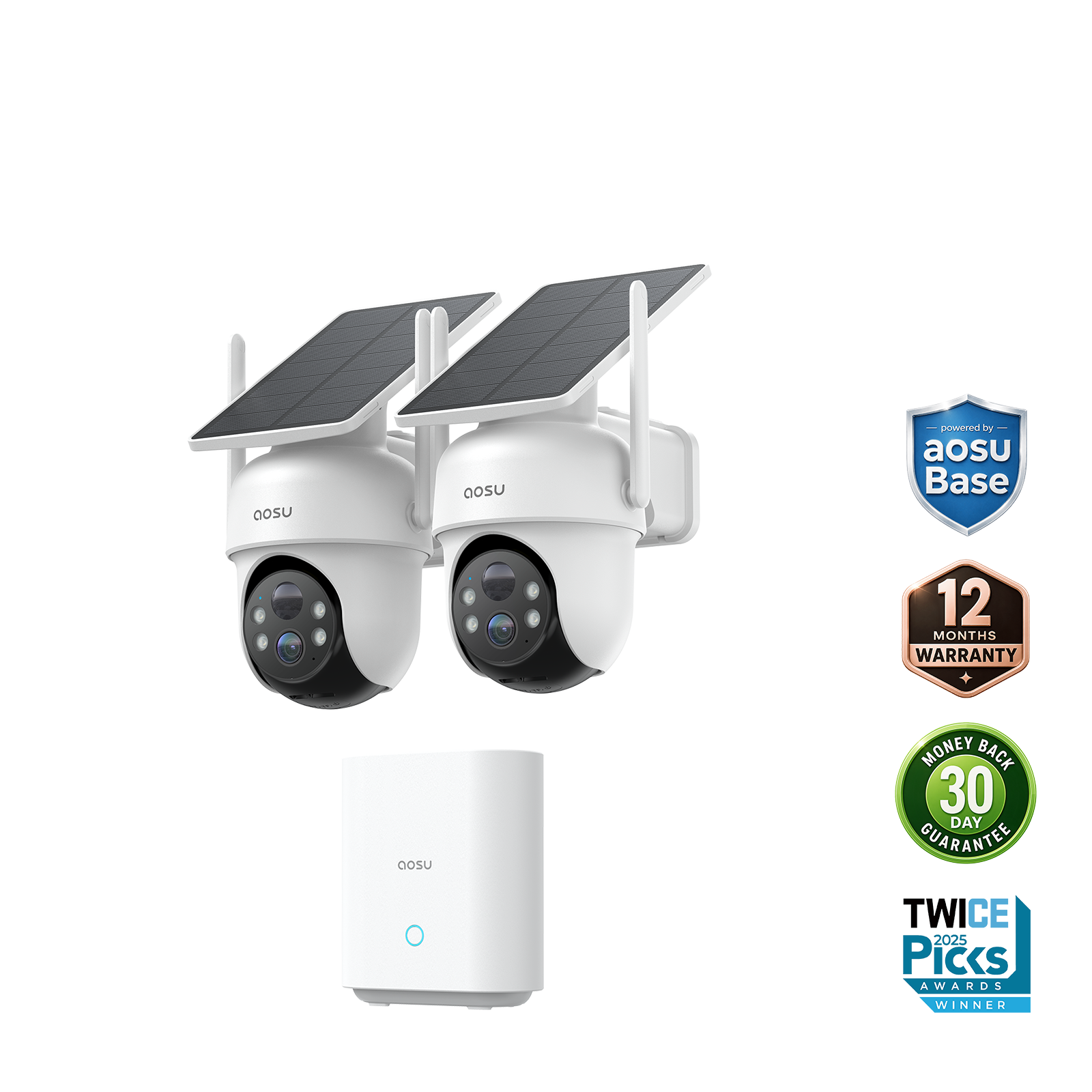
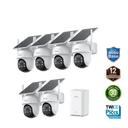
SolarCam D1 Classic Kit
Recommended for You



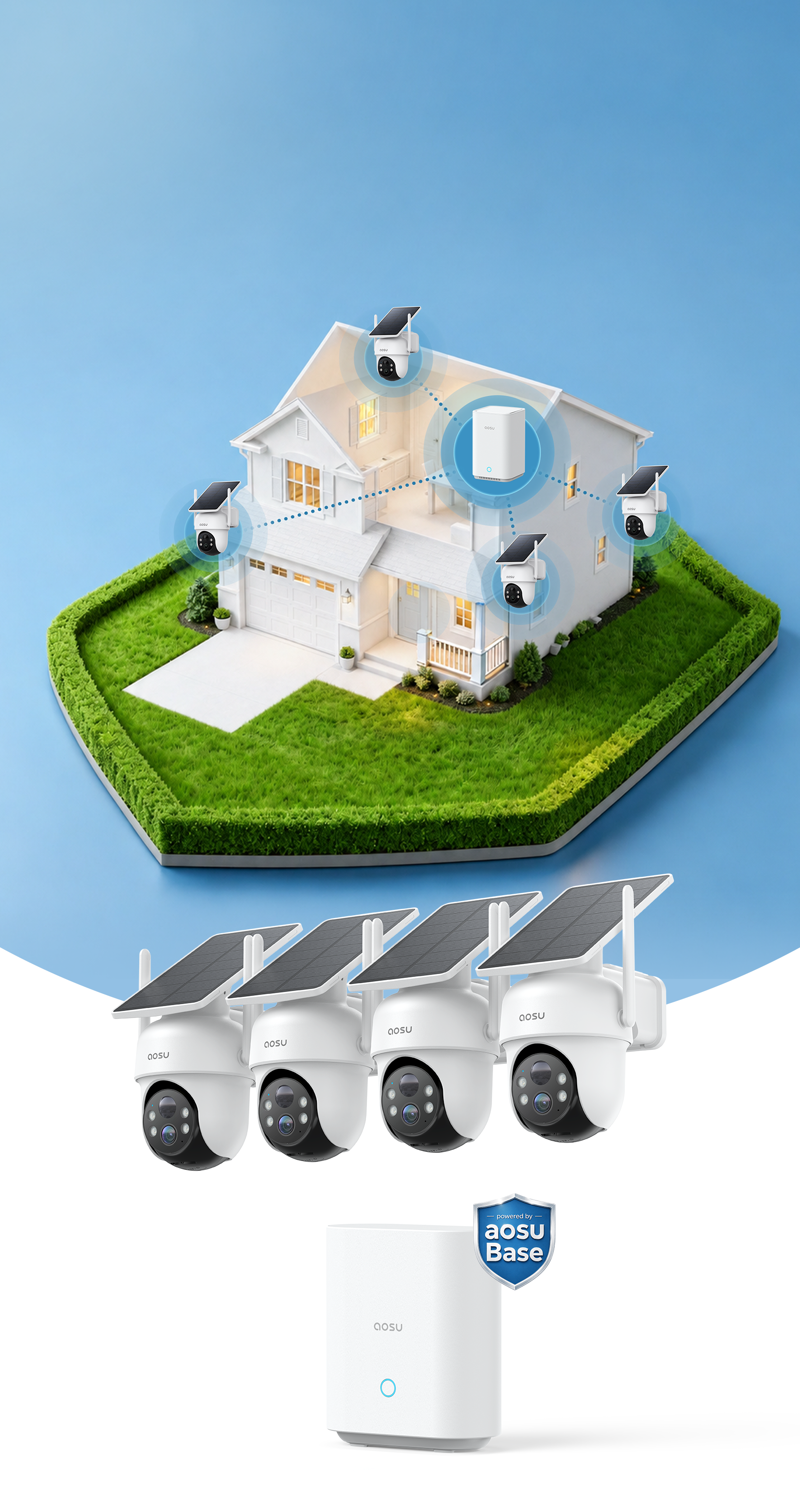
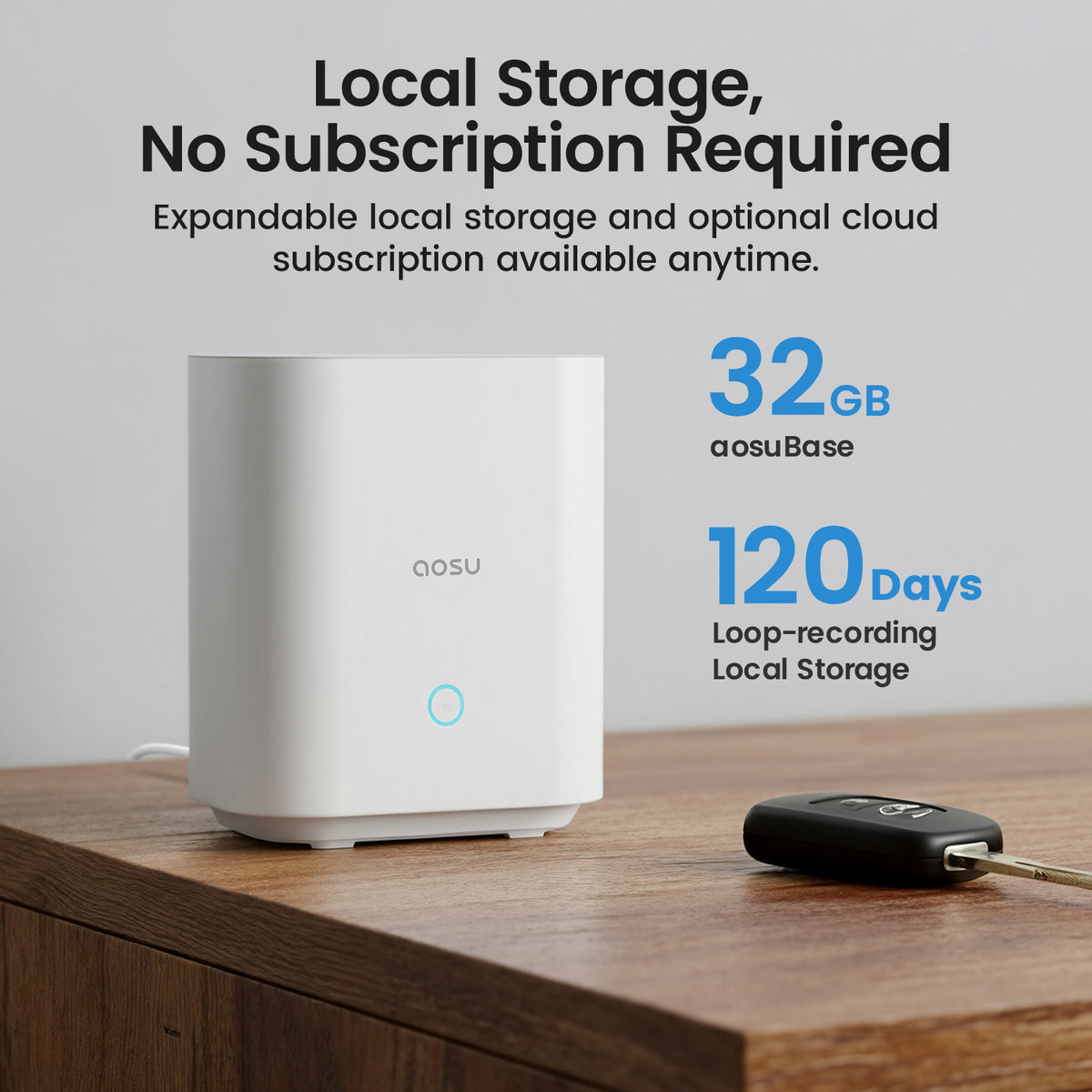
Local storage, No Subscription Required
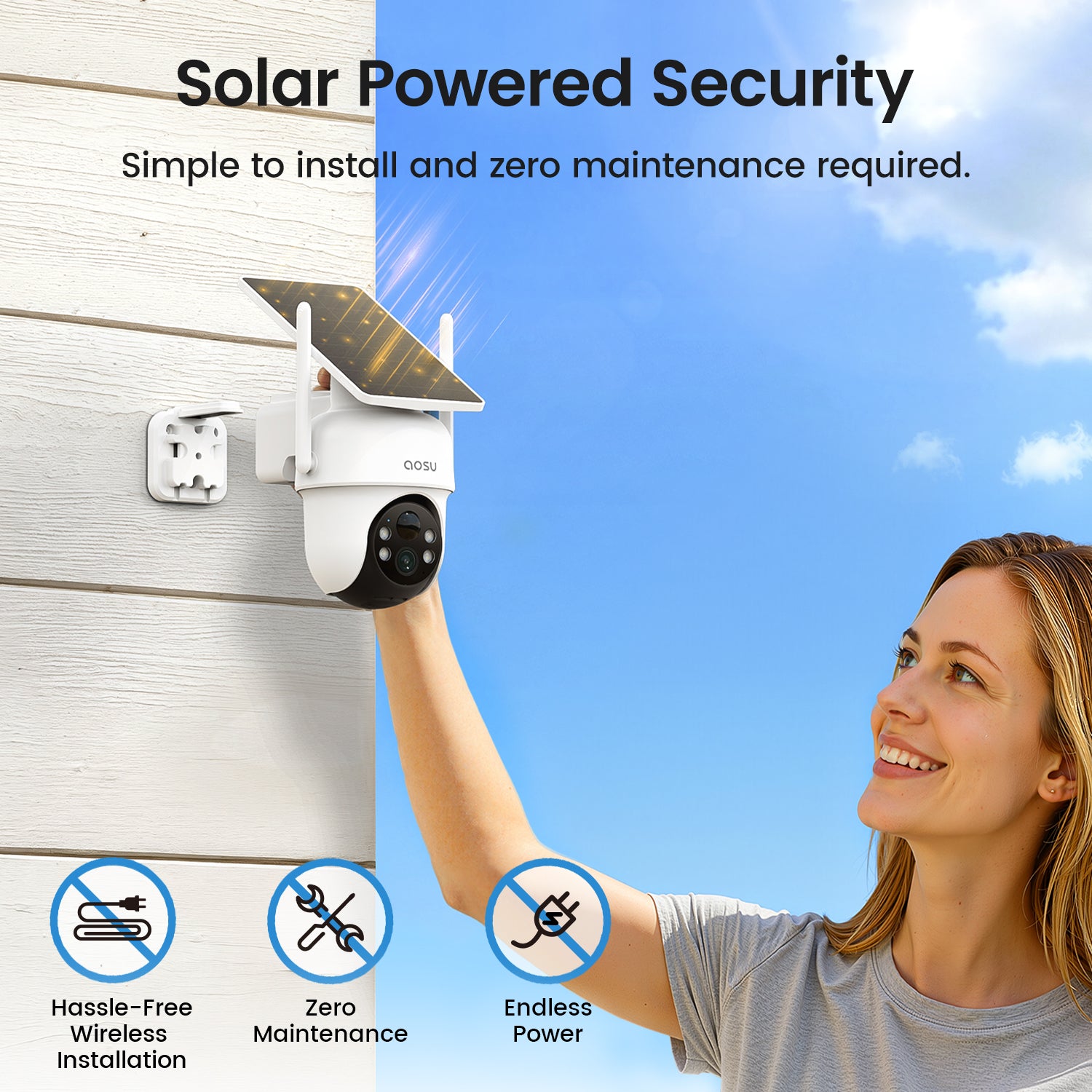
Solar-Powered Security System
Keep lt At Home
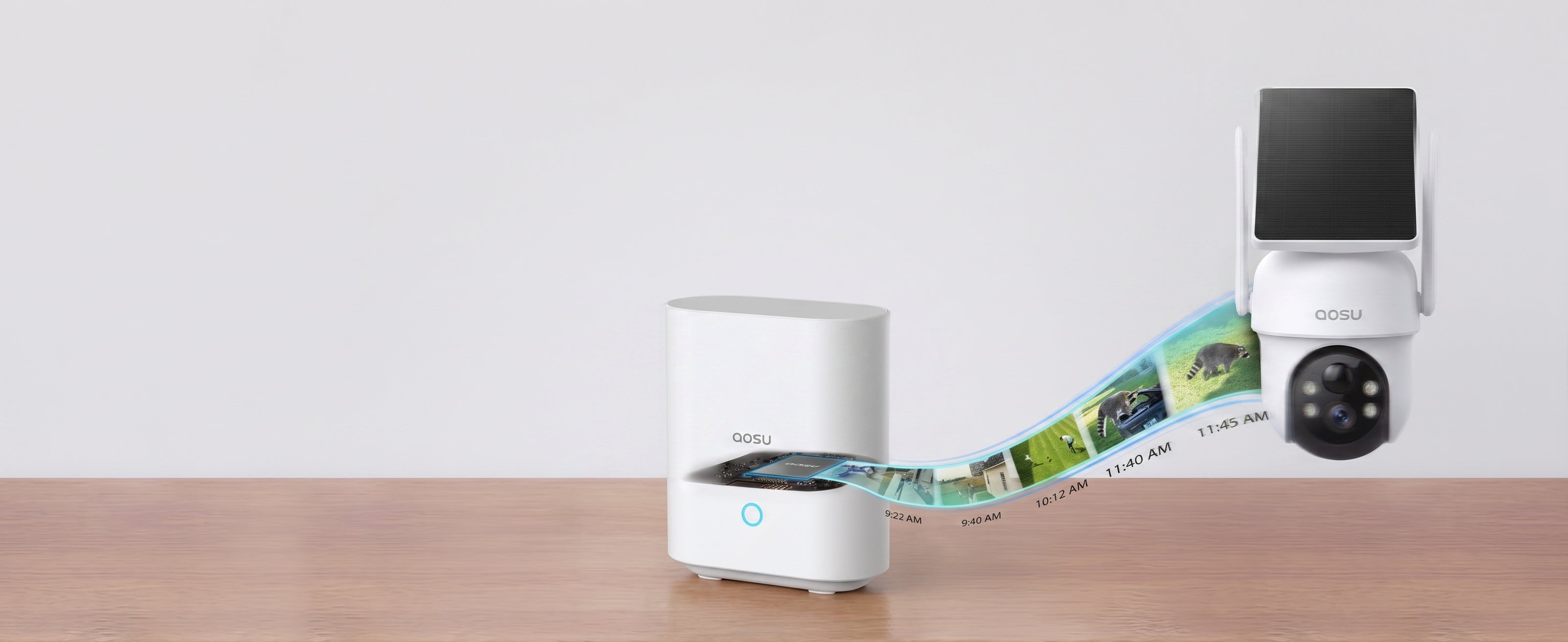
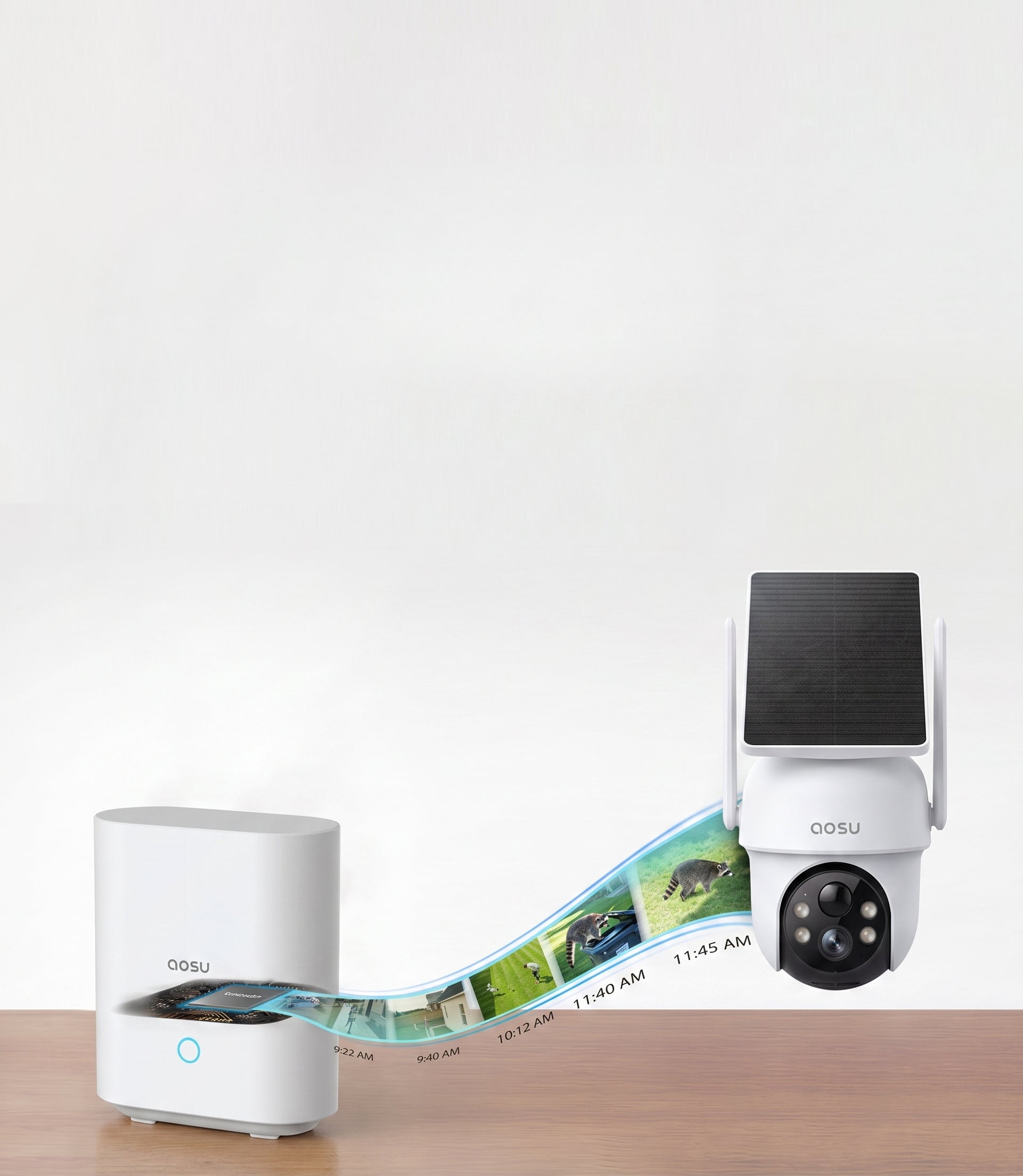
The aosubase securely stores recording data, which prevents privacy breaches, even in the event of lost or damaged cameras.
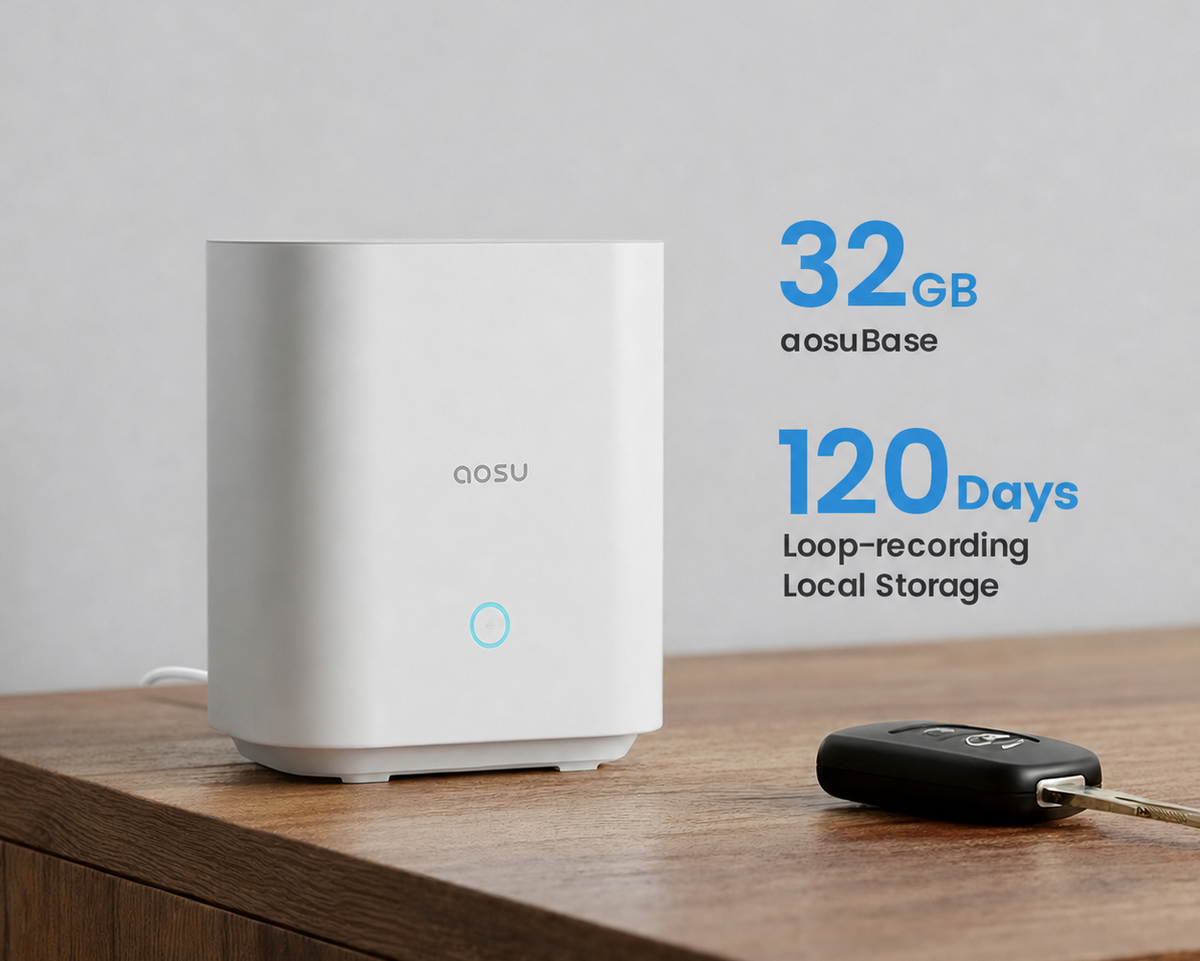
No Subscription Required
aosuBase 32GB of centralized local storage ensures ample dsecure data recording with no extra costs.
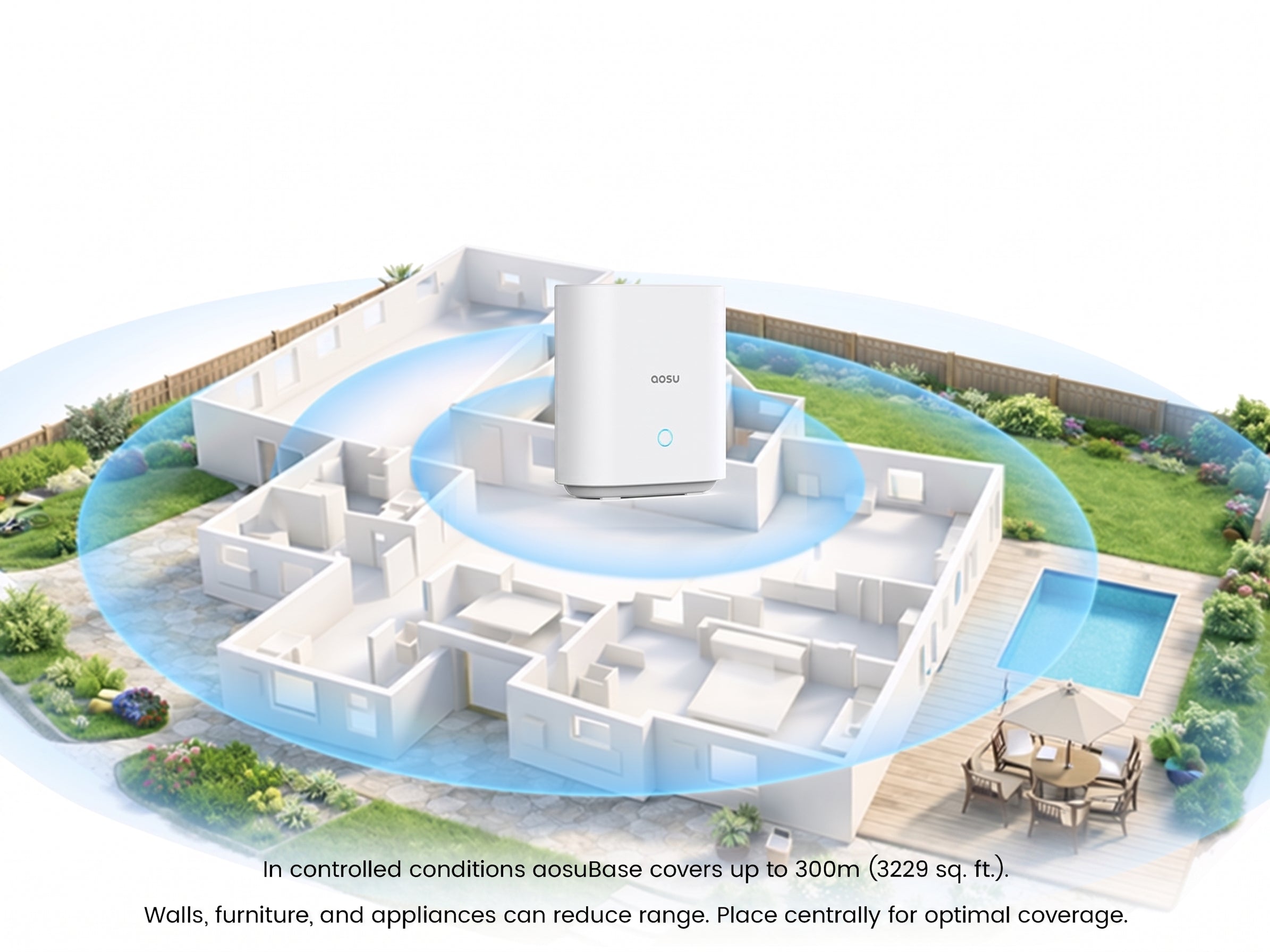
Expands Wi-Fi Signal
aosuBase boosts the signal to your cameras, making it faster, wider, and morestable. Great for ensuring full coverage without lag even in larger homes.
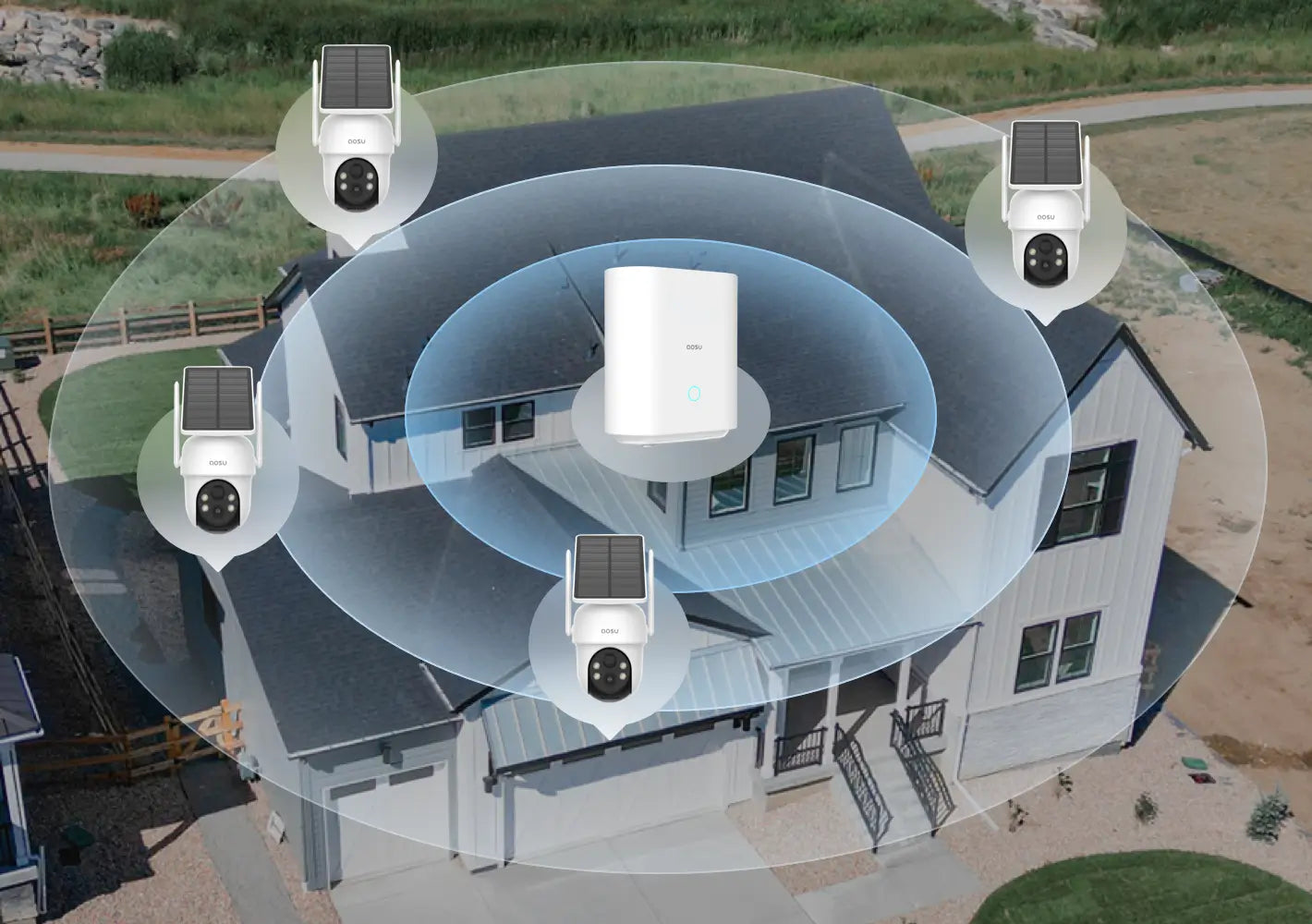
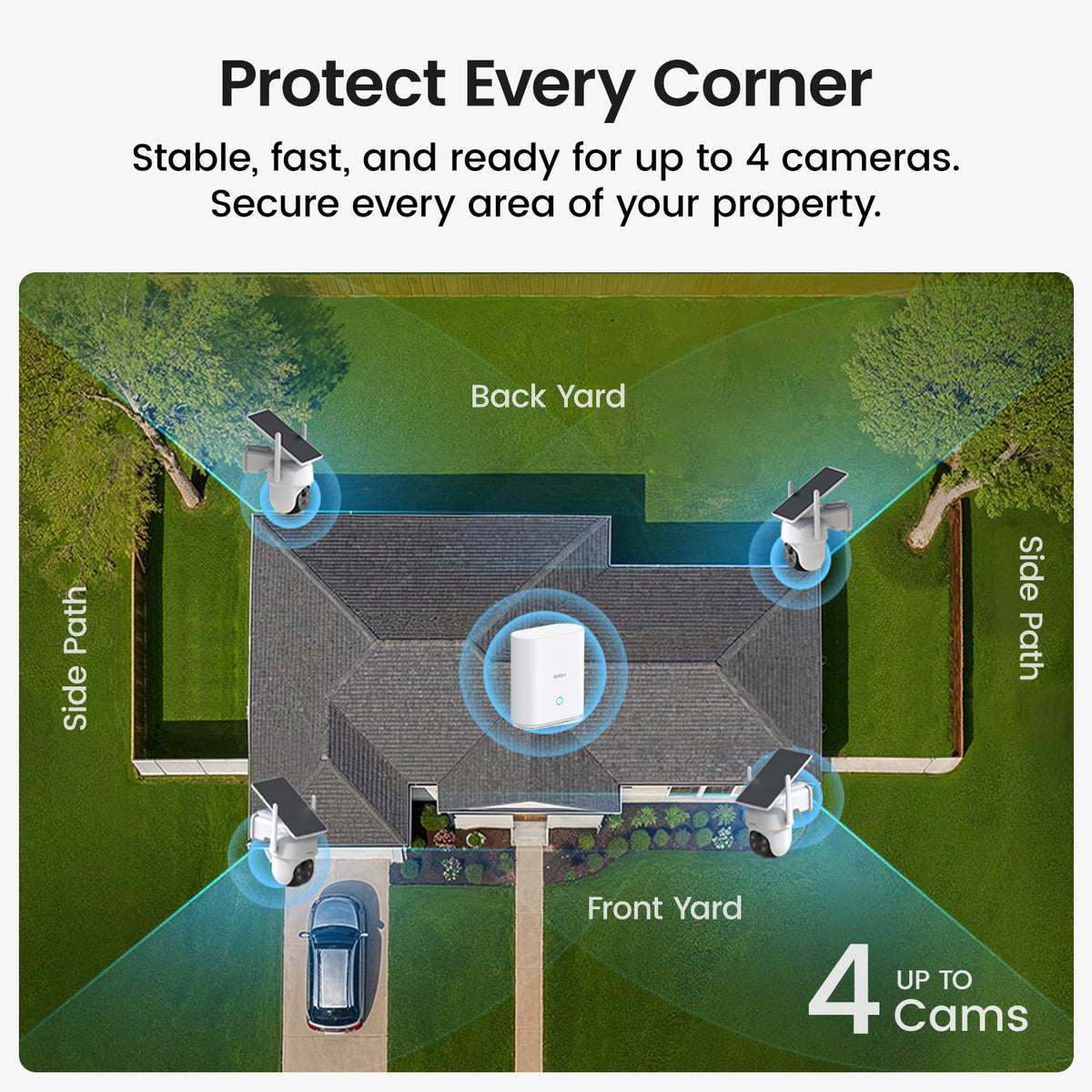
Protect Every Corner
Stable, fast, and ready for up to 4 cameras, so you can secure every area of your property. (aosuBase 1.0 up to 4 cams, aosuBase 2.0 up to 6 cams.)
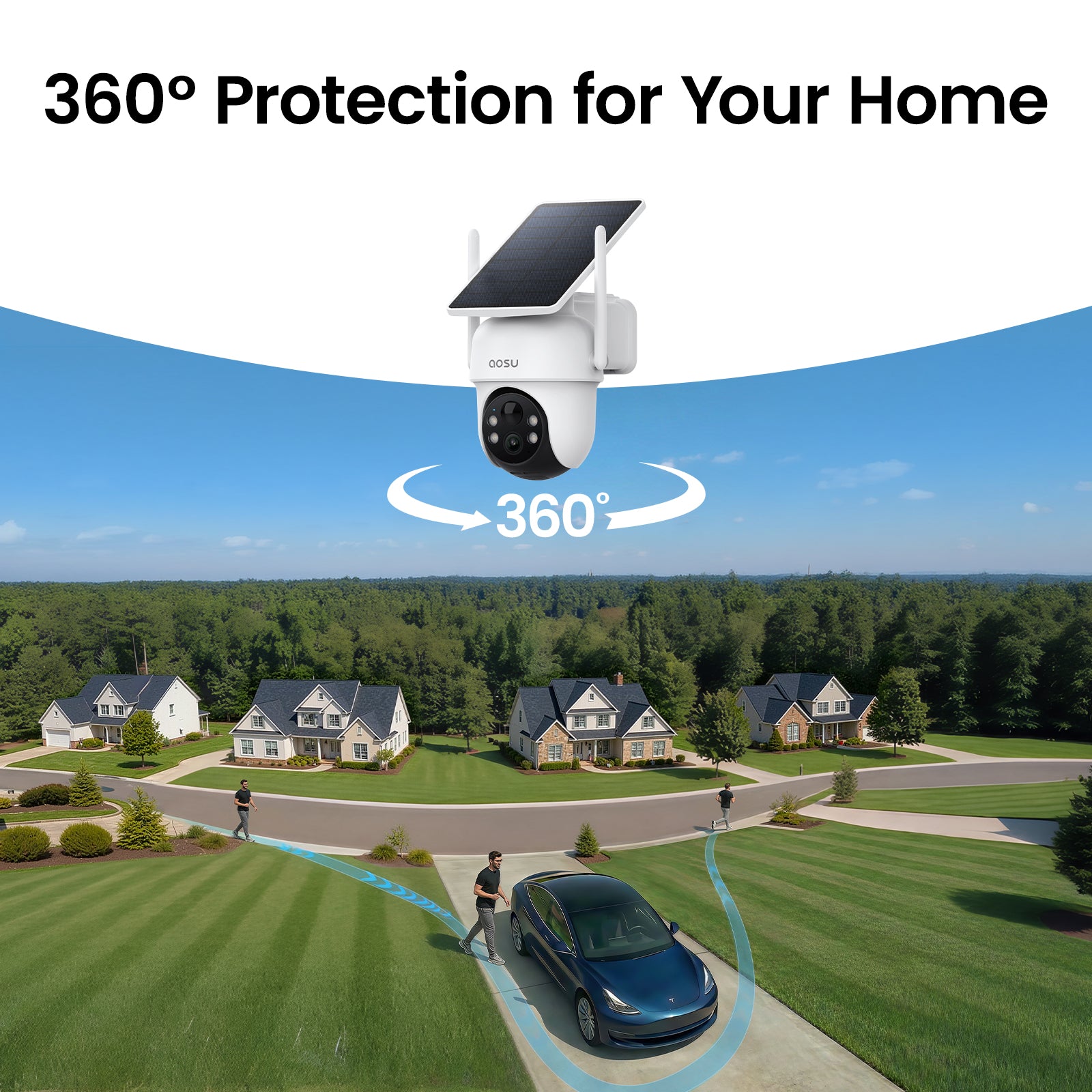
Goodbye Blindspots
Cover every corner with aosu's fast-action pan and tilt.

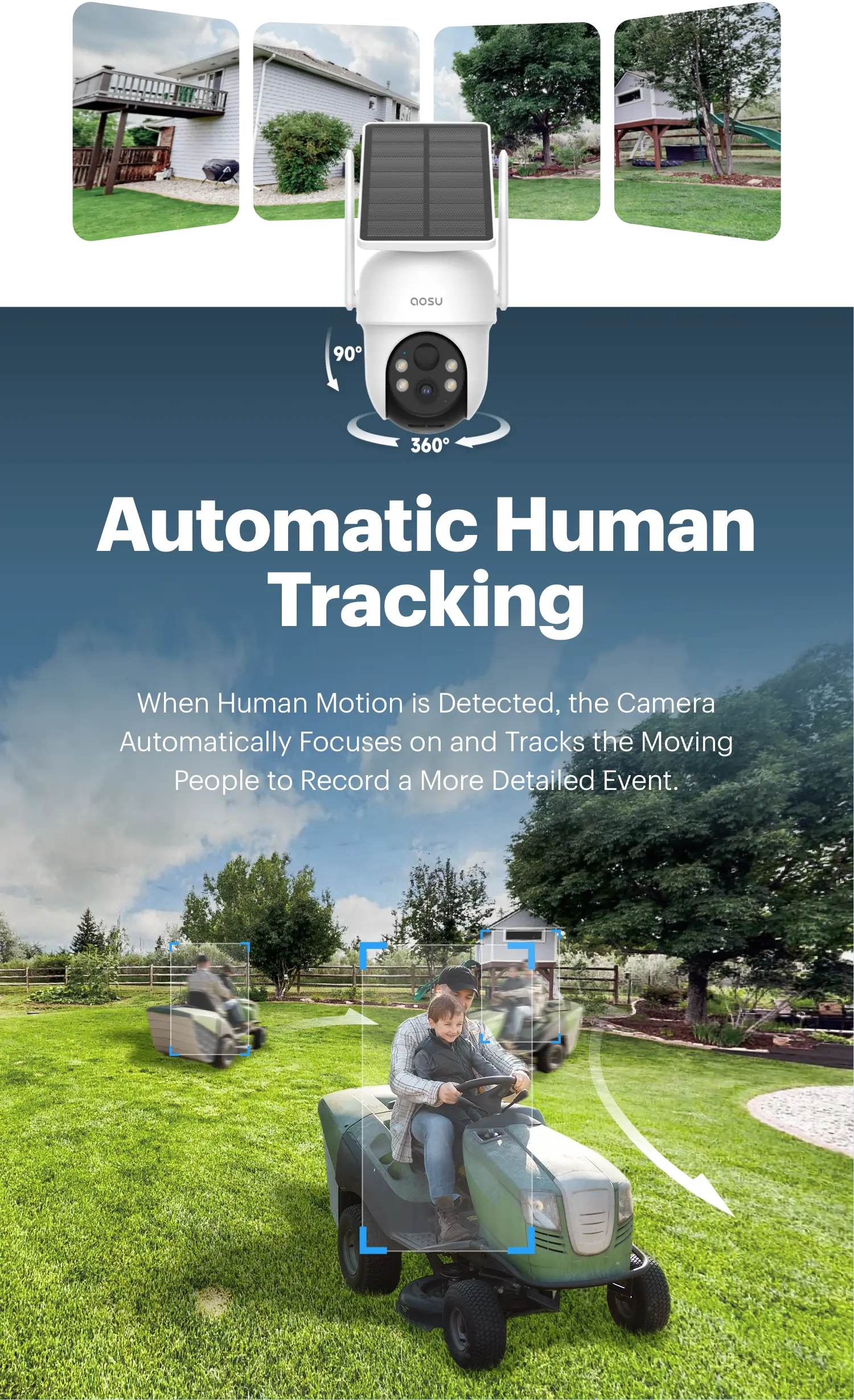
Cross Camera Tracking
aosu App auto-links simultaneous events into one seamless video. Review the full event timeline instantly, no need to check cameras individually.
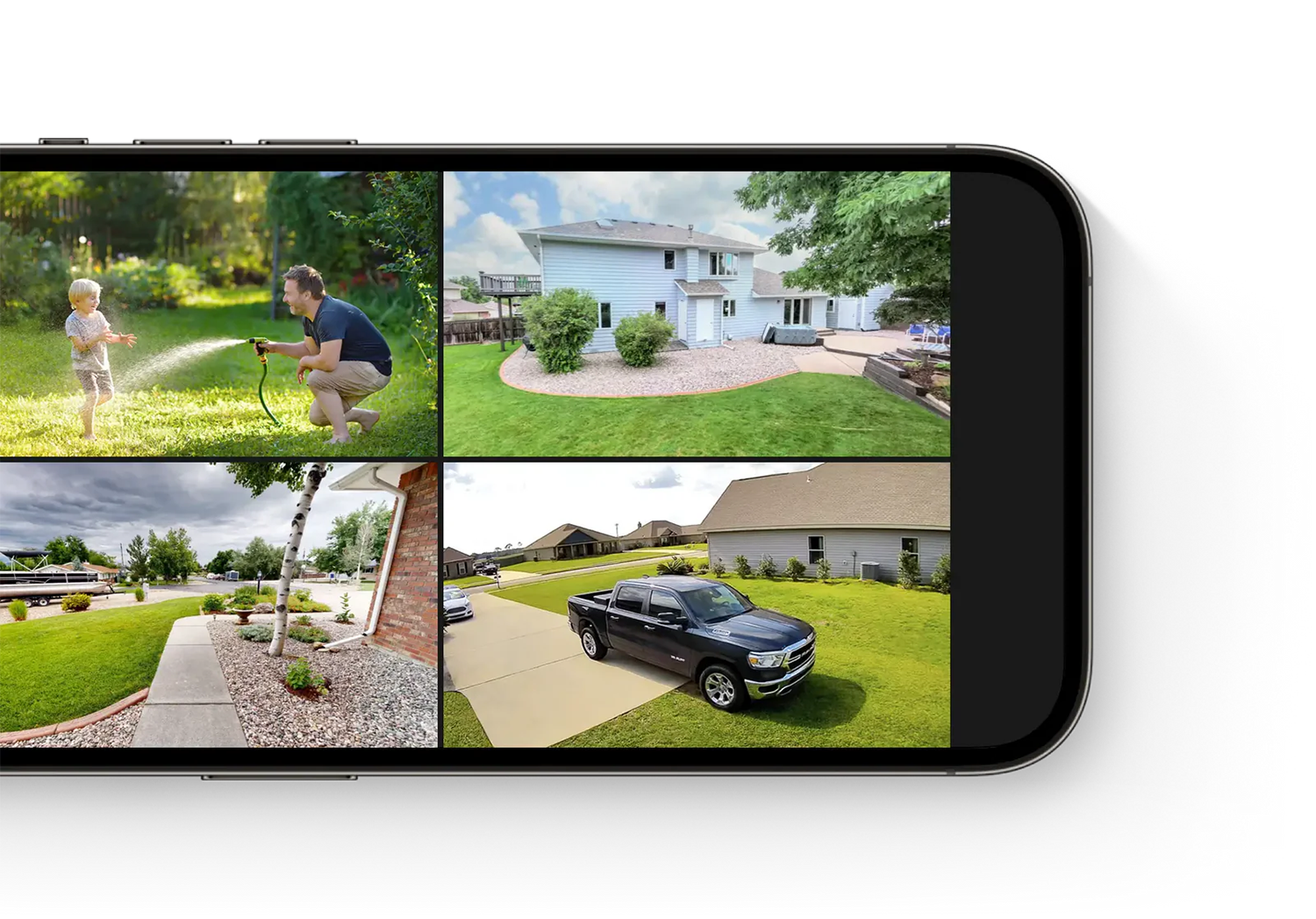
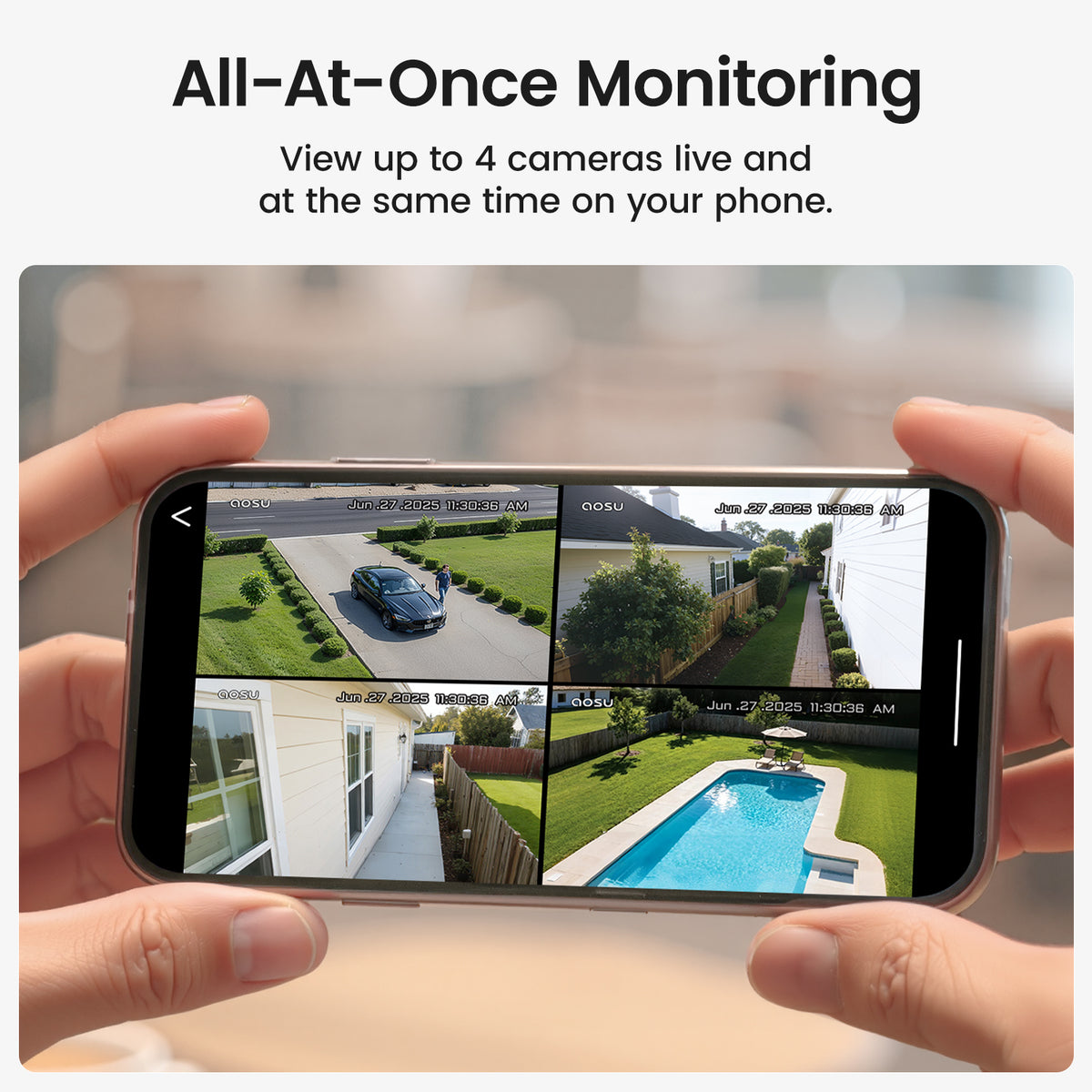
All-At-Once Live Monitoring
See the big picture. Monitor 4 areas simultaneously on the aosu App and stay in complete control of your home’ s safety effortlessly.
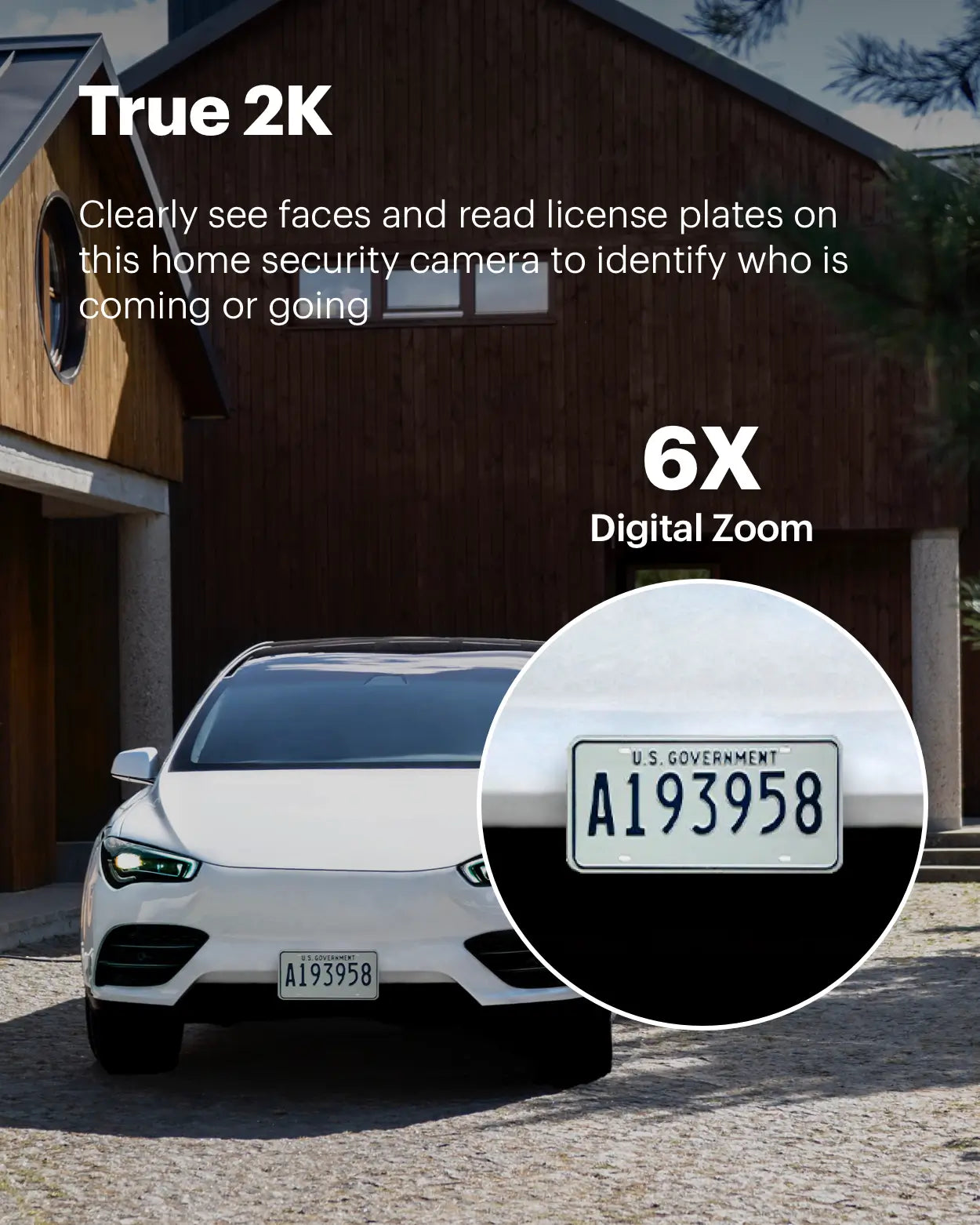
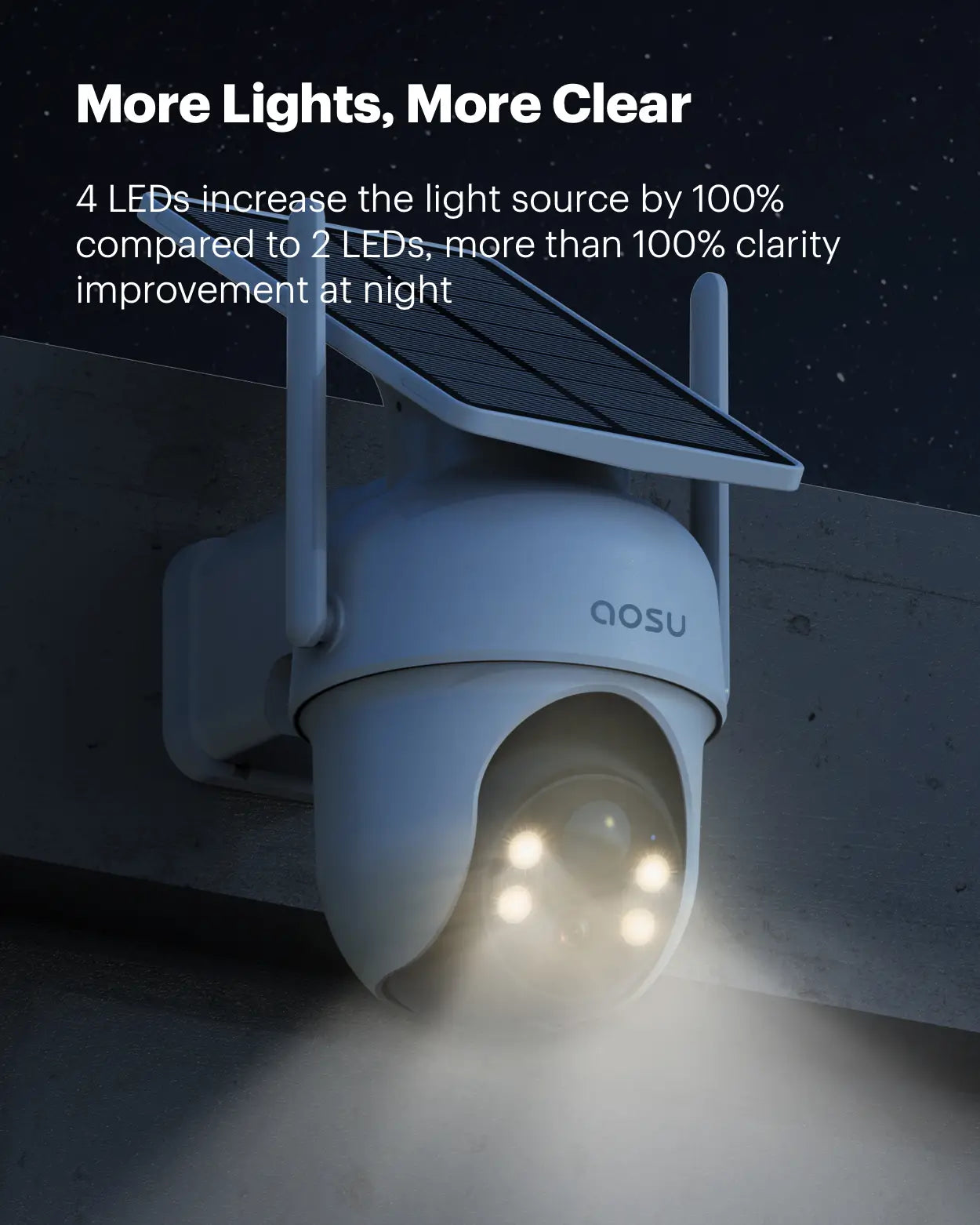
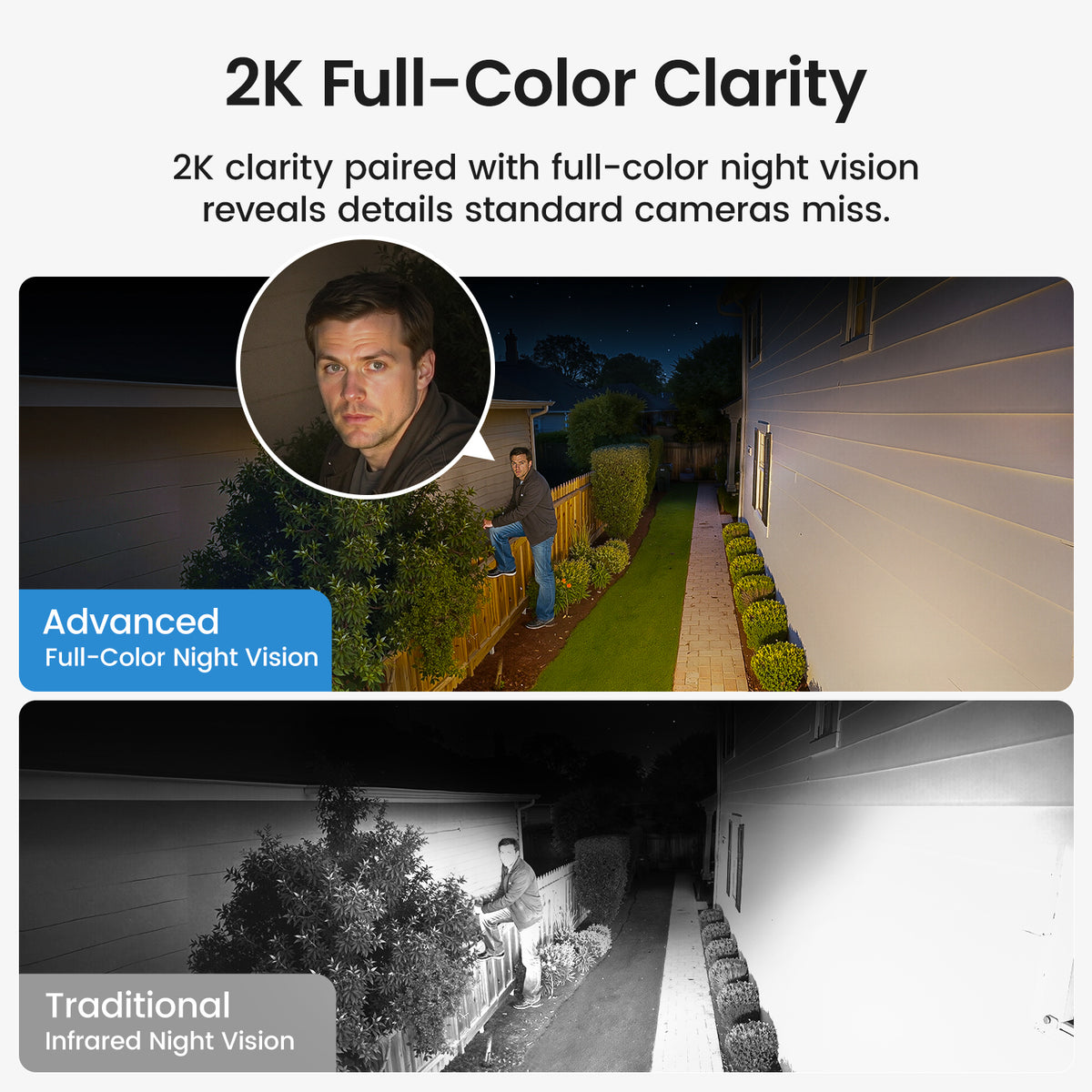
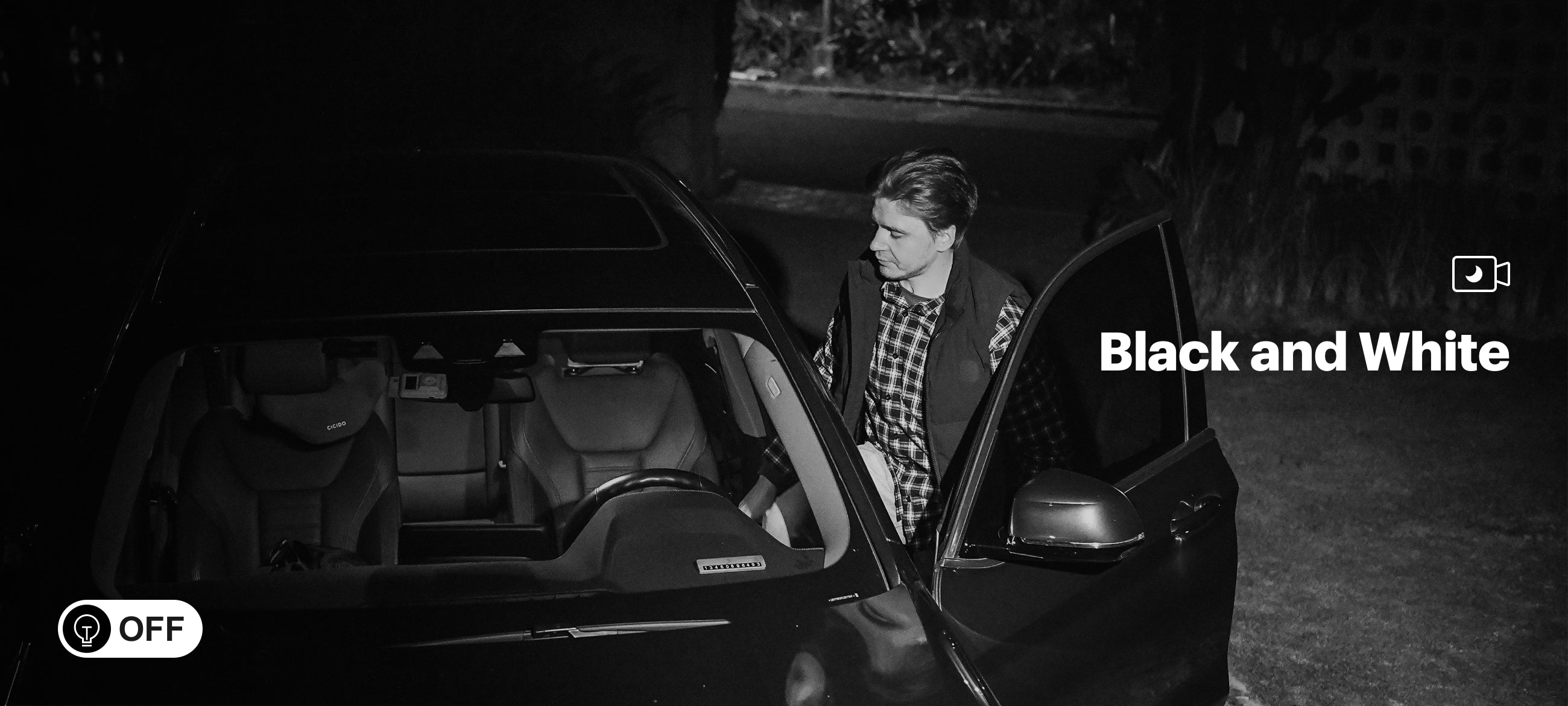
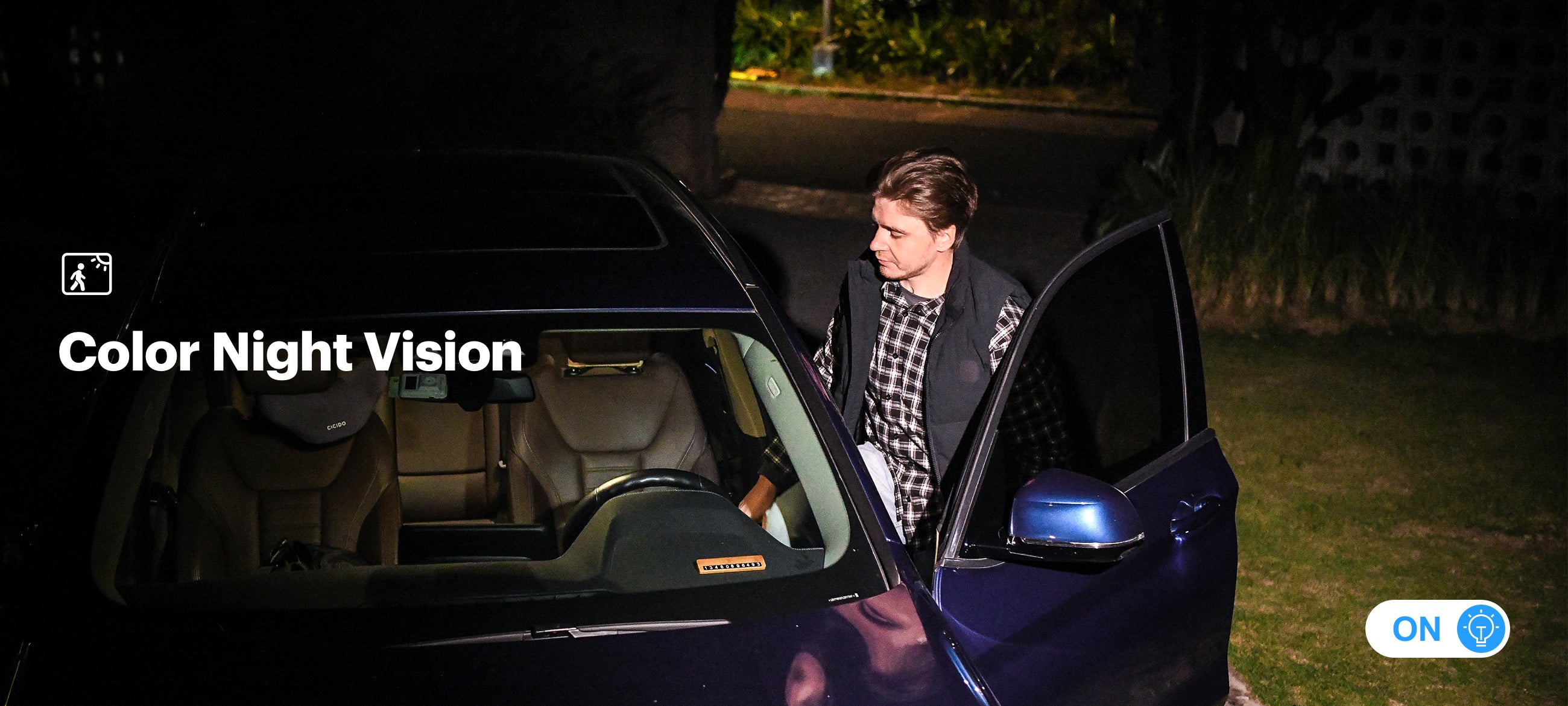
Full-Color Night Vision
See important features like faces orlicense plates in full-color vision at night, not miss any details.
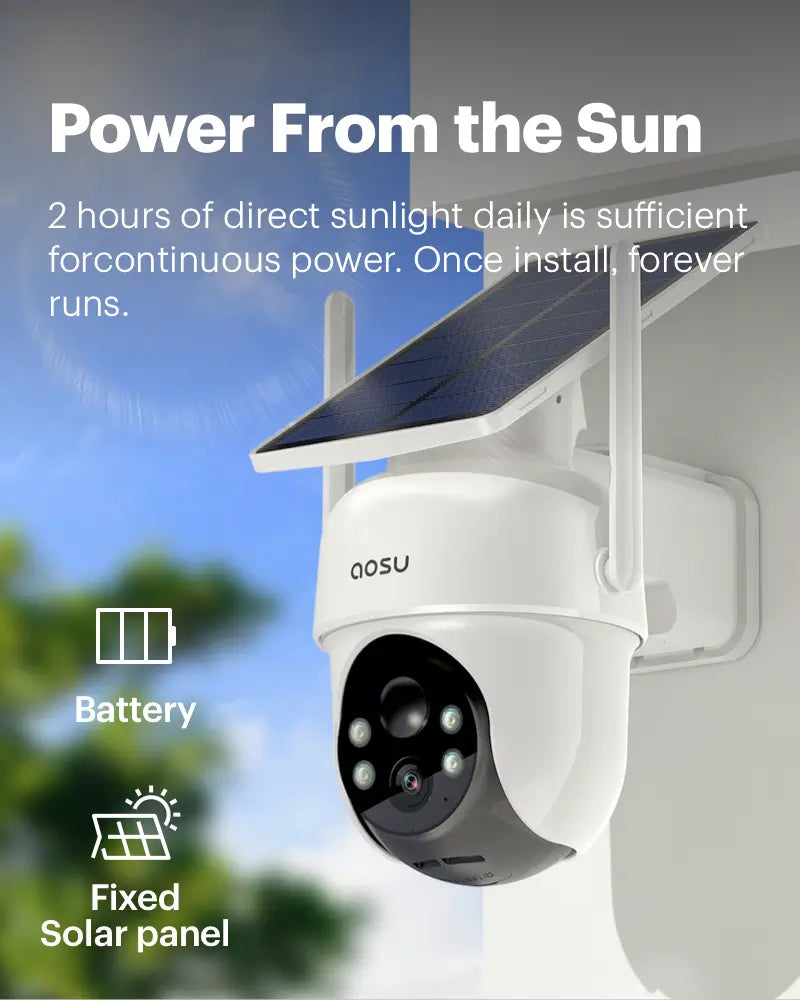
Stay Charged Anytime, Anywhere
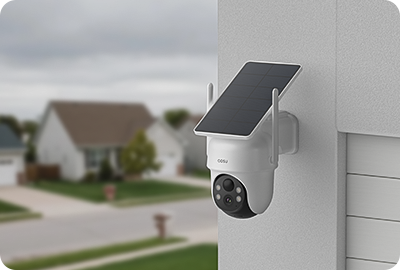
Charges in Low Light
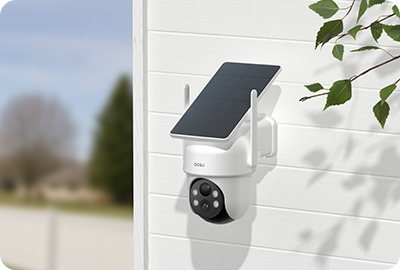
Charges in Partial shade
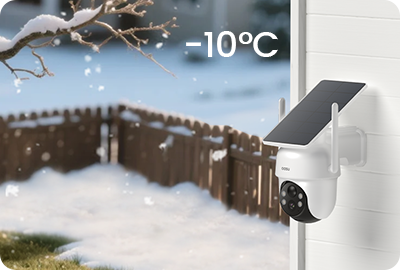
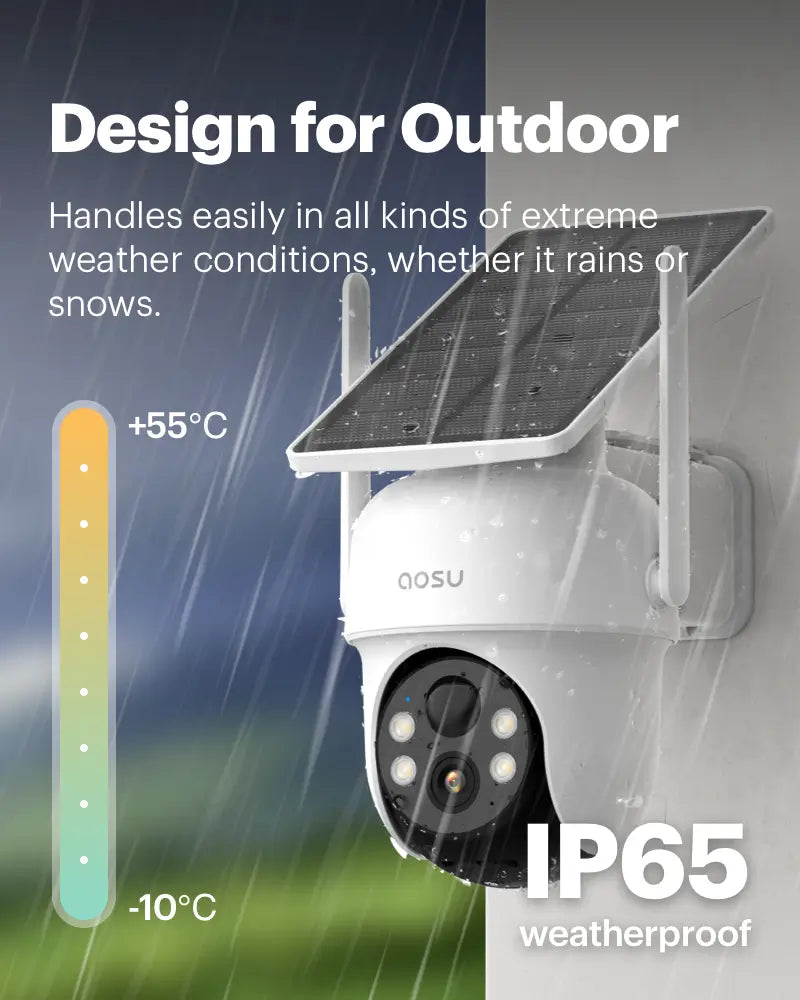
Charges in Cold Weather
(Only supports charging above -10°C.)
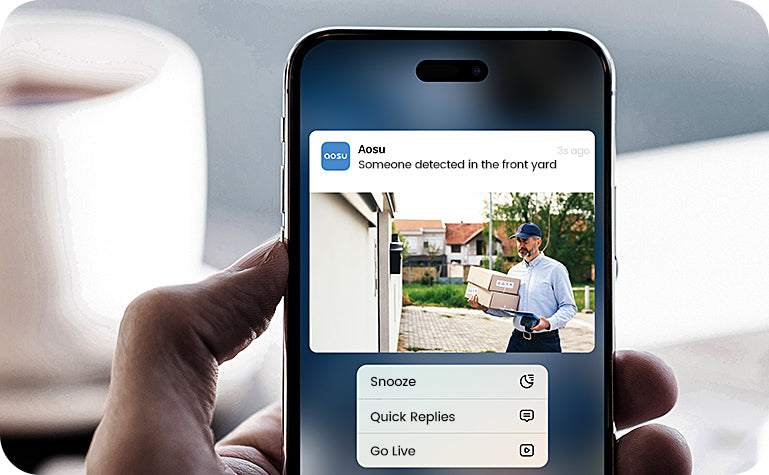
Instant Notifications
Get instant snapshot notifications so you can quickly assess the situation.
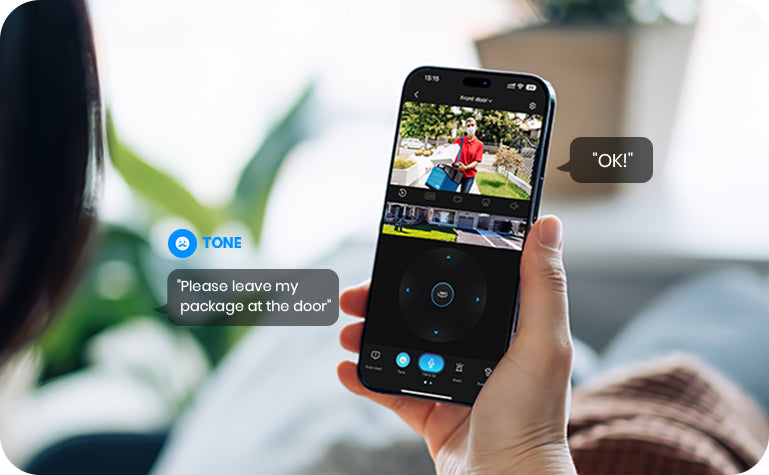
Two-Way Talk
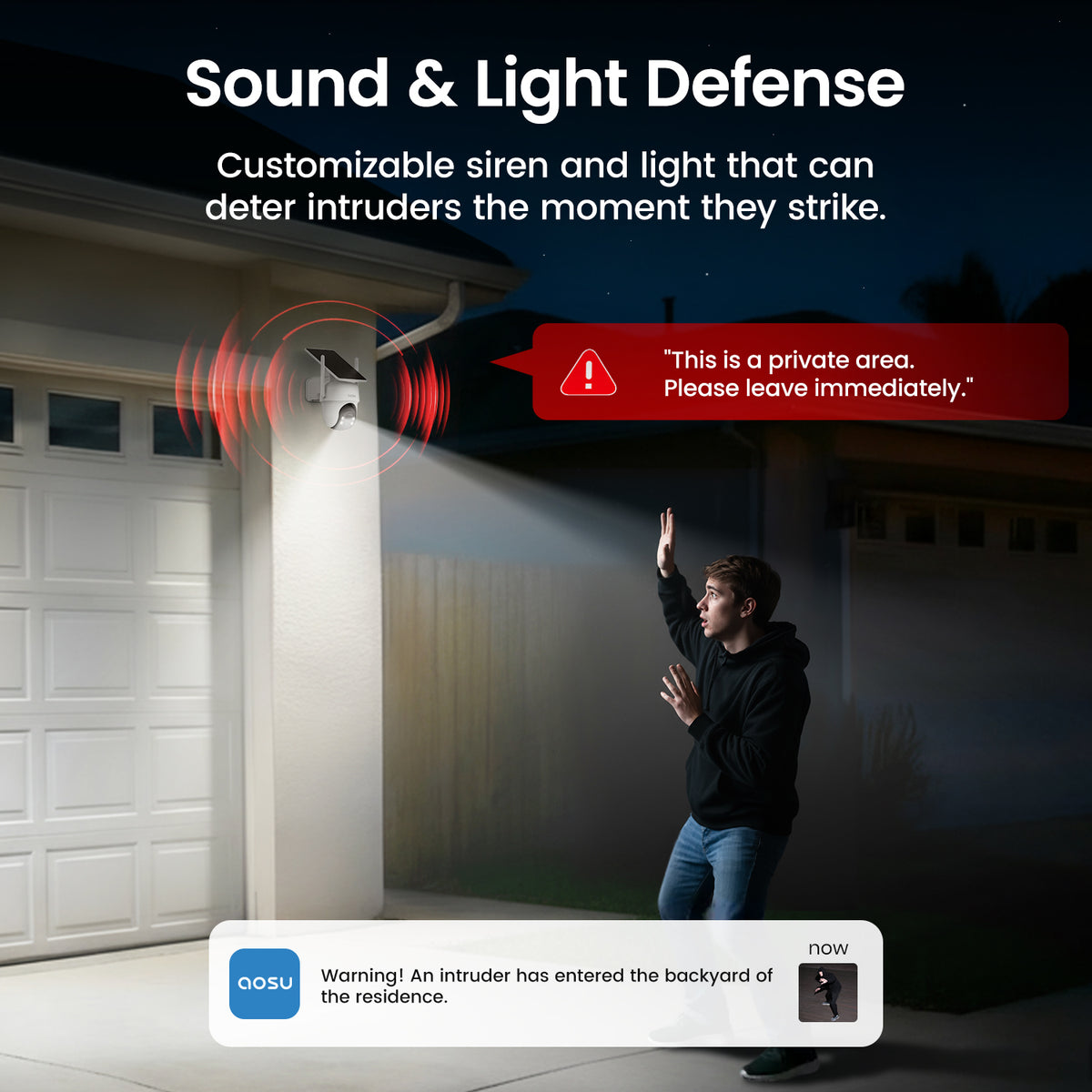
Talk to visitors in real-time with the camera's two-way talk functionality. Utilize preset messages or disguise your voice for added security.
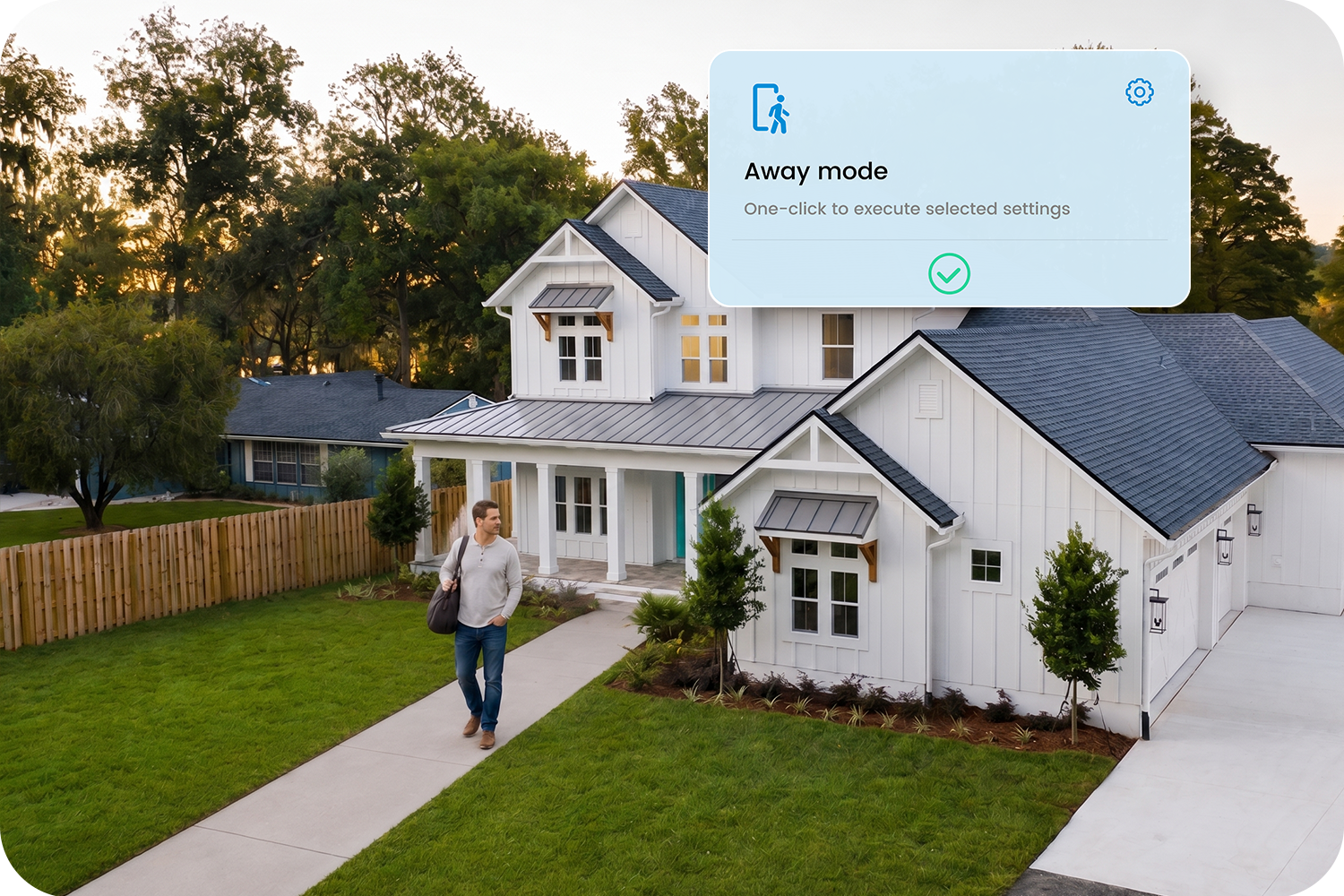
One Tap Control
Four custom modes can be realized with one click: leaving home, returning home, all turn on, and all turn off.

Customize Alarm Times
The time can be set to avoid thealarm going off when you don't need it.
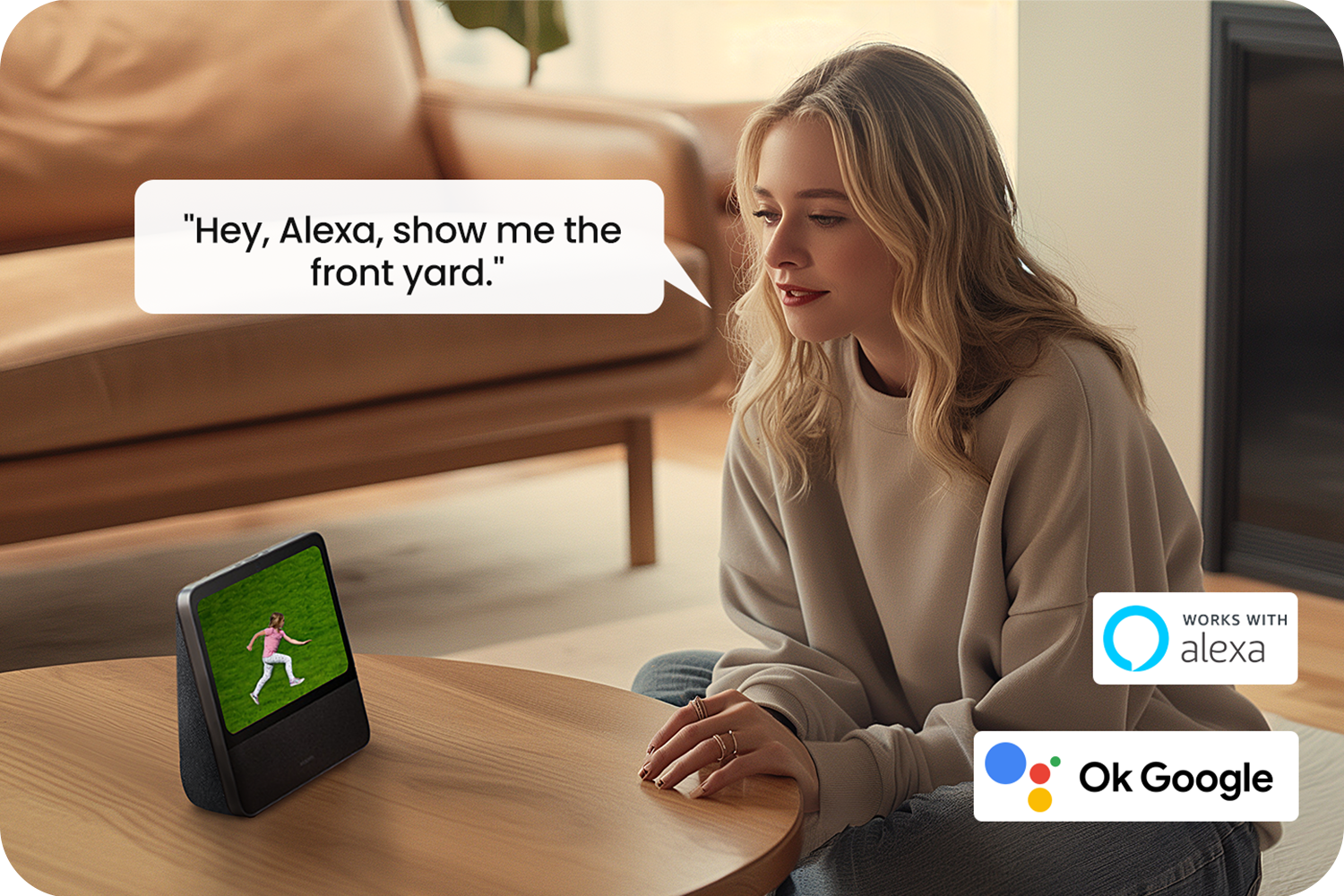
Work with Smart Things
Connect the doorbell to Alexa and Google Assistant, check-in anytime on what's happening in front of your door.
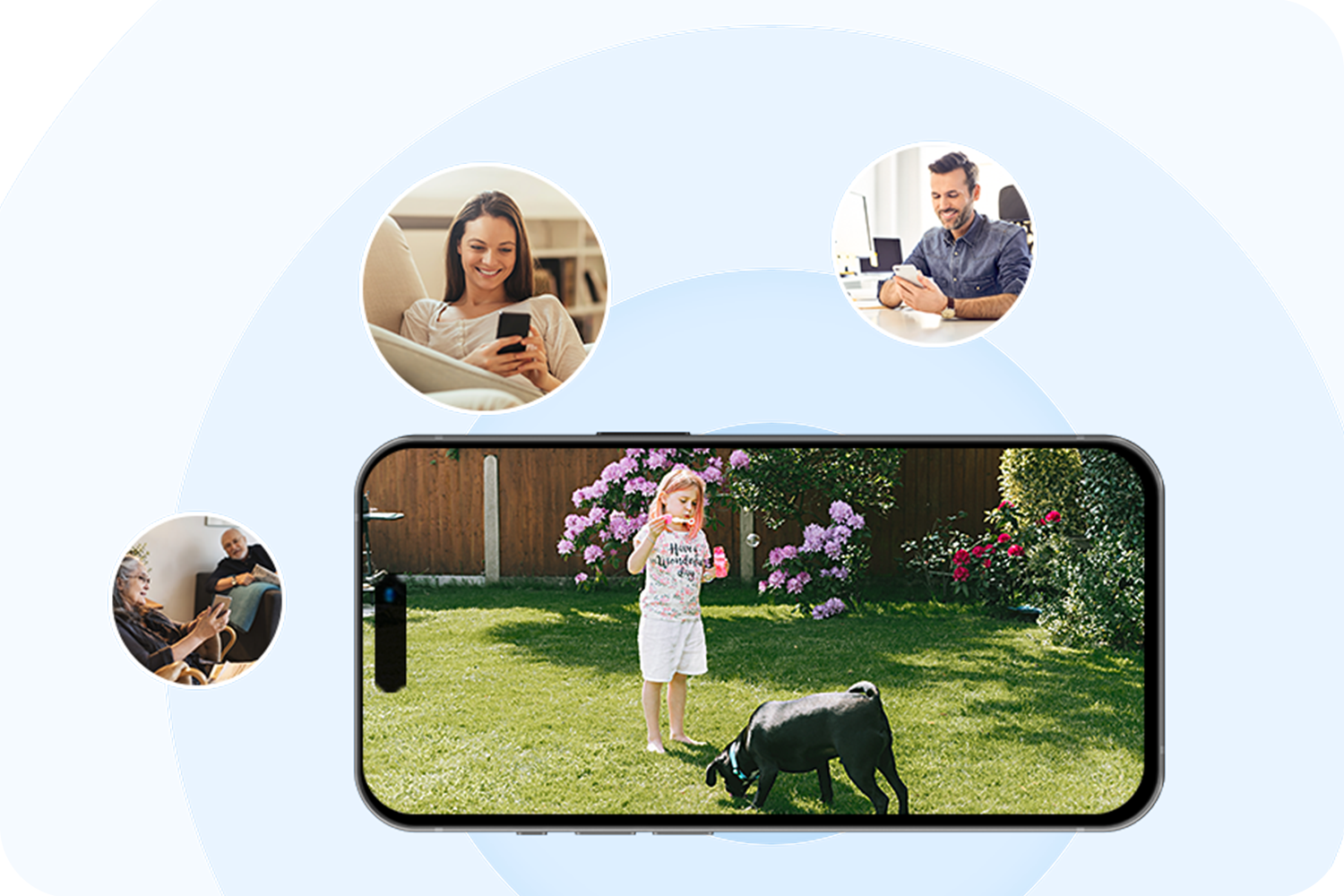
Share Your Camera
Protect your property with families together, stay informed when anything happens at home. Never miss a thing.
Specifications
Additional details
Other Special Features of the Product
Indoor Outdoor Usage
Compatible Devices
Controller Type
Mount Type
Color
Installation Type
Enclosure Material
Shape
Alert Type
Light Source
Effective Still Resolution
Waterproof Rating
Photo Sensor Resolution
Control Method
Item details
Antenna Location
Brand
Built-In Media
Model Number
Item Highlight
UPC
Manufacturer
Connectivity
Connectivity Technology
Connectivity Protocol
Power & Storage
Power Source
Voltage
Resolution
Flash Memory Installed Size
Video
Number of Channels
Video Capture Format
Video Capture Resolution
Camera Optics
Viewing Angle
Focus Type
Zoom Type
Zoom Ratio
Photo Sensor Technology
Night Vision
Night Vision Range
Night Vision
Number of IR LEDs
Measurements
Item Dimensions
Item Weight
Unit Count
FAQ
Do I need a subscription or a separate SD card to use SolarCam D1 Classic Kit?
Do I need a subscription or a separate SD card to use SolarCam D1 Classic Kit?
If you purchase a SolarCam D1 Classic Kit (with aosuBase/Cortex): You do not need a subscription or a separate SD card. The included aosuBase comes with 32GB of built-in local storage at no extra cost. Motion-triggered recordings are stored on aosuBase, and you can receive alerts, view live video, review local events, and download important clips through the aosu app without a required monthly fee.
If you purchase a standalone camera: An SD card is not included. To save and review recorded events, you will need to purchase a compatible microSD card separately or subscribe to an optional cloud storage plan.
Cloud storage remains optional for kit customers who want off-site backup and additional cloud services.
What can I use without a cloud plan?
What can I use without a cloud plan?
Without a cloud plan, you can:
- Receive motion alerts on your phone.
- View live video in the aosu app.
- Review motion-triggered recordings stored on the included aosuBase for kit purchases, or on a separately purchased compatible microSD card for standalone cameras.
- Download important event clips to your phone.
- Use pan-and-tilt controls, motion tracking, two-way talk, the spotlight, and the siren.
- View multiple compatible cameras in the same app.
Cloud storage is optional and is intended for customers who want an additional off-site copy of their recordings. Standalone-camera customers who do not install a compatible microSD card will need cloud storage to save recorded events.
What does “up to 120 days of loop recording” mean, and what happens when storage is full?
What does “up to 120 days of loop recording” mean, and what happens when storage is full?
Both the 2-Cam Kit and the 4-Cam Kit include an aosuBase with 32GB of built-in local storage. Because a four-camera system can generate more total recordings, the estimated retention time differs by kit:
- 2-Cam Kit: Up to 120 days of motion-triggered event recordings under typical usage.
- 4-Cam Kit: Up to 60 days of motion-triggered event recordings under typical usage.
Actual retention time varies based on daily activity, recording length, video settings, and how often motion is detected. These estimates refer to event recordings, not continuous 24/7 video.
When loop recording is enabled and local storage reaches capacity, the system automatically replaces the oldest recordings with new events. Download any important clips you want to keep permanently before they are overwritten.
How does remote access work, and what happens if my internet connection goes offline?
How does remote access work, and what happens if my internet connection goes offline?
The aosu app connects to your system through aosuBase. When aosuBase is powered and connected to the internet, you can use the app from anywhere to:
- Watch live camera feeds.
- Pan and tilt compatible cameras.
- Review recordings stored locally on aosuBase.
- Receive motion-triggered alerts.
If your home Wi-Fi or internet connection suddenly goes offline, the cameras can still detect motion and save event recordings locally to aosuBase, as long as the cameras and aosuBase remain powered and connected to each other.
Remote live view, remote PTZ control, remote recording playback, and app alerts require an internet connection. These remote functions become available again after aosuBase reconnects to the internet, and locally captured events can then be reviewed in the app.
Will I receive a notification as soon as motion is detected?
Will I receive a notification as soon as motion is detected?
The system sends a push notification after a qualifying motion event is detected and processed. Delivery time can vary based on network quality, phone notification settings, camera signal strength, and the event-processing mode you select.
Use Immediate notification mode when faster awareness is more important. Intelligent notification options can help reduce less relevant alerts by applying additional event filtering.
Does SolarCam D1 Classic record continuously 24/7?
Does SolarCam D1 Classic record continuously 24/7?
No. SolarCam D1 Classic Kit is a battery-powered, event-recording security system. The cameras wake and record when motion is detected, helping conserve battery power and local storage.
If you need continuous 24/7 recording with a complete timeline, a continuously powered wired camera may be a better fit.
What can affect motion detection performance?
What can affect motion detection performance?
Motion detection performance can vary based on mounting height, camera angle, distance, the direction a person moves across the camera’s view, lighting, sensitivity settings, and nearby movement such as traffic or tree branches.
For the best results:
- Mount the camera at the recommended height and angle.
- Point the default view toward the area where people are most likely to approach.
- Avoid aiming directly at busy roads, reflective surfaces, or moving branches when possible.
- Test motion detection and signal strength before completing installation.
- Adjust detection sensitivity and human-detection settings in the aosu app.
What is Cross-Camera Tracking?
What is Cross-Camera Tracking?
When multiple compatible cameras detect related activity around the same time, Cross-Camera Tracking helps organize those event clips into a connected review experience. This makes it easier to follow a person’s movement from one monitored area to another.
Cross-Camera Tracking organizes motion-triggered events; it does not convert the system into continuous 24/7 recording.
How does solar charging perform in different weather and usage conditions?
How does solar charging perform in different weather and usage conditions?
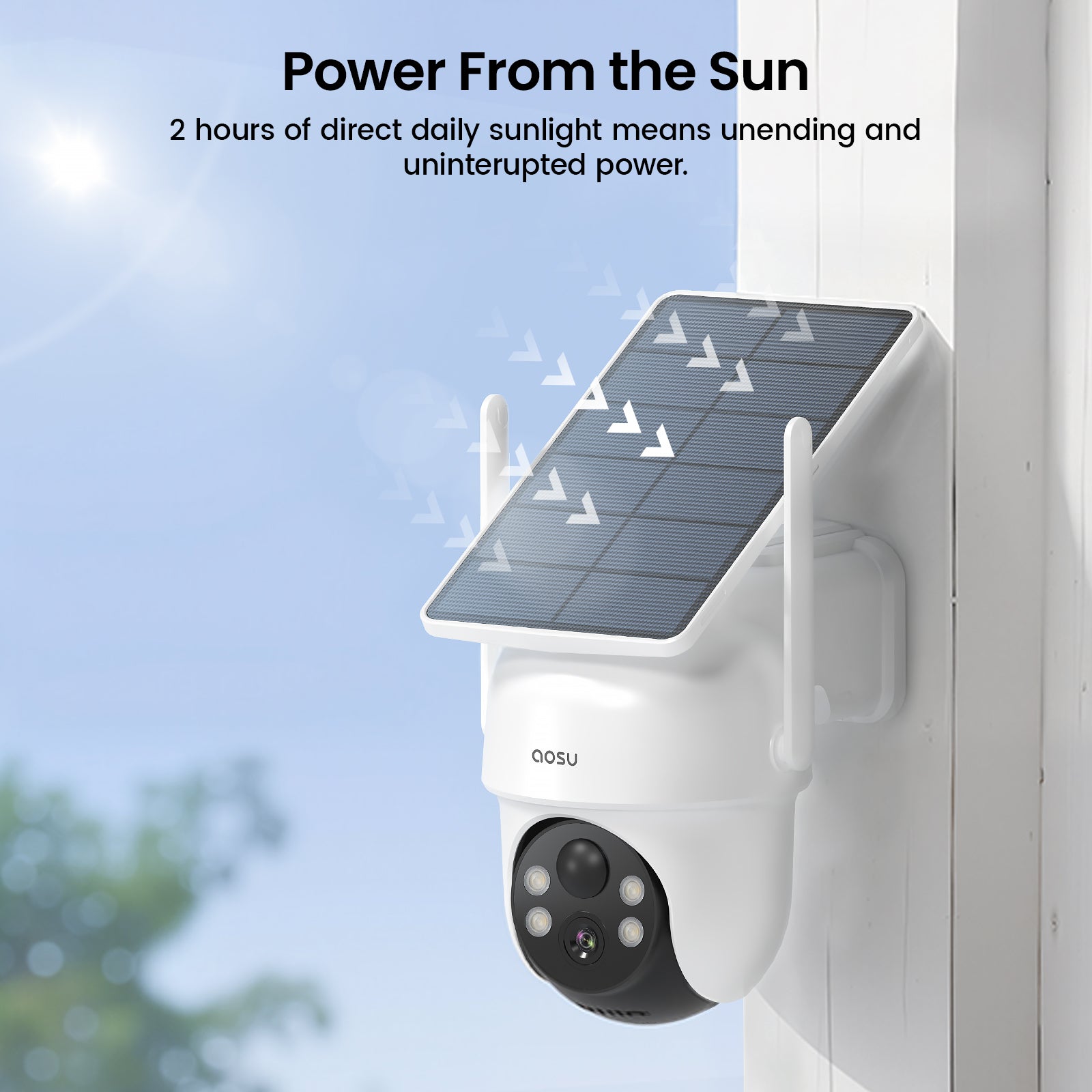
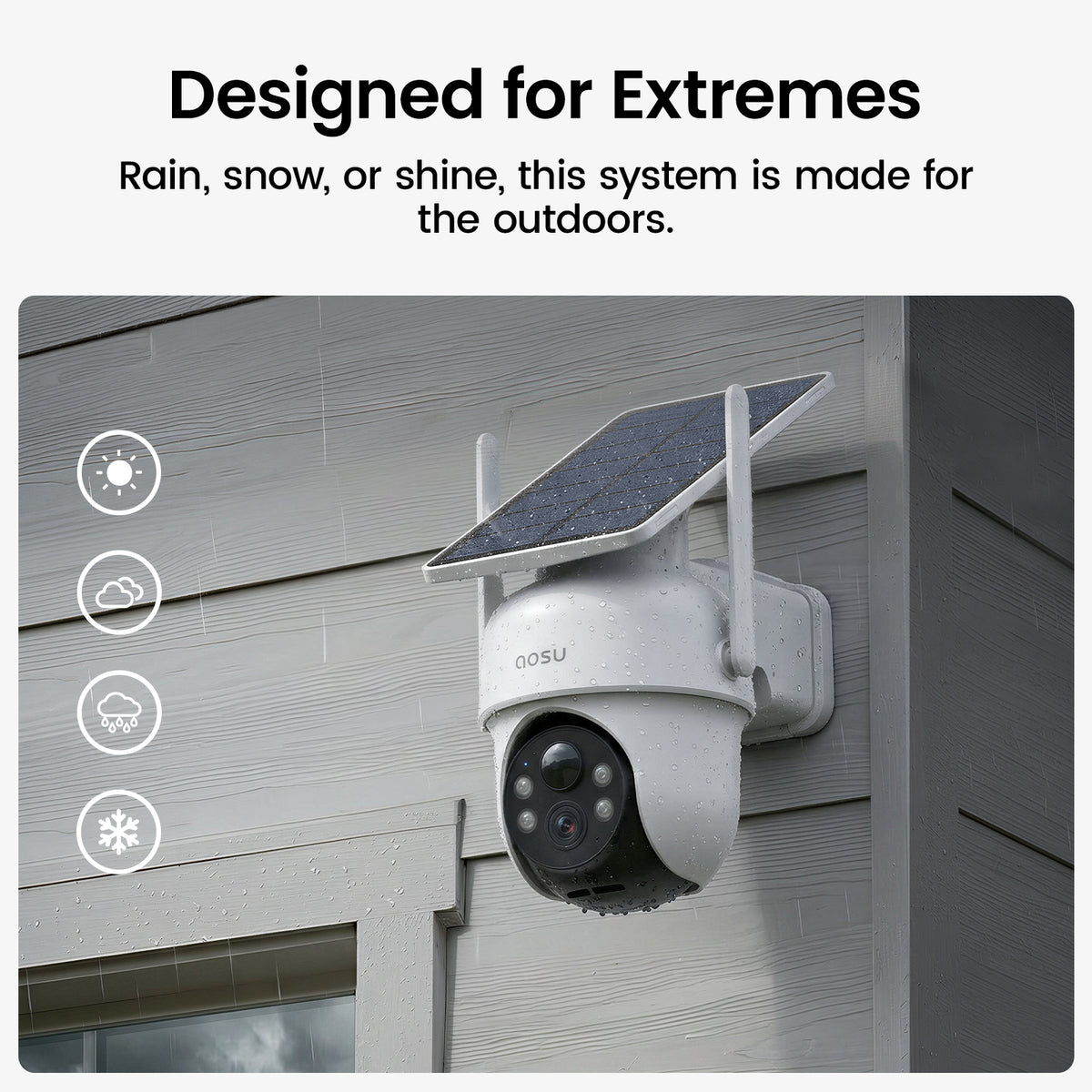
The integrated solar panel is designed to keep the camera charged with approximately 2 hours of direct sunlight per day under typical usage. It can continue operating on its internal battery when solar input is limited. Actual charging performance depends on season, weather, temperature, camera orientation, shade, daily activity, recording length, motion tracking, spotlight use, and live-view use.
Ten produkt ma 4.5 na 5.0 gwiazdek.
Ma 30 opinii
Discover What's Popular