Arduino can form the control layer of a useful home security project. It can read a door contact or motion sensor, run custom rules, activate a light or siren, and send a notification. It is not a drop-in replacement for a complete security camera system.
A ready-made system already combines imaging, power, storage, remote viewing, alerts, user access, firmware, and support. With Arduino, you choose and maintain those parts yourself. That suits a maker who wants control, but it is a poor trade when the main goal is dependable video coverage with little upkeep.
The Short Answer
Choose Arduino when the project itself is part of the value. It suits a custom door sensor, mailbox alert, beam sensor, siren controller, or local automation that commercial products do not handle the way you want.
Choose a ready-made camera system when you primarily need usable video, phone alerts, playback, remote access, multiple users, weather-resistant hardware, and a supported setup.
For many homes, the strongest arrangement is two separate layers: a ready-made camera system for everyday monitoring and an Arduino project for a non-critical sensor or automation.
Arduino is the better fit when you want
· Custom sensors and rules
· Direct control over code and hardware
· A learning project you can modify and repair
· Local actions that do not need a video platform
· A specialized device commercial kits do not offer
A ready-made camera system is the better fit when you want
· Outdoor video without designing the enclosure
· Phone alerts, live view, and playback in one app
· Documented storage and multi-camera behavior
· Household sharing and account controls
· Firmware, warranty, and support from one vendor
What an Arduino Home Security System Actually Includes
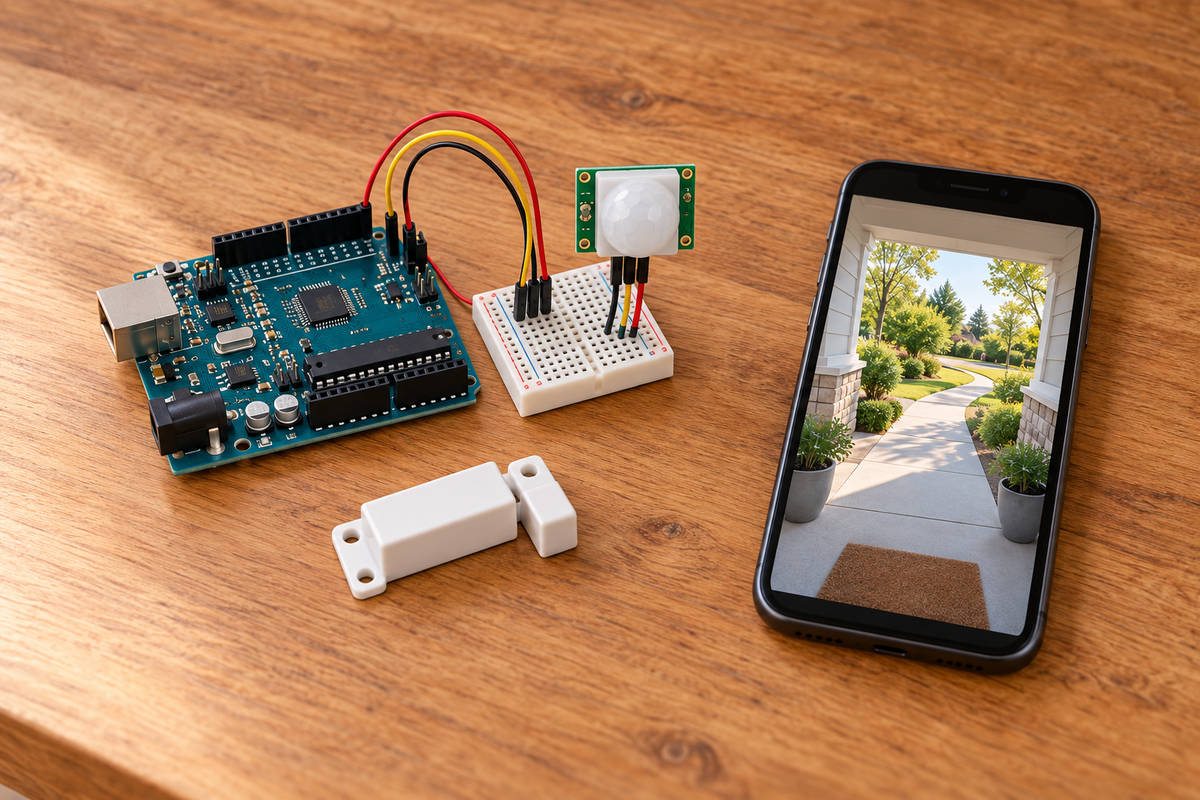
The board is one component, not the full system. A typical build needs sensors, outputs, power, code, an enclosure, and a way to communicate. Video, remote access, and event history add more hardware and software.
A Wi-Fi-capable Arduino can connect sensors to a dashboard, triggers, or notifications. You still decide how events are authenticated, stored, delivered, updated, and recovered after a failure.
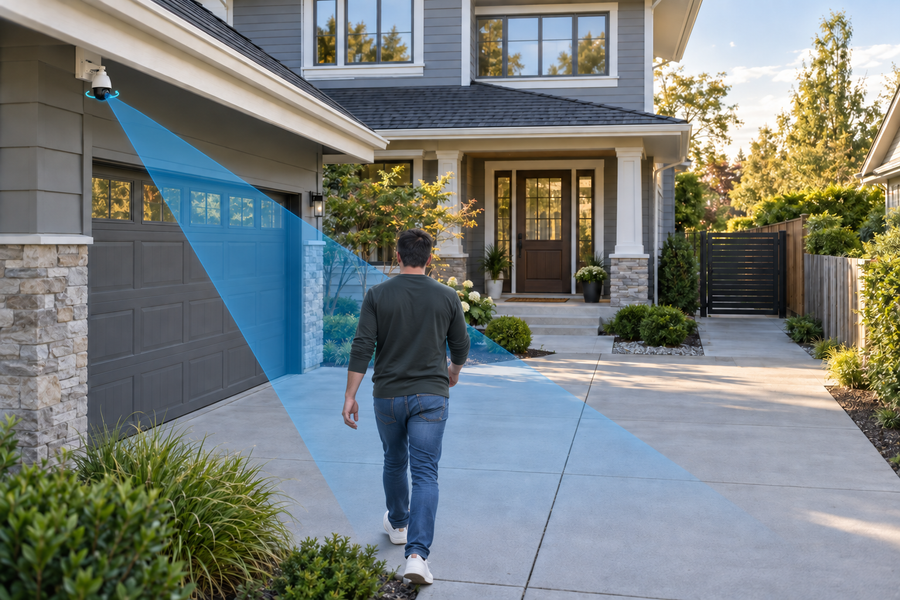
1. Sensors: Door contacts, PIR motion sensors, vibration sensors, buttons, and other inputs detect a change. You select, wire, position, and test each one.
2. Controller and response: The board follows the rules in your sketch and can activate a buzzer, light, display, relay, or another low-voltage device. You define timing, arming behavior, and restart behavior.
3. Network and access: Wi-Fi can connect the project to a dashboard or notification service. You manage credentials, permissions, connection failures, and any internet-facing service.
4. Recording and history: A useful history needs timestamps, storage, overwrite rules, and a way to find an event. Video also needs a camera, encoding, bandwidth, more storage, and a viewing interface.
5. Maintenance: Firmware, libraries, certificates, passwords, batteries, storage media, and your own code all need attention over time.
What You Gain With Arduino—and What You Take On
Arduino gives you exact control over the rules. A side-gate alert can run only after dark, a shed door can activate a local light, or a sensor can require several seconds of activity before sounding an alarm. You can mix switches, environmental sensors, buzzers, displays, and compatible communication modules in one narrow design.
That flexibility comes with ownership of the whole result. The closer the project gets to a full security camera, the more of the product stack you must build and maintain.
What Arduino gives you
· Rules written for one specific home
· Freedom to mix sensors and outputs
· Local actions that can continue without the internet
· Code and hardware you can inspect and repair
· A path to unusual, single-purpose devices
What the builder must supply
· Suitable power, enclosure, and mounting
· Recording, storage, and event retrieval
· Authenticated and protected remote access
· Reliable alerts and false-trigger handling
· Updates, backups, failure testing, and replacements
Can Arduino Handle a Security Camera?
Yes, but the board and goal matter. Arduino offers hardware that can capture images, run machine-vision experiments, or stream basic video. That is enough to prove an idea or serve a narrow local purpose.
A household security camera also needs a useful field of view, day and night capture, stable power, weather resistance, recording, clip retrieval, remote authentication, storage management, notifications, and recovery after an outage. Multi-camera viewing and shared access add more work.
The practical distinction is prototype versus product. An Arduino camera can demonstrate a concept. A ready-made camera is designed to keep recording and delivering alerts after you close the laptop.
Related links:
· Learn how security cameras store footage
Arduino vs. Ready-Made Camera Systems, Side by Side
1. Customization: Arduino wins. You control the sensors, logic, outputs, data flow, and physical design. Ready-made systems limit you to supported settings, accessories, and integrations.
2. Video and night coverage: Ready-made cameras win for most homes because the camera, optics, night lighting, enclosure, recording, and playback are designed together.
3. Setup and maintenance: Ready-made systems package pairing, mounting, alerts, storage, and updates into one product flow. Arduino requires parts selection, assembly, programming, testing, and ongoing maintenance.
4. Privacy and data control: Arduino can keep simple sensor logic local, but DIY is not automatically secure or private. A networked project needs deliberate access control, protected credentials, updates, and data handling. Ready-made systems vary, so compare the exact product's storage and account controls.
5. Reliability and recovery: A ready-made product documents its supported power, storage, app, and reset process together. With Arduino, you must test restarts, network loss, full storage, sensor failure, power interruption, and expired credentials.
6. Long-term flexibility: Arduino is easier to reshape when you own the code and choose replaceable parts. A ready-made system is easier to expand within its supported camera, hub, storage, and app ecosystem.
Compare Complete Cost and Ongoing Upkeep
An Arduino board can be inexpensive, but it is not the cost of a finished security system. Add sensors, camera hardware, power supplies, storage, weatherproof enclosures, mounts, connectors, replacement parts, and the time needed to assemble and test everything.
A ready-made camera costs more than a bare board because it includes much of that hardware and the software around it. Paid cloud plans may be optional; local-storage systems also exist. Compare the recording and playback features you need, not just the starting price.
Connected devices also need access control, data protection, updates, and a way to show when something has failed. With Arduino, you design and maintain those controls. With a ready-made system, look for clear account security, storage behavior, privacy documentation, updates, and support.
Arduino is good value when you already own tools, enjoy development, and need a narrow custom function. It is rarely the cheaper route to a polished outdoor video system after you count every component and your time.
Related links:
· See what security cameras can do without monthly fees
Which Option Fits Your Situation?
1. You want a learning project: Choose Arduino. Start with one low-voltage sensor and one local output. Add networking after the basic behavior is stable.
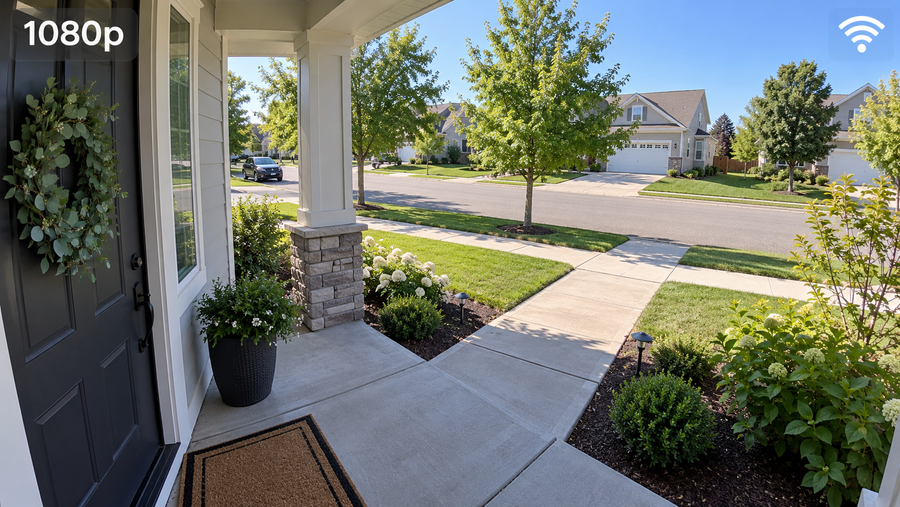
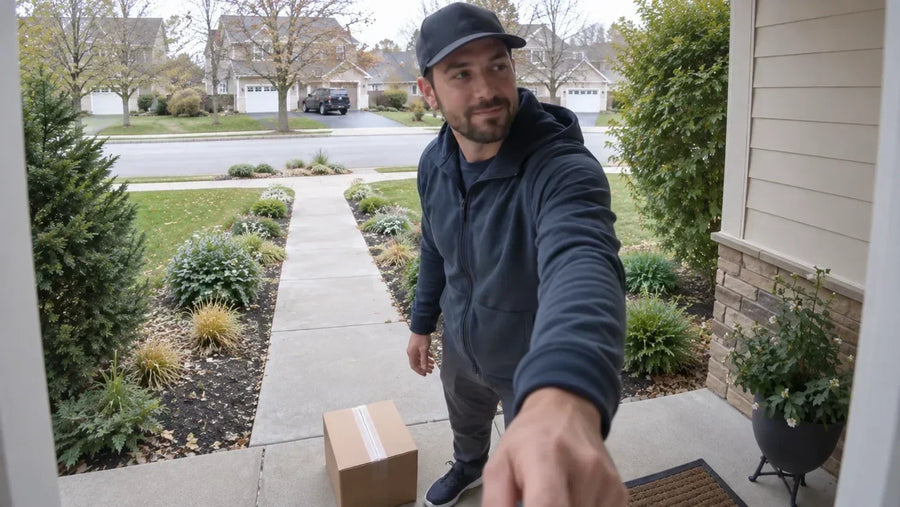
2. You need video at the door or driveway: Choose a ready-made camera system. Video quality, night capture, alerts, storage, and quick playback matter more than custom circuit control.
3. You need one unusual sensor rule: Arduino can be a strong fit. Keep the project narrow and test the failure conditions that matter at that location.
4. Several people need reliable phone access: Choose a ready-made system with documented sharing, permissions, account recovery, and notification behavior. Building those controls is substantial software work.
5. You want experimentation and dependable coverage: Use separate layers: a ready-made camera system for everyday monitoring and an Arduino project for a non-critical sensor or automation. Do not assume the two can integrate unless both sides document a supported method.
 Choose Arduino for a narrow custom sensor or rule, a ready-made system for dependable video, or separate systems when you need both.
Use This Decision Checklist Before You Buy Parts
Write down the answers before choosing a board or camera. If several are unknown, start with a small bench prototype instead of treating the first version as home protection.
1. What must the system detect? A door opening, movement, a person, a vehicle, a package, or a sensor change? A camera is not always necessary.
2. Do you need evidence or only an alert? An alert can come from a simple sensor. Evidence requires dependable recording, timestamps, storage, retrieval, and useful image detail.
3. Who needs access? List household members, remote viewers, guests, and anyone who can change settings. Shared access changes the software and security requirements.
4. What happens when power or internet fails? Decide which local actions continue, which alerts stop, how the system restarts, and how you will know that coverage was interrupted.
5. Who maintains it next year? Name the person who will update code, replace batteries, inspect storage, renew credentials, diagnose failures, and document changes.
Where a Ready-Made aosu System Fits
aosu camera systems represent the ready-made path in this comparison: camera hardware, live view, event notifications, app access, and local-storage options are offered within one supported product family. Exact resolution, storage, camera capacity, power, and paid features vary by model and bundle.
That suits a door, driveway, yard, or several outdoor areas when you do not want to develop the video platform yourself. Arduino remains the more flexible choice for a custom sensor or learning project outside the camera system's supported features.
Related links:
· Compare professional and DIY home security
To Wrap Up
Arduino home security gives you control over sensors, rules, hardware, and local behavior. You also take responsibility for power, enclosures, networking, storage, security, updates, testing, and recovery.
Choose Arduino when you want to build a specific device. Choose a ready-made camera system when you want dependable viewing, alerts, and playback without becoming the product developer.
FAQs
Can Arduino be used for a home security system?
Yes. Arduino can read door, motion, vibration, and other sensors, run custom rules, and activate lights, buzzers, relays, dashboards, or notifications. You still need suitable power, an enclosure, security controls, maintenance, and testing.
Can an Arduino record security camera video?
Camera-capable Arduino hardware can capture images or stream video. A practical home camera also needs night capture, recording, storage, playback, remote access, alerts, weather protection, and recovery after failures.
Is Arduino home security cheaper than a ready-made camera system?
It can be cheaper for one narrow sensor project, especially if you already own the tools. A complete video system also needs camera hardware, power, storage, an enclosure, networking, mounting, and build and maintenance time.
Is a DIY Arduino security system more private?
Not automatically. Local code can reduce cloud data, but a networked DIY system still needs access control, protected credentials, encryption, updates, and careful data handling.
Can I use Arduino with a ready-made security camera system?
Keep the systems separate unless both sides document a supported integration. A dependable arrangement is to use the camera system for video and alerts while an independent Arduino project handles a non-critical custom sensor or local automation.