Faces in security camera images can often appear blurred or indistinct, making it difficult to identify individuals or assess key situations accurately. This lack of clarity poses a challenge, especially when it comes to monitoring security threats, investigating incidents, or gathering evidence for law enforcement. Enhancing these faces is crucial to improving both the effectiveness and reliability of surveillance systems. Also check out our
hot sellers from the last
30 days:
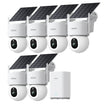
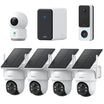
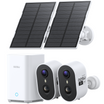
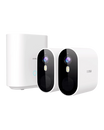
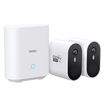
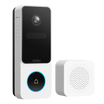
Easy Install Security Cameras
Clearer facial details play a vital role in several areas: from crime prevention to employee monitoring and property protection. In situations where identification is key, such as a break-in or suspicious activity, clearer footage allows for faster and more accurate responses. If you're using cameras from a reputable brand like
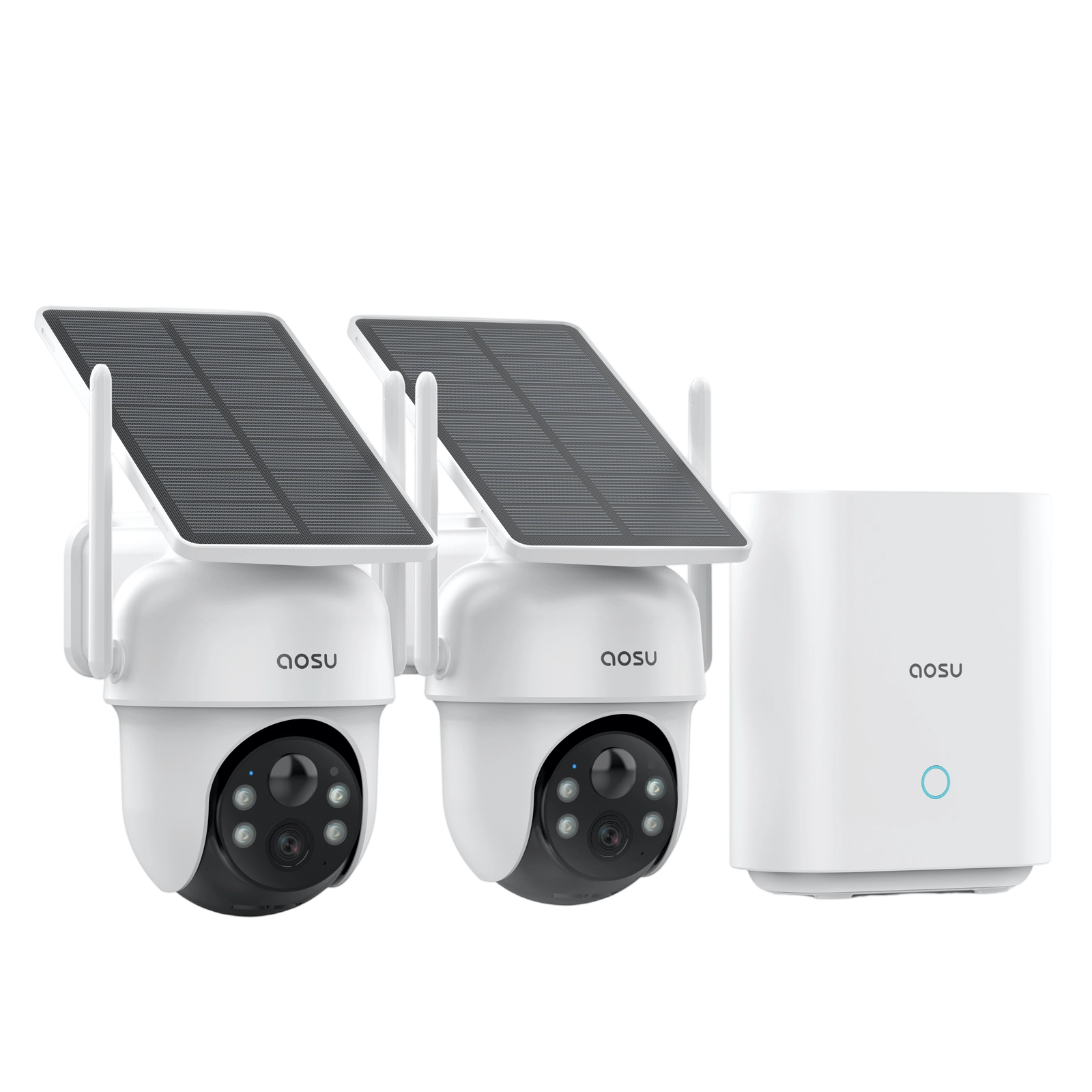
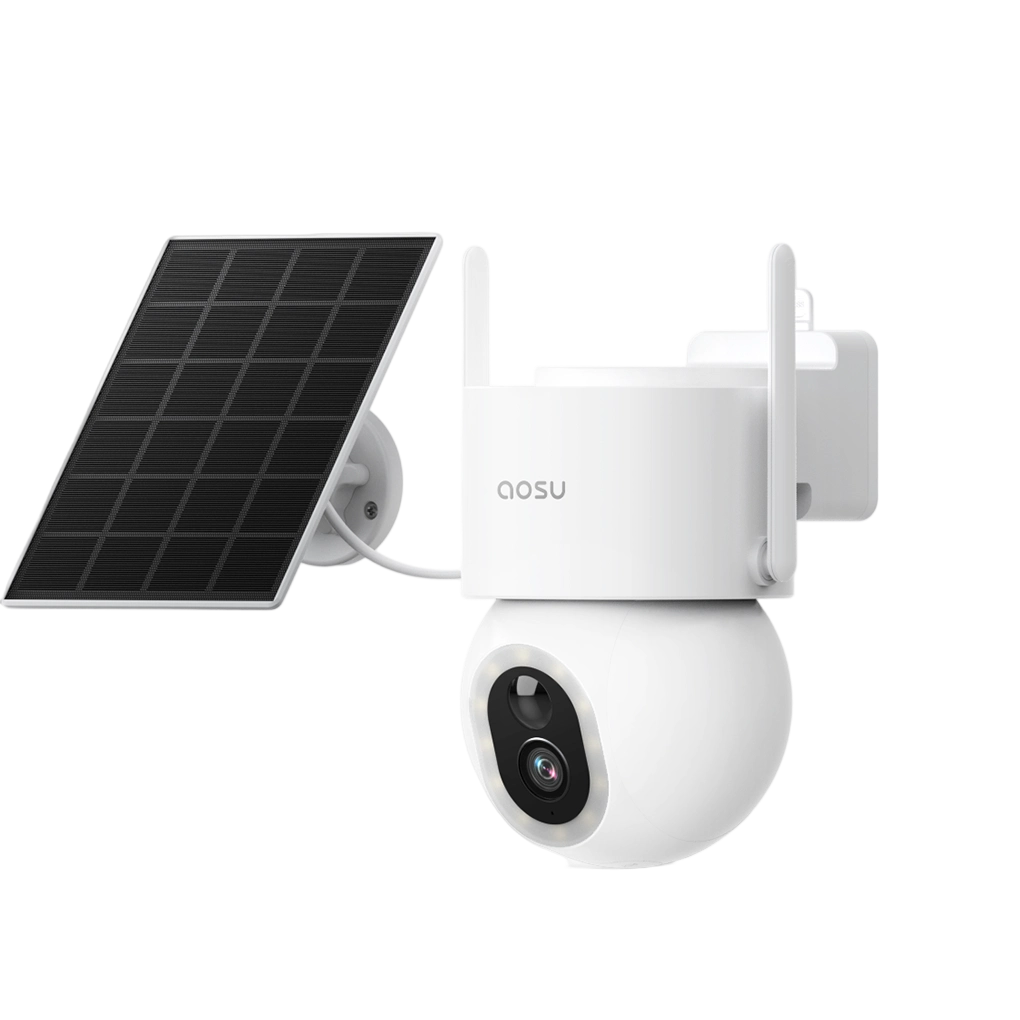
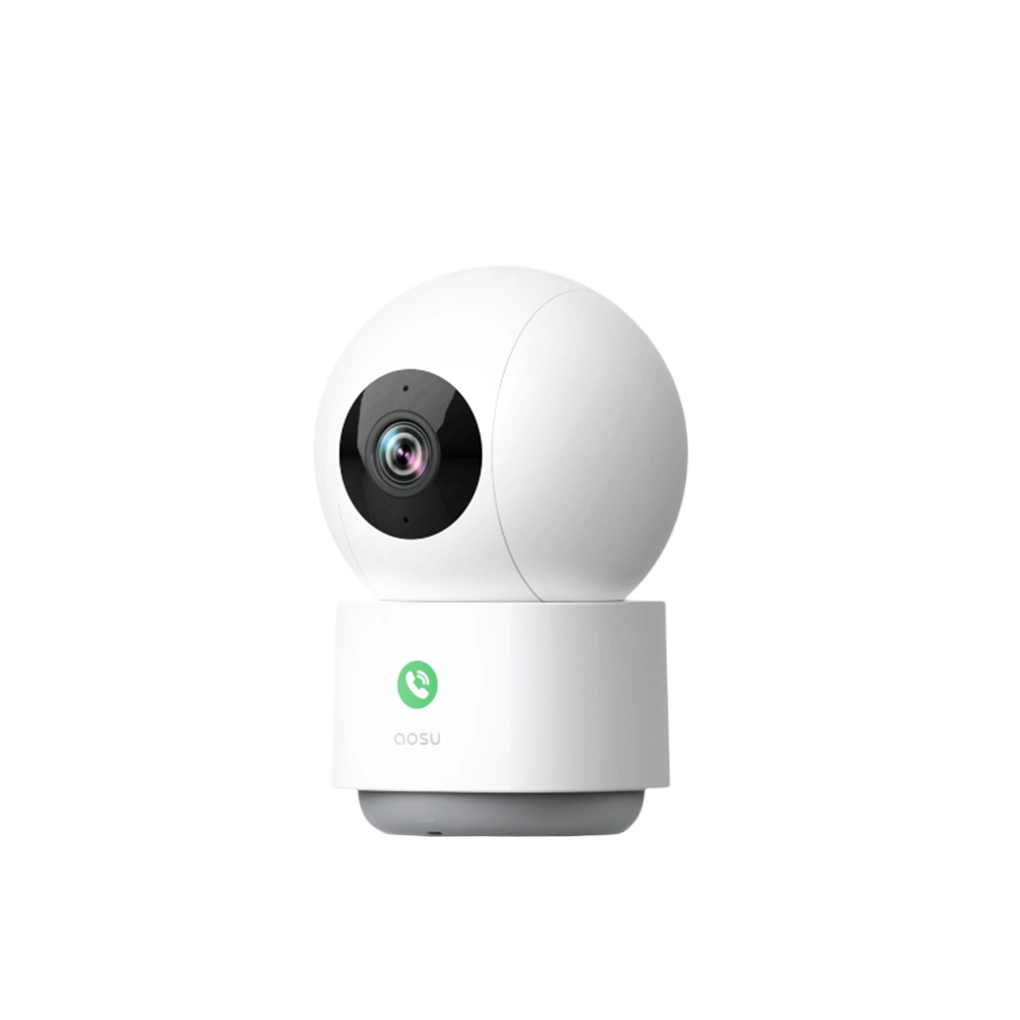
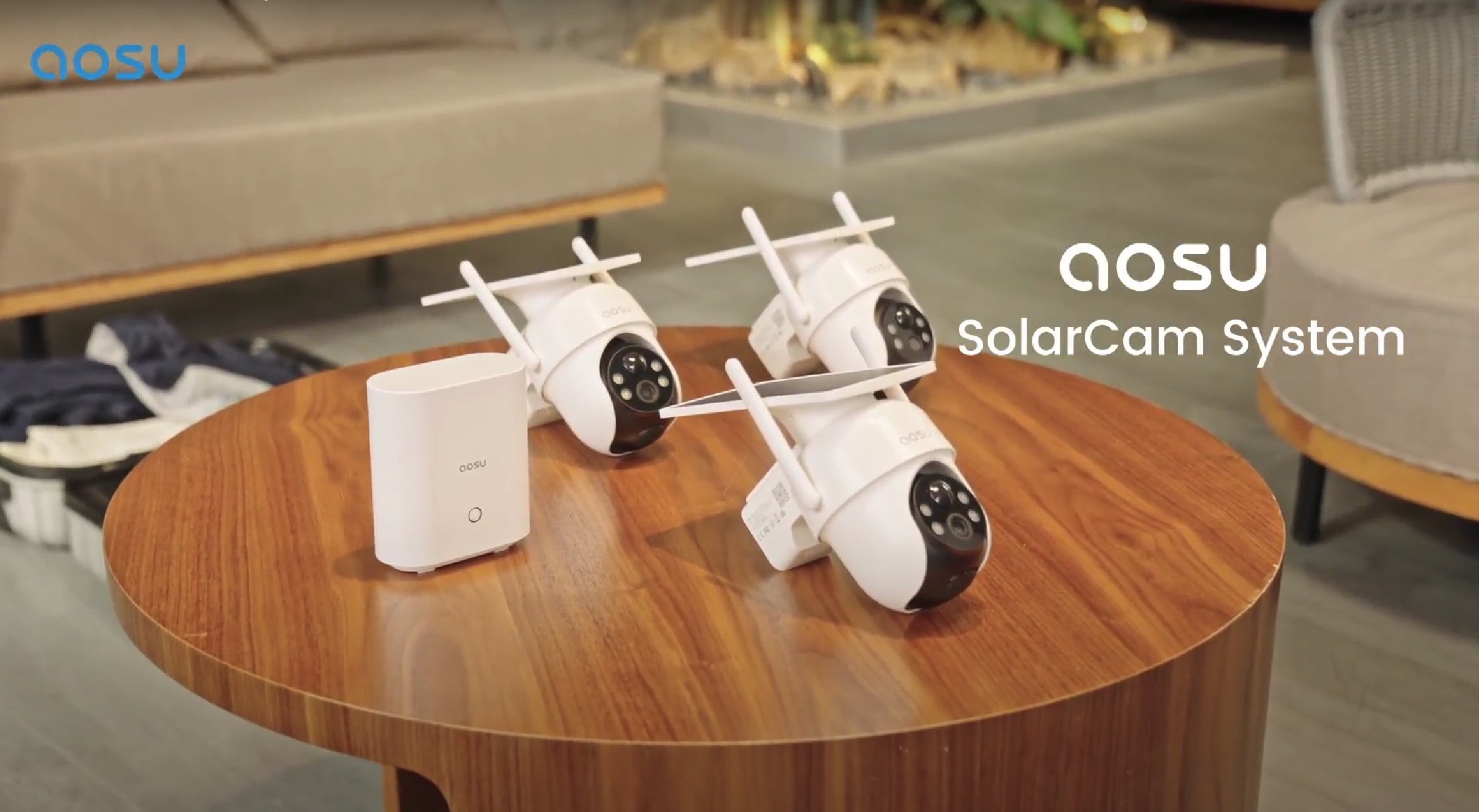
aosu, you can benefit from advanced features designed to capture high-quality images, even in low-light environments. These enhancements help ensure that you’re getting the most out of your security system, providing better protection and peace of mind.
Why Face Enhancement Matters in Security Camera Footage
In today’s world, security cameras are a key component of safety, but capturing clear, identifiable faces can be a challenge. Enhancing facial details in footage is crucial for improving identification, evidence quality, and monitoring accuracy.
1. Improved Identification
Clear facial images are essential for accurately identifying individuals. Whether for law enforcement, monitoring employee attendance, or tracking visitors in high-security areas, the ability to recognize faces is a fundamental part of any security system. Enhanced faces help prevent errors and ensure you're able to quickly identify a person of interest.
2. High-Quality Evidence for Investigations
In criminal investigations or legal situations, clear video footage can make the difference between a successful case and a missed opportunity. Blurry or indistinct faces may not hold up as credible evidence, leading to challenges in prosecution or identification. Enhanced faces ensure your footage is reliable and useful in court or police investigations.
3. More Accurate Monitoring
Enhanced facial details improve the effectiveness of video monitoring systems. In environments with high foot traffic, such as retail stores or public spaces, clear faces allow security teams to track and respond to individuals more efficiently. This not only increases security but also allows for quicker reactions to potential threats.
Free Methods to Enhance Faces in Security Camera Footage
Clear facial details are essential for effective surveillance, but enhancing them doesn't always require expensive software. Here are three free methods that can help you improve facial recognition in your security footage:
Method 1: Using Free Online Tools
Free online editing tools are a quick and easy way to enhance faces in security camera images. These tools allow you to sharpen blurry details, adjust brightness and contrast, and improve clarity. Some popular free tools include:
-
Photopea: A web-based image editor that lets you adjust sharpness, brightness, and contrast, much like Photoshop.
-
Fotor: Offers a "1-Tap Enhance" feature that automatically adjusts the quality of your images, making facial details more visible.
-
Pixlr: Another free tool that allows you to manually adjust sharpness, brightness, and other parameters to bring faces into clearer focus.
Method 2: Adjusting Camera Settings
Before capturing footage, fine-tuning your camera settings can significantly improve the clarity of faces. Increasing the resolution to 1080p or 4K ensures higher detail, while adjusting the exposure and brightness settings can help you capture clear faces even in low-light conditions. Additionally, ensuring the camera is properly focused on key areas of interest will prevent blurry or indistinct faces. Many cameras, such as aosu's, come with automatic adjustments that make this process even easier, providing clearer results right from the start.
Method 3: Using a High-Resolution Camera
The best way to ensure sharp facial details is by using a high-resolution camera.
Cameras with 1080p or 4K resolution will capture more intricate facial features, making identification easier. Additionally, high-quality cameras like those offered by aosu often come with advanced features like low-light sensitivity and automatic focusing, which allow for clearer images in challenging environments. By investing in a high-resolution camera, you reduce the need for post-processing and ensure that faces are captured in optimal detail from the moment you start recording.
Method 4: Utilizing Cloud Storage for Secure Access and Backup
Cloud storage can help you securely store and access high-quality security footage from anywhere, ensuring that facial details are not lost due to accidental file corruption or overwriting. By backing up your footage to the cloud, you can retain original, uncompressed versions of your videos that may be critical for enhancing facial details. Many cloud storage solutions, like aosu’s cloud storage, offer unlimited or high-capacity storage options, as well as seamless integration with your security cameras for automatic uploads. This means you’ll always have access to clear, high-resolution footage, even if your local storage runs out or is compromised. Additionally, cloud storage services often come with built-in features that allow for easy search and retrieval of specific footage, making it easier to find and enhance facial details quickly when needed.
How aosu Can Help with Face Enhancement
When it comes to enhancing faces in security camera footage, aosu offers a range of advanced features that can make a significant difference. Their high-resolution cameras, coupled with AI-driven technology, are designed to capture clear, detailed images even in challenging conditions.
1. High-Resolution Cameras for Clearer Faces
aosu cameras feature high-resolution capabilities, including 1080p and 4K models, which provide exceptional detail. This means even in crowded environments or at a distance, faces are captured with more clarity, making it easier to identify individuals. The high resolution ensures that even when zooming in on facial features, the image remains sharp, which is crucial for accurate identification.
2. AI-Powered Image Enhancement
aosu integrates AI-powered features that automatically optimize footage quality in real-time. This includes enhancing faces by adjusting lighting, reducing noise, and increasing sharpness. The AI system analyzes the footage and makes instant adjustments to improve the visibility of faces, especially in low-light or dynamic settings. This helps ensure that the faces in your security footage are always clear, even without manual editing.
3. Low-light and Night Vision Capabilities
One of the key advantages of aosu cameras is their ability to capture clear images in low-light conditions. Using advanced infrared technology and automatic exposure adjustments, aosu cameras can provide crisp, detailed facial recognition even in dimly lit environments or at night. This makes aosu an ideal choice for both daytime and nighttime surveillance, ensuring you never miss important facial details.
4. Automatic Focus and Motion Tracking
aosu cameras come with intelligent auto-focus and motion tracking features, which ensure that faces stay in sharp focus, even if individuals are moving. These features are particularly useful in dynamic environments, such as parking lots, stores, or public spaces where people may be walking or driving by. By maintaining focus on key areas, aosu ensures that facial details are captured in high quality throughout the footage.
Best Practices for Capturing Clear Facial Images
To ensure that faces are captured with maximum clarity, it’s important to follow best practices for camera placement, resolution, lighting, and maintenance. Here are the key tips for capturing the best facial images:
Proper Camera Placement and Focus
Position your cameras at eye level (5–7 feet above the ground) for optimal facial capture. Focus cameras on areas where people are most likely to pass, such as entrances or high-traffic zones. Avoid bright lights or windows in the camera's line of sight to prevent overexposure. Ensure that the camera is focused on the right areas, and if your camera has automatic tracking, use this feature to keep faces sharp as individuals move through the frame.
Use High-Resolution Cameras with Low-Light Capabilities
Investing in high-resolution cameras (1080p or 4K) ensures you capture detailed facial images, even from a distance. High-resolution footage is especially beneficial when zooming in on faces or monitoring large areas. Many modern cameras also come with low-light capabilities, which are essential for capturing clear faces at night or in dimly lit environments.
Ensure Proper Lighting and Regular Maintenance
Ensure that key areas are well-lit to avoid dark, blurry footage. Use additional lighting if necessary in poorly lit spaces. Regularly clean your camera lenses and check for obstructions to maintain optimal image quality. A clean, unobstructed lens ensures that the camera can capture the sharpest images.
Utilize Motion Detection and Tracking Features (aosu)
For dynamic environments, motion detection and tracking features can ensure faces remain in focus as individuals move within the camera's view. Many cameras, including aosu's, come equipped with automatic tracking that adjusts focus to ensure facial clarity during movement. This is particularly useful in high-traffic areas or large spaces.
Conclusion
Enhancing faces in security camera footage is essential for better identification, improved security, and faster response times. Clearer faces help ensure accurate monitoring and provide valuable evidence when necessary. aosu cameras offer advanced features, such as high resolution and motion tracking, to enhance facial clarity and overall image quality. Upgrade to aosu for better security and more reliable facial recognition—visit aosu's website today to explore their range of cameras and elevate your security system.
FAQs
How Can You Enhance a Security Camera Face for Free?
To enhance a security camera face for free, first export a clear frame, then use free tools to crop tightly around the face, adjust brightness and contrast, reduce noise, and apply light sharpening. This simple workflow improves visibility and recognition without paid software, ideal for basic review and home security needs.
Which Free Online Tools Sharpen Security Camera Images Best?
The best free online tools to sharpen security camera images typically offer noise reduction, contrast control, and AI-based upscaling in the browser. Upload the frame, apply mild denoise, then sharpen and adjust clarity. These platforms are fast, beginner-friendly, and perfect when you cannot install software on your device.
What Free AI Tools Can Fix a Blurry CCTV Face?
Free AI tools for blurry CCTV faces use machine learning to upscale and reconstruct details. Start by cropping the face, then run it through an AI enhancer that supports denoising and sharpening. While results have limits, they often make key features more recognizable, especially for home users reviewing security footage.
How Do You Improve Face Clarity in Low-Resolution Security Footage?
To improve face clarity in low-resolution security footage, choose the sharpest frame, crop closely, then gently increase exposure, contrast, and local sharpness. Use noise reduction to smooth grain before final sharpening. Modern AI-powered home security brands like aosu also help capture clearer footage at the source, simplifying later enhancement.
How Do You Unblur a Face in Security Camera Footage?
To unblur a face in security camera footage, first identify a frame with the least motion blur. Apply deblur or sharpen filters, then combine with noise reduction and contrast adjustments. AI-based enhancement tools can further refine edges, but avoid overprocessing to keep the image realistic and usable for review.
What Is the Best Free Software to Enhance Security Camera Images?
The best free software to enhance security camera images usually includes layer-based editing, selective sharpening, noise reduction, and precise exposure control. After importing your frame, work non-destructively: duplicate layers, test adjustments, and compare before/after. These programs give more control than simple apps, ideal for repeated or more advanced enhancement tasks.
How Can You Enhance a CCTV Face Step by Step for Free?
To enhance a CCTV face step by step for free, export the frame, crop around the face, correct brightness and contrast, reduce noise, then sharpen carefully. Optionally, upscale with a free AI tool for added apparent detail. This structured approach delivers clearer, more readable faces from everyday surveillance cameras.
What Simple 4-Step Method Enhances a CCTV Face for Free?
A simple 4-step method to enhance a CCTV face free is: select the clearest frame, crop tightly, adjust exposure and contrast, then apply noise reduction and light sharpening. This repeatable process works with most free tools and helps transform dull, unclear frames into more informative images for home or small-business security, especially when paired with reliable systems like aosu.



















Zostaw komentarz
Ta strona jest chroniona przez hCaptcha i obowiązują na niej Polityka prywatności i Warunki korzystania z usługi serwisu hCaptcha.