



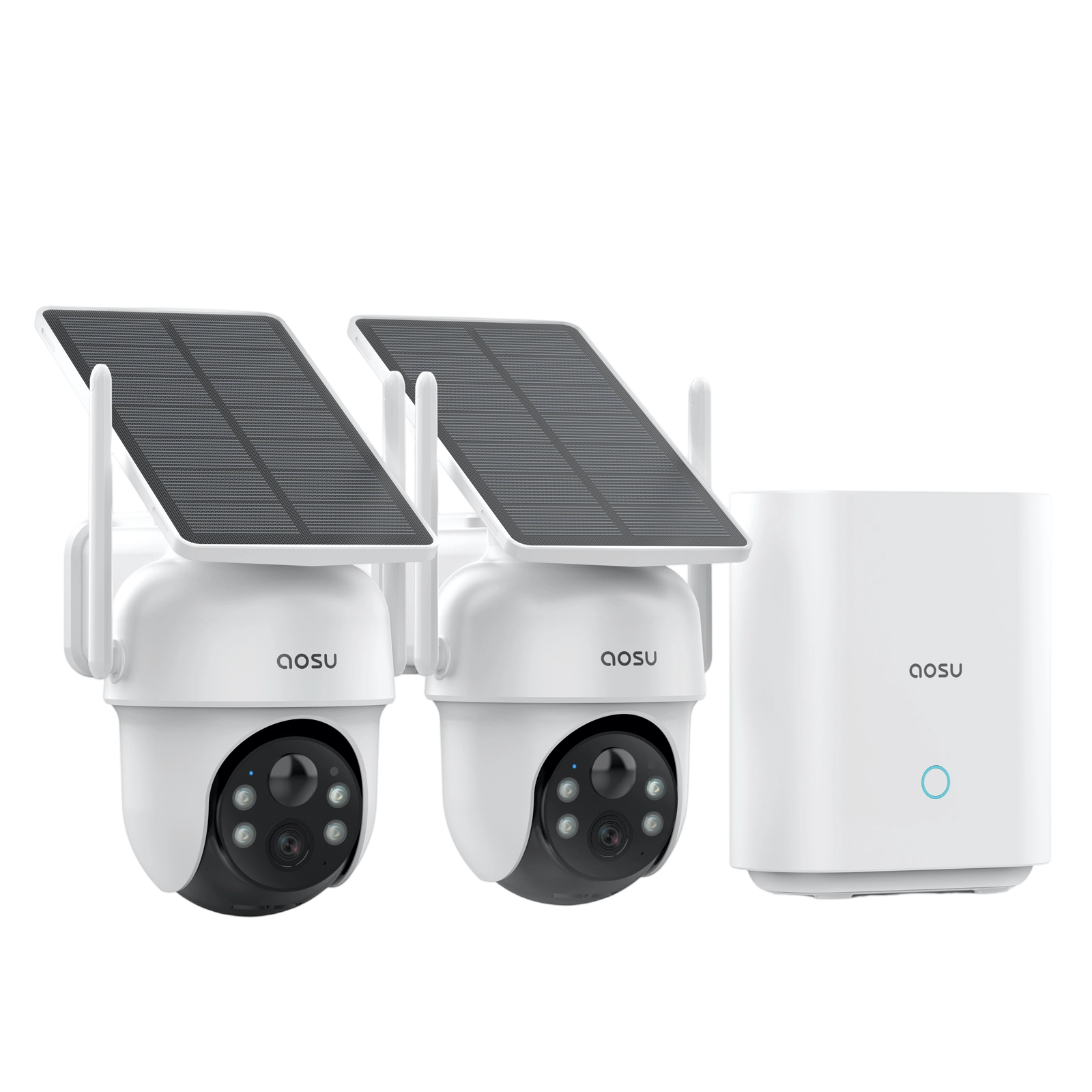
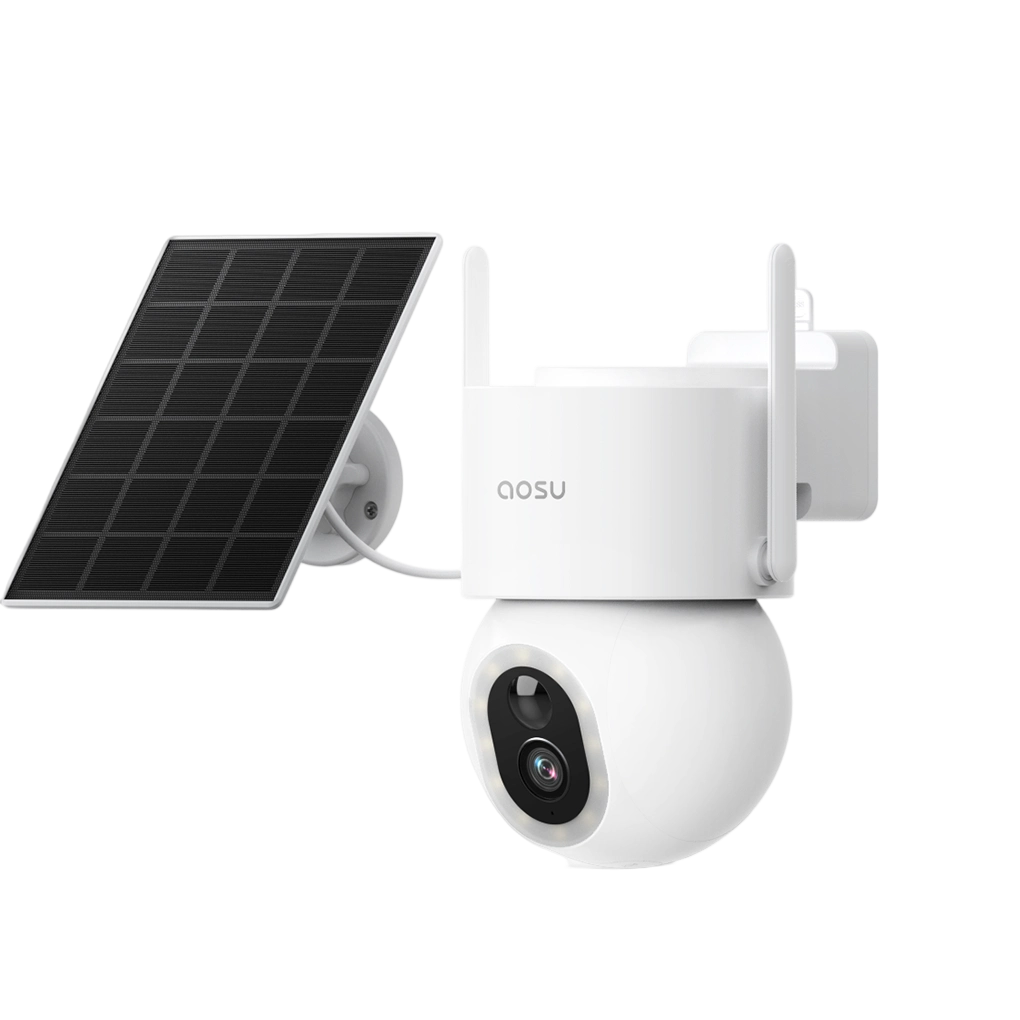
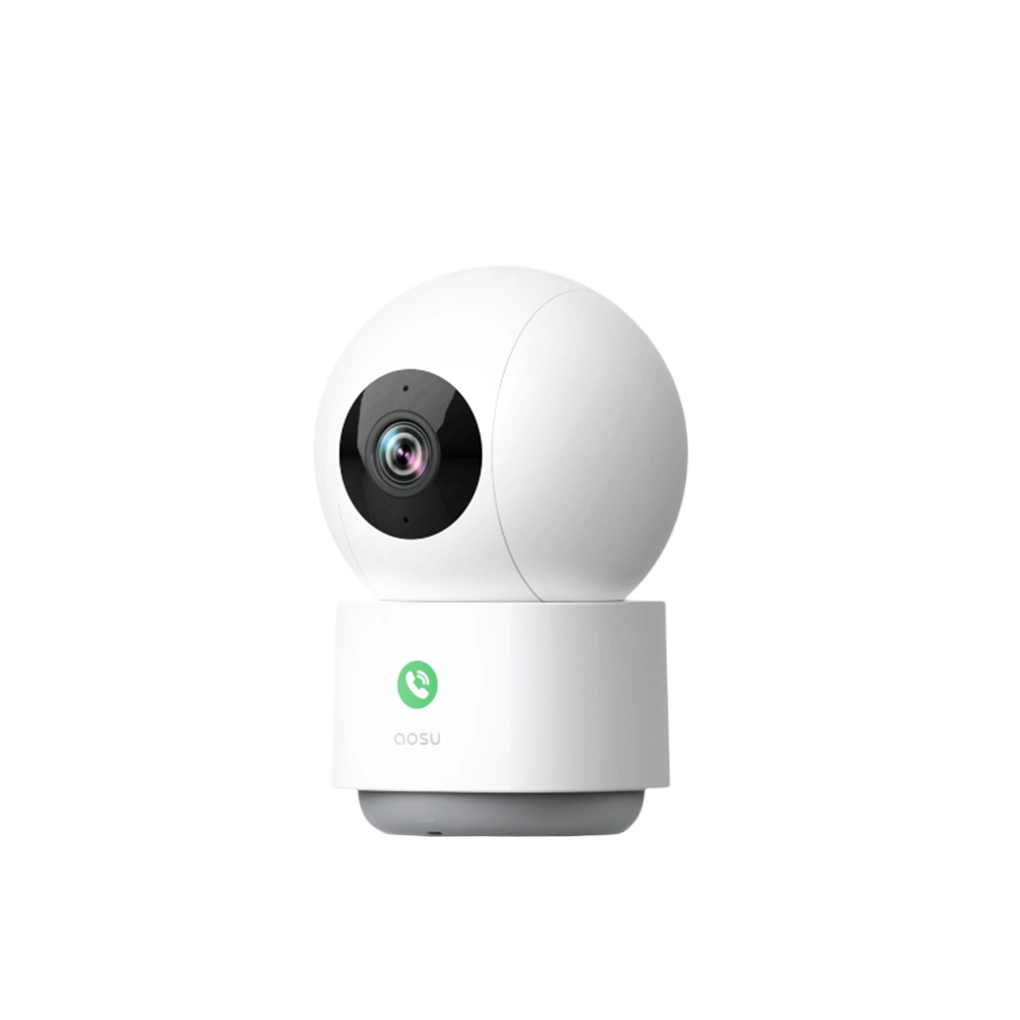

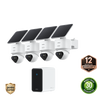
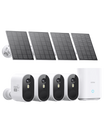



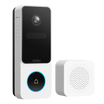
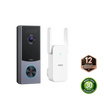
Think brick is going to crumble away? You may be pleased to hear brick is one of the most secure and durable materials you can mount to as long as you drill and anchor it correctly.
This guide walks through exactly how to install a security camera on brick without damaging your wall or compromising stability.
What You’ll Need
Before you start, gather the right tools:
- Screws (usually included with your camera mount)
- Wall anchors (included with aosu cameras)
- Drill (opt for a hammer drill if available)
- Masonry drill bit (matched to your anchor size)
- Screwdriver
- Pencil or marker
- Safety goggles
- Level (optional but helpful)

Step 1 — Choose the Right Location
Before drilling, choose the placement carefully.
Look for:
- A clear view of the area you want to monitor
- A mounting height of around 7–10 feet
- A spot close enough for Wi-Fi or wiring (if needed)
Avoid:
- Installing right next to a light
- Angles facing straight into sunlight
- Areas with constant motion (such as busy streets)
Step 2 — Mark the Drill Holes
Hold the camera mount against the wall and mark the screw hole positions with a pencil.
Tips:
- Use a level to ensure you don’t end up with a crooked camera
- Double-check spacing before drilling (can you see your pencil marks through the screw holes?)
- Drill into the center of the brick, not the mortar (more on that below)
Step 3 — Drill Into the Brick
Use a masonry drill bit and drill slowly into the brick at your marked points.
Key tips:
- Drill into the brick, not the mortar
- Keep a steady pressure while drilling
- Drill to the depth of your wall anchors
Why avoid mortar?
Mortar is softer and easier to drill, but it’s also crumblier and mounts are more likely to loosen over time.
Drilling into brick gives you a much more secure installation.

Step 4 — Insert Wall Anchors
Push the anchors into the drilled holes.
They should fit snugly and sit flush with the wall. If needed, gently tap them in with a hammer.
Step 5 — Attach the Mounting Bracket
Line up the bracket with the holes and insert the screws. Tighten until the mount feels secure and doesn’t wobble
Overtightening can damage anchors and crack brick, so it’s recommended to use a screwdriver by hand. Be careful and take it slow if using a driver bit in your drill.
Step 6 — Mount and Adjust the Camera
Attach the camera to the bracket and adjust the angle if needed. Aim for a slightly downward angle with clear visibility of entry points or key areas
Once positioned, tighten any adjustment screws to lock it in place.
Common Mistakes to Avoid
- Drilling into mortar instead of brick
o This is one of the most common issues and leads to unstable mounting.
- Skipping anchors
o Screws alone won’t hold securely in brick. Anchors are essential.
- Using the wrong drill bit
o Regular drill bits are designed for wood and can wear out quickly or create uneven holes. Use masonry bits.

Can You Install a Camera on Brick Without Drilling?
Yes — but with limitations.
Alternatives include:
- adhesive mounts
- clamp or gutter mounts
- freestanding options
However, these are generally:
- less secure
- more affected by weather
To Wrap Up
Brick is one of the most reliable surfaces for mounting a security camera, offering strong support and long-term durability.
By drilling into the brick (not mortar), using proper anchors, and choosing the right placement, you can get a secure installation that lasts for years.
Taking a few extra minutes to do it properly helps to avoid unnecessary damage to your home and gives your camera long-term stability.
FAQs
Can security cameras be mounted in brick?
Yes, brick is one of the most reliable and secure mounting surfaces, but it’s important to install the mount correctly. Drill into the brick, not the mortar. Use a masonry bit and anchors.
Will installing a security camera ruin brick?
If installed correctly, a security camera mount will only leave behind two or three small screw holes in a single brick, and the overall structure of the brick will remain stable.
Can security cameras be installed on brick siding/veneer?
Most security camera mounts use short screws which can generally be used for installation on brick siding. However, it’s best to compare the length of the mount screws with the thickness of your siding before proceeding. If the screws are longer than the siding is thick, you may need to consider a more complicated installation method.



Zostaw komentarz
Ta strona jest chroniona przez hCaptcha i obowiązują na niej Polityka prywatności i Warunki korzystania z usługi serwisu hCaptcha.