Dust, pollen, fingerprints, dried rain spots, and fine spiderwebs can soften a doorbell camera's daytime image and create a hazy glow around lights at night. The safest way to clean a doorbell camera is simple: remove loose grit first, then wipe the lens window gently with a clean microfiber cloth and as little moisture as possible.
Do not start with a paper towel, household glass cleaner, or a hard scrub. Those shortcuts can drag grit across the clear cover, leave residue, or push liquid toward the microphone, speaker, button, and housing seams. The steps below work for routine exterior cleaning; the care instructions for your exact model take priority.
What You'll Need to Clean a Doorbell Camera
Use clean tools reserved for lenses or screens. A cloth that picked up sand, metal dust, or dried grime during another cleaning task can scratch even when the fabric feels soft.
1. A manual bulb blower: Use it to lift loose dust and grit without touching the lens window. Choose a clean hand-operated blower, not an aerosol duster.
2. Two clean microfiber cloths: Use one for cleaning and keep the second dry for the final pass. A small optical-quality cloth makes it easier to stay on the lens area.
3. A small amount of clean water: Use water only on the cloth, not on the doorbell. A barely damp corner is enough for most dried rain spots and pollen marks.
4. Model-approved optical cleaner, if needed: Reserve this for oily residue that water does not remove. Confirm that the cleaner is suitable for the lens window or coated optical surface named in your doorbell's care guide.
Check the Image Before You Touch the Lens
Open the live view and look at the image in daylight. If the problem appears mostly after dark, check the night view too. Take a screenshot from the same view so you can compare it after cleaning.
Then inspect the doorbell from the side with a flashlight. Surface dust, fingerprints, water spots, and web strands are exterior cleaning problems. A crack, cloudy patch that appears beneath the clear window, or moisture inside the housing will not be fixed by wiping the outside.
Clean the device where you can reach it securely. If a battery doorbell must be removed from its bracket, follow its release instructions and place it on a clean surface. Do not pull a wired model away from its mounting plate just to clean the lens.

How to Clean a Doorbell Camera Lens Safely
1. Remove loose dust before wiping: Hold the bulb blower a short distance from the lens window and send a few gentle bursts across the surface. Work around the rim as well. This removes particles that could scratch the cover if they were trapped under the cloth.
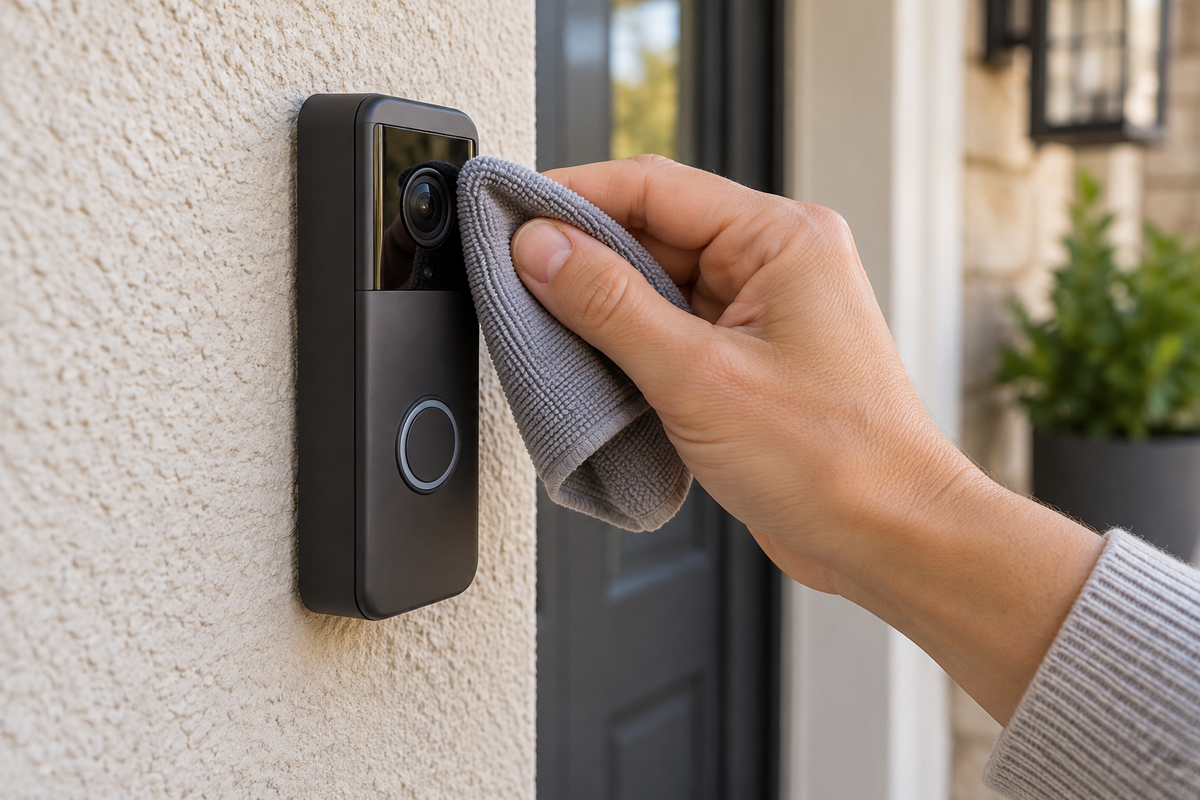
2. Make a light pass with a dry microfiber cloth: Fold the cloth so a clean section covers your fingertip. Wipe with light, overlapping strokes and lift the cloth away as soon as the loose film is gone. Do not press the lens window inward or polish one spot repeatedly.
3. Use minimal moisture on stuck marks: Dampen one corner of the cloth with clean water, then squeeze or blot it until it is only slightly damp. Wipe the spot gently. Keep the damp section away from the microphone, speaker, button edge, charging cover, and housing seams.
4. Treat oily residue only if it remains: Check the model's care instructions before using any liquid beyond water. If they allow an optical cleaner, place a small amount on the microfiber cloth rather than spraying the doorbell. Clean the mark once, then switch to a dry section.
5. Dry the lens window and surrounding edges: Use the second microfiber cloth to remove remaining moisture and streaks. Look across the surface from an angle; a thin smear that is hard to see head-on can still scatter porch lights or infrared illumination at night.
6. Compare the live view: Reopen the same view and compare it with your earlier screenshot. Check a saved clip as well as live video. If nighttime haze was the problem, repeat the check after dark before changing image settings or repositioning the doorbell.
 Remove loose grit first, then use a dry cloth, spot-clean with minimal moisture, and check the live view.
Related links:
What Should You Avoid on a Doorbell Camera Lens?
1. Paper towels, facial tissues, and clothing: They can leave fibers behind, and a used sleeve or household cloth can carry grit. Use a clean lint-free microfiber or lens-cleaning cloth instead.
2. Household glass cleaner or multipurpose spray: These products are not automatically safe for coated optical surfaces or plastic lens windows. They can also leave a film that becomes more obvious at night.
3. Aerosol dusters and forceful air: A strong blast can drive debris toward openings, while an aerosol duster can release propellant if it is tilted or used too close. A hand-operated bulb blower gives you better control.
4. A hose, pressure sprayer, or direct liquid spray: Outdoor weather resistance is not an instruction to force water or cleaner into the device. Apply any permitted moisture to the cloth and keep it away from openings.
5. Hard scrubbing or sharp tools: Do not use a fingernail, pin, scraper, or dry brush to lift a stubborn spot. Soften the mark with the permitted damp-cleaning method instead.
When Cleaning Is Not the Full Fix
A clean lens window removes one common cause of haze, but it cannot correct every image problem. Use the pattern below to decide what to check next.
1. The image is clear by day but hazy at night: Look for a thin smear, a nearby wall or trim reflecting infrared light, or web strands crossing the lens area. Clean the surrounding face of the doorbell and check the night image again.
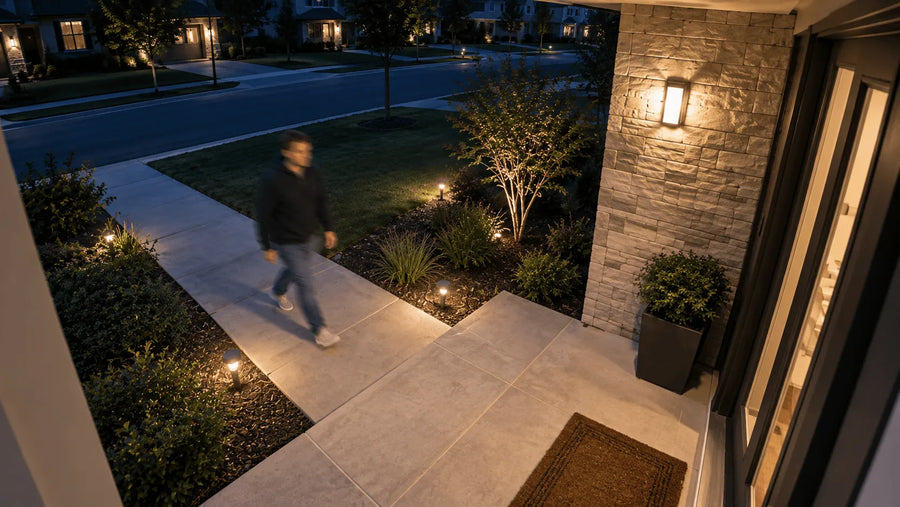
2. Moving people are blurry but the background is sharp: That pattern points to motion and low-light exposure rather than surface dirt. Lighting, distance, movement speed, and camera settings are more relevant than another cleaning pass.
3. The haze appears beneath the clear cover: Internal moisture or dirt needs product support. Do not open the housing or pry at the lens window; disassembly can damage internal optics and the seals around them.
4. One patch stays cloudy or distorted: Inspect for a scratch, crack, damaged coating, or leftover shipping film. Contact the manufacturer if the clear cover is damaged or the mark is inside the device.
5. The whole stream looks blocky or soft: Check a downloaded recording or locally saved clip. If the saved video is clear but the live stream is not, connection quality or the selected streaming resolution may be the cause.
Related links:
· Learn why moving people can still look blurry at night
How Often Should You Clean a Doorbell Camera?
Inspect the lens window during ordinary exterior home maintenance and clean it when you can see debris, water spots, or a real decline in image quality. Pollen season, windblown dust, insects, landscaping work, and storms can make one doorway need attention more often than another.
Avoid polishing a clean lens on a fixed schedule. A quick visual check and live-view comparison will tell you whether cleaning is useful. Keep one small blower and two clean microfiber cloths together so you do not reach for a used household rag when the image looks hazy.
To Wrap Up
To clean a doorbell camera without damaging the lens, remove loose grit first, wipe with a clean microfiber cloth, and use only minimal moisture. Put any model-approved optical cleaner on the cloth rather than the device, then dry the surface and compare the same live view or saved clip.
If the image stays cloudy after the outside is clean, stop scrubbing. Internal haze, a damaged cover, reflected night-vision light, low-light motion blur, and streaming quality each need a different fix.
FAQs
Can I use rubbing alcohol on a doorbell camera lens?
Use rubbing alcohol only if the care instructions for your exact doorbell model explicitly allow it on the lens window. Otherwise, start with a clean microfiber cloth and minimal water, then use a model-approved optical cleaner only when needed.
Can I use eyeglass cleaner on a video doorbell lens?
Only use it if the product is labeled for coated camera optics or the material used on your doorbell's lens window, and the doorbell manufacturer permits it. Apply a small amount to the cloth, never directly to the device.
Why is my doorbell camera still blurry after I clean it?
Check whether the haze is inside the cover, whether the cover is scratched, and whether the problem happens only at night or only when someone moves. Internal moisture, reflected infrared light, low-light motion blur, and connection quality will not be fixed by wiping the outside again.
Can I clean a doorbell camera while it is mounted?
Yes, if you can reach it securely and keep moisture away from its openings. If a battery model must be removed, follow its release instructions. Do not pull a wired doorbell away from its mounting plate just to clean the lens.