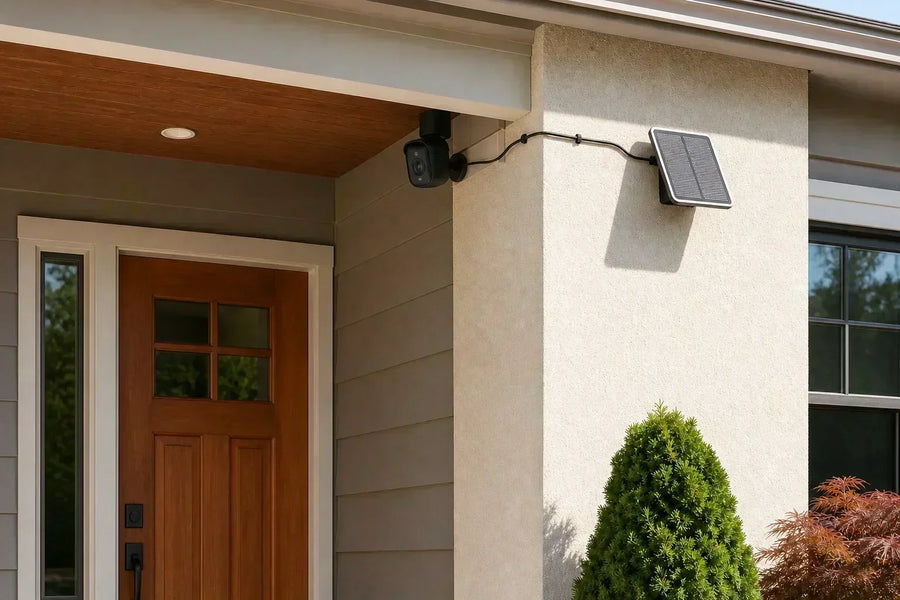
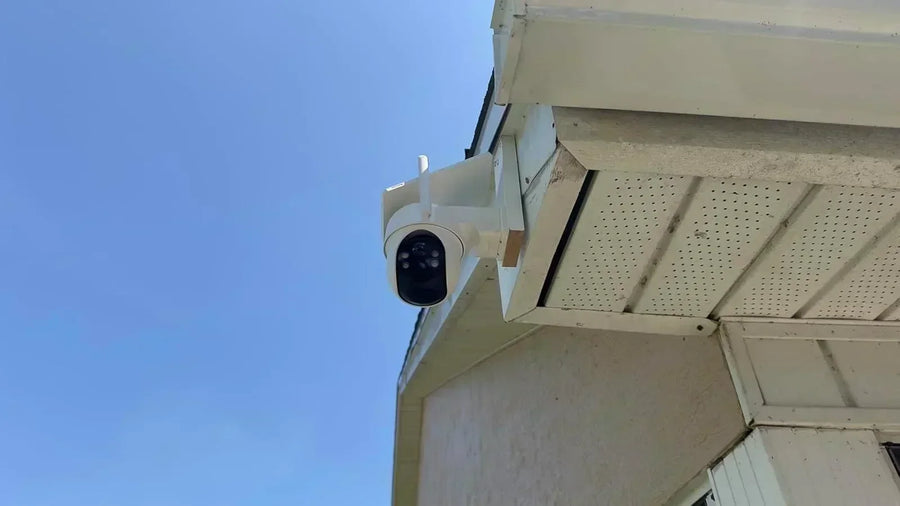
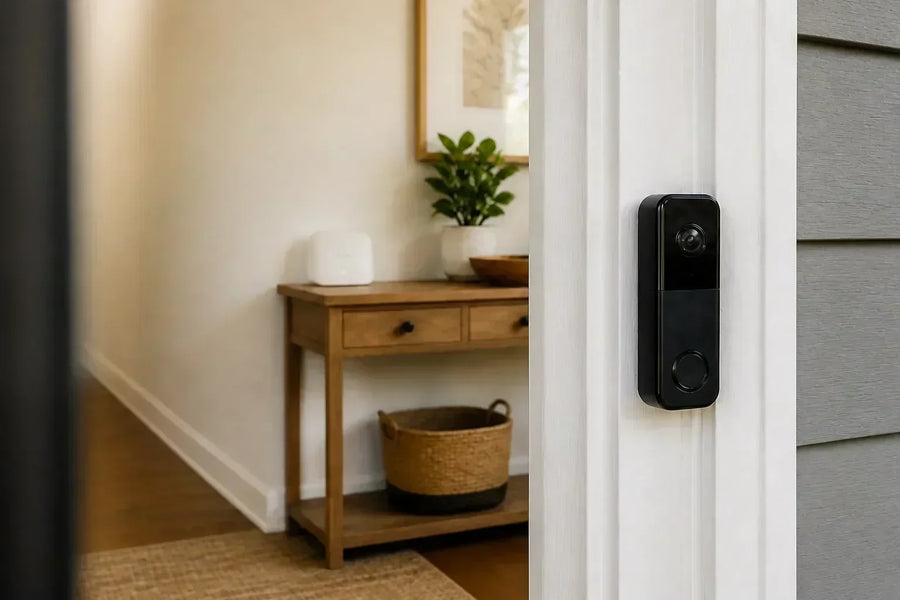
For a license plate camera for home, cars entering or leaving your own driveway are the most realistic target. They usually slow down or stop, and you can choose a point where the plate faces the lens. Keeping the camera's view within your property also reduces the privacy concerns associated with recording people using the street.
Reading the plates of passing cars is much harder: vehicles travel faster, are often farther away, and may cross the view at a poor angle. Deliberately monitoring public-road traffic also raises additional legal questions. Start with your driveway, then use a day-and-night recording test to find out whether the setup captures the plate you need.
Start With Cars Entering Your Property
The privacy distinction depends on what the camera records, not simply where you mount it. In the UK, the ICO explains that home CCTV capturing beyond your property boundary brings data-protection duties. Check the rules where you live before setting up deliberate street monitoring; don't assume a camera on your house is exempt.
Pick a short stretch of driveway where the front or rear plate faces the camera: just inside a gate, beside a visitor parking space, or before a car turns toward the garage. Check which plate is actually visible when cars enter and leave. A vehicle reversing in presents a different view from one driving in nose-first.
Decide whether you need to read a saved image yourself or search recordings by plate number. License plate capture (LPC) produces plate images; license plate recognition (LPR), also called ANPR, uses software to extract the characters. Vehicle detection by itself doesn't provide a searchable plate number.
If plate numbers are essential, look for a dedicated capture camera and, when needed, recognition software that supports your region's plates. Ask for recorded examples at your distance and vehicle speed, including night footage. Keep a wider view available to show the car, the driveway and what happened around it.
Related links:
How to stop someone from parking in front of your house
Distance Matters Because the Plate Gets Smaller in the Image
There isn't one reading distance for all home security cameras. Measure from the proposed camera position to the place where you expect to read the plate. Next, check how much driveway the camera shows at that point. A wide view spreads the image's pixels across more ground.
For a simple illustration, assume a straight-on, 1-foot-wide plate and a recording 1,920 pixels wide. Divide 1,920 by the scene width in feet to estimate the pixels across that plate. These are calculated examples, not camera test results or pass marks.
| Scene width at the plate | Approximate pixels across a 1-foot plate |
|---|---|
| 12 ft / 3.7 m | 160 pixels |
| 24 ft / 7.3 m | 80 pixels |
| 36 ft / 11 m | 53 pixels |
Use the recorded plate as the deciding check
At the same lens setting, a car farther away takes up less of the image. Moving the camera closer or using a narrower lens view increases its size. Check focus on the plate at the chosen distance.
Ask to see the original recording at its saved resolution. Read every character without filling in the number from memory. A still image of your parked car is a useful first check; it doesn't establish performance as the car drives through.
Aim Toward the Plate, With a Shallow Viewing Angle
A camera high under a second-floor eave looks down steeply at a nearby car. One mounted far to the side sees the plate at a slant. Both positions make the characters harder to separate. Judge the angle where you intend to read the plate, not where the car first appears.
Keep both the downward angle and the side angle small so the plate faces the camera as directly as possible. Follow the camera manufacturer's installation limits.
At home, compare a garage-side position looking along the driveway with a higher position looking across it. Keep the mount clear of vehicles and leave room for installation and maintenance. If a turning car only shows its plate briefly, choose a point before the turn or after it straightens.
 Check the side angle and the downward angle at the point where you need to read the plate. Illustration; not to scale.
Check Moving Cars and the Start of the Recording
Motion blur smears characters during the exposure of a single frame. A shorter exposure helps freeze movement but collects less light. A higher frame rate gives you more recorded frames each second; increasing it alone doesn't make a blurred plate sharp. Camera exposure controls and available lighting matter together.
Use a place where cars already slow down or stop, such as your gate or parking space. For a dedicated plate camera, start with its plate-capture preset and the manufacturer's settings for the expected speed. Don't apply one shutter value to every driveway: lighting, speed and viewing angle change what works.
Check the start of each saved event as well. If the clip begins after the plate has crossed the useful part of the view, better zoom won't recover that moment. Test automatic event recording with the live view closed. For a PTZ camera, include a pass while it is following activity elsewhere to see whether the plate remains covered.
At Night, Check the Characters Under Headlights
A plate can become a bright white rectangle while the rest of the driveway looks usable. Reflective plate material sends light back toward its source, and excessive exposure can erase the contrast between characters and background. More light or more image brightness isn't automatically the fix.
Test with the vehicle's normal lights on, both entering and leaving. Check the actual letters in the saved clip. If the plate washes out, use the camera's supported plate mode or exposure controls and repeat the test. Reducing the exposure can preserve the characters while making the surroundings darker.
A separate overview camera is useful when a plate-focused image shows little of the car or people beside it. Also check the specified night plate-capture distance: a general night-vision range doesn't establish how far moving plates will be readable. Short exposures need adequate light at the plate.
Compare the Captured Detail Behind the Zoom Number
Optical zoom changes the lens focal length so a smaller area fills the camera image. Digital zoom crops and enlarges image data. It helps you inspect detail already captured; it cannot establish a character that the recording didn't resolve. Compare the original plate images, not just the advertised zoom multipliers.
A fixed telephoto lens also gives a closer view of a smaller area. It can work alongside a wide lens so you retain driveway context and a closer image of the car. Its coverage needs to include the point where the plate faces the camera.
For example, aosu SolarCam T2 shows separate 3K wide and telephoto views together, with digital enlargement available on either feed. Its two fixed lens views provide the basis for its hybrid zoom. SolarCam T2 is not a dedicated license plate reader; assess its saved footage at your driveway position if plate detail is part of your buying decision.
Related links:
· Optical and digital zoom for outdoor security cameras
· SolarCam T2 wide and telephoto views
Use This Driveway Plate-Read Test Sheet
Before committing to a mounting position, test it with a vehicle you have permission to use. Keep the camera secure, keep people out of the car's path, and have the driver concentrate on driving. Use the camera's normal recording mode and download the original clips.
For each pass, note the distance, camera position, direction, light conditions and whether all characters are readable. Try several passes so one unusually clear frame doesn't decide the installation. Have someone who hasn't memorized the plate read it, then compare their answer with the actual number.
Record how many passes produced a fully readable plate out of the total attempted in each condition. Keep daytime and nighttime results separate, along with entering and leaving. This gives you a concrete result to compare after moving the camera or changing a setting.
| Test | What to record | If it fails, check first |
|---|---|---|
| Parked, daylight | Can you read every character at the chosen point? | Plate size in the image, focus and obstructions |
| Driving in, daylight | Does the saved clip include the plate before the turn? | Clip start, camera direction and capture point |
| Driving out, daylight | Is the visible front or rear plate readable? | Which plate faces the camera and how the car turns |
| Parked, night | Do characters remain distinct with vehicle lights on? | Exposure, reflections and light reaching the plate |
| Moving, night | Can you read the entire plate during a normal pass? | Motion blur, exposure and time spent in view |
| Camera in everyday use | Does it still record the plate while other activity occurs? | PTZ direction, recording triggers and coverage |
Match the decision to the result
If parked plates are readable but moving plates aren't, investigate motion and recording timing. If only daylight passes succeed, concentrate on night exposure and lighting. If no pass gives enough detail, reconsider the camera position or lens view before relying on digital enlargement.
Choose a dedicated plate-capture setup when reading moving plates at night is a firm requirement and your overview camera fails that test. For automatic plate searches, verify the recognition software and camera compatibility too. Keep the original test clips so you can compare later changes.
Keep the View Focused on Your Driveway
Aim at the part of your property you need to monitor and exclude neighboring windows and private spaces. Use privacy masking where appropriate. Check the saved view after changing the camera's direction, and keep access to footage limited to people who need it.
Choose the View That Captures the Plate You Need
Choose a license plate camera for home around a specific place and a repeatable recording test. Decide where the plate faces the camera, compare the detail at that distance, and test normal vehicle movement with the lights you use at night. Buy for the saved result you need: a readable plate image, or a compatible recognition system that turns it into a searchable number.
FAQs
Can a 4K security camera read license plates?
Yes, when the plate is large enough, in focus and clearly exposed in the recording. A 4K label alone doesn't establish a reading distance. Check moving vehicles at your chosen position in daylight and at night.
Can digital zoom make a blurry plate readable?
Digital zoom enlarges the recorded image. It can help you inspect existing detail, but it can't establish characters lost to blur, glare or too few captured pixels. Check the original clip before changing the installation.
Can a doorbell camera serve as a license plate camera?
Test the view from its actual mounting position. A plate near the doorbell can be readable, but a view aimed at visitors may show cars at a steep angle or too small in the frame. Use a dedicated driveway view when the doorbell footage doesn't meet your plate-reading needs.
Does vehicle detection include license plate recognition?
No. A vehicle alert identifies the presence of a vehicle. Reading and searching its plate number requires a plate-recognition feature or compatible software, as well as a clear plate image.