Home security is no longer a luxury—it's a necessity. With burglaries, package thefts, and property crimes on the rise, a well-designed security camera and monitor system can be the difference between safety and vulnerability.
This guide covers everything you need to know—from why these systems are crucial to selecting the best equipment, optimizing placement, and avoiding common mistakes. Whether you're a tech-savvy homeowner or a beginner, this guide will help you build a bulletproof security setup.
Why Is Installing a Home Security Camera and Monitor Essential?
Why Installing a Security Camera and Monitor System is Essential for Every Home? In today's world, home security is no longer optional—it's a necessity. A well-designed camera and monitor system serves as your 24/7 digital watchdog, providing critical protection and peace of mind. Here's why every household should invest in one:
- Crime Deterrence: Studies show that homes with visible security cameras are far less likely to be targeted by burglars. Just the presence of cameras makes your property a much harder target.
- 24/7 Surveillance: Unlike human vigilance, cameras never sleep. They continuously monitor your property, capturing everything from package theft to suspicious activity around your home.
- Remote Monitoring Capability: Modern systems allow you to check live feeds from anywhere via smartphone. Whether you're at work or on vacation, you can always keep an eye on your home.
- Valuable Evidence Collection: In the unfortunate event of a break-in or vandalism, high-definition footage provides crucial evidence for police investigations and insurance claims.
- Family Safety Monitoring: Beyond security, these systems help you watch over children playing in the yard, monitor elderly family members, or check on pets when you're away.
- Smart Home Integration: Today's systems work seamlessly with other smart devices, allowing for features like motion-triggered lights, automatic alerts, and voice control through assistants like Alexa or Google Home.
- Insurance Benefits: Many insurance companies offer discounted premiums for homes with security systems, potentially saving you hundreds annually.
- Package and Property Protection: With the rise of porch piracy, cameras help deter thieves and provide proof of delivery for valuable items.
The combination of high-quality cameras with a proper monitoring solution creates a complete security ecosystem for your home. In our increasingly connected world, this isn't just smart—it's essential for modern living.
Don't wait for an incident to happen—proactively secure what matters most. The small investment in a quality system pays dividends in safety, security, and peace of mind. That's truly priceless.
How Many Types of Security Cameras and Monitors Are There?
When it comes to security cameras, there are different types to consider based on various factors.
By Location
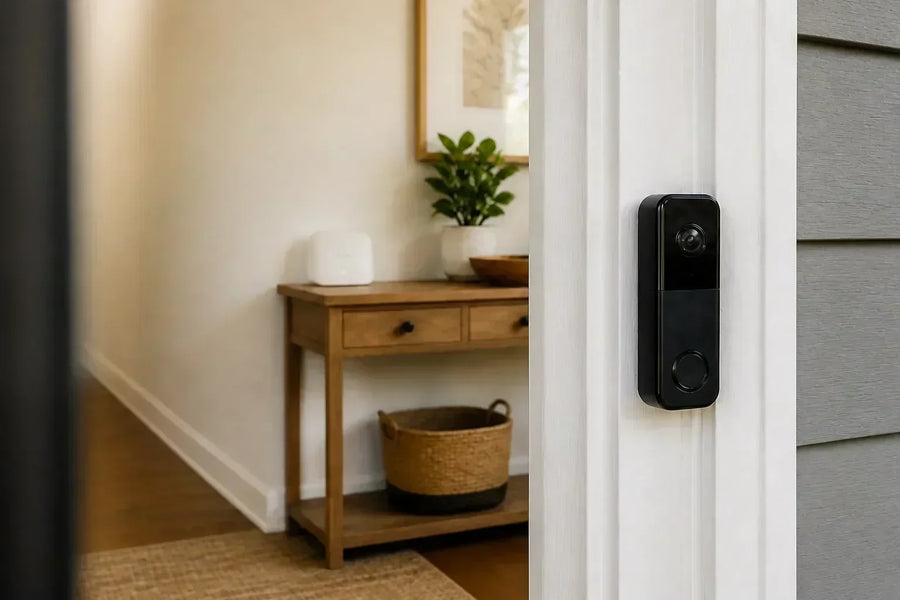
For indoor use, we have indoor cameras. They are discreet and compact, and are often powered by plug-in. They are best suited for areas like living rooms, nurseries, or entryways, allowing you to keep an eye on the interior of your home or office.
On the other hand, outdoor cameras have distinct features. They are weatherproof with an IP65 rating or higher to withstand various weather conditions. They also come with night vision capabilities, either infrared or color, enabling clear monitoring even in low-light situations. Additionally, they have a tamper-resistant design to prevent any malicious interference.
By Power Source
Wired cameras are more reliable as they don't require battery changes. However, they do need professional installation due to the need for wiring.
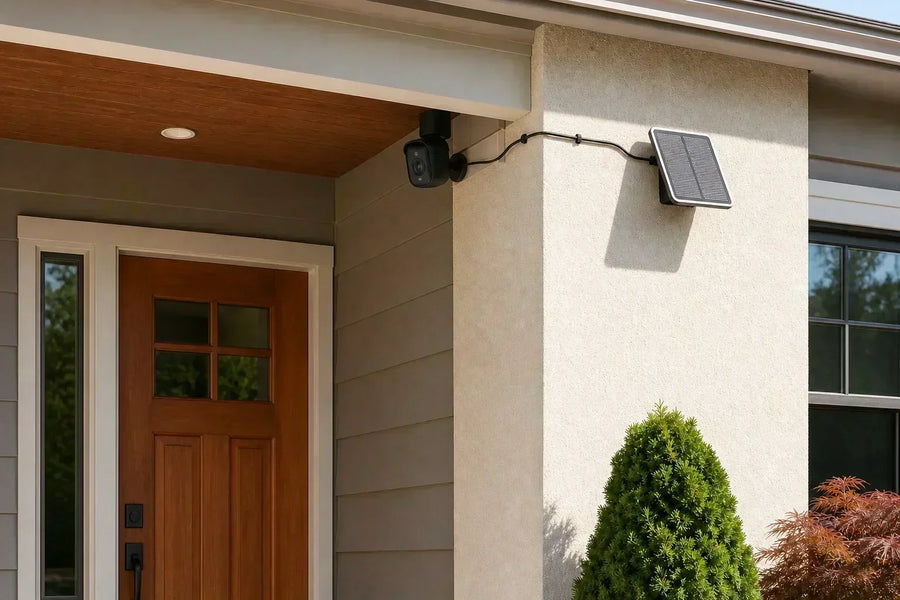
In contrast, wireless or battery cameras offer an easy DIY setup, making them a popular choice for those who prefer hassle-free installation. Some even have solar panel options available, which is an environmentally friendly and convenient way to keep the camera powered.
By Connectivity
Wi-Fi cameras are the most common type. They are easy to set up and connect to your home network. Another option is PoE (Power over Ethernet) cameras. These are more stable and are ideal for large properties, as they can transmit both data and power over a single Ethernet cable.
Smart Features
Many modern security cameras come with smart features. AI detection allows them to recognize people, vehicles, and animals, which is very useful for accurate monitoring. Facial recognition is another advanced feature that can be used for access control or identification purposes. Moreover, some cameras can be integrated with sirens and alarms, enhancing the overall security system.
Monitors: How to View Your Footage
There are several ways to view footage from your security cameras. A dedicated security monitor offers a multi-camera display with high resolution, providing a clear view of all the camera feeds. Smart displays, on the other hand, are voice-controlled and can work with popular voice assistants like Alexa or Google Assistant, making it convenient to access and view the footage.
The most flexible option is mobile monitoring. This allows you to check the camera feeds from anywhere, giving you the freedom to stay informed about the security of your property no matter where you are.
Key Factors When Choosing a Home Security Camera
1. Resolution and Video Quality
- 1080p (Full HD) – Minimum for clear faces/license plates
- 2K or 4K – Best for fine details (e.g., identifying intruders from afar)
2. Field of View (FOV)
- 110°–140° – Standard (good for doorways)
- 180°–360° – Panoramic (e.g., fisheye cameras for large yards)
3. Night Vision
- Infrared (Black & White) – Standard, works up to 30+ feet
- Color Night Vision – provides clearer details
4. Storage Options
- Cloud Storage
- Monthly fees ($3–$20)
- Automatic backups
- Local Storage (SD card, NVR/DVR)
- No subscriptions, but risk of tampering
5. Smart Features
- Person Detection – Reduces false alerts from animals/wind
- Two-Way Audio – Speak through the camera
- Geofencing – Automatically arms/disarms when you leave/home
6. Power and Connectivity
- Battery Life – 3–6 months (varies by usage)
- Solar-powered – great for solar-powered security cameras in wireless setups
- Wi-Fi vs. Ethernet – Wired is more stable
How to Install and Position Security Cameras for Maximum Coverage
To ensure that security cameras offer maximum coverage during installation and positioning, distinct guidelines must be adhered to for various areas.
Optimal Placement Guide
1. Front Door
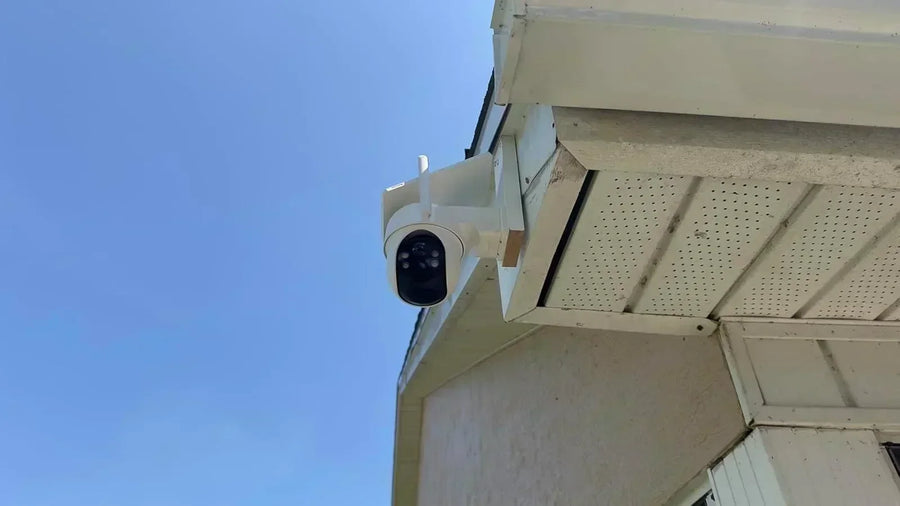
The installation of a security camera at the front door requires careful consideration of height and angle. It should be installed at a height of 7–9 feet. This height is out of the reach of most people, preventing potential tampering, and at the same time, it is positioned to capture faces clearly.
As for the angle, it should be set slightly downward. This downward tilt helps to avoid glare from sunlight or other light sources, ensuring that the camera can record clear and useful footage at all times. A well-placed front-door camera can provide crucial security information, such as identifying who is approaching or entering your home.
2. Backyard/Garage
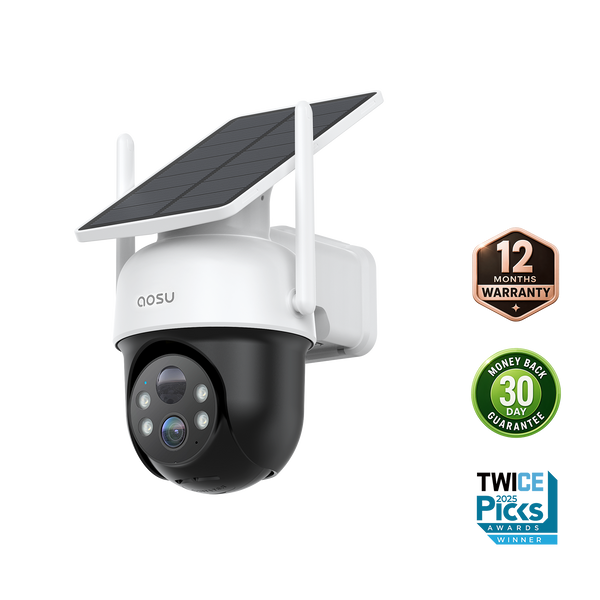
For the backyard and garage, the key is to cover blind spots. These areas often have windows and gates that could be potential entry points for intruders. To achieve comprehensive monitoring, wide-angle cameras are a great option as they can cover a large area with a single device. Another alternative is PTZ (pan-tilt-zoom) cameras. These cameras can be remotely controlled to pan horizontally, tilt vertically, and zoom in on specific areas of interest. By using such cameras, you can ensure that every corner of the backyard and garage is under surveillance, enhancing the security of these often-vulnerable areas.
3. Indoor Cameras
Indoor camera installation has its own set of rules. First and foremost, it's important to avoid placing cameras in private areas like bathrooms and bedrooms to respect privacy. Instead, cameras should be pointed at entryways. This allows you to monitor who is coming into the house. Pointing them at areas where valuables are stored also helps in safeguarding your possessions.
Additionally, high-traffic zones within the house are ideal locations as they can capture any unusual activities that occur frequently in these areas. By following these guidelines for indoor camera placement, you can strike a balance between security and privacy within your home.
Installation Tips
- Test Before Mounting – Use temporary tape to check angles.
- Secure Wiring – Hide cables to prevent tampering.
- Sync with Monitor/App – Follow manufacturer setup.
- Adjust Motion Zones – Avoid false alerts from trees/cars.
Legal Considerations
- Avoid pointing cameras at neighbors' properties (check state laws).
- Inform visitors if recording audio (some states require consent).
Conclusion: Secure Your Home with Confidence
Investing in a home security camera and monitor system is one of the smartest decisions you can make to protect your family and property. From deterring burglars to monitoring deliveries and keeping an eye on loved ones, a well-designed system provides 24/7 peace of mind.
By now, you have a clear understanding of:
- Why security cameras are essential: deterrence, evidence, remote monitoring
- Different types of cameras and monitors: indoor/outdoor, wired/wireless, smart features
- Key factors when choosing a system: resolution, night vision, storage, smart alerts
- Optimal placement and installation tips: front door, backyard, avoiding blind spots
- Top camera recommendations: Arlo, Ring, Aosu, and more
Security technology is constantly evolving, so start with a basic setup and expand over time. Whether you opt for a simple wireless camera and smartphone monitoring or a full wired NVR system with multiple cameras, the most important step is taking action today.
Call to Action: Protect Your Home Now
Don't wait until it's too late. Here's how you can get started:
- Assess your needs – Do you need indoor, outdoor, or both? Wireless or wired?
- Check deals on top brands – Amazon, Aosulife, and manufacturer sites often have discounts.
- Start small and expand – Buy one high-quality camera first, then add more as needed.
- Install and test immediately – A camera sitting in a box won't protect your home.
Need help choosing? Comment below with your home layout, and we'll recommend the best system for you. Share this guide with friends and family—security awareness saves lives. Your safety is priceless, so take action today.
FAQs About Security Camera and Monitor Systems
Do security cameras work without Wi-Fi?
Wired systems can record locally, but remote viewing still requires Wi-Fi.
Can hackers access my cameras?
Only if poorly secured—use, use strong passwords, 2FA, and encryption.
How much does a good system cost?
$100–$500 (budget wireless) to $1,000+ (professional wired).
Should I get a battery or wired camera?
Battery = easy install, Wired = more reliable.