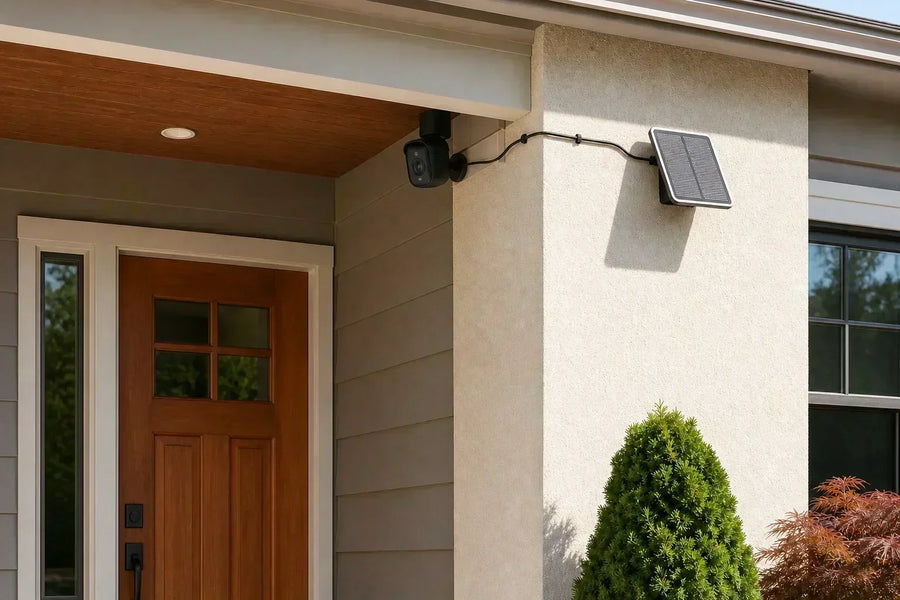
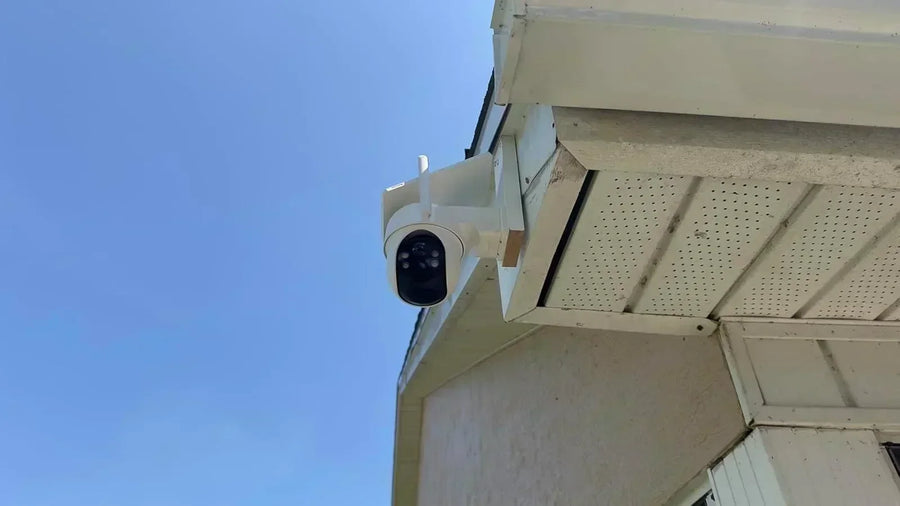
A PTZ camera is a security camera that can pan left and right, tilt up and down, and zoom in on part of a scene. Depending on the model, you may control those movements yourself, select a view from a panoramic picture, run an automatic patrol, or let the camera follow detected activity.
That flexibility lets one camera inspect more of a driveway, yard, parking area, or other open space. The important catch is that a moving camera does not necessarily see every direction at the same time. Understanding that difference is the key to choosing and placing one correctly.
What Does PTZ Mean?
PTZ stands for pan, tilt, and zoom. Each function changes the camera's view in a different way.
PTZ describes how a camera can change its view. It does not tell you whether the camera is wired or wireless, where it stores recordings, whether it needs a subscription, or whether it automatically tracks people. Those features need to be checked separately.
Pan
· Turns the camera horizontally
· Lets the view move left and right
· Helps inspect different parts of a wide area
Tilt
· Moves the view vertically
· Lets the camera look higher or lower
· Helps cover changes in height or distance
Zoom
· Makes a subject appear closer
· May be optical, digital, telephoto-assisted, or hybrid
· Must be checked model by model

How Does a PTZ Camera Work?
A conventional motorized PTZ camera uses motors to pan and tilt its lens or camera assembly. The zoom method varies by model. Commands may come from a mobile app, desktop software, security-system controller, or the camera's own automated features.
Some systems use electronic PTZ, or ePTZ, which changes the crop inside a fixed wide image instead of physically turning the camera.
The exact controls vary. Before buying, check which of the following modes the camera actually supports.
1. Manual control: Directional buttons or swipe controls let you look around in real time. This is useful when an alert appears and you want to inspect a nearby gate, vehicle, walkway, or corner.
2. Panoramic click-to-look: On supported models, the camera scans the area and stitches the views into a panoramic picture. Tap or click a spot in that picture, such as the gate or driveway, and the camera turns to show that area in the live view.
3. Home position: The home position is the view the camera returns to after manual or automated movement ends. Aim it at the area you most need to keep visible.
4. Patrol or cruise mode: Some cameras move through saved views on a schedule. The camera inspects each direction in sequence; it does not record all of those directions simultaneously.
5. Auto-tracking: On supported models, detection can prompt the camera to turn and follow a person, vehicle, animal, or general movement. PTZ provides the movement; the detection and tracking system decides when and how to use it.
Related links:
Compare the best PTZ outdoor security cameras of 2026
Does a PTZ Camera Really Provide 360-Degree Coverage?
A camera advertised with 360-degree PTZ coverage may be able to pan through, or nearly through, a full circle around its mounting point. That does not mean a single moving PTZ view records every direction at the same time.
If the camera turns toward a person near the curb, its previous view of the porch or side gate may move outside the frame. A patrol can return to those areas later, but it cannot show what happened there while the lens was facing elsewhere.
The mounting location also reduces usable movement. A wall, roofline, tree, fence, vehicle, or building corner can block part of the advertised range. That is why 360-degree rotation does not automatically eliminate blind spots.
Rotational coverage
· The total area the camera can inspect as it moves
· Affected by pan and tilt limits
· Reduced by walls, eaves, trees, vehicles, and other obstructions
Current coverage
· The area visible in the frame at that moment
· Changes direction when the camera pans or tilts, and usually narrows or crops when it zooms
· Does not preserve a separate direction unless another lens or camera covers it
What Auto-Tracking Adds—and What It Does Not
Auto-tracking can make PTZ movement more useful, but it is not an extra camera view. A typical sequence starts when the camera detects motion or a supported subject, turns to bring that subject into the frame, follows while detection continues, and then stays in place or returns to its home position.
Tracking depends on the camera, detection settings, mounting angle, lighting, distance, and layout. A person can be harder to follow after passing behind a vehicle, tree, wall, or other obstruction. Fast movement, several subjects, or activity at the edge of the movement range can also interrupt the track.
Following one subject may turn the lens away from another part of the property. Auto-tracking helps the camera respond within one connected area; it does not create uninterrupted coverage of the entire yard.
Does PTZ Always Mean Optical Zoom?
No. The word zoom in PTZ does not guarantee a mechanically changing optical-zoom lens.
Optical zoom changes focal length before the image reaches the sensor. Digital zoom crops and enlarges an existing image. A separate fixed telephoto lens can provide a naturally closer native view without moving through a continuous zoom range. Hybrid zoom can combine an optical or telephoto view with digital enlargement, but the term is not standardized.
SolarCam T2 shows why the distinction matters. It pans and tilts for rotational coverage, while its closer native view comes from a separate telephoto lens. Hybrid enlargement can extend that view, but it is not a single lens moving continuously through a conventional optical-zoom range.
Compare how a camera creates its close-up view instead of relying on the largest multiplier in its product name.
Related links:
· Compare optical, digital, telephoto-assisted, and hybrid zoom
· See how the SolarCam T2 dual-lens system works
How to Think About Real PTZ Coverage
Real PTZ coverage has two parts: the area a camera can inspect as it moves and the smaller view it records at any one moment. Mounting position, pan and tilt limits, obstructions, tracking behavior, and zoom all affect the result. If you are deciding whether one PTZ can replace several fixed cameras, evaluate which views must remain visible at the same time.
Related links:
· See when one PTZ camera can—and cannot—replace several fixed cameras
· Learn how a fixed overview and PTZ view work together
· Compare outdoor PTZ cameras by use case
What to Check Before Choosing or Mounting a PTZ Camera
Decide what the camera must keep visible before comparing product labels. These checks reveal more than a 360-degree or zoom claim by itself.
1. Identify the view that must stay visible: Choose the most important area and treat it as the likely home position. If several unrelated areas need uninterrupted coverage, plan additional fixed views.
2. Check the actual movement range: Review both horizontal and vertical movement. A large pan range is less useful when the mounting surface blocks it or the camera cannot tilt far enough toward the area below.
3. Find out what kind of zoom it uses: Check whether the closer view comes from optical zoom, digital enlargement, a separate telephoto lens, or a combination.
4. Review the control modes: Confirm whether the camera offers manual control, panoramic click-to-look, a home position, patrols, automatic tracking, and return-to-home behavior.
5. Understand the tracking system: Check which subject types the camera can recognize and whether tracking can be restricted to useful detection zones.
Related links:
· Review home security camera features and placement basics
To Wrap Up
A PTZ camera can pan, tilt, and zoom, giving you more control over what one mounting point can inspect. Manual movement, panoramic click-to-look, patrols, and optional auto-tracking make PTZ useful for driveways, yards, parking areas, and other open spaces.
Its flexibility comes with a tradeoff: a single moving PTZ view records the direction it is currently facing. Start with the view that must remain visible, then decide where movement and closer detail will genuinely help.
FAQs
What does PTZ stand for on a security camera?
PTZ stands for pan, tilt, and zoom. Pan moves the view left and right, tilt moves it up and down, and zoom makes part of the scene appear closer.
Does a 360-degree PTZ camera see everything at once?
No. A 360-degree PTZ camera may be able to pan through, or nearly through, a full circle around its mounting point, but a single moving PTZ view records only its current field of view. It does not continuously show every direction at the same time.
Does every PTZ camera have optical zoom?
No. A PTZ camera may use optical zoom, digital zoom, a fixed telephoto lens, or a hybrid system. Check how the individual camera creates its closer view.
What is the difference between PTZ and auto-tracking?
PTZ describes a camera's ability to pan, tilt, and zoom. Auto-tracking is a separate detection feature that tells a supported camera when to move and which subject to follow, so not every PTZ camera includes it.