












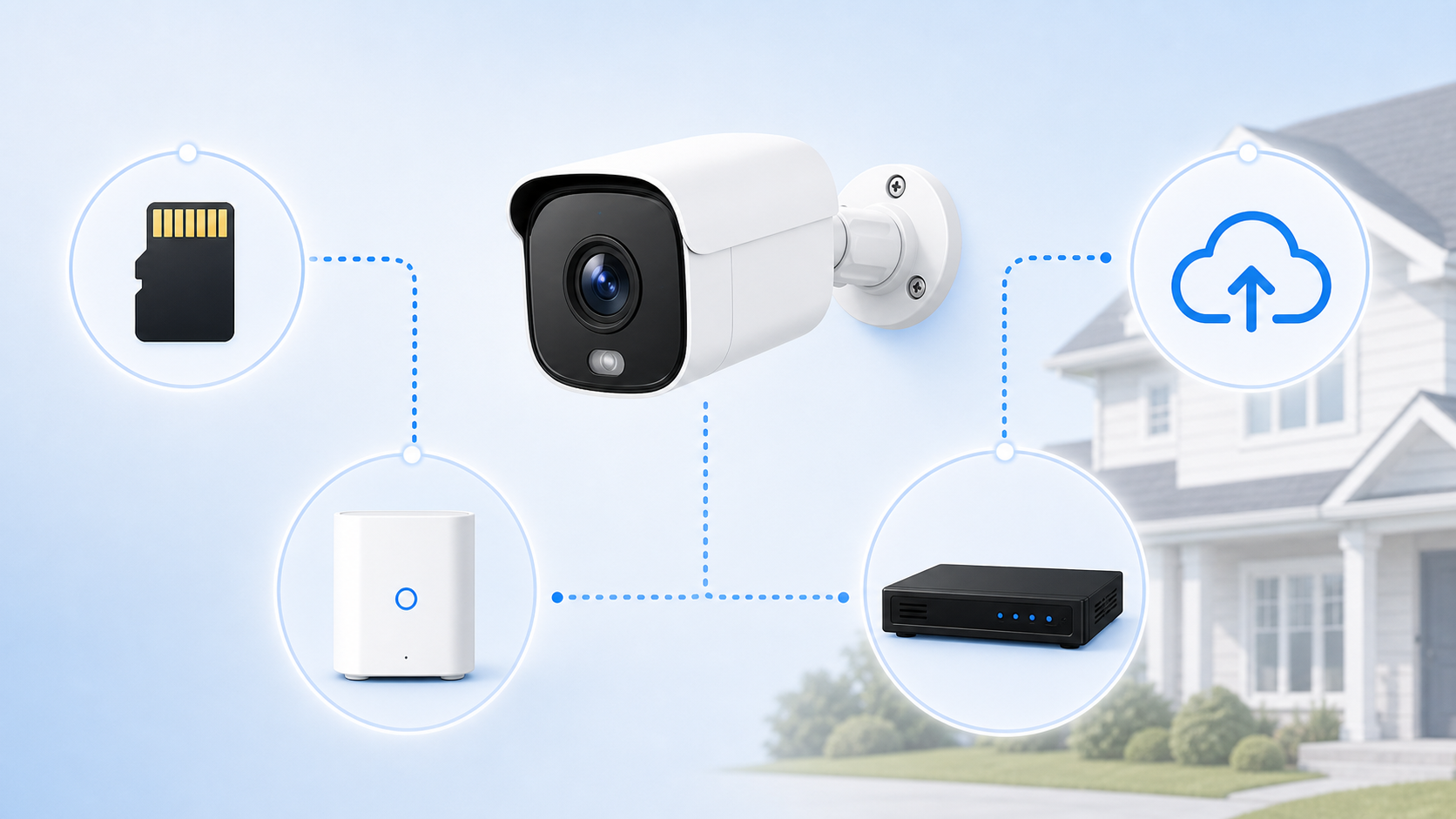
Security cameras can store footage in several different places, each with its own implications for your security system.
Storage type can affect monthly cost, playback, privacy, internet-outage behavior, how long clips are saved, and what happens if a camera is stolen or damaged.
This guide explains the main security camera storage options in plain English: SD card storage, built-in camera storage, home hubs, NVRs or DVRs, and cloud storage.
The Short Answer: Security Cameras Store Footage Locally, in the Cloud, or Both
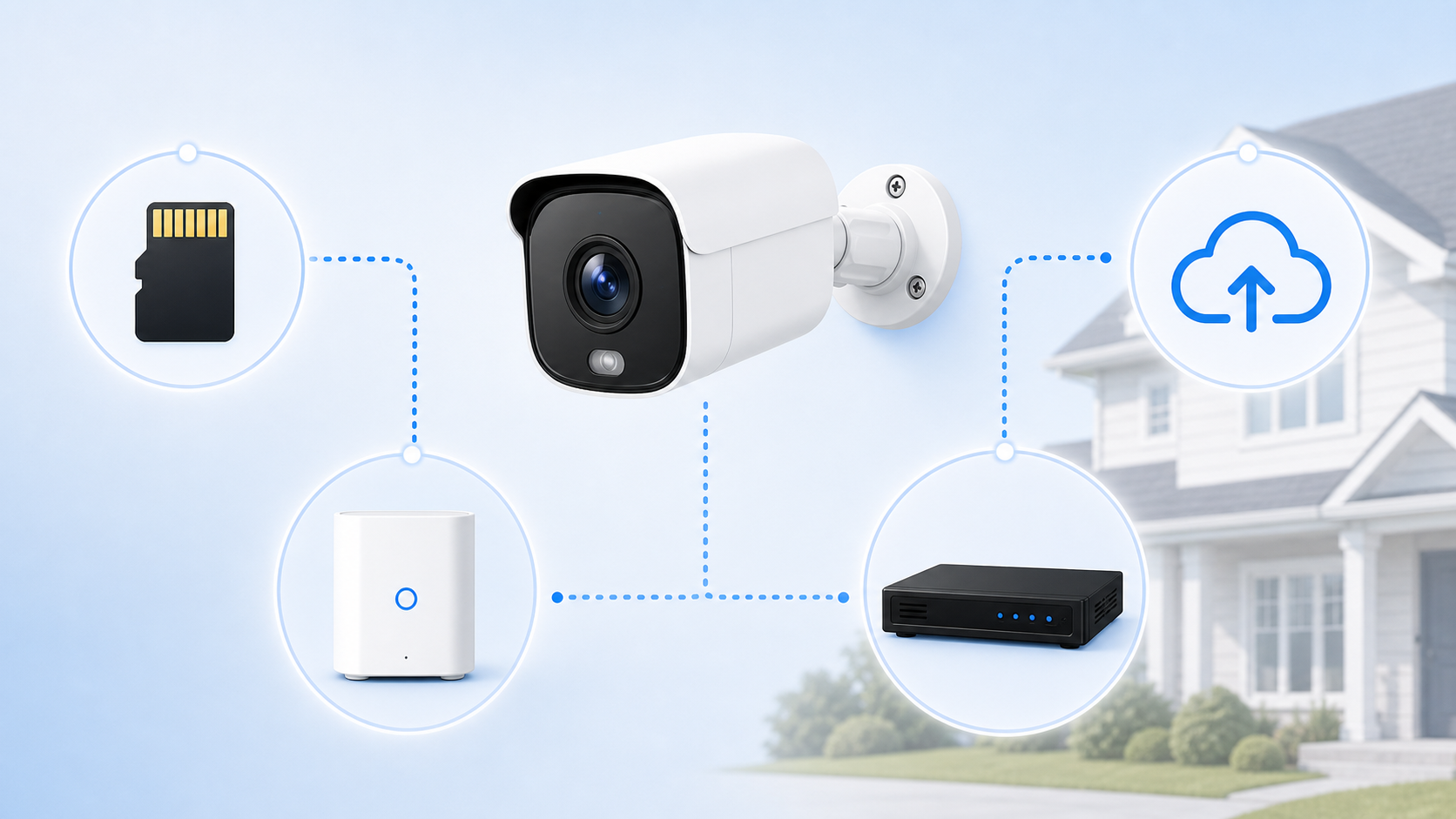
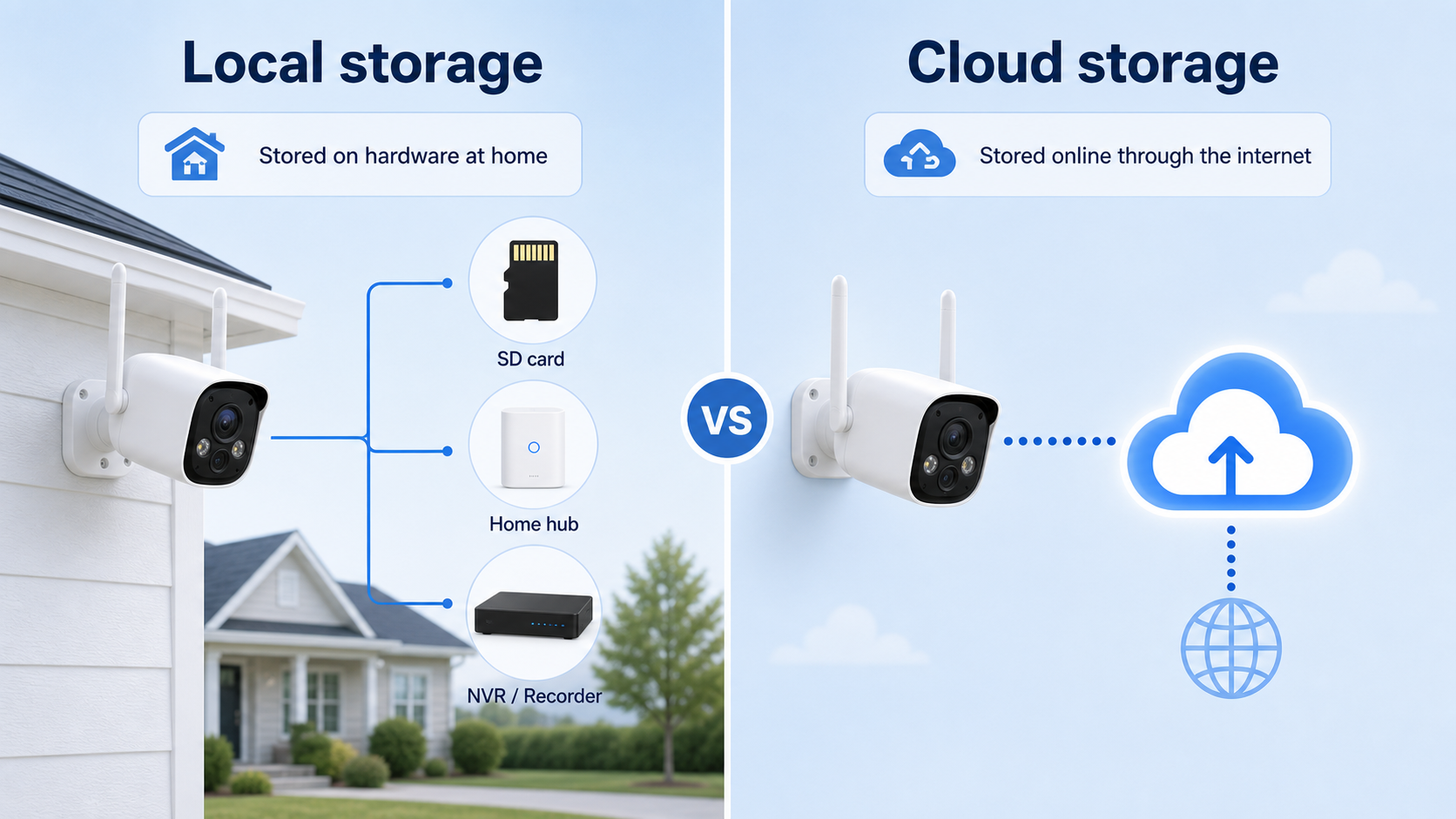
Most security cameras save footage in one of two broad ways: locally on hardware you own, or online through cloud storage.
Local storage can mean a microSD card inside the camera, built-in camera memory, a home hub or base station, or a wired recorder such as an NVR or DVR. Cloud storage usually means clips are uploaded to the brand's online servers.
Some cameras use only one storage method. Others let you combine local storage for everyday recording with optional cloud storage for backup, longer history, or extra features.
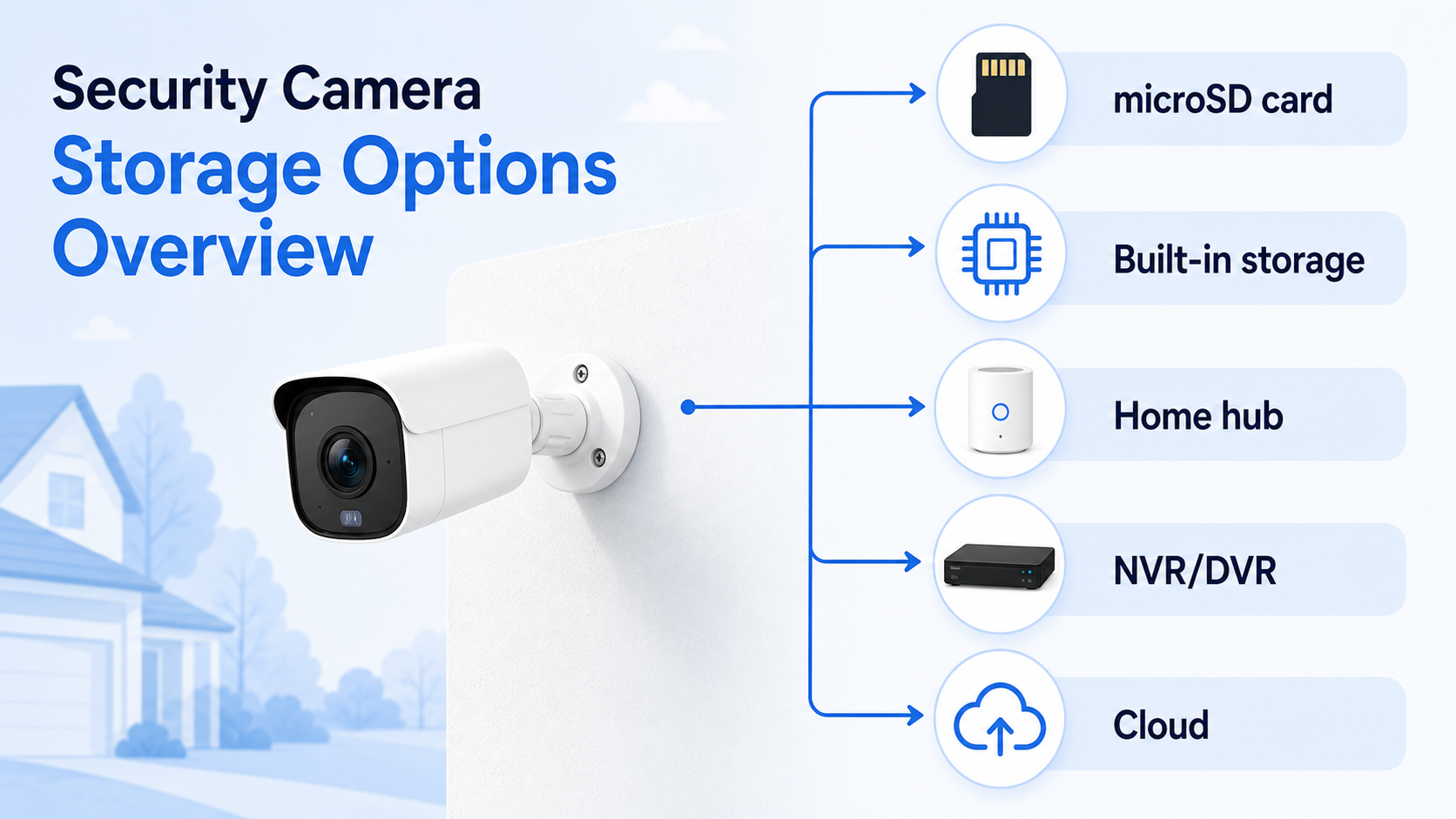
The Main Security Camera Storage Options
|
microSD card |
Built-in camera storage |
Home hub or base station |
NVR or DVR |
Cloud storage |
|
Footage is saved on a small removable card inside the camera Simple for one-camera setups Usually no monthly storage fee Card can fill up, fail, or be lost with the camera |
Footage is saved on storage built into the camera No separate SD card to buy or insert Capacity is fixed by the camera model Footage may be lost if the camera is stolen or damaged |
Footage is saved on an indoor hub connected to the camera system Useful for multi-camera homes Less prone to physical tampering than on-camera storage Usually works only with compatible cameras Recording can fail if Wi-Fi is off or blocked |
Footage is saved on a wired recorder with a hard drive Common for wired or PoE camera systems Good for longer recording history Usually works without internet or Wi-Fi Usually more involved to install and manage |
Footage is uploaded online through the internet Can protect clips if local hardware is stolen Often easier for remote access Usually tied to a subscription or optional paid plan |
These options are not automatically better or worse than one another. The right choice depends on how many cameras you have, whether you want to avoid monthly fees, how much video history you need, and how much setup complexity you are comfortable with.
SD Card Storage: Simple and Local
|
Good fit when: |
Watch out for: |
|
You have one or two cameras You want local recording without a monthly storage fee You mostly need motion clips instead of all-day recording You are comfortable checking storage occasionally |
Limited storage capacity Old footage being overwritten Card quality and wear over time Footage being lost if the camera is taken |
With SD card storage, the camera saves clips directly to a microSD card installed inside the camera. This is one of the simplest ways to store footage without paying for cloud storage.
It works well for many single-camera setups, especially when the camera records motion events instead of continuous video. You can usually open the app, review saved clips, and download important footage before it gets overwritten.
The tradeoff is that the footage is physically close to the camera. If the camera is stolen, damaged, or removed with the card still inside, the local footage may go with it.
Built-In Camera Storage: Local Storage Without a Separate Card
Some cameras include built-in storage instead of relying on a removable microSD card. The idea is similar: footage is saved locally on the camera, and you can review recordings through the app.
The benefit is convenience. You do not have to pick a card size, insert a card, or worry about buying a low-quality card. The limitation is that the storage amount is fixed, so you need to understand how much recording history the camera can realistically hold.
Built-in storage can be a good option if you want a cleaner setup and do not need long continuous recording history.
Home Hub or Base Station Storage: Local Footage Kept Indoors
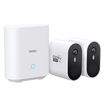
A home hub or base station stores footage on an indoor device instead of relying only on the camera itself. This can be useful because the storage stays inside your home even if an outdoor camera is damaged or removed.
This type of setup is often a strong fit for multi-camera homes. The hub may manage recordings from several cameras, make playback easier, and keep local storage in one protected place.
The main thing to check is compatibility. Hubs and base stations usually work within a specific camera system, so you cannot assume every camera will connect to every hub.
NVR or DVR Storage: Best for Wired or Larger Camera Systems
An NVR or DVR is a dedicated recorder, usually with a hard drive inside. These systems are common for wired camera setups, especially when you want several cameras recording for longer periods.
An NVR is commonly used with IP or PoE cameras. A DVR is commonly used with analog camera systems. For most homeowners, the practical takeaway is simple: these recorders are built for more serious, multi-camera recording setups.
The benefit is recording capacity and control. The tradeoff is installation complexity. A wired recorder means more planning, more cables, and a more involved setup than a single wireless camera.
Cloud Storage: Convenient, but Usually Subscription-Based
Cloud storage saves video online instead of only on hardware at your home. This can make clips easier to access remotely and can protect important footage if the camera or local storage device is stolen.
The tradeoff is cost and dependency. Cloud storage requires an internet connection and is often tied to a monthly or yearly plan. Some brands may include limited cloud features for free, but longer video history or advanced features usually require a paid plan.
Cloud storage is not automatically bad, and local storage is not automatically better. The key is knowing whether you need off-site backup, how much video history you want, and whether you are comfortable paying for those conveniences.
What Happens When Security Camera Storage Gets Full?
Most security camera storage systems use overwrite or loop recording. Once storage is full, the oldest clips are deleted automatically so newer clips can be saved.
That is convenient because the camera can keep recording without you manually clearing space. But it also means important footage can disappear if you do not save it in time.
How quickly storage fills depends on several factors, many of which are adjustable in your camera's settings. Here are some key points to know:
- Motion recording uses less storage
The camera records clips only when activity is detected, which is often enough for typical homes.
- 24/7 recording uses storage much faster
Continuous recording can be useful, but it usually fits wired systems and larger storage better than battery cameras.
- Higher resolution needs more space
Sharper video can be helpful, but it usually fills storage faster than lower-resolution video.
- Busy areas create more clips
A camera pointed at cars, sidewalks, or other busy areas may record more often and overwrite older footage sooner.
Does Security Camera Storage Work Without Wi-Fi?
Sometimes, but it depends on the camera and storage setup. Recording, live view, notifications, and remote playback are different functions.
A camera with local storage may be able to keep recording when the internet goes out, as long as it still has power and can write to its local storage. But remote viewing and phone alerts usually need an internet connection.
|
May still work offline: |
Usually needs internet: |
|
Recording to SD card Recording to built-in storage Recording to a local hub Recording to a wired NVR or DVR |
Remote live view away from home Push notifications Cloud upload App-based sharing or account features |
If offline recording matters to you, check the specific camera's documentation before you buy. Do not assume that local storage automatically means every app feature works without Wi-Fi.
How to Choose the Right Storage Setup
The best storage setup is the one that matches how you actually plan to use the camera. A front-door camera that records a few clips per day does not need the same setup as a wired multi-camera system watching a driveway, backyard, and side gate.
Before choosing a camera, answer these practical questions.
- Do you want to avoid monthly fees?
Look for local storage options such as microSD card storage, built-in storage, a home hub, or an NVR. Some systems, including many aosu camera setups, are designed around local storage and no required monthly storage fee, but always check the specific model.
- How many cameras will you use?
One camera may be fine with SD card or built-in storage. Several cameras may be easier to manage with a hub, base station, or wired recorder.
- How important is footage if the camera is stolen?
If theft protection is a major concern, camera-only storage has a weakness. A hub, NVR, or cloud backup can reduce that risk.
- Do you need long recording history?
Short motion clips are easier to store locally. Long history or continuous recording usually needs larger storage, a wired recorder, or cloud storage.
- Do you care most about convenience or control?
Cloud storage is often convenient. Local storage gives you more direct control and can reduce recurring costs.
To Wrap Up
Security cameras store footage in different ways: SD cards, built-in storage, home hubs, NVRs or DVRs, cloud storage, or a combination of these options.
If you want the simplest answer, think about three questions: where is the video saved, how long is it kept, and what happens if the camera, internet, or storage device fails?
Once you understand that, it becomes much easier to choose a camera system that fits your home instead of getting surprised later by missing footage, storage limits, or monthly fees.
FAQs
Where do security cameras store footage?
Security cameras can store footage on a microSD card, built-in camera storage, a home hub or base station, an NVR or DVR recorder, cloud storage, or a combination of local and cloud storage.
Do security cameras save footage without Wi-Fi?
Some cameras with local storage can keep recording without Wi-Fi or internet, as long as they have power and storage available. Remote viewing, app alerts, and cloud upload usually need an internet connection.
Is SD card storage better than cloud storage?
SD card storage is usually better if you want simple local recording without a monthly cloud-storage fee. Cloud storage is usually better if you want off-site backup, easier remote access, or longer online video history.
What happens when security camera storage is full?
Most systems use loop recording, which means the oldest footage is overwritten by newer footage when storage fills up. Important clips should be downloaded or saved before they are overwritten.
Can a security camera use local storage and cloud storage at the same time?
Some cameras support both local storage and optional cloud storage. This can be useful if you want local recording for everyday use and cloud backup for important clips or extra features.