


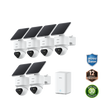
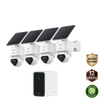
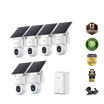
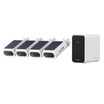





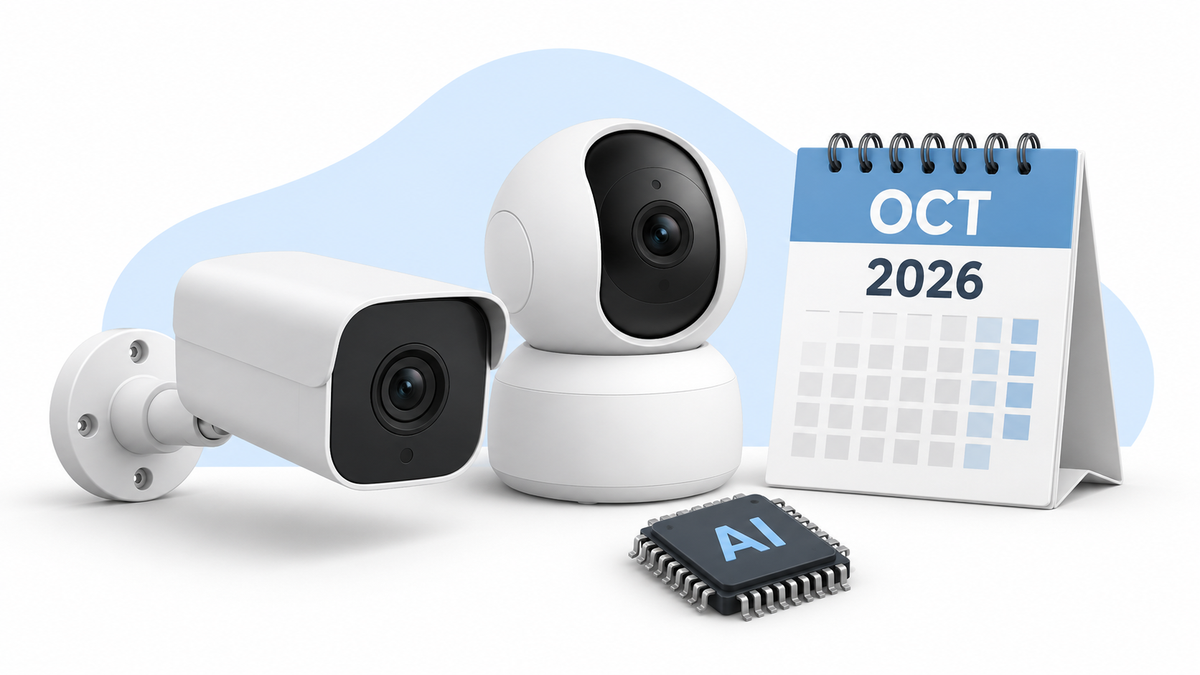

October's most interesting home security camera news is a shift in how cameras divide the work. A fixed lens keeps the whole yard or driveway visible while a moving lens follows the action. Local AI is also moving beyond alert labels toward finding the clip you actually need.
The changes affect how much of an event you can see, how easily you can find it later, and how often a battery camera needs charging. Updated October 23, 2026.
October Updates in Dual-View Cameras, Local AI and Battery Design
Recent announcements point in the same direction: cameras are getting better at preserving the whole scene while following one subject, and local systems are getting better at finding footage after the alert. Lower-power processors could make more of that intelligence practical in battery cameras.
Reolink announced OMVI 2i Ultra, Home Hub 2 and TrackFlex WiFi on September 4. OMVI 2i Ultra and Home Hub 2 now have product pages; TrackFlex WiFi was announced for the fourth quarter. Home Hub 2's custom AI detection is expected in December 2026 at the earliest.
| Development | What is changing | Why it matters | Status on October 23 |
|---|---|---|---|
| Reolink OMVI 2i Ultra | An 8MP fixed view works with a separate 5MP pan-and-tilt view | The overview can preserve context while the moving camera follows activity | Product page live; the original announcement targeted late October |
| Reolink Home Hub 2 | Local AI Video Search helps find recorded events with natural language | Search helps locate relevant events across saved recordings | Product page live; custom AI detection was announced for December at the earliest |
| Reolink TrackFlex WiFi | A dual-lens PTZ design can detect activity outside the current close-up view | The camera can respond to movement without giving up the wider scene | US Q4 launch announced; current availability is unconfirmed |
| Power-efficient camera platforms | More AI and image processing can run on lower-power hardware | Battery cameras could do more without demanding more charging | Technology direction, not a confirmed October retail event |
Dual-View Cameras Solve a Real PTZ Weakness
A single PTZ lens can follow a visitor closely, but every turn changes what the camera leaves behind. If it pans toward someone at the gate, it can miss a second person beside a car or a dog running into the yard. A fixed overview paired with a moving detail view is a strong answer because the camera does not have to choose between context and a close-up.
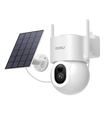
OMVI 2i Ultra pairs an 8MP wide camera with a 5MP pan-and-tilt camera and uses SyncTrack to follow people, vehicles or animals. TrackFlex WiFi was announced with two lenses, out-of-view detection and auto-tracking zoom. Both designs combine a wide view with a moving camera so tracking can show detail while the wider image retains context.
Check whether both views appear together, whether the overview stays fixed while tracking, and whether both perspectives are recorded. The overview shows who else entered the scene and where the tracked person came from. The moving view can show a closer image of the person being followed. Together, the recordings can help you reconstruct an event that moves across the property.

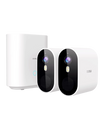
Reolink OMVI 2i Ultra. Manufacturer image: Reolink.
Related links:
· See how wide and PTZ views work together
The Most Useful AI May Be the Least Flashy
Home Hub 2's current AI Video Search and its announced custom-detection update represent two different ideas. Search helps you find an event that has already been recorded. Custom detection would let an owner define a new category for the system to recognize. The second idea sounds more novel, but the first may improve more ordinary days.
The need for quick access comes through in an October r/homesecurity post by u/dhbourbon: “Even when we do get a notification, it takes forever for the recorded video to load.” The poster wants timely alerts, accurate person detection and quick access to recordings and live video when replacing their outdoor camera system.
Related links:
· Read u/dhbourbon's original question
For someone replacing that system, playback responsiveness deserves a test of its own. Open a new motion notification and see how long it takes for the recorded event to play, then try live view. Test on home Wi-Fi and on cellular data, since you will also want to check the camera while away. A hands-on review that shows those steps can help you assess a camera before purchase; repeat them at your intended mounting position during setup.
AI search helps when you need to locate a recording later, such as finding a delivery among a day's events. Loading that recording promptly also requires a responsive app and connection. For persistent delays, check signal strength at the camera or hub and try a different network on the phone. If unwanted notifications are also a problem, adjust motion zones and event types to reduce alerts from passing traffic or areas you do not need to monitor.
Related links:
· Reduce false motion alerts with practical zone and sensitivity checks
What Lower-Power Processing Could Change for Battery Cameras
On August 13, Reolink and Qualcomm announced a partnership on power-efficient camera designs. Cameras increasingly need to wake, analyze movement, distinguish event types and sometimes track a subject before sending anything to the phone. Doing more of that work efficiently on the device can improve both response and battery life.
For a homeowner, the benefit would be a camera that responds promptly while leaving enough battery capacity for recording, night vision and PTZ movement. Those are worthwhile improvements to watch for in finished products: they affect whether a camera captures someone entering the yard and how often you need to take it down to charge.
A busy sidewalk, weak Wi-Fi, long recordings, frequent live viewing, cold weather and repeated PTZ movement all affect the battery's workload or available capacity. Solar charging helps when the panel receives enough direct sunlight. Look for runtime estimates that state the recording length, number of daily events and solar conditions. A camera overlooking a busy entrance will have a different workload from one watching a side gate that opens twice a day.

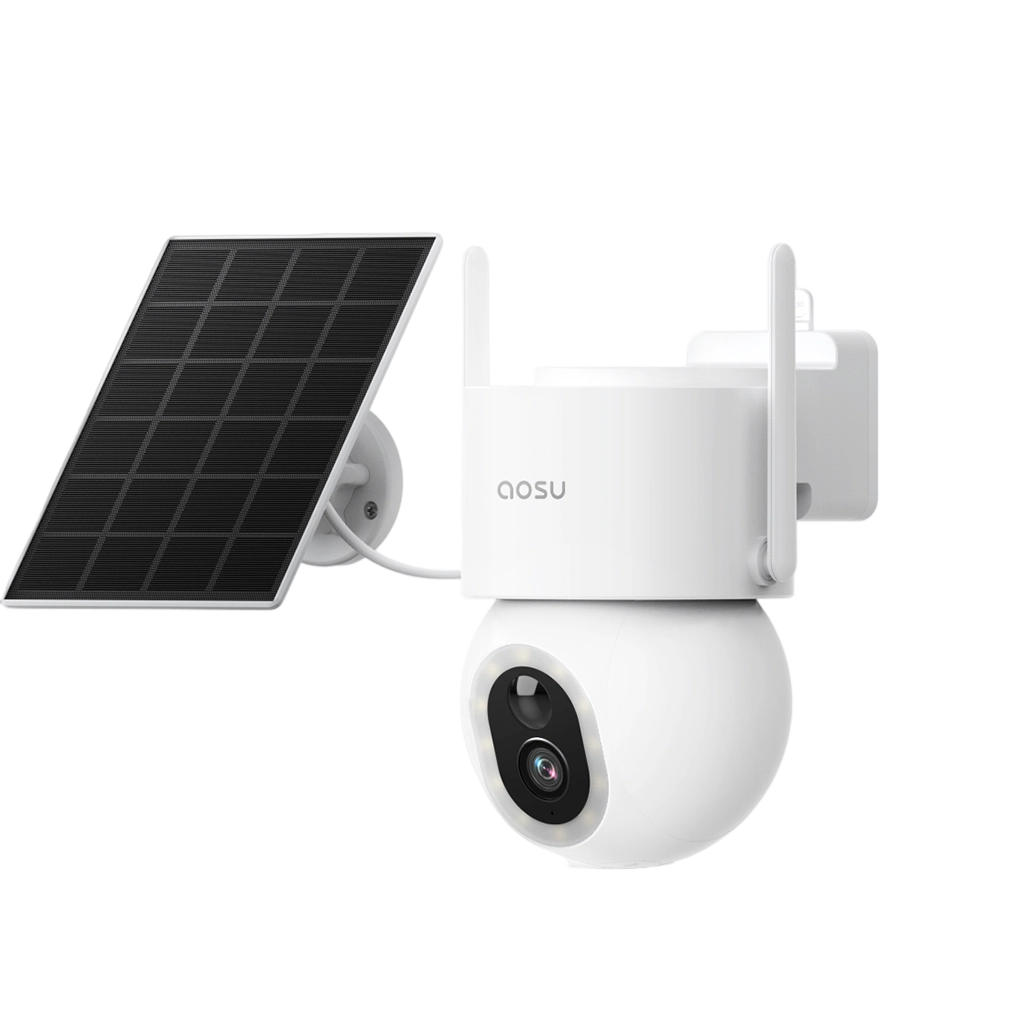
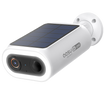
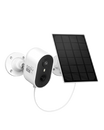
A separate solar panel lets you choose its position independently of the camera.
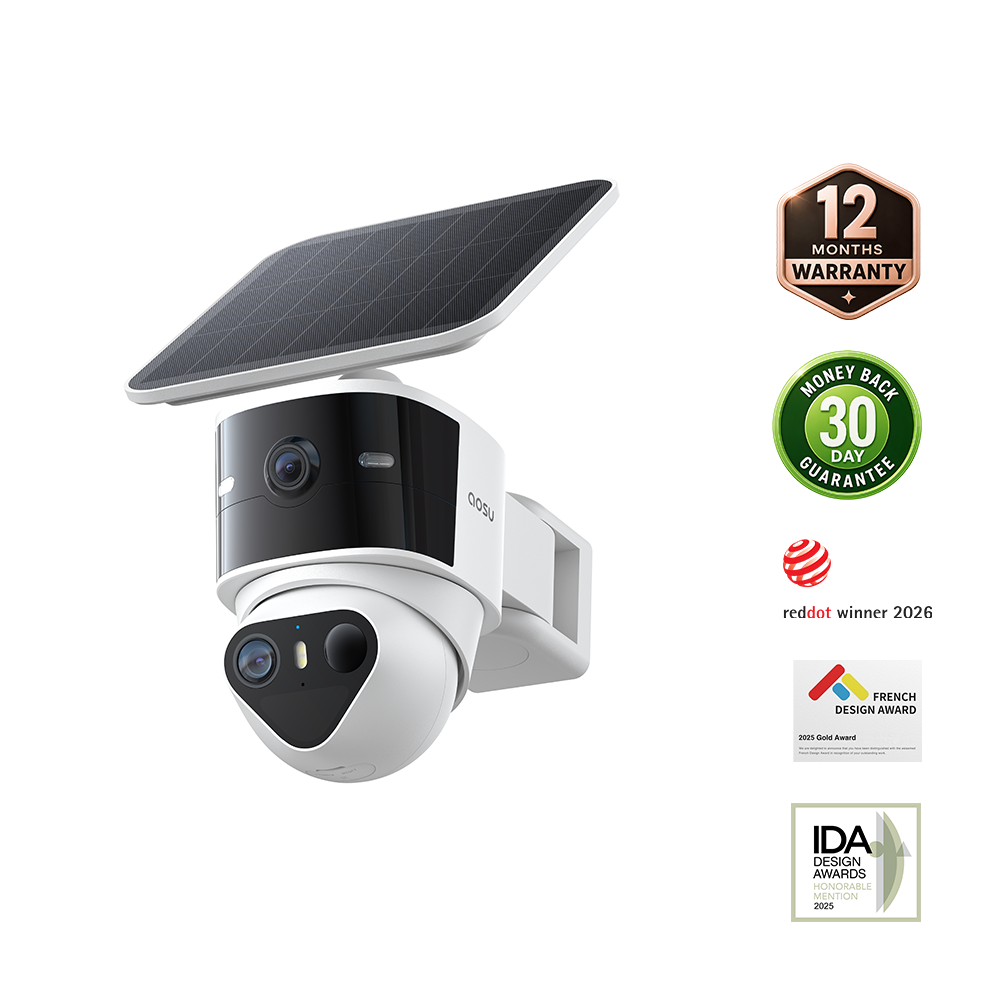
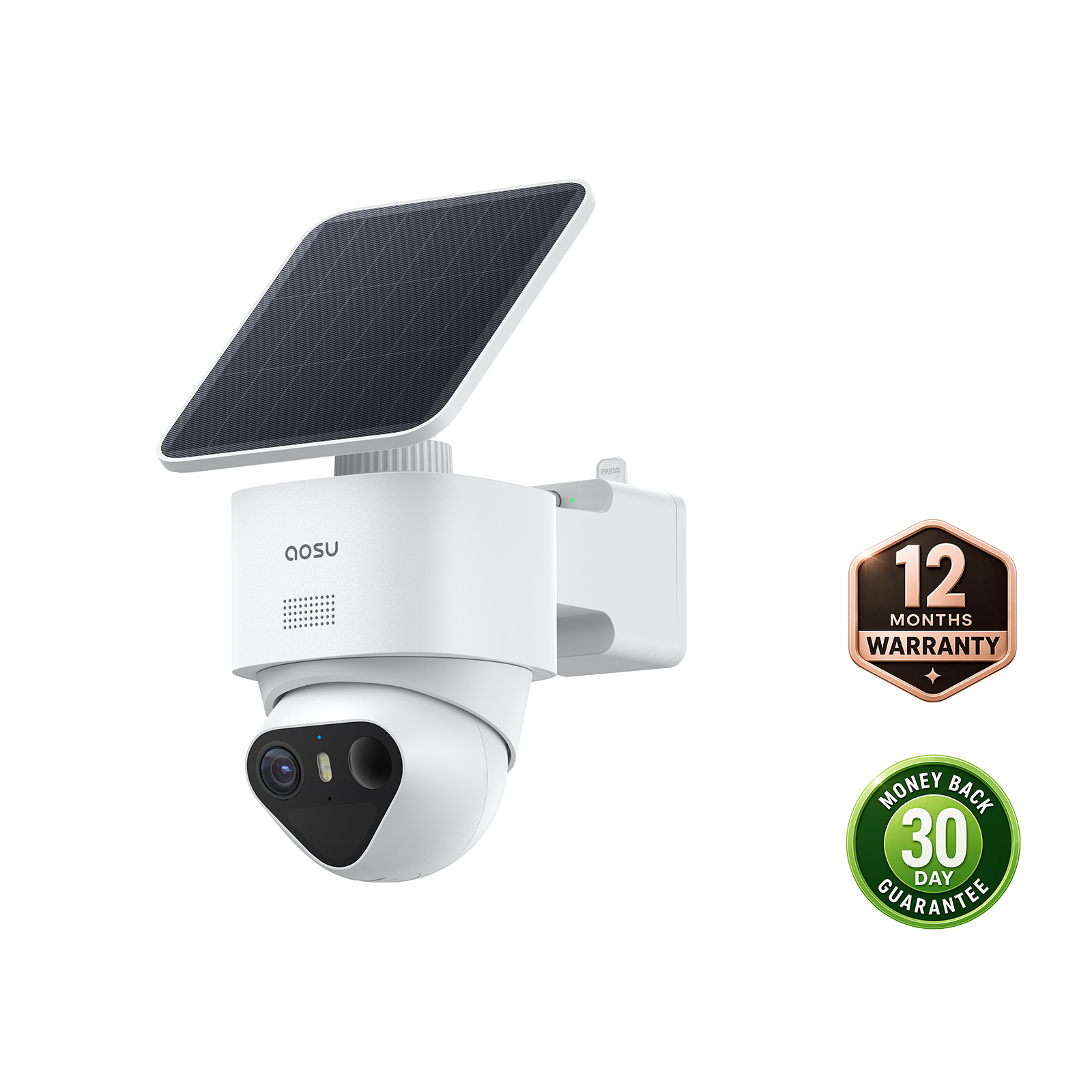
aosu SolarCam T2 Pro: Dual-View Coverage Available Now
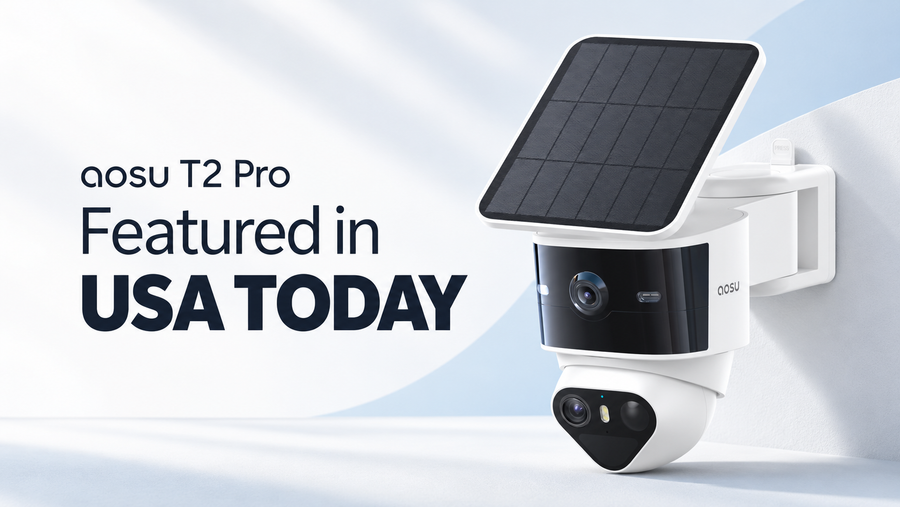
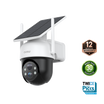
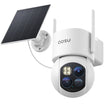
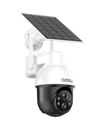
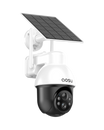
The aosu SolarCam T2 Pro combines two 3K views: a 170-degree fixed camera for the surrounding area and a 360-degree PTZ camera for a closer moving view. You can tap a point in the wide view to guide the PTZ camera, while automatic tracking can follow detected activity.
The wide view keeps the driveway or yard visible while the PTZ view follows the person, vehicle or animal that triggered the event. Having both perspectives can help you see where a visitor went while keeping an eye on a second person or car elsewhere in the scene. On-device AI, local storage and solar power are also part of the current system.
At the time of this October 23 update, the one-camera T2 Pro was listed at $169.99 and did not include aosuBase. For a multi-camera setup, include the base and storage in your comparison of kit contents and total cost.
| Option | Suited for | What you give up | Cost picture |
|---|---|---|---|
| Buy a current dual-view camera | You have a coverage gap now and want to evaluate the complete recording workflow | Replacing working cameras adds hardware cost | T2 Pro 1-Cam was listed at $169.99; aosuBase was not included |
| Wait for an announced camera | A named design solves a placement problem current models do not | Launch timing, stock and final price can move | Expected announcement prices: OMVI 2i Ultra $200–$250; TrackFlex WiFi $199.99 |
| Wait for a firmware feature | You already own compatible hardware and the software would improve how you use it | Support may be limited to certain hubs or cameras, and release timing can change | No new camera cost if your hardware qualifies; hub or storage requirements still apply |

The upper PTZ view follows two people while the lower wide view keeps the driveway visible. Actual T2 Pro test footage; faces and license plate blurred for privacy.
Related links:
· Review current T2 Pro coverage and recording specifications
· Compare base-station and microSD storage
· Browse current outdoor security camera options
Buy Around the Weak Spot in Your Coverage
Match the upgrade to the part of your system you want to improve. Dual view can help with a driveway where someone at the gate and another person beside a car need to stay visible together. AI search can help you find a delivery after a day of recordings. More efficient processing could let battery cameras handle detection and tracking with less frequent charging.
If your current system misses part of an event, you can assess available dual-view cameras now. If it already covers your property well, a supported firmware update could extend its usefulness without replacing the cameras. Wait for new hardware when its announced design would improve the view or recording at your particular entrance, driveway or yard.
FAQs
Is an announced camera available to buy now?
Not always. An announcement can describe a product months before stock reaches checkout. Buy only after the exact model, price, package contents and delivery estimate are clear.
Can firmware features change after launch?
Yes. A firmware feature can arrive later, support fewer models or require a hub. Before waiting for an update, confirm that your camera or hub is supported and that the feature addresses something you want to improve.
How often is this news briefing updated?
This continuing briefing is updated when a tracked camera reaches a meaningful availability milestone or an announced firmware feature is released. Each version keeps a visible update date so readers can separate the original announcement from the latest status.