



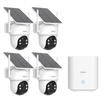
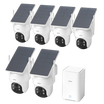
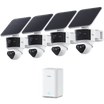
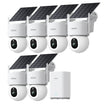
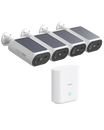
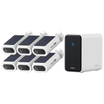
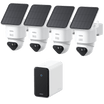
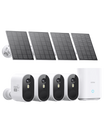

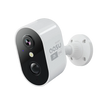
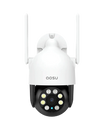
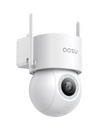
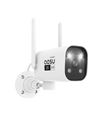


If your security camera battery is draining faster than expected, the problem is not always the battery itself. Battery-powered cameras use the most power when they wake up, detect motion, record clips, send alerts, stream live video, or run night features.
So the best way to improve battery life is generally to reduce unnecessary activity without making the camera less useful. This guide walks through the settings that make the biggest difference.
What Drains a Security Camera Battery Fast?
A battery security camera is designed to stay in a low-power state until something causes it to wake up. Every wake-up uses some power, and every recording, notification, live view session, or night-vision event uses more.
The biggest battery drain usually comes from a camera reacting to things you do not actually need to record, such as cars passing on the street, tree branches moving in the wind, bugs near the lens at night, or people walking far outside the area you care about.
Before changing everything at once, think of battery life as a balance between coverage and selectivity. You want the camera alert enough to catch meaningful activity, but not so sensitive that it records all day.

Start With Motion Detection Settings
1. Lower motion sensitivity one step at a time
If sensitivity is set too high, the camera may react to tiny movements that do not matter. Lower it gradually, then test whether the camera still catches people approaching the area you care about.
2. Use activity zones or detection zones
Zones help the camera ignore parts of the view that create extra motion, such as roads, sidewalks, trees, flags, or reflective windows.
3. Turn on smarter detection when available
If your camera supports person, vehicle, pet, or package detection, use the categories that match your goal. This can reduce alerts from general motion.
4. Avoid aiming at constant movement
Settings help, but camera angle matters too. A camera facing a busy street or swaying tree will usually work harder than one aimed at a porch, gate, driveway, or doorway.
Motion settings are usually the first place to look because they control how often the camera wakes up. If the camera wakes up too often, every other setting has to work harder to save battery.
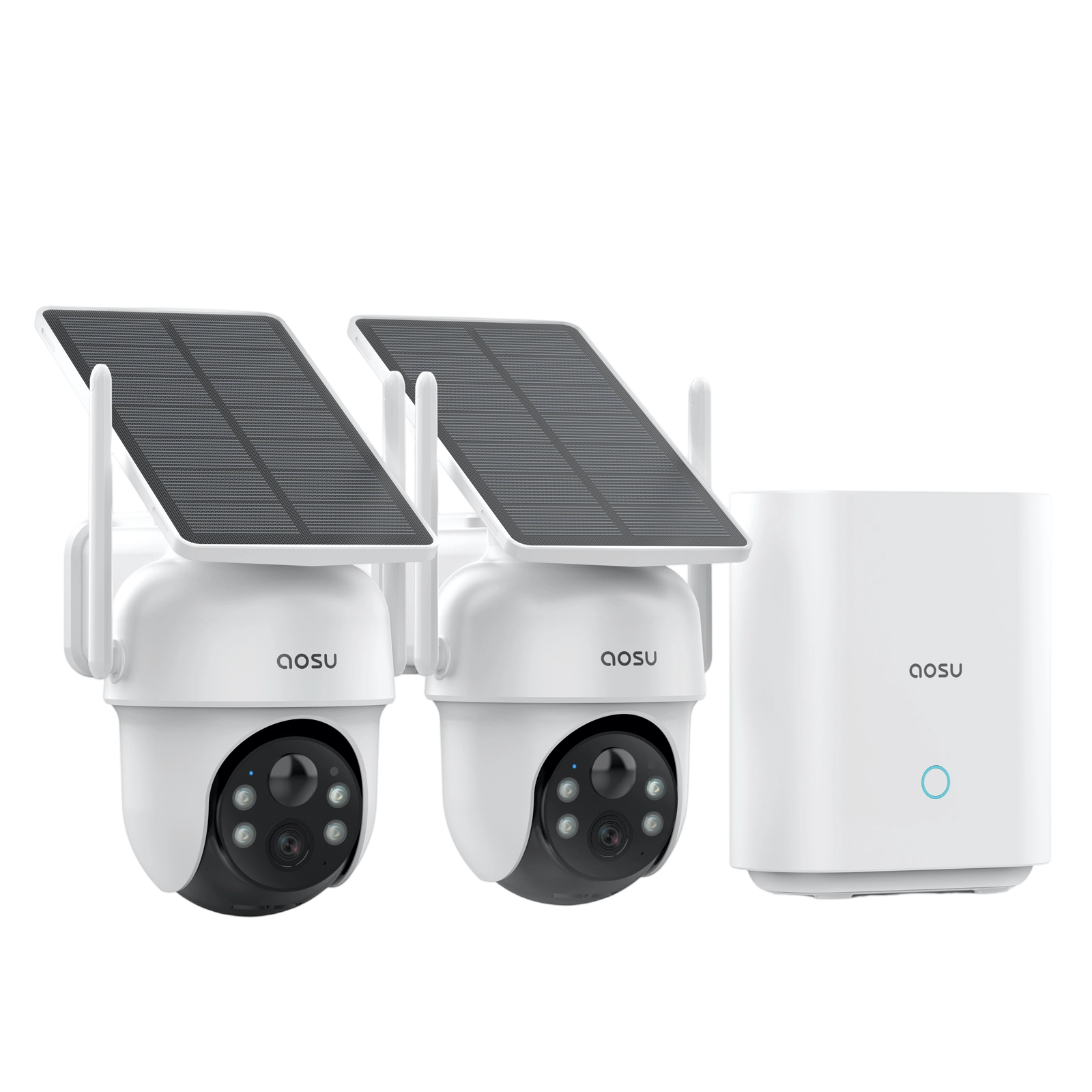
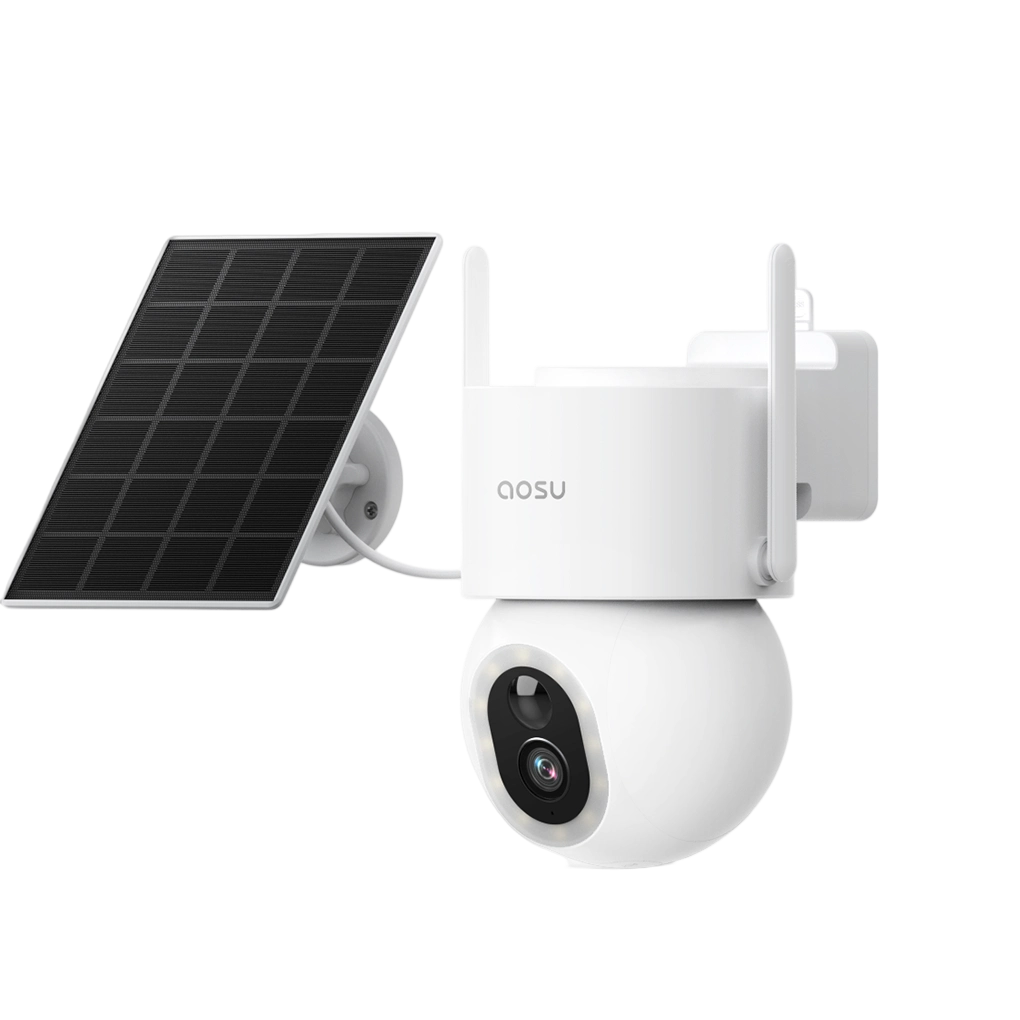
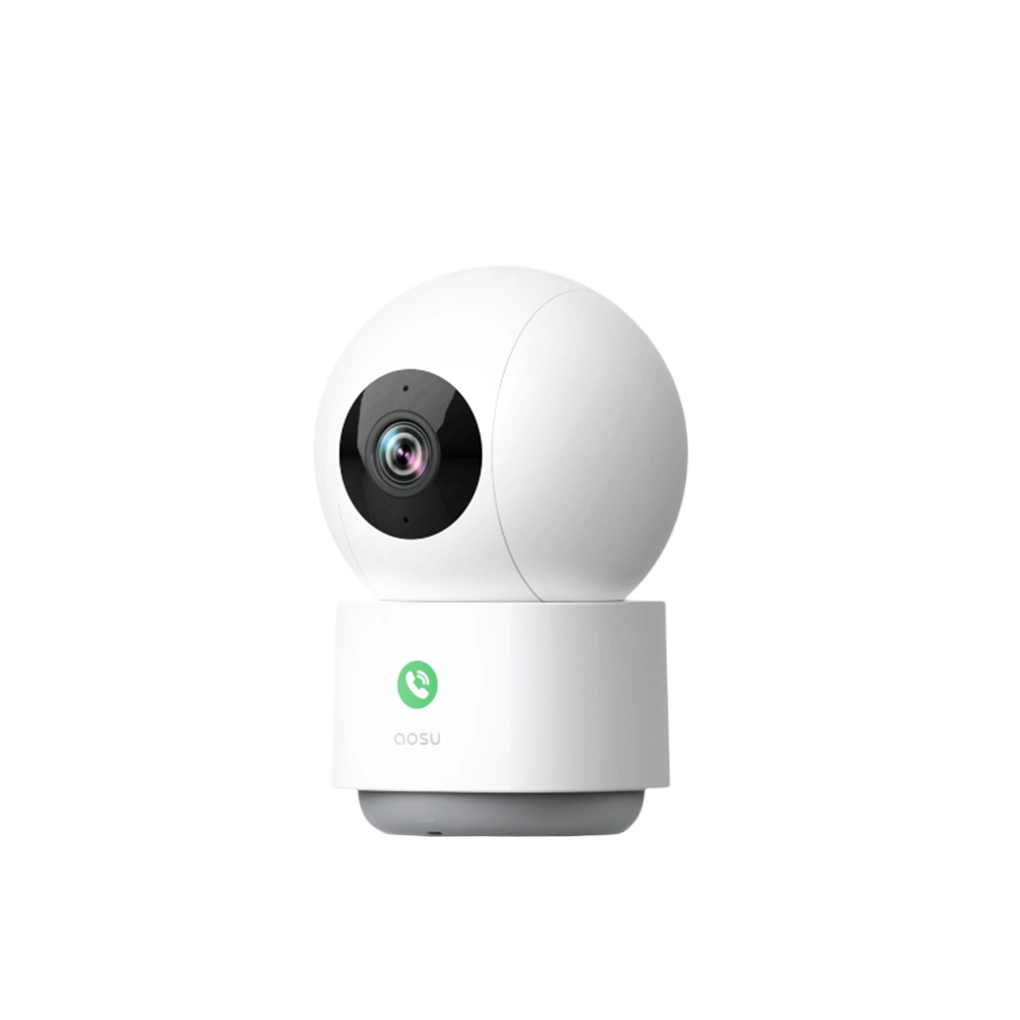
For aosu cameras, look in the app for options such as motion detection, detection sensitivity, activity zones, recording duration, and alert preferences. The exact options can vary by model, but the battery-saving logic is the same.

Shorten Recordings and Reduce Extra Alerts
Recording length can have a major effect on battery life. A camera that records long clips every time a car passes will drain much faster than a camera that records shorter clips only when someone enters the important area.
If your app lets you adjust clip length, retrigger time, cooldown time, or alert frequency, start with a balanced setting rather than the longest or most sensitive option. The goal is to capture the useful moment without recording empty seconds before and after every event.
Notification settings matter too. Alerts don't use as much battery as recording, but they still add to the work the camera needs to do each time it wakes up.
Be Careful With Night Vision, Spotlights, and Live View
| Features to use carefully | Smarter adjustments |
|---|---|
|
|
Night features are useful, but they can increase battery use because the camera may need infrared LEDs, a spotlight, or more processing to keep the image clear.
You do not need to disable night vision if you rely on it. Instead, look for small adjustments that reduce unnecessary night activity, especially around porch lights, landscape lights, reflective surfaces, and insects near the lens.
A Practical Battery-Saving Setup to Try First
| For a front door | For a driveway | For a quiet side yard |
|---|---|---|
|
|
|
After you make changes, give the camera a few days before judging the result. One unusually busy day can make battery life look worse than normal.
A good workflow is to change one or two settings, watch the event history, and then adjust again. If you change everything at once, it becomes harder to know which setting helped or caused missed events.
Common Battery Life Mistakes to Avoid
| Avoid | Do instead |
|---|---|
|
|
The most common mistake is trying to save battery by turning off too much. That can make the camera last longer, but it can also make it miss the moments you bought it to capture.
A better approach is to remove low-value activity first. Keep the settings that protect the important area, and reduce the settings that create noise.
When Settings Are Not Enough
Sometimes battery drain is not just a settings issue. If the camera is in a very busy location, constantly waking up at night, or mounted somewhere hard to access, you may need to look beyond app settings.
For a broader look at battery life factors like camera placement, Wi-Fi signal, weather, solar support, and charging habits, see the full battery life guide: [link placeholder].
To Wrap Up
The best way to optimize security camera settings for battery life is to reduce unnecessary wake-ups while keeping the recordings that matter. Start with motion sensitivity, activity zones, recording length, alert settings, night features, and live view habits.
If the camera still drains too fast after those changes, dig deeper into other battery life factors such as placement, Wi-Fi signal, weather, solar support, and charging habits.
FAQs
What setting saves the most battery on a security camera?
Motion detection settings usually make the biggest difference. Lowering sensitivity, using activity zones, and reducing unnecessary recordings can help the camera wake up less often.
Will lowering motion sensitivity make my camera miss events?
It can if you lower it too much. The safest approach is to reduce sensitivity one step at a time, test normal activity in the area, and check event history before making another change.
Does live view drain a security camera battery?
Yes. Live view usually uses more battery than the camera sitting idle because the camera is awake, streaming video, and maintaining a connection while you watch.
Should I use a solar panel if my battery camera drains quickly?
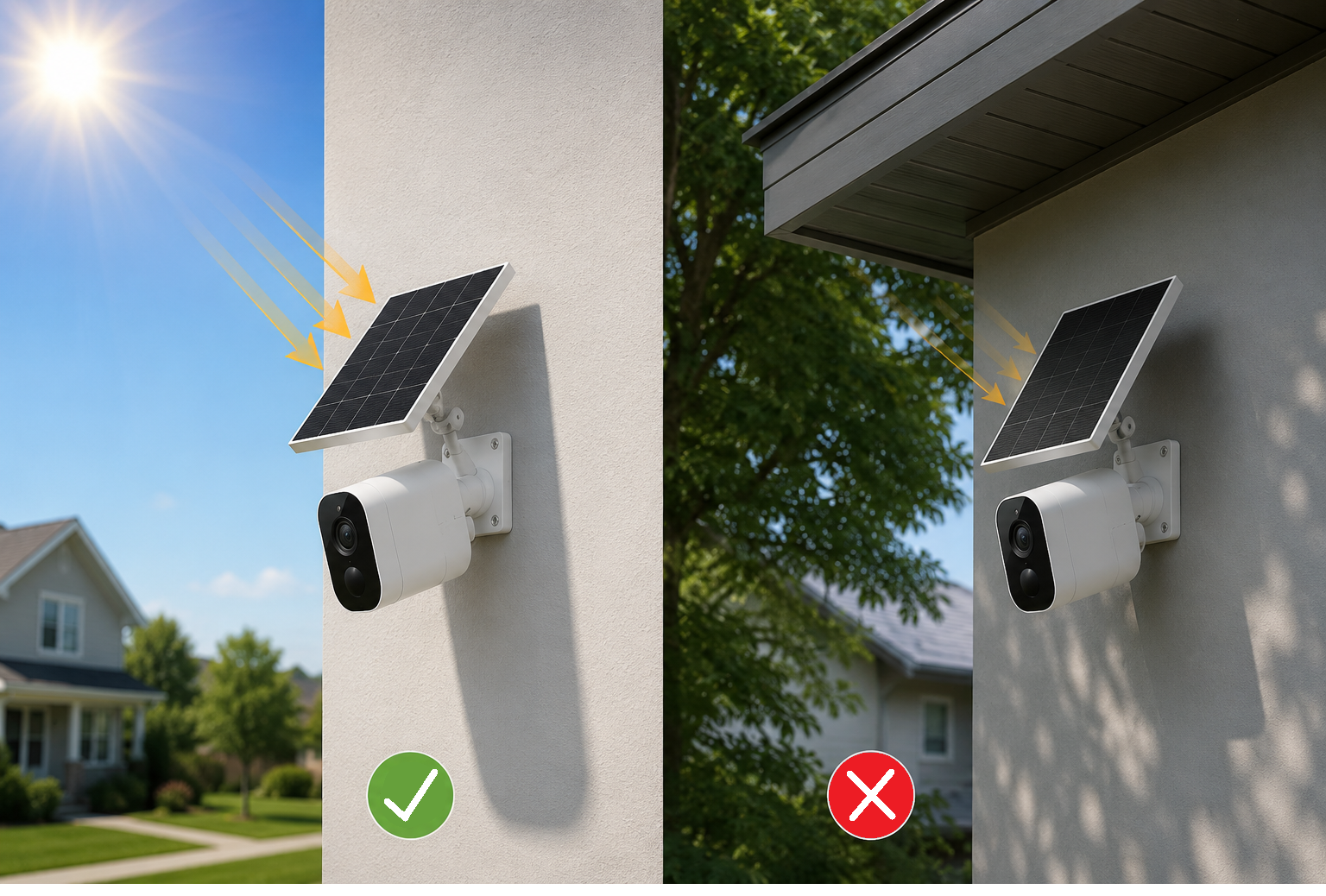
A solar panel can help if the camera is outdoors and the panel gets enough direct sunlight. If the camera is constantly triggered by motion, optimize the camera settings first so the panel is not trying to offset avoidable battery drain.

Leave a comment
This site is protected by hCaptcha and the hCaptcha Privacy Policy and Terms of Service apply.