



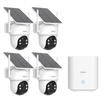
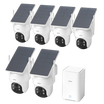
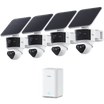
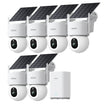
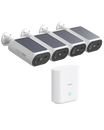
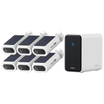
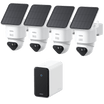
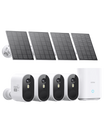

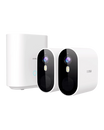
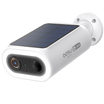
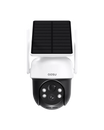
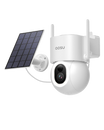
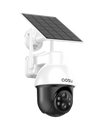
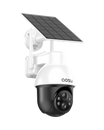
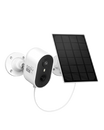
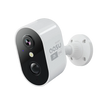
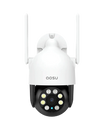
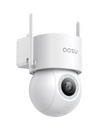
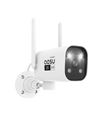


Solar security cameras can sound almost too easy: mount the camera, let the sun keep it charged, and avoid running power wires or climbing up to recharge a battery.
That can be true in the right location. But a solar security camera still depends on a battery, usable sunlight, smart placement, and settings that do not drain power faster than the panel can replace it. This guide gives you the practical overview before you choose, install, or troubleshoot one.
The Short Answer: Solar Cameras Are Battery Cameras With a Charging Helper
Most solar security cameras are not powered directly by the sun every second of the day. They usually run on a rechargeable battery, while the solar panel helps top up that battery during daylight.
The panel can reduce or even eliminate manual charging in a sunny location, but it does not create unlimited power. Continued operation during nighttime, overcast weather, shade, and heavy motion activity still depend on stored battery power.
A solar camera is usually a strong fit when the camera location gets reliable sun, especially in spots that would be inconvenient to recharge by hand. It is usually a weaker fit for shaded porches, under deep eaves, tree-covered areas, or areas that need 24/7 recording.

How Solar Security Cameras Work
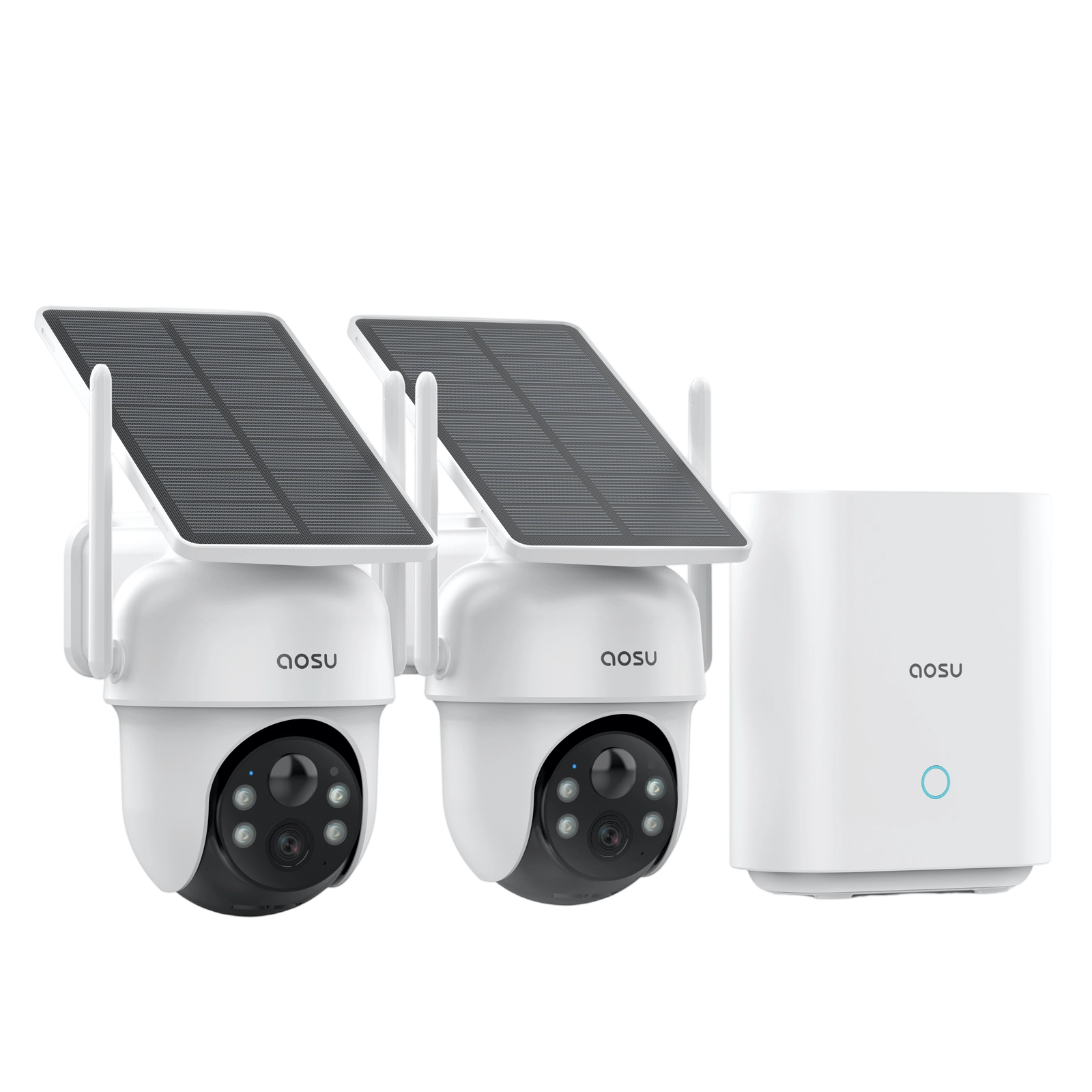
A solar security camera usually has three basic parts: the camera, a rechargeable battery, and a solar panel. The panel collects sunlight during the day, the battery stores that energy, and the camera uses the battery to record, send alerts, run night vision, and stay connected.
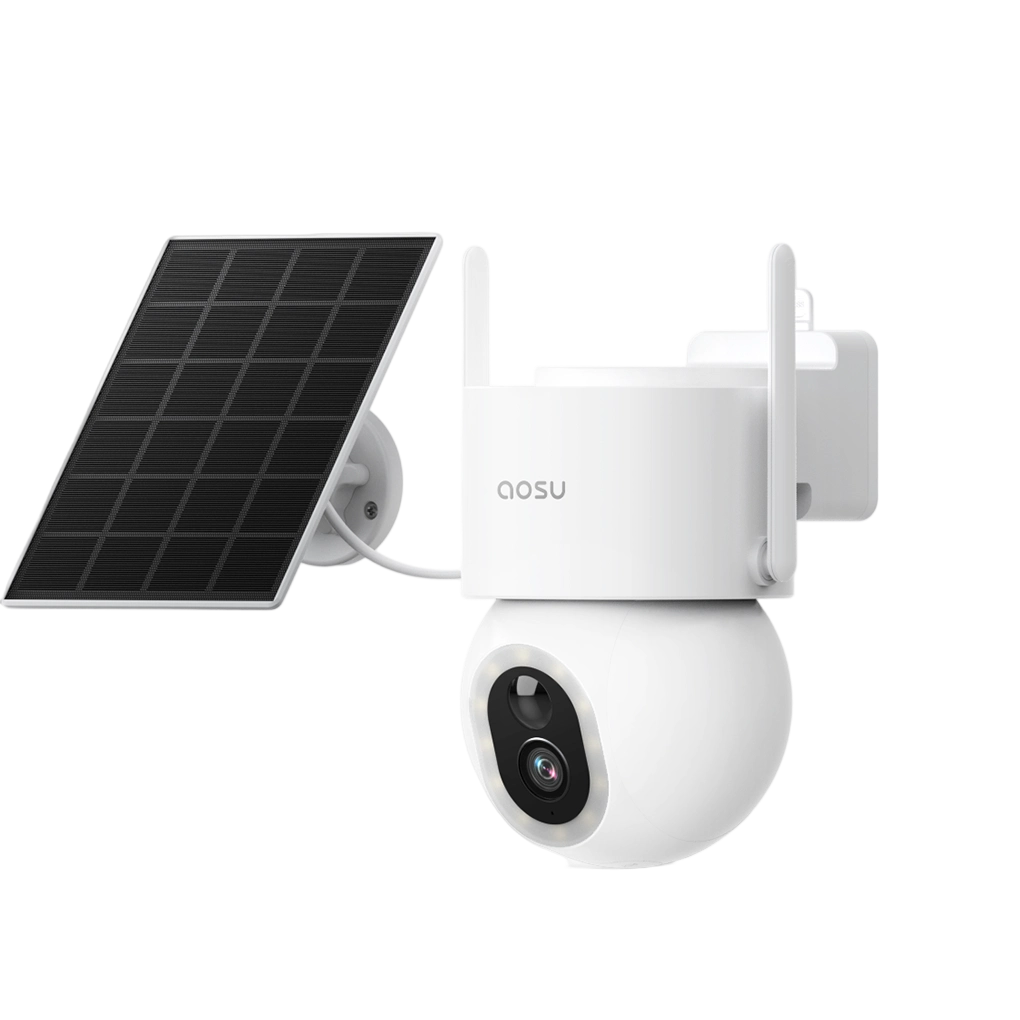
Some cameras have the solar panel built into the camera body. Others use a separate panel connected by a cable. Separate panels can be useful because the best camera view and the best sun angle are not always the same place.
That is the main concept to remember: solar helps replace used battery power, but the camera still has to manage that power carefully.
When Solar Security Cameras Make the Most Sense
Solar is most valuable for reducing setup and maintenance hassle. If you need a camera mounted in a place that's hard to reach and hard to run wires to, solar is often the easiest option.
Of course, this only applies to spots that naturally get sun. Driveways, detached garages, backyards, side yards, sheds, gates, and open fence lines can all be good candidates if the panel is not blocked.
| Solar is usually a good fit for: | Solar is usually a weak fit for: |
|---|---|
|
|
How Much Sun Does a Solar Security Camera Need?
Direct sunlight is best. Some panels may still collect power in bright indirect light, but shade, cloudy weather, low winter sun, and dirty panels can reduce charging enough that the battery slowly drains over time.
As a rule of thumb, do not think only in exact hours of sunlight. Think about whether the panel can collect enough energy to keep up with that camera's daily use. A quiet side yard is very different from a busy driveway or street-facing view.
Before you install, look at the exact mounting spot at different times of day. If the camera view is good but the panel would sit in shade, that is a sign to consider a separate panel or a different mounting location.

Built-In Solar Panel vs Separate Solar Panel
A built-in solar panel can look cleaner because there is less hardware to mount. It can work well when the camera naturally faces a sunny direction.
A separate solar panel is often more flexible. You can aim the camera at the area you want to monitor while placing the panel nearby where it gets better sunlight. This is especially useful near eaves, corners, trees, and shaded entry points.
Neither design is automatically better. The better choice depends on whether your camera view and your sun exposure line up.
| Built-in panel may be better if: | Separate panel may be better if: |
|---|---|
|
|
Battery Life, Recording, and Storage Still Matter
Solar helps with charging, but it does not remove the need to think about battery use. The busiest camera in your home will usually need the most power, even if it has a panel.
Motion recording is usually a better match for solar cameras than continuous 24/7 recording. Storage is also a separate question from charging, so check whether the camera uses cloud storage, local storage, a home hub, or some combination before you buy.
| Settings that can drain solar camera batteries faster: | Settings that can help solar cameras last longer: |
|---|---|
|
|
Do Solar Security Cameras Work at Night, in Rain, or in Winter?
Solar cameras can work at night because the camera uses stored battery power after the sun goes down. The panel charges during daylight; the battery runs the camera when there is no sunlight.
Rain, clouds, and winter do not automatically stop a solar camera, but they reduce the charging margin. Shorter days, snow on the panel, lower sun angle, and cold battery behavior can all work against the solar panel, especially if the camera is also recording a lot of motion.
Common Solar Camera Mistakes to Avoid
Most solar camera problems come from a mismatch between the panel, the camera view, and the daily workload. Here are the mistakes to watch for before installation.
1. Mounting under an eave and expecting full charging
Eaves can protect the camera, but they often shade the panel. If the panel is built into the camera, this can weaken charging.
2. Aiming at a busy street
Constant motion can wake the camera too often. Use activity zones or choose an angle that focuses on your property.
3. Assuming solar means 24/7 recording
Most solar cameras are better for motion-based recording. If you need continuous recording, compare wired options.
How to Choose a Solar Security Camera
The best solar security camera is not just the one with the biggest feature list. It is the one that matches your location, sunlight, recording needs, storage preferences, and maintenance expectations.
1. Start with the location
Check whether the camera area gets direct sun and whether the panel can face the sun without ruining the camera view.
2. Match the camera to the activity level
A quiet side yard and a busy driveway have very different power needs.
3. Decide how you want footage stored
Look for local storage, hub storage, cloud storage, or a combination depending on your needs.
4. Check mounting flexibility
If the panel is separate, make sure the cable length and mounting hardware work for your home.
5. Plan for maintenance
Even a good solar camera may need occasional panel cleaning, setting adjustments, or manual charging during rough conditions.
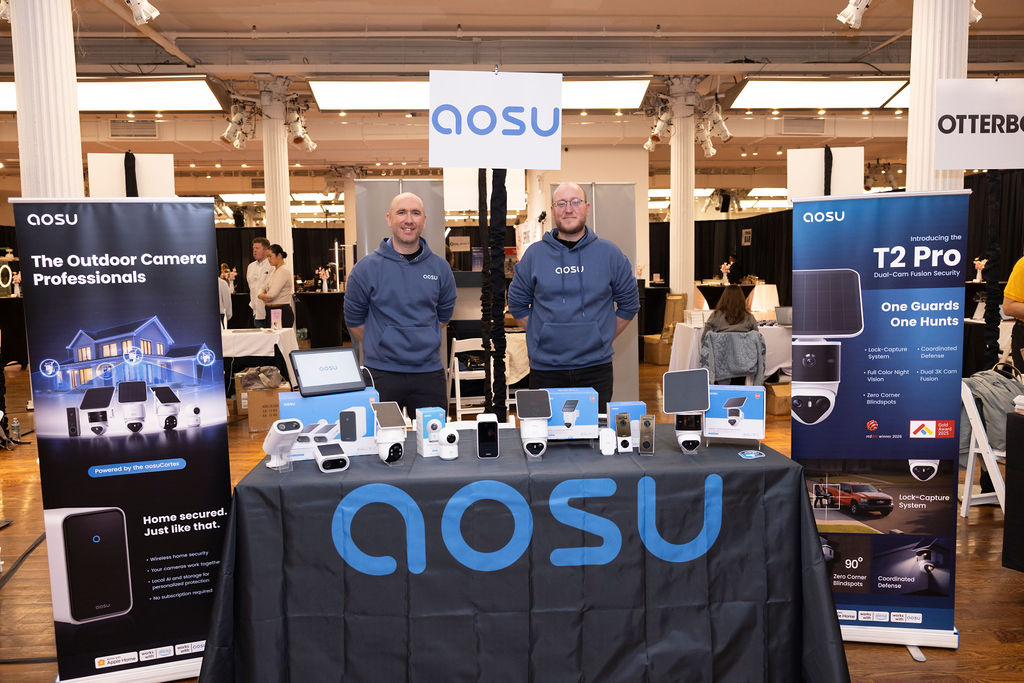
If you are comparing aosu solar cameras, use the product page to check the storage method, panel design, camera resolution, app features, mounting options, and optional cloud features. You can browse aosu solar-powered security cameras here: https://www.aosulife.com/collections/solar-powered-security-cameras
To Wrap Up
Solar security cameras can be an excellent choice when the installation spot gets reliable sunlight and you want less manual charging. They are especially helpful for outdoor areas where running power is difficult or where the camera would be annoying to reach.
The key is setting realistic expectations. Think of solar as a charging helper for a battery-powered camera, not as unlimited power. If you match the panel to the sun, keep the camera focused on useful motion, and choose the right storage setup, a solar camera can be the easiest security camera choice in many instances.
FAQs
Are solar security cameras worth it?
Solar security cameras are worth it when the camera location gets reliable sunlight and you want to reduce manual charging. They are less ideal for shaded areas, covered porches, or views with constant unnecessary motion.
Do solar security cameras need direct sunlight?
Direct sunlight is best. Some solar panels may charge in bright indirect light, but shade, cloudy weather, winter sun, and dirty panels can reduce charging enough that the battery drains over time.
Do solar security cameras work at night?
Yes. Solar security cameras usually charge a battery during the day and run from that stored battery power at night. The panel does not need sunlight at night for the camera to work.
Can solar security cameras record 24/7?
Most solar security cameras are better suited to motion-based recording than 24/7 recording. Continuous recording uses much more power and is usually a better fit for wired cameras.
What is the biggest downside of solar security cameras?
The biggest downside is sunlight dependency. If the panel does not get enough usable sun, the camera may still need manual charging or setting adjustments.
Are solar security cameras better than battery cameras?
Solar cameras are usually better for sunny outdoor spots, especially ones that are hard to reach. Battery-only cameras can be better for shaded areas, flexible placement, or places where manual recharging is easy.


Leave a comment
This site is protected by hCaptcha and the hCaptcha Privacy Policy and Terms of Service apply.