



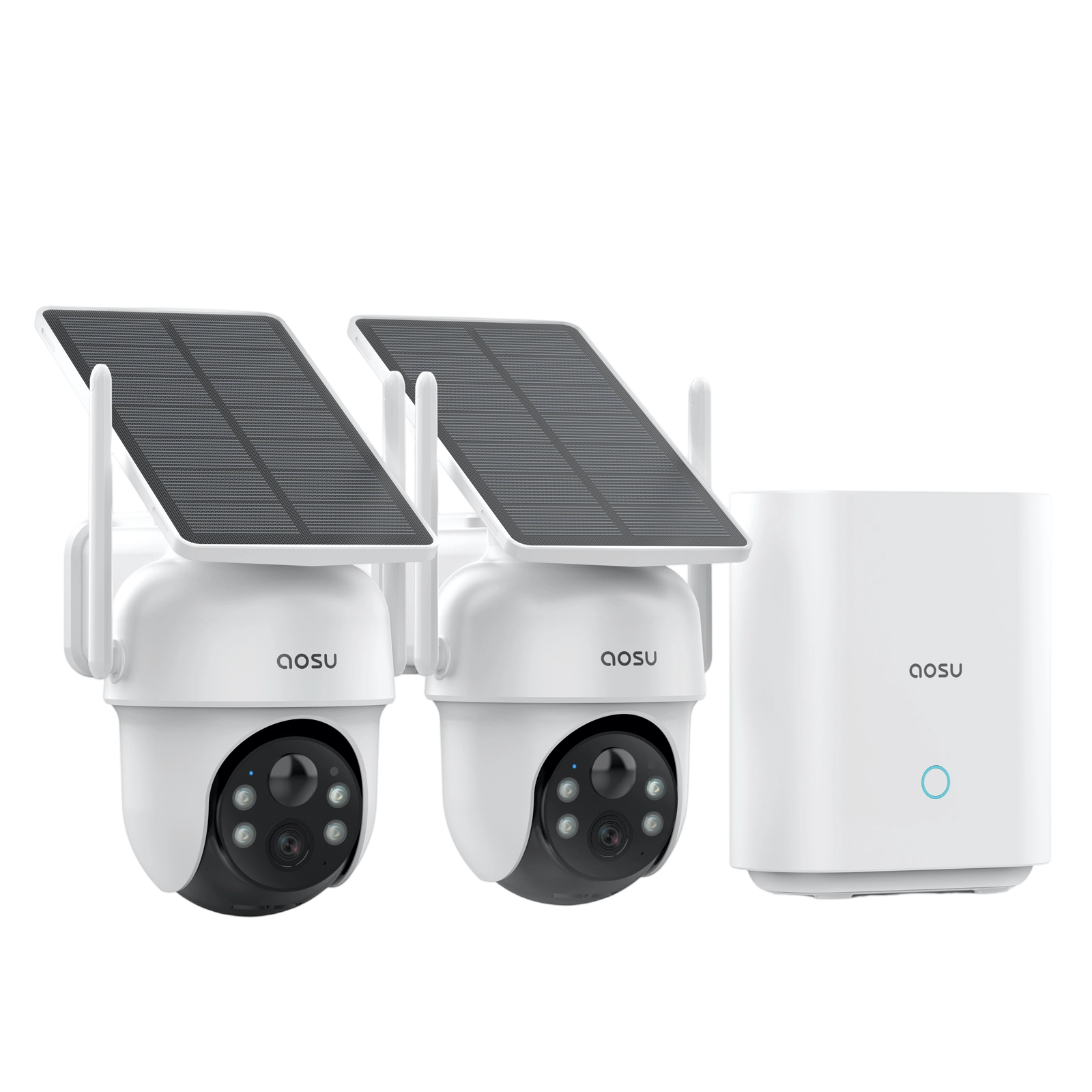
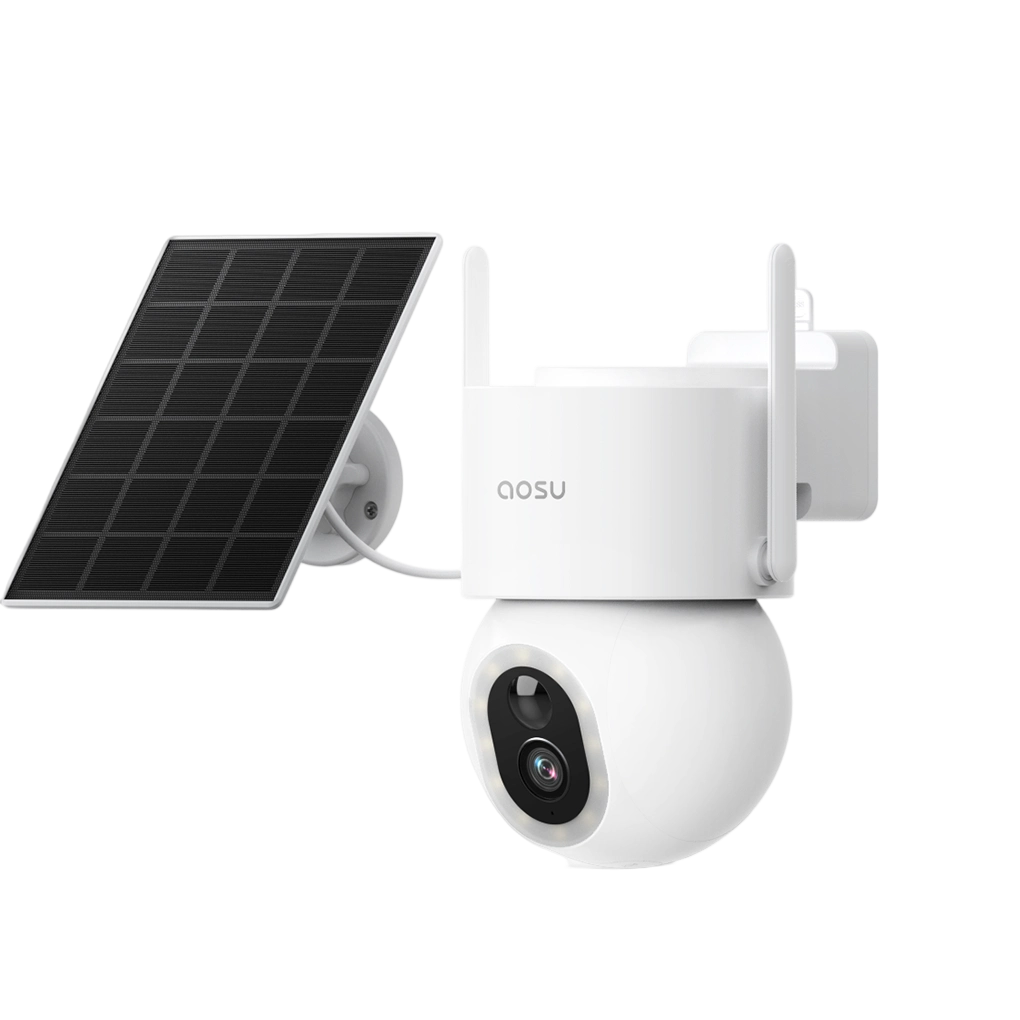






















Spring cleaning usually means organizing closets, opening windows, and freshening up the spaces we use every day.
But it’s also a smart time to refresh something many homeowners overlook: their home security routine.
aosu was recently featured on Daytime in a segment about refreshing your home security setup for spring. The conversation focused on simple ways families can refresh their home security setup as season change, from checking camera placement to making sure your system still fits your daily routine.
Watch the Segment
Why Spring Is a Good Time to Recheck Home Security
As the weather changes, so does the way people use their homes.
More time outdoors, longer daylight hours, and growing bushes can all affect how your security cameras perform. A camera angle that worked well in winter may not be as clear once spring growth starts blocking the view.
That makes spring a natural time to do a quick home security checkup.
Here are three quick "spring cleaning" steps for your home security cameras.
1. Recheck Your Camera Views
Start by looking at each camera’s live view.
Ask yourself:
- Are trees, bushes, decorations, or outdoor furniture blocking the view?
- Is the camera facing direct glare during part of the day?
- Does the angle still match what I actually want to monitor?
Spring growth can sneak up quickly. A branch that was bare in winter might block part of the frame by April or May.

If your view is obscured, adjust the angle or trim nearby plants so the camera can focus on the most important area.
More about placement: How High Should You Mount a Security Camera?
2. Refresh Motion Zones and Alerts
Spring can also bring more activity around the home.
Kids playing outside, pets in the yard, neighbors walking by, moving trees, and brighter evening light can all trigger more notifications.
This is a good time to review:
- motion sensitivity
- activity zones
- people-only or vehicle-only alerts
- notification schedules
- areas you want the camera to ignore
The goal is simple: fewer unnecessary alerts and more useful notifications.
If your camera keeps alerting you about the same tree, sidewalk, or street, the solution may be as easy as adjusting your detection zone.
More about camera settings: How to Optimize Security Camera Battery Life
3. Check Battery and Solar Placement
If you use battery-powered or solar-powered security cameras, spring is also a good time to check power performance.
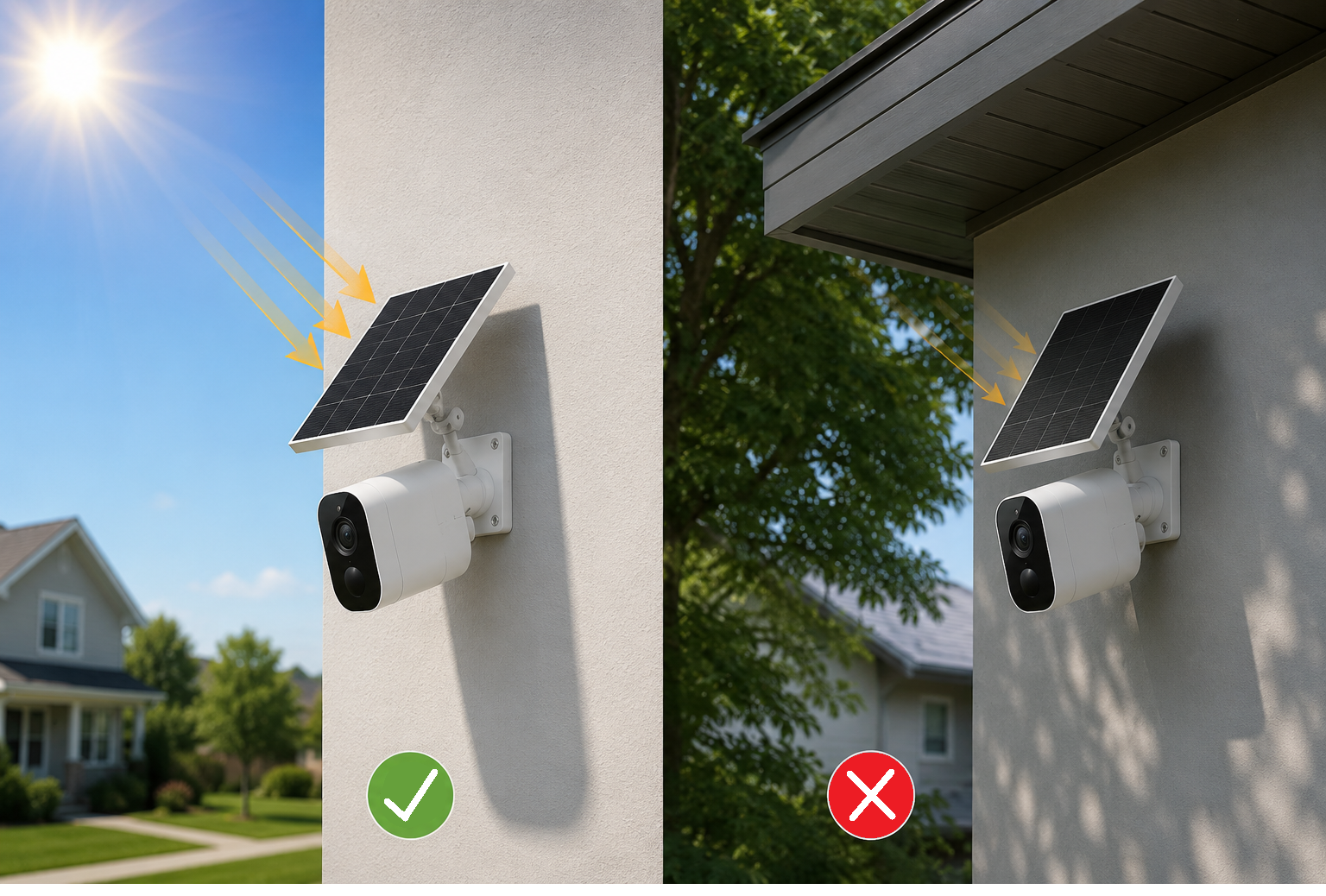
Longer daylight can help solar cameras stay charged, but not if new leaves on a nearby tree are blocking the sun.
For battery-only cameras, more spring activity can also mean more recordings, which may drain the battery faster.
A quick check can help:
- Make sure solar panels get direct sunlight when possible
- Check battery levels after high-activity days
- Adjust recording length or motion settings if battery life isn't keeping up
Good placement can make a big difference in how often you need to recharge.
More about solar security cameras: Are Solar Security Cameras Worth It?
Make Security Part of Your Seasonal Routine
Home security doesn’t need to feel complicated.
Just like changing air filters, testing smoke alarms, or cleaning outdoor lights, reviewing your camera setup can become a simple seasonal habit.
A quick spring refresh can help you:
- improve visibility
- reduce false alerts
- extend battery life
- make solar charging more effective
- feel more confident when you’re away from home
And yes, a literal spring cleaning of your cameras and solar panels is a great idea too.

Simple, Smart Home Security for Everyday Life
At aosu, we believe home security should be easy to use, simple to maintain, and built around real family routines.
Whether you’re checking your front door, watching the driveway, monitoring the backyard, or looking for a wire-free solar setup, the right camera placement and settings can help your system work better with less effort.
Explore aosu security cameras to find flexible options for your home.
See the WFLA article here: https://www.wfla.com/daytime/refresh-your-home-security-routine-this-spring/



Leave a comment
This site is protected by hCaptcha and the hCaptcha Privacy Policy and Terms of Service apply.