


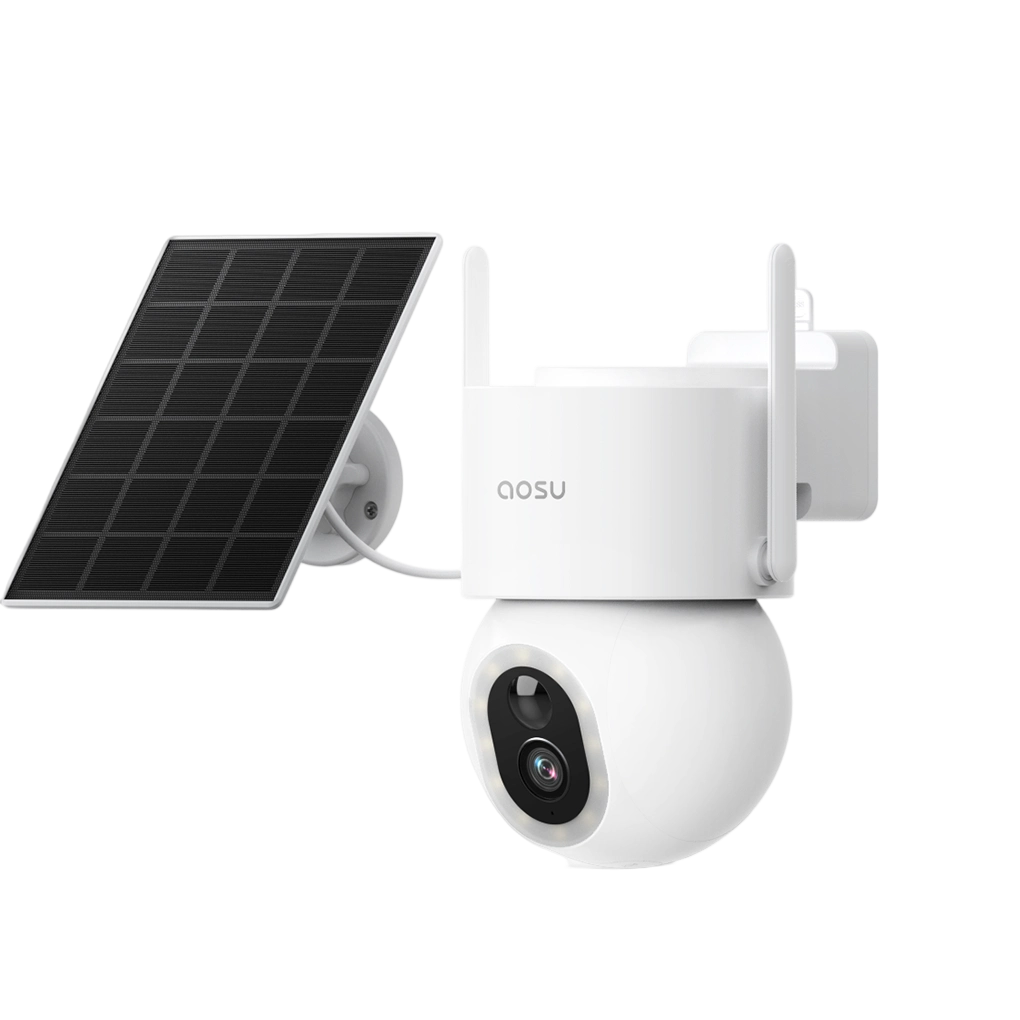
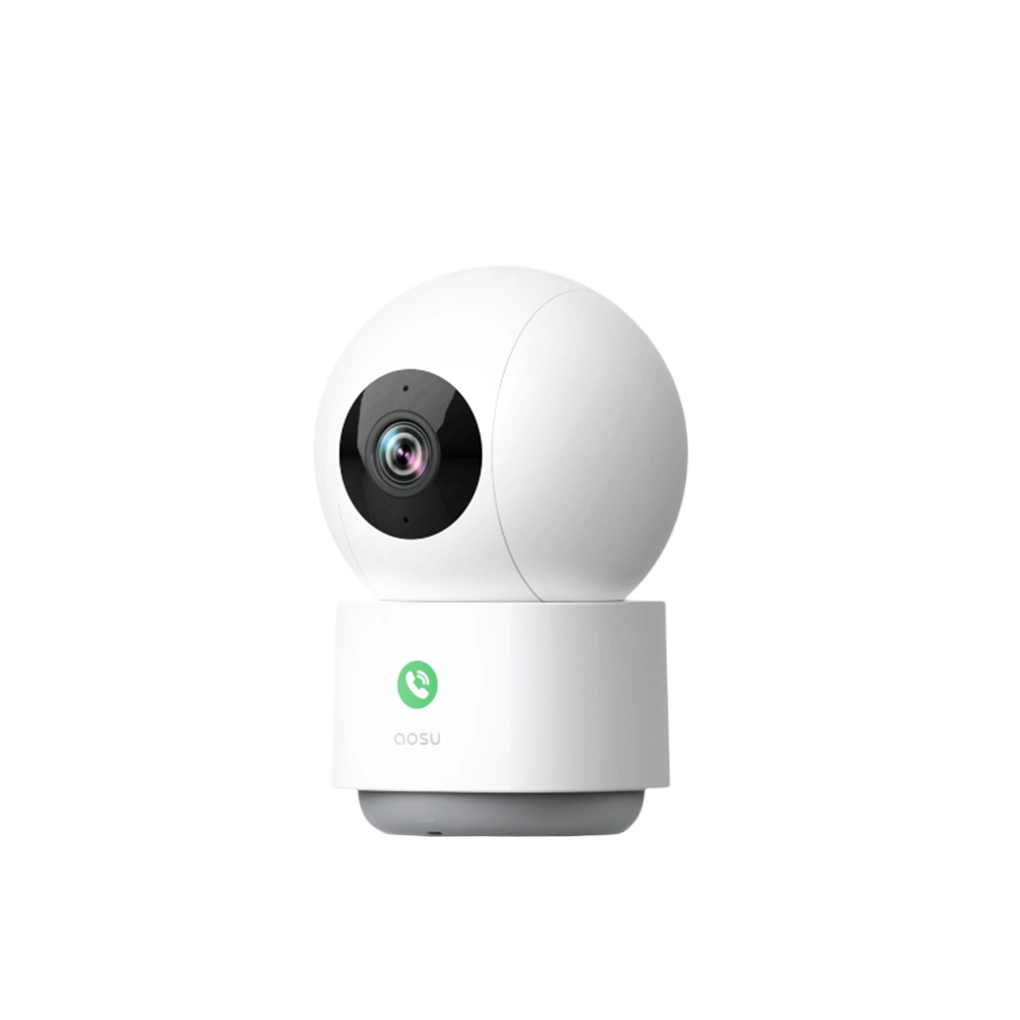

















It's common these days to find a camera that looks affordable at first glance, but then find out the useful storage or playback features are tied to a monthly plan.
It can be frustrating when you feel you're getting pushed into subscriptions, and no-subscription cameras can be a great fit, but it's important to weigh the pros and cons of both options.
This guide explains what you can usually do without monthly fees, what features typically require a plan, and how to choose between local storage, cloud storage, SD cards, hubs, and wired recorders.
The Short Answer: You Can Record Without a Monthly Storage Plan
In most cases, a no-subscription security camera lets you save video somewhere you own instead of paying for cloud storage every month. That might be a microSD card, built-in camera storage, a wireless base station, or a dedicated recorder.
That can be enough for everyday home monitoring: motion clips, playback, and saving important footage. The part worth checking is what the camera includes for free versus what is only available through an optional plan.
A better question than “Does it have no monthly fees?” is:
“Can I record, review, download, and access the footage I care about without paying every month?”

What to Check Before You Trust the No-Fee Claim
The phrase is useful, but it is not a complete feature list. Two cameras can both advertise no monthly fee and still handle storage, playback, smart alerts, and cloud backup differently.
Before you choose one, look past the headline and check the details that affect daily use.
-
Where the video is saved
Many no-fee cameras can save footage to a device you own, such as an microSD card, built-in storage, a base station, or a local recorder.
-
Which smart features are included
Some cameras keep basic recording free but reserve longer cloud history, advanced detection, or extra account features for a paid plan.
-
What happens when the internet goes out
Local recording and remote viewing are different. A camera may record locally during an internet outage but still need internet for live remote viewing or app alerts.
-
How storage is managed over time
You still need to manage storage limits, protect your account, update the app or firmware, and check whether old clips are being overwritten.
What Usually Works Without a Monthly Plan
Exact features depend on the camera, but many no-subscription security cameras are built around a similar idea: keep the basics useful without requiring cloud storage.
The safest way to evaluate a camera is to separate the core security features from the optional convenience features.
| Often available without a subscription | Often require a paid plan |
|---|---|
|
|
How Security Cameras Store Footage Without Monthly Fees
The storage method matters because it affects cost, privacy, playback, video history, and what happens if the camera is stolen or disconnected.
For most homeowners, the main no-subscription options are on-camera storage, a home hub or base station, and a local recorder. Cloud storage is still worth understanding because many cameras offer it as an optional backup.
| microSD or built-in camera storage | Home hub or base station | NVR or wired recorder |
|---|---|---|
|
|
|

Local Storage vs Cloud Storage: The Real Tradeoff
Local storage is appealing because it can reduce monthly costs and keep more direct control over your recordings. You are not paying a recurring cloud-storage bill just to review basic clips.
Cloud storage is appealing because it can be more convenient and can protect footage if a camera or storage device is stolen, damaged, or unplugged. That protection is one reason many brands still offer cloud plans even when local storage is available.
| Local storage is strongest when: | Cloud storage is strongest when: |
|---|---|
|
|
You don't have to choose one or the other. It's worth considering the benefits of a camera or system where local storage handles everyday recording, while cloud storage remains optional if you want remote backup or extra features.
Can a No-Subscription Camera Record Without Wi-Fi?
Sometimes, yes. But this is one of the easiest areas to misunderstand.
Recording, alerts, live view, and playback are separate functions. During a Wi-Fi or internet outage, a camera with local storage may still be able to record events locally, but you may not receive remote alerts or view live footage through the app until the connection returns.
That is why it helps to check the camera's behavior before you need it. If offline recording is important to you, look for clear model-specific guidance about local recording during internet outages.
-
Local recording may continue
If the camera has power and local storage, it may keep saving clips even when internet access is interrupted.
-
Remote viewing may stop
App-based live view usually needs an internet connection, especially when you are away from home.
-
Notifications may pause
Push alerts generally require the camera or hub to communicate with your phone through the internet.
-
Playback may resume after reconnecting
Some systems let you review locally recorded clips once the camera, hub, or app reconnects.
What Happens When Local Storage Fills Up?
Most local-storage camera systems use loop recording. That means once the storage is full, the oldest footage is overwritten by newer footage.
If a clip is important, you should save or download it before it gets overwritten. How quickly storage fills depends on resolution, clip length, motion activity, number of cameras, and whether the camera records only events or continuously.
This is also where motion recording and 24/7 recording become very different. Motion recording saves space by recording events. Continuous recording uses storage much faster and is usually only recommended for wired systems.
How security cameras store footage
Who Should Choose Security Cameras Without Subscription?
A no-subscription camera is not automatically the best choice for everyone, but it is a good fit for many normal home setups.
| A good fit if you want: | Think twice if you need: |
|---|---|
|
|
How to Choose a No-Subscription Security Camera
Before comparing camera specs, decide what you actually need the camera to do without a paid plan. That keeps the purchase decision grounded instead of getting pulled around by feature lists.
-
Check where the footage is stored
Look for microSD, built-in storage, home hub, base station, NVR, or another clear local-storage method.
-
Confirm what works without a plan
Do not stop at the phrase "no monthly fee." Check playback, downloads, smart alerts, storage length, and remote access.
-
Think about storage safety
Camera-only storage is simple, but a separate hub or recorder may be safer if the camera is stolen or damaged.
-
Match storage to recording style
Motion recording needs less storage. 24/7 recording needs much more storage and usually works better with wired cameras.
-
Leave room for optional cloud if you want it
You may not want a monthly plan now, but if there's a chance you'll want it later, it's better to make sure you get a compatible camera system.
A Quick Note About aosu No-Monthly-Fee Cameras
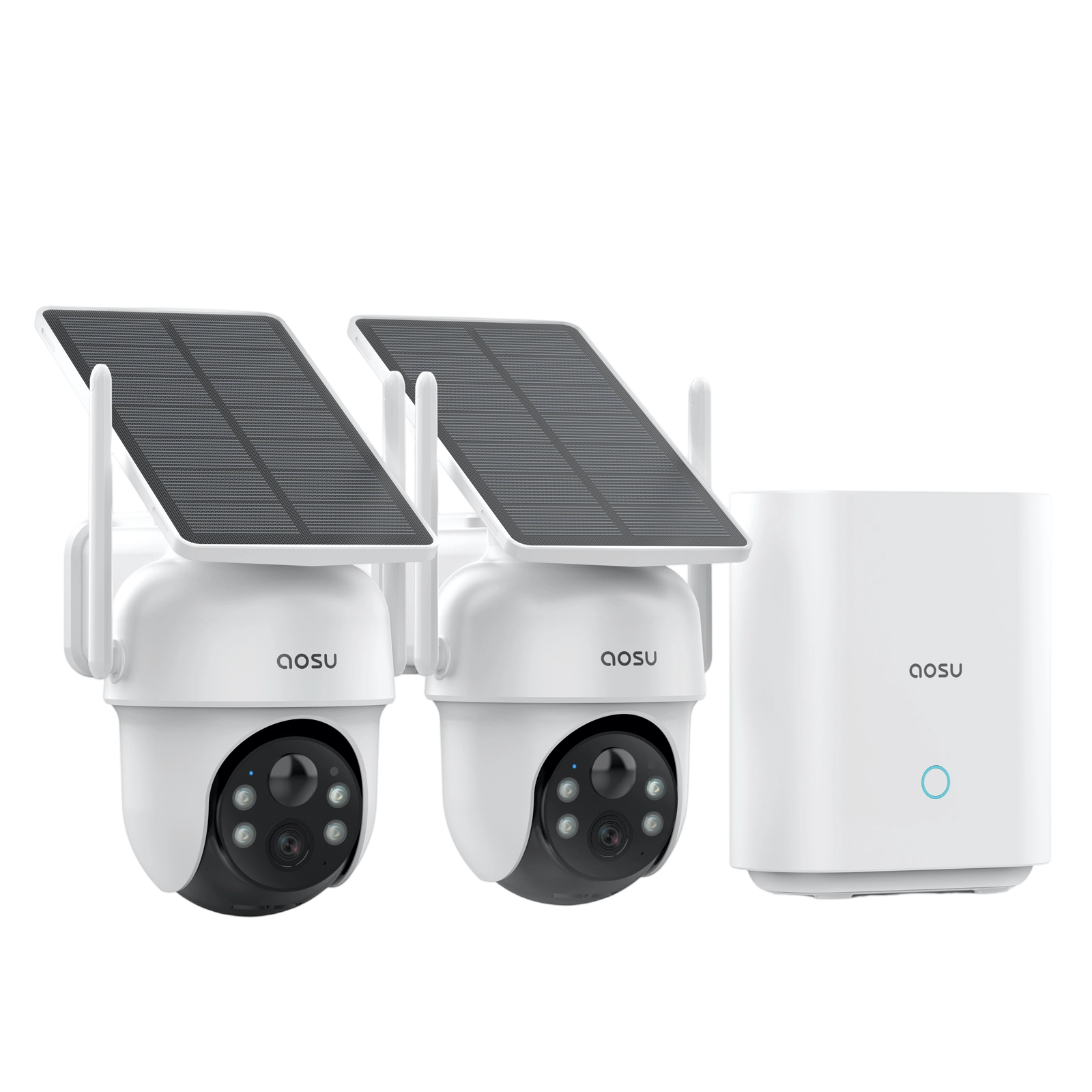
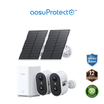
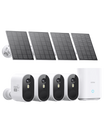
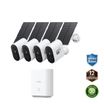
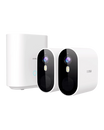
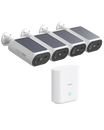
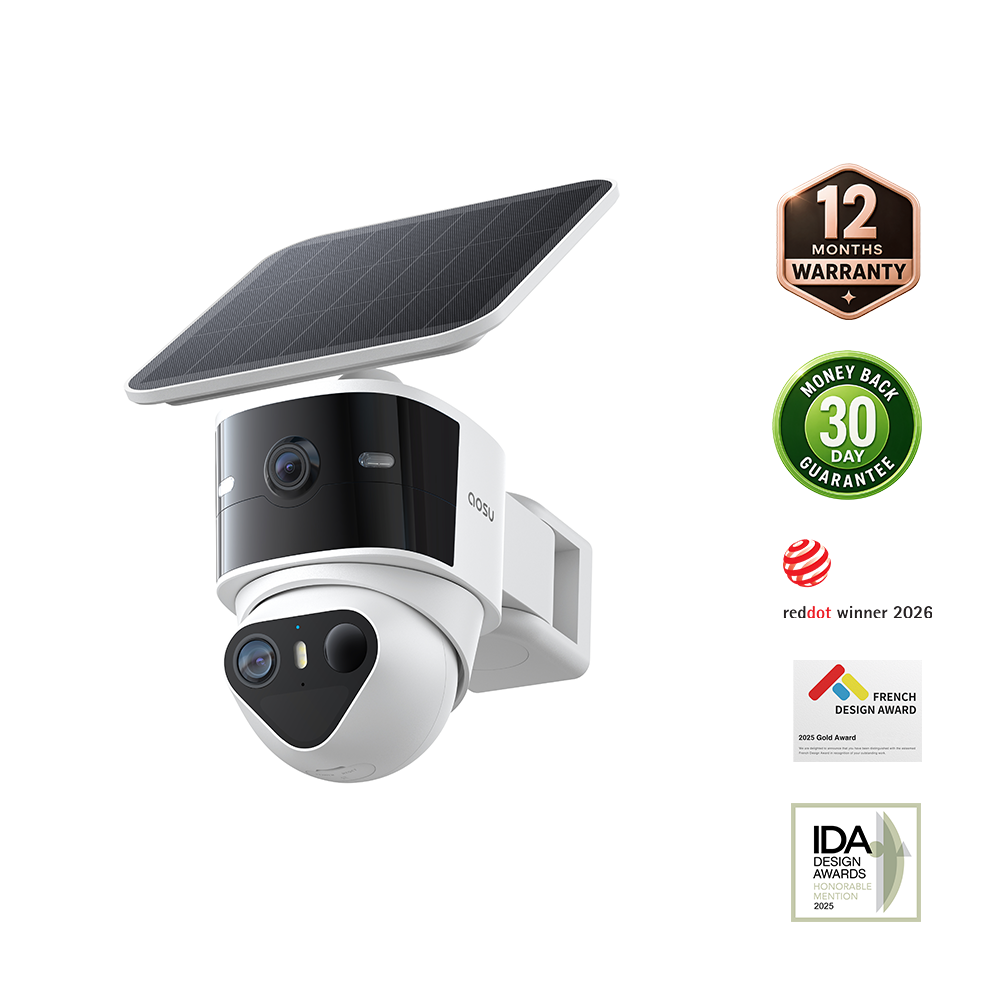
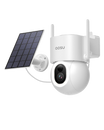
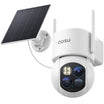
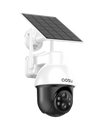
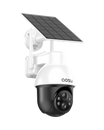
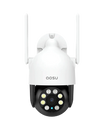
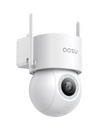
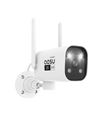
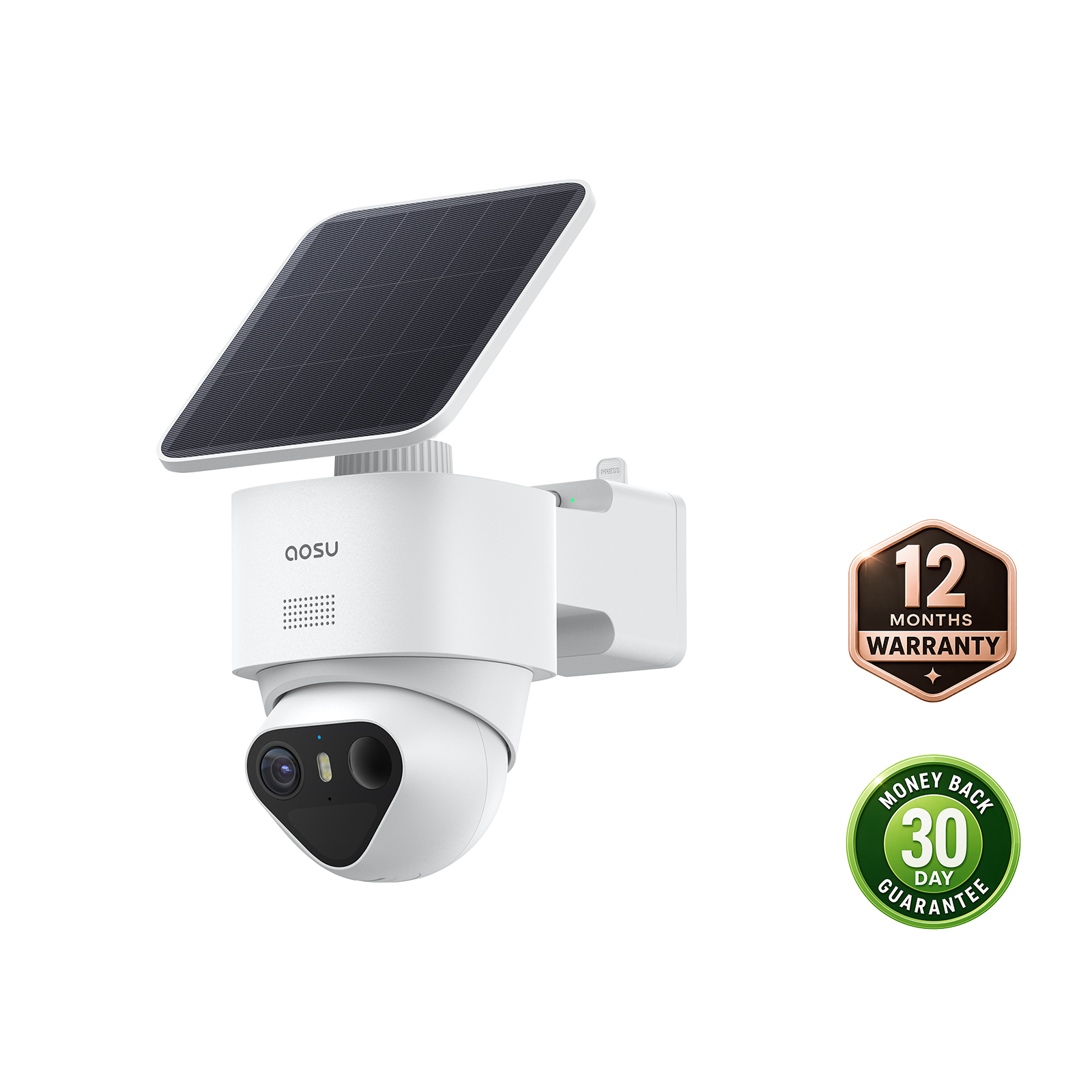
Many aosu cameras and camera systems are built around no-monthly-fee local storage. Depending on the model, footage may be stored on an SD card in the camera, on an aosuBase, which is a wireless hub that stays inside, or a combo of the two.
That makes aosu a natural option to compare if you want security cameras without subscription fees. Just make sure you check the specific product page before buying, because storage length, storage type, and optional cloud features can vary by model.
If you want to browse aosu systems that emphasize local storage and no required monthly subscription, start with the security camera systems collection:

To Wrap Up
Security cameras without subscription can be a smart choice if you want useful home monitoring without another monthly bill. The most important thing is understanding what the camera can do locally and what, if anything, is tied to optional cloud service.
Look closely at the storage method, playback rules, Wi-Fi behavior, and feature limits before you buy. A good no-subscription camera should make everyday recording simple, but it usually has some limitations compared to what subscriptions can offer.
FAQs About Security Cameras Without a Subscription
Where is footage stored without a security camera subscription?
Without a subscription, footage is usually stored locally on a microSD card, built-in camera storage, a home hub or base station, or a wired recorder. The exact storage method depends on the camera model.
Can security cameras work without a subscription?
Yes. Many security cameras can record and play back footage without a monthly subscription by using local storage, such as a microSD card, built-in storage, a home hub, or a recorder. Exact features vary by model.
What do you lose without a security camera subscription?
You may lose longer cloud video history, cloud backup, professional monitoring, or some advanced smart detection features. Basic live view, alerts, and local recording may still work without a plan, depending on the camera.
Is local storage better than cloud storage for security cameras?
Local storage is usually better if you want to avoid recurring fees and keep footage on hardware you control. Cloud storage is usually better if you want off-site backup, easier remote access, or longer online video history.
Can a no-subscription security camera record without Wi-Fi?
Some cameras with local storage can keep recording without Wi-Fi or internet, as long as they have power and storage available. Remote viewing, notifications, and app access usually need an internet connection.
Do aosu security cameras require monthly fees?
Many aosu cameras and camera systems are designed with local storage and no monthly fee options, but features vary by model. Check the specific product page for storage type, playback details, and whether optional cloud service is available.