


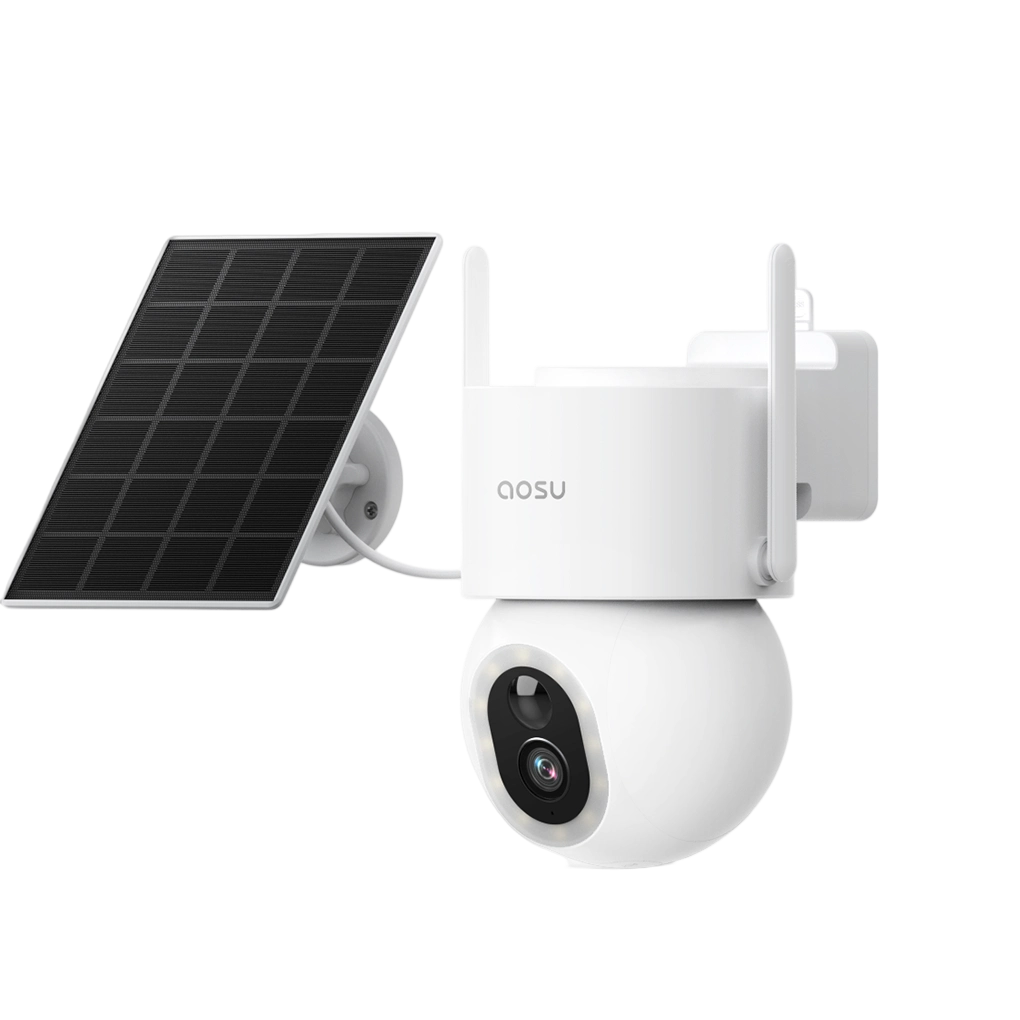
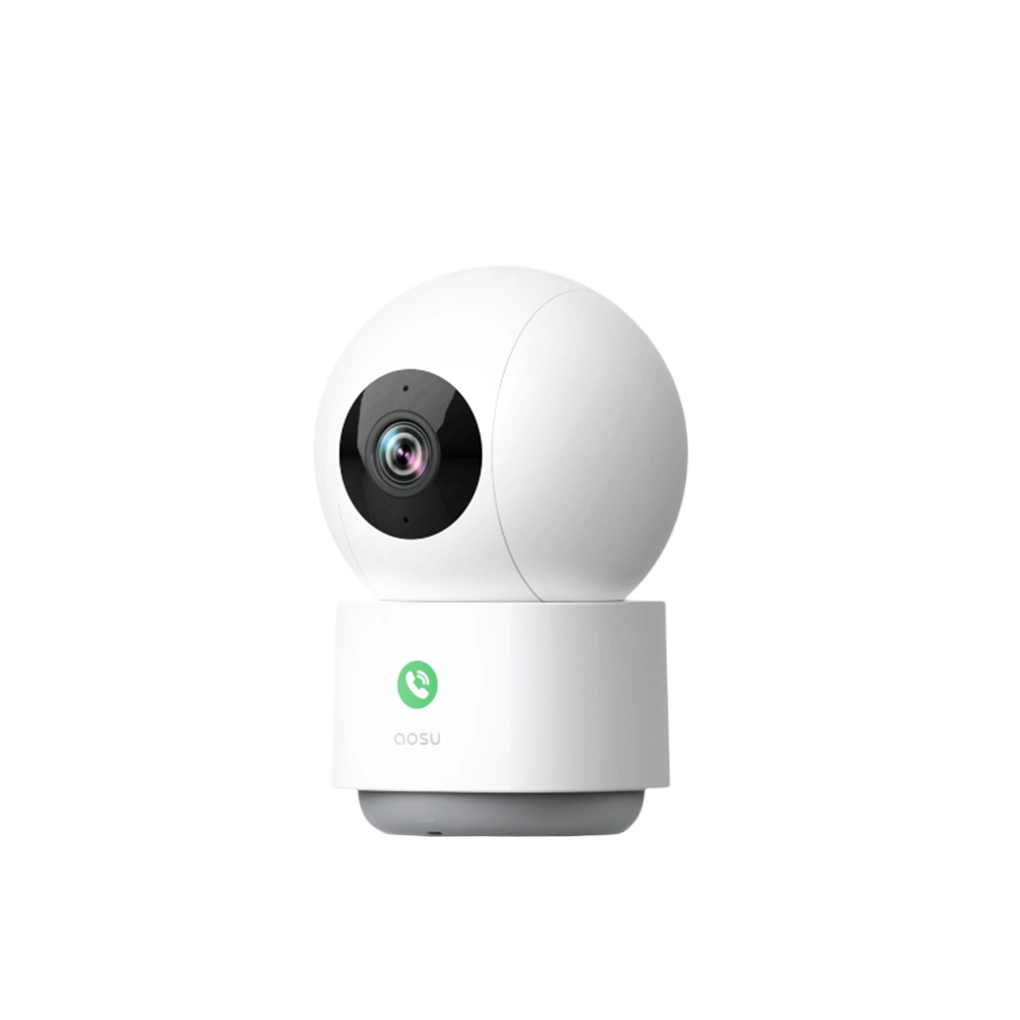









Wood is arguably the easiest surface to mount a security camera on. In most cases, you can screw the mount directly into the wood without needing any extra hardware.
This guide walks through how to install a security camera on wood securely, what tools you need, and what mistakes to avoid so your camera stays stable over time.
What You'll Need
Before you start, gather the right tools:
- Drill or electric screwdriver
- Driver bit
- Level (optional)
- Pencil or marker (optional)
- Drill bit slightly smaller than the screw diameter (optional)
- Safety glasses (recommended)
- Exterior-grade sealant (recommended)
Note: Screws almost always come with the camera.

Step 1: Choose the Right Location
Before mounting the camera, make sure the spot gives you the coverage you want.
Look for:
- A clear view of the area you want to monitor
- A mounting height of around 7–10 feet
- A location with reliable Wi-Fi or wiring access
- Solid wood that feels stable and not rotted or split
Avoid:
- Mounting near bright lights
- Aiming directly into the sun
- Weak, damaged, or decaying wood
- Spots blocked by beams, trim, or decorations
Consider having someone hold the camera in place while you check the view through your app or monitor to ensure it meets your expectations before installing.
Step 2: Check the Wood Surface
Not all wood surfaces are the same. You may be mounting into:
- Solid wood siding
- Wood trim or fascia
- Plywood or sheathing
- A post, beam, or framing member
Solid, thick wood is ideal because it gives screws a better hold. Thin or damaged wood may not provide enough support, especially if the wood is thinner than the screws used for the mount.

Step 3: Mark the Drill Holes
Hold the camera in the position where you want it installed, using a level if needed. Mark the screw positions through the holes in the mount.
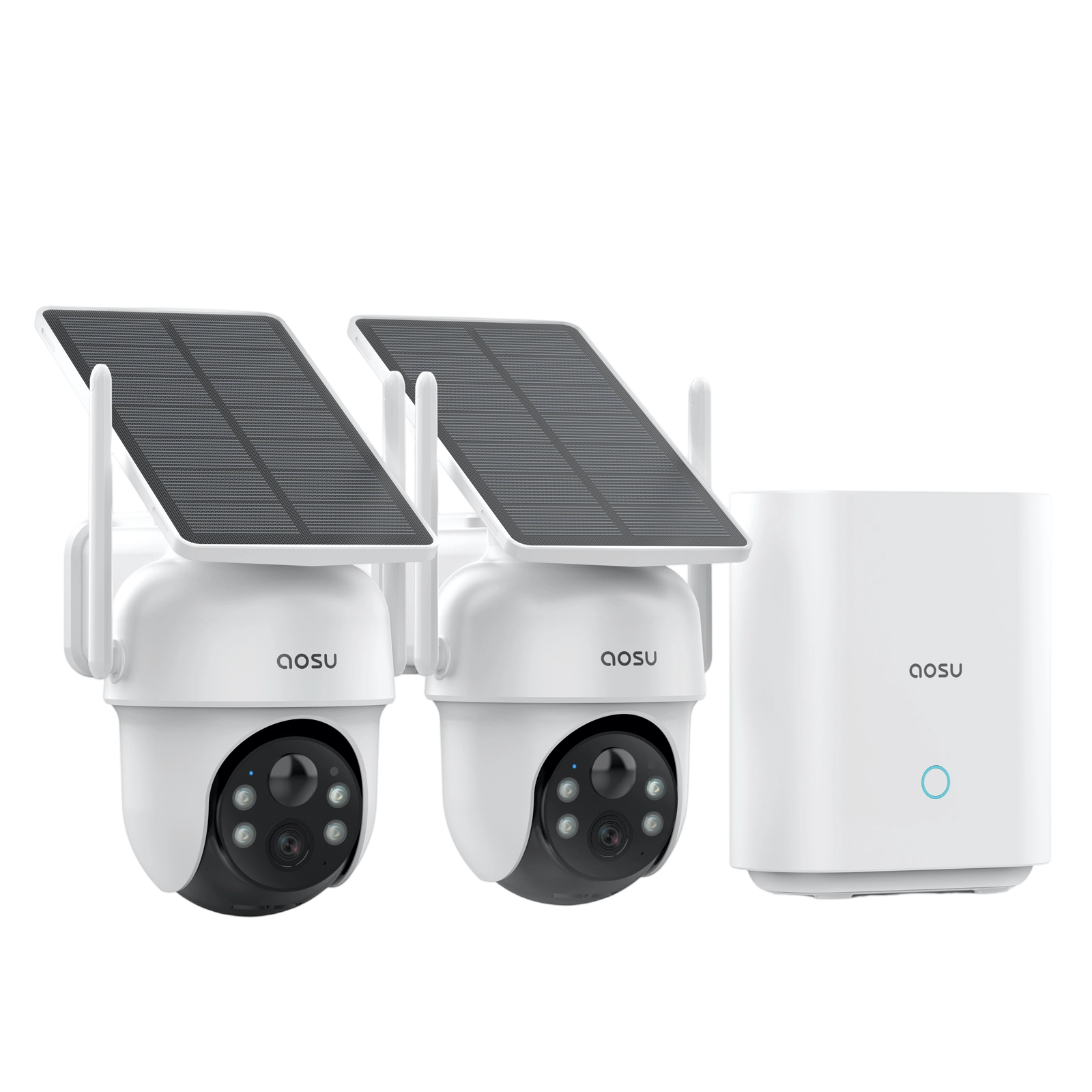
Note: aosu cameras come with a placement sticker that can be used instead.
Step 4: Drill Pilot Holes (Optional)
Pilot holes are small starter holes that help guide screws into the wood.
This step can help:
- Reduce the chance of splitting the wood
- Make driving screws easier
- Keep the mount aligned
Use a drill bit slightly smaller than your screw diameter and drill only as deep as needed.
Step 5: Add Sealant (Optional)
If you're installing outdoors, you may want to apply a small amount of exterior-grade sealant around each hole.
This can help:
- Reduce water intrusion
- Protect the wood over time
- Lower the risk of rot
A small amount is enough. Overapplying can make the mount uneven.
Step 6: Attach the Mounting Bracket
Line up the mount with the pilot holes and drive in the screws.
- Tighten until secure and stable
- Avoid overtightening, which can strip the wood and weaken the hold

Step 7: Mount and Adjust the Camera
Attach the camera and adjust the viewing angle if applicable. Once positioned, tighten adjustment points so the camera stays fixed.
Common Mistakes to Avoid
- Mounting into weak or damaged wood → unstable installation
- Overtightening screws → stripped holes and reduced stability
- Mounting too low or too high → reduced effectiveness
To Wrap Up
Installing a security camera on wood is a straightforward project when the surface is solid and properly prepared.
Focus on choosing a strong mounting point, using pilot holes, and sealing outdoor installations to ensure long-term stability and protection.
FAQs About Mounting a Security Camera on Wood
Do you need anchors for wood?
Usually, no. If you are mounting directly into solid wood, screws alone are typically enough. Anchors are generally used for materials like concrete, brick, drywall, or hollow surfaces.
Will installing on wood cause long term damage?
When properly installed, a camera mount on a wooden surface causes no damage aside from 2-3 small screw holes. If you remove the mount, the screw holes can be filled in and painted over which will make them practically disappear.
Is wood the best surface for mounting a camera?
Many surfaces can provide a stable and long-term mount, so it is more important to consider placement first and surface second. That being said, wood is generally the easiest surface to install a screw-in mount on.