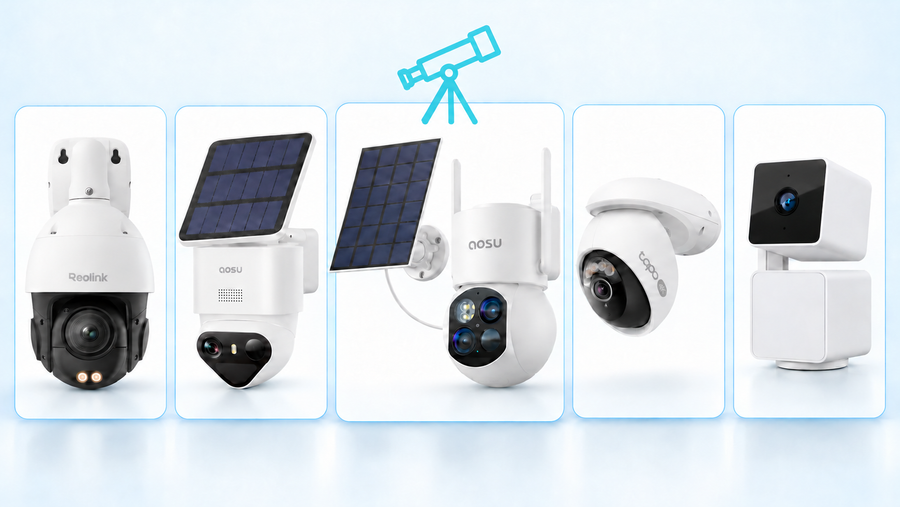



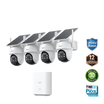
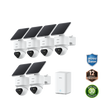
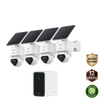
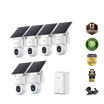
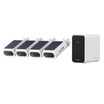

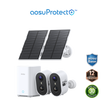
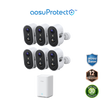
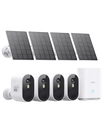
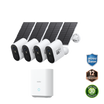
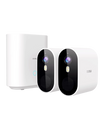
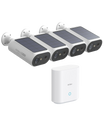
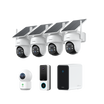
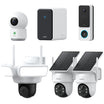
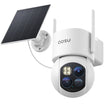
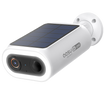
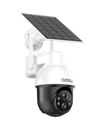
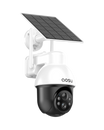



Affordable security cameras can cover a front door, driveway or side gate without a large system budget. Add the camera, storage and necessary accessories together, then spend on the features that help you capture and retrieve a useful recording. You can save on extra resolution, advanced detection and coverage you don't need. Keep reliable power and Wi-Fi, clear night video and easy playback.
A single camera is a good starting point for one entrance. A small kit becomes better value when it includes storage and covers several areas with fewer installations.
Set a Budget for a Working Setup
A homeowner on r/homesecurity asking about the lowest-cost reasonable setup wrote, “I've tried doing a lot of research on this but even the most DIY I can find still asks a lot.”
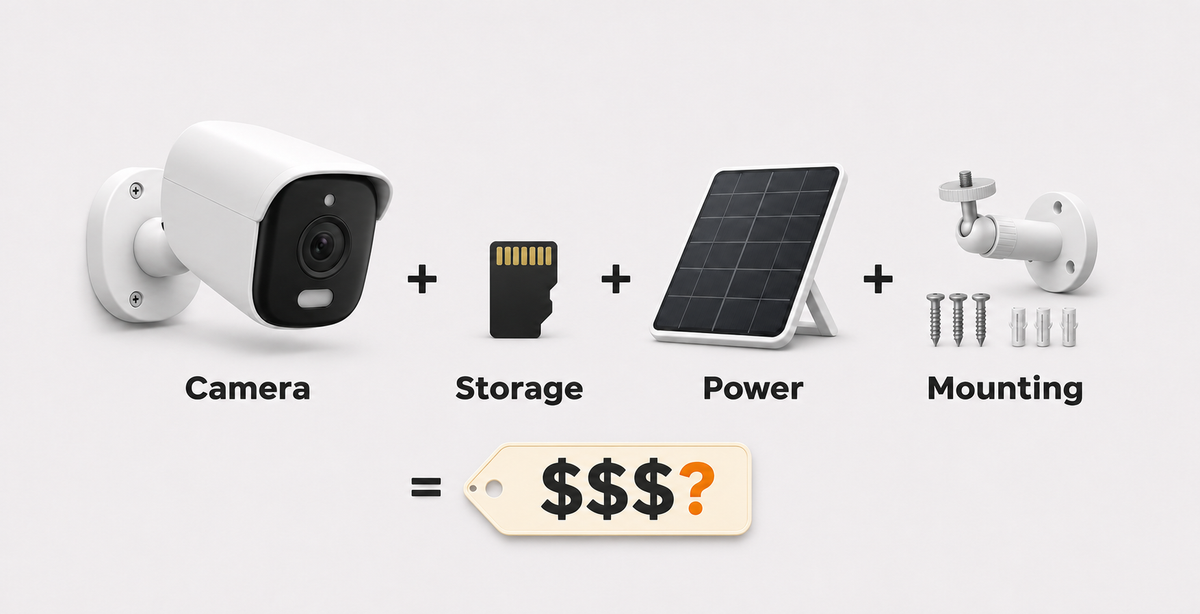
Divide the budget into four lines: camera, recording storage, power or charging, and mounting or network accessories. Some cameras need a separate memory card; our kits with aosuBase include local memory. Optional cloud backup adds a recurring cost only if you choose it.
For example, a $50 camera that needs a $26 card costs $76 before tax. Two of those cameras need two cards, bringing the total to $152. A kit with included storage can have a higher shelf price while saving you those separate purchases.
Related links:
· Read the original budget question on r/homesecurity
Protect the Features That Make Footage Useful
A low price works when the camera records the event you care about and makes the clip easy to retrieve. Keep these four features in your budget.
A view that shows the person or vehicle
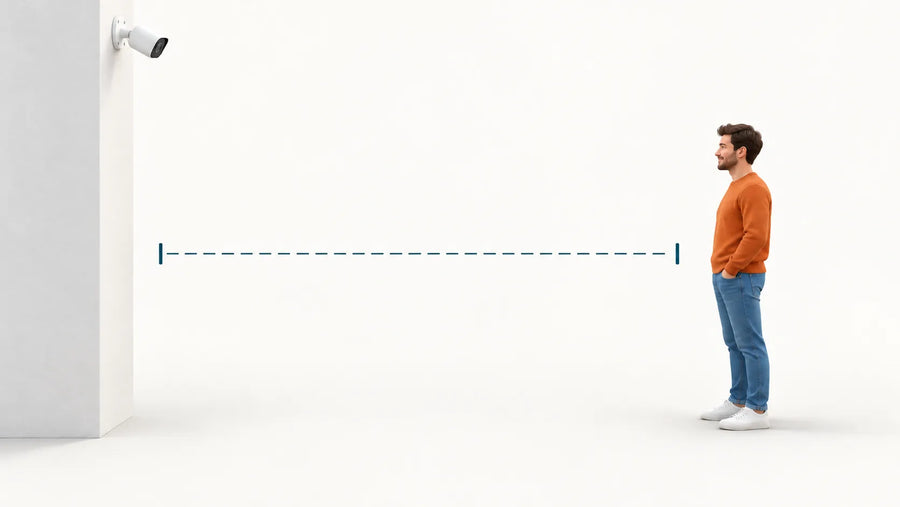
Choose the mounting point before the model. A wide view shows more of the driveway or yard, while a narrower view makes a person occupy more of the frame. For a gate, you need a clear view of someone entering; for a driveway, you may also want to see which car they approached. Distance and mounting angle affect how much detail you can see.
Power and Wi-Fi that reach the location
Battery power avoids a cable run but adds recharging. Solar charging reduces those trips when the panel receives direct sunlight. A shaded camera position can work with a separately mounted panel in a sunnier spot. Reliable Wi-Fi at the camera supports remote live view and phone alerts.
Recording without an unwanted fee
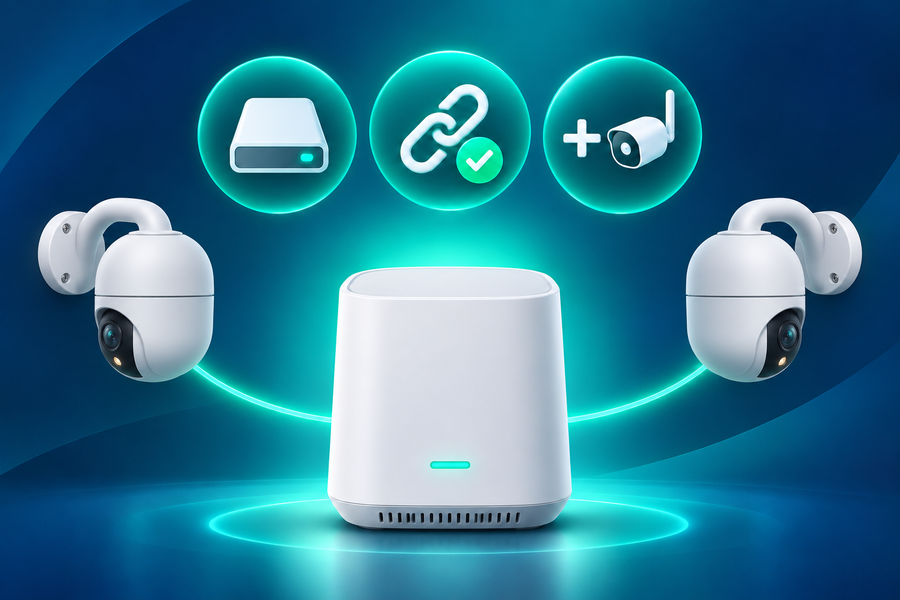
Local storage saves recordings on a memory card or base station. With an aosuBase kit, the included memory lets you save and review events without buying an extra card or paying a required storage subscription. Optional cloud backup keeps an off-site copy if the camera or local storage is stolen or damaged.
Event recording saves clips when activity triggers the camera. Continuous recording saves video throughout the day and needs a system designed for that workload. If you need a record of every moment, budget for continuous recording from the start.
Playback and export you can complete
Easy event playback helps you find a delivery or someone entering the yard without scrolling through hours of video. Downloading a clip to your phone also lets you keep a copy and share it when needed. During setup, walk through the view, play the saved event and download it once so you know the whole process works.
Where Lower-Cost Models Make Trade-Offs
You can often save by covering one entry point instead of buying a whole-property kit. A 2K camera can be enough for a nearby doorway or gate; a larger yard or a more distant subject gives you a stronger reason to spend on higher resolution. Basic person alerts can also meet your needs without extra detection categories.
Night video deserves part of the budget. A person walking across a dark driveway can blur even when a daytime picture looks sharp. Useful footage shows their clothing, direction of travel and enough detail for the distance involved. Color night vision can help distinguish clothing and vehicles, while a spotlight adds visible light to the scene.
Maintenance also affects value. A battery camera mounted high on a garage takes more effort to recharge than one within easy reach. A separate solar panel adds a mount and cable but lets the camera stay under an eave while the panel receives sunlight. Integrated solar mounting keeps the installation simpler where both views and sunlight are good.
Compare Four Complete Camera Setups
The totals below include the camera or kit and local storage. The two standalone cameras include a $25.98 allowance for a 128GB high-endurance card. Both aosuBase kits already include 32GB of local memory, so their totals need no extra card allowance.
US prices are dated November 3, 2026, before tax, shipping and paid installation. All four models were marked sold out at the time of this comparison.
| Setup | Setup total and breakdown | Power and accessories | Without a subscription | Night view and placement | Expansion cost | Main trade-off |
|---|---|---|---|---|---|---|
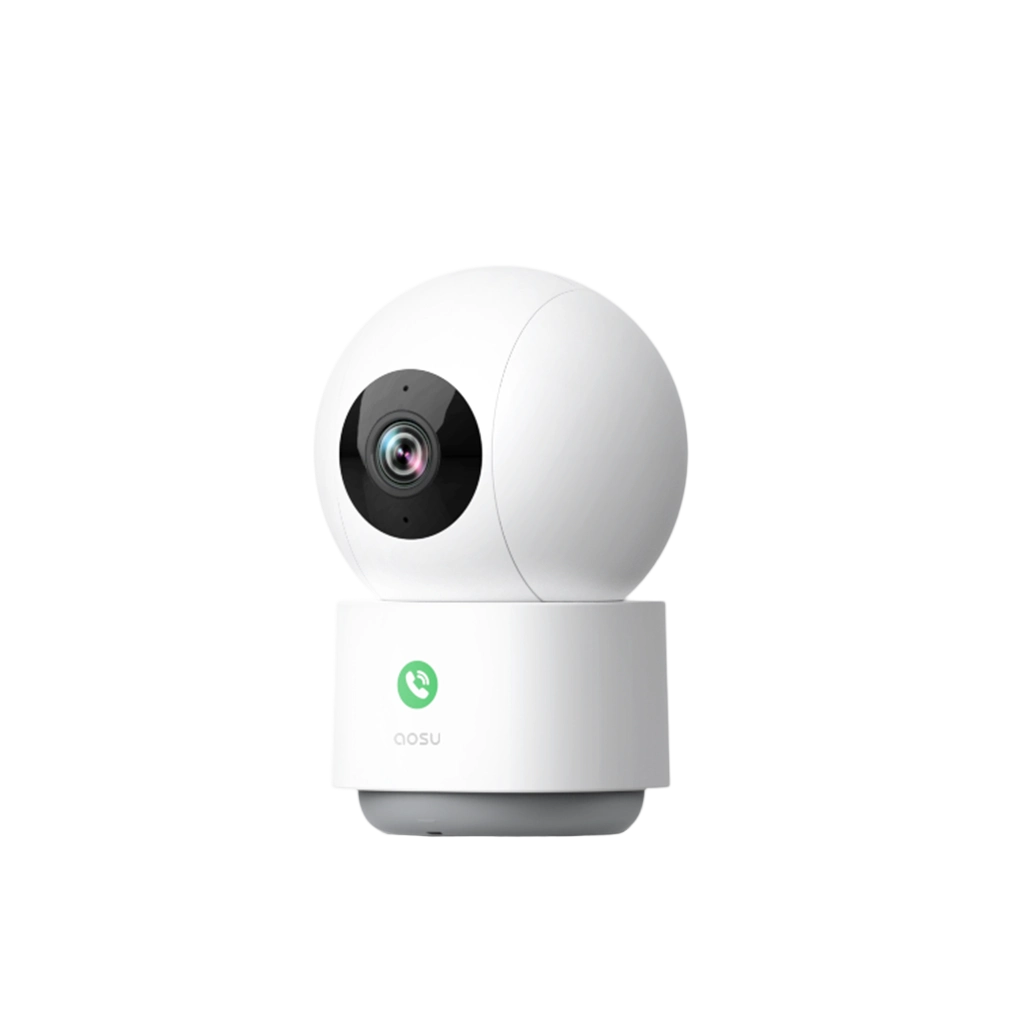
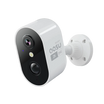
| Wireless Cam Lite, one battery camera | $75.97 total = $49.99 camera + $25.98 card allowance | Separate microSD card; manual battery charging | 2K video, local card storage, live view and motion alerts | Color night vision for a doorway or nearby entrance | Two cameras with one card each: $151.94 total | Lowest starting cost here; recharging and storage are handled separately for each camera |
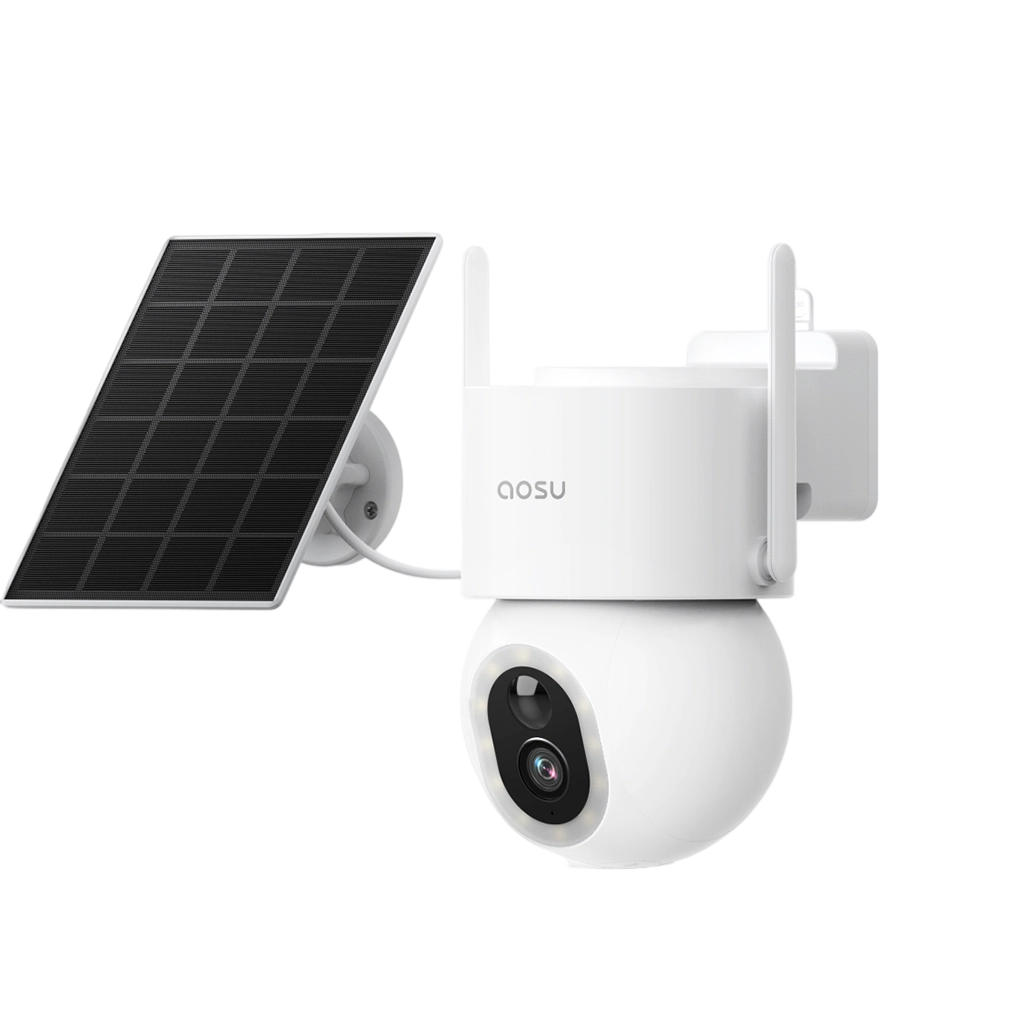
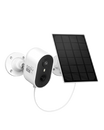
| SolarCam Lite, one solar camera | $82.97 total = $56.99 camera + $25.98 card allowance | Separate microSD card; included solar panel needs direct sunlight | 2K video, local card storage, live view and motion alerts | Color night vision; solar placement needs a sunny position | Two cameras with one card each: $165.94 total | $7 more than the battery setup; solar charging reduces manual charging where sunlight is suitable |
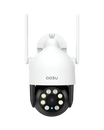
| SolarCam T2 Pro, two-camera kit with aosuBase | $339.99 total = $339.99 kit + $0 extra storage; 32GB included | Two dual-view cameras, solar panels and aosuBase; no extra card needed | Local recording and playback, live view, on-device detection and auto-tracking | Dual 3K views with color night vision; each unit combines a fixed wide view and a moving PTZ view | One additional camera: $169.99 without aosuBase | $40 above the D1 Classic kit; two coordinated views at each of two mounting points |
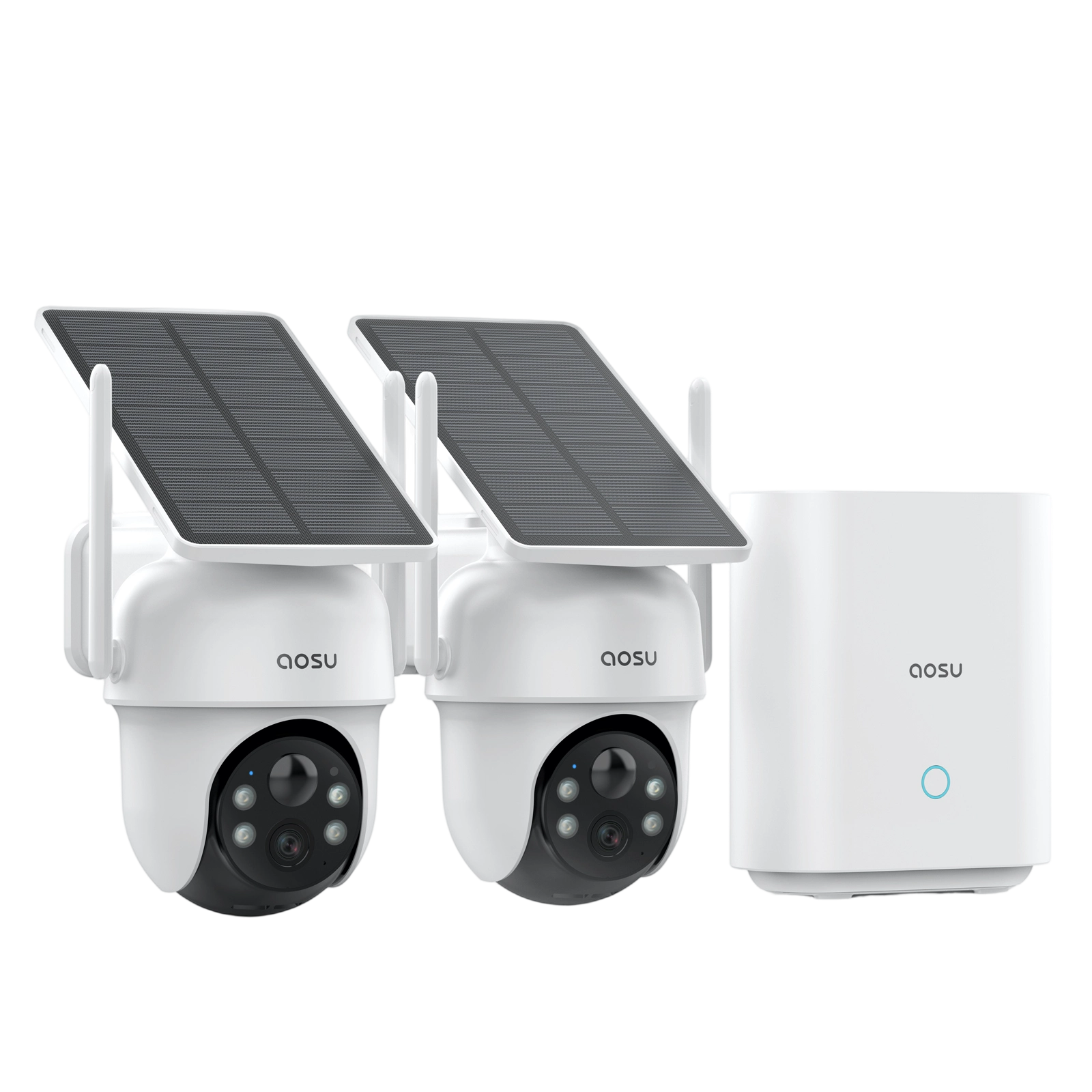
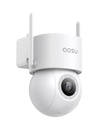
| SolarCam D1 Classic, two-camera kit with aosuBase | $299.99 total = $299.99 kit + $0 extra storage; 32GB included | Two solar cameras and aosuBase; no extra card needed | Local event recording and playback, live view, motion tracking and clip downloads | 2K color night vision with one PTZ view at each mounting point | Included storage serves both cameras; compatible additions share the base | Lower kit price than T2 Pro; no separate fixed overview while each PTZ camera turns |
Buy One Camera or a Small Kit?
Start with one camera when one entrance matters most or the first purchase needs to stay below $100. The entry setups above provide local recording for roughly $76 to $83.
A small kit makes more sense when you already need several views. At $299.99, the D1 Classic two-camera kit costs about $134 more than two SolarCam Lite setups. You get centralized included storage and two cameras that can pan, tilt and track movement.
Two standalone cameras are cheaper when fixed views cover both entrances. As you expand, a shared base keeps recordings together and lets compatible cameras use the same storage.
The T2 Pro two-camera kit adds another option at $339.99. Its $40 premium over the D1 Classic kit buys a fixed wide view and a moving PTZ view at each installation. A home with useful corner mounting points can make particularly good use of that combination.
Where SolarCam T2 Pro Fits the Shortlist
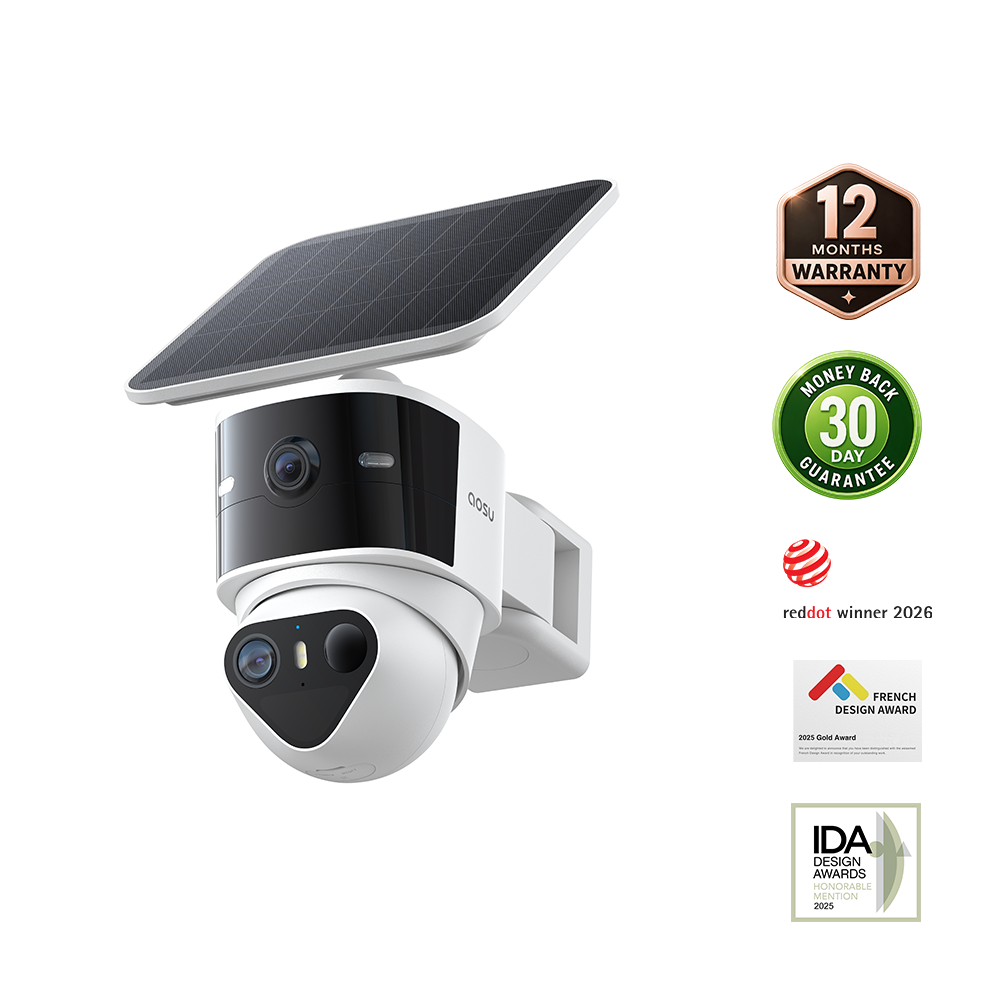
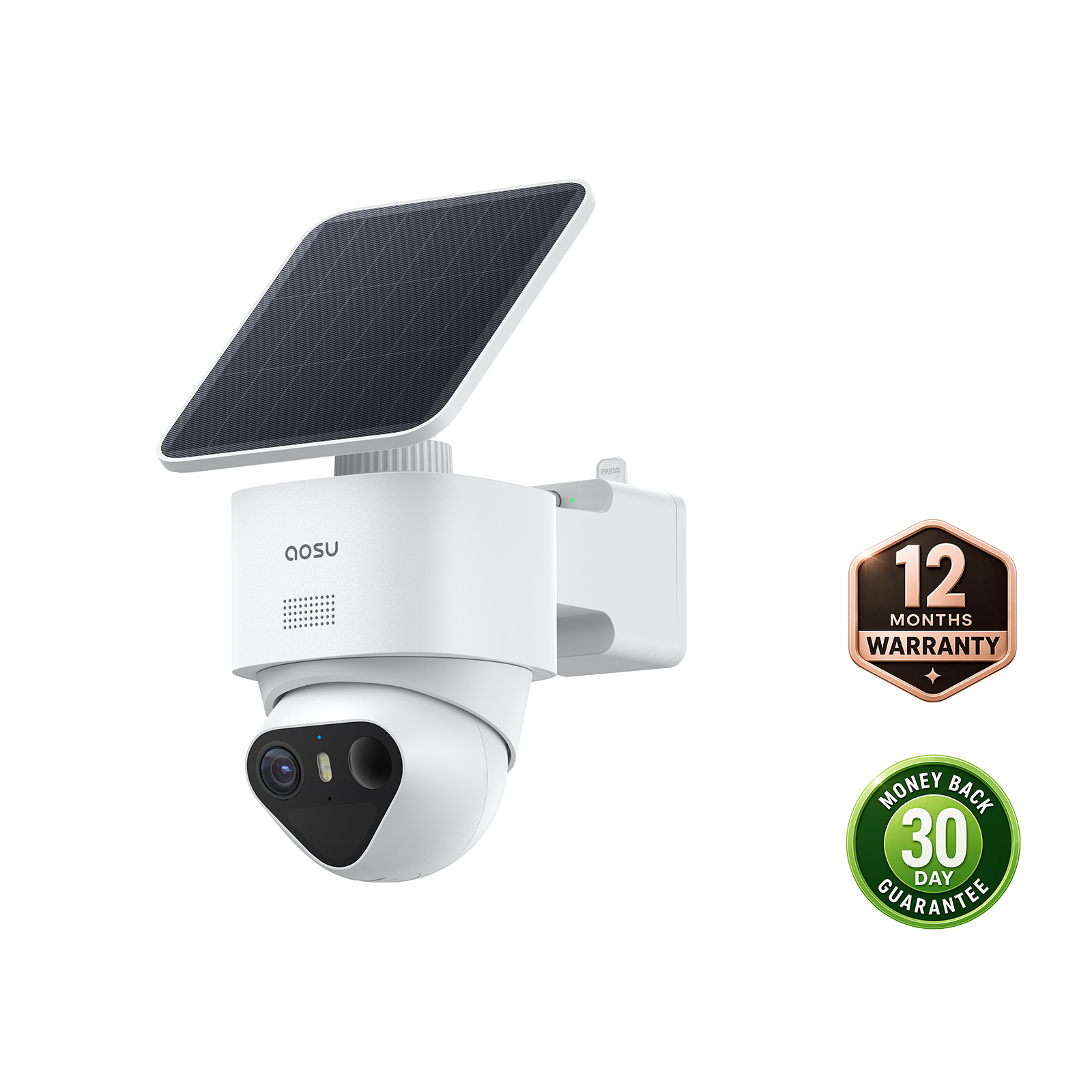
Our SolarCam T2 Pro combines a fixed 170-degree wide-angle camera with a separate 360-degree pan-and-tilt camera. Both capture 3K video and stream together, keeping the wider scene visible while the PTZ camera follows a person or vehicle within it.
The adjustable arm also lets the two cameras face different directions around a corner. For a rectangular home, imagine one T2 Pro at the front-left corner: its fixed camera looks along the front of the house, while its PTZ camera looks down the left side. A second unit at the diagonally opposite rear-right corner can look along the back and right side. With clear sightlines, those two installations can provide a view along all four walls.

The upper PTZ camera faces the side of the house while the fixed wide-angle camera watches the front yard and driveway. Faces and license plates are blurred.
You can aim the two views to suit different home layouts. At an L-shaped home, for example, the fixed camera can watch the patio while the PTZ camera rests facing a walkway around the corner.
That flexibility can make each T2 Pro worth the cost of two separate cameras where one corner gives you two useful viewing angles. You get cameras designed to work together, one mounting point and one solar panel per unit. The panel can sit above the camera for a compact installation or mount separately to reach sunlight.
The $339.99 two-camera kit includes aosuBase with 32GB of local storage and no required storage subscription. You can start recording without an extra memory card; expansion up to 1TB is optional.

T2 Pro camera, solar panel and installation accessories.
Related links:
· Browse security cameras with local storage
To Wrap Up
Choose affordable security cameras around the places you need to see and the recordings you need to keep. Save on unused coverage, extra resolution and advanced detection first. Keep dependable power, a reliable connection, useful night video and easy clip playback.
For one entrance, a simple camera with local storage can keep the first purchase under $100. For a larger area, included aosuBase storage and two views from each T2 Pro installation can make a small kit worth the higher upfront cost.
FAQs
How much should I budget for one affordable security camera?
The entry setups in this comparison cost about $76 to $83 before tax, including a $49.99–$56.99 camera and a $25.98 memory-card allowance. A kit costs more upfront but can include storage for several cameras. Wall-specific mounts, network extensions and paid installation add to the total when needed.
What should I avoid cutting from a cheap security camera setup?
Do not cut the storage needed to save events, reliable power and network coverage, useful night movement footage, or the ability to find and export a clip. Those functions determine whether the camera produces evidence you can use.
Is it cheaper to buy one camera now or a two-camera kit?
One camera costs less when you need one entrance covered. A two-camera kit can offer better value when both locations need coverage and the kit includes shared storage. The T2 Pro kit also provides a fixed wide view and a moving PTZ view at each mounting point, allowing two corner installations to show more sides of the home.