


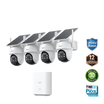
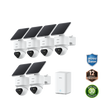
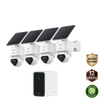
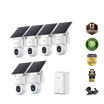
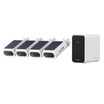

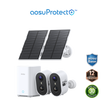
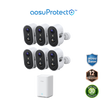
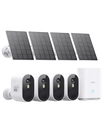
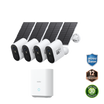
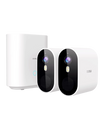
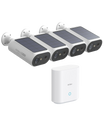
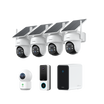

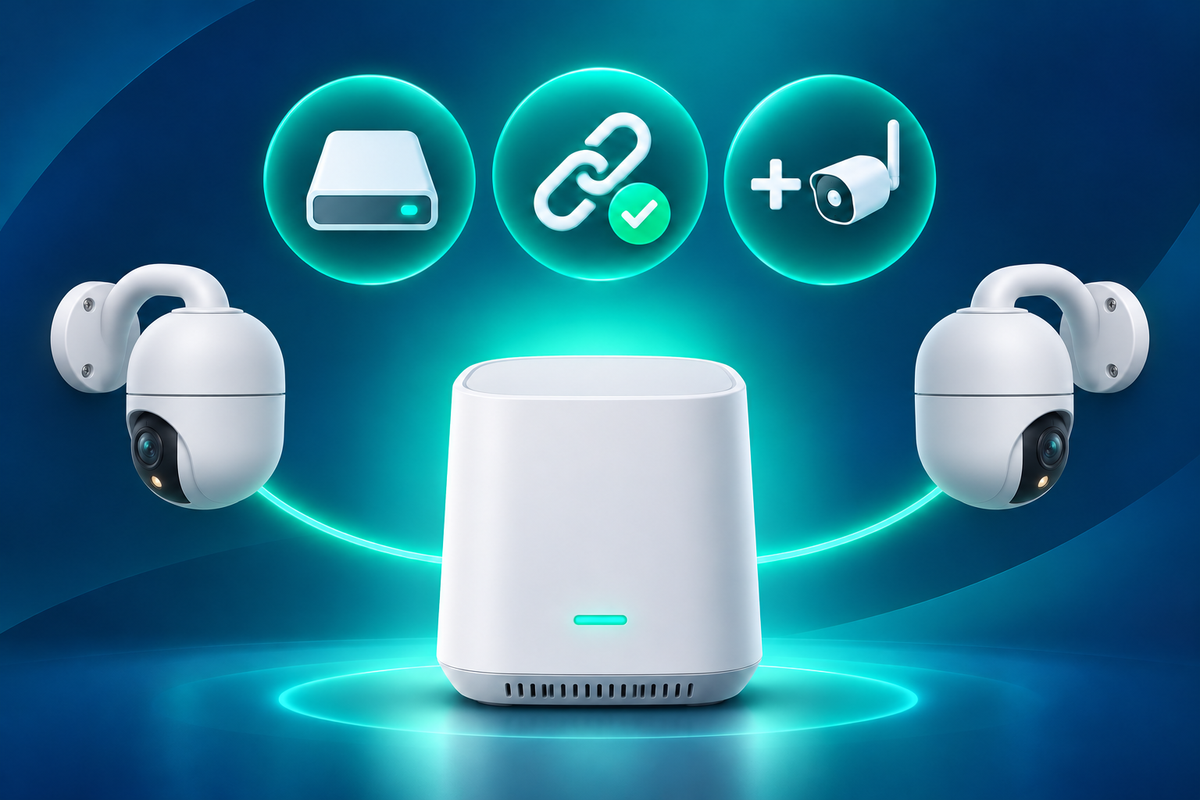

Choose a wireless security camera system by its storage path, compatible devices and expansion ceiling before comparing image features. The best wireless security camera system for your home is one that can store footage where you want it, keep every planned camera in one app and grow without replacing the hub.
Compare complete kits at the same camera count. A low starting price loses its advantage if you must add storage, replace an incompatible hub or split the home across several apps.
Choose the System Architecture First
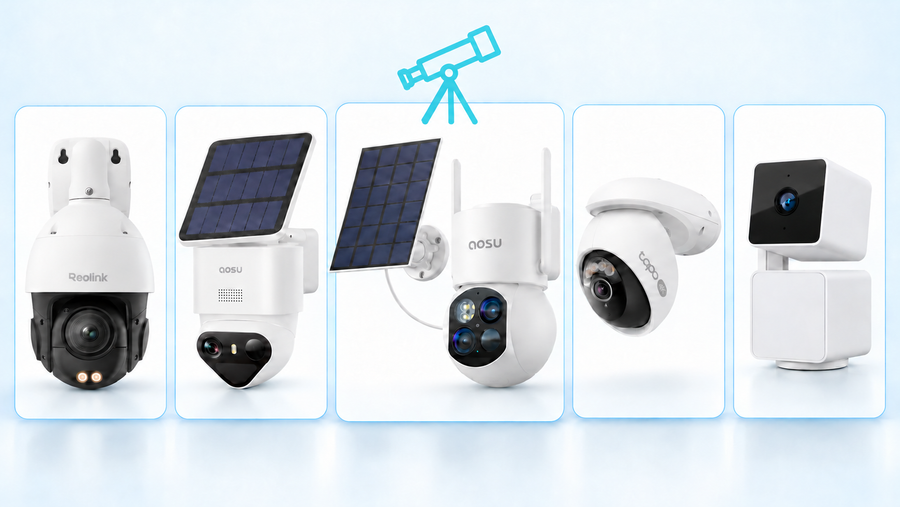
A wireless camera still needs a defined route to storage and your phone. The three common routes are direct Wi-Fi cameras, cameras connected to a proprietary hub, and cameras connected to a wireless NVR or network video platform.
Direct Wi-Fi cameras connect through the home router and usually save events on a card in each camera or to an optional cloud service. This can be a simple way to start with one or two views. As the system grows, you may need to review separate cards, manage more Wi-Fi connections and confirm whether every model appears in the same app.
A proprietary hub brings compatible cameras and local storage together. It can simplify playback, shared settings and multi-camera review, but the hub is part of a closed ecosystem. Its camera limit, supported device list and storage expansion rules set the boundaries.
A wireless NVR or NAS-based setup gives you more control only when the cameras expose a supported video stream and the recorder or video management software recognizes the exact models. Wireless describes the camera-to-network connection; it does not guarantee open recorder compatibility.
Related links:
· Compare wired and wireless camera setup trade-offs
Compare Compatible Devices and Expansion
Write down the final system before buying the starter kit: four outdoor cameras, a doorbell, one indoor camera and a driveway view, for example. Then check each planned model against the hub or recorder's current compatibility list.
The same brand name is not enough. A newer hub may exclude older cameras, a wired doorbell may follow different rules from a battery doorbell, and a camera sold inside an NVR kit may not work as a normal add-on device. Record the exact camera model, hub model and required firmware.
Check two limits separately. The first is the published device ceiling. The second is the practical mix of cameras, sensors, doorbells and simultaneous live views that the hub supports. A system advertised for eight devices may count only cameras, or it may divide capacity among several device categories.
App access belongs in the compatibility check. Confirm live view, event playback, clip download, household sharing and permission controls with the local-storage configuration you intend to use. A camera appearing in the app does not prove that every hub feature or local AI feature works with it.
1. List the final device mix: Include every camera type, doorbell, sensor and hub you expect to add.
2. Match exact model numbers: Check the current compatibility list and firmware requirement for each device.
3. Test the everyday app path: Verify live view, playback, downloads, sharing and notifications before expanding the system.

The aosu app displays multiple camera views and the connected HomeStation in one device list.
Check Where Recordings Can Be Stored
A 2023 r/homesecurity post asked, “Wondering if there is software that I can install myself that will allow them to store recordings to a home Raid server?” The answer depends on the camera interface, not the software alone.
A NAS or home server can record compatible cameras when the video platform supports the exact model or the camera provides an interface the platform accepts, such as a conformant ONVIF profile or a documented RTSP stream. ONVIF conformance is model-specific, and optional features such as PTZ and audio still need to be checked.
A proprietary local hub is different from open network storage. It may contain a hard drive or memory card and keep footage inside the home, but that does not mean another NAS can receive the stream. If a product page does not state ONVIF, RTSP, NAS or a named integration, ask the manufacturer about the exact model instead of assuming that local storage is open storage.
For each system, record where events are saved, whether storage is included, the supported expansion type, how old clips are overwritten and how clips are exported. Also check what continues during an internet outage. Local recording may continue while remote live view and phone notifications remain unavailable.
Related links:
· Read the original r/homesecurity question about saving recordings to a RAID server
· Compare a base station with camera microSD storage
Compare Complete Four-Camera Systems
Use the same camera count and include the storage required on day one. The prices below are US listed prices checked on November 3, 2026. They are a dated buying example, not permanent pricing.
These kits use different camera designs, so price alone does not identify a winner. Use the table to compare the ecosystem around four cameras, then evaluate image quality, power and placement for your actual locations.
| System | Included devices | Storage location | External interface | Maximum expansion | App use | Listed kit cost and main drawback |
|---|---|---|---|---|---|---|
| aosu T2 Ultra with aosuBase 2.0 | Four solar T2 Ultra cameras + aosuBase 2.0 | 32GB included; microSD expansion up to 1TB | Proprietary aosu hub/app path; T2 Series does not support ONVIF, RTSP or NAS/NVR | Up to 6 devices on the H2L aosuBase | aosu app for live view, events, sharing and system controls | $599.99 sale price. Lower expansion ceiling and no self-hosted NAS path. |
| eufyCam S3 Pro with HomeBase S380 | Four S3 Pro cameras + HomeBase S380 | 16GB built in; one SATA drive up to 16TB | Proprietary HomeBase path; check the exact device compatibility schedule | Up to 16 cameras and 34 sensors | eufy app for centralized storage, viewing and device management | $799.99 listed price. Highest current kit price in this example; compatibility still varies by device. |
| Reolink Argus 4 Pro with Home Hub | Four Argus 4 Pro cameras + Home Hub + current 128GB card offer | Home Hub microSD storage; official pages list two slots | Home Hub path; verify the exact camera if ONVIF, RTSP or NAS is required | Up to 8 Reolink cameras | Reolink app for multi-camera monitoring, local playback and sharing | $764.99 sale price. Published storage ceilings vary by Home Hub page and revision, so confirm the selected bundle. |
Work out the installed four-camera cost
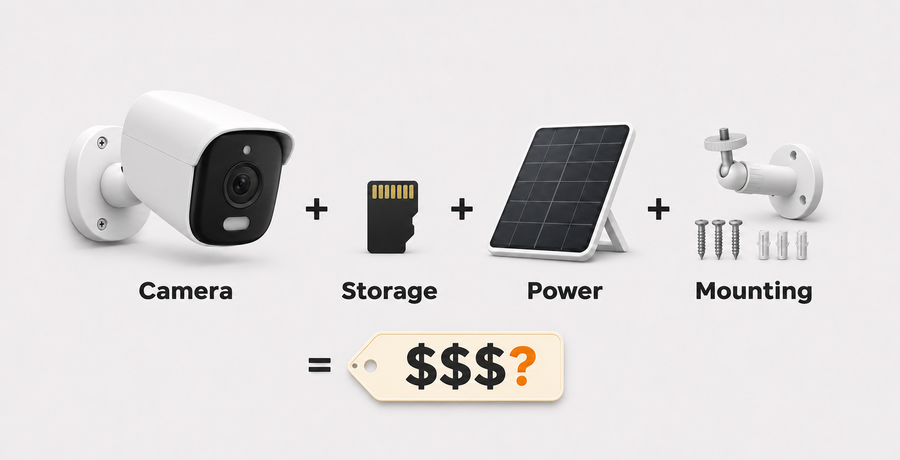
Use one formula for every candidate: four-camera kit + required storage + solar panels or power accessories + mounts + network upgrades + optional service for the first year.
If storage is included, enter zero for the day-one storage line but keep future expansion separate. If the bundle includes a promotional card, record its capacity and whether the regular bundle includes it.
When a T2 Ultra Kit Fits
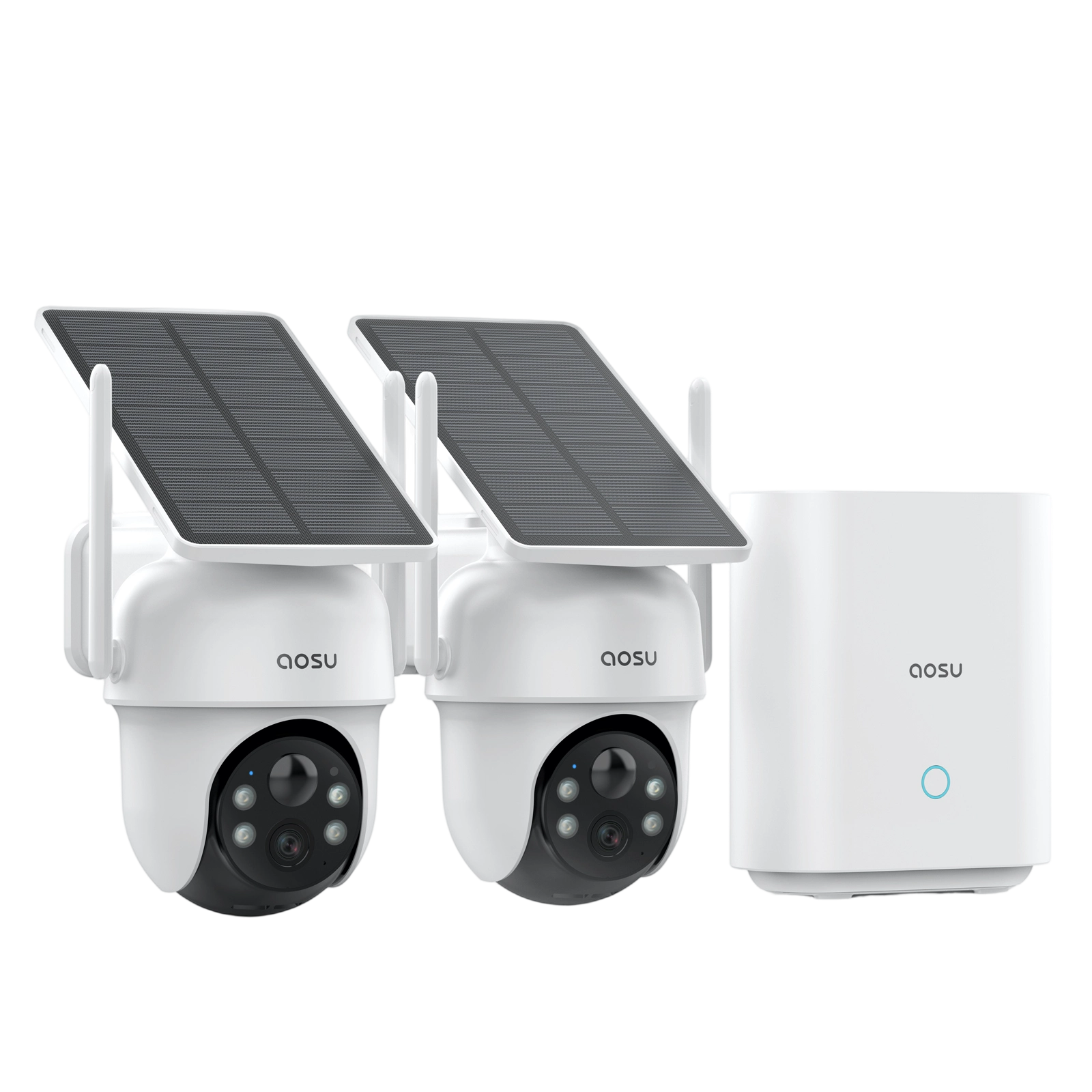
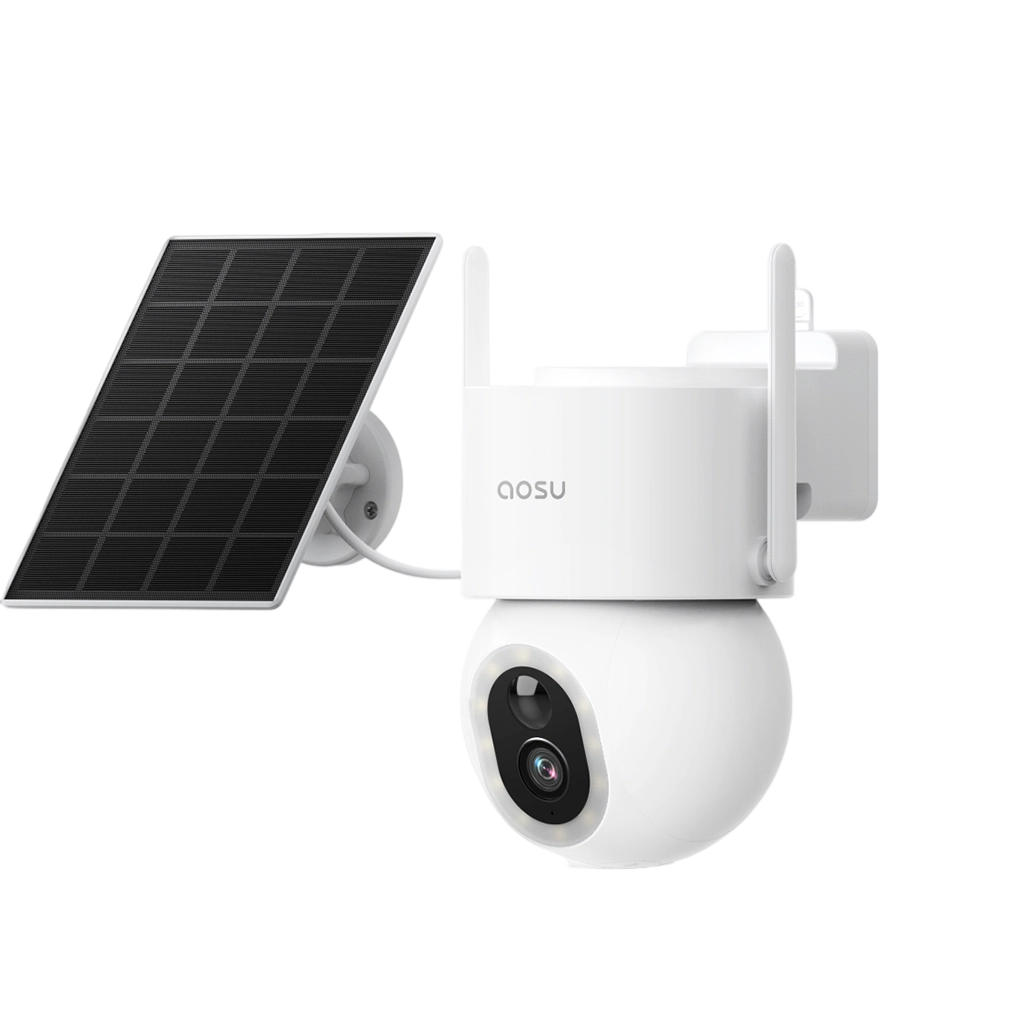
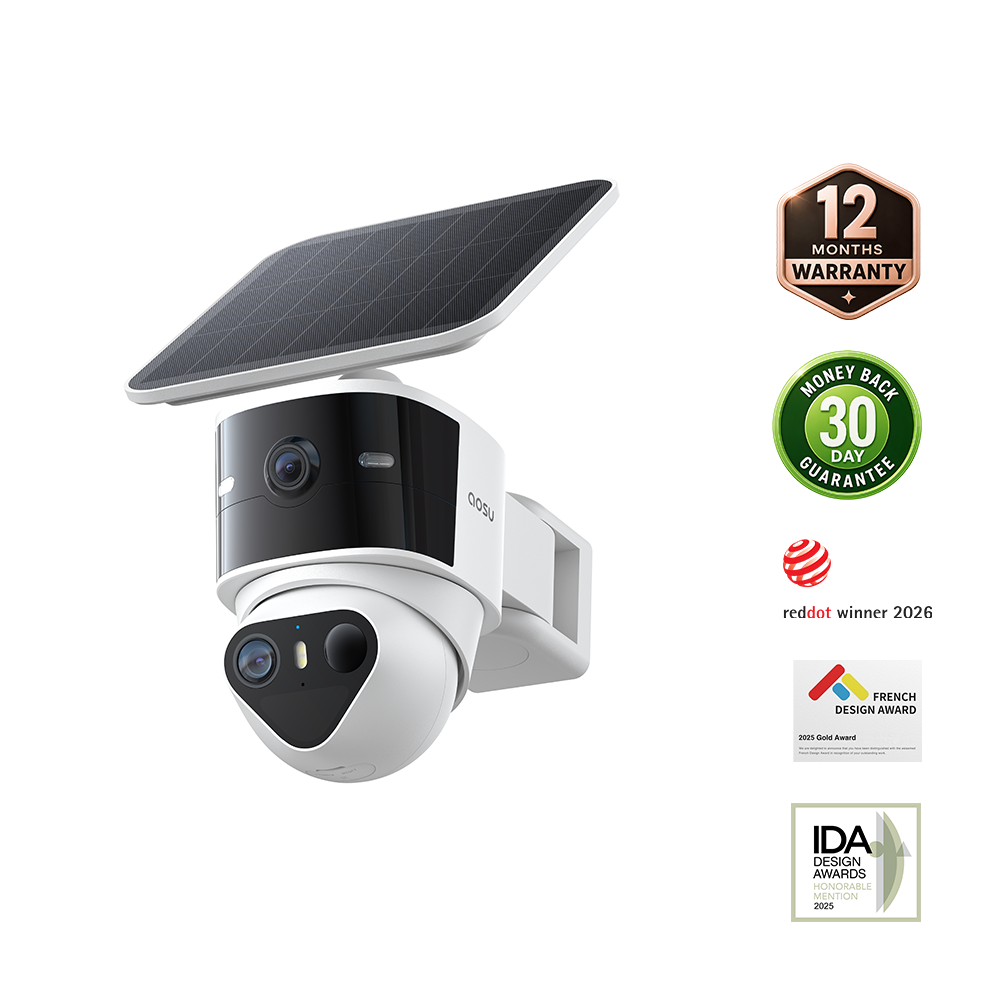
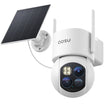
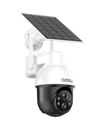
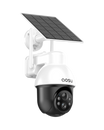
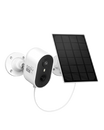
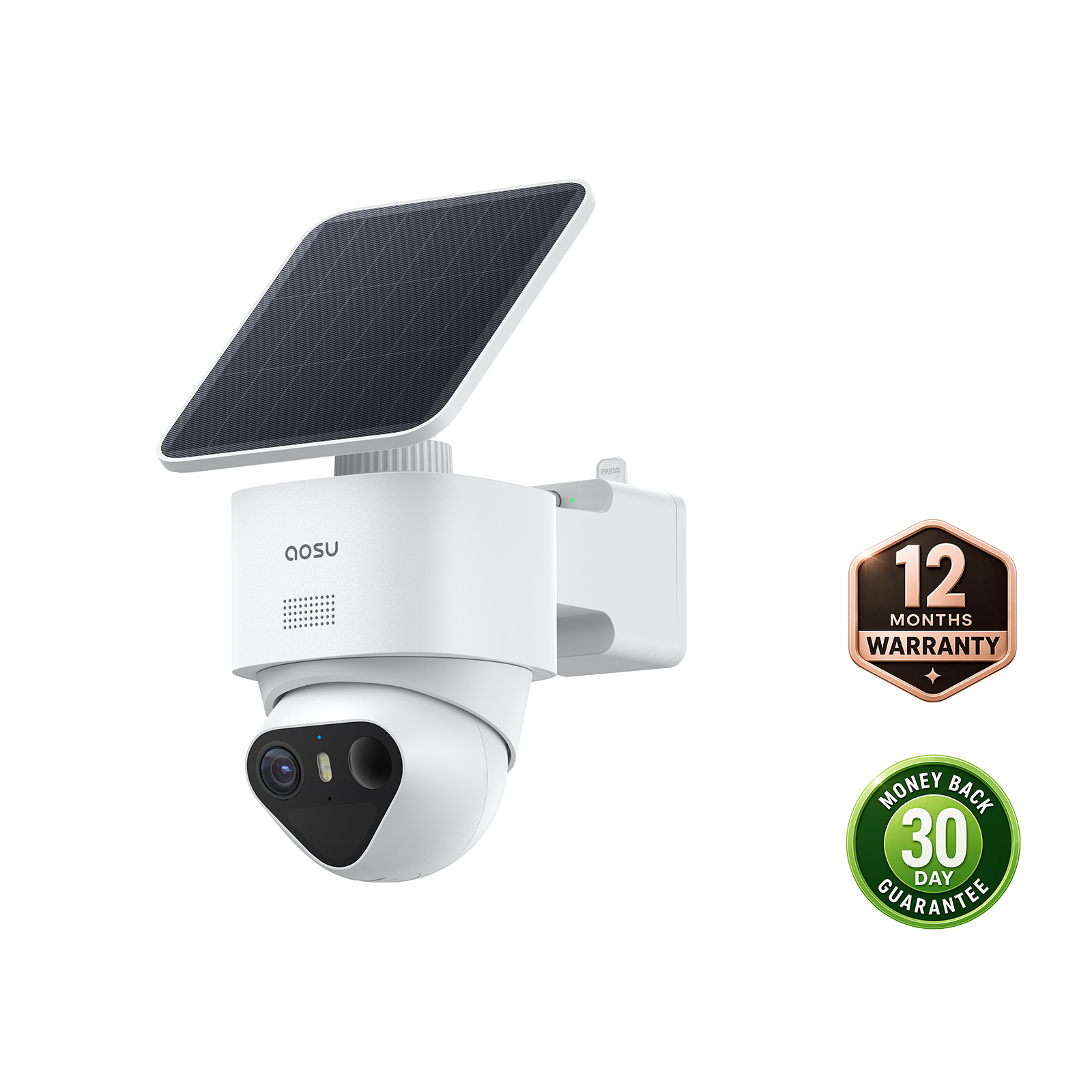
A T2 Ultra kit fits a home that needs outdoor solar cameras, 4K recording, pan-and-tilt coverage, local event storage and one app for a multi-camera setup. Each camera uses an 8MP sensor, F/1.0 aperture, 1/1.8-inch image sensor, 355-degree pan and a detachable 3W solar panel with a 9,200mAh battery.
Choose the hub configuration by the completed system. The T2 Ultra aosuBase 2.0 route includes 32GB, expands by microSD up to 1TB and connects up to six devices. The aosuCortex route includes 32GB eMMC, accepts one 2.5-inch drive up to 16TB, connects up to eight devices and adds local recognition features.
Neither route answers the Reddit poster's self-hosted RAID requirement. T2 Series battery cameras do not support ONVIF, RTSP or NAS/NVR protocols. Choose a camera platform with an explicitly supported network stream if your own server must be the recorder.
For a four-camera outdoor system that will stay inside the aosu app, compare the current aosuBase and aosuCortex bundles by storage ceiling, device count and local AI before paying for the larger hub. The camera specifications are shared, but the hub determines how far the system can expand.

This is the aosuBase configuration. aosuCortex is a separate hub with different storage and device limits.
Related links:
· View the current T2 Ultra system configurations
· See what aosuBase adds to a compatible camera system
Choose the Ecosystem You Can Keep
A wireless camera system is a long-term compatibility decision. Fix the camera count, storage destination and future device mix first. Then compare complete kits with the same number of cameras and every required storage or power accessory included.
Keep the exact model and hub names beside every claim. That small record makes it easier to confirm expansion, replace a camera and recheck pricing without rebuilding the system from the beginning.
FAQs
How many cameras can I add to a wireless security camera system?
The limit depends on the exact hub or recorder. Current examples range from six devices on the aosuBase H2L to eight cameras on Reolink Home Hub and up to 16 cameras on eufy HomeBase S380. Check how doorbells and sensors are counted before buying.
Can wireless security cameras save recordings to a NAS or RAID server?
Only when the exact camera and server software share a supported connection, such as a listed camera integration, conformant ONVIF profile or documented RTSP stream. A proprietary local hub is not the same as NAS support. T2 Series battery cameras do not support ONVIF, RTSP or NAS/NVR.
What should I compare before buying a four-camera wireless system?
Compare the four-camera kit price, included storage, expansion type, compatible device list, hub camera limit, app playback and sharing, outage behavior, required power accessories and any optional service you expect to use.