
















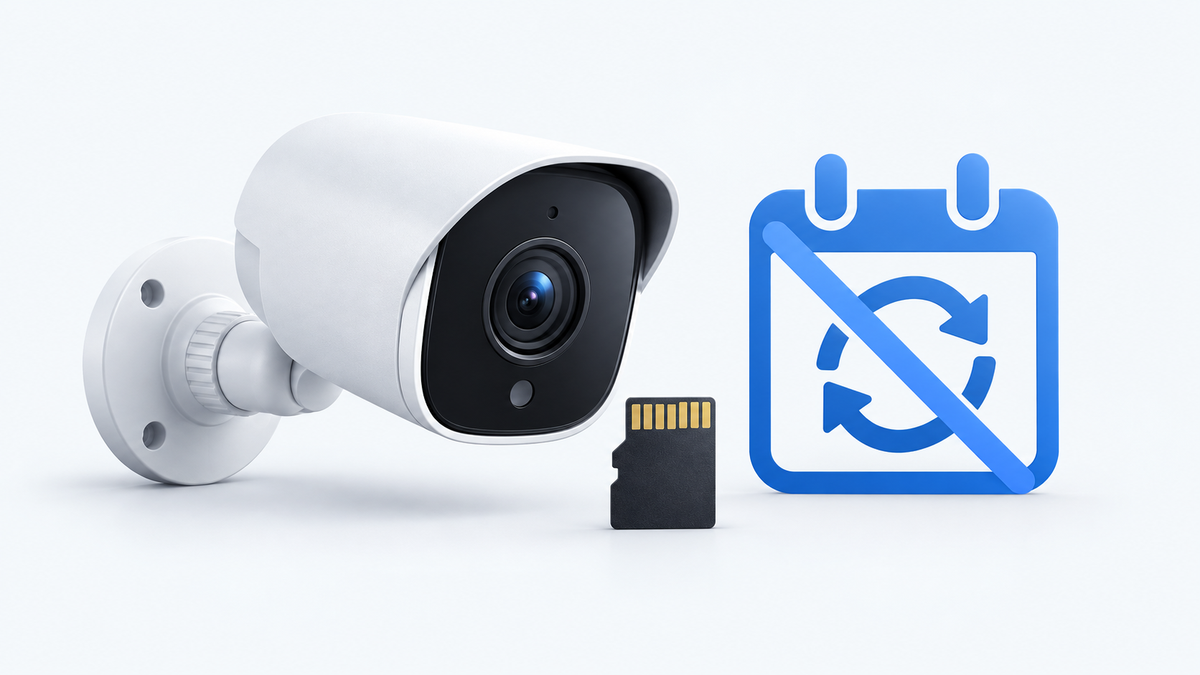
Security cameras without a subscription can save video to a microSD card, an indoor hub or a network video recorder (NVR). Choose a card-based camera for a small setup, a compatible hub for shared storage inside the home, or a powered recorder system for continuous coverage. Then compare playback, downloads, alerts and the full hardware cost.
The best home security camera without subscription fees is the one that records the events you need and lets you retrieve them within your budget. Start with where you need coverage and how much video you want to keep.
Start With What You Need to Record
A front door, an indoor cat camera and a four-camera driveway setup need different views and recording schedules. Write down each location and whether you need short event clips or a continuous timeline.
One reader’s starting point
“I’m trying to research and decide on cameras to put on the exterior and interior of my house and the options are overwhelming.” — u/bananasquirrels, r/homesecurity
Related links:
· Read the original no-subscription camera question on r/homesecurity
Match each location to a recording need
The same reader wants outdoor weather resistance, remote phone viewing and indoor cameras to check on cats. A practical starting point is plug-in indoor cameras where outlets are available, plus outdoor cameras chosen for the view, power supply and weather exposure at each mounting position. They can use different storage approaches.
At the front door, choose a doorbell if you want a visitor button and a view of people and packages. Choose a separate camera if you need a wider view of the approach. Indoors, a fixed or pan-and-tilt camera near an outlet can make longer recording practical. Outside, a battery or solar camera helps where running power is difficult.
For a driveway where you need to see what happened before and after someone approached a car, choose a model that explicitly supports continuous recording. Event clips suit a gate visit or delivery, but their length and trigger behavior determine how much of the encounter is saved.
Count physical cameras, then count the views you need at the same time. A camera that turns between the driveway and side gate cannot watch both directions continuously.
Compare Storage Models
Storage location affects which equipment you buy and what happens if an outdoor camera is removed. This comparison describes buying routes; included app and AI features still depend on the exact model.
A camera base station can also record video received over a network. Here, the comparison is between a camera ecosystem’s central base station and a dedicated recorder system; their recording and storage capabilities can overlap.
| Approach | Suitable locations | Video storage | No-plan functions to confirm | Extra costs | Main limitation |
|---|---|---|---|---|---|
| Camera with microSD | One or a few indoor/outdoor views | A card in each camera | Local recording, app playback and clip export | One compatible card per camera; mounts/power if needed | The camera and its only stored copy can be lost together |
| Compatible cameras with a base station | Several entry points around a home | Shared storage in the hub | Recording, playback, sharing and each detection feature | Hub if excluded; card or drive upgrade | Camera compatibility and maximum device count limit expansion |
| Powered cameras with NVR | Multiple fixed views; continuous recording | Drive in a recorder inside the home | Recording schedule, playback, export and remote access | Recorder, drive, cabling, PoE equipment and installation | More installation work; shared power/storage equipment needs protection |
| Local storage plus optional cloud | Any supported setup needing an off-site copy | Local hardware plus uploaded video | Useful local recording and playback after declining the plan | Chosen cloud plan; possible per-camera charges | Cloud copies depend on successful uploads and plan retention |

Camera-local storage stays in the camera. A compatible base station or NVR keeps received recordings on separate equipment. Conceptual illustration.
A card keeps the first purchase simple
Each camera needs enough compatible storage for its recording schedule. Four separate cards also mean four storage locations to manage. App playback can retrieve card recordings over the network on supported models; you do not necessarily need to remove the card.
Choose this route for a small setup or for adding one independent camera. Download important footage before loop recording replaces it. A larger card increases capacity, but the number of days retained also depends on bitrate and recording hours.
A base station moves the saved copy indoors
A hub stores recordings away from the outdoor camera. Footage already received by the hub stays there if someone takes that camera. The hub itself still needs a protected location and power. Check which camera models it accepts before buying a mixed kit.
For a growing household system, compare the price of the complete kit with separate cameras plus the hub. Include the storage supplied with the exact package and the cost of reaching your intended camera count.

This aosuBase storage screen shows used capacity and confirms that recordings are stored on the base. Serial number blurred.
An NVR supports a powered recording system
An NVR records network camera streams to a drive. A compatible Power over Ethernet (PoE) setup carries power and data over Ethernet cable, reducing dependence on outdoor Wi-Fi. Choose cameras, recorder channels and a drive sized for the recording schedule you need.
Local recording and remote access use different connections. Video can remain at home while remote live viewing sends video over the internet. An internet outage, a failed Wi-Fi link and loss of recorder power affect different parts of the system; look for the model’s stated behavior for each.
Cloud backup adds a copy away from the property. Only video successfully uploaded is available there after local equipment is stolen or damaged.
Read the Free-Feature Checklist
Compare the features available after any trial ends. For each shortlisted model, record “included,” “paid” or “unavailable” beside these six functions:
· Live view: remote viewing from your phone, plus any session limits.
· Recording: the supported local destination, event or continuous mode, and required storage hardware.
· Playback: access to the actual saved video and controls for finding the right time.
· Export: downloading a usable clip to your phone or computer without a storage plan.
· Notifications: basic motion alerts, image previews and sharing with other household members.
· AI detection: the exact person, vehicle, pet or other categories included without payment.
Compare access and privacy alongside storage
A free live view does not supply a recording of yesterday’s delivery. A camera with local storage can still require an account and internet service for remote access. If you need to check on pets while away, include remote playback in the buying decision.
For indoor cameras, review account access, privacy controls and the manufacturer’s data policy. Choose a unique password and keep firmware updated. Storing footage locally does not by itself establish who can access the camera or how remote viewing is delivered.
Estimate Ownership Cost
Use the same camera count and ownership period for every quote. The examples below cover four cameras over three years, using illustrative US-dollar budgets. Hardware and recording capabilities differ between the setups.
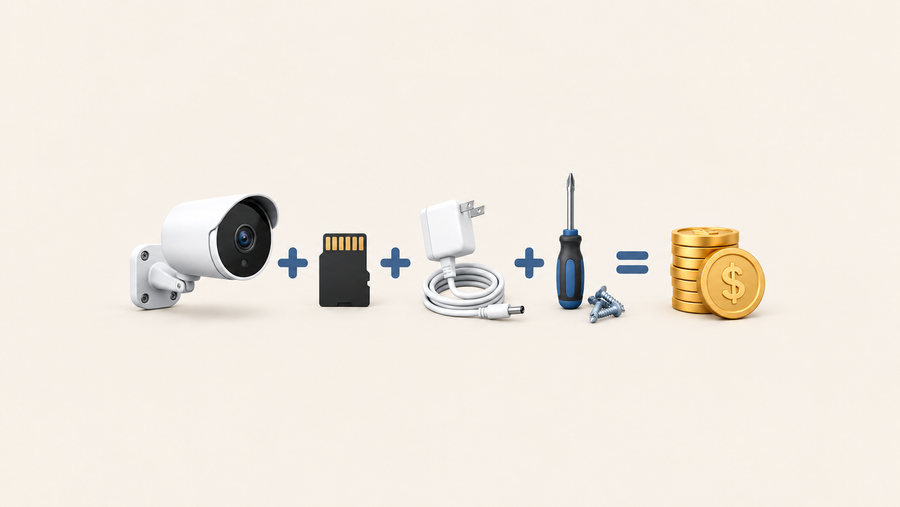
Three-year total = cameras + required storage and network hardware + installation + electricity + replacement allowance + subscriptions you choose. Add applicable tax and shipping to each actual quote.
Four card-based cameras: 4 × $100 cameras + 4 × $20 cards + $40 mounting supplies + $40 replacement allowance = $560 before electricity.
Four-camera base station kit: $500 kit including the base and starter storage + $50 storage upgrade + $40 mounting supplies + $40 replacement allowance = $630 before electricity.
Four-camera PoE/NVR kit: $600 kit including the recorder, drive and PoE ports + $100 cable and installation materials + $80 replacement allowance = $780 before electricity. Add a separate installation quote if you need someone to run the cables.
Calculate electricity from the whole system’s average power use: watts ÷ 1,000 × 24 × 365 × 3 × your electricity rate per kWh. At $0.20/kWh, a setup averaging 10 W costs about $53 over three years; 20 W costs $105; 40 W costs $210. These are calculation examples, not power ratings for the kits above.
Include the cameras, base station or recorder, and dedicated network equipment when measuring grid power use. For battery or solar cameras, count electricity used for grid charging and any powered base station. The power adapter’s maximum output is not the system’s average consumption.
If you choose one $10-per-month subscription covering all four cameras, add $360 over three years. If the plan costs $10 per camera each month, four cameras cost $40 per month, adding $1,440 over three years. Both are illustrative plan prices; optional services are added only when you choose them.
For a renter checking on cats and two entrances, low installation cost and movable cameras can favor the card route. For several outdoor entry points, a base station offers shared indoor storage. For a continuous driveway timeline, compare recorder systems that support continuous recording.

Example budgets before electricity and optional services. Use your equipment’s average grid power consumption and the actual plan’s billing terms.
Choose Your Next Guide
Once you have chosen a storage approach, narrow the cameras by location, recording mode and included features. Use the cloud-versus-local guide for backup and retention decisions, and the subscription guide for the details of local storage and optional services.
A card-based outdoor example: SolarCam T2
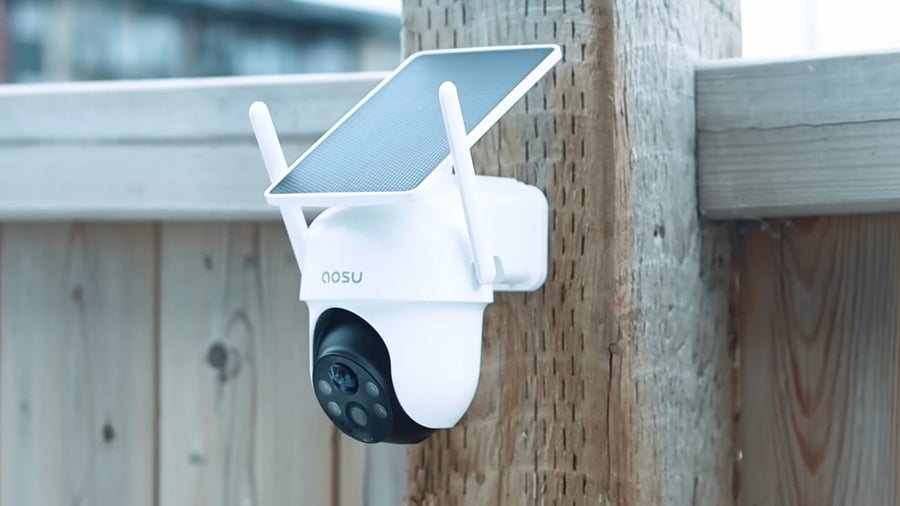
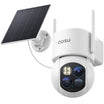
The aosu SolarCam T2 is one option for an outdoor location where you want solar-assisted power and local microSD recording. Its dual 3K lenses provide wide and telephoto views. It connects through 2.4 GHz Wi-Fi and records event videos alongside All-Day Snapshots at five-minute intervals.
Person and vehicle detection, pet detection (Beta) and Smart Zones are included without a subscription. Optional cloud storage provides another storage route. The snapshots add context between events; they do not create continuous full-motion video.
Choose T2 for an outdoor event-recording setup that suits camera-local storage. For the Reddit reader’s indoor cat views, choose indoor cameras separately. For continuous driveway recording or footage held in an indoor recorder, compare a system designed for that requirement.
Related links:
Shortlist by the view you need
For outdoor cameras, compare night footage, weather suitability and power at the intended location. For a doorbell, compare the doorstep view and access to saved visitor clips. For a wireless system, compare camera count, hub compatibility and expansion cost. Start with the views you need now, then price the complete setup.
Related links:
· Cloud storage vs. local storage for security cameras
· Do aosu cameras need a subscription?
Build a Setup You Can Keep Using
Choose the recording mode first, then a storage location and a complete hardware budget. A useful no-subscription setup lets you record, find, play and download the video you need after the trial ends.
FAQs
Which security camera storage option is cheapest without a subscription?
A camera with a microSD card can keep upfront costs low for a small setup. For several cameras, compare complete hub and recorder kits with the cost of separate cameras, cards and installation. Camera count and recording needs determine the better value.
Can I watch a no-subscription security camera while away from home?
Yes, when the model includes remote viewing without a paid plan and has the required internet connection. Confirm remote playback as well as live view. Local recording and remote access are separate functions.
How long will a no-subscription camera keep recordings?
Retention depends on usable storage capacity, bitrate, camera count and recording hours. Continuous video fills storage faster than occasional event clips. With loop recording enabled, new video replaces the oldest footage when storage fills.