


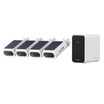

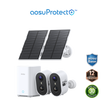
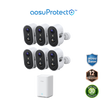
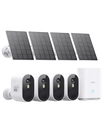
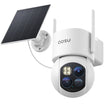
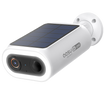
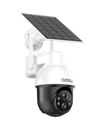

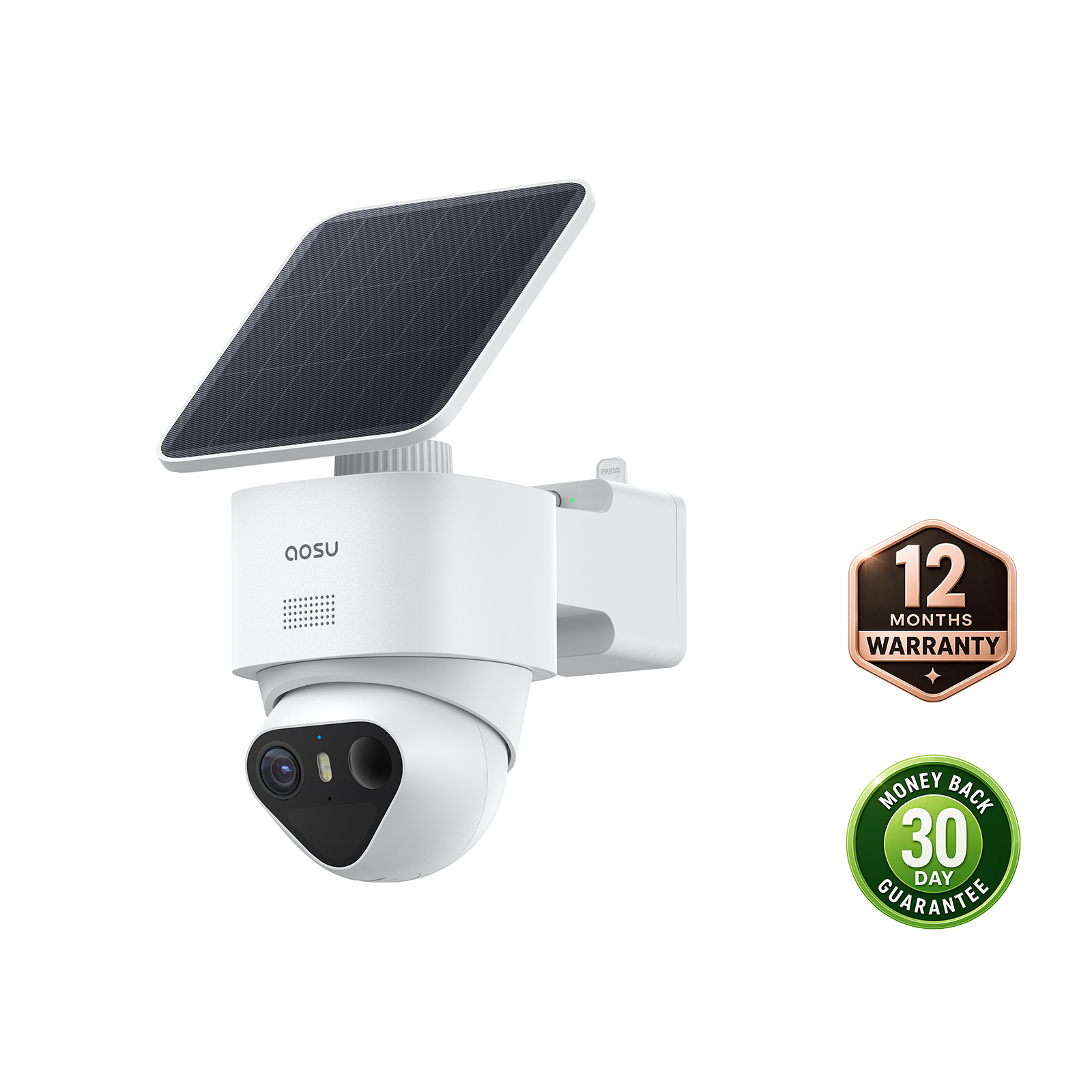
The detection distance of outdoor security cameras is the range at which a camera may recognize enough activity to create an alert or trigger recording under stated conditions. It is not a guarantee that the camera will identify a person, capture useful detail, or perform the same way at every home. Read the range together with the trigger type, placement, scene, and settings.
What Does a Security Camera Detection Distance Actually Mean?
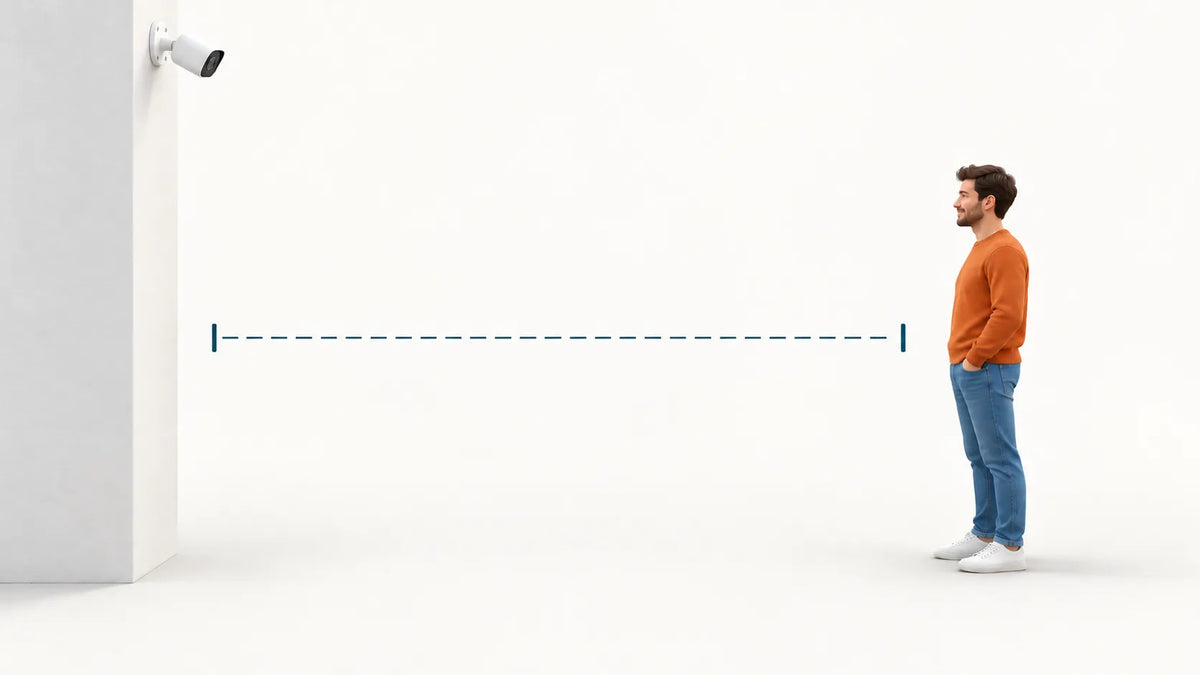
A detection distance usually refers to a trigger zone, not a single universal line where the camera always works. Depending on the model, the number may relate to PIR motion, image-based motion, person detection, radar, or another mode.
Before using a published range, find out what it measures. Ask whether it applies to a walking person, a vehicle, general motion, or a laboratory target. Also check whether the stated number reflects the maximum setting, a recommended setting, or a particular mounting height and angle.
For a driveway security camera, the useful trigger area is often smaller than the full driveway. A camera aimed across the route may respond differently from one aimed straight down it. The best range is the one that catches arrivals without constantly alerting for activity beyond the property line.
Check Which Test Conditions Support the Published Range
The same advertised number can mean very different things when the test conditions differ. A useful product page or manual should make clear which conditions were used.
Check for these details:
- Detection type: PIR, video motion, person detection, radar, or a combined method
- Target: A person, vehicle, general movement, or another test object
- Direction of travel: Across the coverage area or directly toward the camera
- Mounting setup: Height, angle, and whether a wall, corner, or open area was used
- Environment: Day or night, hot or cold conditions, and nearby moving objects
- Setting level: Default, recommended, or maximum sensitivity/range
If these details are missing, treat the distance as a comparison starting point rather than a performance promise.
Can You Compare Detection Distance Claims Between Cameras?
Only when the cameras use comparable detection methods and test conditions. A longer number does not automatically mean a better result for your yard or entryway.
Use a like-for-like comparison. Compare person detection with person detection, or PIR range with PIR range, at similar installation heights and directions of travel. If one page lists a broad video-motion range while another lists a PIR trigger range, the two claims answer different questions.
For homes choosing between wireless outdoor security cameras, compare the adjustable settings and recommended placement as carefully as the maximum range. A shorter, well-defined zone can be more useful than a distant setting that creates alerts from a sidewalk, street, or neighboring property.
A Trigger Range Is Not the Same as the Camera View or Recorded Detail
A camera can trigger at a distance without providing the same level of video detail across the entire view.
Think of the setup as three separate questions:

Test all three. A wide view may include the far end of a driveway, but a person can still be small in the image. Conversely, a narrow camera angle may capture useful detail close to the home while missing a distant trigger area.
Why the Same Camera Can Perform Differently in Two Outdoor Locations
Placement and the surrounding scene can change how an outdoor surveillance camera performs. Heat, shadows, moving vegetation, reflective surfaces, and the direction of travel can all affect the result.
For example, a camera facing across a walkway may respond differently from the same camera facing down a long driveway. A hot concrete surface or a moving tree branch can also make a motion-based alert zone harder to tune.
Run a controlled home test after installation. Walk one route at a time, review when recording begins, review the clip, then change only one setting or camera angle before repeating the test.

Ask These Questions When a Detection Range Is Missing or Unclear
Ask specific questions before treating an unclear range as a buying decision.
- What trigger method does the quoted distance describe?
- Is the number for people, vehicles, or any visible motion?
- Is the range adjustable in the camera app?
- What mounting height and direction of travel were used?
- Does the model have a recommended detection range for a driveway, porch, or side yard?
- Does widening the detection zone affect battery use or unwanted alerts?
Our motion detection camera collection is a useful starting point for checking how an individual model describes its detection approach. Use the model page and current documentation to confirm the exact options available.
Motion detection camera collection
Compare Outdoor Security Cameras Using the Detection Information That Matters
Compare outdoor security cameras by the activity route you need to cover, not by the largest distance number alone. Detection method, camera angle, adjustable settings, and usable footage all matter.
Before final installation, test the intended walking or driving path at the planned height and angle. Keep the detection area focused on your property, then adjust one setting at a time until alerts and footage match the coverage you need.
FAQs About Security Camera Detection Distance
Can a Security Camera Have Different Detection Ranges for People and General Motion?
Yes. Different detection modes can use different triggers and settings, so person detection, general video motion, and vehicle detection may not cover the same area. Check the individual model's settings and documentation.
Does Higher Sensitivity Always Increase Useful Detection Distance?
No. A higher sensitivity setting may make the camera react to smaller or weaker changes, but it does not guarantee that a more distant alert will be useful. Test the setting on the actual route you need to monitor and check whether it adds relevant alerts or simply more background activity.
Can Each Camera in a Multi-Camera System Have Its Own Detection Distance Setting?
It depends on the system and model. Some camera apps allow per-camera detection controls, while others apply certain settings more broadly. Confirm this in the current app and product documentation before relying on it.
Do Shared Users See the Same Detection Distance Settings in the Camera App?
Not always. Shared users may have different permissions or may not be allowed to change device settings. The account owner should check sharing permissions and the model-specific app controls.
Can a Firmware Update Change the Detection Options Available for a Camera?
Yes. Firmware or app updates can add, change, or reorganize detection controls. Review the release notes and current in-app settings after an update, then retest the camera before assuming the old setup is unchanged.