Start with the area you need to see. A room, a front door and an outdoor driveway need different views, power arrangements and recording setups.
This guide introduces four aosu camera types, with specific product examples and practical limitations. Use it to narrow your options, then check the exact package, storage requirements and complete installation cost before ordering.

Choose the Camera Type by Location
| Your main need | Product example | Check before buying |
|---|---|---|
| View a room or indoor entrance | IndoorCam P1 | Position, power access, storage and household privacy |
| Monitor an outdoor entrance or yard | SolarCam D1 Classic | Solar-panel exposure, mounting, connection and recording requirements |
| See and speak to doorstep visitors | Video Doorbell Pro | Visitor and package visibility, mounting and recording hardware |
| Combine outdoor lighting with a camera | Floodlight Cam Pro | Wired power, suitable installation and lighting direction |
These are product examples, not interchangeable components. Confirm compatibility before expecting different models to share a base, recordings or automation.
Indoor Cameras: Start With the Room You Need to See
The IndoorCam P1 is an indoor example with 2K video, motion tracking, infrared night vision and two-way communication. Its official page lists local SD card and cloud storage options.

Choose a position around the doorway, pet area or activity you want recorded. Pan-and-tilt movement changes the camera’s direction; it does not keep every direction visible at once.
Before buying, confirm storage requirements and the recording mode you need. Place cameras with household privacy in mind, and test saved playback as well as live viewing.
Outdoor Cameras: Check Power, Placement and Recording
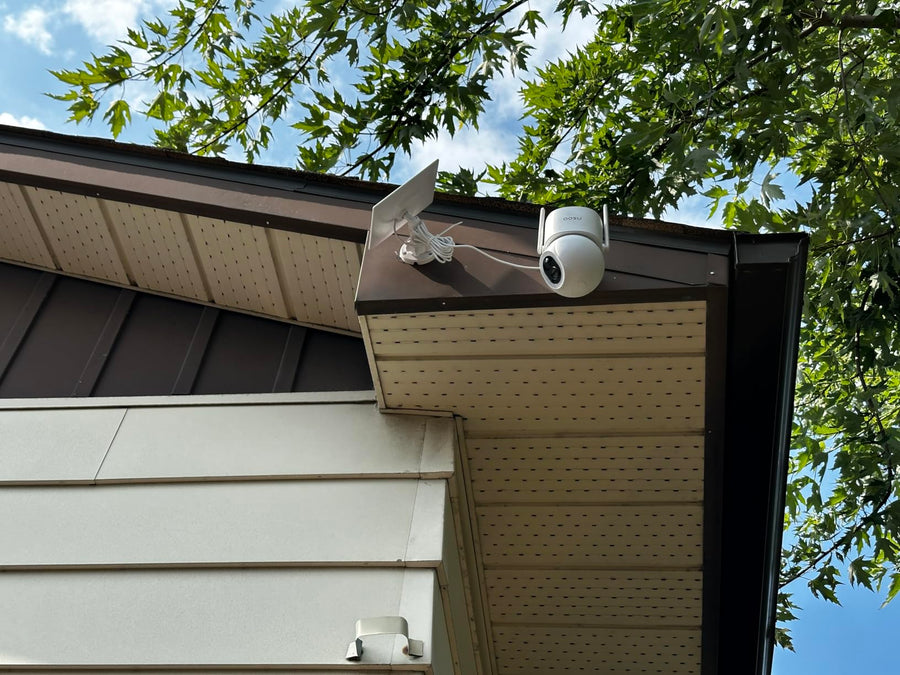
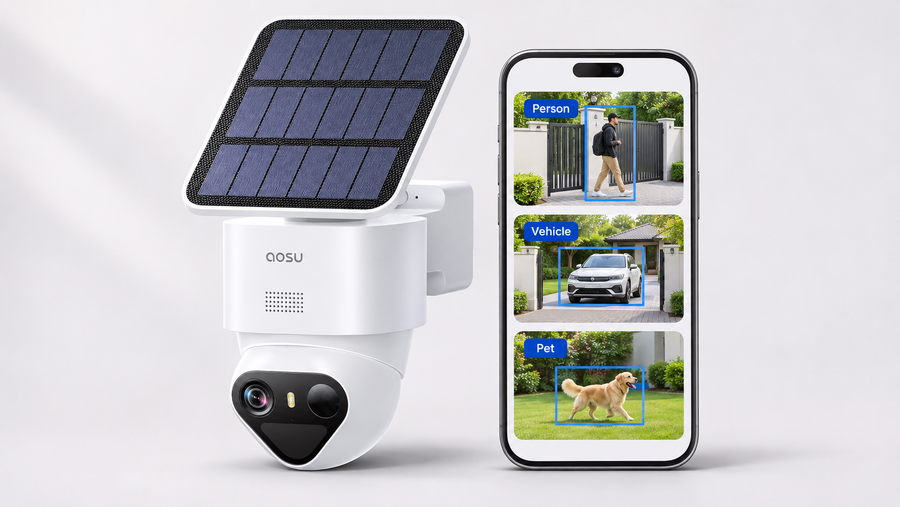
The SolarCam D1 Classic is an outdoor solar-camera example with pan-and-tilt control and person tracking. Its standalone listing shows SD card and cloud storage options.

Solar charging can reduce charging visits, but available sunlight and camera activity still affect operation. Check the panel position, charging access and connection before mounting.
Match the exact standalone camera or kit when checking recording and storage. Solar power does not establish continuous recording, and a wide or rotating view does not remove obstructions caused by walls or corners.
Test the important approach path by day and after dark. Keep useful recordings, but do not assume every captured image will identify a person or vehicle.
Video Doorbells: Focus on Visitors and Deliveries
The Video Doorbell Pro is a doorstep option with 2K video, two-way communication and motion notifications.

Before ordering, check the supplied recording hardware, any required memory card and the approved mounting method. Battery operation does not automatically mean a drill-free installation.
Test a standing visitor and a package in the usual delivery spot. A doorbell can help you check an arrival or communicate with a visitor, but it does not guarantee delivery security or coverage of the entire front yard.
Floodlight Cameras: Lighting and Recording for an Outdoor Area
The Floodlight Cam Pro combines a 5MP camera, outdoor lighting and pan-and-tilt functions. Its official page describes three PIR sensors covering a 270° detection area and lists wired power with SD card or cloud storage.

Treat detection coverage and the recorded view separately. A sensor may trigger the camera to turn, but camera movement does not make every direction visible at the same time. Test approach paths, corners and areas hidden by nearby structures.
Lighting may improve the scene, but moving subjects, glare and distance still affect useful detail. Review saved night footage before deciding whether the position meets your needs.
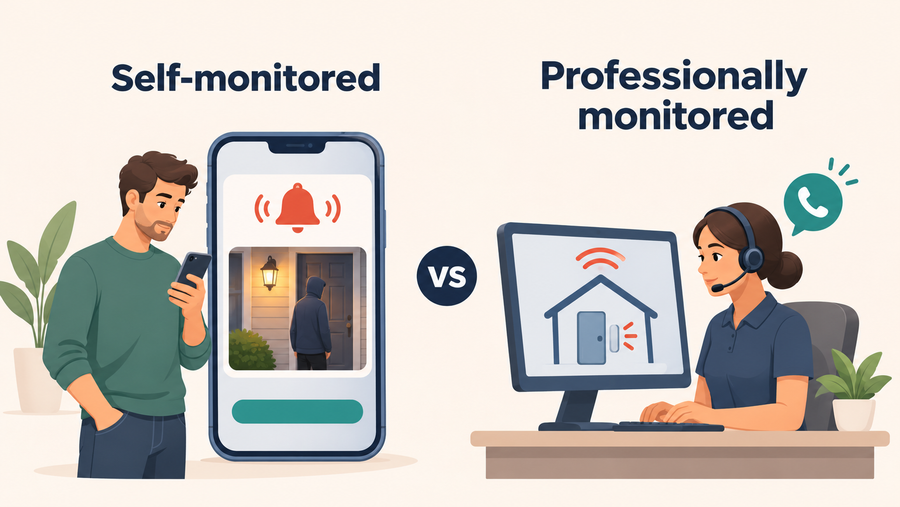
Do not interpret a device alarm as professional monitoring or automatic police notification. Confirm supported alarm controls and decide who will review alerts and respond.
Include the required power installation, storage and accessories in the budget. Confirm the installation requirements before purchasing.

Check the Complete Setup Before Ordering
Choose the camera type around the location, then confirm:
- The exact model and package.
- The required power and mounting arrangements.
- Event recording or continuous recording.
- Included storage and any additional card, base or service.
- The view you need by day and after dark.
Total setup cost = selected devices + required storage + mounting and power work + selected service fees.
Start with the most useful view and add cameras where separate entrances or obstructions create gaps. Use the product links above to check the configuration and current price before ordering.
FAQs About Choosing aosu Home Security Cameras
Which aosu Camera Type Should I Start With?
Start with the area you most need recorded: an indoor room, an outdoor entrance, the doorstep or an area that also needs lighting. Then check the exact model’s power and storage requirements.
Does 360° Movement Eliminate Blind Spots?
No. Rotation changes the viewing direction. Walls, furniture and corners can still block the view, and a single lens does not watch every direction simultaneously.
Does 270° Motion Detection Guarantee Every Event Is Recorded?
No. Detection coverage and the camera’s recorded view are different. Test movement at the installed position and review the saved footage.
Will Solar Charging Keep a Camera Running Without Interruption?
Do not assume it will. Sunlight, camera activity and battery condition affect operation. Check the model’s charging requirements and monitor battery levels after installation.
Does a Camera Siren Automatically Notify Police?
Do not assume so. A device alarm and professional emergency response are separate functions. Confirm any monitoring service and response process explicitly.
Can These Cameras Share One Base or Automation System?
Confirm the exact camera, hub and supported functions. Sharing a brand or app does not establish shared recording storage, pairing compatibility or every smart-home automation.