
An AI security camera may detect movement, classify a person, vehicle or pet, identify a familiar face, connect a subject across cameras, or search saved events. Those are separate capabilities, and their hardware, internet and fee requirements can differ.
Before buying or subscribing, decide which events you want alerts for. Test the feature in your own camera view, and check its hardware, internet and fee requirements.
What Does AI Detection Actually Mean?
AI features handle several stages between movement in front of a lens and the result you see in the app.
Motion detection answers “Did anything move?” Classification answers “Was that a person?” Recognition answers “Was that Alex?” Search answers “When did the delivery driver leave?” Each uses different sensing, processing or saved data.
1. Movement detected: The camera or sensor notices a change and starts an event. This can react to people, animals, vehicles, branches, light changes or other movement.
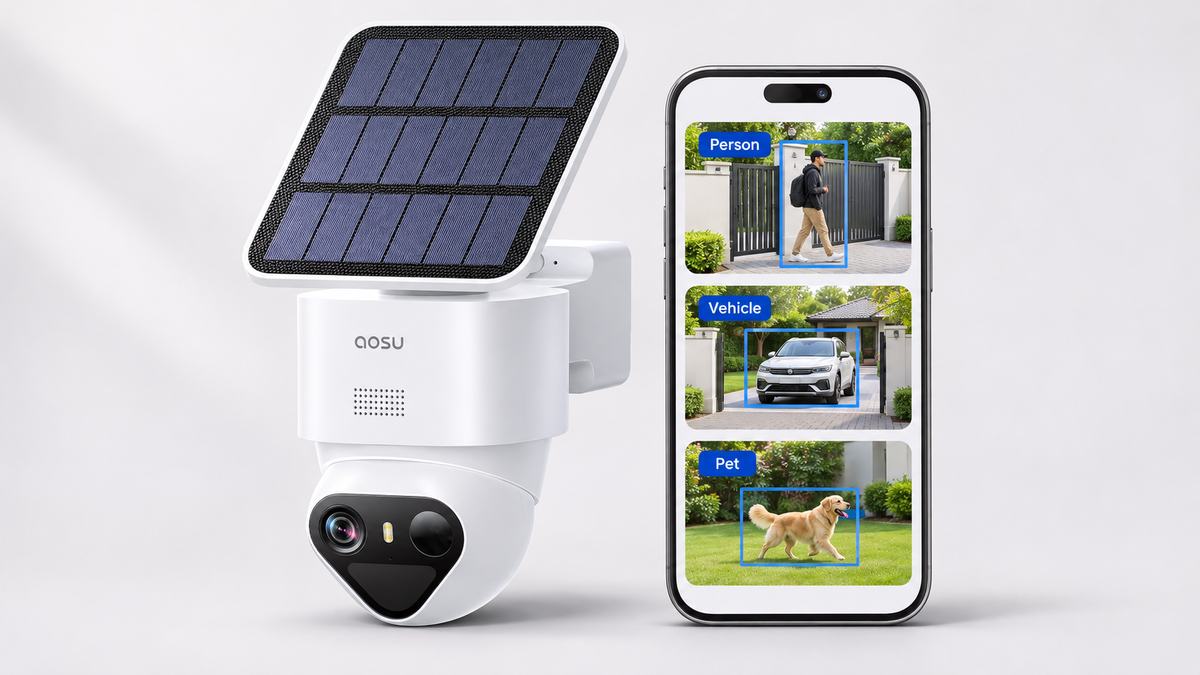
2. Event classified: Visual analysis labels the event as a person, vehicle, pet, package or another supported category. A label narrows alerts but does not identify a specific individual.
3. Identity matched: Face recognition or person re-identification compares captured characteristics with saved references or earlier appearances. Support, consent requirements and processing location matter.
4. History searched: Search uses event labels, descriptions or identity data to find a saved event after it happened. The feature still depends on the footage and metadata available to search.
Detection, Identification and Search Answer Different Questions
Person detection answers whether the camera believes a person is present. It does not establish who the person is. Face detection finds a face in an image, while face recognition compares facial features with stored images for verification or identification.
A familiar-face alert adds another layer. The camera needs a clear enough view, a supported recognition feature and a reference for the person. A hood, strong backlight, side profile, distance or a partly blocked face can change the result.
Tracking and search are different again. Auto-tracking moves a camera to keep an active subject in view. Cross-camera tracking or re-identification connects appearances across compatible cameras. Event search helps retrieve a clip from saved history. A product can offer one of these without offering the others.
Compare products against the events you need: a person entering the side gate, a familiar visitor at the door, or a red car recorded this afternoon. Match each event to the detection, recognition or search feature that handles it.
Why False Alerts Still Happen
Classification reduces notification noise only when the scene gives the system useful evidence. A distant subject, a partial view, reflections, insects near the lens, headlights, moving shadows and poor night detail can all change what the camera sees.
One r/SecurityCamera poster wrote: “Not to mention, I’ve had 70+ notifications today, indicating that a person was detected. Only two of those actually had a person detected.” Their camera was indoors behind a window and aimed outside, where reflections and changing light can interfere with detection.
To reduce repeated false person alerts, review the clips for a common trigger and adjust the camera view or detection zone. Then have someone walk through the gate or approach the porch to check that real visitors still trigger an alert.
For help with recurring triggers, see our false-alert troubleshooting guide.

Adjust the detection zone around the area you want to monitor.
Related links:
· Read the original r/SecurityCamera post and its behind-glass context
· Work through the full false-alert troubleshooting process
Use Repeatable Scenarios to Test AI Alerts
Test one detection category at a time with the camera in its final position. Keep the angle, zone, sensitivity, lighting and notification settings unchanged. Record the expected and actual label, notification result and whether the clip shows the whole event.
Repeat the scenarios after every settings change. Keep the lowest-noise setting that still labels and records the target event with useful lead-in.
1. Target event: Have a person walk the real route. Repeat an approach, side crossing and edge entry.
2. Similar event: Use a pet, vehicle or second person to check the supported categories.
3. Control event: Observe an empty bin, headlights or branches that should not receive the target label.
4. Day and night repeat: Run the same paths in daylight and at night; compare the label, clip start and detail.

Test a visitor’s path and check that the camera sends an alert.
On-Device, Hub and Cloud AI Have Different Requirements
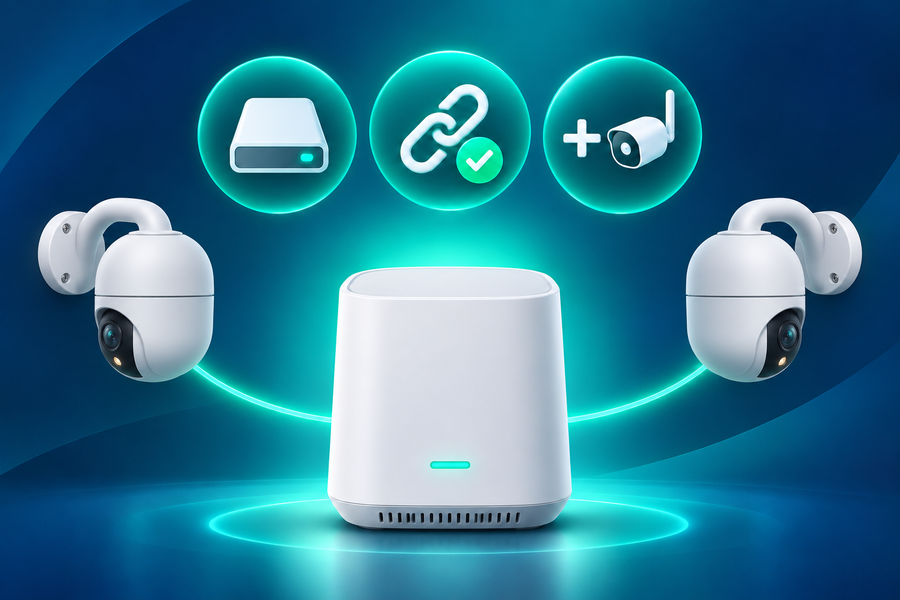
Basic classification can run on the camera, while identity matching, cross-camera tracking or natural-language search can run on a compatible hub or cloud service. The processing location determines the hardware and connection each feature needs.
Local processing analyzes video at home. Remote notifications and access from outside the home need an internet connection. Cloud processing also needs a connection to upload the relevant video or event data.
Compare the processing, connection and cost requirements for each feature:
| Feature | Question it answers | Typical processing location | Network dependence | Cost pattern | False-alert or practical limit |
|---|---|---|---|---|---|
| Motion detection | Did something change? | Sensor or camera | Local trigger may work offline; remote alerts need a connection | Often included | Can react to any movement or image change |
| Person, vehicle or pet classification | What kind of subject appeared? | Camera, hub or cloud | Depends on the model and where classification runs | Included on some models; paid on others | Partial views and difficult lighting can produce wrong or missed labels |
| Familiar-face identification | Do I recognize this person? | Camera, hub or cloud | Cloud versions need internet; local versions need supported hardware | Hardware feature or paid biometric plan | Needs a usable face view and carries added privacy responsibilities |
| Cross-camera tracking or re-identification | Is this the same subject at another camera? | Compatible hub or local server | Usually needs the cameras and hub connected | Often tied to a specific hub or system | Coverage gaps and incompatible cameras break the event chain |
| Event search or summaries | Where is the saved event I remember? | Hub or cloud | Local search needs the hub; cloud search needs internet | Hardware feature or subscription | Search cannot recover footage or metadata that was never saved |
| Off-site cloud event history | Can I retrieve clips away from the local device? | Cloud | Requires upload connectivity | Recurring plan | Retention, supported cameras and event types vary by plan |
Which AI Features Are Worth Paying For?
Pay for a feature when it changes how you respond or protects evidence you need. Off-site event storage can preserve clips if local hardware is stolen or damaged. Search can save time when a large event history is hard to review. Familiar-face alerts can distinguish routine household activity from an unknown visitor when the exact setup supports reliable identification.
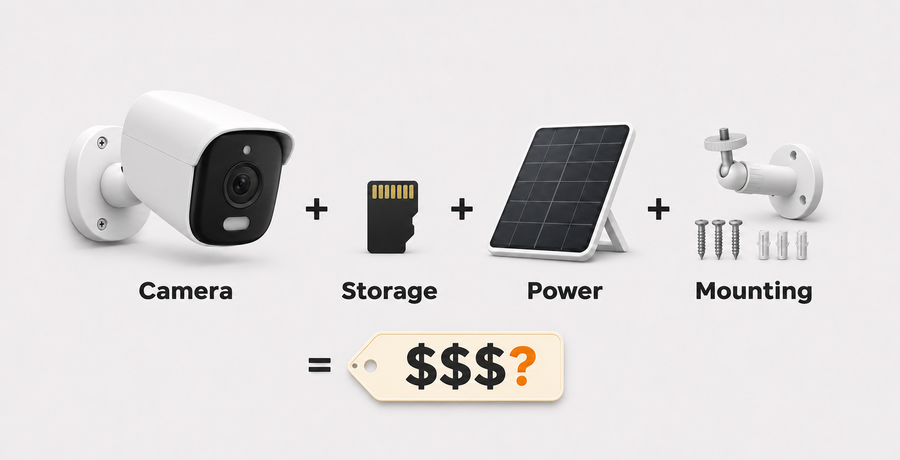
A recurring plan adds little when the free camera already provides the categories, local playback and downloads you use. Compare live view, basic alerts, local recording, identification, search and cloud backup separately. Check the plan screen for the exact device and account because available features, prices and trials can vary by market.
T2 Ultra shows why the bundle matters. Its on-device AI distinguishes people, vehicles and pets in the standalone, aosuBase and aosuCortex setups. The aosuBase system adds cross-camera tracking and local storage. The aosuCortex system adds local face recognition and person re-identification; it includes 32GB of built-in storage expandable up to 16TB. These local features do not require a subscription; optional cloud service is separate.
T2 Ultra records in 4K and has a 1/1.8-inch sensor, F/1.0 aperture, TrueColor night vision, and 355-degree pan with 90-degree tilt. Image detail helps you review who entered the yard or what happened beside a car. Test detection after dark as well as during the day, because nighttime lighting changes the detail available to the camera.
Face recognition is not available on T2 Ultra devices used in Illinois. In other locations, confirm the current privacy requirements and obtain any notices or consent required for biometric identification. If you only need person, vehicle or pet alerts, choose the exact T2 Ultra bundle around storage and multi-camera needs rather than paying for identity features you will not use.
Related links:
· Review the current T2 Ultra standalone, aosuBase and aosuCortex comparison
· Compare local storage, hubs and optional cloud service
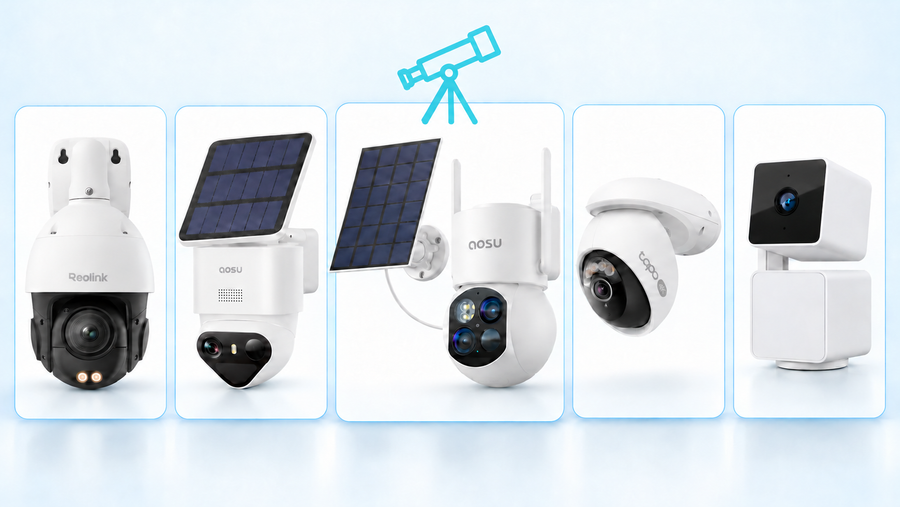
· Compare AI security cameras by use case
· Browse current local-storage security camera options
Choose the Result, Then Verify It
Choose the detection, recognition or search feature that covers the events you care about. Confirm where it runs, what hardware or plan it requires and what works during an internet outage.
Then repeat the target and control scenarios in the real camera view. A useful AI security camera should reduce low-value interruptions while preserving the alerts and footage you would act on. Pay only for the recognition, search or off-site history that changes that result.
FAQs
Can AI security cameras tell who a person is?
Only cameras with a supported face-recognition or person-identification feature can try to match a person with a saved reference. Ordinary person detection only labels the subject as a person. Confirm where identity processing runs, which hardware or plan it needs and whether the feature is available in your location.
Do AI security cameras need a subscription?
Not always. Some cameras include person, vehicle or pet classification on the device, and some systems add local recognition or search through a compatible hub. Cloud storage, cloud face identification and advanced search may require a plan. Check each feature separately for the exact camera and region.
How can I reduce false person alerts without missing real visitors?
Identify the repeated trigger, correct the view or zone first, then change one sensitivity or alert setting at a time. Repeat the same visitor path in daylight and at night after every change. Keep the setting only when it reduces unwanted labels and still captures the person with a useful clip.