
A wireless outdoor security camera can use Wi-Fi while drawing power from an outlet. That setup is often the right starting point when you cannot run Ethernet but still want 24/7 local recording. If you cannot bring continuous power to the location, a battery or solar camera can remove the power cable, but it will usually save motion events instead of a complete timeline. Decide whether you need every minute or only detected events, then match power, storage and night performance to that recording mode.
The table below turns those choices into complete setups, including wired Wi-Fi for 24/7 recording and fully wire-free event monitoring.
Wi-Fi Cameras Can Use Wired Power
Wireless tells you how the camera sends data. It does not tell you how the camera receives power. A Wi-Fi camera can be plugged into an outlet, hardwired to a suitable electrical supply, powered by a rechargeable battery or paired with a solar panel.
One r/homesecurity poster described the exact combination many shoppers need: “I cannot connect them to ethernet so they will be connected wireless but at least they will be powered wired.” The same post asked for 24/7 recording and stronger night footage. Those requirements point to a constant-power Wi-Fi camera that explicitly supports continuous local recording—not automatically to a battery camera.
Wi-Fi and power are separate parts of the setup. A camera can send video through Wi-Fi while using an outlet or fixed electrical supply for power. That combination provides the constant power needed for 24/7 recording. Battery and solar models remove the power cable, but they are usually designed for event clips instead of a complete timeline.
Related links:
· Read the original r/homesecurity post
Decide Between Event and Continuous Recording
Continuous recording saves video throughout its active schedule. When that schedule covers the full day and night, you can review the minutes before a detected event, the event itself and what happened afterward. The camera must support the mode, remain powered and have enough local storage for the retention period you want.
Event recording saves a clip after the camera detects configured activity. It uses less power and storage, which makes it practical for battery and solar cameras. The tradeoff is a timeline built from detected events rather than every minute. Clip length, retrigger behavior and the time between events determine how much context you keep.
A solar panel keeps a compatible battery charged, and a larger memory card stores more footage. Neither changes the camera's recording modes. For a complete 24/7 timeline, choose a camera with continuous recording, constant power and compatible local storage. Event recording is enough when you mainly need clips of visitors, deliveries, vehicles or animals.
Related links:
· Compare motion events and 24/7 video
· See why battery cameras usually do not record 24/7
Match Power, Recording and Storage as One Setup
Use one row as a complete starting configuration, then verify the exact camera and storage device. The cost column names the parts to budget for rather than using temporary product prices.
| Outdoor need | Power and data connection | Recording and local storage | Suitable when | Unmet requirement or drawback | Cost to include |
|---|---|---|---|---|---|
| Complete 24/7 timeline at one door, driveway or yard | Continuous outlet or fixed power; Wi-Fi to the router | A model with explicit 24/7 recording to microSD | The mount is near protected power and Wi-Fi is stable | The card stays with the camera; removing or damaging the camera can remove that copy | Camera, weather-suitable power route, high-endurance card and installation |
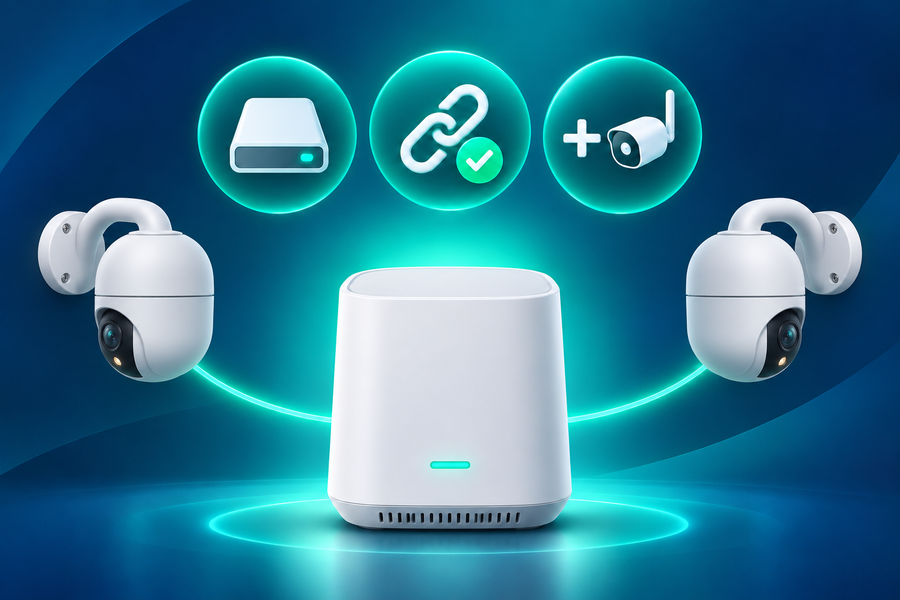
| 24/7 recording with the archive kept indoors | Continuous camera power; Wi-Fi to a compatible hub or recorder | A camera and indoor device that both support continuous recording | You want the stored copy separated from the outdoor camera | Compatibility is specific; the Wi-Fi link must carry sustained video reliably | Camera, hub or recorder, storage drive, power work and network coverage |
| Motion alerts without a power cable | Rechargeable battery; Wi-Fi to the router or compatible base | Event clips on a supported card or indoor base | You need important events rather than every quiet minute | Does not meet a full-timeline requirement; charging frequency changes with activity and settings | Camera, card or base, charging access and any spare battery |
| Event monitoring with less routine charging | Battery plus compatible solar panel; Wi-Fi to the router or base | Motion-event clips on local storage | The panel receives direct sun and event recording is enough | Solar charging does not create 24/7 recording and may fall behind in shade or high activity | Camera, correct solar package, local storage and mounting hardware |
| 24/7 driveway or yard recording with floodlighting | Floodlight Cam Pro; wired power and Wi-Fi | Continuous recording to a compatible microSD card without a required cloud plan | You want 5MP video, adjustable lighting and PTZ tracking at one mounting point | Requires a suitable wired connection; the PTZ camera records the direction it is facing rather than every direction at once | Camera, compatible microSD card, mounting and any electrical installation |
| Fully wire-free event monitoring where mains power is unavailable | T2 Ultra battery and solar power; Wi-Fi through the selected standalone or hub setup | Event recording to supported local storage; exact storage hardware depends on the package | You want 4K pan-and-tilt coverage and event clips are enough | Does not meet conventional 24/7 recording; solar charging still needs usable sunlight | Camera or kit, selected local storage, solar placement and Wi-Fi coverage |
Related links:
· Compare cameras designed for 24/7 local recording
Test Night Footage Where You Will Install It
Night footage changes with the available light, the camera's night mode, the distance to the person and how fast that person moves. A bright still frame can look impressive while a walking face remains blurred. Test the camera at the planned height and record someone walking the same route you need to monitor.
Review the saved clip rather than live view alone. Pause the video while the person is moving and check the face, clothing, carried object and direction of travel. Confirm when detection began, whether the clip included the approach and whether a spotlight changed the scene. Repeat the test at the far edge of the area and near the point where useful detail matters most.
For a fair comparison, keep the route, distance and movement similar. Record whether the camera used infrared, ambient-light color or a white spotlight. Color video without a visible spotlight still needs enough light for the sensor, while a spotlight can add useful illumination in a dark yard. The result at your mounting point is more useful than a generic night-vision label.

Review saved footage along the route and at the distance you need to monitor.
Keep Recordings Without a Cloud Plan
A no-subscription setup needs a clear answer to four questions: where the video is stored, how long it remains available, how you export an important clip and what happens when storage fills. Local storage may sit in the camera, an indoor base station or a recorder. Those locations have different theft, damage and compatibility tradeoffs.
On-camera microSD storage is simple for one camera, but the card stays with the outdoor device. An indoor base or recorder separates the archive from the camera and can serve several cameras, but only supported combinations work together. Confirm whether old recordings are overwritten automatically, then download any footage you need before the retention window closes.
Local recording and remote access are separate functions. A camera may continue saving video locally during an internet outage while remote live view and phone alerts stop. Test playback and export before you rely on the setup, and keep the exact card, base or drive requirements in your buying notes.
Related links:
· Review what no-subscription cameras can do without monthly fees
Compare Wired Wi-Fi with a Fully Wire-Free Camera
A driveway with floodlight wiring and a side yard without power need different cameras. Both products use Wi-Fi, but their power and recording setups differ.
Floodlight Cam Pro uses wired power and records 5MP video continuously to a compatible microSD card without a required monthly fee. Its adjustable lights and PTZ tracking suit a driveway, garage or yard that needs a complete timeline and night lighting.
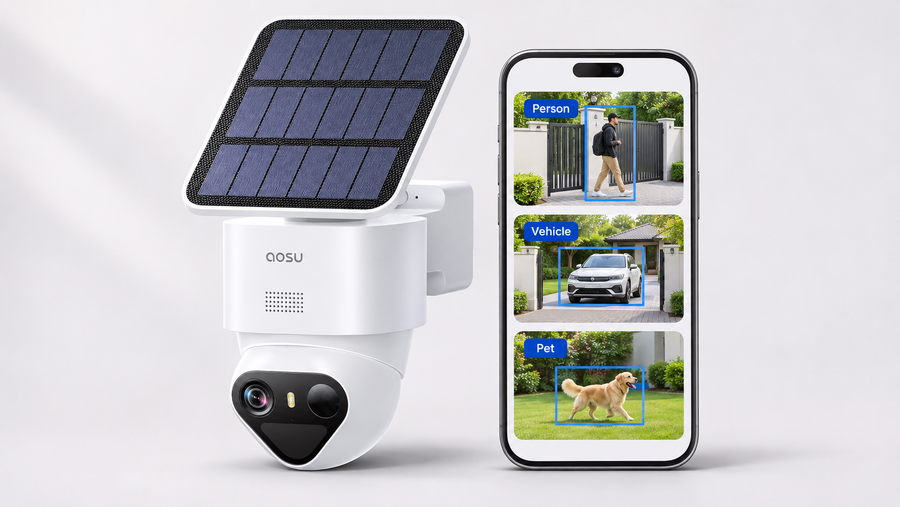
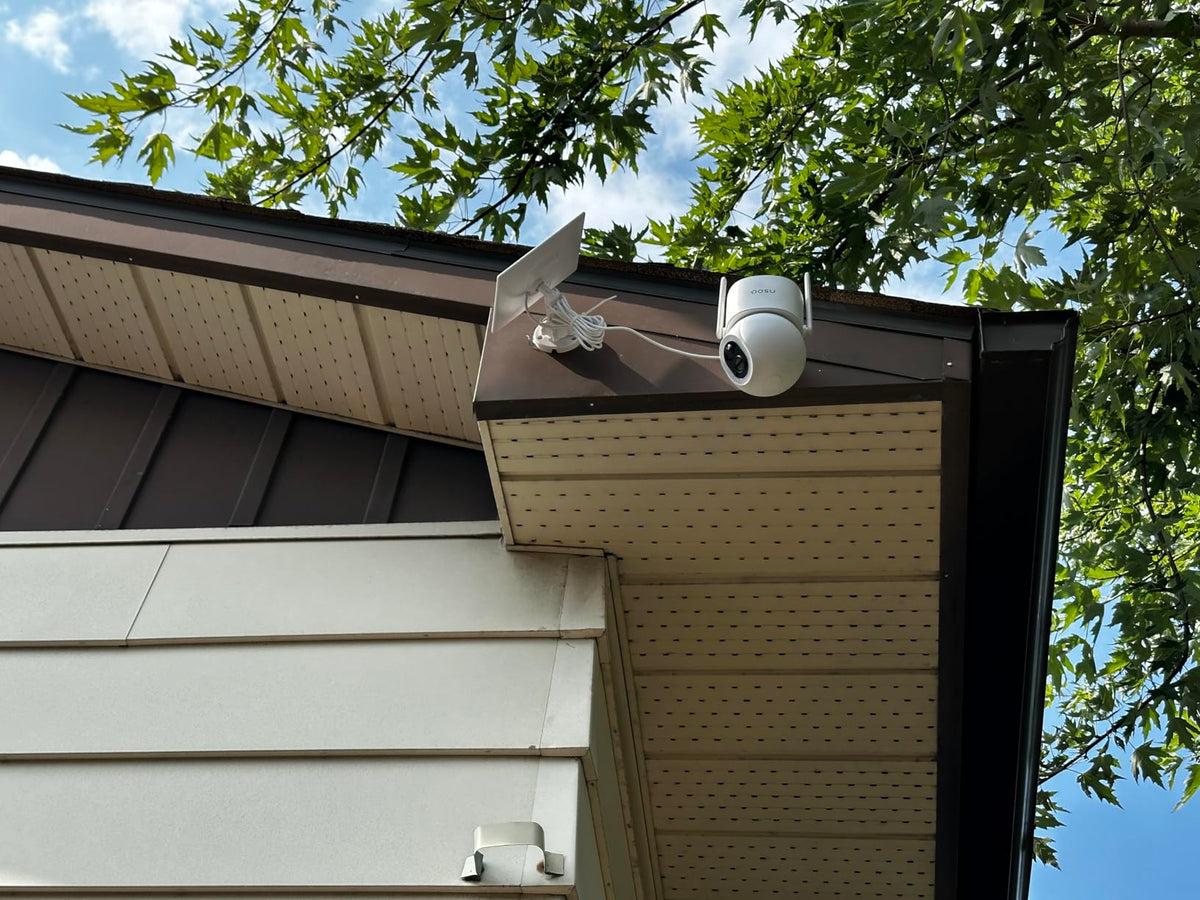
T2 Ultra uses battery and solar power, so the camera needs neither Ethernet nor mains power. It records 4K motion events, provides pan-and-tilt coverage and TrueColor night vision, and supports local storage without a required subscription. It does not provide the conventional 24/7 timeline required by the Reddit poster.
Use Floodlight Cam Pro where wiring is available and every minute matters. Use T2 Ultra at a gate, shed or back corner where running power is impractical and event clips are enough. The first combines Wi-Fi with wired power; the second combines Wi-Fi with battery and solar power.

Both cameras use Wi-Fi. Floodlight Cam Pro uses wired power for 24/7 local recording; T2 Ultra uses battery and solar power for event recording.
Related links:
· See the current Floodlight Cam Pro
· See the current SolarCam T2 Ultra system
· Compare floodlight camera recording and installation costs
Match the Camera to the Location
Continuous video needs constant power, a camera that supports 24/7 recording and enough local storage. Event recording uses less power and storage, which makes it a better fit for battery and solar cameras, but it does not preserve every quiet minute.
Test the complete setup at the mount: Wi-Fi, power, moving night footage, local playback and export. A wireless outdoor security camera without a subscription is a good fit when all five parts work together at your home.
FAQs
Can a wireless outdoor security camera record 24/7 without a subscription?
Yes, if the exact camera supports continuous recording to local storage and has continuous power. Wi-Fi can carry the data while an outlet or fixed supply powers the camera. Confirm the recording schedule, storage capacity and overwrite behavior before buying.
Does wireless mean a security camera is battery-powered?
No. Wireless usually refers to the data connection. A Wi-Fi camera may use outlet power, fixed wiring, a rechargeable battery or solar charging. Check power and network requirements separately.
Can a solar security camera record continuously?
Most solar battery cameras, including T2 Ultra, record events rather than conventional 24/7 video. Solar charging removes the mains cable, but it does not add continuous recording. Choose a wired camera such as Floodlight Cam Pro when you need a complete local timeline.