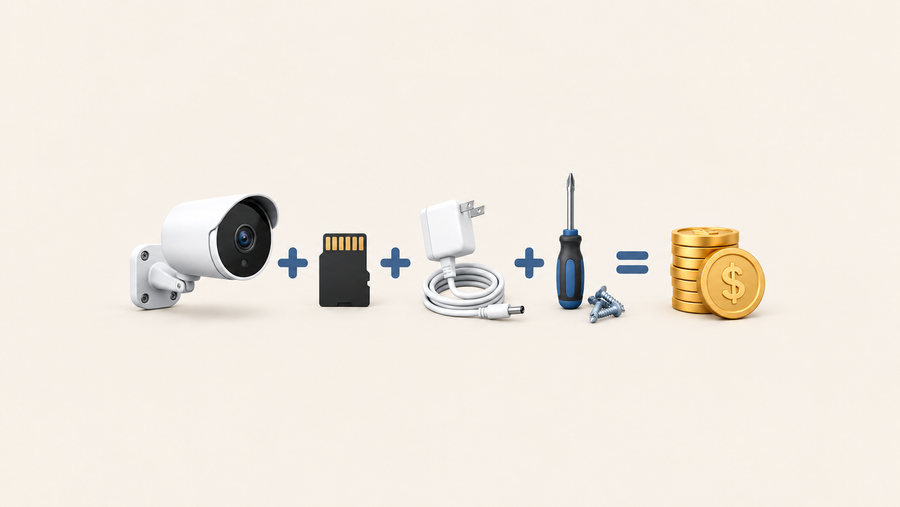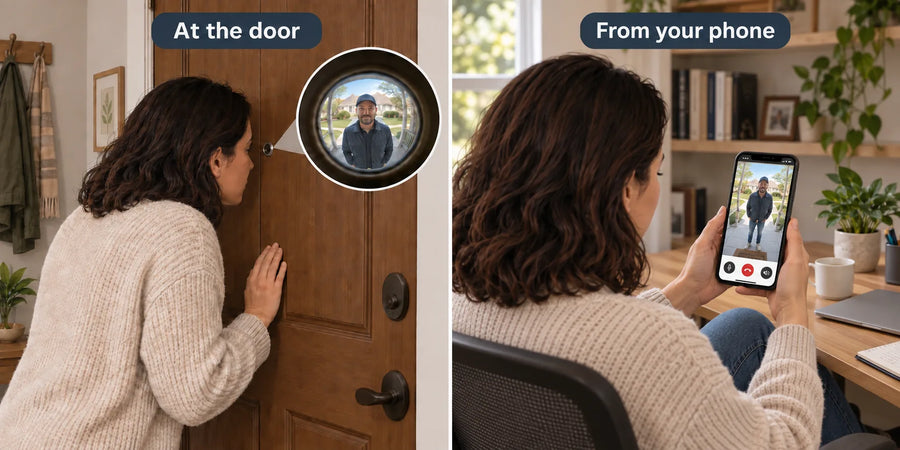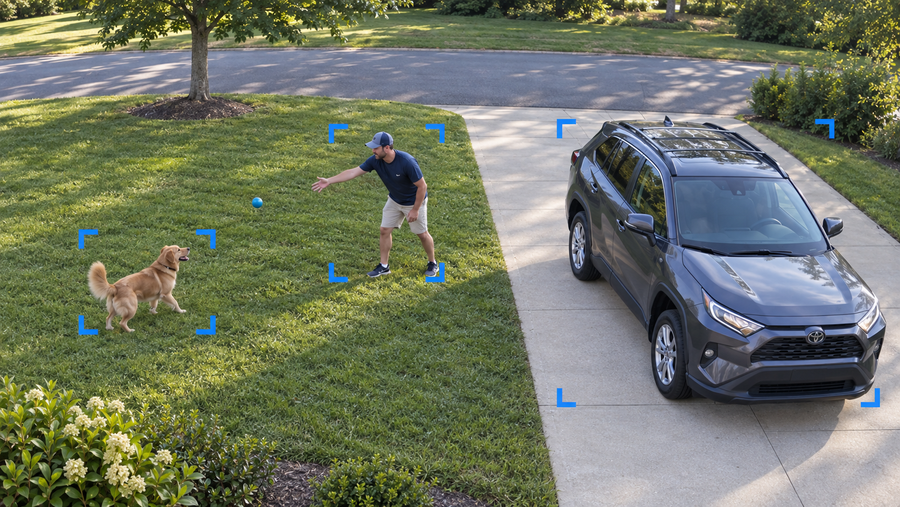



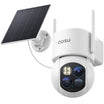















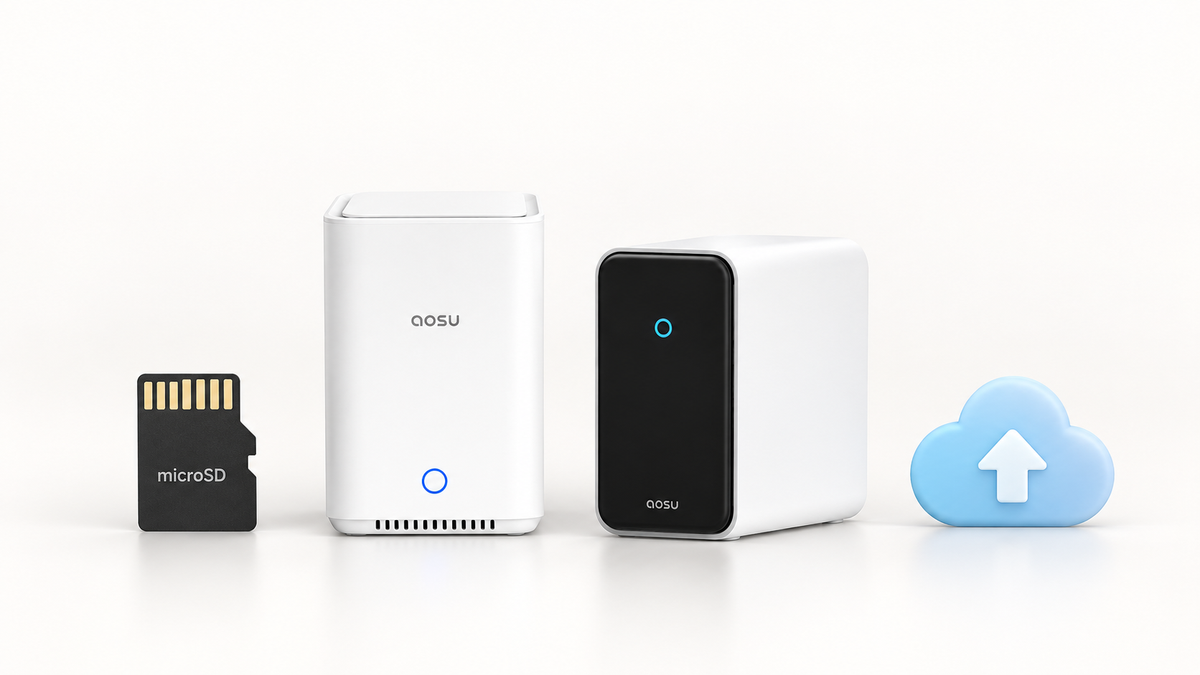
Most aosu cameras do not need a paid subscription when you use the local storage supported by the exact model or kit. A standalone camera may need a compatible microSD card, while a kit may include an aosuBase or aosuCortex with built-in storage.
aosuProtect+ adds cloud event storage and selected cloud features. The D1 Classic Kit saves clips to aosuBase, while the T2 Ultra system uses aosuCortex for local storage and recognition.
The Short Answer: Local Storage Can Replace a Required Subscription
An aosu camera can remain useful without a monthly plan when it has a supported place to save recordings locally. The storage may be a microSD card in a standalone camera, the built-in storage in an aosuBase kit, or the local storage inside an aosuCortex system.
The exact bundle matters. A camera sold by itself may not include the card or hub that a kit includes, and a base station is not automatically compatible with every aosu camera.
| Setup | Can it record without a paid plan? | Where events are stored | What a paid plan adds |
|---|---|---|---|
| Standalone camera with supported microSD storage | Yes, after a compatible card is installed | On the camera's microSD card | Optional cloud event storage and plan-based features |
| Kit with aosuBase | Yes, when the kit includes compatible local storage | On the indoor aosuBase; the D1 Classic Kit includes 32GB | Optional off-site cloud storage and cloud services |
| System with aosuCortex | Yes, on current supported systems such as T2 Ultra with aosuCortex | 32GB built in, with current T2 Ultra systems supporting a 2.5-inch drive up to 16TB | Optional cloud backup; local Cortex AI is a separate capability |
| Camera with no supported local storage installed | Live view may still work, but there is no local path for saved events | No local event storage until the required card, hub or drive is available | Cloud recording if the model and regional plan support it |
What Can You Do Without an aosu Subscription?
With the SolarCam D1 Classic Kit, you can get motion alerts, watch live video, play locally stored events, download clips, and use camera controls such as pan and tilt, motion tracking, two-way talk, spotlight and siren without a cloud plan.
A standalone D1 Classic camera needs a compatible microSD card or cloud storage to save recorded events, while the kit stores them on its included aosuBase.
An aosu account and internet connection may still be needed for setup, remote viewing and app alerts. The supported local recording path has no monthly cloud storage fee.
1. Live view and basic alerts: Supported cameras can show live video and send standard event notifications without a cloud storage plan.
2. Local event recording: Recordings go to the storage supported by the exact setup: a compatible microSD card, aosuBase or aosuCortex.
3. Playback and downloads: Supported local-storage setups let you review event clips in the aosu app and save important clips to your phone.
4. Camera controls: Functions such as two-way talk, pan and tilt, siren or spotlight can remain available without cloud storage when the camera supports them.
Where Do aosu Recordings Go Without a Subscription?
Depending on the model or bundle, aosu saves local clips to a microSD card, aosuBase or aosuCortex.
When local storage fills, supported systems use loop recording and replace older events with newer ones. Download an important clip before its retention window ends or the local storage overwrites it.
microSD card in a standalone camera
This is the simplest local path for a supported standalone model. The card is usually purchased separately. Because it stays with the camera, the recording can be lost with the device if the camera is removed or damaged.
aosuBase inside the home
An aosuBase stores compatible camera events on an indoor hub. The D1 Classic Kit includes 32GB of local storage, so it can record events without a separate card or monthly storage fee.
aosuCortex with expandable storage
The T2 Ultra system with aosuCortex has 32GB of built-in local storage and supports one 2.5-inch hard drive up to 16TB. The larger local store supports a multi-camera system and its local AI features.
Optional aosuProtect+ cloud storage
aosuProtect+ saves motion-triggered event videos off-site in 14-day or 30-day event loops. It does not provide continuous 24/7 recording.

Record locally on a microSD card, aosuBase or aosuCortex. Cloud event storage is optional.
aosuBase and aosuCortex Are Hubs, Not Subscription Tiers
aosuBase and aosuCortex are pieces of hardware in compatible camera systems.
aosuBase centers on local storage, camera connectivity and multi-camera event review. aosuCortex combines local storage with more local AI processing. On the T2 Ultra system, aosuCortex supports face and object recognition, person re-identification and search across locally stored events.
Compatibility remains specific to the camera and hub generation. Buying an aosuBase or aosuCortex separately does not guarantee that an existing camera can connect to it.
| Hardware | Main role | Current local storage example | Important boundary |
|---|---|---|---|
| aosuBase | Local recording, camera connection and coordinated multi-camera events | 32GB included with current D1 Classic kits | Capacity and compatible camera count depend on the exact base generation and kit |
| aosuCortex | Local recording plus local AI recognition and event understanding | 32GB built in and up to 16TB HDD support on the current T2 Ultra system | Cortex compatibility and AI features belong to supported systems; they are not added to every camera by a cloud plan |
Related links:
· See how aosuBase organizes local storage and multi-camera events
· View the current SolarCam T2 Ultra system with aosuCortex
Local aosuCortex Recognition Is Different From Cloud Face AI
On the T2 Ultra system, aosuCortex handles face recognition and object detection locally without a cloud Face ID plan.
Cloud Face AI is an aosuProtect+ feature that requires a paid plan on a supported camera. Plan options include Face ID for video doorbells; the aosu app shows the options available for your camera and region.
Related links:
· Review current aosuProtect+ cloud information
When Is an Optional Cloud Plan Worth Paying For?
An off-site copy gives you another place to retrieve saved event videos if a camera or local storage device is stolen or damaged.
aosuProtect+ offers cloud event storage with 14-day or 30-day retention options and selected plan-based features, including Face AI on supported cameras. It stores events rather than continuous 24/7 video.
Local storage is enough when:
· You want routine event recording without a monthly bill.
· The local card or hub is protected well enough for the camera's location.
· You are comfortable downloading clips you need to keep.
· The included local detection and playback features meet your needs.
Add cloud when:
· You want event videos backed up away from the home.
· The camera is easy to reach or watches a high-risk area.
· You want a supported cloud Face AI or event-management feature.
· You want the plan's online retention window and understand its renewal terms.
Confirm These Details Before You Buy or Subscribe
Use the model number on the product listing and the aosu app plan screen for your country. Standalone cameras, kits and hub generations can include different storage hardware even within the same product family.
1. Identify the exact model and bundle: Record the model number, camera count and whether the package includes an aosuBase, aosuCortex or storage card.
2. Confirm the local recording path: Find the included capacity, supported card or drive type, maximum expansion and what happens when storage fills.
3. Separate free functions from paid features: List live view, alerts, local playback, downloads, recognition, search and cloud backup one by one.
4. Verify compatibility: Use the current camera-to-base compatibility list. A doorbell aosuBase mini and a camera-system aosuBase are not interchangeable.
5. Read the live plan screen: Prices, trials, plan names and supported AI features can differ by market. The app shows the offer available to the account and device.
Common Subscription Mistakes to Avoid
A standalone camera may need a separately purchased microSD card even when its local recording does not require a subscription.
Match the exact camera to its hub generation before buying extra hardware. aosuBase and aosuCortex compatibility varies by system.
A camera can show live video while having no active local or cloud path for saved event history.
Use the current aosu app offer for your device and account when comparing plan prices; another country or an older promotion may show different terms.
To Wrap Up
Most aosu cameras do not need a subscription when the exact setup has compatible local storage. That can mean a microSD card in a standalone camera, 32GB of included storage in an aosuBase kit, or the local storage and AI processing provided by aosuCortex.
Pay for aosuProtect+ when you want off-site event backup or a specific supported cloud feature. Before buying, match the camera, bundle, storage hardware and recognition path.
FAQs
Do aosu cameras need a subscription to record?
Many aosu cameras can record without a subscription when compatible local storage is available. Depending on the model or bundle, that storage may be a microSD card, aosuBase or aosuCortex. A standalone camera may require a separately purchased card.
Can I use the aosu app without paying monthly?
Supported aosu setups can provide live view, basic alerts, local event playback and clip downloads without a cloud storage plan. The exact free features depend on the camera, storage setup and region.
Does aosuBase require a subscription?
No subscription is required for local event recording with a compatible aosuBase kit that includes storage. Optional cloud storage remains available if you want an off-site copy or plan-based features.
Does aosuCortex facial recognition require a cloud plan?
On the T2 Ultra system, aosuCortex handles facial and object recognition locally without a cloud Face ID plan. Cloud Face AI is a separate aosuProtect+ feature available through paid plans on supported cameras.
What happens if I cancel aosuProtect+?
The cloud plan remains active through its paid term under the current aosu terms, then cloud features and access to stored cloud recordings can be restricted. Local recordings remain governed by the camera's own storage setup. Download any cloud clips you need before access ends.