

















Cheap security cameras can cover a basic monitoring need, but the purchase price is only part of the cost. Before buying, check power, phone access, storage, useful night footage, paid features and installation.
Set one total budget for the camera, storage and required accessories. Then compare only the setups that can show the area you need and let you retrieve the recordings that matter.
Set a total budget before choosing a camera
One shopper on r/homesecurity wrote: “Price is the biggest factor here, so the more affordable the better.” They also wanted phone viewing and a monitoring service that could alert someone to act. These days phone access is usually a feature that doesn't require a subscription, so that's a great requirement for an affordable setup. A monitoring service, on the other hand, almost by definition requires an ongoing payment, which makes it worth revaluating if your biggest factor is price.
Start with the area you need to cover: a front door, driveway or side gate. Decide whether you need phone live view, saved motion clips or continuous recording.
Set a firm limit for an entry-level setup, including storage and installation parts. Consider spending above $150 if you need wider coverage, solar charging or a multi-camera kit. Subscription services add significantly to the cost over time, so be sure to add that cost to your estimation if such services are part of your requirements.
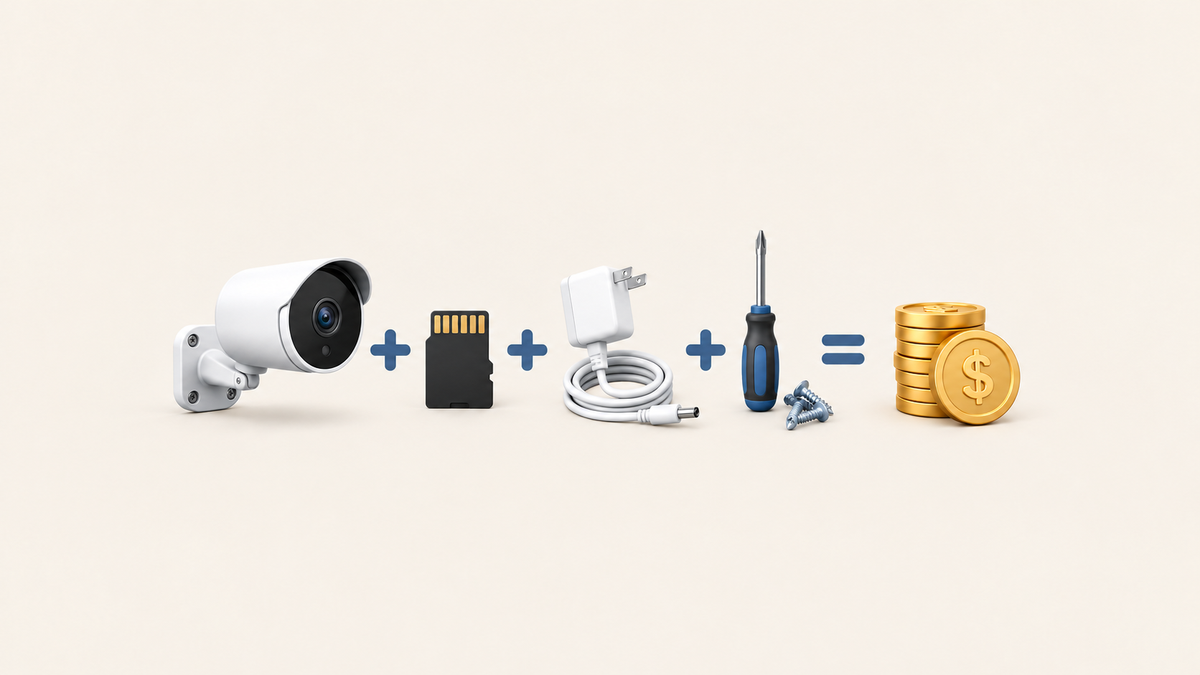
Add compatible storage, any required base station, power accessories, mounting hardware and installation. For a wired camera beside an existing outlet, this might mean only the camera and a memory card. For a detached garage without power, the cable run and labor can add substantially to the bill. Our security camera installation cost guide explains what affects the quote.
Related links:
· Read the original budget shopper’s question on r/homesecurity
· Security camera installation cost
Check five features that affect everyday use
The camera needs reliable power, a connection that reaches the mounting point and a way to save footage. These five features affect how well it will work at your home.
1. Power at the mounting point
A wired camera needs a suitable power source and a safe cable route. With a battery camera, you’ll need to reach it when it’s time to recharge. A solar camera needs direct sunlight on the panel; a separate panel gives you more freedom to place the camera under an eave while charging in the sun. Include any adapter, panel or cable sold separately.
2. Phone viewing and Wi-Fi
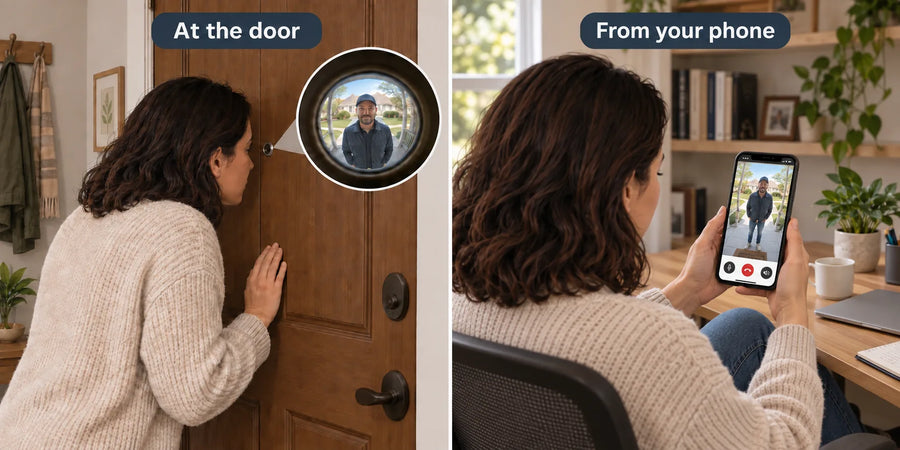
Many cheap security cameras connect to your phone through an app. Home Wi-Fi connects the camera; internet access lets you receive alerts and open live view away from home. The signal needs to reach the camera beside the garage or gate. Confirm the supported Wi-Fi band and any hub requirement.
3. Recording access and storage
Recordings can be saved on a memory card in the camera, on a base station or through a cloud service. The storage location determines which extra parts you need to buy. Look for the supported card capacity, whether storage is included, how older clips are replaced and how to download a video you want to keep.
4. Night footage you can use
Watch footage of someone walking through the area at night. A clear daytime still doesn’t show how well the camera records a moving person beside a dark gate. Look for visible facial detail, clothing and the direction they’re walking at the distance you need to cover. A spotlight can add color detail, but its light also needs to suit the location.
5. Required and optional fees
Some cameras save recordings locally without a subscription. Cloud history, certain detection features or professional monitoring can carry separate charges. Find out which functions stop when a free trial ends, and include any service you need in the ownership cost.
Compare the cost of three camera setups
Compare a complete setup for the same area and recording need. A wired camera near an outlet can be inexpensive to install; a battery or solar camera can save the cost of running power across a yard.
US camera prices were checked on October 21, 2026. Each example adds an illustrative $20 memory-card allowance, with DIY mounting, existing Wi-Fi and no paid service. Tax, shipping, extra hardware and electrical work are additional.
| Option | Suitable for | Main drawback | Device, storage, installation and service cost |
|---|---|---|---|
| Low-cost wired single camera | A door or driveway near existing power | A new outlet or long cable run increases cost | Outdoor Cam D1 Lite: $49.99 device + $20 card allowance + $0 DIY labor + $0 paid service = $69.99 before tax. Add extra power/mounting parts and any electrician’s quote. |
| Battery single camera | A gate where you can reach the camera to recharge | Frequent activity means more recharging | Wireless Cam Lite: $49.99 device + $20 card allowance + $0 DIY labor + $0 paid service = $69.99 before tax. Add separately sold charging and mounting parts. |
| Solar battery single camera | An outdoor view with enough sunlight for the panel | Shade and frequent recording can use battery faster than the panel replenishes it | SolarCam Lite: $56.99 device + $20 card allowance + $0 DIY labor + $0 paid service = $76.99 before tax. Add any panel, cable or mounting parts not included in the selected offer. |
Price the location as well as the camera
A wired camera beside an outlet can be the lowest-cost choice. The same camera on a detached garage may need a longer cable run or professional work. A solar camera can avoid that power run if its panel receives enough sunlight through the seasons. Our solar camera installation considerations cover panel placement and charging.
Compare the first year as well as the installation bill. A service costing $5 a month adds $60 in a year. For example, a $69.99 setup with that optional service would cost $129.99 in the first year before tax. Use the actual plan price for the features you want.
Related links:
· Solar camera installation considerations
Use a pre-purchase checklist
Before ordering, read the selected model’s box contents and return conditions. Once it arrives, test the camera before drilling permanent mounting holes. Follow the seller’s rules on use and packaging so you know what remains eligible for return.
· Match the camera, power parts, mounts and any hub in the box to the exact option you ordered.
· Open live view from your phone on home Wi-Fi and on mobile data.
· Walk through the planned view in daylight and at night, then play the saved clips.
· Trigger several notifications and check that each alert opens the correct camera and event.
· Download one recording and play it outside the camera app.
· Confirm that recording works with your chosen storage and without a paid trial, if that’s how you plan to use it.
· Keep the packaging and note the return deadline, return shipping costs and any restocking conditions.
Test where you’ll use the camera
If the camera will watch a dark side gate, do the night test there. If you mainly need remote viewing, test away from home. A camera that works beside your router still needs a reliable connection at its mounting point.
When a larger budget makes sense
The cheapest options usually give you a single camera with basic features for one area. That can be enough for a doorway. If you need to watch a driveway, side gate and backyard, getting more for your money also means considering how much you can see and what each camera can do.
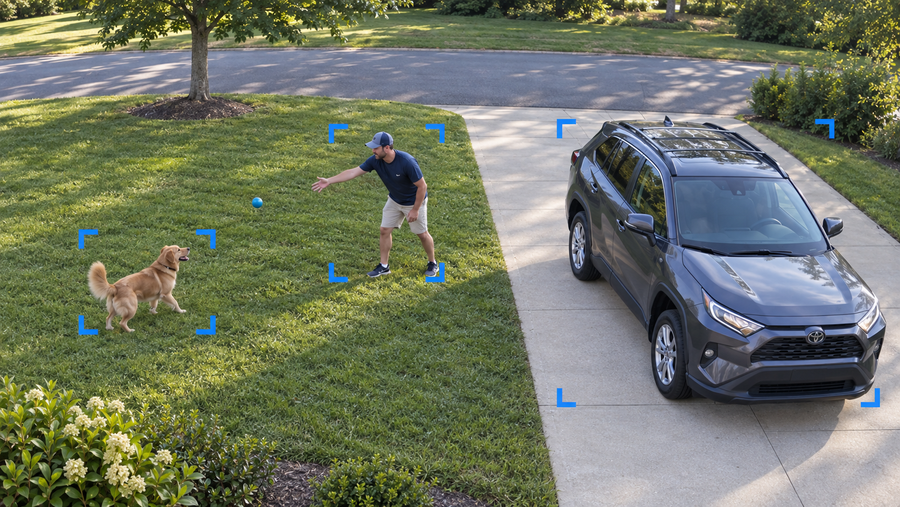
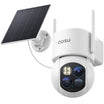
With SolarCam T2 Pro, you get two cameras in one unit: a fixed wide-angle camera and a PTZ camera that turns toward activity. Both provide 3K video and stream simultaneously. The wide view can show a parked car while the PTZ view follows someone walking toward the gate, giving you two views from one mounting point.
The solar panel can mount with the camera or separately to reach sunlight. At US sale prices checked October 22, 2026, the one-camera option costs $169.99 and excludes aosuBase; the two-camera kit costs $339.99 and the four-camera kit costs $629.99.
The four-camera kit has a larger initial price tag, but it can form a capable whole-home security camera system with suitable placement. Four T2 Pro units let you cover key areas such as the front door, driveway, side gate and backyard, with a wide view and a moving PTZ view at each location.
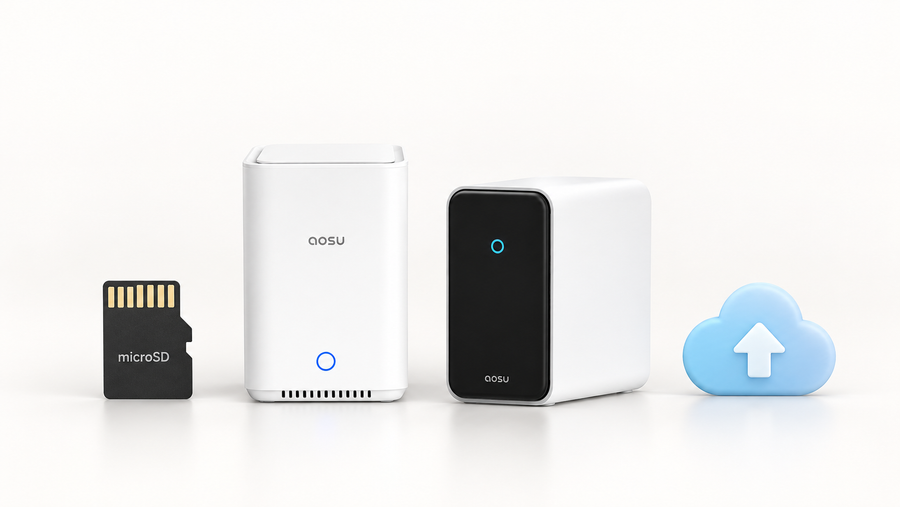
With local recording through a compatible aosuBase, no ongoing subscription is required. It supports microSD cards up to 1TB, sold separately. Budget for the kit, storage and any installation work upfront. Cloud storage is optional.

T2 Pro camera and installation accessories. aosuBase and a memory card are not pictured.

T2 Pro mounted at the corner of an outbuilding, with its solar panel mounted separately.
Related links:
· Review T2 Pro kit contents and total setup cost
Questions about ongoing costs
Wi-Fi cameras use your home network, and remote live view and alerts need internet access. Existing home broadband can serve the camera, though weak coverage at a gate or garage may require additional networking equipment.
A local memory card is usually a one-time purchase. Cloud storage and professional monitoring are recurring costs when you choose them. Some cameras also charge for features beyond basic recording, so the plan’s included functions matter as much as its monthly price. Our guide to essential and optional service fees explains these differences.
Battery cameras need recharging and eventually battery replacement where supported. Solar charging can reduce trips up a ladder when the panel gets enough sunlight to replenish the energy used for recording.
Related links:
· Essential and optional service fees
To Wrap Up
Choose the least expensive complete setup that gives you the view, phone access and saved footage you need. Add the camera, storage, power and installation costs, then include the first year of any service you plan to use.
Test daytime video, night movement, alerts and recording export at the intended location.
FAQs
Can a cheap security camera connect to my phone?
Yes. Many cheap security cameras connect to your phone through an app for live view, alerts and playback. Remote access needs internet service. Check the model’s phone compatibility, Wi-Fi requirements and any hub requirement.
What costs should I include besides the camera?
Include storage, any required hub, power accessories, mounts and installation. Add the first year of cloud storage or other paid features you choose. A memory card, extra cable or base station can be a separate purchase even when it appears in product photos.
When is a solar camera worth a larger budget?
A solar camera can justify a larger budget when its panel gets enough sunlight and saves you running a power cable or repeatedly taking the camera down to recharge. Include the panel, cable, mounts and storage in the total. A shaded mounting point may need a separate panel in a sunnier position.