What Are AI Security Cameras?
AI security cameras use supported software to classify activity, track subjects or organize recordings. The available functions depend on the camera, firmware, processing location and service plan.
Detecting a person does not establish who that person is. Facial recognition is a separate feature, and a “stranger” label should not be interpreted as evidence of suspicious intent.
Do not assume that every AI camera continuously learns from your home. Check whether improvements come from software updates, user settings or a specifically documented learning feature.
Key Features of AI Security Cameras
Check each function separately rather than treating “AI” as a complete feature specification.
| Function | What it may help with | What to verify |
|---|---|---|
| Person or vehicle detection | Filter events by supported object classes | Supported categories, detection conditions and missed events |
| Subject tracking | Follow a visible subject within the camera’s movement range | Occlusion, multiple subjects and what happens when tracking is lost |
| Facial recognition | Compare detected faces with a supported reference collection | Availability, setup, processing location, privacy controls and fees |
| Smart notifications | Apply filters to messages sent to your phone | Whether filters affect alerts, recording or both |
| Night imaging | Capture usable footage after dark | Lighting, moving detail and detection performance at the intended distance |
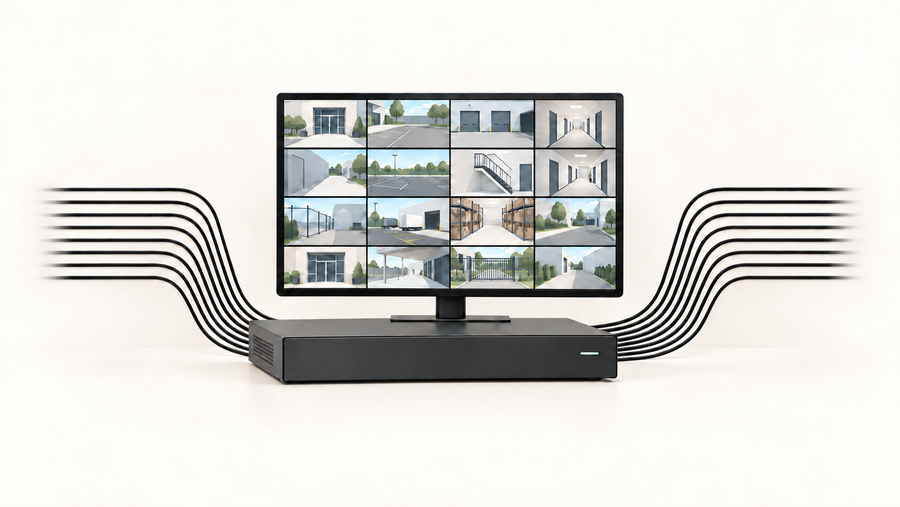
| Recording and storage | Preserve footage for later review | Event versus continuous recording, storage destination and retention |
AI does not determine whether a camera records continuously. It also cannot reveal a person hidden behind a wall or recover detail the camera did not capture.
Test Whether the AI Helps at Your Home
Test the routes and activities that matter before relying on a detection setting.
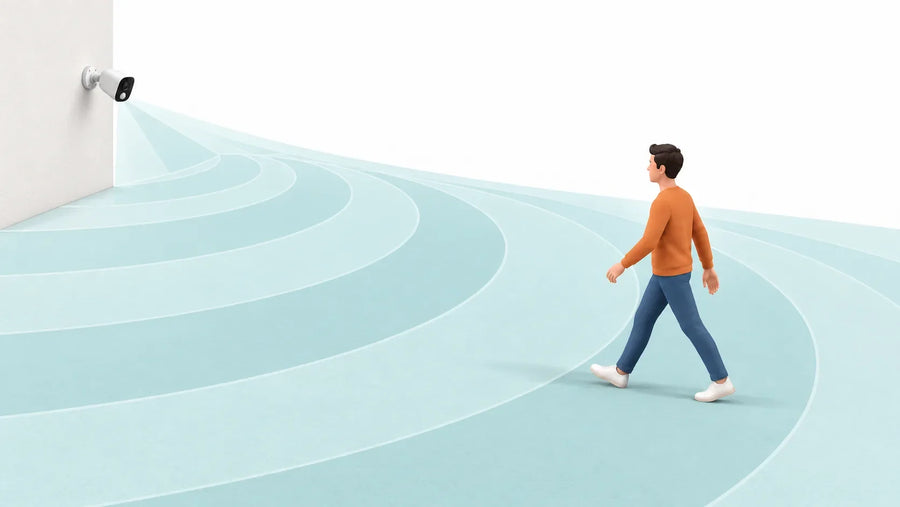
- Walk toward and across the camera at the intended distance.
- Repeat after dark with the lighting you normally use.
- Test partial obstruction and two people moving in different directions.
- Record intended events that were missed and unwanted events that triggered alerts.
- Compare the saved clip with notification delivery; these are different results.
Keep the camera position and settings consistent when comparing changes. Fewer notifications are not proof of fewer recording gaps.
Record the model, firmware, app version and test conditions. Publish any accuracy claim with its sample size and method rather than presenting a short demonstration as a general success rate.
This is a suggested test method, not a report of completed aosu testing.
Compare aosu AI Features by Exact Model
Choose the camera for its location first, then check the specific AI functions offered by that model and configuration. Do not transfer a feature from one aosu product or service to another.
Before ordering, confirm:
- Which detection and tracking functions are included.
- Where each AI function is processed: on the camera, on a compatible hub or in the cloud.
- Whether internet access or a paid plan is required.
- What recordings or face information are retained, and how they can be deleted.
- What continues to work if the optional service ends.
Review the official aosu Face AI explanation separately from person-detection claims, and read the aosu privacy policy for data-processing details.

Compare location-specific options in the AI security camera collection, outdoor camera collection, indoor camera collection and video doorbell collection. Check each selected model rather than assuming shared capabilities across a collection.
Conclusion
Choose AI features around a specific task: filtering unwanted alerts, following visible activity or finding recordings more easily. Then test the result in your own lighting and layout.
Confirm processing location, ongoing fees and privacy controls before buying. AI can make footage easier to use, but it does not replace suitable placement, dependable recording or a practical response plan.
FAQs About AI Security Cameras
Does person detection identify someone?
No. It classifies a visible subject as a person. Identity recognition requires a separate supported feature.
Will an AI camera keep learning automatically?
Do not assume so. Check the manufacturer’s description of updates, settings and any documented learning behavior.
Can AI eliminate blind spots?
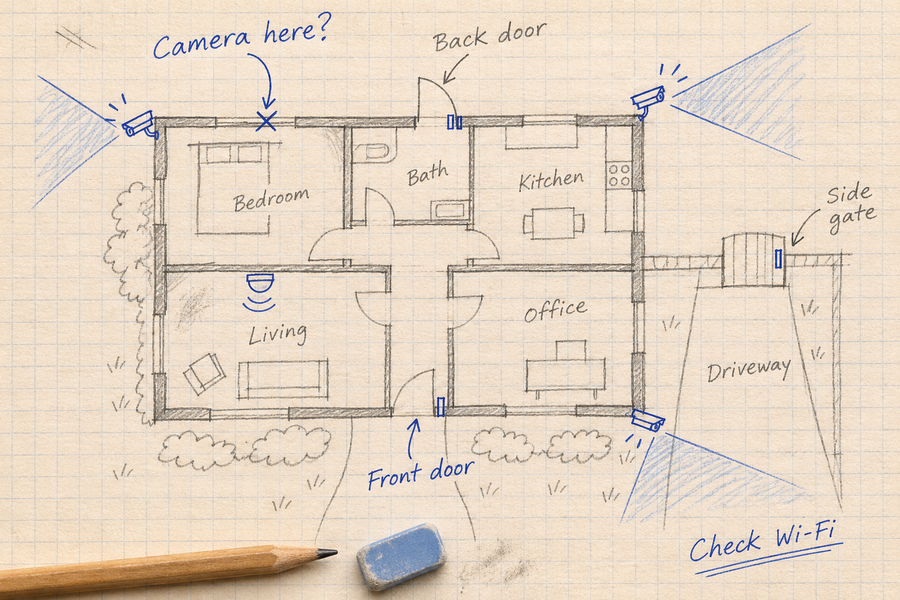
No. Detection depends on what the camera can see. Hidden routes and simultaneous activity may require additional camera positions.
Does AI mean continuous 24/7 recording?
No. Recording mode depends on the product, power setup, storage and settings.
What privacy settings should I check?
Review recording areas, audio, shared users, retention and AI processing. Use a unique password, keep software current and enable stronger account protection when available. Follow the FTC’s home-camera security guidance.