
















Home security camera installation is a practical DIY project when you can reach the mounting spot safely, use suitable fixings, and get a reliable connection there. Hire a professional for new mains wiring, difficult cable routes, unsafe access, or mounting work you can't confidently assess.
You can also split the work: pair and configure the cameras yourself, then pay an installer to mount them or run cables. Decide separately for each camera position, and finish by checking recorded video in daylight and after dark.
DIY or Professional Installation?
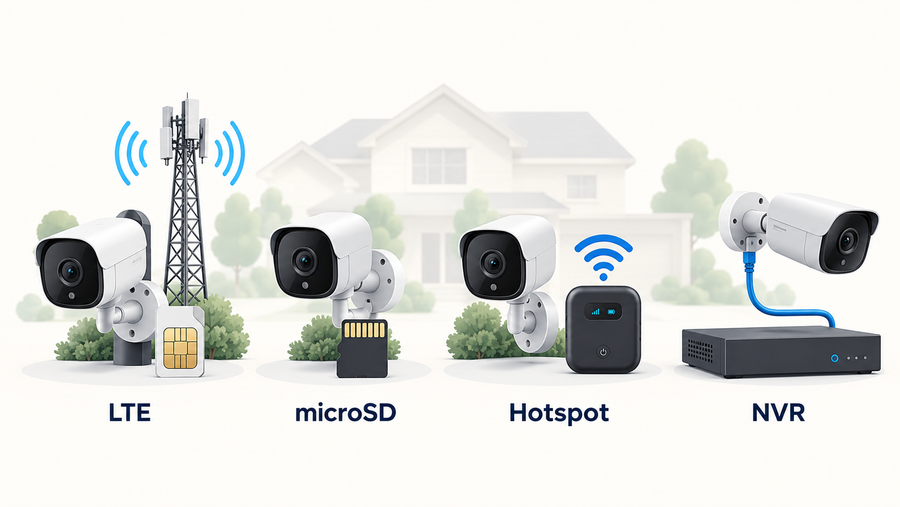
A battery camera avoids a permanent house power cable. A plug-in Wi-Fi camera needs a suitable outlet; a Power over Ethernet (PoE) system needs Ethernet cabling back to compatible network equipment.

A homeowner’s installation question
A homeowner in r/homesecurity asked: “Would it be cheaper as a whole to hire a company to do the installation or would this be something pretty straightforward to DIY myself?”
Related links:
· Read the original r/homesecurity question
The homeowner had mounted wireless cameras but was unfamiliar with attic access and concealed pipes or wiring. Handle setup and testing yourself, then get a quote for the unfamiliar cable and building work before deciding how much to take on.
Use this checklist at every proposed position
· Access: Can you reach the bracket with stable footing and without stretching over a roof edge or stairwell? If access feels unsafe, assign mounting to a professional.
· Surface: Do you know the wall material, its condition, and what is behind the proposed holes? If not, have the fixing position assessed before drilling.
· Power and cables: Is the power source ready, and can every cable follow a protected route? New permanent mains wiring belongs with a qualified electrician.
· Connection: Does the camera connect reliably at the actual wall or fence? A detached garage or long yard needs a connection test before a mounting commitment.
· Upkeep: Can you reach the camera for charging, cleaning, card access, or replacement? Include future access when choosing between DIY and paid installation.
Before You Drill: Prepare the Equipment and Compare the Work
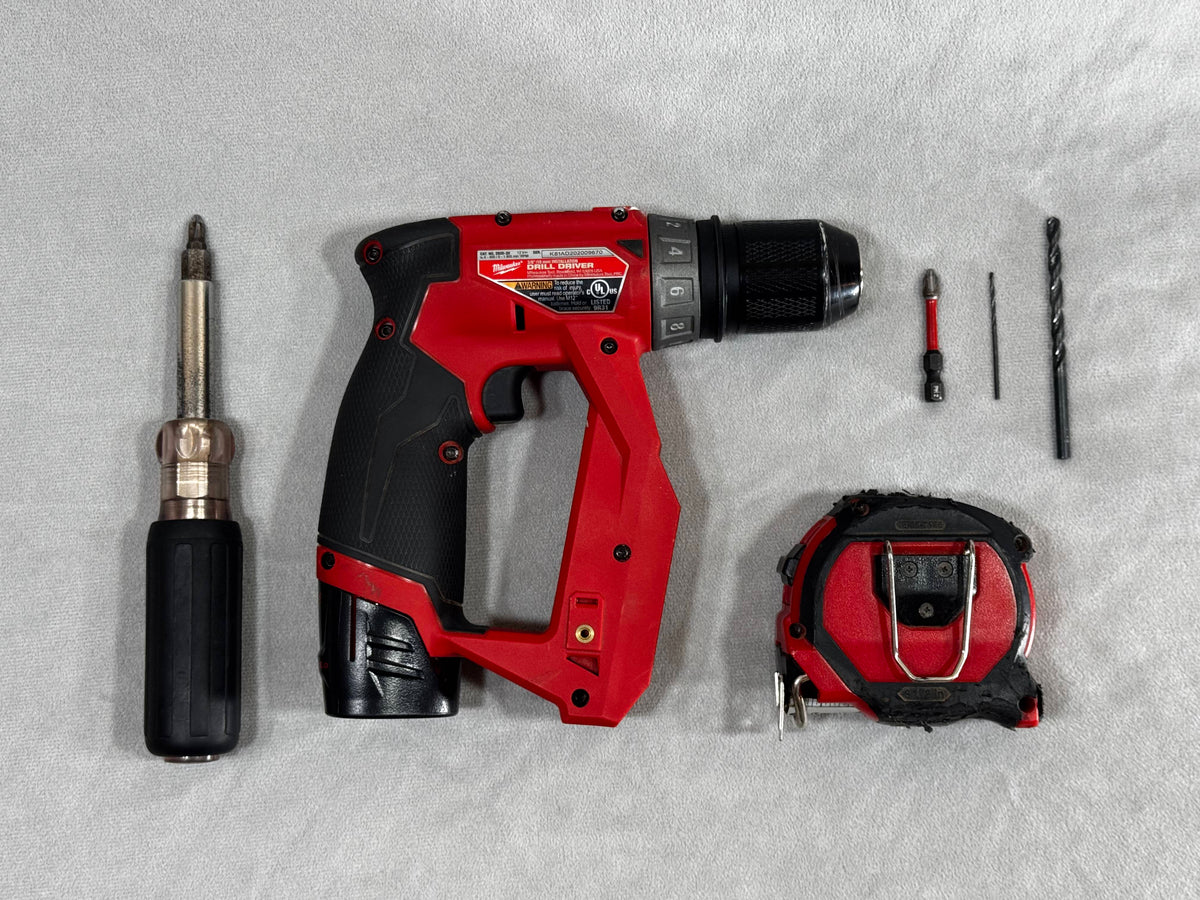
Lay out the camera, its manual, bracket, mounting template, compatible storage, phone, and charging cable. Match screws, anchors, drill bits, and weatherproofing materials to the surface. Have a screwdriver, tape measure, pencil, eye protection, and suitable access equipment ready.
Check the ladder before use, place it on stable, level footing, and maintain three points of contact when climbing. Move the ladder to reach a new position. Keep it away from overhead power lines.
Compare the same camera locations and recording requirements.
| Installation option | Suitable situation and drawback | Tools and accessories | Skills needed | Costs or quote inclusions | Later maintenance |
|---|---|---|---|---|---|
| DIY battery/solar camera | Accessible mount and reliable wireless link; charging and sunlight need attention | Matched fixings, drill/driver, ladder, storage; panel bracket if supplied | Safe mounting, app pairing, recording checks | Equipment, card, fixings and any tools you need to buy | Clean lens/panel, check battery and saved events |
| DIY plug-in Wi-Fi camera | Suitable outlet and short protected cable route; cable remains visible | Mounting tools, approved power supply, cable clips/protection | Safe mounting and cable routing | Equipment, mounting parts and permitted cable protection | Inspect cable, connector and power supply |
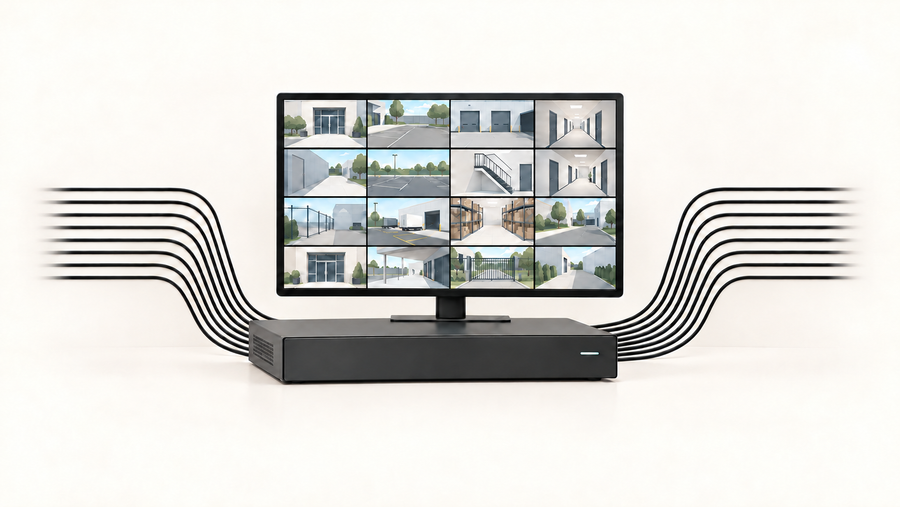
| Professional PoE/wired installation | Several cable runs or difficult building access; more disruption | Compatible recorder/switch, cable, connectors, mounts and enclosures | Cable routing, termination, testing and recorder setup | Itemize cable lengths, penetrations, repairs, equipment and testing | Recorder/storage checks and cable/fixing inspection |
| Split DIY/pro installation | You handle setup; installer handles difficult mounting or cabling; responsibilities need agreement | Your equipment plus specified mounting/cabling materials | Your app skills plus installer’s building/network skills | Define mounting, sealing, repairs, setup exclusions and callouts | Name who handles hardware, connection faults and settings |

Lay out the mounting hardware and tools before starting. The items shown are a generic preparation example.
Test the temporary position
Pair at ground level, then test from the intended mounting point using safe access. Secure the camera during testing. Check live view, connection, a triggered event, and playback with doors and windows in their normal positions.
Confirm storage is installed and recognized. Formatting a card erases its contents, so save anything needed first. Create the camera account with your own email and a unique password; enable two-factor authentication where offered, and install available app and device updates.
For the exact fixing method, use the guide for your wall material. Get permission for alterations where required by your rental agreement or property rules.
Related links:
· Choose the mounting method for wood, masonry, siding or a no-drill position
Install and Test a Wire-Free Camera
Follow the supplied model guide for bracket orientation, fasteners, charging, and sealing. Pair and test before fixing the bracket.
1. Charge, pair, and prepare storage
Charge as instructed, turn on the camera, and complete the app’s setup prompts. Connect it through the network or hub specified for that model. Confirm that a test event creates a recording you can play.
2. Confirm the view and panel position
Have someone walk toward the door or beside the parked car while you check the tested view. Keep neighboring windows and private spaces outside the frame. Position a solar panel in unobstructed direct sunlight.
3. Secure the bracket and camera
Identify concealed services before drilling; get qualified help if the area is uncertain. Mark the holes using the model’s template, install surface-appropriate fixings, and attach the bracket and camera as instructed. Weatherproof penetrations appropriately for the wall construction. Secure the panel cable without pinching it or leaving it across a walkway.
4. Adjust the angle and detection settings
Tighten the adjustable mount after framing the required view. Set available detection zones, sensitivity, schedules, and notification permissions for that location. If the camera turns or tracks, test its movement so the wall or eave does not block it.
5. Trigger, replay, and repeat after dark
Walk through each area you need recorded. Open the saved event and check its start, useful detail, and time. Test notifications and remote viewing with your phone on cellular data. Repeat after dark, with your usual outdoor lighting and parked vehicles in place.
How to Choose a Local Installer
When searching for “security camera installation near me,” send installers a short description of the work: camera count, proposed positions, wall materials, access height, power source, cable route, and whether you already own the equipment. If you search “security cameras near me,” confirm that the business offers installation as well as retail sales.
Confirm its service area and experience with your camera type. Get an itemized written quote covering mounts, cables, penetrations, sealing, wall repairs, waste removal, app setup, storage, and handover tests. Identify equipment you supply and who handles a defective unit.
Ask for insurance details and verify any locally required trade or security-installation license with the relevant authority. Agree who returns for a failed test or installation fault, what labor warranty applies, and whether a later callout is chargeable. Keep the main camera account under your control and remove temporary installer access after handover.
Related links:
· Compare installer credentials, contracts and support in detail
Common Installation Mistakes
Backlighting and blocked views
A bright sky behind a visitor can leave their face dark. Test someone standing where visitors actually stop. Move or angle the camera if an eave, branch, wall, or parked vehicle blocks the person or reflects light into the lens at night.
Charging and signal problems discovered after mounting
Keep charging and maintenance access, even with solar assistance. If the camera’s live view repeatedly stalls or events fail to save at the tested position, reposition it or improve the connection before mounting.
A practical DIY example: SolarCam T2
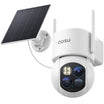
For an accessible outdoor wall with a reliable connection, aosu SolarCam T2 provides a wire-free camera option with a separate solar panel and a microSD card slot. Its two 3K lenses show a broad view and closer detail together. The mounting guide shows a 7–10 ft installation height; confirm the view of people at your own door or gate before fixing the bracket.
Mount the camera for the view and the panel for direct sun, within the supplied cable’s reach. A shaded porch can use a sunnier panel position nearby. Keep both accessible for cleaning.
T2 fits a homeowner who wants camera alerts and recorded events without running a permanent camera power cable. A property requiring concealed Ethernet runs and a wired recorder needs a different installation plan. Event clips and periodic snapshots also differ from continuous full-motion recording.
Related links:
· See T2 placement examples for driveways, gates and side passages
Write Down the Installation Acceptance Tests
Use the same checks whether you install the cameras or hire someone. Record the camera name, test date, settings, result, and any follow-up owner. Agree these tests with an installer before work starts.
· Daylight view: A person walks from the gate to the door and stands at the intended stopping point. Pass when the saved video shows the agreed area and required detail.
· Night view: Repeat that walk after dark. Pass when the person remains visible and reflections or outdoor lights do not obscure the agreed view.
· Detection and alerts: Trigger each enabled event type and schedule. Pass when an event is recorded and the intended phone receives its notification under the tested conditions.
· Playback and export: Find the test event, check its date/time, and save a copy. Pass when the exported file plays and contains the required event.
· Remote connection: Use cellular data to open live view and a saved clip. Pass when both work from outside the home network.
· Physical finish and access: Inspect the fixings, cable protection, seals, and maintenance access. Pass when the installed parts are secure and the owner can follow the agreed maintenance procedure.
· Owner handover: Confirm account ownership, shared-user access, storage settings, and the support contact. Record remaining defects and a date for correction.
Keep the first week under observation
Label a side-gate test “person enters gate after sunset” and retain its clip. Recheck battery trends, charging, alerts, and recent recordings over the first week. Correct any failed check, then repeat it.
Related links:
· Explore local-storage security cameras
Finish With a Tested Installation
Choose DIY, professional help, or a split arrangement for each position. Pair and test before drilling, retain maintenance access, and keep a written record of the finished checks.
FAQs
Can I install security cameras myself?
Yes, if you can safely reach the mounting position, identify suitable fixings, and complete the camera’s setup and recording tests. Hire help for new mains wiring, difficult concealed cable routes, uncertain mounting surfaces, or unsafe access.
Is professional installation cheaper than DIY?
Compare the same equipment and finished result. DIY avoids installation labor charges but adds your time, tools, fixings, and any repairs. A written professional quote lets you compare those costs or pay only for the mounting and cabling you need help with.
What should I test before an installer leaves?
Check the mounted view, motion events, phone alerts, playback, clip export, remote access, account ownership, and the physical finish. Arrange an after-dark check if the appointment is during daylight, and record who will correct any failed test.