


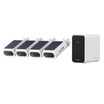



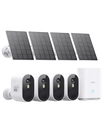
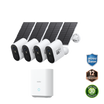
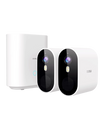

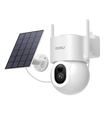
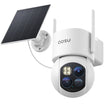
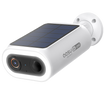
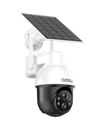





PIR stands for passive infrared. A PIR sensor detects changes in infrared energy as a person, animal, or other heat source moves across its coverage area. In wireless security cameras, PIR can help decide when to wake the camera, send an alert, or start recording. It is useful, but its results still depend on placement, movement direction, weather, and the scene around the camera.
Why Battery-Powered Wireless Security Cameras Use PIR
A low-power PIR sensor can remain active while a battery camera’s more power-hungry imaging components sleep. When the sensor detects movement, it can trigger the camera to wake and record.
That approach can be especially useful for a battery-operated security camera placed at a driveway, side yard, porch, or gate. A PIR sensor does not send out a beam. It passively responds to moving infrared radiation against the background scene.
The camera’s settings and additional detection features determine whether a PIR trigger leads to a recording or phone alert.
PIR Detection and Video Motion Detection Respond to Different Changes
PIR detection and video motion detection can work together, but they look for different changes.
The distinction matters when reviewing an alert. A video change is not always a heat-based trigger, and a PIR trigger does not guarantee that the recorded image will show every detail of the event.
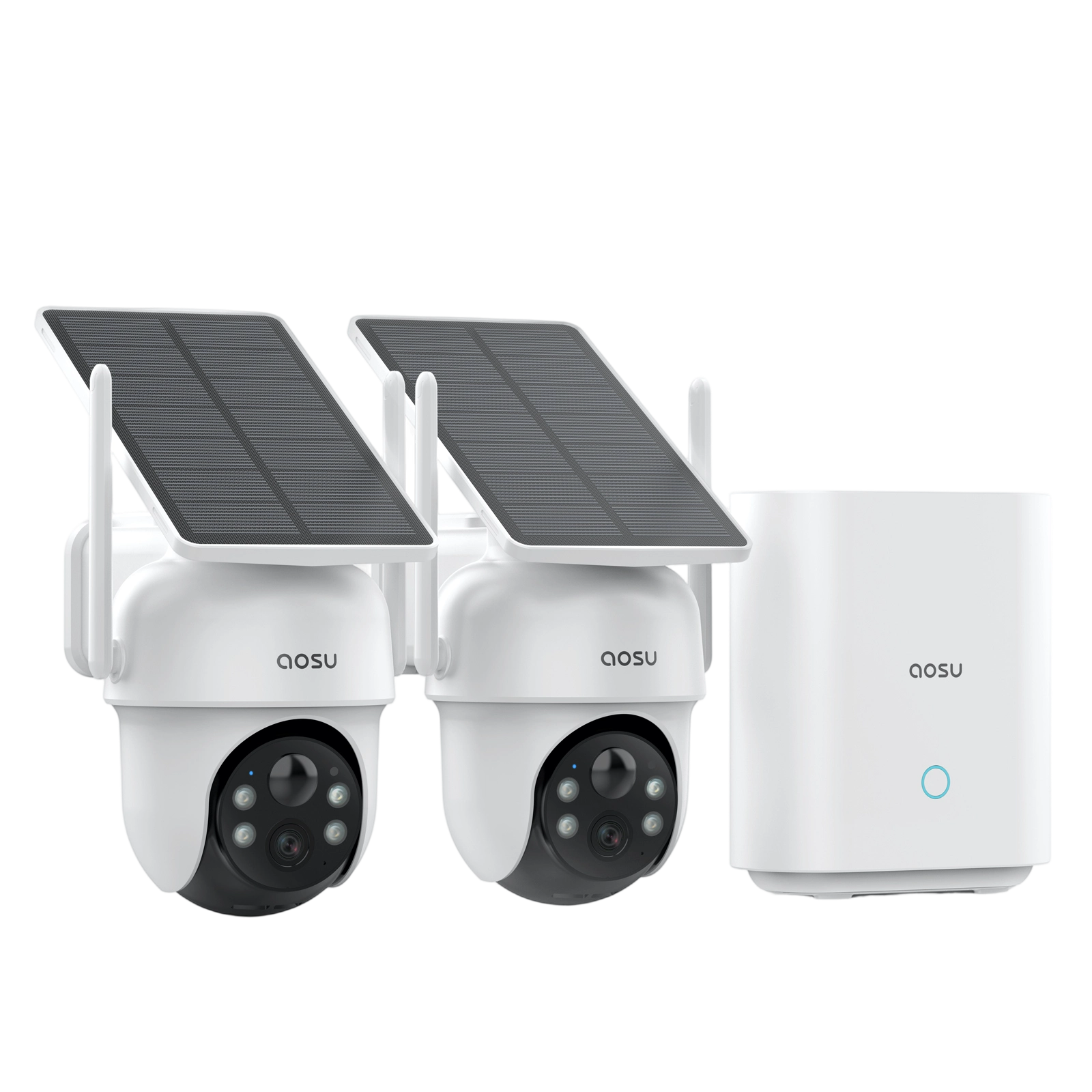
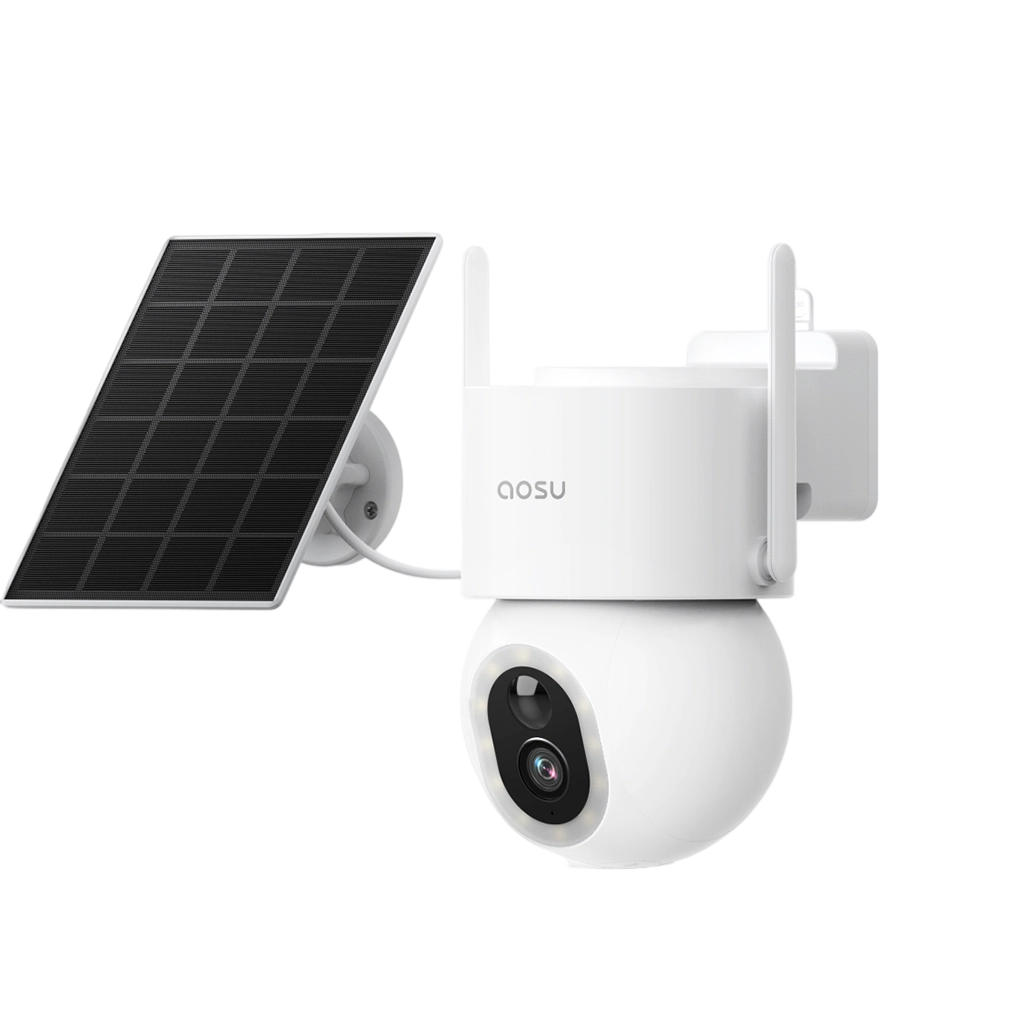
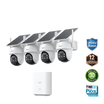
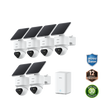
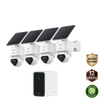
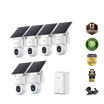
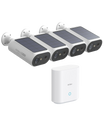
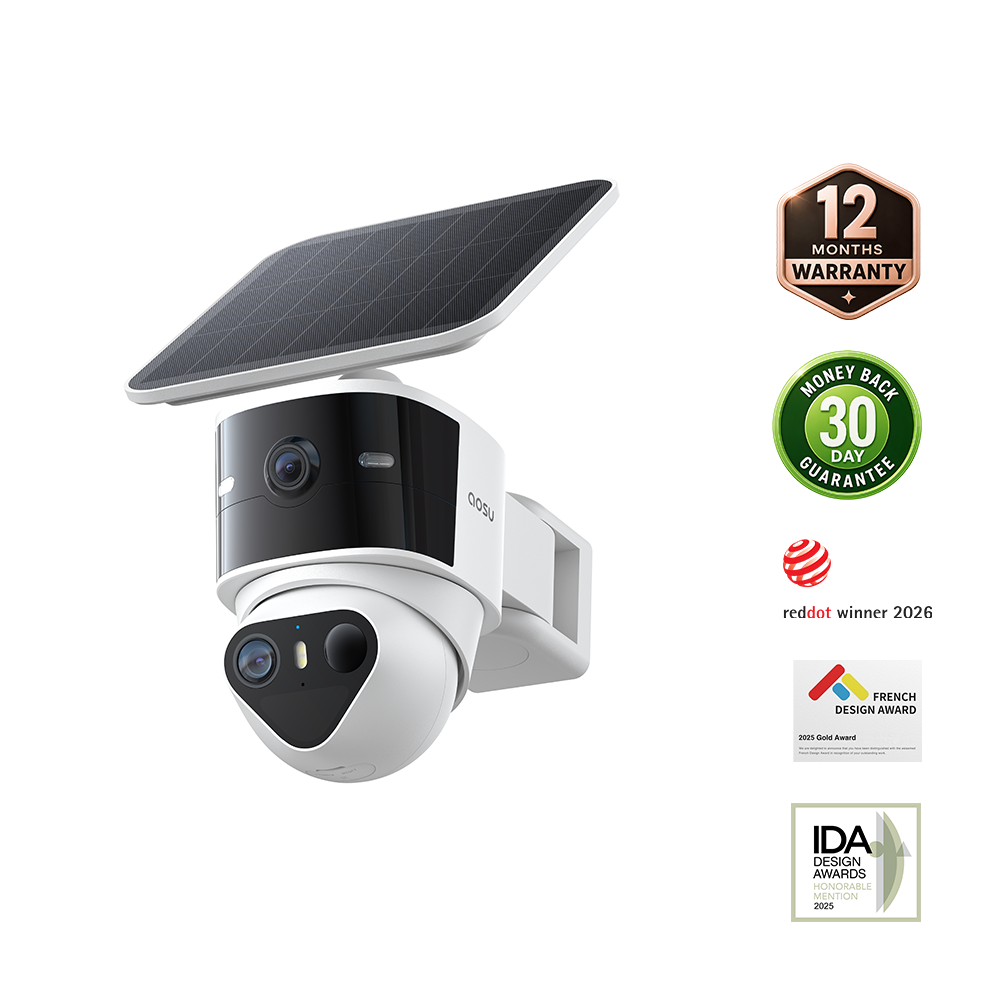
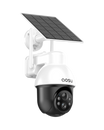
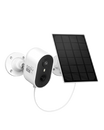
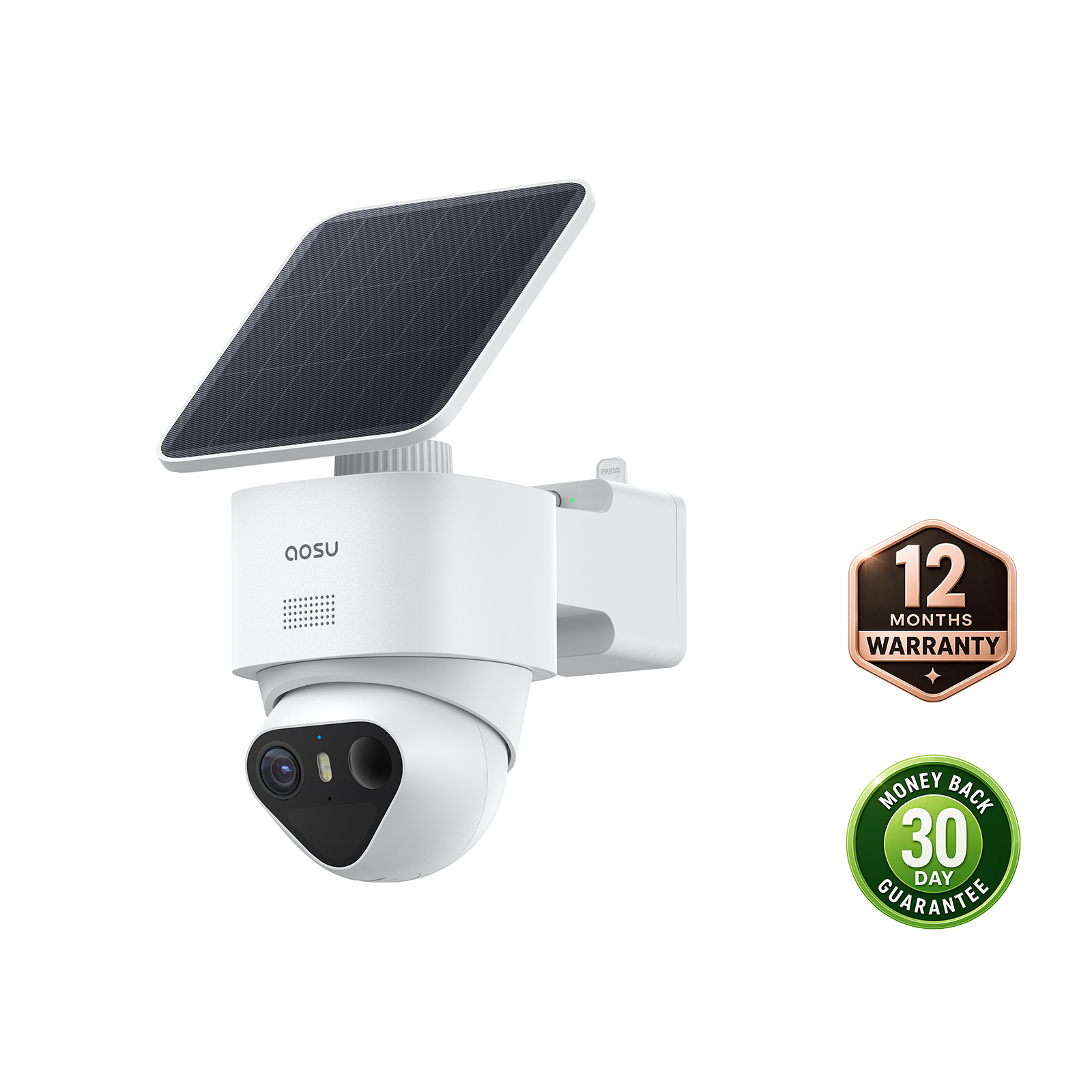
Our SolarCam Lite combines a PIR sensor with AI recognition to help reduce unwanted alerts.

How Movement Direction Shapes a PIR Response
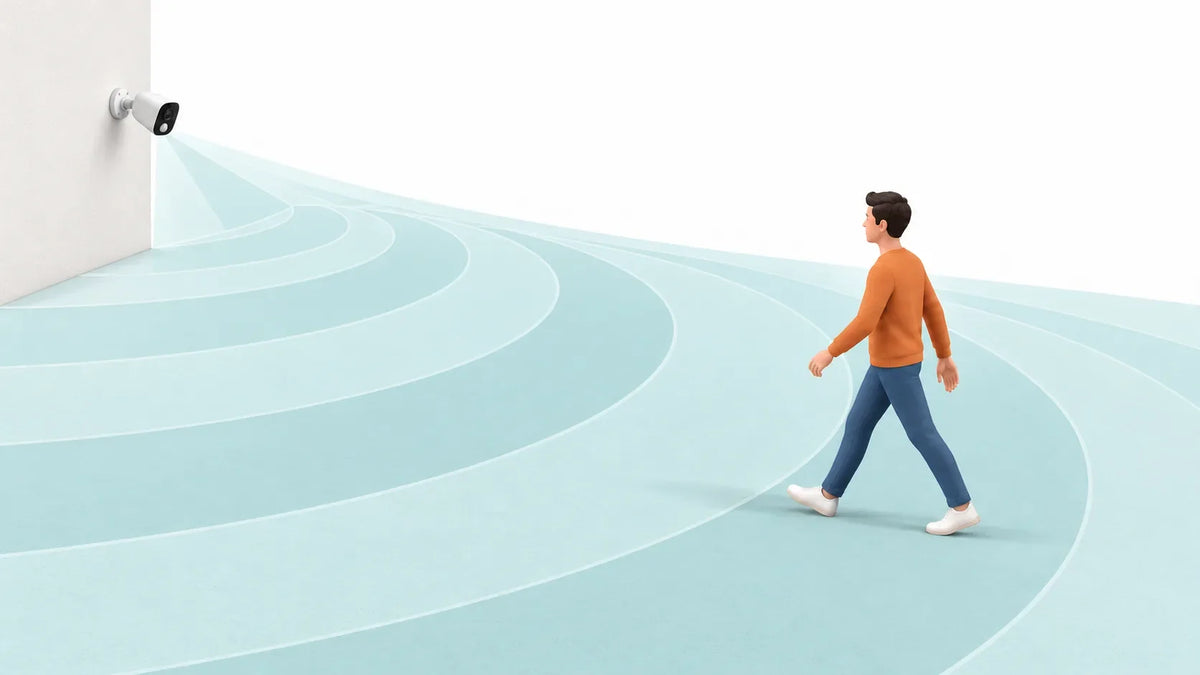
PIR usually responds more clearly when a warm subject moves across its coverage zones. The sensor is looking for change, so a side-to-side path often creates a greater change across the sensing pattern.
Map the normal path before mounting the camera. At a driveway, a person may walk across the front of the camera toward a car. At a side gate, they may approach directly along a narrow path. These two routes can produce different results even when the person is the same distance from the camera.
Do not point the camera only at the far end of a long approach and assume that the sensor will respond at the same point every time. Walk the actual route at a normal pace, then adjust the camera angle or detection setting one change at a time.

Heat, Weather, and Nearby Surfaces Can Change PIR Results
PIR needs a noticeable difference between a moving subject and its background. Hot weather can reduce that contrast, while nearby heat sources or rapidly warming surfaces can make the scene less predictable.
Check for these conditions around the mounting point:
- Direct afternoon sun on a wall, fence, driveway, or camera housing
- A dryer vent, HVAC outlet, grill area, or vehicle exhaust path
- Sun-warmed branches or other objects moving across the detection area
- Rain, snow, or debris covering the sensor window
- Changing heat sources or reflections in the sensor’s view
Shadows and moving leaves can also affect video motion detection; they do not automatically mean the PIR sensor has detected a warm subject.
Position a Solar or Battery Camera for Better PIR Coverage
Mount the camera so expected activity crosses its detection area. For solar wireless security cameras, choose a position that also gives the panel suitable light.
Before final installation:
- Temporarily mount or hold the camera at the proposed height.
- Walk the normal approach route from more than one direction.
- Review when alerts start and whether the recorded view is useful.
- Check again in the evening and in the warmest or windiest conditions available.
- Change one angle or sensitivity setting, then repeat the same walk test.
When a PIR Sensor Alone May Not Be Enough
A PIR sensor works well for many battery-powered camera setups, but some areas have more complex activity. If your camera faces a busy driveway, moving trees, pets, or frequent shadows, additional detection methods can help you sort relevant activity from background movement.
Look for a camera that clearly explains how its PIR sensor works alongside other available detection features. Check the model’s official settings and test the camera in the actual location, since added detection tools still depend on placement and scene conditions.
Choose Wireless Security Cameras That Fit How Activity Moves Around Your Home
Choose wireless security cameras based on the route you need to cover, not only a broad detection claim. Before relying on a new setup, walk the expected routes with the camera mounted at its intended height. Check alerts in daylight and after dark, then adjust the camera angle or detection settings based on what the test shows.
FAQs About PIR Motion Detection on Security Cameras
Does PIR Motion Detection Work Through Glass?
Usually, no. Standard window glass can block the long-wave infrared energy that a typical PIR sensor needs, so placing a PIR camera behind a window is not a reliable way to detect outdoor movement. Test the specific setup if glass is unavoidable.
Does PIR Motion Detection Work in Complete Darkness?
Yes, PIR does not depend on visible light because it responds to infrared energy changes rather than a bright image. The camera's ability to show a useful video image in darkness is a separate night-vision question.
Can a PIR Sensor Detect a Person Who Is Standing Still?
Not reliably. PIR is designed to notice a changing heat pattern, so a person who remains still may create little or no new change for the sensor. A camera with other detection tools may handle that situation differently, depending on its settings.
Is a PIR Sensor the Same as an Infrared Night Vision Light?
No. A PIR sensor passively detects changes in infrared energy, while an infrared night-vision light actively illuminates a scene with infrared light for the camera image. They can appear on the same camera but perform different functions.
How Can You Tell Whether a Security Camera Has a PIR Sensor?
Check the model's official specification page, manual, or detection-settings description for “PIR” or “passive infrared.” Do not assume every wireless camera uses PIR just because it has motion alerts.