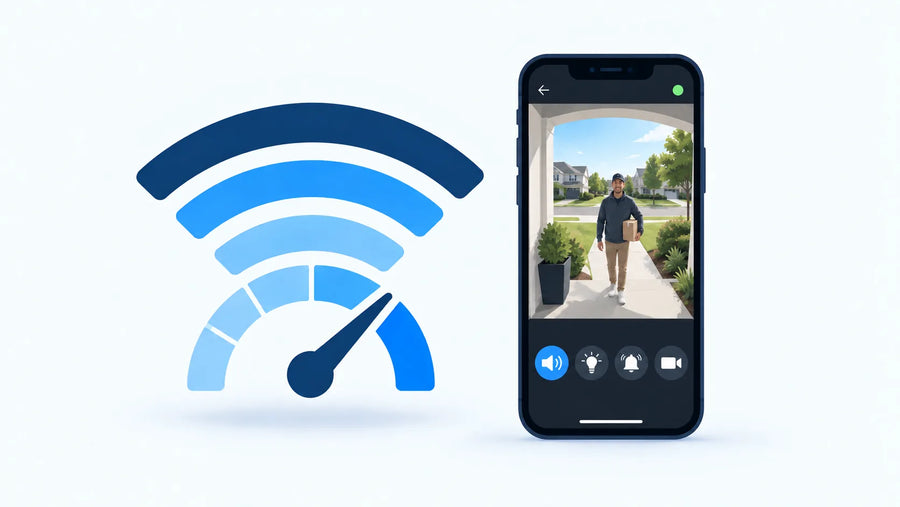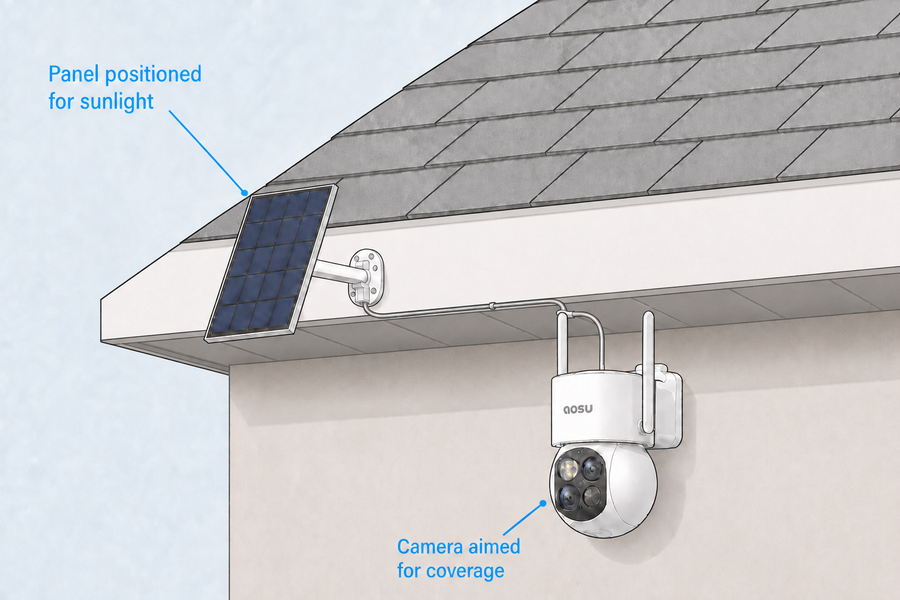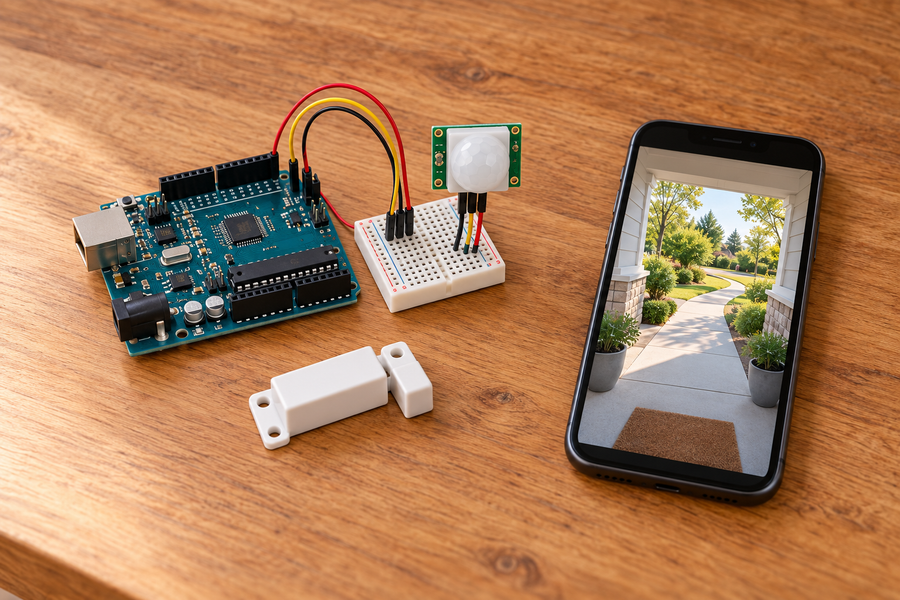















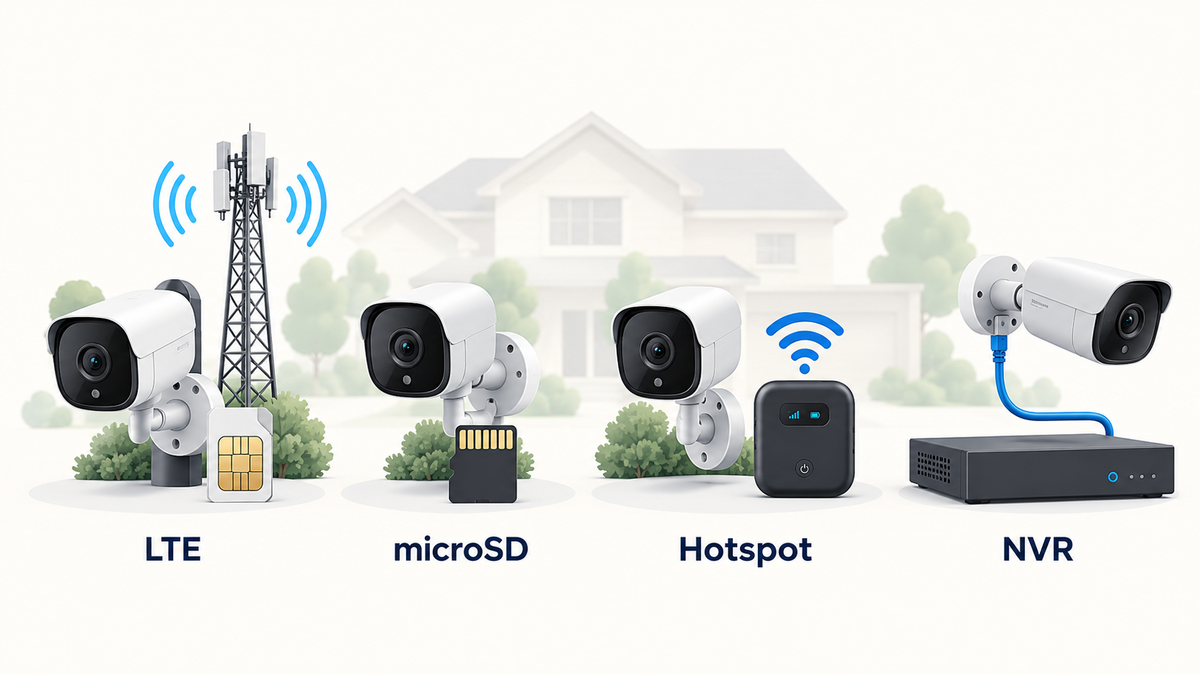
A property without fixed broadband can still use security cameras. The right setup depends on whether you need remote live view, phone alerts, continuous recording, or simply a local video record you can collect later.
Four setups cover most needs: a camera with its own LTE connection, a camera that records to microSD while offline, a standard Wi-Fi camera connected through a cellular hotspot, or wired cameras recording to an NVR. A hotspot option still uses Wi-Fi between the camera and the hotspot; cellular data replaces the property's fixed internet service.
The best choice is the one that keeps the required recording and viewing functions available at that property—not the one with the fewest network terms in its name.
The Short Answer
Choose a 4G or LTE camera when one or two remote cameras need app access and the location has reliable cellular coverage. Choose offline microSD recording when you only need footage saved at the camera and can visit the property to retrieve it. Use a dedicated cellular hotspot when you want ordinary Wi-Fi cameras and their usual app features without fixed broadband. Choose a wired NVR when several cameras need dependable local recording and you can run Ethernet cable.
Connection and storage are separate decisions. LTE or a hotspot can provide remote access, but the camera still needs somewhere to save video. A microSD card or NVR can save footage locally without fixed broadband, but local recording alone does not provide phone alerts or remote live view.
Related links:
· See what an installed camera does during a Wi-Fi or internet outage
Four Ways Security Cameras Work Without Fixed Broadband
These options solve different problems. Compare how each camera connects, where it records, and what you can do from another location.
1. 4G or LTE camera
· Connects directly to a mobile network through a SIM or eSIM
· Can support remote live view and alerts when cellular service is available
· Best for gates, fields, construction sites, and other isolated positions
· Requires compatible carrier coverage and an ongoing data plan
2. Offline microSD camera
· Records to a card inside the camera without an ongoing internet connection when the model supports offline recording
· Best for low-cost monitoring when you can collect footage on site
· Usually loses remote live view and phone alerts while disconnected
· May still require internet or an app for initial setup and later playback
3. Cellular hotspot
· A mobile router turns cellular data into a Wi-Fi network for standard cameras
· Keeps familiar app controls, alerts, and remote viewing available
· Best for cabins, temporary sites, and existing Wi-Fi camera equipment
· Depends on hotspot power, data allowance, cellular coverage, and camera compatibility
4. Wired NVR
· IP cameras send video over Ethernet to a recorder on the property
· Can record locally without an internet service connection
· Best for several cameras, long retention, and continuous recording
· Remote phone viewing still needs an internet path to the recorder
1. A 4G or LTE Camera Connects Directly to a Cellular Network
A cellular security camera has its own mobile-network connection. Instead of joining a property router, it uses a supported SIM or eSIM and sends data through the carrier's 4G or LTE network. That makes it the clearest choice when a remote gate, field, equipment yard, or building site needs live access but has no fixed internet service.
Cellular cameras can provide app viewing and phone alerts, but those features use data. Frequent live viewing, high-bitrate video, and cloud uploads consume more data than occasional motion alerts. Recording mode and storage still vary by model: some save events to microSD, some use cloud storage, and some support both.
Coverage at the exact mounting point matters more than a carrier's broad regional map. In the United States, the FCC National Broadband Map is a useful first check, but its mobile layer reflects reported outdoor or in-vehicle coverage rather than indoor reception. Test the intended camera height and location with the carrier you plan to use before mounting the camera permanently.
Related links:
· Compare cloud storage and local storage for your camera recordings
2. An Offline Camera Saves Video to a microSD Card
An offline microSD setup is the closest match to a camera that records with no continuing network connection. The camera detects motion or follows its recording schedule and writes footage to a card inside the device. You return to the property, remove the card or reconnect the camera, and review the saved video.
This setup suits a detached shed, a trail entrance, a storage area, or another place where a local record matters more than an immediate alert. It is also the lowest-complexity option when there is no reliable cellular signal.
Do not assume every microSD camera works fully offline. Some models need internet for first-time activation, account login, time synchronization, settings, or playback in the app. Confirm the exact behavior before buying. Camera-only storage also leaves the footage with the camera, so an easy-to-reach device can take the card and its recordings with it.
Related links:
· Compare how security cameras store footage on a card, hub, recorder or in the cloud
3. A Cellular Hotspot Gives Standard Cameras a Wi-Fi Network
A cellular hotspot takes mobile data and shares it as Wi-Fi. The cameras connect to that Wi-Fi network just as they would connect to a home router. This is useful when you already own compatible Wi-Fi cameras or want a wider choice of camera styles than a direct-LTE category offers.
A dedicated mobile router is usually a better permanent choice than a phone hotspot. It can stay on site, use a fixed network name and password, and remain connected without taking someone's phone away from the property. The router, cameras, and any local hub still need dependable power.
Check the hotspot's Wi-Fi band, connected-device limit, power-recovery behavior, carrier plan, and data cap. A hotspot that turns itself off after a period of inactivity or fails to restart after power returns can leave every camera offline. This option provides internet through cellular service, but it does not turn a Wi-Fi camera into a cellular camera.
4. Wired Cameras Record to an NVR on the Property
A wired IP camera sends video across the local Ethernet network to a network video recorder, or NVR. Many systems use Power over Ethernet so one cable carries both data and power between the camera and the recorder or PoE switch. The NVR stores the footage on a hard drive and can display it on a connected monitor without fixed broadband.
This is the strongest fit for a house, barn, workshop, or small business that needs several cameras or continuous recording. Local video traffic stays on the property network, and the recorder does not need internet just to save footage when the system is designed for local operation.
The tradeoff is installation. Ethernet runs, weatherproof cable entries, recorder capacity, surge protection, and backup power all need planning. Remote live view and phone alerts also require an internet connection to the NVR, whether that comes from fixed broadband or a cellular router.
Which Option Fits Your Property?
Start with the access you need, then choose the recording method. A remote property that needs immediate alerts has different requirements from a shed where you only review footage after something happens.
Remote gate, field, or construction site
· Best starting point: direct-LTE camera
· Choose it when one or two positions need remote alerts and live view
· Confirm signal, carrier support, data cost, local storage, and solar or battery performance
Shed, trail, or storage area
· Best starting point: offline microSD camera
· Choose it when local evidence matters and on-site retrieval is acceptable
· Confirm offline activation, recording mode, card limits, playback, and physical security
Cabin, RV, or temporary setup
· Best starting point: dedicated cellular hotspot plus Wi-Fi cameras
· Choose it when you want standard app features or already own Wi-Fi cameras
· Confirm continuous hotspot power, restart behavior, Wi-Fi compatibility, and data allowance
Home, barn, or small business
· Best starting point: wired NVR
· Choose it when several cameras or 24/7 local recording matter
· Confirm cable routes, recorder channels, drive capacity, monitor access, and backup power

Match the setup to your property, remote-access needs and preferred recording method.
Check These Six Details Before You Buy
A label such as wireless, LTE, local storage, or NVR does not answer every practical question. Verify the full path from setup to saved footage.
1. 1. Initial setup: Find out whether the camera needs an app, internet access, a QR code, or a temporary Wi-Fi connection before it can record.
2. 2. Recording destination: Confirm whether video is saved to microSD, built-in storage, a hub, an NVR, the cloud, or more than one place.
3. 3. Playback method: Check whether you review footage by removing a card, using a local monitor, joining the same network, or signing in remotely through an app.
4. 4. Remote functions: List the functions that need internet: live view, push alerts, cloud upload, shared access, AI event labels, downloads, or settings changes.
5. 5. Power at every device: Include the camera, hotspot, router, PoE switch, hub, and recorder. A local recording path only works while each required device has power.
6. 6. Ongoing cost and maintenance: Compare carrier data, cloud plans, memory cards, hard drives, site visits, battery charging, and equipment replacement—not just the camera price.
Common Mistakes to Avoid
1. Treating a hotspot as a no-Wi-Fi setup: A hotspot replaces fixed broadband with cellular data, but the camera still connects to the hotspot over Wi-Fi.
2. Buying before testing cellular coverage: Test the intended mounting point with the actual carrier. Coverage beside the road does not prove reliable service behind a barn or inside a metal building.
3. Assuming a memory-card slot guarantees offline operation: The camera may still need internet for activation, settings, or playback. Verify each stage, not only the storage specification.
4. Planning remote view without an internet path: A local NVR or microSD card can keep recording, but remote phone access needs the property system to reach the internet.
To Wrap Up
Security cameras without fixed Wi-Fi broadband are practical when the connection, storage, playback, and power plan fit the property. Direct LTE is the simplest remote option for a small number of cameras. Offline microSD is the simplest local-only option. A cellular hotspot supports standard Wi-Fi cameras. A wired NVR gives several cameras a dependable local recording path.
Choose the access you need first. If you need alerts and live view from another location, plan for cellular data or another internet connection. If you only need footage saved on site, prioritize local storage, reliable power, and a clear way to retrieve the recordings.
FAQs
Can security cameras work without Wi-Fi?
Yes. A cellular camera can connect directly through 4G or LTE, an offline camera can save footage to microSD, and a wired camera can record to an NVR over Ethernet. The available alerts, live view, playback, and cloud features depend on the exact system.
Do cellular security cameras need Wi-Fi?
A direct-LTE security camera does not need a property Wi-Fi network for its normal cellular connection. It does need compatible mobile coverage and a data plan. Initial setup, local pairing, and storage requirements vary by model.
Can a Wi-Fi security camera use a mobile hotspot?
Yes, if the camera supports the hotspot's Wi-Fi band and security settings. The hotspot shares cellular internet as Wi-Fi, so it must stay powered and connected, and its data plan must support the camera's use.
Can a microSD security camera record without internet?
Some cameras can record to microSD without an ongoing internet connection after setup. Confirm whether the exact model needs internet for activation, time settings, recording, app playback, or downloading clips.
Can an NVR record without internet?
A local NVR can record from compatible wired IP cameras without internet when the cameras, recorder, local network, and storage remain powered and connected. Remote viewing and phone alerts still need an internet connection to the property.