Solar security cameras can be useful where running a power cable to the camera is inconvenient. Whether one fits your home, shed or smallholding depends on sunlight, connectivity, the footage you need and access for maintenance. Start with those conditions before comparing products.
Check the Application Conditions First
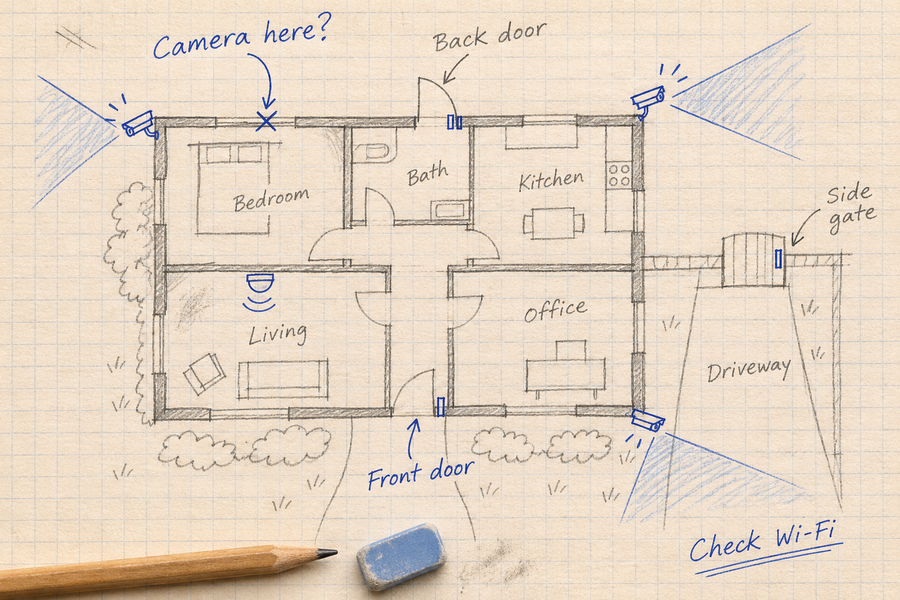
Choose solar security cameras around a specific view and recording task, not solar power alone. Assess the proposed mounting point before selecting equipment.
- Footage: Define the entrance or activity you need to record. Test saved daytime and nighttime clips, including moving subjects and simultaneous arrivals where relevant.
- Sunlight: Check the exact panel footprint, seasonal shade and the model’s charging requirements. Camera placement and panel placement may have different needs.
- Connection: Confirm the camera’s supported Wi-Fi, hub or cellular arrangement at the actual location. Solar power does not provide a network connection.
- Recording: Verify supported recording modes, usable storage and retention under your expected activity. Event clips, continuous video and periodic snapshots are different.
- Maintenance: Plan safe access for cleaning, checking mounts and connections, and manual charging where needed. Solar charging does not establish maintenance-free operation.

Compare the requirements of the exact installation with wired and wireless camera options. Solar charging may avoid a power cable to the camera, but it does not remove mounting, network, hub-power or maintenance requirements.
Example Uses to Assess Before Buying
These are planning examples, not documented customer results.
- A detached shed: Check whether the camera can record the entrance while its panel receives enough sun and its connection reaches the home network.
- A smallholding gate: Test arrivals, nighttime detail and connectivity at the actual mounting point. A distant gate may need a different connection from cameras near the house.
- A temporary storage area: Confirm the required recording schedule, mounting permission, charging conditions and maintenance access before selecting equipment.
For each location, define the event you need to record and test whether the selected setup preserves it. These examples do not establish reductions in theft, operating costs or other losses.
Solar Power Does Not Make the Whole System Off-Grid
A charged camera battery may keep the camera powered during a mains outage. Recording, playback, remote viewing and notifications can still depend on other equipment.
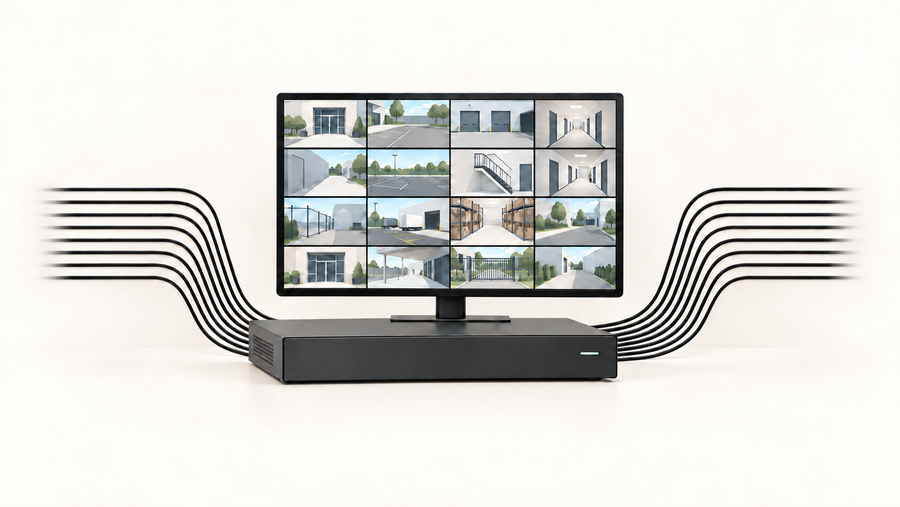
If footage is stored on a hub, confirm that the hub remains powered and connected to the camera. Remote access also requires a working internet connection and any equipment needed to provide it.
Check three failures separately: loss of internet, loss of hub power and loss of the camera-to-hub connection. Confirm the behavior of your exact configuration before relying on outage recording. Solar charging alone does not establish continuous video recording.
When a Site Needs a Different Camera System
A household solar camera may be worth assessing for a shed, gate or storage area. A remote industrial site needs a separate review of power, connectivity, recording requirements, environmental conditions and maintenance access.
Where a site has classified hazardous areas, use equipment approved for that location. Do not infer industrial suitability from solar power or an outdoor weather rating.
Ordinary video can provide a view of visible activity. Do not describe a household camera as a pipeline-leak detector, structural-health system or safety-compliance solution without documented support for that function.
For locations beyond reliable Wi-Fi or hub coverage, assess a supported cellular connection or another engineered network before choosing cameras.
Consider the SolarCam D1 Classic Kit for a Connected Home Setup
The SolarCam D1 Classic Kit product page describes local event recording on the included aosuBase. Check the exact kit, hub version and storage configuration before ordering.
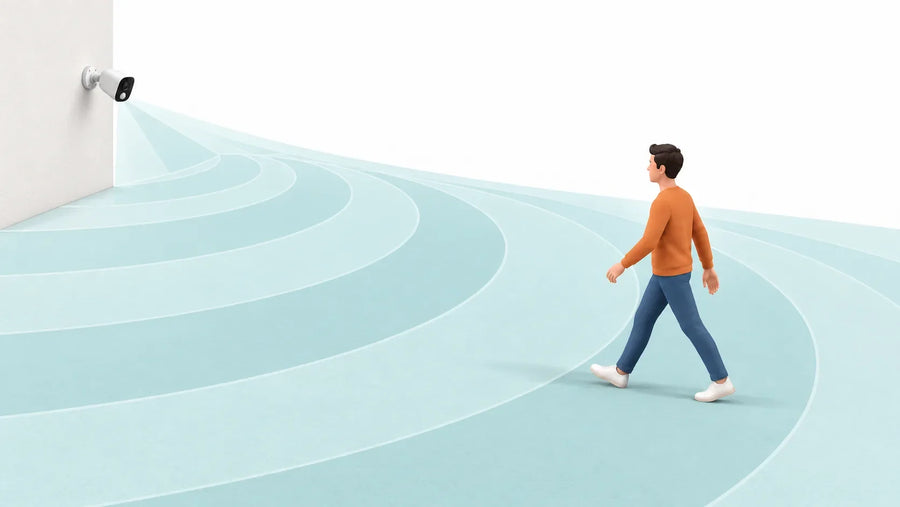
Pan-and-tilt movement lets a camera change direction. It does not preserve every direction simultaneously or remove obstructions. Test separate entrances and simultaneous activity before deciding how many cameras you need.
Recording retention depends on usable storage, event frequency, clip length and video settings. Use your own recording history to assess retention rather than treating a stated number of days as universal.
Solar charging may reduce manual charging or avoid running a power cable to the camera. Compare equipment, installation, connectivity, storage and maintenance costs before deciding whether it saves money at your location.

Summing Up
Choose solar cameras around a specific view and a workable power and connection plan. Test saved daytime and nighttime footage, monitor battery recovery and confirm outage behavior. If the setup cannot preserve the events you need, change the location, connection or system design.
FAQs About Solar Camera Applications
Can a Solar Camera Work Beyond Home Wi-Fi?
Only with a supported connection at that location. Solar power does not provide internet access. Check cellular support or another suitable network before buying.
Does Solar Power Mean Continuous Recording?
No. Continuous recording requires a camera that supports it, sufficient power and suitable storage. Event clips and periodic snapshots are different recording modes.
Where Should I Start When Choosing a Location?
Identify the entrance or activity you need to record. Then check camera sightlines, panel sunlight, connectivity and maintenance access at the proposed position.