Home security cameras can help you check an entrance, review deliveries and understand recorded activity. Their value depends on placement, lighting, power, connectivity and whether useful footage is saved.
This guide explains the benefits, the limits and the checks to complete before buying.
What Home Security Cameras Can Help With
Check Activity While You Are Away
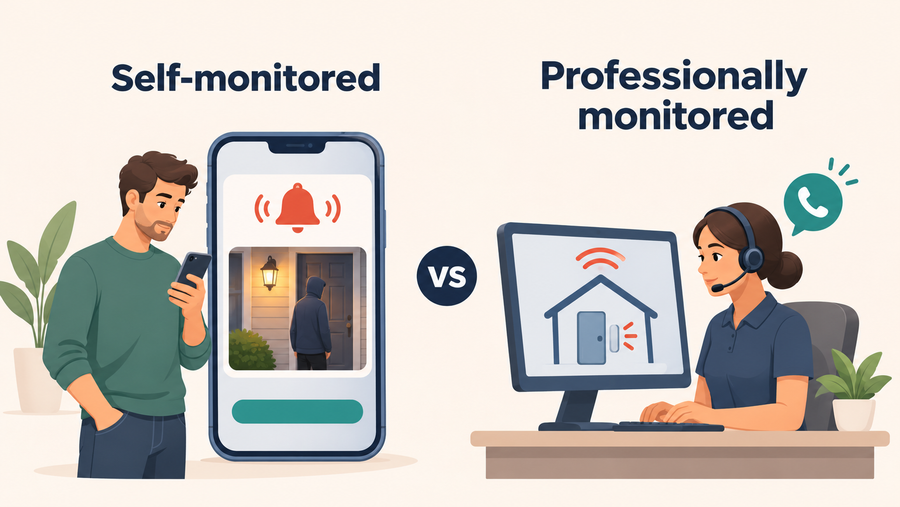
Supported cameras let you view live video or recordings remotely. Confirm the internet, account and app requirements. Remote access does not mean someone is continuously watching or responding.
Review What Happened
Saved footage may help establish a sequence of events. Its usefulness depends on the view, recording start time, image quality and retention. Test playback and downloads before relying on the system.
Add a Visible Security Measure
A visible camera can form part of a security plan alongside locks, lighting and household routines. It does not guarantee that an incident will be prevented.
Check Pets and Shared Household Areas
Cameras can support agreed household check-ins. Discuss placement and access with the people affected. A camera does not replace supervision, caregiving or an emergency-response plan.
What Should You Consider When Installing Security Cameras at Your Home?
Before installation, check privacy, applicable recording rules, placement and the footage you need. These checks help define a suitable setup; they do not guarantee protection or establish legal compliance.
Privacy Concerns
When installing security cameras, privacy should be a top consideration. It's important to strike a balance between securing your home and respecting the privacy of your family, guests, and neighbors. Avoid placing cameras in private areas such as bathrooms or bedrooms and aim outdoor cameras to avoid unnecessary recording of neighboring private areas.
Legality Concerns
Check the rules that apply where you live, including audio recording and any notice requirements. Recording rules vary by location; consult the relevant local authority or a qualified professional when you are unsure.
Camera Placement
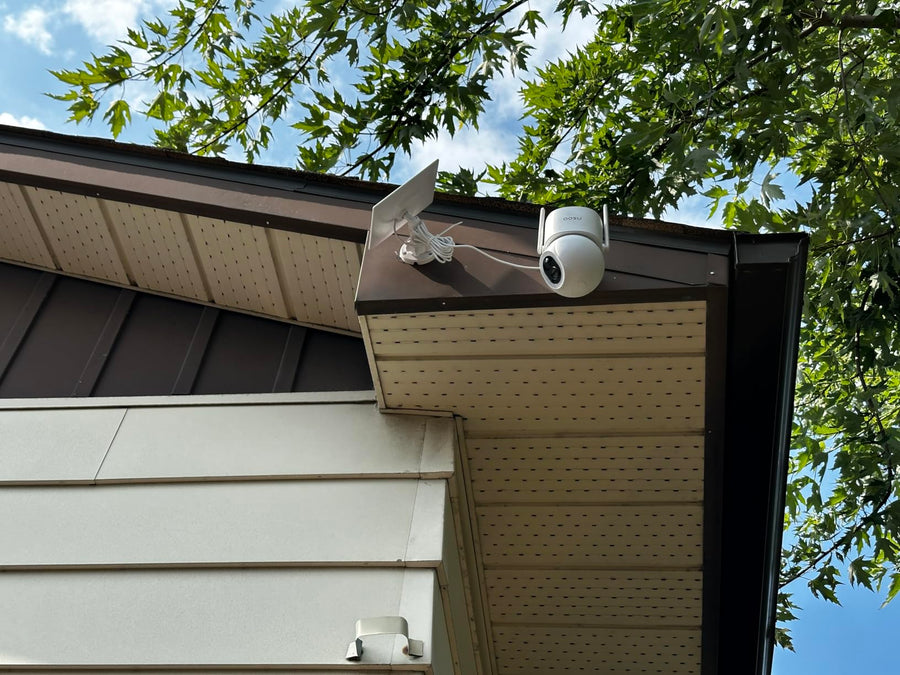
Strategic placement of your security cameras is crucial for useful footage. Identify priority areas such as entrances, driveways and household common areas. Check sightlines, obstructions and subject distance rather than assuming one position covers the entire property.
Quality and Coverage
Footage needs to show the detail required for your task. Resolution alone does not establish usable detail: lighting, movement, distance and camera angle also matter. A wider view may show more of a scene while leaving a subject smaller in the frame. Test saved footage at the intended position before relying on the coverage.
Check Capabilities Separately
| Capability | What to confirm |
|---|---|
| Night imaging | Infrared or color modes, lighting requirements and saved moving footage |
| Recording | Motion events, continuous video or both; required power and storage |
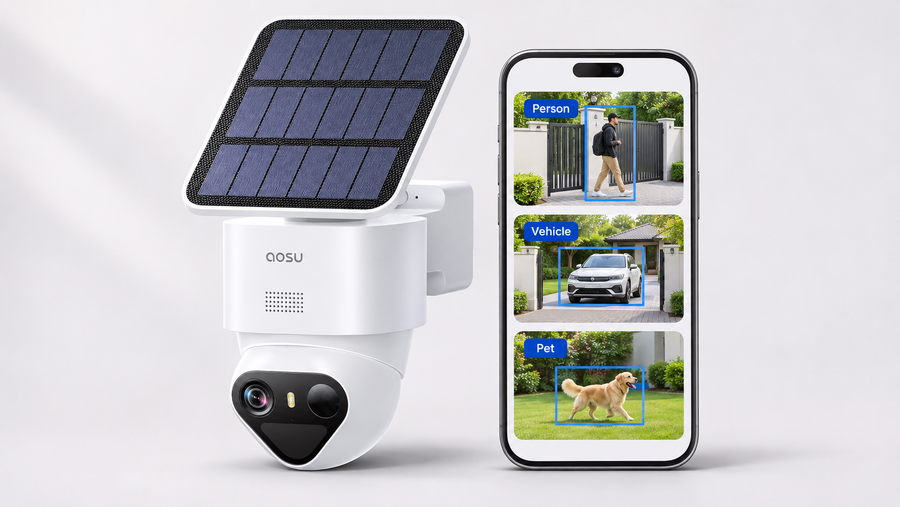
| Detection | Which objects or events the exact model detects |
| Face recognition | Whether it identifies familiar people, rather than only detecting a person |
| Remote access | Internet, app, account and supported viewing-device requirements |
| Storage | Physical location, retention, overwrite behavior and downloads |
| Smart-home integration | Supported platform and action for the exact model and region |
Night vision does not establish continuous recording. For example, the SolarCam D1 Classic Kit FAQ identifies that system as motion-event recording rather than continuous 24/7 video.
Cloud storage can preserve footage that has successfully uploaded, subject to the service’s retention and access terms. Local storage has its own power, capacity and physical-security requirements.
Compare aosu Models by Their Intended Job
Choose a model around a specific location and recording requirement. These are manufacturer specifications checked November 10, 2026, not results from a controlled product comparison.
| Model | Published features | Buying check |
|---|---|---|
| SolarCam D1 Max | 3K video and motion tracking | Confirm the selected bundle, storage and charging requirements |
| SolarCam D1 Classic | 2K video and automatic person tracking | Distinguish a standalone camera from a storage-hub kit |
| Floodlight Cam Pro | 5MP video, wired power and continuous-recording support | Check electrical installation, storage and recording settings |
| IndoorCam P1 Pro | 4MP video, infrared night vision and motion tracking | Check indoor placement, privacy controls and storage |
| Video Doorbell R1 Ultra | 5MP video and local storage on aosuBase mini | Confirm included hardware, capacity and playback/export conditions |
Do not assume every model supports the same smart-home functions. Verify the platform and action you need—such as viewing a feed or using voice control—for the exact version before ordering. Person detection also does not establish face recognition or mechanical tracking.

Complete These Buying Checks
| Question | Your answer |
|---|---|
| Which entrance or activity must be visible? | _____ |
| Do you need event clips or a continuous timeline? | _____ |
| Where will recordings be stored? | _____ |
| Can you play back and download a clip without a paid plan? | _____ |
| What stops working during internet or power loss? | _____ |
| Are nighttime footage and moving subjects usable at the required distance? | _____ |
| Who can access the account and recordings? | _____ |
| What are the hardware, installation, storage and recurring costs? | _____ |
Buy once the exact model answers these questions. After installation, record a test event, review the saved footage and export a clip. Recheck the setup when lighting, landscaping or household needs change.
FAQs About Home Security Camera Features and Benefits
What is the main benefit of a home security camera?
It can help you check activity and review saved events. The benefit depends on whether the camera captures the required view and keeps footage you can retrieve.
Does night vision mean continuous recording?
No. Night vision describes imaging after dark. Continuous recording is a separate capability with its own power, storage and settings requirements.
Do all cameras from one brand support the same features?
No. Check the exact model, bundle and region. Detection, tracking, face recognition, storage and smart-home actions can differ.
Will a camera keep working during an outage?
Check internet loss, local connection loss and power loss separately. Local storage alone does not prove that every recording or viewing function continues.
How can I reduce privacy concerns?
Agree on placement and access, avoid unnecessary recording of private areas, and review account permissions. Check the rules that apply where you live, including audio recording. Encryption protects access; it does not make every camera placement appropriate.
Does weather resistance guarantee uninterrupted recording?
No. Follow the model’s operating conditions and installation instructions. Power, connectivity, storage, temperature and maintenance still affect recording.
What should I test after installation?
Trigger an event during the day and after dark. Check the saved clip, timestamp, required detail and export process.