


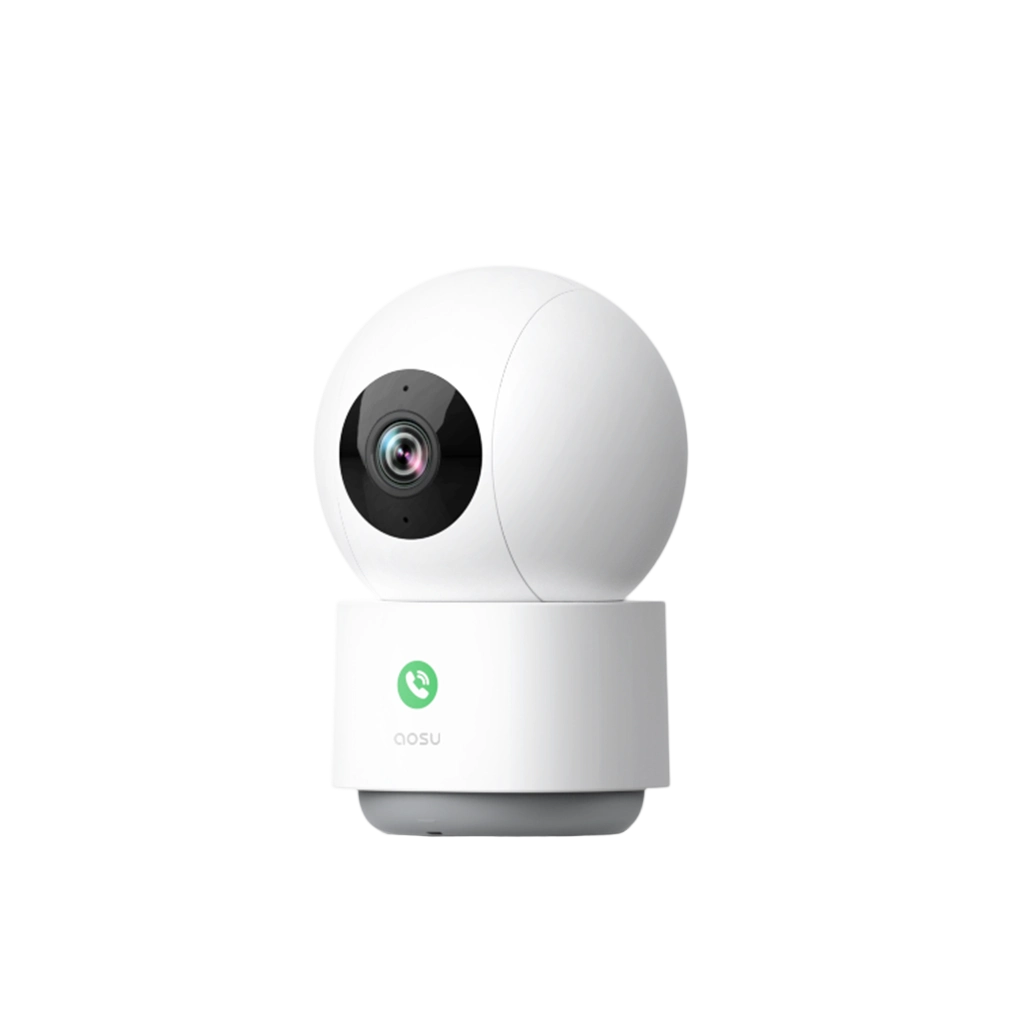
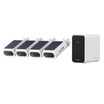

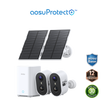
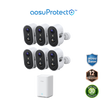
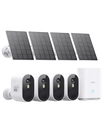
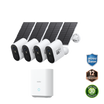
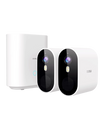
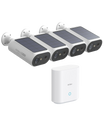
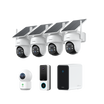
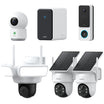
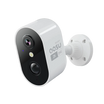
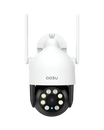
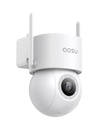

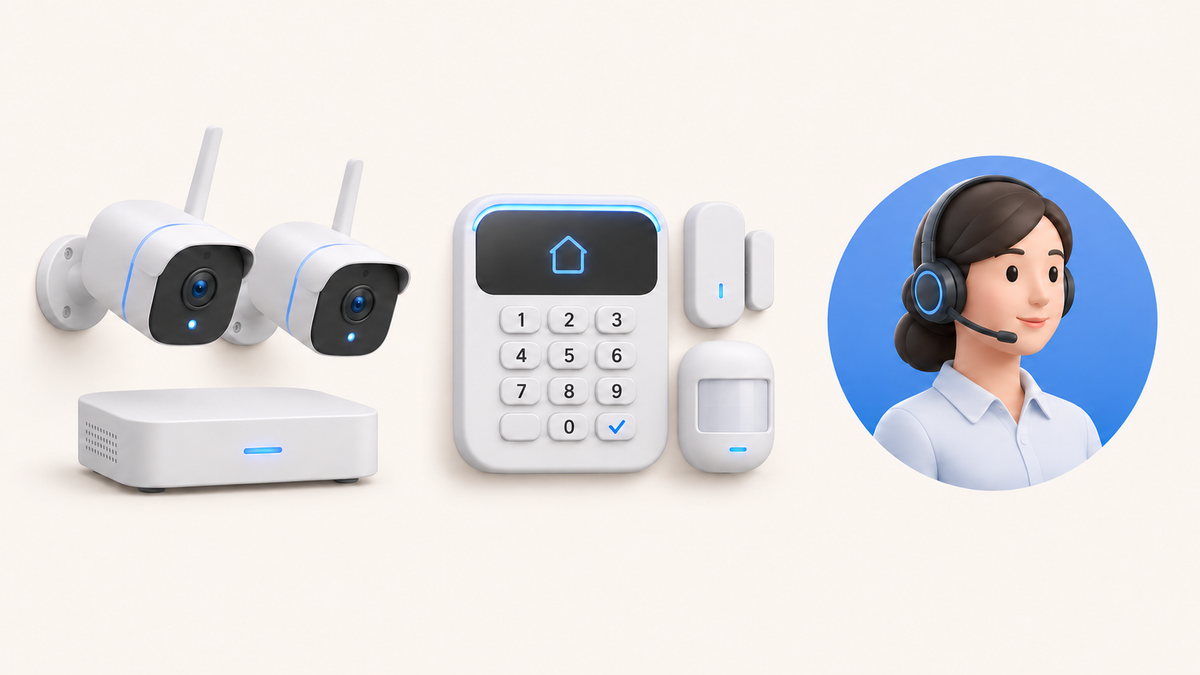

Home security systems with cameras combine three choices: video recording, alarm sensors and who responds to an alert. A camera kit suits households that want to see visitors and review footage. Add an alarm system for door, window and glass-break detection. Choose professional monitoring when you want a service to handle alarm signals while you’re unavailable.
For a larger home, the camera recorder and alarm panel can be separate purchases. Choose them together when a shared app, control screen or linked alarm event is essential.
Compare Camera Kits, Alarms and Monitoring
A homeowner on r/homesecurity wanted five or six outdoor PoE cameras, two indoor cameras, seven window sensors, three door sensors, a glass-break sensor and two touchscreens. They wanted to own the equipment and choose whether to pay for monitoring: “I want a local nvr, but also want to access on my phone if need be.”
For that list, compare a PoE camera system with a local network video recorder (NVR), plus an alarm panel supporting all eleven sensors and two control screens. Seven or eight cameras need at least that many supported recording channels; an eight-channel recorder leaves no room to add a ninth camera. Phone viewing and subscription-free playback belong on the camera requirements list, while optional monitoring belongs on the alarm requirements list.
Buying the camera and alarm systems separately gives you more freedom to choose each. The tradeoff can be two apps and separate event histories. If both touchscreens must show cameras as well as arm the alarm, require support for those exact cameras and screens before buying. A combined package is worthwhile when it provides that integration without dropping the local recording or ownership requirements.
| System type | Typical equipment | Where video is recorded | Who responds | Contract and monthly cost | Expansion | Suitable use and main drawback |
|---|---|---|---|---|---|---|
| Camera kit | Cameras, app and sometimes a local hub or base station | Camera, hub, NVR or cloud service, depending on the kit | Household members who receive the app alert | Equipment purchase; storage or cloud service may be optional or paid | Limited by the app, hub and compatible camera list | Good for seeing and reviewing activity. It does not automatically provide door/window sensors or an outside response service. |
| Cameras plus alarm sensors | Cameras, door/window contacts, motion sensors, siren and hub or panel | Camera storage remains separate or connected through a compatible platform | Household members, or a monitoring service if one is added | Equipment and storage; optional alarm or cloud service can add recurring fees | Can add sensors and cameras within the supported ecosystem | Good when you need both visual context and dedicated entry alerts. Compatibility takes more planning. |
| Professionally monitored system with cameras | Alarm panel and sensors, with cameras included or added | Provider cloud, local recorder or camera platform, depending on the package | Monitoring center follows the contracted procedure; household contacts still have a role | Equipment or installation plus recurring monitoring; contract terms vary | Expansion follows provider, panel and service rules | Good when alerts need an outside response path. Recurring cost and contract terms need careful review. |
Related links:
· Read the original r/homesecurity system requirement
Separate Recording, Alerts and Response
When a side door opens at night, a contact sensor can trigger the armed alarm while a nearby camera records who entered. A self-monitored household receives the notification and decides what to do. With professional monitoring, the service handles qualifying alarm signals according to its response procedure.
The camera and sensor can work independently. Having video available in your app does not automatically give a monitoring operator access to it. If you want the service to use video to assess an alarm, its plan must support that camera and that use.
Choose self-monitoring when you and a backup contact can reliably review alerts. If both are often unavailable, compare professional monitoring and its contact procedure. Include nights, travel and times when phones are silenced.

Related links:
· Compare monitored and self-monitored response in detail
Check Compatibility and Expansion
For the Reddit homeowner, capacity means seven or eight cameras, eleven sensors and two screens. Camera channels, alarm sensor limits and supported control screens are separate specifications. A package with eight cameras says nothing about whether it accepts the required sensors.
An eight-channel recorder fits eight cameras exactly. If another camera is likely, compare a larger recorder now. Check that it supports the chosen cameras at the resolution and recording mode you intend to use; then size storage for how long you want to keep footage.
Touchscreens need particular attention. An alarm keypad can arm and disarm the system without displaying your NVR’s cameras. Confirm live viewing, playback and alarm control separately for each proposed screen. For two independent systems, plan on separate controls unless the exact integration is supported.
Give household members the access they need: viewing cameras, downloading clips and disarming the alarm are different permissions. Include a backup contact who can respond while you’re away.
During an outage, local recording depends on power to the cameras and recorder. Remote phone viewing also needs a working internet connection. Compare backup power and the alarm’s backup communication separately so you know which functions remain available.
Related links:
· Compare camera storage, compatibility and expansion
Compare Contracts and Ownership Costs
Compare quotes for the same equipment list, storage and service level. Include installation, network upgrades and required subscriptions. A cheaper package that leaves out the two control screens or charges separately for camera playback is a different offer.
For a monitored system, read the contract period, billing frequency, early-termination terms, moving policy, warranty and repair responsibility. Confirm whether you own, lease or must return the equipment. The Federal Trade Commission also recommends checking the installation price, monitoring fee, alarm-response procedure and cancellation terms in writing.
The FTC advises checking with local police and fire departments about alarm registration and false-alarm fees. Use the rule for your address.
For a system you can use with or without monitoring, check what remains after cancellation: local recording, remote playback, phone alerts, arming and the siren. Owning the hardware does not establish which app services remain free. Keep required fees separate from optional cloud backup when comparing the total.
Related links:
· Use the FTC contract checklist for home security systems
Match the System to Your Home
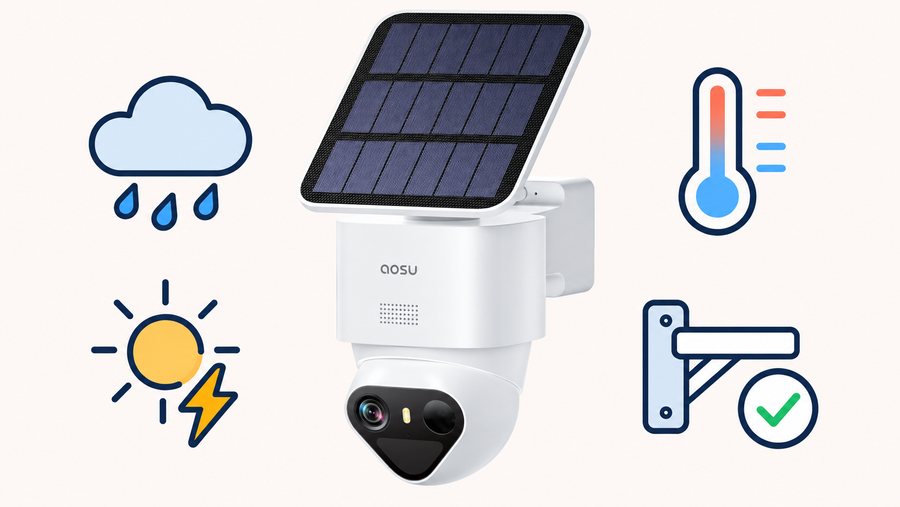
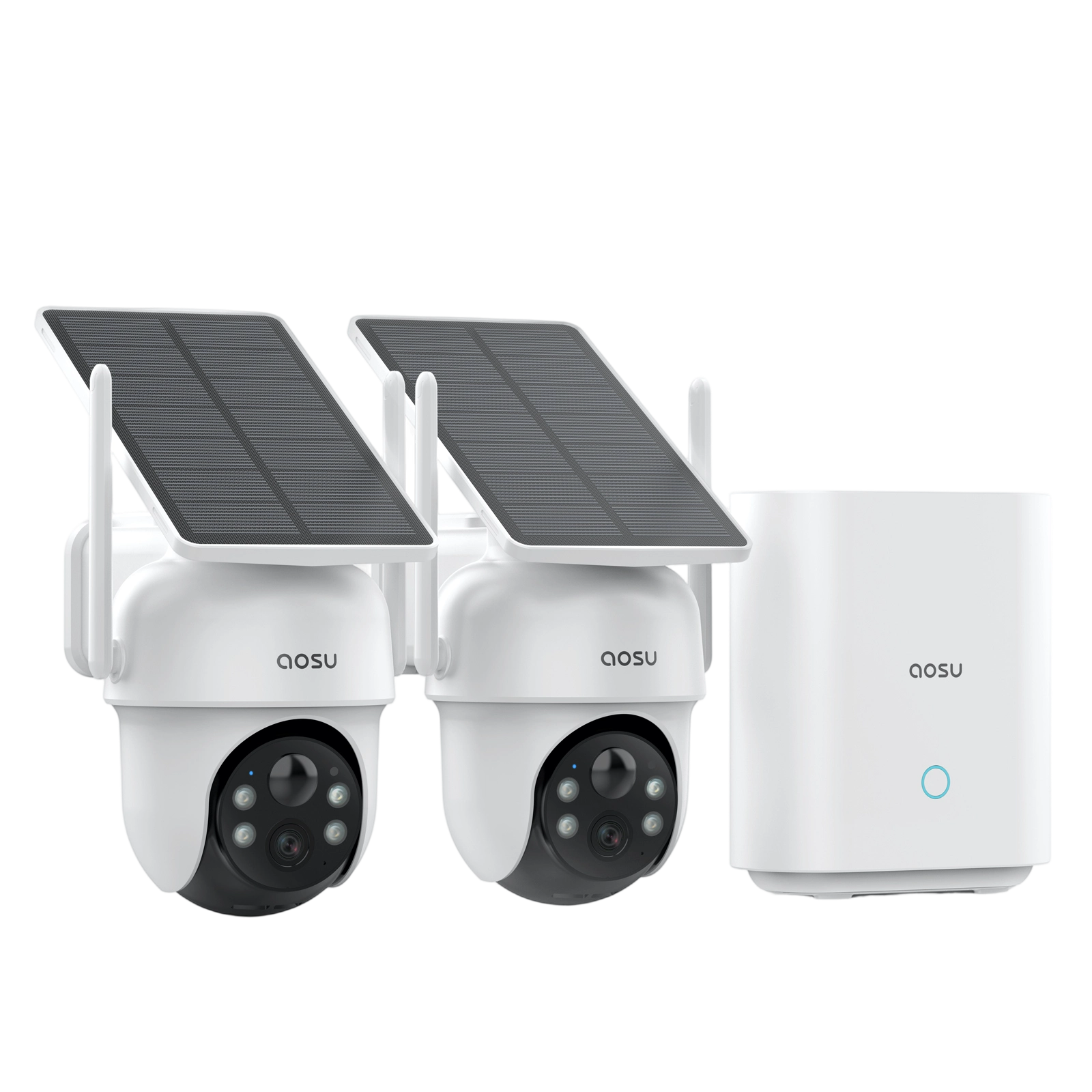
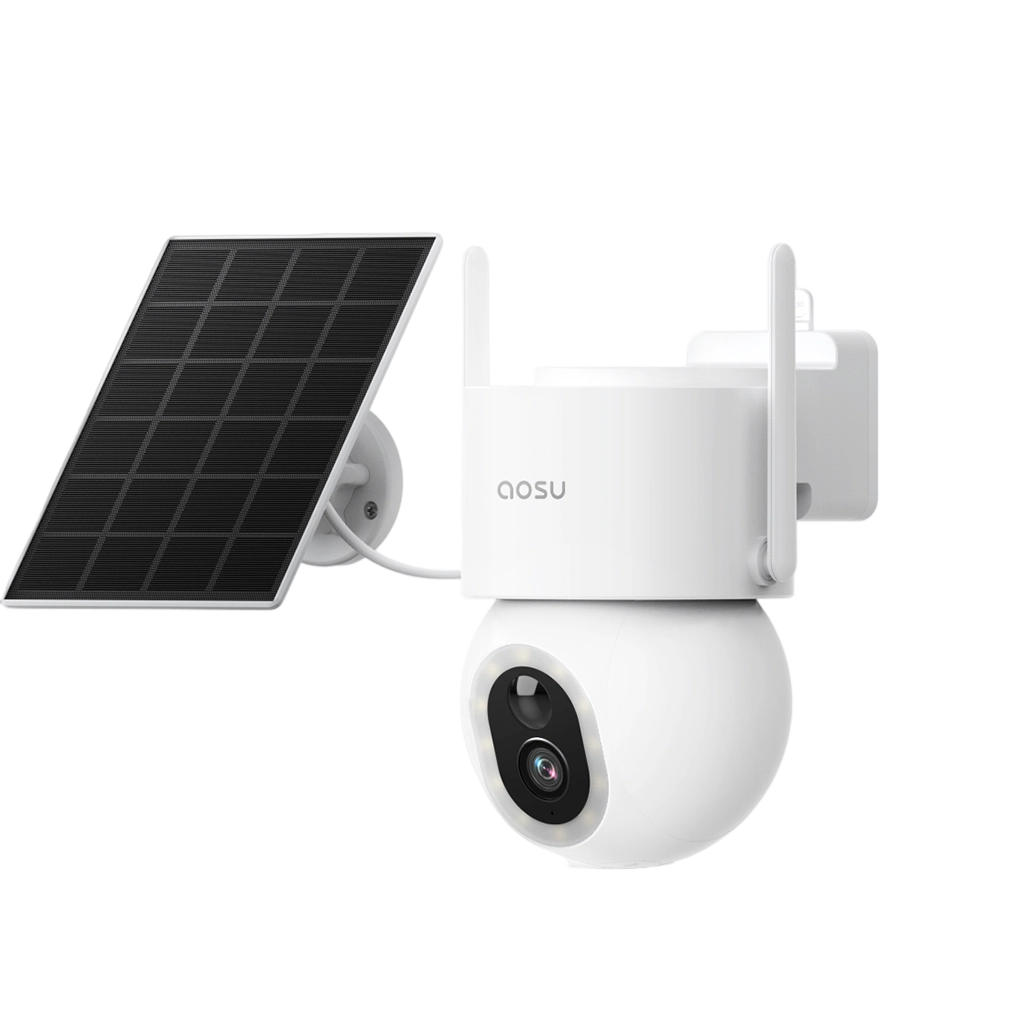
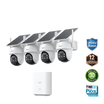
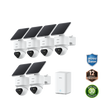
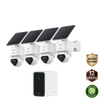
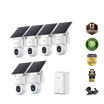
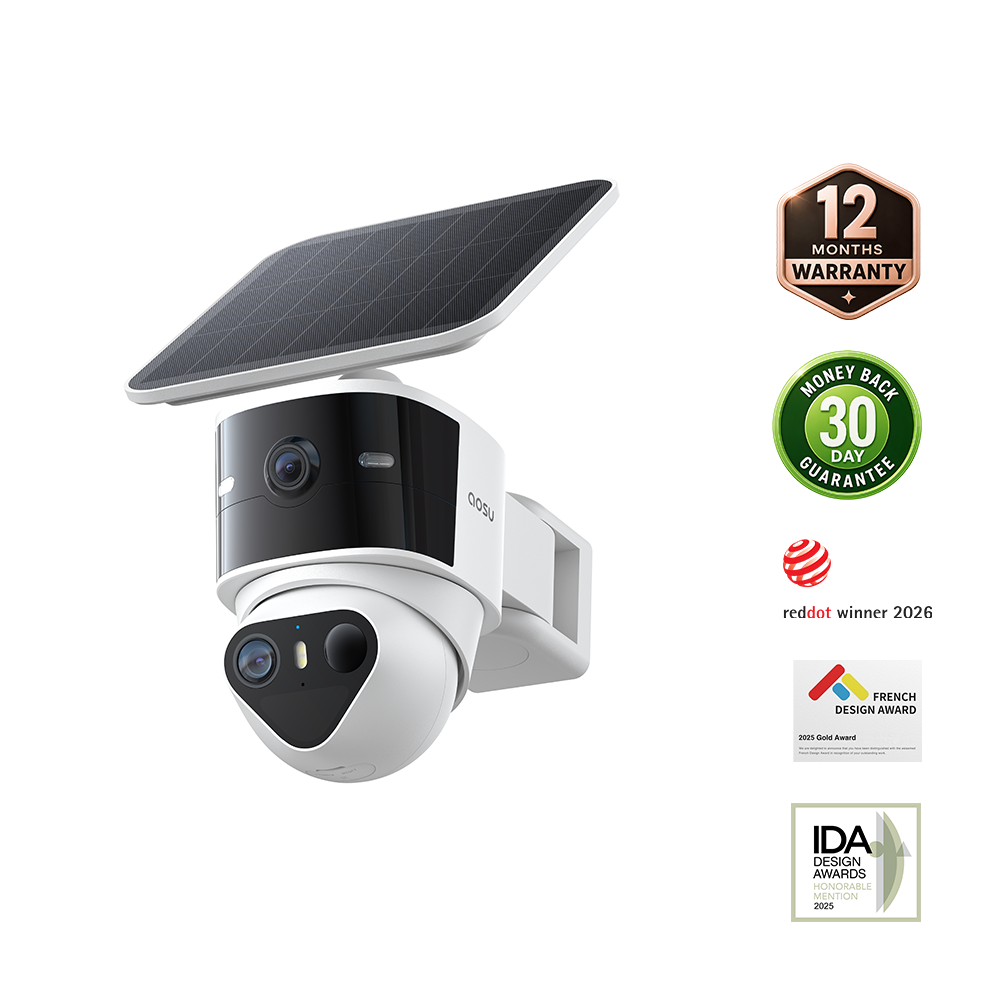
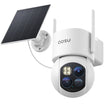
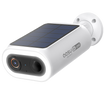
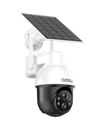
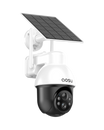
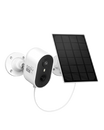
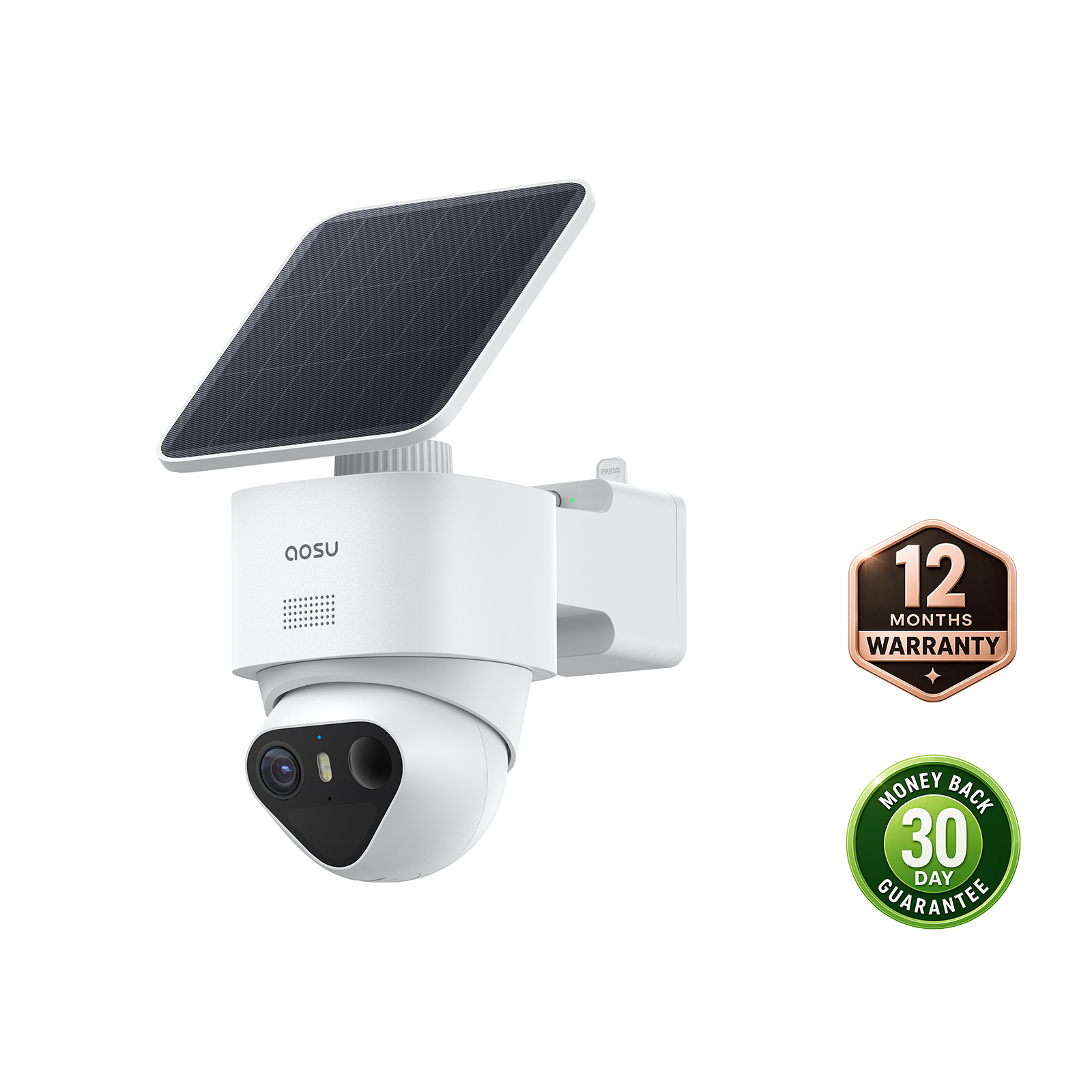
For homeowners who want solar outdoor cameras, local storage and phone alerts, SolarCam T2 Ultra provides 4K video with TrueColor night vision. The aosuBase 2.0 configuration includes 32GB of storage, supports microSD expansion up to 1TB and connects up to six devices. The aosuCortex configuration includes 32GB eMMC, supports drive expansion up to 16TB and connects up to eight devices.
T2 Ultra suits an outdoor camera plan where the household reviews recordings and alerts. It does not meet the Reddit homeowner’s requested PoE/NVR setup or include their entry sensors and alarm touchscreens. For that equipment list, keep the PoE recorder and alarm-panel recommendation above. Choose T2 Ultra when solar outdoor cameras fit your home’s requirements.
| Household requirement | Camera kit | Cameras plus alarms | Professionally monitored system |
|---|---|---|---|
| Review visitors, vehicles or activity | Strong fit when the view, detection and storage suit the location | Strong fit, with alarm events adding context | Useful when the service and cameras provide the needed video path |
| Know that a specific door or window opened | Camera detection can show activity but is not a dedicated open/closed signal | Strong fit with contact sensors | Strong fit when those sensors are included and monitored |
| Get a response when nobody checks the phone | No outside response unless a separate service is added | Only when professional monitoring is added | Designed for this need under the contracted response procedure |
| Avoid a required monitoring bill | Often the simplest route; check storage and optional feature fees | Possible with a self-monitored alarm platform | Poor fit because monitoring is the paid service layer |
| Expand to mixed cameras and sensors | Camera ecosystem limits apply | Good fit when the hub supports the exact device mix | Provider and panel compatibility rules apply |

A Five-Step Planning Worksheet
1. Map the areas and events: front door, driveway, side gate, accessible windows and any interior route that needs a specific trigger.
2. Choose the evidence: live view, event clips, continuous recording, local storage, off-site backup and the retention period each event needs.
3. Choose the alarm layer: door contacts, window contacts, motion sensors, glass-break detection, sirens and the schedules that fit normal household movement.
4. Plan the response: primary app user, backup contact, actions for verified and unverified alerts, and whether professional monitoring is required.
5. Compare the complete system: exact device compatibility, expansion limit, first-year cost, ongoing fees, equipment ownership and the work needed to maintain it.
Related links:
· View current T2 Ultra kit configurations
· Build a DIY camera-and-sensor plan
Choose a System That Covers Your Full Equipment List
A camera kit fits a home that needs video and household alerts. Entry sensors add specific door and window detection; professional monitoring adds a service to handle alarm signals.
For a larger setup like the Reddit homeowner’s, compare a recorder and alarm panel against the complete camera, sensor and screen counts. Keep room for likely additions, confirm what works without a subscription and check whether separate apps fit how your household will use the system.
FAQs
Can a camera kit replace a home alarm system?
A camera kit can record activity, send app alerts and sound a camera siren, but it does not automatically provide dedicated door, window, motion or glass-break sensors. Add a compatible alarm layer when you need those specific triggers.
Does professional monitoring include video recording?
Not automatically. Monitoring covers the alarm signals and response procedure defined by the service. Camera recording, storage, playback and clip access depend on the cameras and package you choose.
Which home security system with cameras has no monthly fee?
A self-monitored camera kit or alarm-and-camera setup can avoid a required monitoring fee when its local storage and core app functions work without a subscription. Confirm the exact model, storage method and any paid cloud or advanced features before buying.