


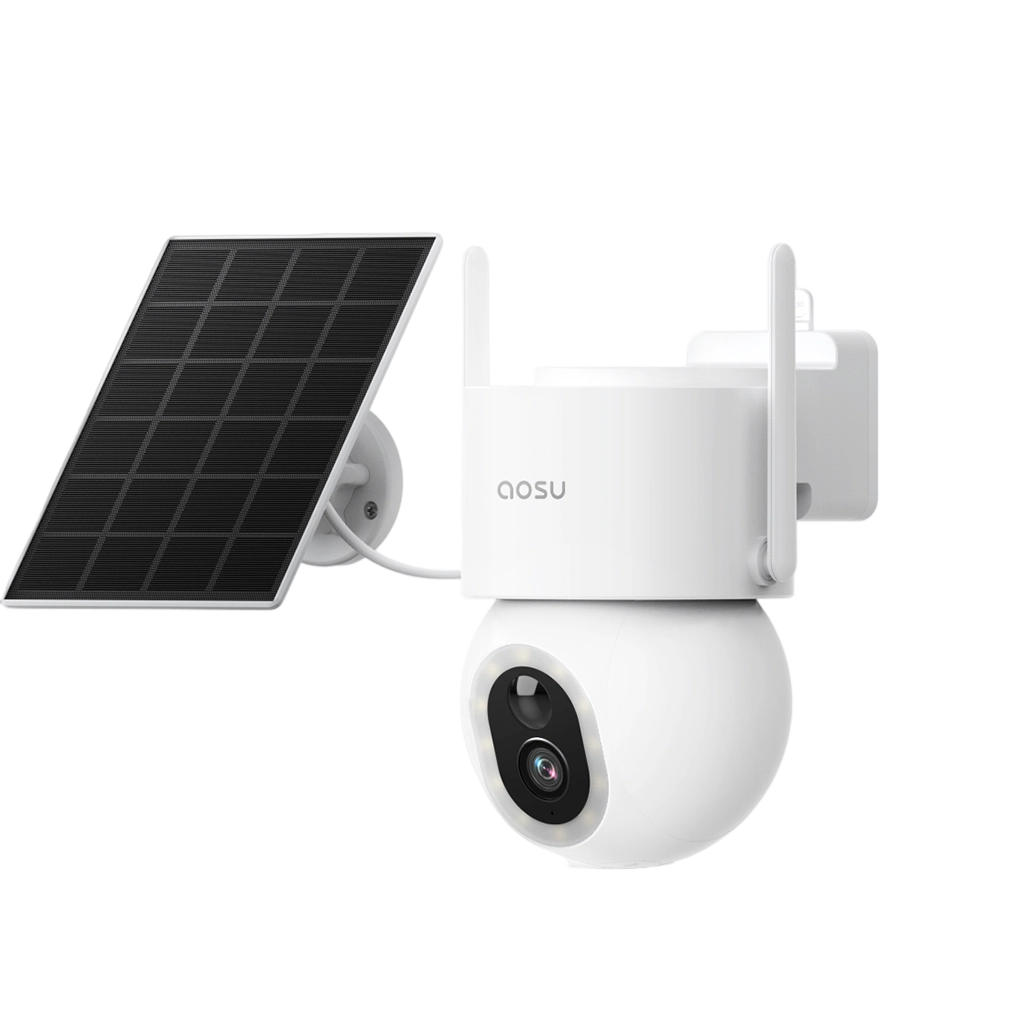
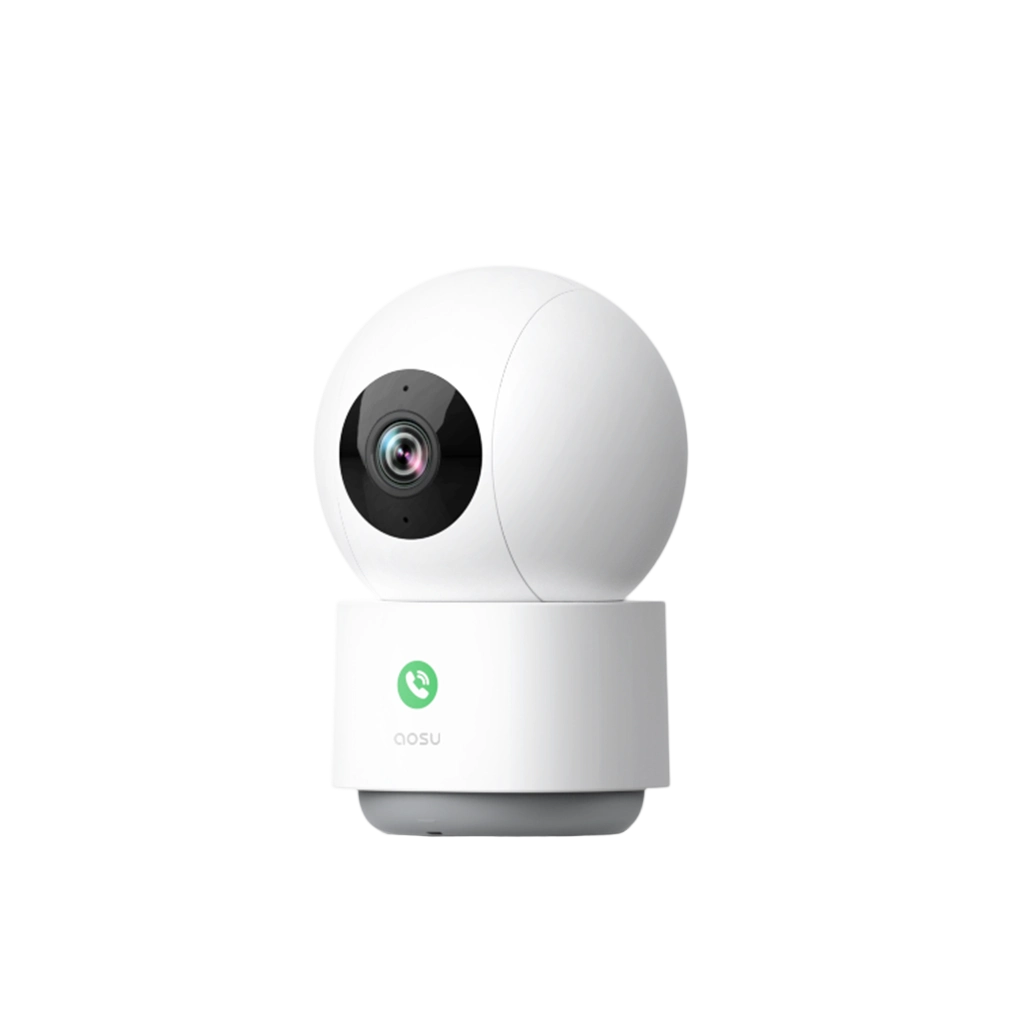
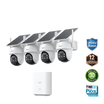
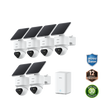
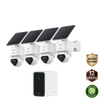
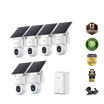
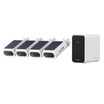

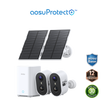
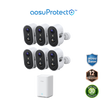
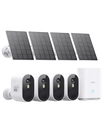
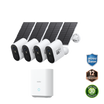
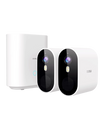
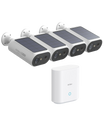
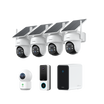
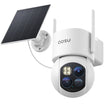
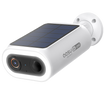
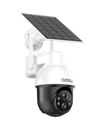
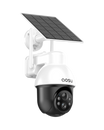
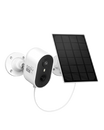
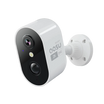
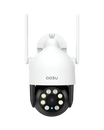
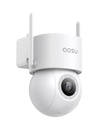

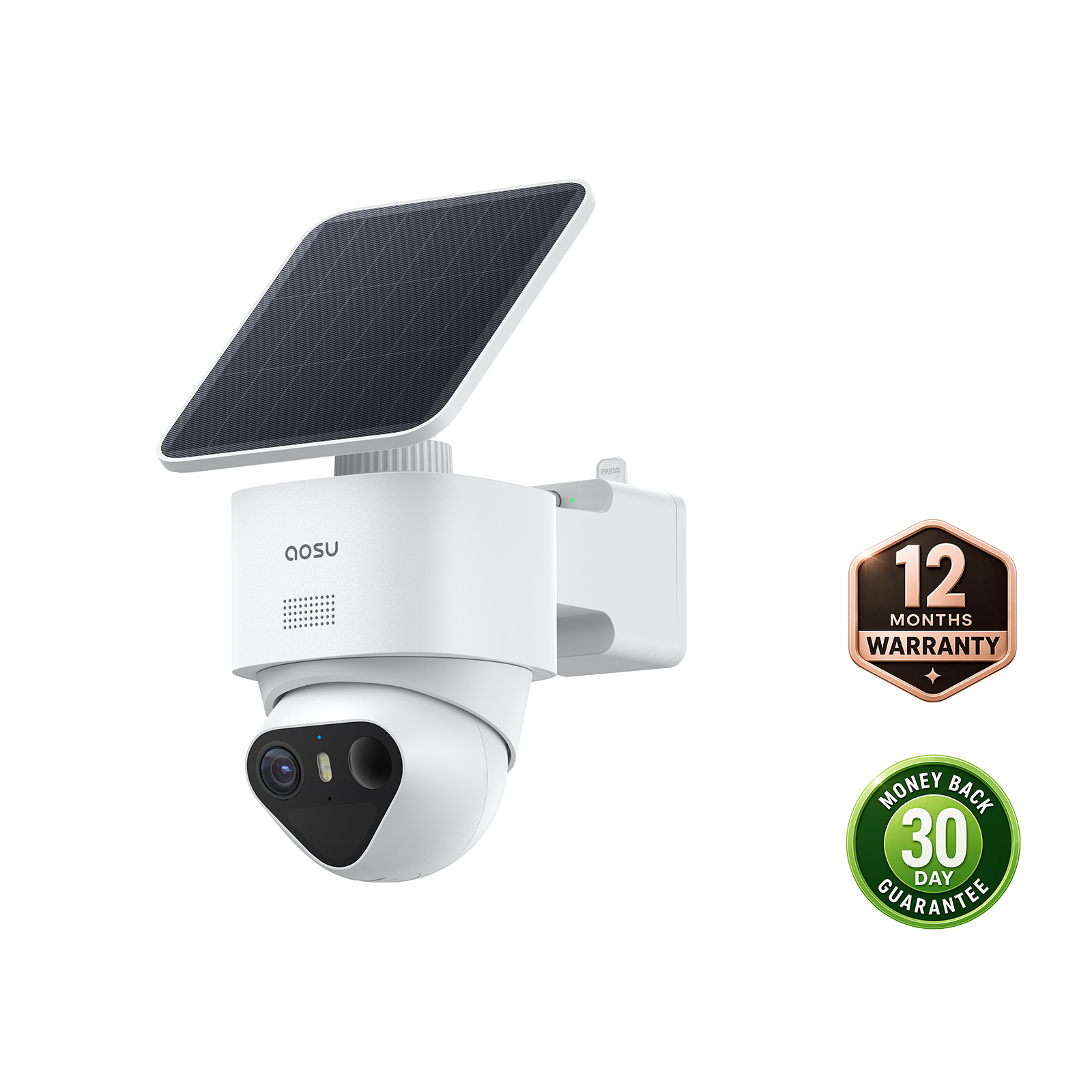


Outdoor security cameras without a subscription let you save footage to a card, built-in memory or an indoor recorder and watch it without paying for cloud storage. For a driveway you want recorded around the clock, choose a model with continuous power and 24/7 recording. For a gate or yard without a nearby outlet, a battery or solar camera can save motion-triggered clips.
Compare the included storage, free playback and download features, and installation costs alongside the camera price. Then test whether it captures someone walking through the area you want to cover.
What Does No Subscription Cover?
With local recording, you can keep footage at home and watch saved clips without a cloud plan. Look for free playback, video downloads and the alerts you need. Paid extras can include cloud history, notification thumbnails or additional AI features; the free and paid features vary by model.
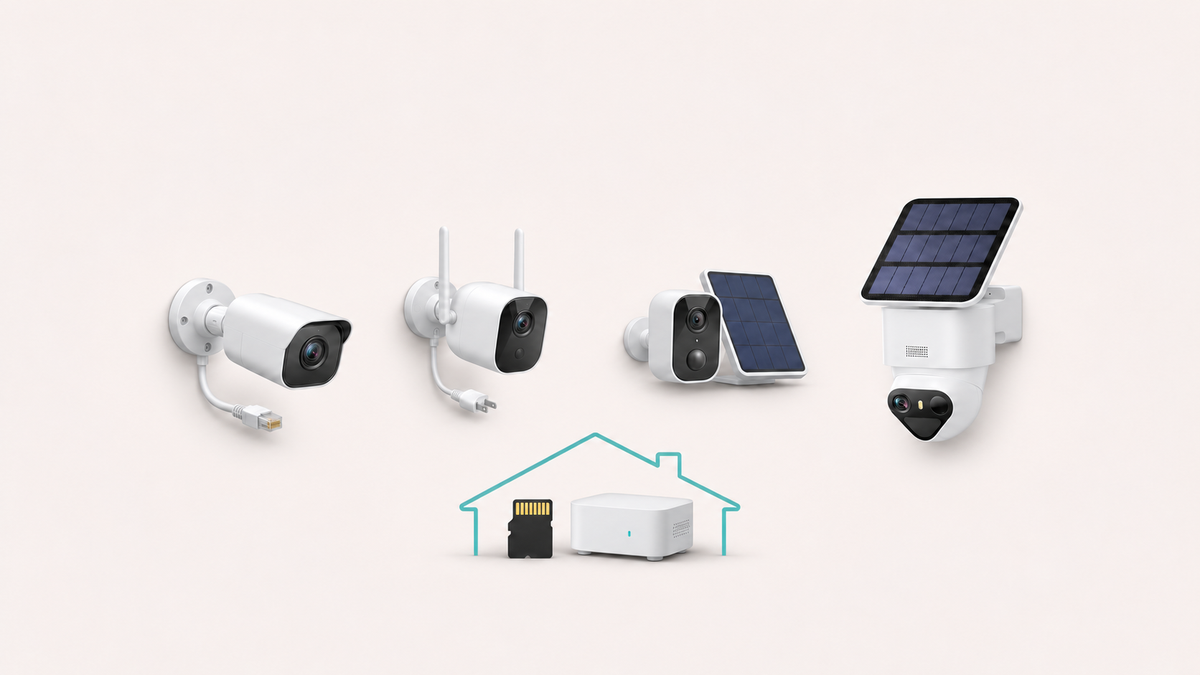
A microSD card or built-in memory keeps the recording inside the outdoor camera. If the camera is stolen or damaged, you can lose the footage with it. An indoor hub or network video recorder (NVR) stores video inside the home. Removable cards can be replaced; built-in memory has a fixed capacity, while an NVR adds a recorder and hard drive to the purchase.
Remote live view and phone alerts need an internet connection even when recordings stay at home. Recording during an internet outage depends on the camera and recorder keeping their local connection and power. Test an internet outage separately from a power outage when setting up your system.
Related links:
· See what security cameras can do without a subscription
Compare Outdoor Recording Options
Power over Ethernet (PoE) cameras receive power and data through one Ethernet cable. A compatible model can record continuously to a card, an NVR or another supported destination. This suits a driveway where you want to review the whole evening, including time between motion alerts. Budget for cable and a PoE switch, injector or recorder to power the cameras.
Plug-in Wi-Fi cameras use an outlet for steady power and Wi-Fi for the network connection. Some also support Ethernet, with PoE available on specific models. They offer a way to record continuously without running a data cable to every position. Include a compatible endurance-rated microSD card if you plan to record inside the camera.
Battery and solar cameras suit gates, sheds and yards where running power would be difficult. Event recording saves battery by capturing detected movement. Camera position, detection settings, clip length and the delay before another recording can begin all affect how much of a visit you see. A solar panel charges the battery when it receives enough sunlight.
The best outdoor security cameras without subscription fees fit both your recording needs and your property. Choose continuous recording to follow an entire visit from arrival to departure. Choose event recording when short clips of someone entering the yard are enough and you want simpler power installation.
Related links:
· Compare cameras designed for 24/7 local recording
Compare Four Outdoor Cameras With Local Recording
US specifications and listed prices below were checked on November 16, 2026. Prices exclude tax and installation. Compare the same number of cameras: the aosu price covers two cameras and a base, while the other prices are for individual cameras.
Add any required storage, PoE equipment and cable work to the purchase price. Optional subscriptions belong in the budget only if you want those extra features.
| Model | Power | Recording and local playback | Basic recognition | Main limitation | One-time and optional costs |
|---|---|---|---|---|---|
| Reolink RLC-811A | PoE | Continuous, scheduled or motion recording to microSD up to 512GB, compatible Reolink NVR or FTP; playback and downloads through app, client or browser | Person, vehicle and animal detection | Needs Ethernet and PoE; a card stays in the outdoor camera, while an NVR adds cost | $139.99 list price; add microSD or NVR storage, PoE hardware/cabling and installation as needed; cloud is not required |
| TP-Link Tapo C325WB V2 | 9V DC adapter or 802.3af/at PoE | Continuous or event recording to microSD up to 512GB; timeline playback and download in the Tapo app | Person, pet, vehicle, line-crossing and tamper detection | Needs continuous power; local storage remains in the outdoor camera unless RTSP/ONVIF is used with a separate recorder | Check current camera price; add microSD and any PoE or recorder hardware; optional Tapo Care subscription |
| eufy SoloCam S340 | Battery with removable 2.2W solar panel | Event clips to built-in 8GB eMMC; playback and download in the eufy app; HomeBase 3 is compatible | Motion, human and vehicle detection on device | Event recording only; 8GB memory is fixed. An optional compatible HomeBase stores footage indoors | $219.99 list price; storage is included; HomeBase 3 and cloud backup are optional |
| aosu T2 Ultra two-camera aosuBase 2.0 kit | 9,200mAh battery with 3W detachable solar panel | Event recording to the included base with 32GB local storage, expandable to 1TB; app playback and saved clips | PIR and radar detection with people, vehicle, pet and other event types | Event recording only; clips can end before the selected 20- or 60-second maximum | $399.99 sale price for the two-camera kit; local base storage is included; larger microSD, optional cloud and advanced paid AI can add cost |
If Your Camera Misses Movement, Try These Checks
A reader in r/homesecurity wrote: “I’m currently using AOSU wifi cameras from Amazon but they don’t always pick things up.” They liked being able to recharge the cameras and use them without a monthly fee.
If your camera misses someone walking to the door or past a parked car, a few checks can help you find where the problem occurs.
· Video is saved, but no alert arrives: check the app’s notification settings and alert schedule, then your phone’s notification permission and Do Not Disturb settings.
· No video is saved: confirm the camera is online and charged, local storage is available, and motion recording is enabled. Check whether a sleep schedule was active when the event happened.
· Only some movement is missed: check the detection zone and event types. For an aosu camera with Human Only enabled, temporarily turn it off during a test and increase detection sensitivity. Repeat the same walk after each change, then choose settings that capture the people or vehicles you need.
· Clips begin late or end too soon: walk through the gate or beside the car in daylight and at night, then replay the clips. Adjust the angle so people enter the detection area earlier. Review the model’s clip-length and recording-interval settings, and install available firmware updates.
If events are still missing, follow our missing-events guide and contact support with the exact camera model, firmware version, time of a missed event and a screenshot of the camera’s view. If you need video throughout a visit, including gaps between triggers, a camera with continuous recording is the better fit.
Related links:
· Troubleshoot missing camera events with aosu’s quick-check guide
Related links:
· Read the original question from u/Pure_Interest_8128
Check Moving Detail in Night Recordings
Compare night clips showing a person walking through a gate or beside a car at a distance similar to yours. Match the lighting mode, distance and camera angle. Look at the person’s face, clothing and movement: a clear view of an empty driveway tells you less about how the camera records a visitor.
Download a daytime clip and a nighttime clip from local storage, then play them on another device. Check the picture quality, audio and clip length. Save important footage before it is overwritten by newer recordings.

In the aosu app, open a locally stored event's menu and tap Download to save a copy.
Related links:
· Reolink RLC-811A product details
· TP-Link Tapo C325WB product details
· eufy SoloCam S340 product details
Who Should Consider the aosu T2 Ultra?
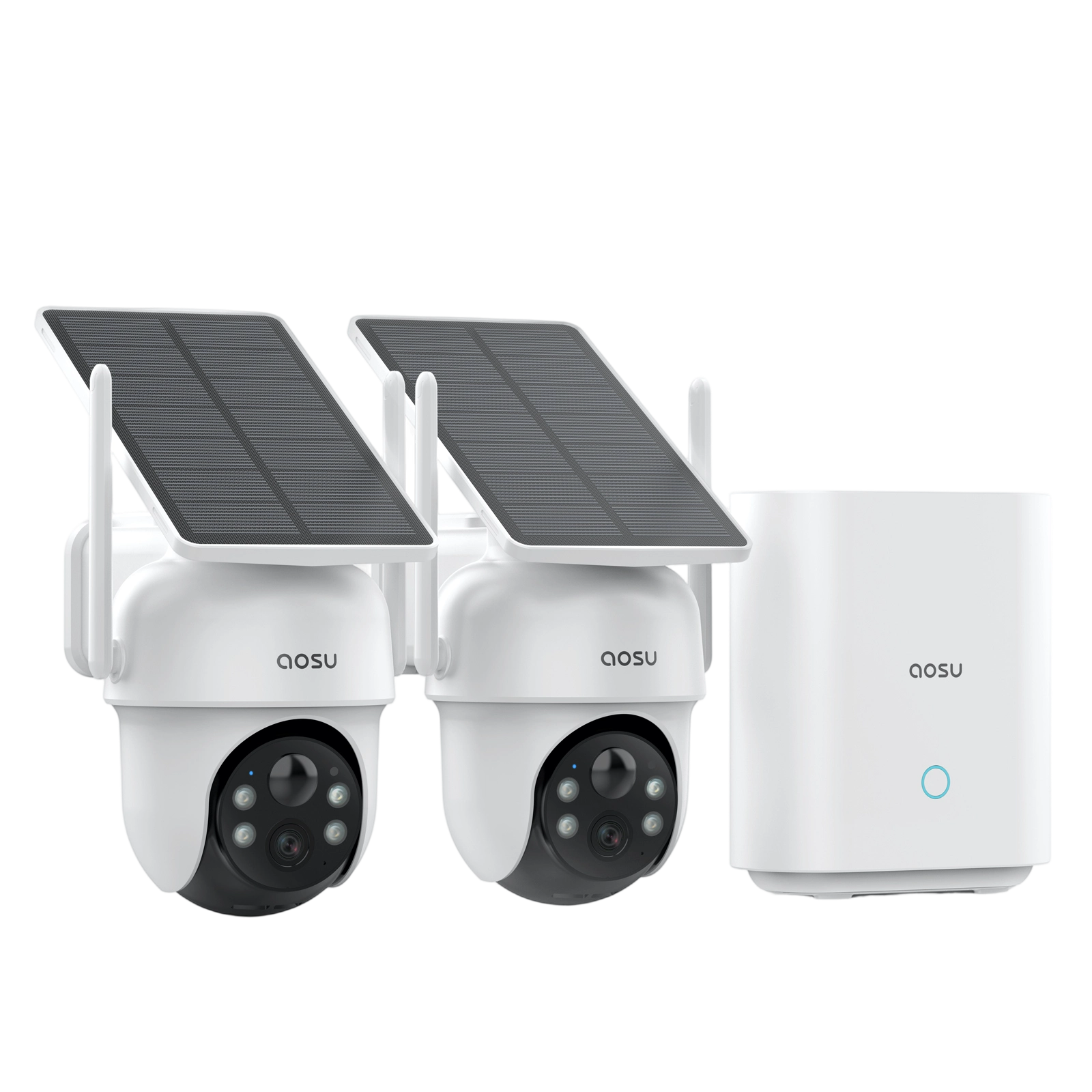
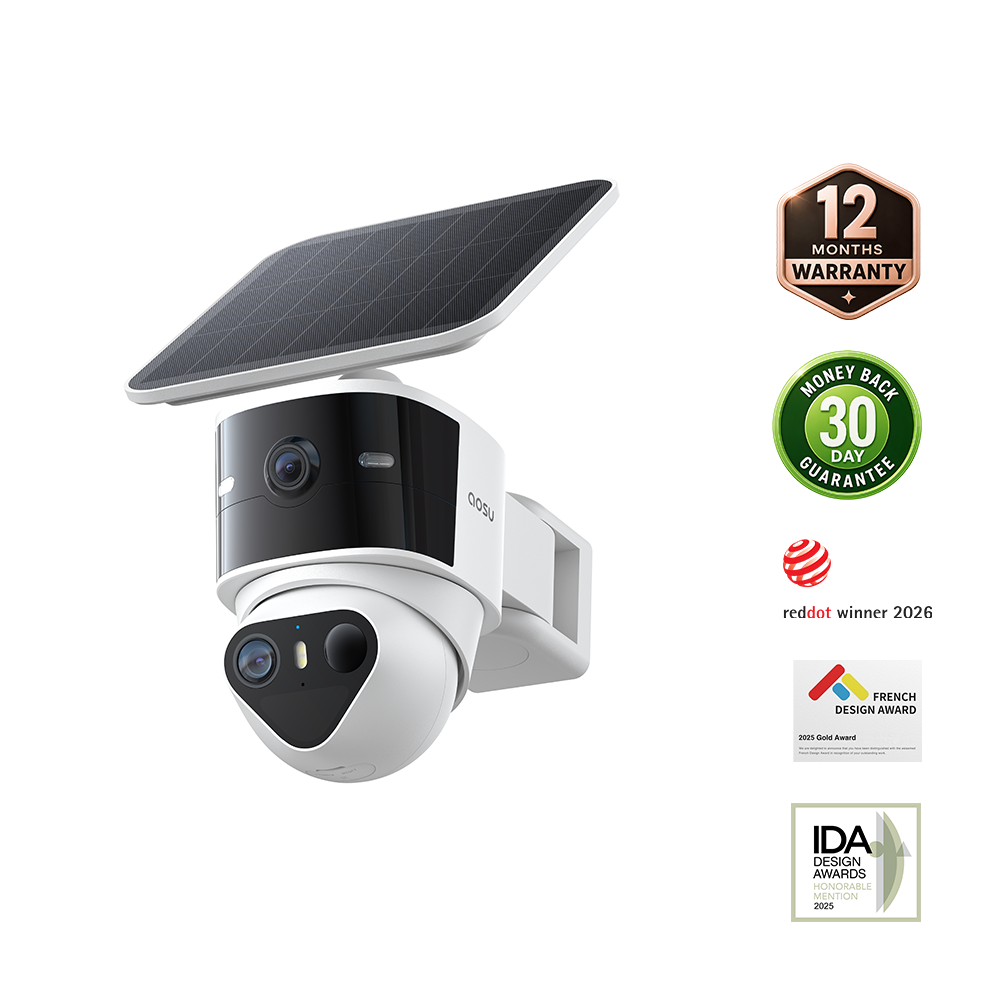
The T2 Ultra two-camera aosuBase 2.0 kit suits a home where you want solar-powered cameras outside and saved footage on a base indoors. Its 4K cameras combine a 1/1.8-inch sensor, F/1.0 aperture, TrueColor night modes and pan-and-tilt movement. PIR and dual radar detection support event types including people, vehicles and pets.
The kit includes 32GB of base storage and supports microSD expansion to 1TB. Smart Recording saves event clips up to 60 seconds long; Power Saving Mode uses a 20-second maximum. A clip can end sooner when the camera stops detecting the event. Test someone walking from the gate to the door to see whether the saved video covers the part of the visit you need.
For continuous 24/7 recording or a system using ONVIF, RTSP or NAS storage, choose a compatible wired model. T2 Ultra doesn’t support those recording options. Position its solar panel in direct sunlight; the detachable panel lets you choose a camera angle and a sunnier charging position separately.
Compare the T2 Ultra kit with our other local-storage cameras, then choose the camera count and hub for your home. Local recording doesn’t require a monthly plan; cloud storage and some advanced AI features are optional paid extras.

T2 Ultra footage in TrueColor Covert mode shows a person beside a garden wall, approximately 20 feet from the camera.
Related links:
· View the aosu T2 Ultra two-camera system
· Compare aosu local-storage security cameras
Choose a Camera for the Footage You Need
For a driveway you want recorded throughout the night, compare continuously powered cameras and budget for their storage and wiring. For a gate or shed where event clips are enough, compare battery and solar models by detection coverage, clip length and storage location.
Before settling on the installation, walk through each covered area during the day and at night. Play back and download the recordings. You should be able to see the part of the visit you care about and save a copy without buying a cloud plan.
FAQs
Can outdoor security cameras record without a subscription?
Yes. A compatible camera can record to built-in storage, a microSD card, an indoor hub, an NVR or another supported local destination without a cloud plan. Confirm that local playback, export and the alerts you need remain available without subscribing.
Is local storage safer in the camera or in an indoor hub or NVR?
An in-camera card or built-in memory is simple, but the footage can be lost with the camera. An indoor hub or NVR keeps the primary recording inside the home and can support more storage, but it adds equipment cost and its own power and maintenance requirements.
Which no-subscription outdoor cameras can record 24/7?
Continuous-power models such as the Reolink RLC-811A and Tapo C325WB can support 24/7 local recording with compatible storage. Battery and solar models such as the eufy SoloCam S340 and aosu T2 Ultra use event recording to conserve power.