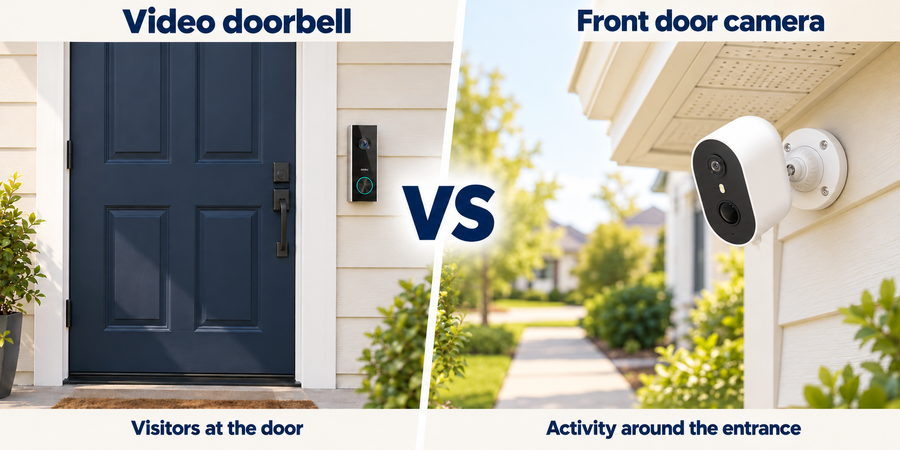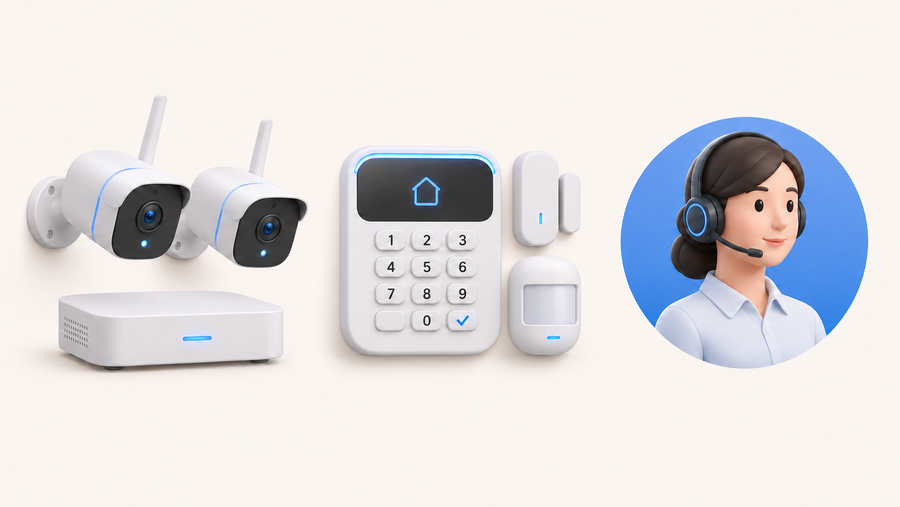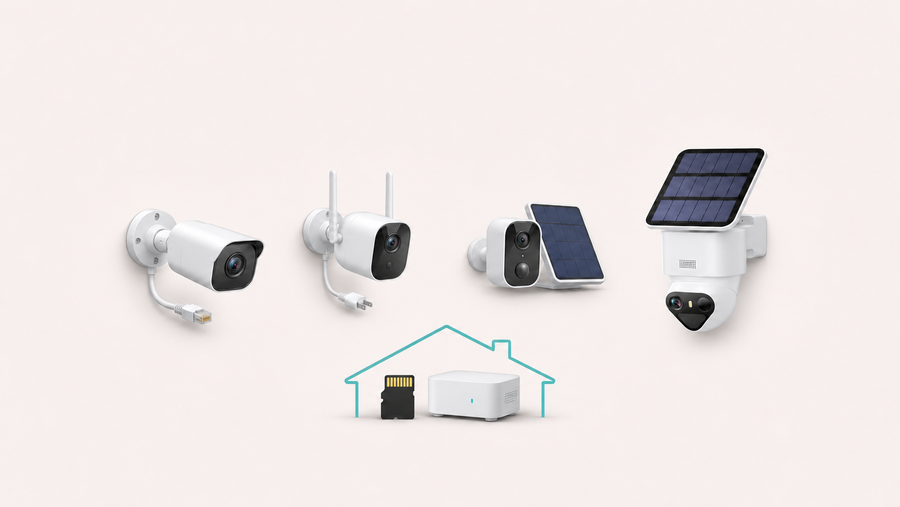



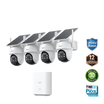
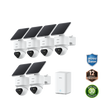
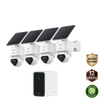
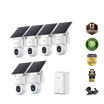
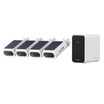

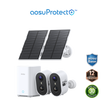
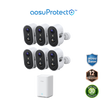
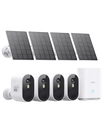
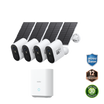
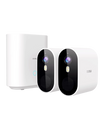
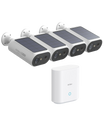

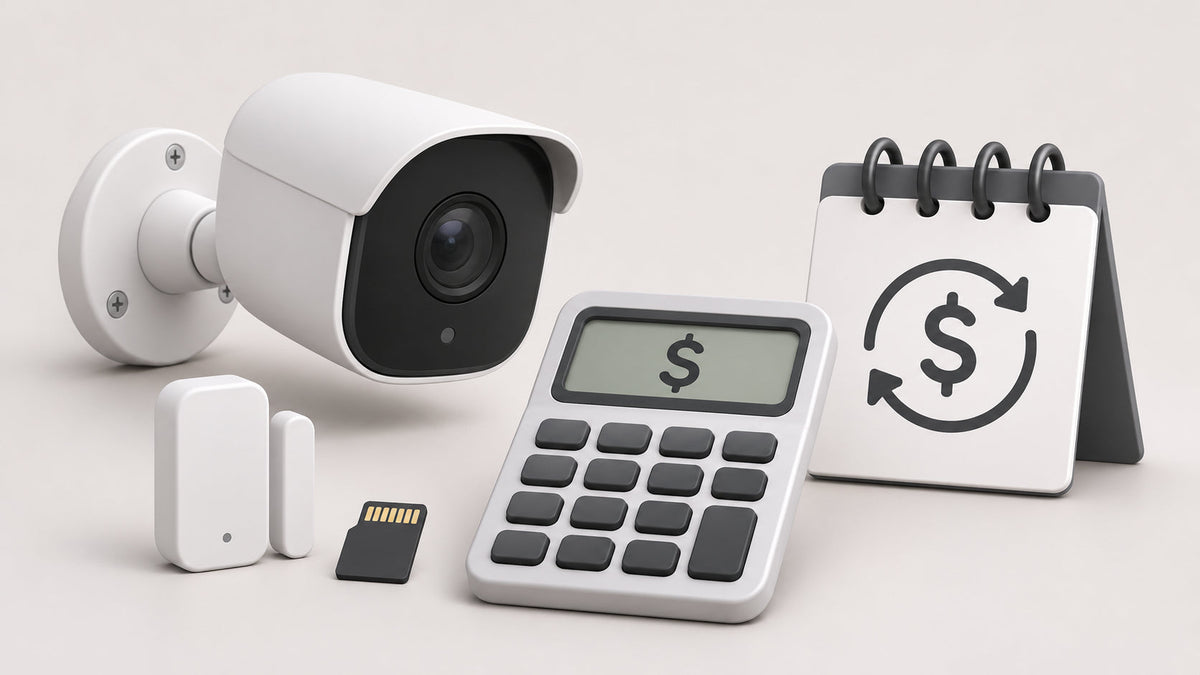

Home security cost includes equipment, installation, storage, subscriptions and upkeep. In the example budgets below, two locally recording cameras cost $450 in the first year, while cameras plus a professionally installed, monitored alarm cost $1,310. These are example budgets, not national averages. Your total depends on the number of devices, installation work and services you choose.
Compare the first year and three years together. A $30 monthly service adds $360 in year one and $1,080 over three years, before any price changes.
Separate Upfront and Ongoing Home Security Costs
Equipment is the hardware you keep: cameras, an alarm hub, door and window sensors, keypads and sirens. Storage can mean a memory card in each camera or a drive in a recorder. A kit price only covers the items listed in that particular bundle.
Installation includes mounting, cable runs, power connections and setup. A wireless camera mounted within safe reach can be a DIY project. Running cable through finished walls or adding electrical power changes the labor involved. Get an itemized quote for the actual locations; our security camera installation cost guide covers the labor details.
Ongoing costs include professional monitoring, paid video storage, optional app features and maintenance. Some systems also charge for cellular backup or a service plan. Count an internet upgrade only when the camera setup requires extra spending beyond your existing household service.
Keep equipment financing separate from monitoring. If you pay for hardware monthly, count those installments once rather than adding both the full purchase price and the repayments. Include interest and fees when financing costs more than paying upfront.

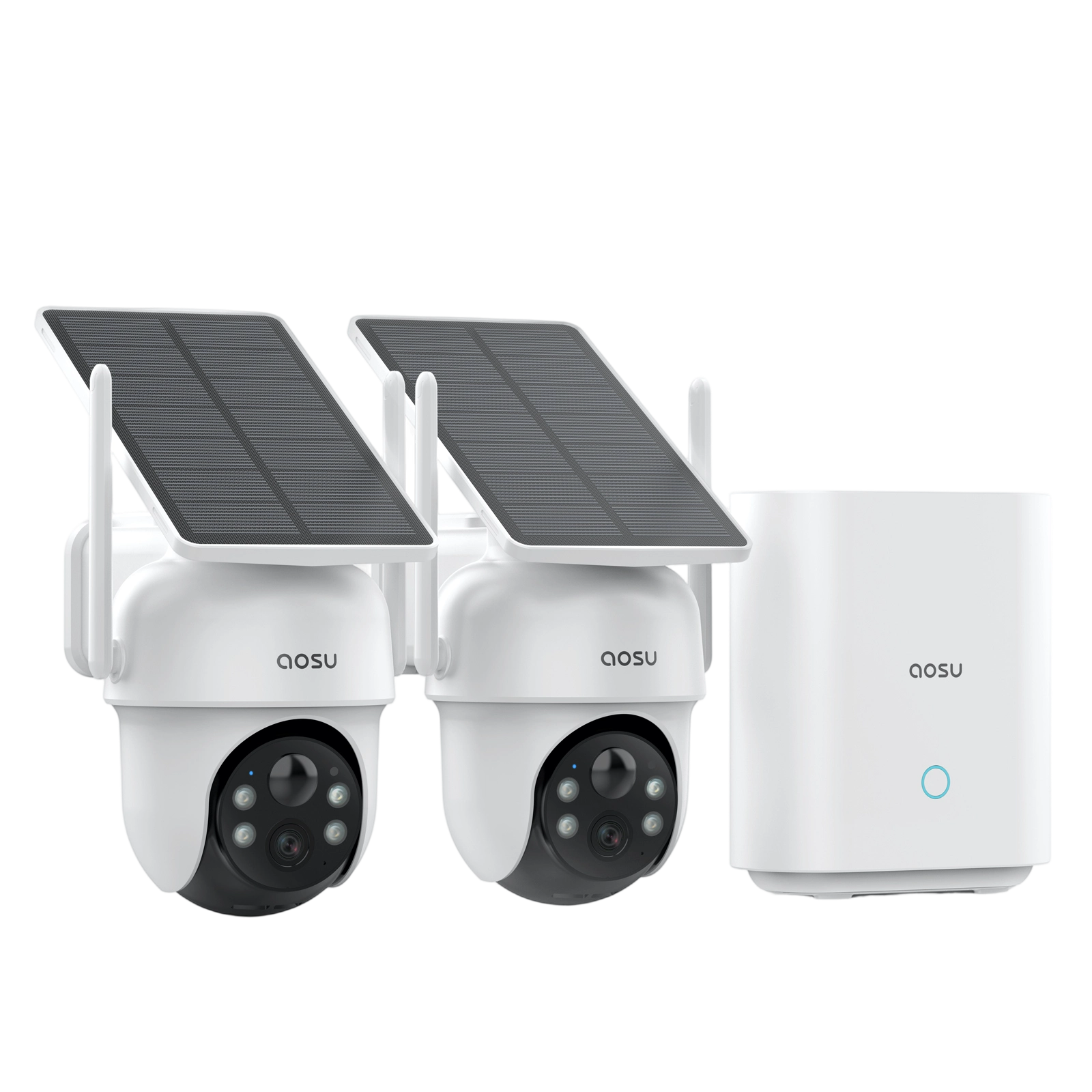
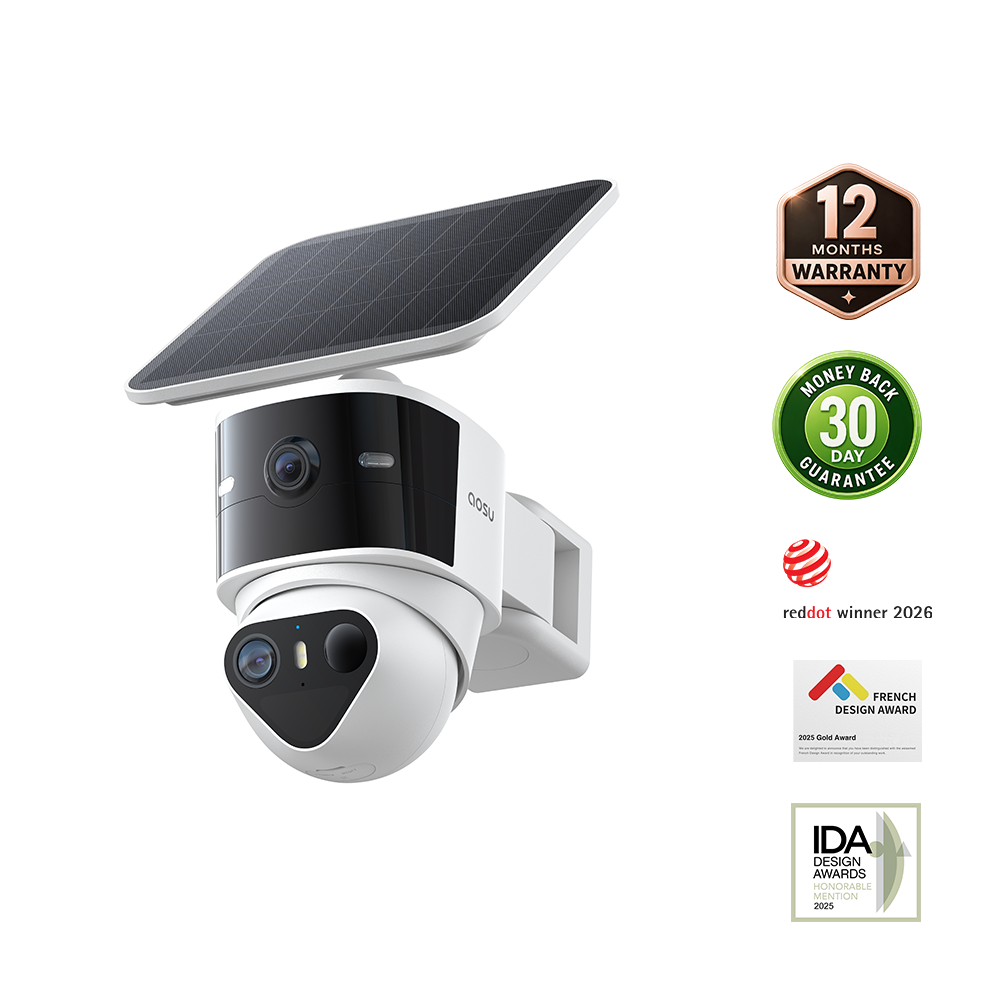
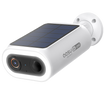
This aosuBase stores recordings locally, without a memory card in each camera.
Related links:
· Security camera installation costs
Camera-Only vs. Alarm Systems: Compare the Same Protection
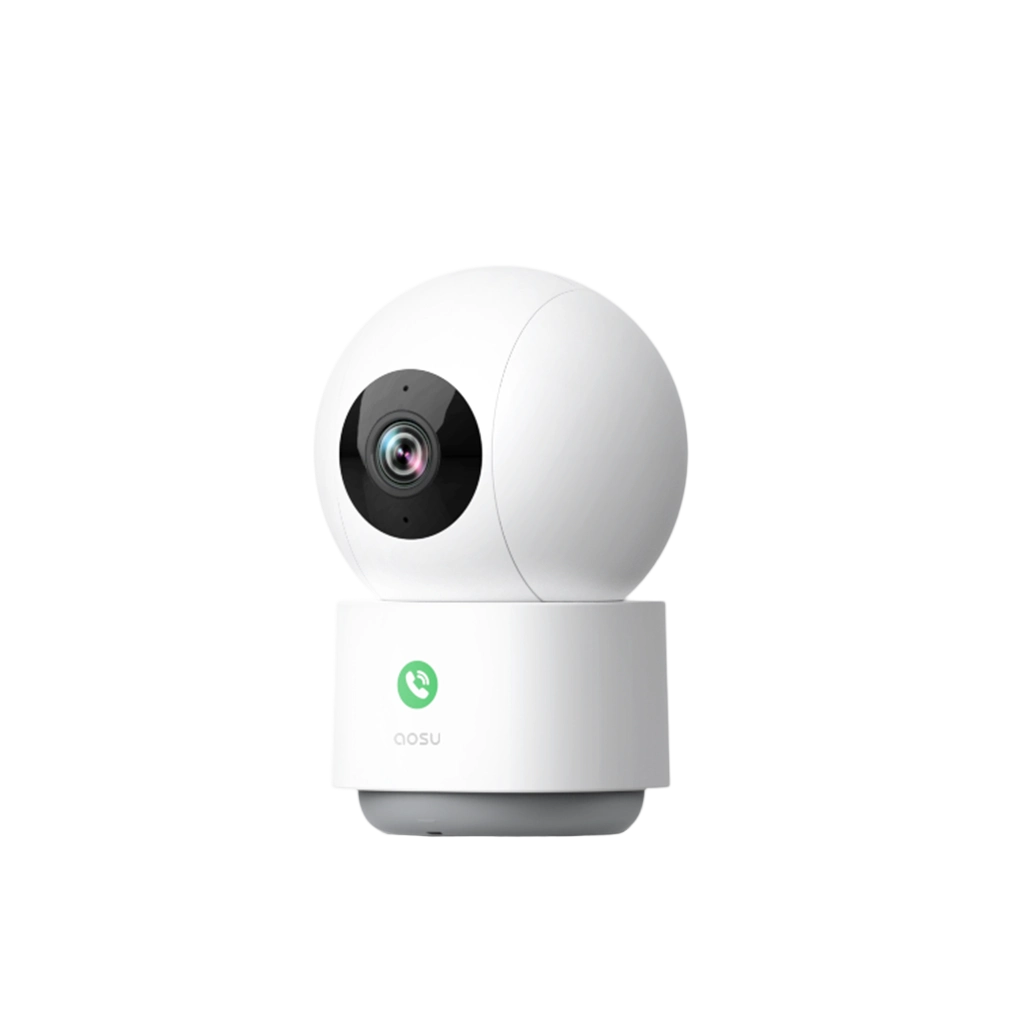
A camera setup helps you see what happened at a door, driveway or gate. With self-monitoring, you receive alerts, review footage and decide what to do. Local recording can keep storage fees at $0 when the selected model supports it, but you still need someone available to check alerts.
An alarm adds sensors that detect events such as a door opening while the system is armed. A self-monitored alarm alerts the household; professional monitoring adds a service that receives alarm signals and follows an agreed response procedure. Video storage and professional alarm monitoring are separate services, even when sold together.
Compare two-camera quotes with two-camera quotes. Then match the alarm sensors, recording method, backup connection and monitoring service. A low-cost camera pair and a package with cameras, entry sensors and staffed monitoring cover different needs.
Installation and monitoring are also separate choices. A DIY-installed alarm can have professional monitoring, and hiring someone to mount cameras does not automatically provide a monitoring service. Choose the response arrangement your household needs, then price its installation.
Build a First-Year and Three-Year Cost Example
Use this calculation: total cost = equipment + installation + storage/accessories + recurring fees over the chosen period + replacements and upgrades. Add applicable tax and delivery charges. Deduct only discounts that apply to the exact configuration you intend to buy.
The worksheet uses two cameras throughout. Alarm options add one hub, three entry sensors and one motion sensor. The dollar amounts are example inputs prepared on November 17, 2026, not retailer quotes or market averages. They assume unchanged fees, outright equipment ownership and no replacements during the first three years.
The camera-only option suits someone who wants footage and can handle alerts. Adding an alarm provides entry detection; adding monitoring pays for a staffed response process. Professional installation adds labor without changing the device count. DIY saves that labor charge but requires your own mounting, setup and testing.
All totals below exclude tax, shipping, existing broadband, electricity and optional services. Add your actual incremental costs to the worksheet. The $30 monitoring fee is an sample calculation input.
| Option | Equipment | Installation | Storage/accessories | Required monthly fee | Optional service | Year 1 | 3 years |
|---|---|---|---|---|---|---|---|
| Two cameras; self-monitored | $400 | $0 DIY | $50 | $0 | Cloud extra | $450 | $450 |
| Two cameras + alarm; self-monitored | $700 | $0 DIY | $50 | $0 | Cloud extra | $750 | $750 |
| Same cameras + alarm; monitored | $700 | $0 DIY | $50 | $30 | Cloud if not included | $1,110 | $1,830 |
| Same monitored setup; hired installation | $700 | $200 | $50 | $30 | Cloud if not included | $1,310 | $2,030 |
Add Optional Services Without Double-Counting
A hypothetical $10 monthly cloud plan adds $120 to the first year and $360 to three years. If monitoring already includes the video storage you need, do not add it again. For annual billing, multiply the annual charge by the number of years rather than also counting a monthly equivalent.
For the hired-installation example, $700 + $200 + $50 + ($30 × 12) = $1,310 in year one. Over three years, the same upfront $950 plus $1,080 in monitoring totals $2,030. Put a planned $100 replacement in year three and the three-year budget becomes $2,130.
How to Read a Larger Builder Quote
A homeowner in r/homesecurity summarized a builder package as “5 year total - about $7,600.” The quote combined $2,738 in security hardware, $1,280 in network equipment and $59.99 monthly monitoring for 60 months.
· Original homeowner quote and full package details — r/homesecurity
For that quote, the monitoring alone is $3,599.40. Added to $4,018 upfront, the five-year total is $7,617.40. To compare alternatives, price the security equipment and installation separately from the network upgrade, then match the monitoring term. Remove a network purchase only if the existing network meets the installation’s needs.
A three-year worksheet for a five-year contract also needs a separate line showing the remaining commitment. A shorter comparison period does not end the contract or erase payments still due.
Check Optional Fees, Replacements and Contract Costs
Storage: include cards or drives that are not supplied, plus enough capacity for the recording mode you need. A local copy in a camera can be lost with that camera. An off-site backup keeps a separate copy, so compare its price with the events and retention period it actually covers.
Accessories and power: add suitable brackets, cable, weatherproof connections and any required electrical work. Solar cameras still need appropriate sunlight and occasional attention. For plugged-in cameras, hubs and recorders, estimate electricity from average power consumption, hours of use and your own utility rate. Our camera running-cost guide explains that calculation.
Maintenance: allow for worn storage media, damaged mounts, batteries where replacement is supported, and service visits. Treat a replacement allowance as money reserved for future spending; it is not an automatic annual charge. Add later cameras and storage expansion in the year you expect to buy them.
Contracts: compare the minimum term, renewal price, early cancellation charges, equipment ownership and what happens when you move. The FTC recommends written estimates and checking installation charges, monitoring fees, contract terms and repair responsibility. Confirm local alarm registration fees with the relevant authority; keep possible false-alarm fines separate from normal operating costs.

Storage settings and an optional Premium-plan feature in the aosu app.
Related links:
· Camera electricity, storage and running costs
· FTC guidance on security-system estimates and contracts
Choose What to Pay For: A Local-Storage Camera Example
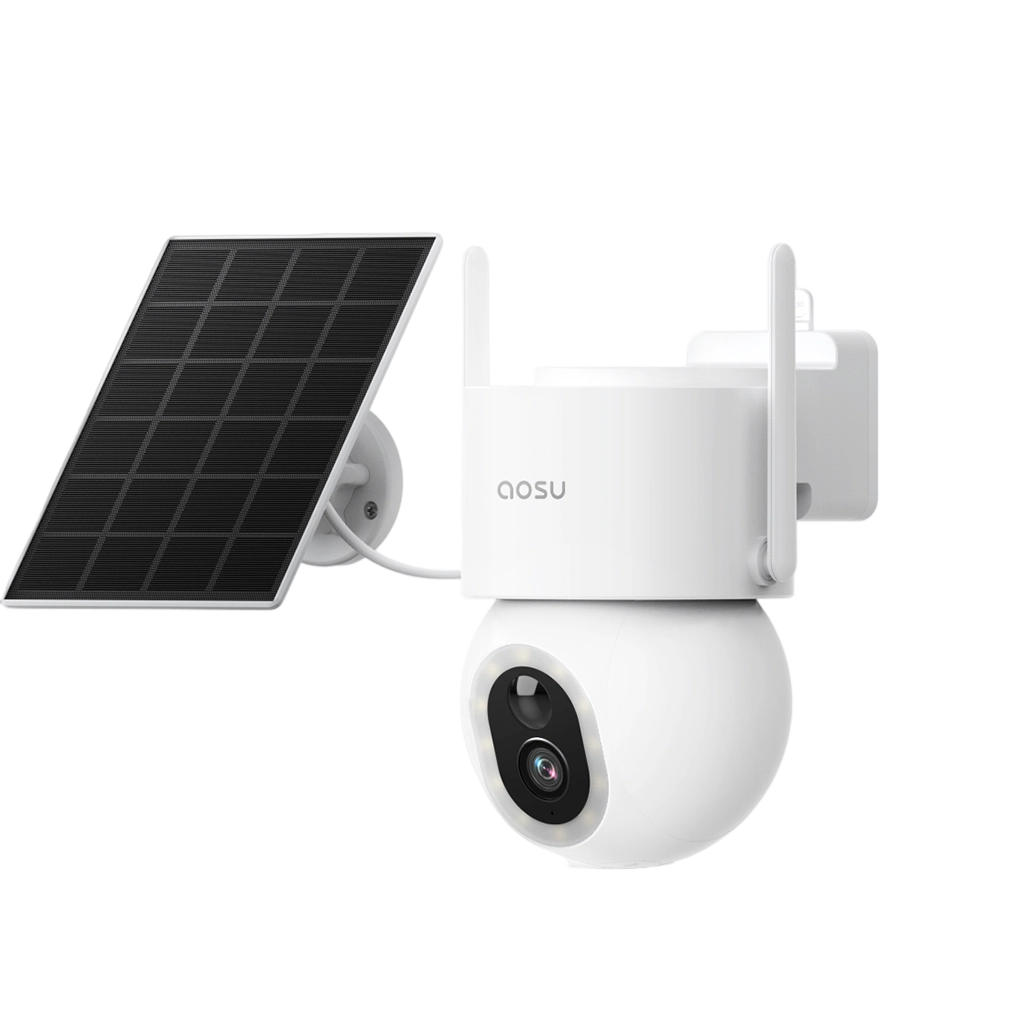
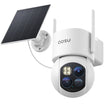
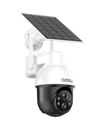
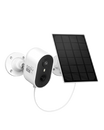
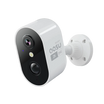
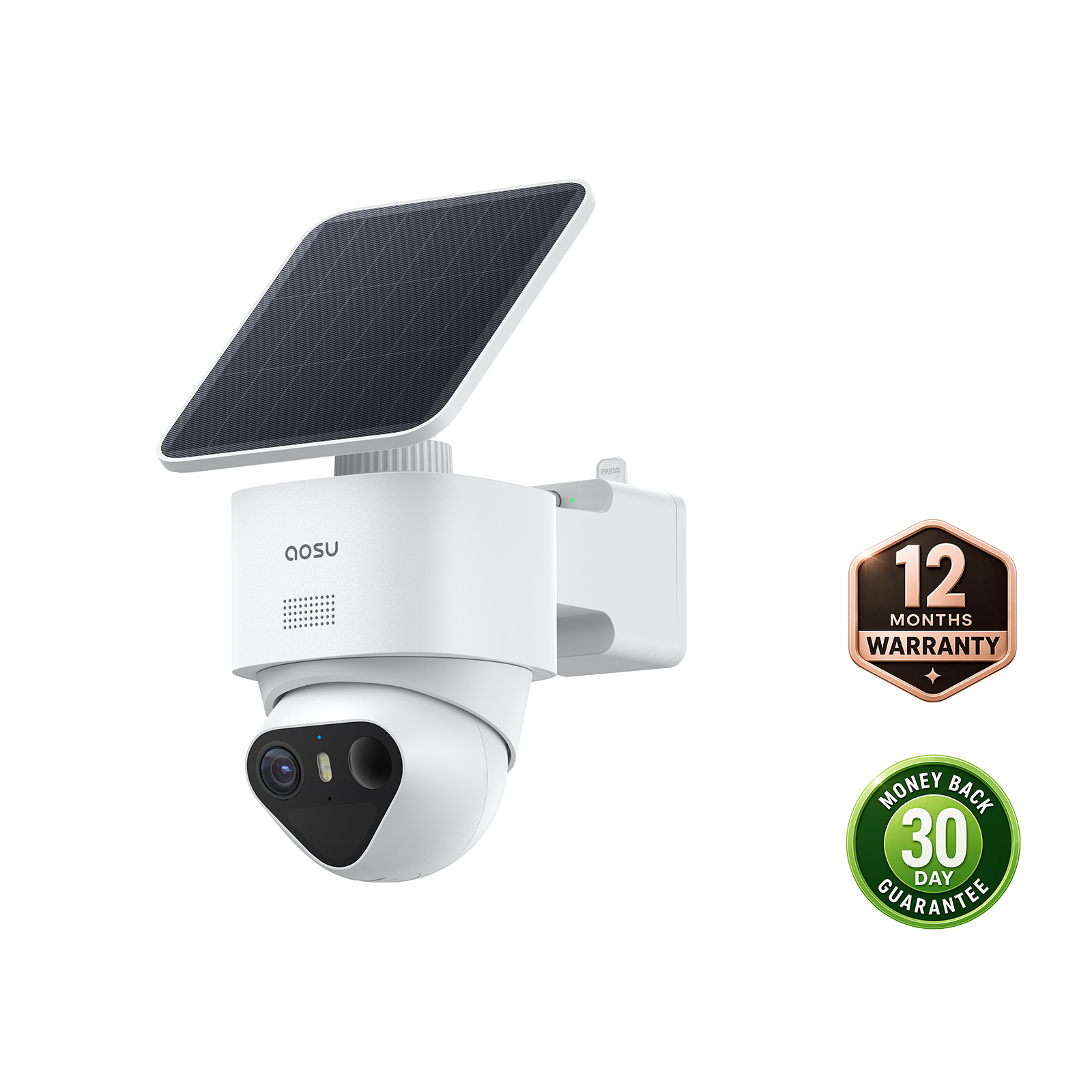
For one outdoor location, the aosu SolarCam T2 offers local microSD storage and optional cloud backup. It connects through home 2.4 GHz Wi-Fi. This is a camera option for viewing and recording activity; a separate alarm and monitoring service need their own budget.
On November 17, 2026, the US product page displayed the Single Cam at $129.99 on sale, with a $199.99 regular price, and marked it sold out. Using the displayed sale price, a $20 memory-card allowance and a $30 replacement reserve produces a $179.99 planning budget. DIY labor is $0; tax, shipping and any extra mounting hardware are additional.
With local storage and no paid service selected, the same three-year equipment-and-reserve budget is $179.99, assuming no other purchases. The reserve is included once. If the camera is purchased at the displayed regular price instead, the budget becomes $249.99.
For an optional service costing C dollars per month, add 12 × C in year one and 36 × C over three years. At a hypothetical $5 monthly charge, the totals would be $239.99 and $359.99. Use the actual in-app price and number of covered cameras before buying; $5 is an example input, not a T2 subscription quote.
Local storage avoids a mandatory cloud-storage subscription for that recording path. Paid features still need their own allowance: Full Day Video Summary requires a subscription. Review the storage and fee guide to match the features you want, then compare local-storage camera options for the number of locations you need to cover.
Related links:
· SolarCam T2 — check current Single Cam price and stock
· aosu storage options and subscription fees
· Explore local-storage security cameras
To Wrap Up
Match the cameras, sensors, installation work and response service before comparing home security cost. Calculate year one and three years, then add optional subscriptions, replacements and any contract commitment beyond that period. You can then see exactly what each extra dollar buys for your home.
FAQs
Can you have home security without a monthly fee?
Yes. A supported local-storage camera setup or self-monitored alarm can operate without a paid monitoring plan. Include the equipment, storage and maintenance in your budget, and check which features require a subscription on the exact model.
How much does a monthly security fee add over three years?
Multiply the monthly fee by 36. A $30 monthly fee adds $1,080 over three years; a $50 fee adds $1,800. Add equipment, installation, tax and any separate services, and account for scheduled price changes.
Is DIY home security always cheaper than professional installation?
DIY removes the installer’s labor charge, but you still pay for equipment, storage, tools and any needed network or power work. Compare the same device list and monitoring service, then decide which mounting and setup work you can handle safely.