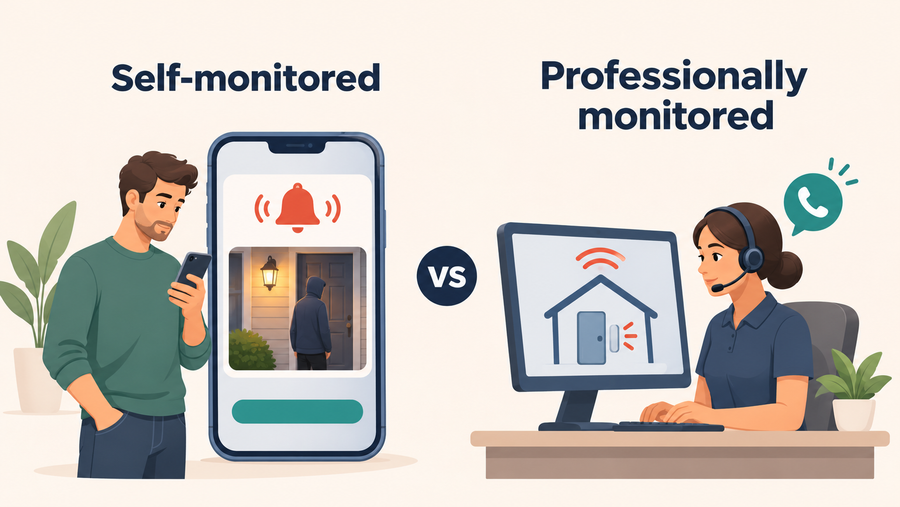
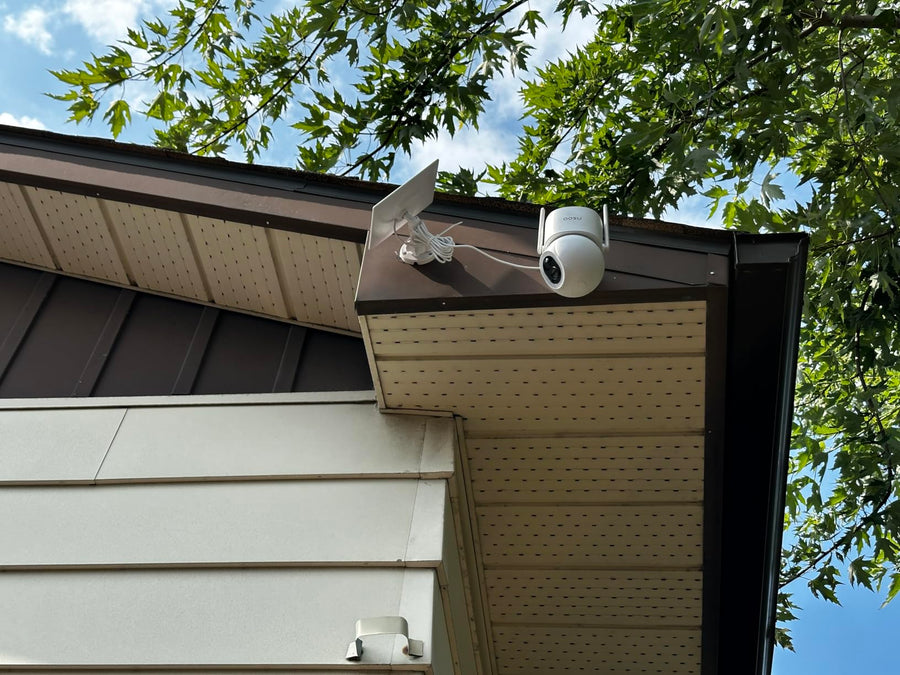
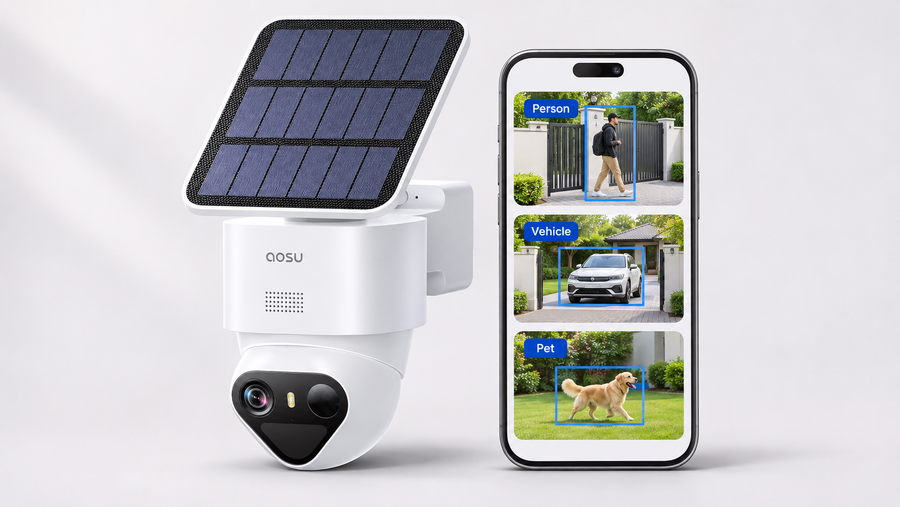
A camera can offer free live viewing without saving the recordings you need. Before buying a “no monthly fee” model, confirm recording, playback, downloads and notifications separately.
Use this guide as a purchase checklist. The product examples show how included features differ; they are not a performance ranking. For brand-specific storage and service details, see the separate aosu subscription and local-storage guide.
The Short Answer: You Can Record Without a Monthly Storage Plan
In most cases, a no-subscription security camera lets you save video somewhere you own instead of paying for cloud storage every month. That might be a microSD card, built-in camera storage, a wireless base station, or a dedicated recorder.
That can be enough for everyday home monitoring: motion clips, playback, and saving important footage. The part worth checking is what the camera includes for free versus what is only available through an optional plan.
A better question than “Does it have no monthly fees?” is:
“Can I record, review, download, and access the footage I care about without paying every month?”

Possible plan requirements are not universal: detection features must be checked individually for the exact model.
What to Check Before You Trust the No-Fee Claim
The phrase is useful, but it is not a complete feature list. Two cameras can both advertise no monthly fee and still handle storage, playback, smart alerts, and cloud backup differently.
Before you choose one, look past the headline and check the details that affect daily use.
-
Where the video is saved
Many no-fee cameras can save footage to a device you own, such as an microSD card, built-in storage, a base station, or a local recorder.
-
Which smart features are included
Some cameras keep basic recording free but reserve longer cloud history, advanced detection, or extra account features for a paid plan.
-
What happens when the internet goes out
Local recording and remote viewing are different. A camera may record locally during an internet outage but still need internet for live remote viewing or app alerts.
-
How storage is managed over time
You still need to manage storage limits, protect your account, update the app or firmware, and check whether old clips are being overwritten.
Check Included Features by Model
“No subscription” is not a complete feature list. Check the exact model rather than assuming that all basic features are free or all AI features are paid.
| Feature | What to verify |
|---|---|
| Recording | Can the camera save the required events or continuous history without a plan? |
| Playback | Can you review saved local footage in the supported app or recorder? |
| Downloads | Can you export a useful clip, and are there network or format restrictions? |
| Notifications | Which alerts are included, and do thumbnails or other enhancements require payment? |
| Detection | Check person, pet, vehicle, package and identity-recognition features individually |
| Cloud services | Confirm retention, covered devices and any additional paid features |
Two documented examples
| Setup | Included local capabilities | Hardware or service to budget for |
|---|---|---|
| aosu D1 Classic two- or four-camera kit | Local event recording, playback, clip downloads, live view and motion alerts without a cloud plan | The specified kit includes aosuBase storage; cloud backup is optional |
| Tapo C120 | Local microSD recording and free person, pet and vehicle detection | A compatible card is sold separately; Tapo Care is an optional subscription |
These are feature examples, not equivalent recording systems. The D1 kit records motion events; check recording mode and storage requirements before comparing costs.
Export conditions also differ. Follow Tapo’s official local-video download instructions rather than assuming every local clip can be downloaded over any network.
How Security Cameras Store Footage Without Monthly Fees
The storage method matters because it affects cost, privacy, playback, video history, and what happens if the camera is stolen or disconnected.
For most homeowners, the main no-subscription options are on-camera storage, a home hub or base station, and a local recorder. Cloud storage is still worth understanding because many cameras offer it as an optional backup.
| microSD or built-in camera storage | Home hub or base station | NVR or wired recorder |
|---|---|---|
|
|
|

Decide Whether You Need an Off-Site Copy
Local storage can meet a no-subscription recording requirement when the exact setup includes playback and export. Cloud storage adds a different benefit: an off-site copy of footage that successfully uploads.
Check whether local and cloud recording can operate together, what survives an outage and how important clips are exported. Use the cloud-versus-local storage guide for those failure scenarios.
Keep the purchase decision here focused on which required functions remain available without a recurring plan.
Internet Outage or Local Connection Failure?
These are different failures. A subscription-free camera is not automatically an offline camera.
| Situation | Recording question | Access question |
|---|---|---|
| Internet service is down, but the local network still works | Does the model continue saving locally? | Which local functions remain available without internet? |
| The camera loses its Wi-Fi connection | Can it still record to storage inside the camera? | How will you reconnect and retrieve footage? |
| A camera loses its connection to a hub or recorder | Does the camera have independent storage or a documented buffer? | Can recordings still reach the hub? |
| Power is lost | Which cameras, recorders and network devices have backup power? | Which communication path remains available? |
For the D1 Classic Kit, the official FAQ says local event recording can continue during an internet outage while the cameras and base remain powered and connected to each other. Remote functions require internet access.
Do not extend that statement to a broken camera-to-base connection. Check the exact model’s documentation and verify saved playback after an approved test.
What Happens When Local Storage Fills Up?
Most local-storage camera systems use loop recording. That means once the storage is full, the oldest footage is overwritten by newer footage.
If a clip is important, you should save or download it before it gets overwritten. How quickly storage fills depends on resolution, clip length, motion activity, number of cameras, and whether the camera records only events or continuously.
This is also where motion recording and 24/7 recording become very different. Motion recording saves space by recording events. Continuous recording uses storage much faster and is usually only recommended for wired systems.
How security cameras store footage
Who Should Choose Security Cameras Without Subscription?
A no-subscription camera is not automatically the best choice for everyone, but it is a good fit for many normal home setups.
| A good fit if you want: | Think twice if you need: |
|---|---|
|
|
How to Choose a No-Subscription Security Camera
Before comparing camera specs, decide what you actually need the camera to do without a paid plan. That keeps the purchase decision grounded instead of getting pulled around by feature lists.
-
Check where the footage is stored
Look for microSD, built-in storage, home hub, base station, NVR, or another clear local-storage method.
-
Confirm what works without a plan
Do not stop at the phrase "no monthly fee." Check playback, downloads, smart alerts, storage length, and remote access.
-
Think about storage safety
Camera-only storage is simple, but a separate hub or recorder may be safer if the camera is stolen or damaged.
-
Match storage to recording style
Motion recording needs less storage. 24/7 recording needs much more storage and usually works better with wired cameras.
-
Leave room for optional cloud if you want it
You may not want a monthly plan now, but if there's a chance you'll want it later, it's better to make sure you get a compatible camera system.
Compare the Complete Cost
Three-year cost = equipment + required storage + installation and accessories + replacement costs + selected service fees
For an illustrative one-camera setup:
| Assumed cost | Local-only setup | Same setup with optional cloud |
|---|---|---|
| Camera | $80 | $80 |
| Compatible storage | $20 | $20 |
| Cloud at an assumed $5/month for 36 months | $0 | $180 |
| Illustrative subtotal | $100 | $280 |
These are assumed figures, not vendor prices. They exclude tax, installation, electricity, network service and replacement costs.
If the selected kit already includes the storage you need, do not add a memory card automatically. If a cloud plan covers several cameras, use the actual account price rather than multiplying a single-camera fee.
Compare the recording and retention you need as well as the total. Local and cloud storage do not provide identical protection.
A Quick Note About aosu No-Monthly-Fee Cameras
One aosu option to examine is the D1 Classic two- or four-camera kit, whose official FAQ documents included local storage, event playback and clip downloads without a required cloud plan.
For other aosu configurations, use the model-specific subscription and storage guide. Compare the exact package before assuming that a standalone camera includes the same storage as a kit.
Explore aosu camera-system packages after completing the recording, playback and cost checks above.

To Wrap Up
Security cameras without subscription can be a smart choice if you want useful home monitoring without another monthly bill. The most important thing is understanding what the camera can do locally and what, if anything, is tied to optional cloud service.
Look closely at the storage method, playback rules, Wi-Fi behavior, and feature limits before you buy. A good no-subscription camera should make everyday recording simple, but it usually has some limitations compared to what subscriptions can offer.
FAQs About Security Cameras Without a Subscription
Where is footage stored without a security camera subscription?
Without a subscription, footage is usually stored locally on a microSD card, built-in camera storage, a home hub or base station, or a wired recorder. The exact storage method depends on the camera model.
Can security cameras work without a subscription?
Yes. Many security cameras can record and play back footage without a monthly subscription by using local storage, such as a microSD card, built-in storage, a home hub, or a recorder. Exact features vary by model.
What do you lose without a security camera subscription?
You may lose longer cloud video history, cloud backup, professional monitoring, or some advanced smart detection features. Basic live view, alerts, and local recording may still work without a plan, depending on the camera.
Is Local Storage Better Than Cloud Storage?
It depends on the footage you need to preserve. Check local hardware risks, off-site backup and outage behavior in the storage comparison guide.
Can a No-Subscription Camera Record Without Wi-Fi?
Some can, but internet loss and local connection failure are different. A camera recording to a hub still needs a working path to that hub unless it has a documented alternative. Confirm the exact model’s power, storage and connection requirements.
Do aosu Cameras Require Monthly Fees?
Supported local-storage setups can record without a cloud plan. Package contents and included features differ; use the aosu subscription guide to check the relevant configuration.