








































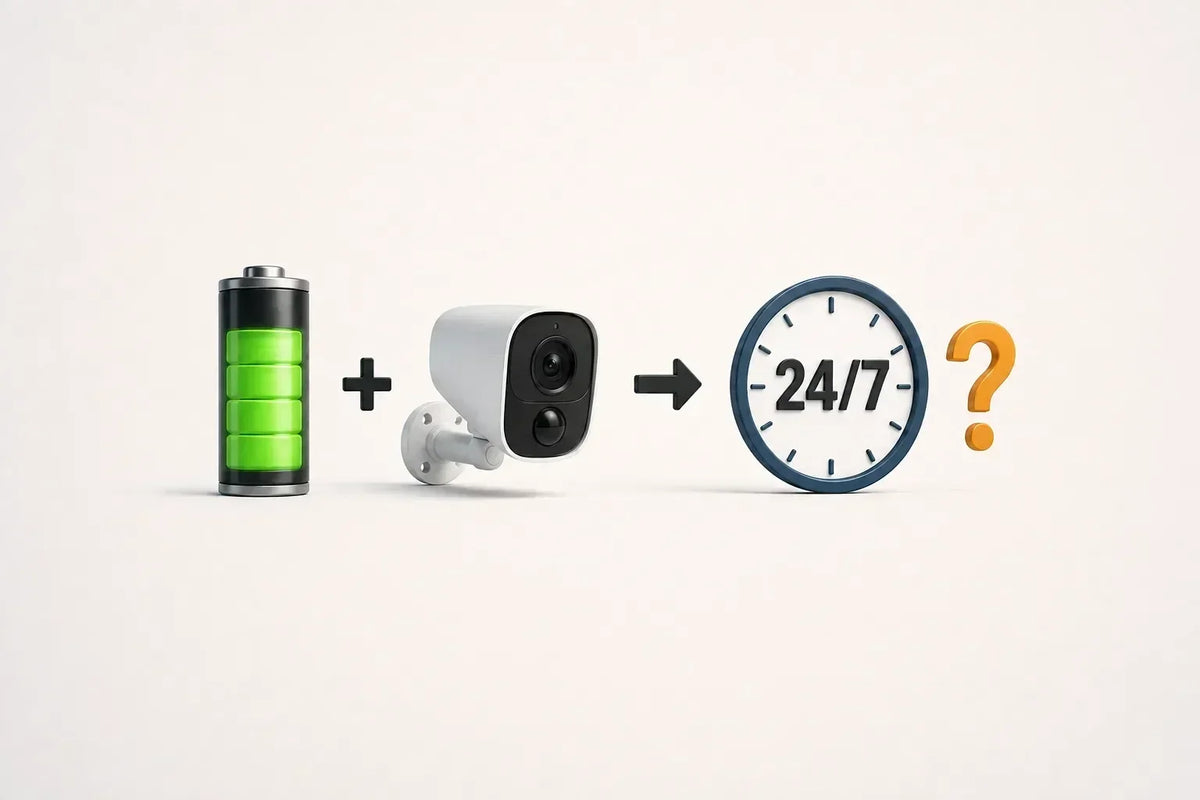
A battery-operated security camera has a limited supply of energy between charges. Recording all day keeps its sensor, processor, and storage system working through quiet periods as well as busy ones. That’s why many battery cameras are designed around motion-triggered clips instead of uninterrupted video.
But battery power doesn’t automatically rule out continuous recording. The important questions are whether the camera supports it, what it actually saves, and how long your power supply can sustain it. Here’s how to judge those tradeoffs without assuming event clips are enough—or that every home needs 24/7 footage.
What Is the Difference Between Event Recording and 24/7 Recording?
Event recording saves clips when the camera detects activity. Depending on the model, it may also include a short period before detection or continue recording while movement lasts. Between events, there may be no saved video.
Continuous recording saves video throughout the scheduled period, including when nothing triggers an alert. For 24/7 coverage, that schedule must cover the whole day and night.
Event recording is designed to capture important movement, such as a driver approaching and placing a parcel at the door. Continuous recording also preserves the quiet time between detected events. That extra footage can serve as backup evidence when you need to confirm that nothing happened—or determine exactly when something changed—between clips.
Some battery cameras support continuous recording, while certain power-saving modes use a lower frame rate during quiet periods. Check whether the saved footage is regular video, fewer frames per second, or periodic snapshots: those don’t provide the same level of detail about movement.

Why Do Battery Cameras Enter Standby Between Events?
In a typical event-recording battery camera, much of the recording hardware can stay in a low-power state until activity wakes it. Recording a short visit uses less energy than keeping the same hardware fully active all afternoon.
That makes installation without a nearby outlet practical, but it creates a tradeoff: the camera must detect the event and begin saving footage soon enough to capture what you need.
Check when clips start, whether they continue while someone remains in view, and whether there is a pause before another recording can begin. Pre-recording and clip-length options vary by model, and a longer recording setting may increase battery use.
A clear live view doesn’t prove that the event recordings are complete. Test an approach, a brief pause, and a departure, then review the saved clips.
How Does Continuous Recording Affect Power and Storage?
Continuous recording removes the long quiet periods that let an event-based camera conserve energy. The sensor keeps capturing images, the processor keeps encoding them, and the storage system keeps saving footage. Infrared lights or spotlights add to the load when they’re in use.
For a simple illustration, twenty 30-second clips add up to 10 minutes of saved video, while a full day of continuous recording contains 1,440 minutes. The difference helps explain the power tradeoff: continuous recording keeps the sensor, processor, and storage system working through the quiet periods that event recording can skip.
At comparable recording quality, saving more video also fills storage faster. Bitrate—the amount of data saved per second—matters alongside storage capacity and the number of cameras. Resolution alone won’t tell you how many days you can keep.
Check what happens when storage fills. If loop recording is enabled, older footage is overwritten; if it isn’t, recording may stop. Save important clips before they reach that limit.
For battery cameras that support continuous recording, check what happens as the charge falls. A power-saving mode may lower the frame rate or switch back to event-only recording. A full battery at installation doesn’t establish that the same recording mode will run indefinitely.
How Does Continuous Recording Affect Your Home Network?
Continuous recording doesn’t necessarily mean continuous uploading to the internet. A camera saving to its own memory card can store video without sending every frame through your broadband connection, where the model supports that operation.
Recording to an indoor hub or network recorder requires a working connection between the camera and that device. Cloud recording sends footage over the internet, while viewing saved clips from away from home also needs an internet connection.
Check the camera-to-router or camera-to-hub connection separately from internet upload speed. A faster internet plan won’t fix weak Wi-Fi at the camera, and a network upgrade won’t add an unsupported recording mode.
When Is Plug-In or Wired Power a Better Fit?
If you need a dependable all-day timeline, a camera designed for continuous recording with suitable plug-in or Power over Ethernet (PoE) power is often the simpler starting point. It removes routine battery recharging from the equation, though power failures, connection problems, and storage limits can still interrupt recording.
That may be worthwhile at a busy shared entrance, or wherever you need to reconstruct activity between motion events rather than just receive arrival alerts.
However, plugging in a battery camera does not automatically turn it into a 24/7 camera. Confirm that the exact model supports continuous recording, the proposed power connection, and the storage method you intend to use.
You can also mix approaches: continuous recording at the location where gaps matter most, with battery-powered event cameras in less active areas where running power is difficult.
How Can You Choose the Right Recording Method?
Start with the footage you need, then check the camera’s supported modes and the power available at that location. Don’t choose solely from a “wireless” label or a battery-life headline.
First, test the event coverage. Walk the normal approach route, stop where a visitor would stand, and leave. Check the saved clips for the beginning, middle, and end of the visit. Repeat after dark.
Next, check longer activity. Remain in view beyond the usual clip length and see whether recording continues, stops, or resumes with a gap. Review any pre-recording and recording-interval settings your camera offers.
Finally, watch the battery and storage trends over several representative days. Include busy periods, and check whether any automatic power-saving setting changes the recordings as the battery drops.
If the clips consistently capture what you need and the charging routine is manageable, event recording may be a good fit. If missing intervals leave important questions unanswered, look for a supported continuous-recording setup rather than relying on more notifications.
To Wrap Up
A battery-operated security camera can be a useful choice without recording every second. What matters is whether its saved footage answers the questions you bought it to answer.
For continuous coverage, confirm three things together: the camera supports the recording mode, the power supply can sustain it, and the storage keeps footage long enough. For event recording, test the clips—not just the live view—before deciding that the coverage is sufficient.
FAQs About Battery Camera Recording and Power
Will Turning Off Alerts Improve Battery Life?
Not necessarily. Alerts are the notifications sent to your phone, while motion-recording settings determine when the camera detects activity, wakes, and saves a clip. Muting alerts may leave the recording behavior unchanged. If you want to reduce battery use, look for settings that reduce unnecessary detections or recordings, such as activity zones, sensitivity, clip length, or recording interval.
Can a Solar Panel Make a Battery Camera Record 24/7?
Not by itself. A solar camera may not offer a 24/7 recording option at all, because the panel only charges the battery; it does not add a recording mode the camera lacks. If the camera does support continuous recording, whether solar charging can keep up depends on sunlight, panel placement, weather, and the recording load. Check the exact model’s recording options and battery trend rather than assuming solar adds 24/7 capability or unlimited power.
Does Local Storage Make Continuous Recording Possible?
Local storage provides somewhere to save video; it doesn’t add recording capability. An SD card or indoor hub must be compatible with both the camera and its continuous-recording mode. Confirm the supported setup before buying extra storage.


