Apartment security starts with working locks, secure building access and everyday habits. Before adding equipment, review your lease and report faults to management. Cameras can meet specific viewing or recording needs, but they cannot repair a weak entry point.
How Can I Make My Apartment More Secure?
Use these six checks as a starting point, then assess any equipment against your rental’s rules and practical needs.
1. Consider Security Before Moving In
Before signing a lease, evaluate the security measures already in place. Look for secure entrances, sturdy doors, well-lit common areas and functioning window locks. Ask the landlord or property manager about reported security issues, planned improvements and the process for reporting faults.
2. Install a Security System
If a system addresses a defined need, compare its supported sensors, alerts and monitoring arrangements. Check permission, mounting, power and network requirements before installation. Verify the exact equipment combination rather than assuming that all wireless devices work together.
3. Upgrade Door Locks
Ask management how locks or access credentials are handled between tenants. Discuss faulty or outdated hardware and any proposed upgrade with the landlord. Check required approval, building key access and emergency-egress requirements before changing a lock or adding hardware.
4. Consider Security Cameras
Consider a camera only after identifying the view or recording you need. Installation permission, mounting method, privacy and storage require separate checks; see the camera checklist below.
5. Meet Your Neighbors
Getting to know your neighbors can support practical communication. Agree appropriate ways to report building faults or concerning activity to management and help one another in emergencies without confrontation or unsupported accusations.
6. Get Renters Insurance
Consider renters insurance for the belongings and liabilities covered by the policy. Compare limits, deductibles and exclusions rather than assuming every theft or disaster is covered. In the United States, standard policies typically exclude flood and earthquake losses. Review the NAIC explanation of renters-policy terms and confirm coverage with your insurer.
Do You Need an Apartment Camera?
Start with functioning locks, secure building access and a clear process for reporting faults to management. A camera cannot repair a weak door, broken latch or unsecured shared entrance.
Add a camera when you have a specific viewing or recording need, such as checking your own entrance or reviewing a delivery. Confirm permission, the available view, recording behavior and storage costs before buying.

What Factors Should I Consider When Installing Apartment Cameras?
Check each item separately. Permission to mount a device does not establish that its recording, view or other functions are appropriate for a particular location.
Examine Your Lease Agreement
Review the lease and building rules for equipment installation and property modifications. Check restrictions on drilling, walls, doors and shared spaces. Ask management to clarify unclear requirements before installation.
Chat with Your Landlord
Discuss the location, proposed view, audio setting and mounting method with your landlord or property manager. Obtain written approval where required, including any conditions for removal or restoration. Use the message template below to make the proposal specific.
Consider Privacy Concerns
Shared-hallway recording requires a location-specific check. Review the lease, building rules and applicable privacy law; do not assume that landlord approval resolves every recording issue.
Limit the view to the entrance area needed for your purpose and avoid views into neighboring homes. Check audio separately from video. In the United States, use the RCFP state recording-law guide as a starting point for audio questions. Other countries have different rules.
Check Power, Connection and Mounting Separately
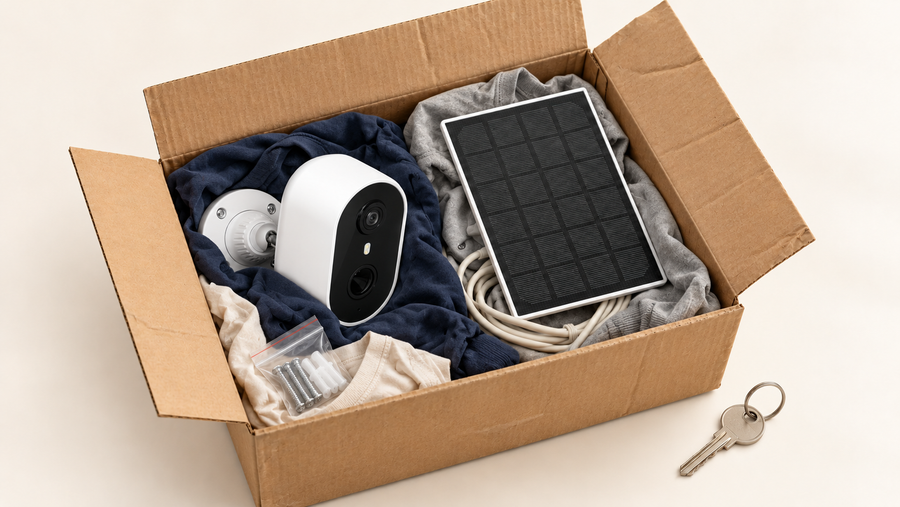
“Wireless” usually describes a connection or power arrangement; it does not establish that installation requires no drilling. A battery camera may still need a screwed bracket, while a Wi-Fi camera may need a power cable.
Before buying, check the exact camera, mount, surface and installation instructions. Confirm whether the proposed method is permitted by your lease and whether removal could damage paint or finishes.
Do not assume an adhesive or door-mounted accessory fits every model. Check dimensions, door clearance, opening direction, mounting surface and the accessory’s stated compatibility. Obtain written approval where required.
Motion Detection and Alert Features
Check what the exact model detects and how notifications reach your phone. Test alerts at the intended position, including normal traffic and deliveries. Power, network conditions and settings can affect detection and notification timing; an alert does not guarantee a complete saved recording or an immediate response.
Field of View and Angle
Check the actual view from the proposed position. A wider lens may include more of a shared corridor than you need, while a moving camera cannot show every direction simultaneously. Test the view with doors open and closed and keep neighboring interiors outside the frame.
Verify recording separately from live viewing and alerts. Detection zones may filter activity without hiding that area in saved video; confirm the exact model’s behavior before relying on a privacy setting.
Affordability Without Compromising Quality
Compare the features needed for your specific purpose, including useful saved footage and access controls, rather than choosing on camera price alone. Use the budget checklist below to include compatible accessories, storage and recurring costs.
Confirm Permission and Total Cost
Message to Your Landlord or Property Manager
This editable message is a communication template, not legal permission or a price quotation.
“I would like to install [camera/model] at [location] using [mounting method]. The proposed view is shown in the attached image, and audio will be [off/on, subject to applicable requirements]. Please confirm whether this is permitted, whether any access or fire-door restrictions apply, and what removal or restoration is required when I move out. I will wait for any required written approval before installation.”
| Budget item | Check before ordering |
|---|---|
| Existing locks and building access | Report faults and confirm who is responsible for repairs |
| Camera | Exact model and included accessories |
| Mount | Compatibility, surface and removal requirements |
| Power | Cable routing, charging access or approved installation |
| Storage | Included capacity, extra media and optional subscription |
| Moving out | Removal, restoration and account transfer requirements |
Record one-time and recurring costs separately. Do not assume the advertised camera price covers the complete setup.

Final Thoughts
Start with the lease, working locks and building access. Add equipment only where it solves a defined need and can be installed appropriately.
For an indoor viewing option, review the IndoorCam P1 Pro’s features and installation information. Confirm placement, power, storage and privacy requirements for your rental before ordering. For any recommended product, check its exact mounting instructions and suitability for the intended location rather than assuming it is approved or damage-free.
FAQs About Apartment Security
Can I change my apartment lock?
Check the lease, local requirements and building access arrangements before changing hardware. Obtain any required approval and confirm key access and emergency-egress requirements.
Does a wireless camera mean no drilling?
No. Check the mounting instructions and accessory compatibility separately from power and Wi-Fi. Adhesive mounting is not automatically suitable or damage-free.
Can door sensors, locks and cameras share one app?
Only where the manufacturers explicitly support the exact combination. Check model numbers, hub requirements, protocols and supported functions before buying. This article does not establish universal aosu compatibility with third-party locks or sensors.
How can I protect neighbors’ privacy?
Limit the view, check shared-space rules and assess audio separately. Review access, retention and any privacy controls. Do not assume a motion zone masks saved footage.
What should I do if the camera goes offline?
Check power, charging, network availability and the model’s connection instructions first. Follow official troubleshooting before resetting a device, and confirm what a reset will erase.