


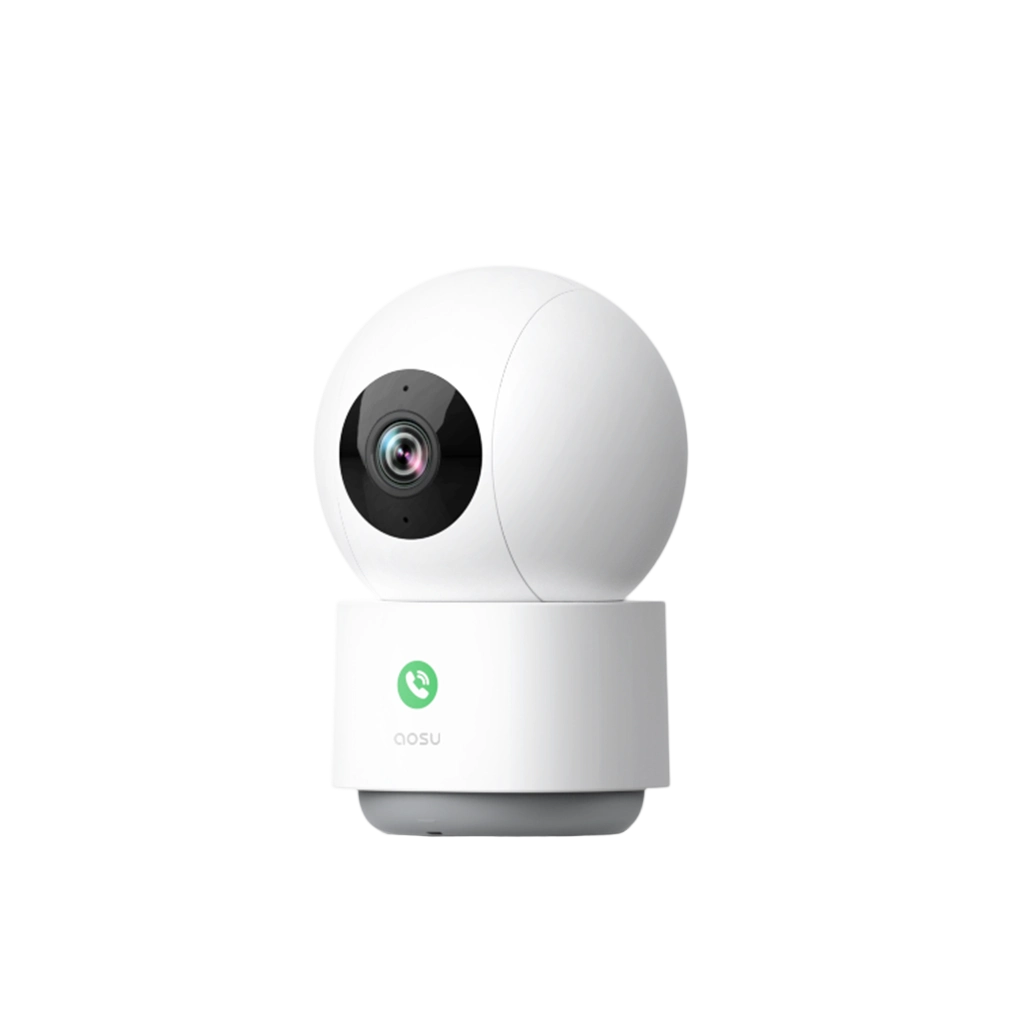
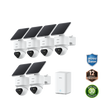
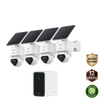
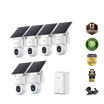
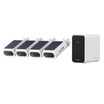

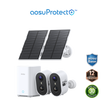
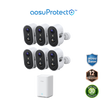
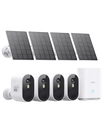
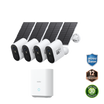
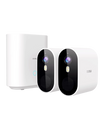
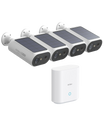
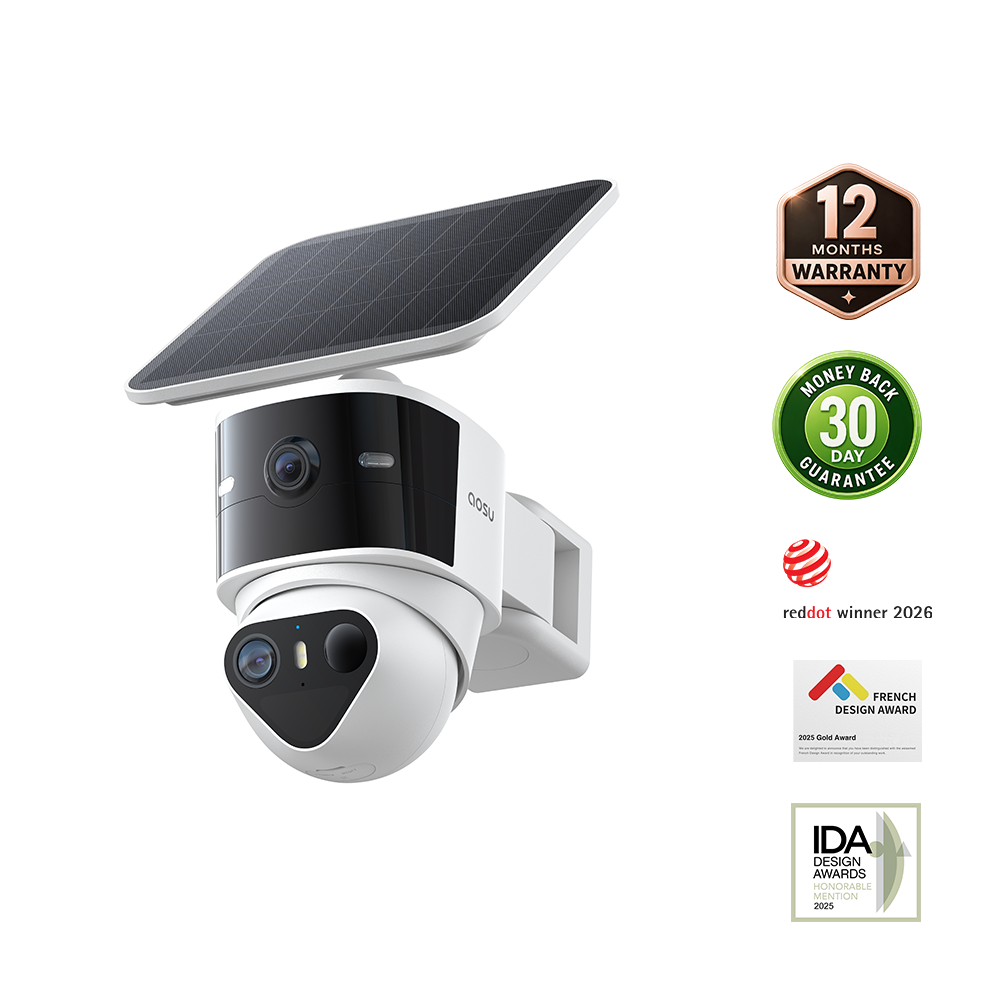
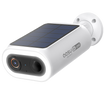
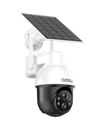
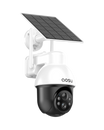
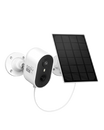
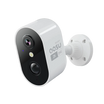
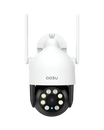
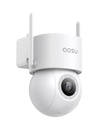

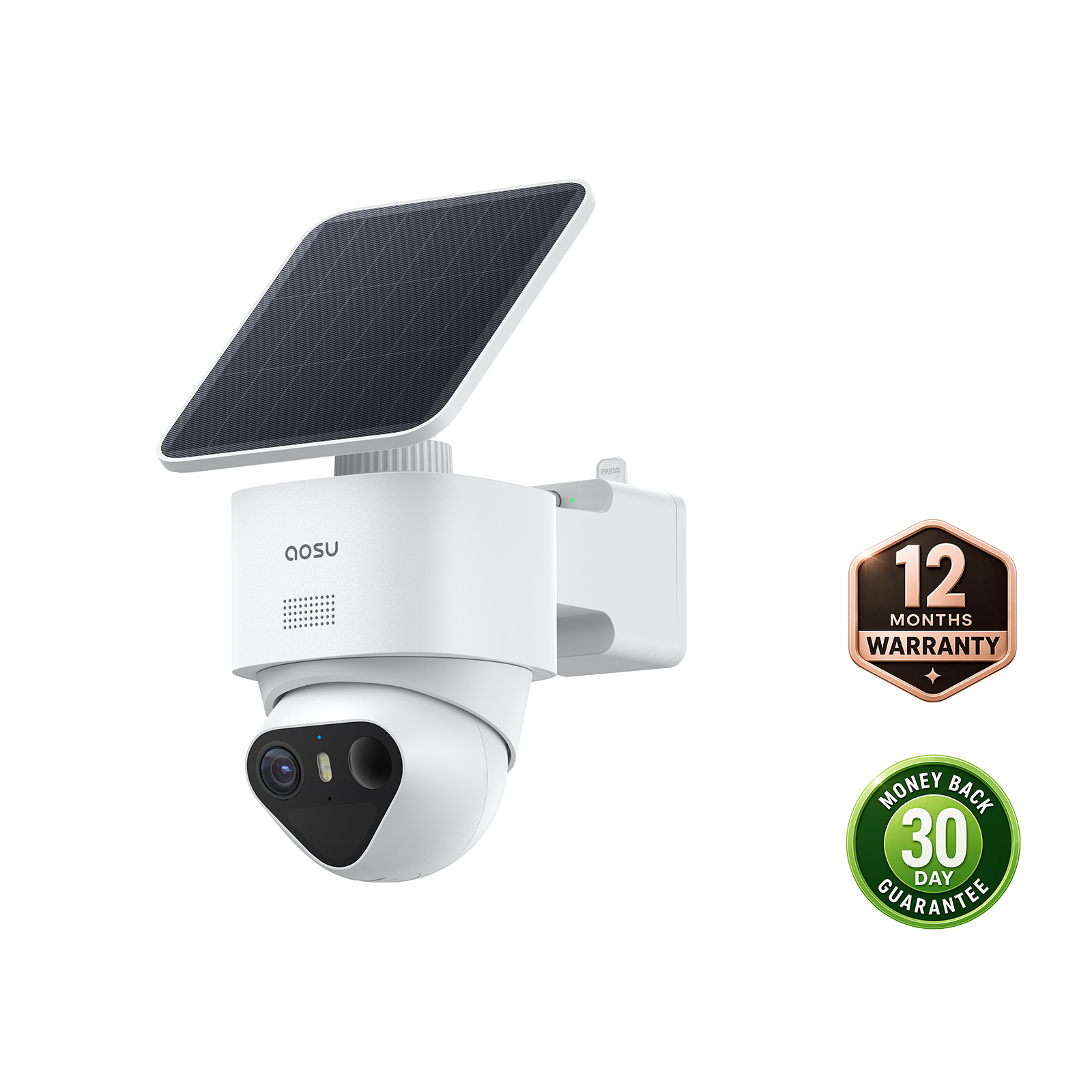

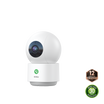
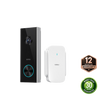
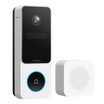
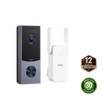
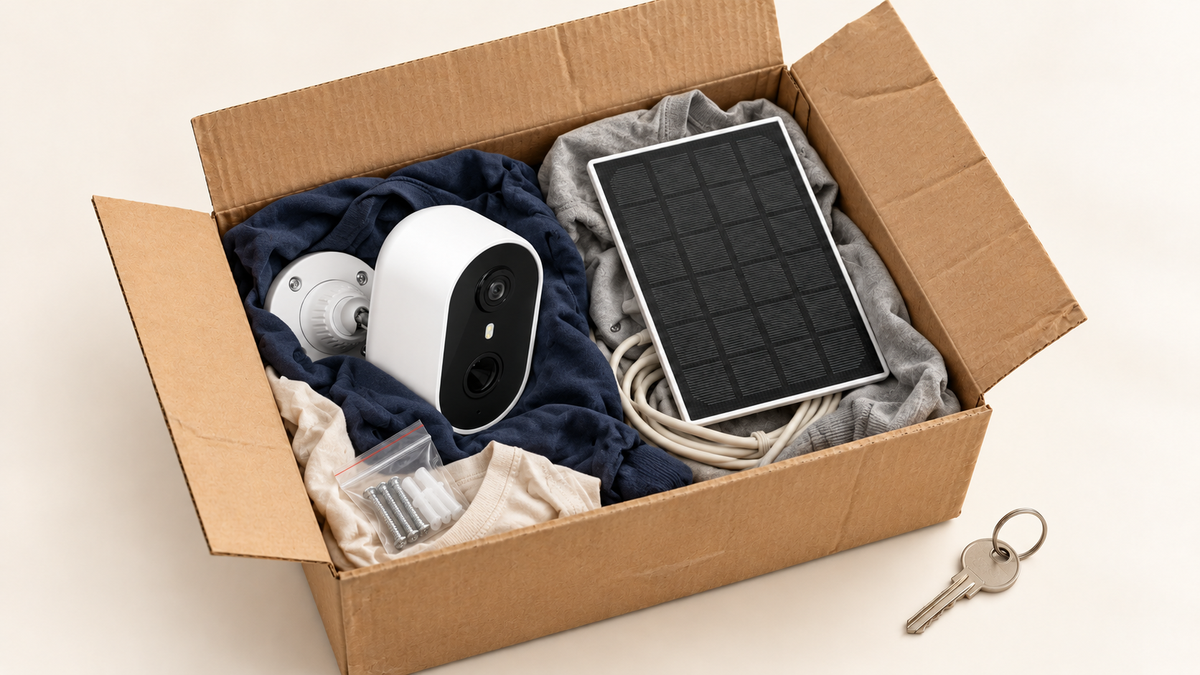
Moving home with wireless security cameras is easiest when you treat the setup as four steps: decide what belongs to you, preserve the footage you need, close out the old-home access, and rebuild coverage at the new address. Start early, before keys change hands or movers pack the small parts. That gives you time to resolve any agreement about installed equipment and to bring each camera back online without losing track of its accessories or account settings.
Decide Which Security Cameras Move With You and Which Stay With the Home
Start with ownership and written agreements, not the camera location. A camera you bought may still need to remain if a lease, listing, purchase contract, or separate written agreement says it is included with the property.
Make a short decision list for every device before removing anything:
| Device Situation | What to Confirm Before Move-Out | Next Step |
|---|---|---|
| Freestanding camera you purchased | No agreement says it stays | Add it to the moving inventory |
| Camera attached to a wall, trim, or doorframe | Whether the lease or sale agreement treats it as included | Get the decision in writing |
| Shared system or camera left by a prior owner | Who owns the account, storage, and hardware | Do not remove it without permission |
| Camera being left for the buyer or landlord | Reset responsibility and access handoff | Record the device and agreement |

Photograph each installed camera and its mounting area before removal. The photos create a simple condition record and help you remember the original position if a landlord, buyer, or installer needs to review it later.
Save Important Footage Before the Old Home Is No Longer Yours
Preserve the clips you may need while the cameras, app, and old network still work. Waiting until after removal can leave you without the connection, storage device, or account access needed to retrieve a recording.
Begin with footage that has a clear reason to keep, such as move-out condition records, a delivery issue, a maintenance visit, or an incident already being discussed with another party. Review the relevant dates, save the original available clip using the app's export or download option, and note the camera name and time shown in the app. Keep any exported files in a private location you control.
Do not rely on a screenshot alone when the moving picture or audio provides context. Also avoid deleting footage simply because the home is changing hands. Retention periods, local rules, and the circumstances of an event can matter. If a clip relates to a dispute, claim, or legal matter, seek appropriate professional guidance before changing or sharing it.
Remove Old Address Access From Your Security Camera App
Your old address should no longer remain an active, loosely shared camera location once the handoff is complete. The goal is to prevent former household members, new occupants, or forgotten devices from retaining access they no longer need.
Use this closeout sequence in your security camera app:
- Review the home or location name and remove the old address from labels, notes, and saved locations where the app supports it.
- Check shared users and revoke access for anyone who will not remain authorized after the move.
- Sign out of phones or tablets that are being sold, recycled, or left behind.
- Change the account password if the old credentials were known outside your current household, then confirm recovery email and phone details are current.
- Follow your model's instructions for removing, transferring, or resetting a camera only after you have saved the footage and made the ownership decision.
Do not reset a camera that you have agreed to leave until the receiving party knows what account setup they will need. Confirm the camera is removed from your account before the new owner adds it to theirs, and keep a clear written handoff.
Pack Each Wireless Security Camera With Its Power, Mounting, and Storage Parts
Keep each camera's supporting parts together so unpacking does not turn into a search through several boxes. A small labeled bag for every device is more useful than one large bag of mixed screws and cables.
For each camera, pack:
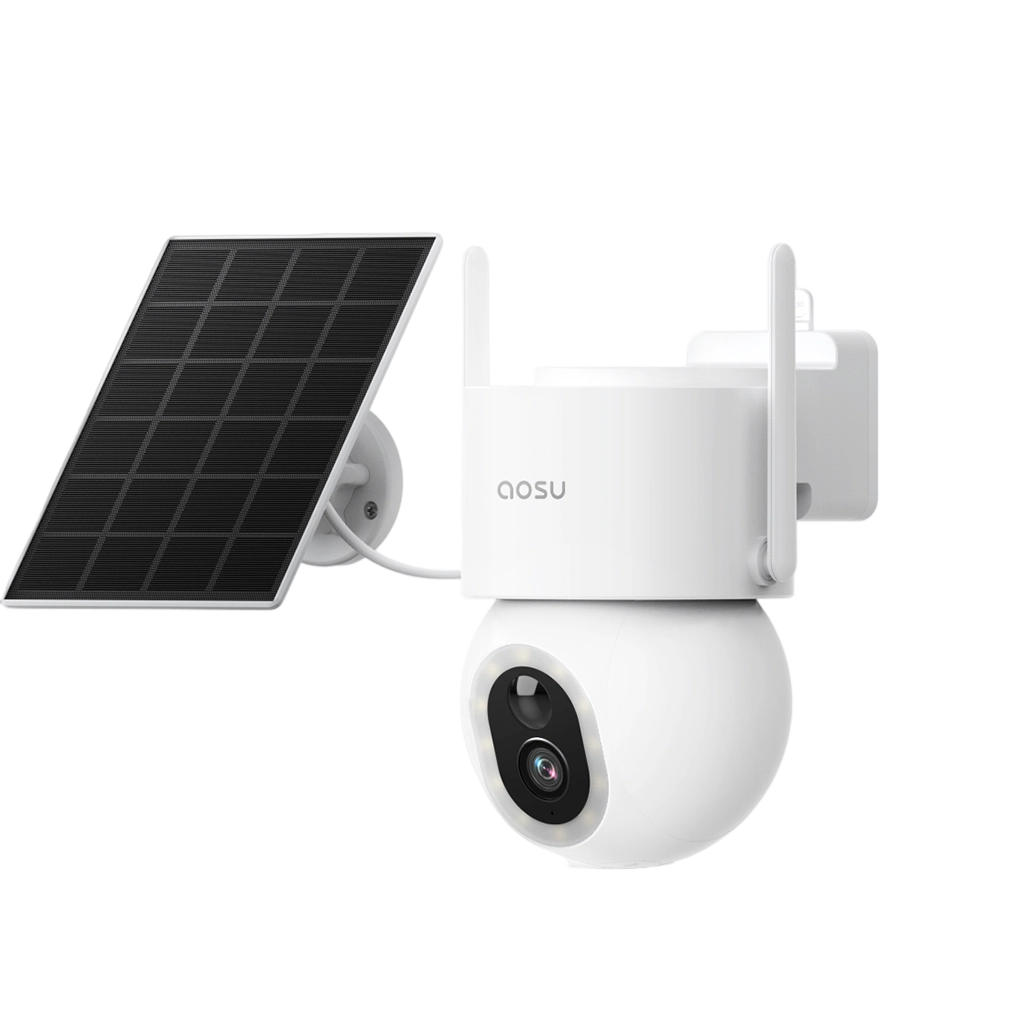
- The camera and any detachable solar panel or power adapter that belongs to it
- The mounting plate, bracket, wedge, screws, anchors, and removal tool
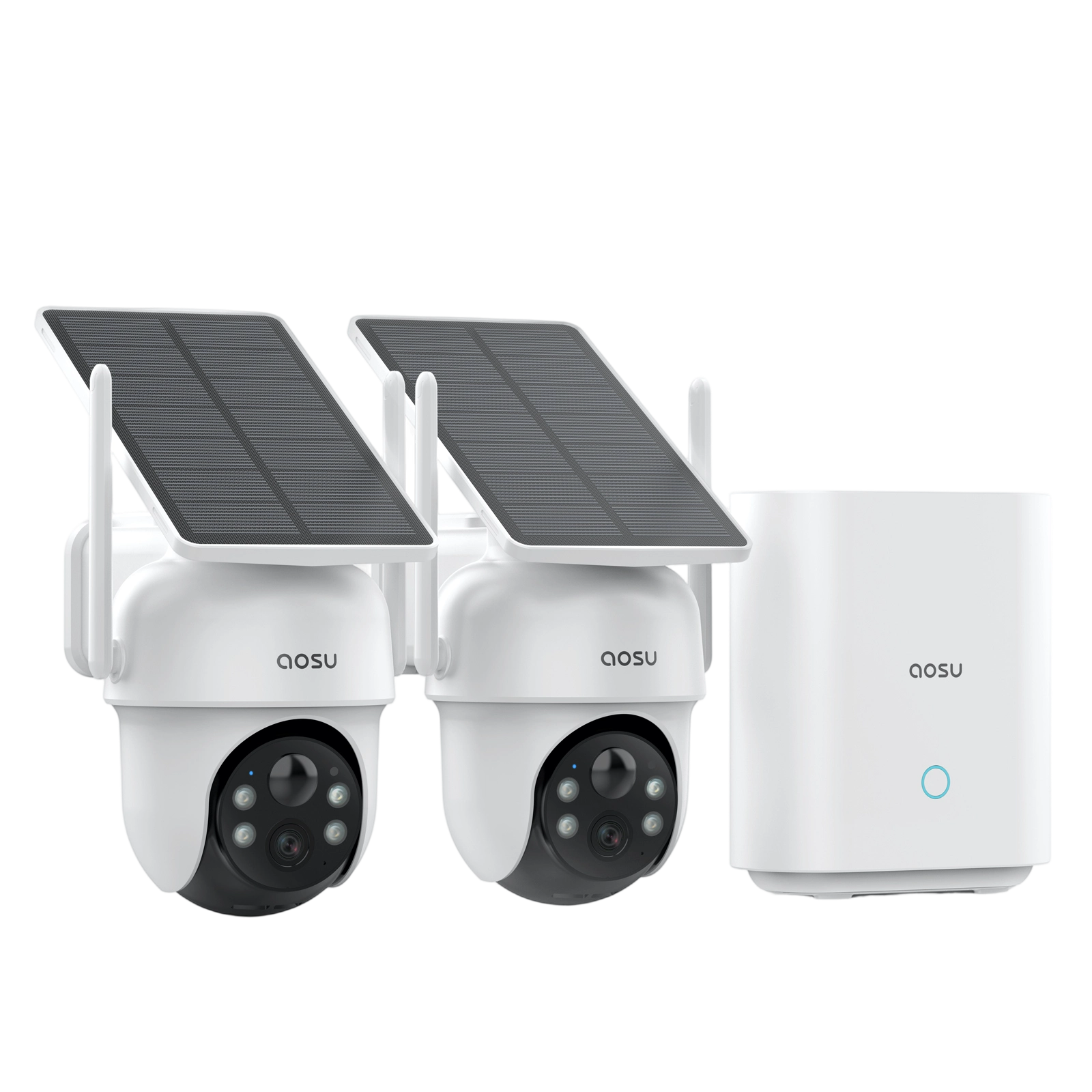
- Any removable storage part or base-station component assigned to that system
- A label with the old camera name and the new area you expect it to cover
- The model information and a photo of the original installation, if it may help with reinstallation
Protect the lens and exposed connectors from loose hardware during transport. If a battery camera must be stored for more than a short move, follow the product instructions for battery handling and charging instead of sealing a device in a hot vehicle or damp box.
Check the New Home Network Before Reconnecting Your Cameras
Plan the network around where the cameras will operate, not around the router's location alone. Wireless security cameras with Wi-Fi need a dependable signal at the planned mounting position, including outside areas such as a porch, driveway, or side gate.
Before mounting, confirm the new internet service is active and that you know the Wi-Fi name and password. With mobile data turned off, use a phone connected to the new Wi-Fi at each proposed camera position to check whether the connection is consistently usable. Thick exterior walls, metal doors, a detached garage, and long distances can change the result from room to room.
Reconnect and Test One Camera at a Time After the Move
Install one device, verify it, then move to the next. That approach makes it clear whether a problem belongs to a single camera, its mounting location, or the new network.
Use the same short acceptance check for each camera:
- Reconnect the camera to the new network, or add it to the account if the model-specific setup steps require it.
- Confirm a live view appears at the intended mounting location.
- Walk the normal approach route and check whether the camera creates the expected alert or recording.
- Review the clip for a useful view of the activity area, including daytime lighting and, when practical, the usual evening conditions.
- Verify the camera name and location label so notifications remain easy to identify later.

Only make one adjustment at a time, such as camera angle, height, or placement. If the signal or alert result changes, retest before permanently fastening the mount. For a wireless security camera system, this device-by-device record is especially helpful when several cameras are being connected after the same move.
Settle Into the New Home With Every Security Camera and Account Under Control
Finish the move with a brief account and coverage review. Confirm every camera is assigned to the new home, shared only with current household members, and named for its new location. Then check a live view and a recent recording from each device. If the new layout calls for broader coverage, use our home security system options as a starting point after you map the activity routes you want to monitor. A focused final check helps your security setup feel settled along with the rest of the home.
FAQs
Q1: Do I Need Permission to Remove a Security Camera From a Rental?
Often, you should check the lease and obtain written confirmation before removing a mounted camera. The agreement may address alterations, installed items, restoration, and notice requirements. A device you own is not always the only issue: the mounting method and resulting condition can also matter. Keep copies of the lease, messages, and move-out instructions.
Q2: Should I Repair Old Security Camera Mounting Holes Before Moving Out?
Usually, follow the written move-out instructions and the lease. Photograph the wall or trim after removal, then ask the landlord whether they want holes patched or whether they will handle the work. Do not assume that a particular repair material or paint match is acceptable, especially on exterior surfaces or specialty finishes.
Q3: Are Security Cameras Considered Fixtures in a Home Sale?
It depends on the purchase contract and applicable local rules. A camera that is permanently attached may be treated differently from a freestanding device, but the clearest answer is the written agreement between buyer and seller. Identify any cameras, bases, and related accessories in the contract or disclosure before closing.
Q4: Does Moving a Security Camera Change Its Warranty Coverage?
Moving does not by itself answer that question. Review the current warranty terms for the exact model, retain proof of purchase, and follow the installation and care instructions at the new home. Coverage can depend on the product, purchase channel, damage type, and whether the claim meets the policy conditions.
Q5: Should I Update My Home Insurance After Moving Security Cameras?
Ask your insurer whether the new address, changed property details, or security equipment should be reflected in the policy. Insurers set their own requirements and may treat discounts, documentation, and covered property differently. Keep the answer in writing and update the insurer promptly if your policy requires a change.