Smart front-door security starts with a door that closes correctly, a sound frame and suitable locking hardware. Connected devices add ways to see visitors, manage authorized access and review activity.
Plan three layers separately:
- Physical security: Door, frame, hinges, lock and strike engagement.
- Awareness: Visitor video, door-position information and notifications.
- Access control: Who can unlock, through which method and under what conditions.
A hub or shared platform does not automatically connect every device or support every action. Confirm the exact models and functions before buying.

Why Cameras Play a Key Role in Door Security
A camera can help you review visitors and recorded activity within its view. It supports awareness rather than physically securing the door, frame or lock.
Check live view, saved playback, export and notification delivery separately. Their usefulness depends on power, connectivity, storage, settings and what the camera can actually capture. A notification does not establish that a complete recording was saved.
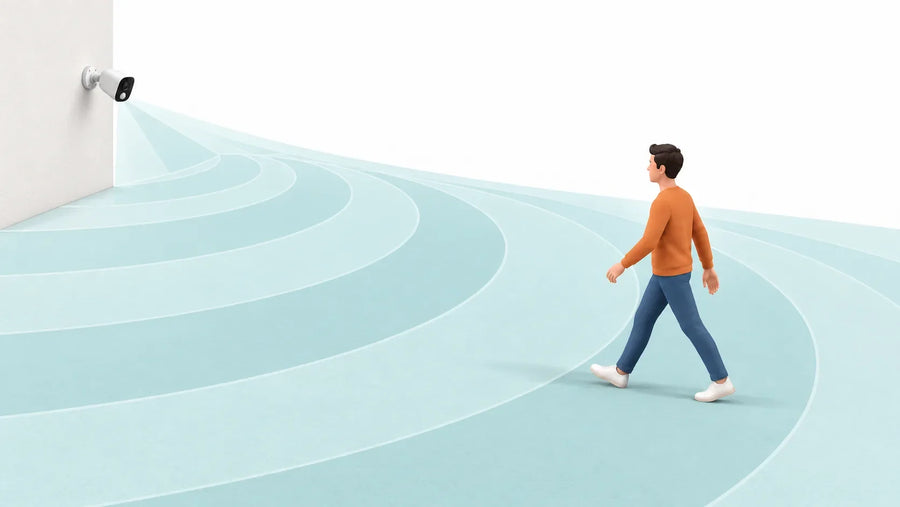
Test a moving visitor and the parcel area in daylight and after dark. A visible camera may discourage some unwanted activity, but it does not guarantee prevention, identification or recovery.
For the basic functions, read how doorbell cameras work.
Compare Exact Doorbell Configurations
Review the current Video Doorbell SE, Video Doorbell Pro and Video Doorbell R1 Ultra pages separately.
For each option, confirm the model identifier, power arrangement, supported Wi-Fi connection, storage location and included detection features. Do not transfer specifications between similarly named products.
Test the visitor and parcel areas at your entrance. A wide-angle figure or higher resolution alone does not establish that both areas will be visible with useful detail.


Outdoor Security Cameras

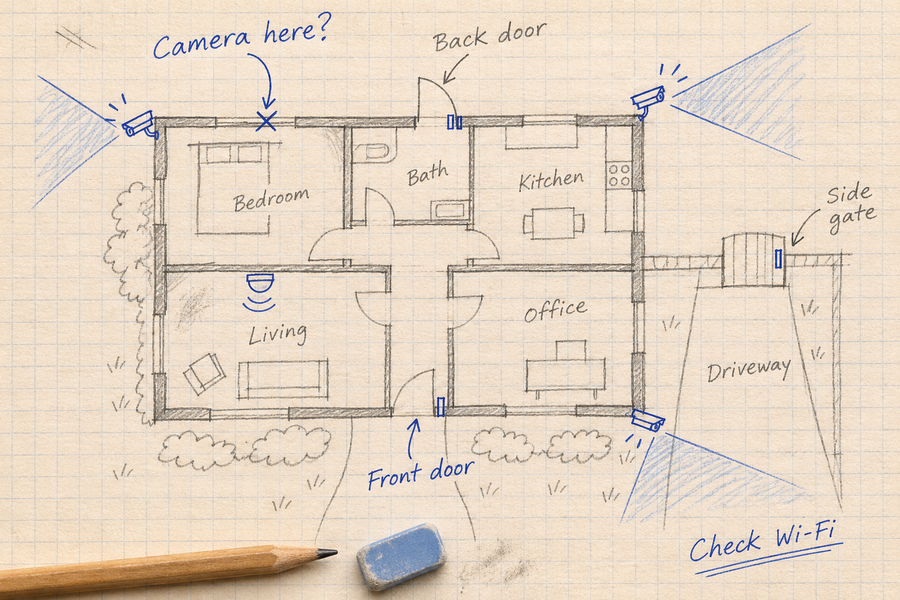
An outdoor camera can add another viewpoint where a doorbell lacks the required view or detail. Choose it for that specific gap and test saved footage. Detection classes, tracking, lighting and recording modes vary by model; an AI feature does not eliminate missed events or hidden routes.
Floodlight Cameras

A camera with integrated lighting may suit an entrance that needs both illumination and video. Confirm that the lighting position also provides a useful camera view, and test glare, shadows and moving subjects after dark. Lighting does not establish continuous recording or guaranteed deterrence.
Check Storage and Access Separately
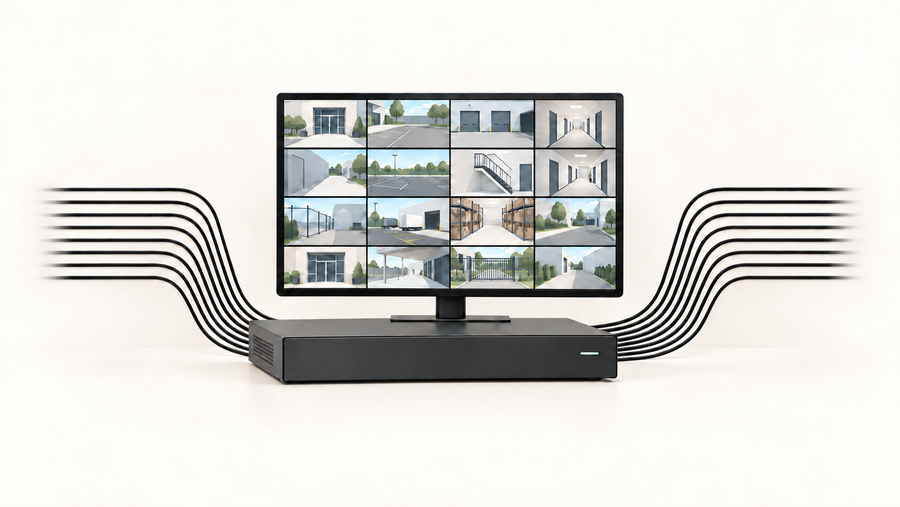
Local storage describes where footage is saved. It does not, by itself, establish who can access it, whether remote viewing works without internet, or whether playback has no delay.
Check account sharing, encryption, retention and export controls. Compatible systems may provide remote access to locally stored clips when the required devices and internet connections are available.
Cloud storage can add an off-site copy of successfully uploaded recordings, subject to the selected plan. Compare storage location, access permissions and ongoing fees as separate decisions.
Check Each Access-Control Action
A camera and smart lock can be used side by side without direct integration: review the visitor in the camera app, then make a separate decision in the lock’s supported control system.
Before enabling a linked routine, confirm:
| Check | What to establish |
|---|---|
| Exact devices | Lock, camera, hub and platform compatibility |
| Supported action | Viewing, locking and unlocking may have different permissions |
| Door state | Lock status is not automatically proof that the door is closed |
| Authorization | Who can use remote control or guest access |
| Failure behavior | What happens when power, internet or a service is unavailable |
Do not use an absence of camera motion as proof that a door is closed or ready to lock. Use only manufacturer-supported routines and verify their behavior in the actual installation.
Keep a documented backup access method appropriate to the lock and household.
Test the Complete Entrance Setup
Test the complete entrance setup before relying on it:
- Check that the door closes and the lock engages correctly.
- Review a visitor near the door and a parcel at the normal drop location.
- Repeat after dark with normal porch lighting.
- Confirm saved playback and export, separately from live view.
- Test notifications on the intended phone connection.
- Create and revoke a test guest permission where supported.
- Confirm the documented behavior during internet loss and low battery.
Record the exact models, app versions and settings. Describe an integration as verified only after testing the specific action; support for a voice assistant does not establish complete cross-device compatibility.
Conclusion: Build Front-Door Security in Layers
Build the setup in order: sound door hardware, useful visitor coverage and controlled access. Confirm what each device does independently before enabling any shared routine.
For doorbell options, compare the current aosu models and configurations. Choose around your entrance, storage needs and permissions rather than assuming that every smart device works together.
FAQs About Smart Door Security Tools
Does a smart lock replace stronger door hardware?
No. Check the door, frame and locking installation as well as connected features.
Must the camera and lock use one app?
No. Separate supported apps may meet the need. One app is not proof of safer access control.
Can a doorbell automatically unlock a smart lock?
Do not assume so. Confirm the exact supported devices, permissions and action before enabling a routine.
Does local storage mean only I can view recordings?
No. Access also depends on accounts, sharing and security controls. Review those settings separately from storage location.