










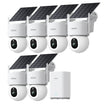
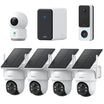








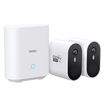


















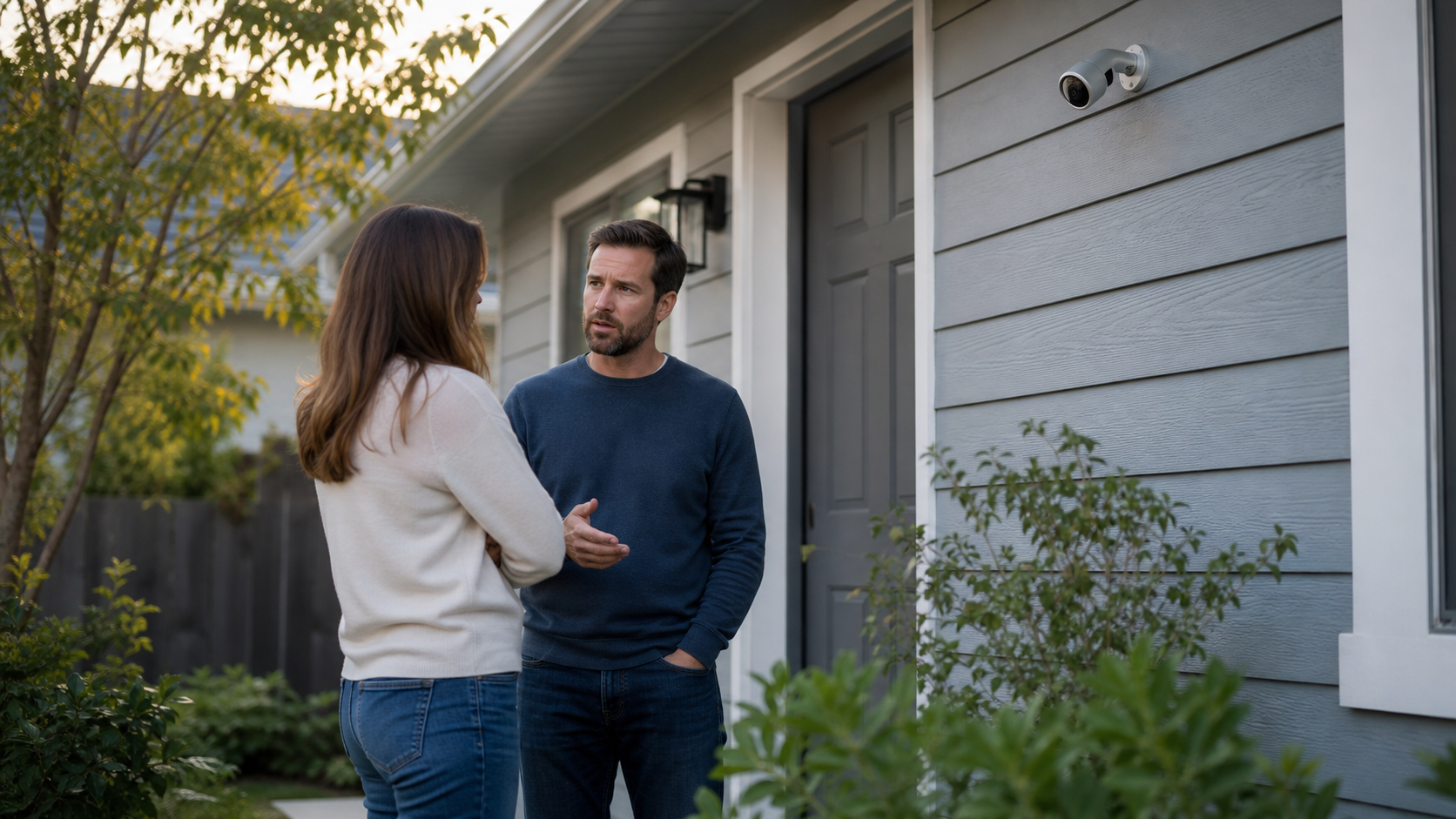
If you are worried that a nearby security camera might be recording your voice, the short answer is: it might be, but it is not guaranteed.
Many modern cameras have microphones. Some save audio with video clips. Some only let the owner listen live. Some have speakers for two-way talk but do not necessarily record every conversation. And some cameras have no audio feature at all.
This guide is for the uncomfortable real-life version of the question: you noticed a camera, you are not sure what it can capture, and you want to understand what is realistic without spiraling.
The Short Answer: Yes, Some Security Cameras Can Record Sound
Security cameras can have sound if they include a built-in microphone. That microphone may support live listening, saved audio recordings, two-way talk, sound-triggered alerts, or some combination of those features.
However, a visible camera does not automatically mean your voice is being recorded. The owner may have audio disabled. The camera may only save video. The microphone may be too far away, blocked by weather, overwhelmed by traffic, or not included on that model.
The practical takeaway: treat camera audio as possible, especially near doorbells, porches, indoor cameras, and newer outdoor cameras, but do not assume every camera is continuously recording clear conversations.
If You Are Worried Right Now, Start With These Steps
When this concern hits, it is easy to jump straight to worst-case thinking. Start with low-risk, practical steps first.
- Move sensitive conversations somewhere private
If you need to discuss personal, medical, financial, legal, or workplace information, move indoors, farther away, or somewhere you control. That is the fastest way to reduce risk.
- Do not touch or block someone else's camera
Even if you feel uncomfortable, do not tamper with, cover, damage, or reposition a camera you do not own. Document your concern instead.
- Take notes and photos if appropriate
Write down the date, location, camera position, and why it concerns you. A photo from a place you are allowed to stand can be useful if you need to ask a landlord, property manager, HOA, employer, or local authority.
- Ask a direct but calm question
If it is safe and appropriate, ask the owner or manager whether the camera records audio. Simple wording works: 'Does that camera record sound, or is it video only?'
- Escalate if the setting is private or unsafe
Bathrooms, bedrooms, changing areas, private offices, rentals, and workplaces can raise much more serious concerns. If you feel unsafe or suspect illegal recording, contact the appropriate authority rather than trying to investigate alone.
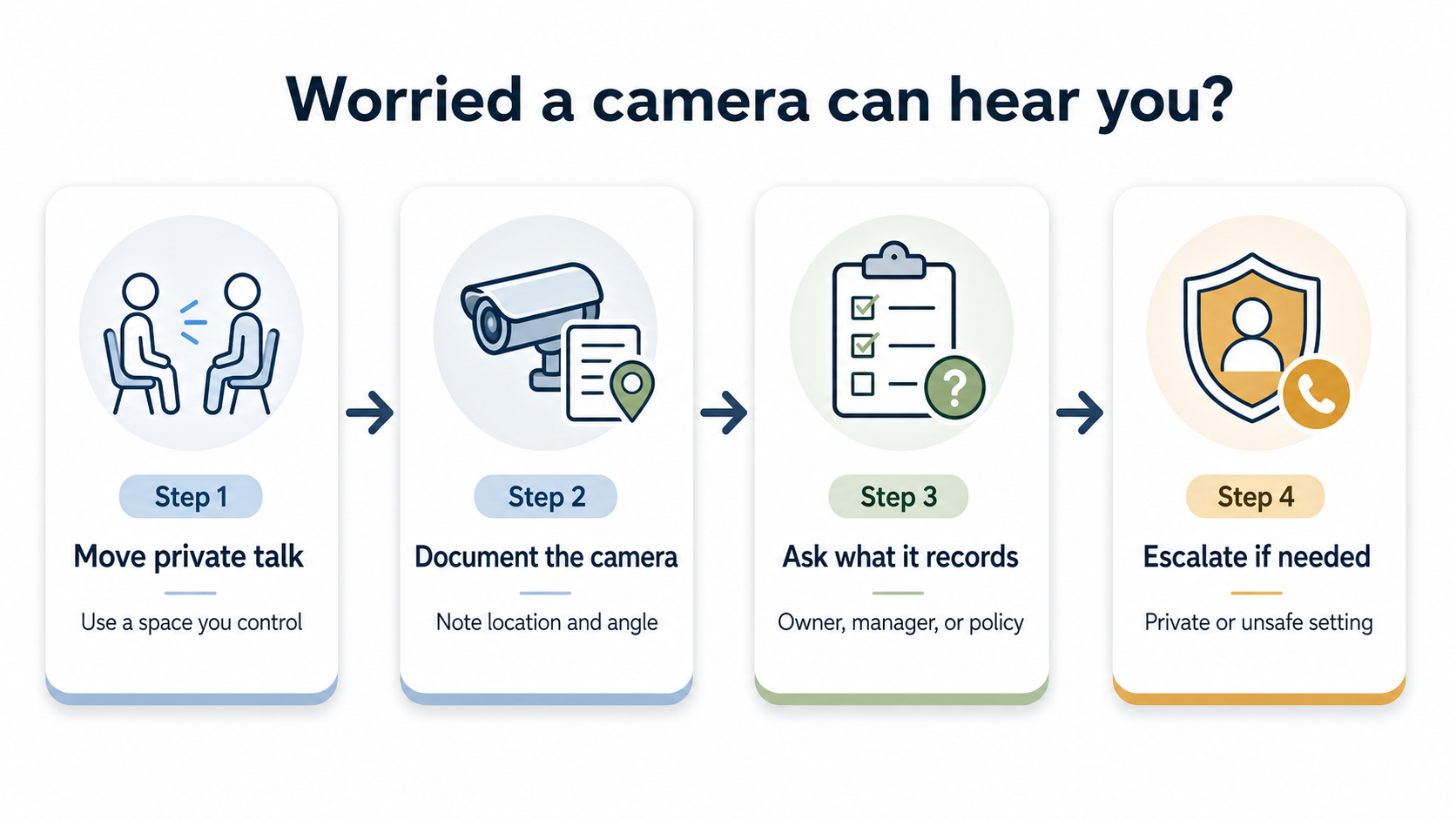
Start with the lowest-risk steps: move private conversations, document the situation, ask what the camera records, and escalate if the setting is private or unsafe.
What a Security Camera With Audio Can Actually Capture
A camera with a microphone can usually capture nearby sound. That might include a visitor talking at the door, a delivery driver speaking from the porch, a gate latch, a car door, a dog barking, or people talking close to the camera.
But security camera audio is not magic. Distance, walls, wind, rain, traffic, air conditioners, music, and the camera housing can all reduce clarity. A camera may pick up that people are talking without capturing every word clearly.
The closer you are to the camera and the quieter the surroundings, the more likely audio becomes useful. A porch conversation ten feet from a doorbell camera is much more likely to be understandable than a conversation across a busy driveway.
The Feature Names That Matter
If you can identify the model or see the product page, look for these terms. They tell you more than the generic word 'audio.'
| Built-in microphone | Audio recording | Live listening | Two-way talk | Sound detection |
|---|---|---|---|---|
|
|
|
|
|
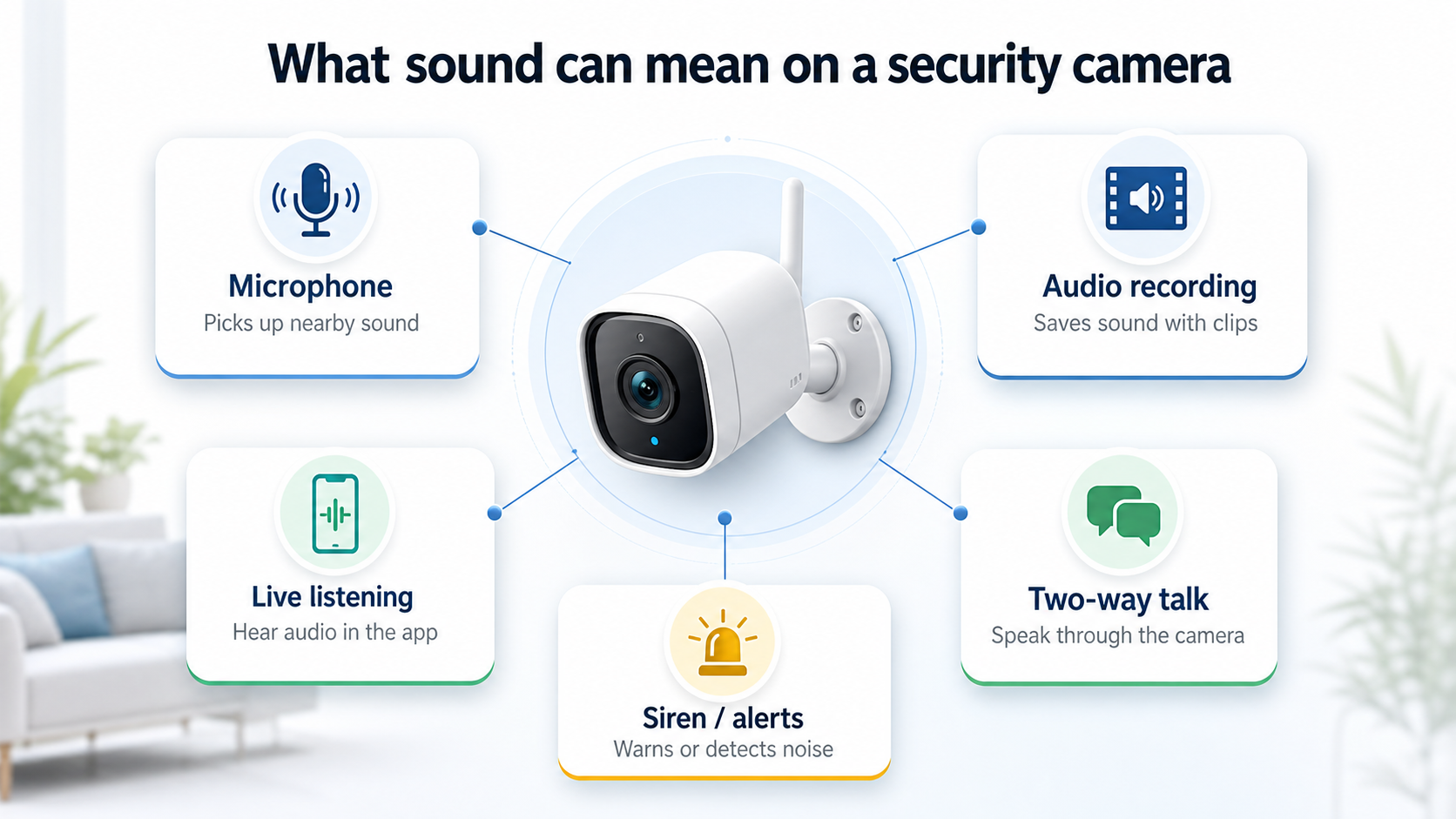
A camera can have a microphone, live audio, two-way talk, or saved recordings. Those are related, but not identical.
Signs a Security Camera Might Have Sound
You usually cannot know for certain just by looking at a camera from across the room or across a yard. Still, a few clues can tell you whether audio is more likely.
- It is a doorbell camera or entry camera
Doorbell cameras commonly include two-way talk and microphones because they are designed for visitor conversations.
- It has a visible mic hole or speaker grille
Small pinholes, speaker slots, or a talk/siren feature can point toward audio hardware, though design varies by model.
- The product listing mentions two-way audio
Two-way audio usually means the device can both hear and play sound, even if saved audio recording is a separate setting.
- It is indoors
Indoor cameras are more likely to capture clear conversations because they are closer, shielded from weather, and placed in quieter spaces.
- It is connected to an app or cloud account
App-connected cameras often offer live view, playback, audio toggles, and user permissions. That does not prove audio is enabled, but it makes audio features more plausible.
Could It Be Recording Continuously?
It is possible, but not every camera records continuously. Many battery-powered cameras record short motion-triggered clips to save battery and storage. Wired cameras, NVR systems, and some indoor cameras are more likely to support continuous recording.
Audio can also be handled separately from video. A camera might continuously record video but not audio. Another might save audio only during motion events. Another might allow live listening but not store audio in playback.
If you are in a place you do not control, the safest assumption for sensitive conversations is simple: if a camera with a microphone is close enough to hear you, do not discuss anything private there.
No Visible Camera Is Not Absolute Proof That Audio Is Not Being Recorded
A camera is not the only device that can capture sound. Audio-only recorders can be smaller and easier to conceal than a typical security camera, so not seeing a camera does not conclusively rule audio recording out.
That said, the absence of a visible camera is not evidence that someone is recording you. Avoid jumping to conclusions or turning an ordinary space into a search for hidden devices. Focus on concrete facts you can document, the privacy of the setting, and the lowest-risk step you can take.
The Privacy and Legal Side, in Plain English
Audio recording is more sensitive than ordinary security video because it can capture private conversations. In the U.S., federal wiretap law and state recording-consent laws can apply to oral communications, and the details vary by location and situation.
Some places generally allow recording when one party to the conversation consents. Other places have stricter all-party consent rules. The setting also matters: a private conversation in a home, office, rental, or changing area is not the same as being seen by a camera in a public-facing driveway.
This article is not legal advice. If you believe someone is recording private conversations illegally, especially in a bedroom, bathroom, rental, workplace, or other sensitive space, document what you can safely document and contact a qualified local resource.
What to Do in Common Situations
| A neighbor's camera points toward you | A camera is in a rental or Airbnb | A workplace camera might record audio | A family or roommate camera feels intrusive |
|---|---|---|---|
|
|
|
|
Common Mistakes to Avoid
- Assuming a camera is harmless because it is outside
Outdoor cameras can still capture porch, driveway, gate, or patio conversations if they have microphones and are close enough.
- Assuming every camera is recording everything
Some cameras do not have microphones, some have audio disabled, and some only record short clips. Treat audio as possible, not certain.
- Testing the camera by yelling private details
If you are worried about being recorded, do not test it by saying something sensitive. Move away and use non-private test phrases if you must check audibility.
- Tampering with a camera you do not own
Blocking, moving, or damaging someone else's camera can create a separate problem for you. Document and escalate through safer channels.
- Ignoring your own camera settings
If the camera is yours or in your household, check audio recording, shared users, clip downloads, and microphone settings so everyone understands what is being captured.
To Wrap Up
So, do security cameras have sound? Many do. If a camera has a microphone and audio recording is enabled, it may be able to capture nearby conversations. But not every camera records audio, and not every audio feature means continuous saved recordings.
If you are worried, the best first move is practical: do not have sensitive conversations near the camera, do not tamper with it, document the situation, and ask the owner or responsible party what the camera records when it is safe to do so.
The goal is not to panic. It is to treat audio recording as possible, understand the signs, and take calm steps to protect your privacy.
FAQs
Can security cameras record conversations?
Yes, some security cameras can record conversations if they have a microphone, audio recording is enabled, and the conversation is close enough to be captured clearly. Not every camera has audio, and not every audio feature saves recordings.
How far can a security camera hear?
It depends on the camera, placement, background noise, weather, and how loudly people are speaking. A camera near a porch may capture nearby voices clearly, while a camera across a yard or near a busy street may only capture muffled sound.
Can someone listen through a security camera live?
Some app-connected cameras allow live listening if they have a microphone and the owner has access. Live listening is different from saved audio recording, so a camera may allow one without the other.
How can I tell if a camera has audio?
Look for product terms such as built-in microphone, audio recording, two-way audio, two-way talk, sound detection, or speaker. Doorbell cameras and indoor cameras are especially likely to include audio features.
Is it legal for a security camera to record audio?
It depends on the location, the setting, and local recording-consent laws. Audio recording private conversations can raise legal concerns, so check local rules or ask a qualified local resource if you suspect improper recording.


