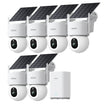
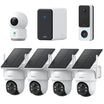




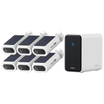




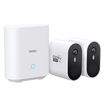



















Wireless security cameras can be a practical choice for a small shop, office, studio, workshop, or service business when running Ethernet would be disruptive or expensive. If you only need the network connection to be wireless, a plug-in Wi-Fi camera can record continuously. Completely wireless cameras, both battery and solar, generally focus on motion-triggered events.
Choose the recording need first. Then compare power, Wi-Fi, storage, access, security, and total cost.
Are Wireless Security Cameras Right for a Small Business?
Wireless cameras are a strong option when Wi-Fi is reliable and the business needs a limited number of clearly defined views. Plug-in Wi-Fi cameras can provide 24/7 recording without Ethernet, while battery and solar models suit event clips, alerts, and locations without convenient power.
A PoE or professionally designed system becomes more appropriate when many critical cameras must record to a central location, the site has network dead zones, or the business needs formal retention, advanced permissions, or video-management integration.
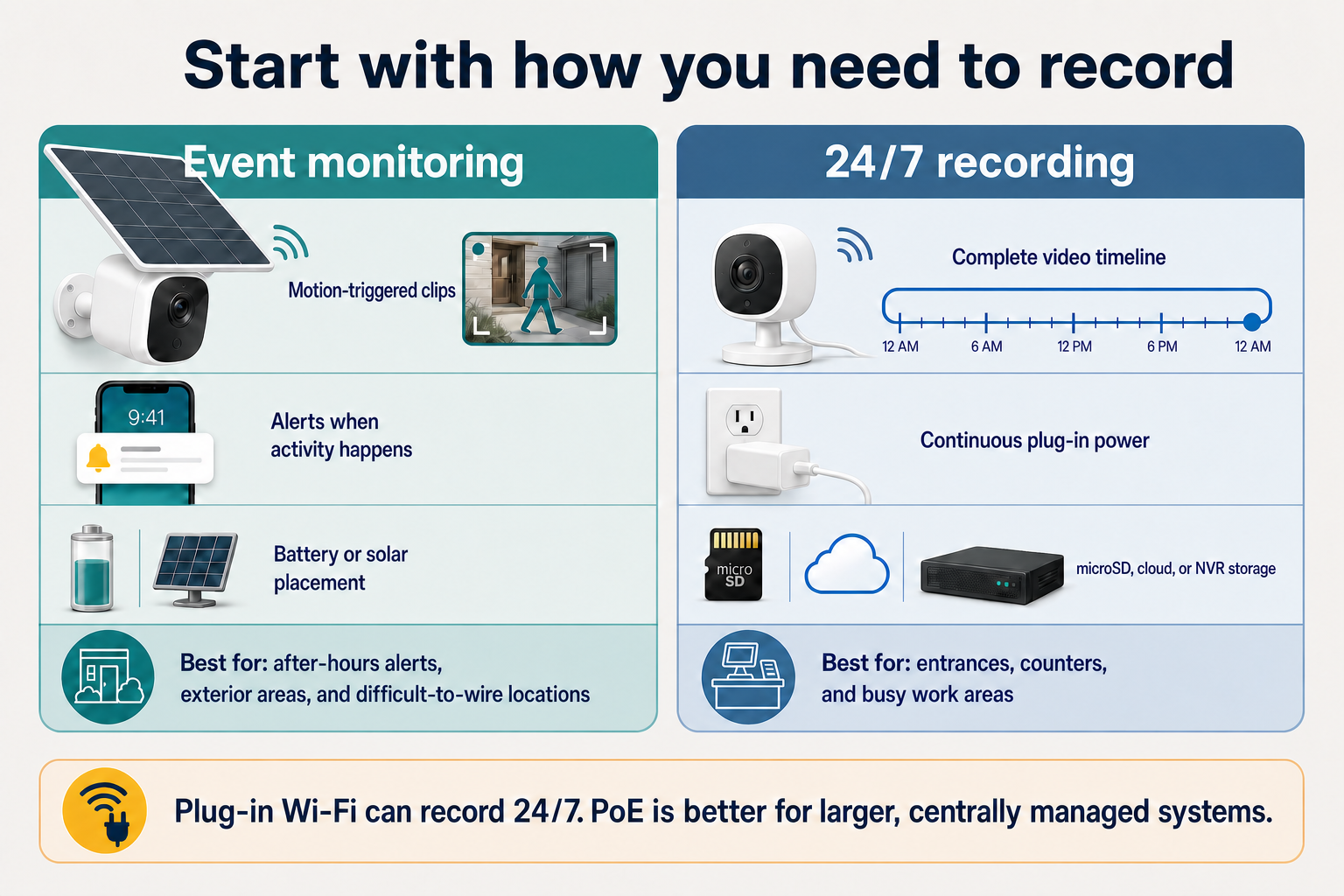
Start with how you need to record: event monitoring and continuous recording require different power and storage choices.
Best Wireless Camera Type by Business Need
The most useful distinction is not simply wired versus wireless. It is how each camera receives power and whether it must capture events or maintain a continuous timeline.
| Plug-in indoor Wi-Fi | Plug-in outdoor Wi-Fi | Battery or solar Wi-Fi | PoE with an NVR |
|---|---|---|---|
|
|
|
|
Six Questions to Answer Before Comparing Models
Resolution and price are easy to compare. These six questions have a larger effect on whether the system will produce useful footage during an incident.
- Which areas need evidence?
List entrances, exits, registers, reception desks, stockrooms, rear access points, and exterior approaches. Give each camera one clear purpose.
- Do you need events or continuous recording?
Motion clips suit alerts and lower-traffic locations. Continuous recording is better when the business needs an uninterrupted timeline during operating hours.
- Will power and Wi-Fi be reliable at the mount?
Test Wi-Fi from the actual mounting height with doors closed and normal business activity. Then decide whether the location needs plug-in power or the flexibility of a battery or solar camera.
- How much footage must be retained?
Set a retention target before choosing storage. Camera count, resolution, event volume, clip length, and continuous recording all affect how quickly storage fills.
- Who needs access, and how will incidents be retrieved?
Decide who can view, change settings, and export clips. Confirm that an authorized person can find footage, preserve it before overwrite, download it, and share it without exposing the full account.
- What is the total cost?
Include cameras, storage, subscriptions, mounts, network upgrades, installation, charging, maintenance, replacement hardware, and the time required to manage users and retrieve footage.
Match the Camera Type to the Business Area
One camera style rarely fits an entire business. A small site may use plug-in indoor cameras for busy areas, weather-rated plug-in cameras for exterior 24/7 recording, and battery or solar cameras where running power is difficult.
| Entrance or reception | Register or service counter | Stockroom or rear door | Parking area or exterior perimeter |
|---|---|---|---|
|
|
|
|
View the aosu IndoorCam P1 Pro
View the aosu Floodlight Cam Pro
Compare 2K and 4K security-camera detail
Review the aosu T2 Ultra specifications
Secure the Camera System as Business Network Equipmfent
Internet-connected cameras are business network devices. The Federal Trade Commission recommends strong, unique passwords, multi-factor authentication, current software, WPA2 or WPA3 encryption, and separating guest access from the primary business network.
- Use individual accounts and MFA
Give each authorized person a separate login when supported, require multi-factor authentication for administrators, and remove access when responsibilities change.
- Separate cameras from sensitive systems
Keep guest Wi-Fi separate and consider a dedicated camera network or VLAN instead of sharing the same network as point-of-sale or office systems.
- Keep firmware and apps current
Enable appropriate updates or maintain a review schedule, and replace equipment that no longer receives security support.
- Test outages and backup power
Confirm what records locally without internet and consider backup power for the router, hub, recorder, and essential plug-in cameras.
FTC cybersecurity guidance for small businesses
FTC guidance for securing internet-connected cameras
Choose Storage for the Footage You Need
Choose storage around retention, retrieval, and what should remain available if a camera is stolen or the internet goes down. On compatible aosu plug-in cameras, 24/7 recording requires a microSD card or cloud subscription.
| microSD in each camera | Local hub or base station | Cloud storage | NVR or video-management system |
|---|---|---|---|
|
|
|
|
Learn how security cameras store footage
Compare security cameras without a subscription
See what cameras can do without Wi-Fi
Pilot One Difficult Location Before Buying the Full System
Test the most distant entrance, busiest counter, or darkest exterior corner before committing to one platform. A short pilot exposes connection, alert, night-vision, storage, and playback problems.
- Test the real mount and normal traffic
Check Wi-Fi, glare, face angle, detection, deliveries, employees, customers, and after-hours movement from the intended position.
- Let the settings run for a full day
Review daylight, closing time, exterior lighting, reflections, and nighttime conditions before judging the setup.
- Simulate an incident
Find the footage, play it back, download it, and share a copy. Confirm that it contains enough context and detail to be useful.
- Test an outage and document the setup
Confirm what continues recording and which alerts stop, then record camera names, power, storage, account owners, retention expectations, and the process for preserving a clip.
To Wrap Up
Wireless security cameras can work well for a small business when the site has reliable connectivity, the recording need is clear, and someone owns the ongoing maintenance.
A practical system may combine plug-in Wi-Fi cameras for 24/7 recording, battery or solar cameras for difficult locations, and PoE where centralized recording or greater scale justifies it. Define the coverage areas, verify power and Wi-Fi, choose storage deliberately, secure the accounts, and test the hardest location before expanding.
FAQs
Are wireless security cameras reliable enough for a small business?
Wireless security cameras can be reliable enough for a small business when Wi-Fi is strong at every mounting point and power, storage, and maintenance are planned. Plug-in Wi-Fi cameras can support continuous recording, while battery and solar models are generally better for event monitoring. PoE becomes more appropriate for larger or centrally managed systems.
Do wireless business security cameras record continuously?
Yes. Compatible plug-in Wi-Fi cameras can record continuously while sending video over the wireless network. For compatible aosu models, 24/7 recording requires a microSD card or cloud subscription. Battery and solar cameras generally record motion-triggered events to conserve power.
Can a small business use wireless security cameras without a subscription?
Yes. A small business can use cameras that store footage on microSD cards, a local hub, or a compatible recorder without paying for cloud storage. Check which playback, detection, sharing, and remote-access features remain available without a paid plan.
How many security cameras does a small business need?
The number depends on the zones that need evidence, not only the building size. Start with entrances, exits, transaction or reception areas, stockrooms, rear access points, and exterior approaches, then give each camera one clear purpose.