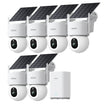
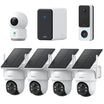




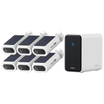




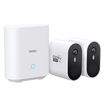


















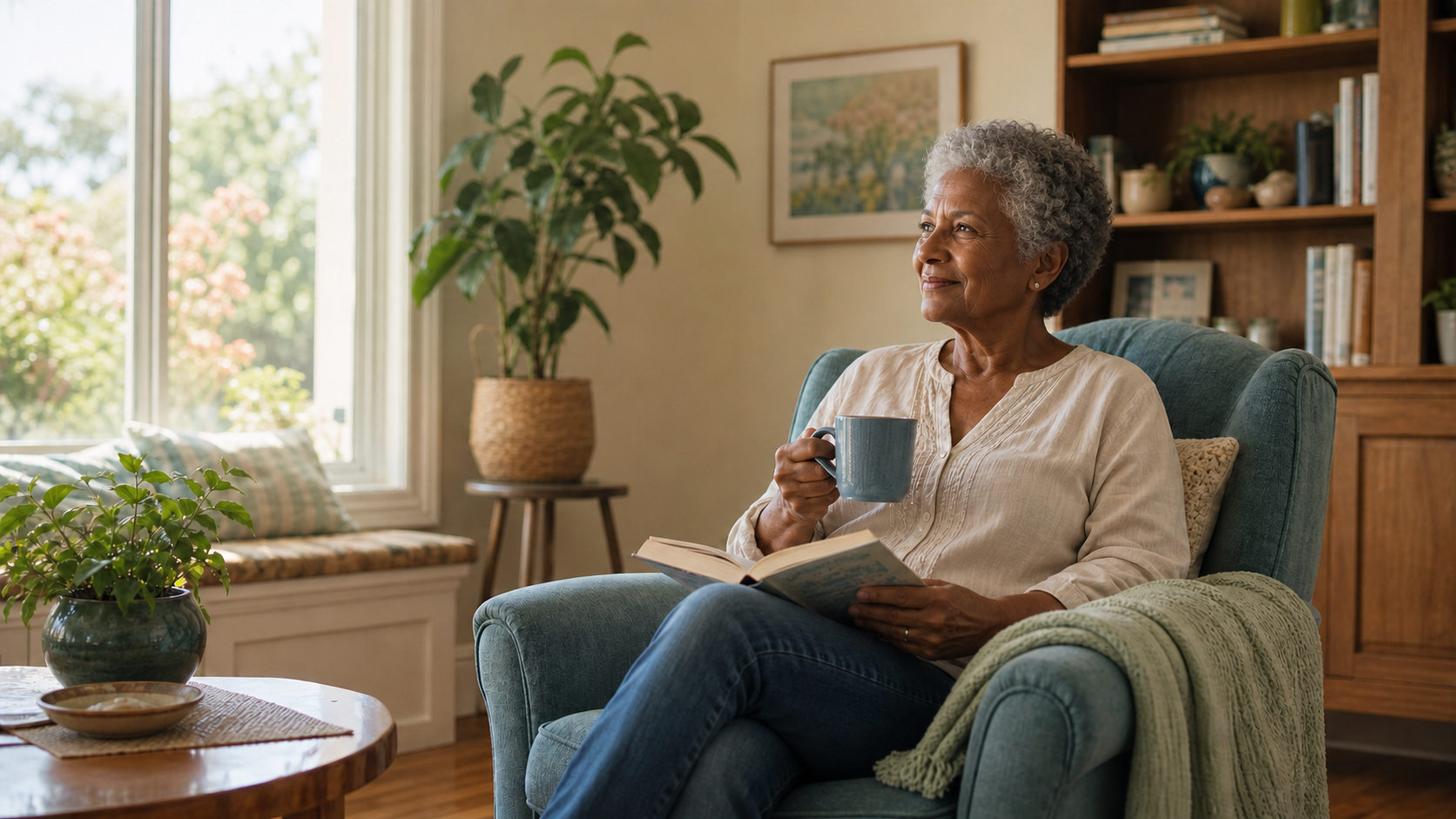
Security cameras can help an older adult feel safer at home without making them responsible for every visitor, alert, or camera setting. With a simple sharing plan, a trusted family member can help when needed.
The most useful setup starts with a real situation. Here are four common examples, followed by a short list of privacy and setup considerations.
How Security Cameras Can Support Aging in Place
For many families, the best role for a camera is simple: help with the front door, confirm an expected arrival, or let a trusted person handle alerts that would otherwise feel stressful. Outdoor cameras and video doorbells are often a good starting point because they can protect the entrance without showing private life inside the home.
The National Institute on Aging recommends planning ahead and reviewing support needs as they change. A camera can be one useful part of that plan when the older adult understands the setup and agrees to how it will be used.
National Institute on Aging: Aging in Place
Situation 1: Visitor or Worker at the Door
A yard worker, repair technician, delivery driver, or unfamiliar visitor rings the doorbell, but the older adult would rather not get up or manage the conversation.
| The situation | Helpful setup | Decide in advance |
|
|
|
Situation 2: Confirm an Expected Arrival
The family wants confirmation that a person or package arrived—or that the older adult returned home.
| The situation | Helpful setup | Decide in advance |
|---|---|---|
|
|
|
Situation 3: Outdoor Security Without Alert Stress
Outdoor cameras feel reassuring, but reviewing frequent alerts feels stressful.
| The situation | Helpful setup | Decide in advance |
|---|---|---|
|
|
|
Read: How to Stop False Motion Alerts
Situation 4: A Missed Check-In
A usual call or message is missed, and the family needs a simple follow-up plan.
| The situation | Helpful setup | Decide in advance |
|---|---|---|
|
|
|
National Institute on Aging: Home Safety Tips for Older Adults
Before Setting Up a Camera
Keep the plan simple and discuss it with the older adult before installing anything. The camera should address a specific concern without creating a feeling of being watched.
Tell regular visitors, household members, home-care workers, cleaners, and other workers about cameras and audio recording when they may be captured. Laws and provider rules vary by location.
If memory or decision-making is changing, involve the person as much as possible and ask the care team or a qualified local professional for guidance. Concern alone does not make secret monitoring appropriate.
- Agree on the purpose
Name the situation the camera is meant to help with, where it will point, whether it records audio, and who can view it.
- Start outside when possible
A doorbell or exterior camera often answers the question without showing private life indoors. Keep bathrooms and bedrooms camera-free.
- Limit and protect access
Share access only with people who need it. Use individual accounts, unique passwords, and multi-factor authentication when available.
- Run a short trial
Test alerts, two-way talk, nighttime video, outages, and privacy controls. Then ask whether the setup feels useful or intrusive.
FTC: How to Secure Your Home Security Cameras
Read: Do Security Cameras Have Sound?
Know What Security Cameras Cannot Replace
A security camera does not replace regular calls, visits, professional care, physical home-safety improvements, health monitoring devices, or an emergency-response plan. Ordinary motion alerts also should not be treated as verified fall detection.
Cameras can miss events because of a blocked view, power loss, internet outage, dead phone, or ignored alert. Any situation they are meant to help with should have a reasonable backup plan in case of unexpected complications.
Read: What Security Cameras Can Do Without Wi-Fi
Compare Broader Home Security Camera Options
To Wrap Up
Security cameras for aging in place are most useful when they make a specific part of daily life easier: handling a visitor, confirming an arrival, sharing outdoor security, or following up on a missed check-in.
Start with one situation, one carefully placed device, and one or two trusted people. The older adult should understand the arrangement, control the boundaries, and be able to say when it no longer feels helpful.
FAQs
Can an adult child receive video doorbell alerts for an older parent?
Yes, if the doorbell supports shared users or family access and the older adult agrees. Decide which alerts the family member should answer, when two-way talk is appropriate, and who may open the live view.
Can I put a security camera in an older parent's home?
A camera can be appropriate when the person who lives there understands and agrees to its purpose, location, recording settings, and viewers. Avoid secret monitoring, notify other people who may be recorded, and check local rules, especially for audio and in-home workers.
Where is the best place for an aging-in-place security camera?
An exterior entrance or video doorbell is usually the least intrusive starting point. If an indoor camera is needed, use an agreed shared area with a narrow view. Keep bathrooms and bedrooms camera-free unless a qualified care and legal review supports an exceptional need.
Can a regular security camera detect a fall?
Do not assume it can. Some specialized devices advertise fall-related features, but capabilities and reliability vary. A general motion alert is not the same as verified fall detection or emergency response. Use documented features and appropriate medical-alert or care services for urgent needs.