Outdoor solar security cameras combine a rechargeable battery with a solar panel to reduce manual charging. They can be useful where running a power cable is difficult, but performance depends on sunlight, temperature, recording activity and the installation location.
Before buying, check five things: how the camera records, whether the panel can replenish daily energy use, how footage is stored, what happens during an outage and whether the mounting position works for both coverage and charging.

What are outdoor solar cameras?
Outdoor solar cameras are like your home's personal bodyguards that get their power from the sun. They're a smart pick for anyone looking to beef up their home security while being kind to the planet. Here's a breakdown of how they work, what's in them, and the different types you can choose from.
How do they work?
The solar panel converts sunlight into electricity, and the camera’s charging system manages energy going into the battery. The battery powers the camera at night and when solar input is insufficient.
Solar charging does not determine the recording mode. Some cameras save motion-triggered clips; other products may support different recording modes under specified power conditions. Check the exact model rather than interpreting “solar-powered” as continuous recording.
Components of a solar camera system
- Camera: Captures the scene and provides the supported detection and recording functions.
- Solar panel: Replenishes the battery when sunlight and charging conditions allow.
- Rechargeable battery: Provides a limited energy reserve between charging periods.
- Charging electronics: Manage charging within the device’s supported limits.
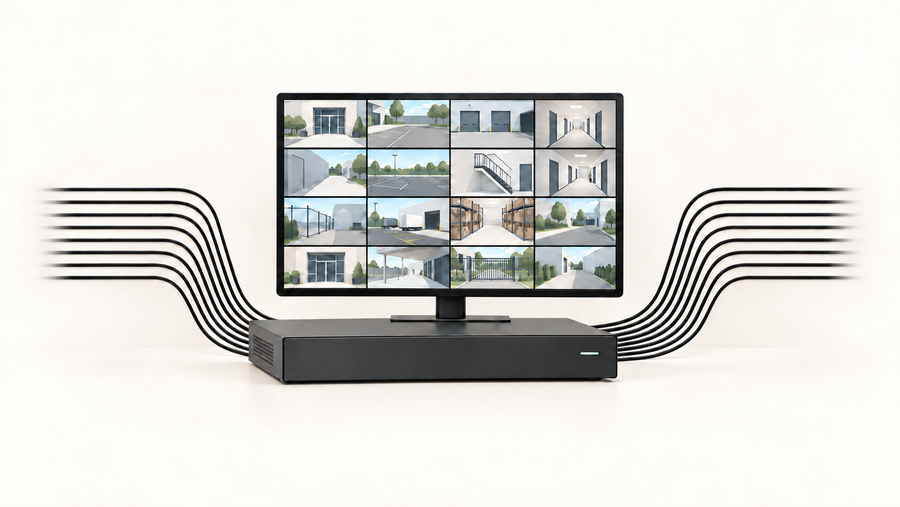
- Storage and connection: Depending on the model, recordings may use an on-camera card, a compatible hub or an optional cloud service.
Types of outdoor solar cameras
Compare solar cameras along separate dimensions:
- Panel layout: An integrated panel keeps the installation compact; a separate panel offers more freedom to find sunlight.
- Camera movement: A fixed camera holds one view, while a pan-and-tilt camera can change direction. Movement does not provide simultaneous coverage in every direction.
- Recording mode: Check whether the product saves event clips, snapshots or continuous video under specified conditions.
- Night imaging: Review the supported infrared, ambient-light color and spotlight modes.
- Storage: Confirm whether the exact purchase uses a memory card, a compatible hub or cloud recording.
For an aosu option, review the SolarCam D1 Classic Kit. Its official page describes motion-triggered recording rather than continuous 24/7 video. Confirm the selected kit, storage arrangement and installation requirements before ordering.

Benefits of using outdoor solar cameras
Environmental benefits
Solar charging can reduce the electricity needed to recharge the camera from an outlet. However, the camera, battery and panel still require materials, manufacturing and eventual disposal. Without a product-specific assessment, avoid treating solar power as proof of a zero-impact security system.
Cost-effectiveness
The practical benefit may be avoiding a new power cable or reducing manual charging visits. Compare the full purchase cost, mounting accessories, storage fees and future servicing needs. Electricity savings alone should not be assumed to repay the purchase.
Dependability and performance
Battery reserve can keep a camera operating when solar input falls, but only until that reserve is depleted. Cloudy weather, seasonal shade, temperature limits and frequent recording can reduce the charging margin. Solar power also does not keep a router or storage hub running during a power failure.
Ease of installation and maintenance
A battery camera may avoid running a power cable to the camera, but it still needs a secure, manufacturer-approved mount. Plan safe access for cleaning, charging and servicing. Choose solar to reduce charging work, with realistic expectations about ongoing checks.

Features to look for in an outdoor solar security camera
Check the exact model and kit against these questions:
| Buying check | What to confirm |
|---|---|
| Useful image detail | Can saved footage show the detail you need at the intended distance, during both day and night? |
| Recording mode | Does it save motion events, snapshots or continuous video? What power conditions apply? |
| Battery reserve | What usage assumptions support the advertised runtime, and what happens during several low-sun days? |
| Charging limits | What are the permitted charging and operating temperatures? |
| Panel placement | Can the panel receive sunlight without compromising the camera view? |
| Storage | Where are clips physically stored, and which functions require a subscription? |
| Outages | What continues during an internet failure, a camera-to-hub connection loss or a power failure? |
| Outdoor suitability | What ingress rating, temperature limits and installation restrictions apply? |
Do not treat a larger battery, a solar panel or night vision as proof of uninterrupted recording. Compare the complete setup, including any router or hub it needs.
Installation tips for maximum efficiency
Choosing the optimal location for sunlight exposure
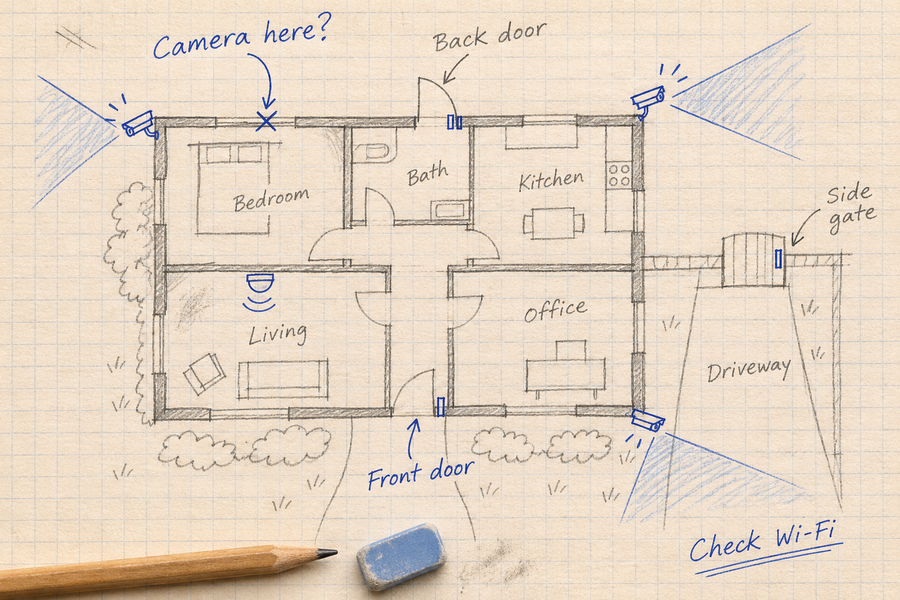
Choose the camera view around the entrance or area you need to record. Choose the panel position around available sunlight. Check shadows at different times of day and allow for seasonal changes.
With an integrated panel, both needs must work at one mounting point. If they conflict, consider a model with a compatible separate panel rather than aiming the lens toward the sun to improve charging.
Tips for mounting the solar panel and camera
Follow the model’s recommended mounting height, angle and surface requirements. Before permanent installation, test signal strength, a normal motion event and saved footage at the intended position.
For a separate panel, confirm accessory compatibility and cable reach. Route the cable as directed, protect connectors and avoid extending or modifying wiring unless the manufacturer permits it.
Maintenance tips to ensure long-term functionality
Follow the model’s cleaning instructions and inspect the panel, lens, mounts and accessible cables. Do not open a sealed camera or replace an internal battery unless the manufacturer provides a supported procedure.
During low-sun periods, record battery percentage at roughly the same time each day, together with weather and recording activity. A falling trend is a reason to review shade, charging limits and energy use. See aosu’s solar-camera charging guidance.

Integrating solar cameras into a smart home system
Compatibility with existing smart home ecosystems
Check the exact camera model and the platform’s supported-device information. Wi-Fi connectivity alone does not establish Alexa, Google Home or Apple Home compatibility.
Also check the function you want: displaying live video, receiving an announcement and triggering an automation are different capabilities. A hub supporting Zigbee or Z-Wave sensors does not automatically make every camera compatible with those sensors or routines.
Using mobile apps for monitoring and control
Confirm live viewing, event playback, downloads, sharing permissions and any optional paid features. Remote functions depend on the required devices, connections and service being available; notifications should not be described as guaranteed instant delivery.

The future of smart home security with solar technology
Base the purchase on documented features available for the selected model today. Treat previewed or planned functions separately, and do not assume that future AI updates will add emergency detection or professional response.
Summing Up: Choosing a Sustainable Solar Security Camera
An outdoor solar camera is worth considering when the required camera view and available sunlight work together. Before ordering, confirm recording mode, charging limits, storage and outage behavior for the exact model.
Use the solar security camera buying guide to compare the main choices, then review the selected product’s current specifications. Plan for less manual charging, with periodic checks as weather and activity change.
FAQs About Outdoor Solar Security Cameras
Do Outdoor Solar Cameras Record Continuously?
Check the model’s recording mode. Solar charging does not automatically provide continuous video. An event-recording camera may remain ready to detect activity while saving only triggered clips.
How Long Will the Battery Last Without Useful Sunlight?
There is no universal runtime. Battery capacity, temperature, motion activity, recording length and live viewing all matter. Look for model-specific test conditions and monitor the battery trend at your installation site.
Should the Camera Face the Sun?
Aim the lens toward the area you need to record. Position the panel for sunlight while checking for seasonal shade. An integrated design must satisfy both needs at the same location.
Does IP65 Mean a Camera Can Handle Any Outdoor Weather?
No. An IP rating describes specified protection against dust and water ingress. Check operating temperature, charging temperature, mounting instructions and other exposure restrictions separately.
Will Cloud Storage Protect Footage if the Camera Is Stolen?
It can preserve clips that successfully reached the cloud and remain within the plan’s retention period. Footage that was never uploaded may be unavailable. Check upload behavior, subscription requirements and export options before relying on it.