Solar security cameras can reduce manual charging when the panel receives enough usable sunlight for the camera’s workload. They still need battery checks, panel cleaning and occasional adjustment or manual charging.
They are worth considering when running power is impractical and the panel can receive suitable sunlight. Before buying, check seasonal shade, activity levels, charging-temperature limits and maintenance access. A sunny-day installation alone cannot establish year-round performance.

The Short Answer: Solar Is Worth It in the Right Spot
Solar is worth considering when it reduces charging visits without compromising the camera view or making maintenance difficult. Check the selected model’s charging assumptions rather than using one sunlight requirement for every camera.
| Model example | Published charging information | How to use it |
|---|---|---|
| SolarCam D1 Classic Kit | Approximately two hours of direct sunlight per day under typical usage | Treat this as a manufacturer estimate. Check shade, settings and battery trends at your location. |
| SolarCam T2 Pro | Its power claim uses 50 daily 20-second events; solar charging pauses below −5°C (23°F) | Check local temperatures and workload. The stated threshold is not a complete charging-temperature range. |
These are product-page specifications, not independent year-round tests. Solar cameras still use stored battery power when charging is insufficient.

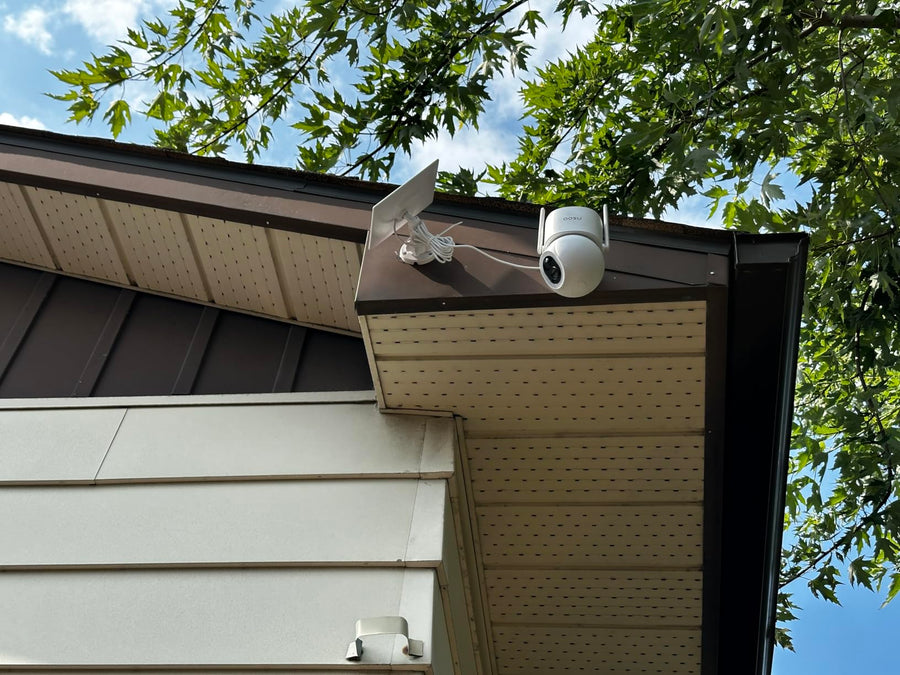
This illustration is a general planning aid, not a universal sunlight threshold or a guarantee of year-round charging. Difficult access alone is not a reason to choose solar: safe maintenance access remains necessary. Use the model-specific conditions above and the installation checklist below.
When Solar Security Cameras Are Worth It
- The location gets direct sunlight. A solar camera needs the panel to receive usable sun, not just daylight. A bright, open wall or fence line is a much better fit than a shaded porch.
- Manual charging would be inconvenient, but maintenance remains accessible. Solar may reduce charging visits. Choose a position where you can still inspect the mount, clean the panel and follow the manufacturer’s maintenance instructions safely.
- You want lower-maintenance outdoor monitoring. Solar can reduce how often you manually recharge, but battery checks, panel cleaning and occasional adjustments remain necessary.
- The view is not constantly busy. Solar helps most when the camera records meaningful events, not every passing car, branch movement, or sidewalk visitor.
A good solar setup is not just about the camera. It is about matching the camera, panel angle, and activity level to the location.
If you are shopping for solar options, aosu has a dedicated collection of solar-powered security cameras.
When a Solar Security Camera May Not Be Worth It
| Solar may disappoint if: | A better option may be: |
|---|---|
|
|
If you need a continuous timeline, verify the exact camera’s recording mode, power requirements and storage support. Solar assistance alone does not establish continuous recording capability. For example, the D1 Classic Kit recording FAQ identifies that model as a motion-triggered event system rather than a continuous 24/7 recorder.
If you currently have a battery camera and think you need solar, it's worth checking motion sensitivity, activity zones, recording length, and alert settings. Settings can reduce unnecessary battery drain and possibly avoid the need for replacing with solar.
Pros and Cons of Solar Security Cameras
| Pros | Cons |
|---|---|
|
|

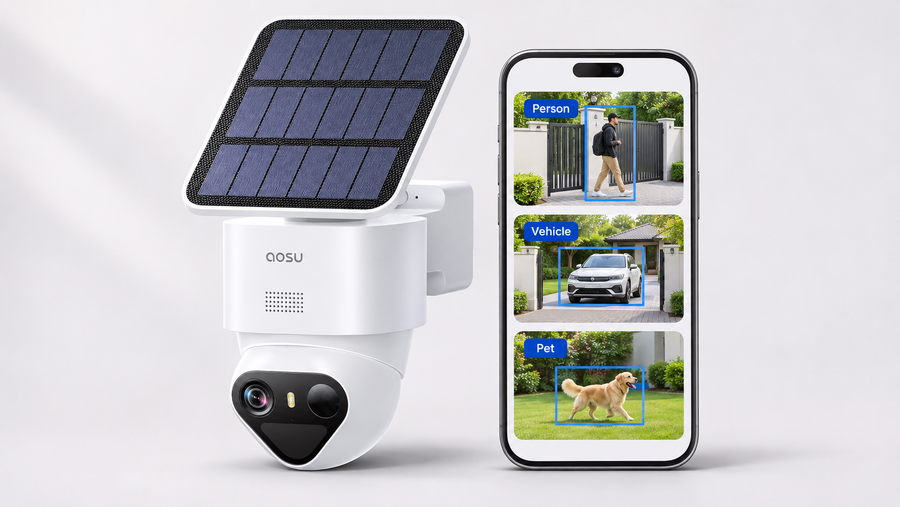
Read this illustration with the conditions in the table: an unsafe-to-reach position is not a suitable maintenance plan. Solar power alone neither establishes nor rules out continuous recording; check the exact model’s recording mode, power and storage. A separate panel may also need a cable.
What to Check Before Buying a Solar Security Camera
Complete this check for each proposed camera position:
| Check | Your notes | Decision |
|---|---|---|
| Exact camera, panel and bundle | Model: _____ | Required specifications confirmed? |
| Sunlight at the panel | Morning: _____ Afternoon: _____ | Where does shade fall? |
| Seasonal changes | Trees, rooflines and winter shadows: _____ | Does the position need reassessment? |
| Charging limits | Manufacturer source and temperature range: _____ | Suitable for local conditions? |
| Recording workload | Events, clip length, tracking, lighting and live viewing: _____ | Similar to the manufacturer’s assumptions? |
| Installation | Panel position, approved cable route and maintenance access: _____ | Practical to install and maintain? |
| Recording needs | Event or continuous recording: _____ | Supported by the exact model? |
| Backup charging | Method and access: _____ | Available when solar input is insufficient? |
Keep a Battery and Maintenance Log
After installation, record battery level at the same time each day, along with weather, shade, event activity, settings changes and any manual charging. Repeat observations during less favorable seasonal conditions.
A short trial can reveal problems at that location. It cannot confirm that the camera will remain charged throughout the year.
Follow the instructions to clean and maintain the camera and panel.
If the best camera view is shaded, compare placement options in our integrated versus separate solar panel guide.
Is Solar Better Than a Regular Battery Camera?
Solar is not a separate category from battery in the way many people imagine.
Most solar security cameras are still battery cameras. The difference is that the solar panel helps recharge the battery during the day.
A battery-only camera is usually simpler and more flexible to place. A solar camera can be more convenient long term, but only if the panel can get enough sun.
If you are still deciding between the two, start with the location. If the best camera angle is shaded but easy to reach, battery-only may be fine. If the best camera angle gets sun, solar may reduce charging visits, provided safe maintenance access remains available.
Considering a SolarCam D1 Classic?
Check the exact camera or kit, included storage and panel arrangement before ordering. Compare its published charging assumptions with your installation checklist.
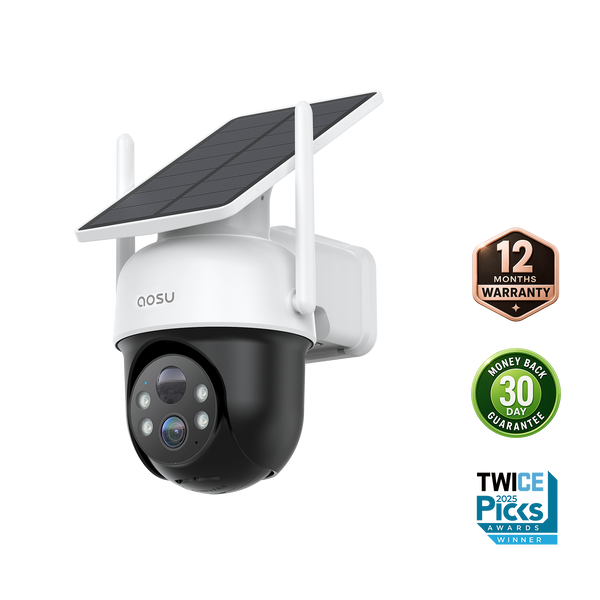
Best Places to Use Solar Security Cameras
| Good fits | Weak fits |
|---|---|
|
|
To Wrap Up
Solar security cameras are worth it when they solve a real problem: reducing manual charging in a sunny outdoor location. They can help where running power is not practical, as long as inspection, cleaning and backup charging remain safely accessible.
They are not automatically the best choice for every home. If the location is shaded, overly busy, or hard to position for sunlight, a battery-only or wired camera may be more reliable. The best choice comes down to sunlight, camera angle, motion activity, and how much maintenance you want to handle.
FAQs About Solar Security Cameras
Are solar security cameras actually worth it?
Yes, solar security cameras can be worth it if the installation spot gets enough direct sunlight and you want to reduce manual charging. They are less useful in shaded areas or locations with constant motion activity.
Do solar security cameras work at night?
Yes. Solar security cameras typically charge a built-in battery during the day and use that stored power at night. The solar panel does not need sunlight at night because the camera runs from stored battery power.
Do solar security cameras need direct sunlight?
Direct sunlight is best. Some panels may still charge in bright indirect light, but shaded placement, cloudy weather, and short winter days can reduce charging performance.
What is the downside of solar security cameras?
The main downside is sunlight dependency. If the panel does not get enough sun, the camera may still need manual charging. Solar cameras can also be less flexible to place if the camera angle and panel angle conflict.
Are solar cameras better than battery cameras?
Solar cameras can be more convenient at sunny outdoor spots when they reduce charging visits while safe maintenance remains possible. Battery-only cameras are usually simpler and more flexible for shaded locations or places where recharging is easy.