There is no single SD-card capacity that suits every security camera. Start with the supported card type and capacity of the device that stores the footage, then estimate how much video it saves and how many days you need to retain.
This guide compares common capacities using stated recording assumptions. Use the examples to calculate your requirement—not as a promise that a particular card size will provide the same history in your camera.
First, choose a card your camera supports
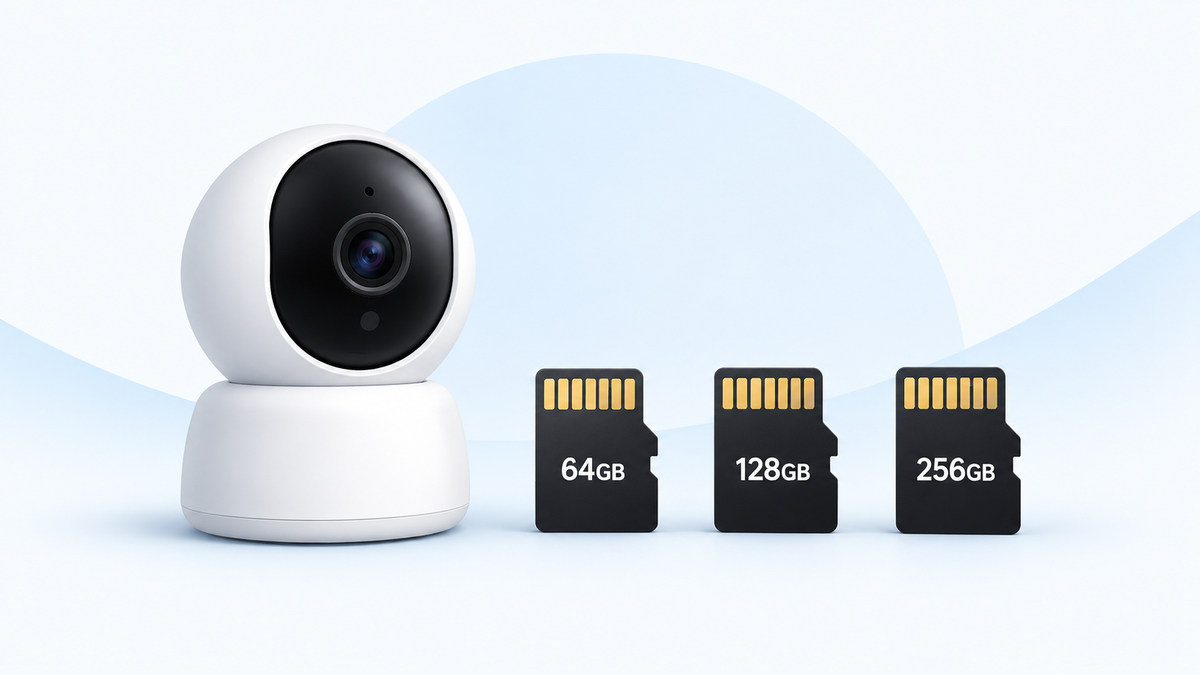
Many home security cameras use a microSD card, the small card that fits directly into a camera or recording device. A full-size SD card is a different physical size. Confirm the slot type and maximum capacity for your exact model before buying.
A camera with a stated 128GB maximum should be paired with a supported card of 128GB or less.
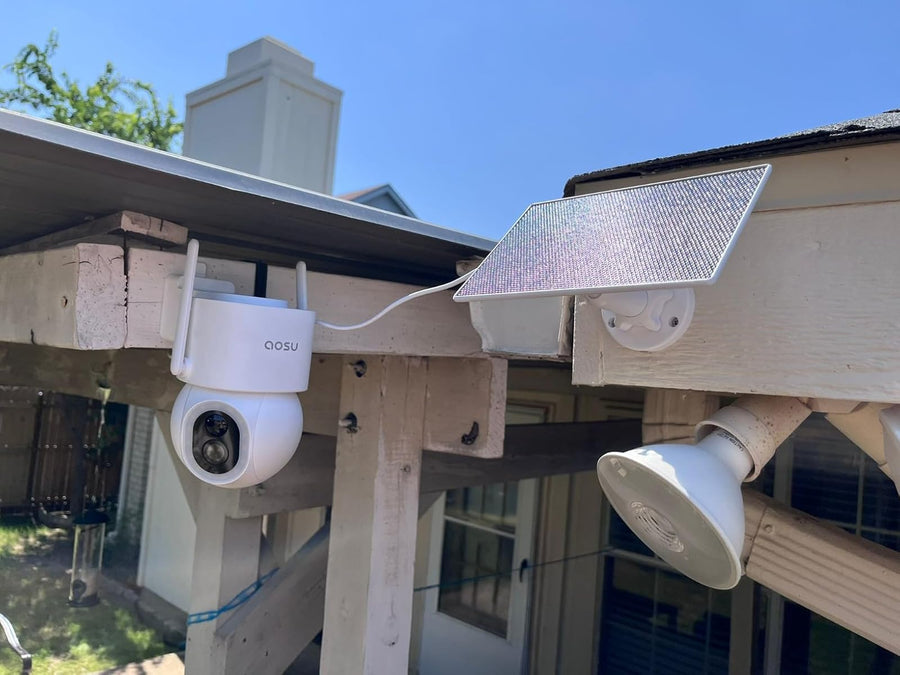
For an aosu example, the standalone SolarCam T2 product page lists microSD storage. Use the instructions for your exact camera or kit to confirm capacity and card requirements; the storage arrangement can differ between a standalone camera and a system with a base station.
Related links:
· aosu SolarCam T2: microSD storage
Confirm the Storage Device Before Buying
The card may be installed in the camera, chime, base or recorder. Use the requirements for that device and version.
| Confirm | Record before ordering |
|---|---|
| Camera and kit version | |
| Device containing the card | |
| Supported card type and capacities | |
| Required speed-class symbol and minimum class | |
| Initialization or formatting instructions | |
| Compatible endurance-card requirements, if specified | |
| Manual or support confirmation |
Do not transfer one model’s capacity limit to another camera or base. If documentation is unclear, ask aosu support to confirm the exact combination before purchasing.
What size SD card should you choose for a security camera?
Use these sizes as starting points, then compare them with your daily recording use. Every option must be supported by your camera.
· 32GB: consider it for a small event-recording workload or a short retention period. It offers little room for continuous video.
· 64GB: a practical option for event clips at a front door with a manageable number of visitors and deliveries.
· 128GB: a useful middle choice when you want more event history or room for longer clips. For continuous recording, calculate the days it will hold before buying.
· 256GB: worth considering for a busy driveway, longer event history or several days of continuous video.
· 512GB: provides more room for continuous recording or a high daily video workload, when the device supports it. It still needs to be sized against your retention target.
What the microSDHC and microSDXC labels mean
The 32GB cards in this list are labeled microSDHC. The 64GB, 128GB, 256GB and 512GB cards are labeled microSDXC. Both use the same small microSD shape; the HC and XC letters identify different capacity ranges. When shopping, match the card type and capacity to the requirements listed for your camera.
Decide how many days you need to look back
If you review recordings every evening, you need less history than someone who checks footage after a two-week trip. Choose a retention target that gives you time to notice a missing parcel, review a driveway incident and save the clip.
A larger card lets you keep more recorded history before older footage is overwritten.
Event recording and continuous recording use very different amounts of space
Event recording saves clips when the camera detects an event. Continuous recording saves video throughout the selected recording period. Twenty minutes of saved clips in a day uses far less space than 24 hours of video at the same bitrate.
For event recording, count the total minutes actually saved, not just the notifications on your phone. Longer clips, footage saved before or after an event, and repeated recordings of passing traffic all add to daily storage use.
Bitrate is the amount of data saved per second. It gives you a better basis for estimating file size than a resolution label such as 1080p, 2K or 4K. Resolution, frame rate and compression settings affect the recording bitrate, so two cameras with the same resolution can produce different-sized files.
Use the recording bitrate shown in your camera’s settings if it is available. If it is not, estimate daily storage from saved recordings using the steps in the next section. For cameras that save multiple views or streams, include all the video written to the storage.
 At 4 Mbps, 25 minutes of saved clips uses about 0.75GB; 24 hours uses about 43.2GB. Example calculations, before storage overhead.
Estimate daily storage from saved recordings
Use your existing card or saved recordings to estimate the camera’s daily use. Keep the video settings you intend to use, and include a busy day as well as a day with fewer visitors.
· If the app shows space used, compare the reading before and after a full day of recording on a card that is not yet overwriting old footage.
· If you can export original recording files, divide a clip’s size in MB by its duration in minutes. Multiply that MB-per-minute figure by the total minutes saved per day, then divide by 1,000 to estimate daily GB. Re-encoded or compressed downloads may differ from the stored originals.
· Multiply daily GB by your retention target. Choose a supported capacity above the result so there is room for storage overhead and busier days.
For example, if your camera uses about 2GB a day and you want 30 days of history, the recordings alone need about 60GB. A compatible 128GB card gives you more room than a 64GB card for that target.
How long will a 32GB, 64GB, 128GB, 256GB or 512GB card record?
The table below estimates continuous recording for one camera at three example total recording bitrates. The figures use the full labeled capacity in decimal gigabytes; usable recording space is lower after formatting and device-reserved space. They are calculations, not measured camera performance or resolution-specific promises.
At 4 Mbps, continuous recording uses about 43.2GB per day. A 128GB card therefore holds about three days before allowing for the device’s storage overhead. At 8 Mbps, the same card holds about a day and a half.
| Card capacity | At 2 Mbps | At 4 Mbps | At 8 Mbps |
|---|---|---|---|
| 32GB | 1.5 days | 0.7 days | 0.4 days |
| 64GB | 3.0 days | 1.5 days | 0.7 days |
| 128GB | 5.9 days | 3.0 days | 1.5 days |
| 256GB | 11.9 days | 5.9 days | 3.0 days |
| 512GB | 23.7 days | 11.9 days | 5.9 days |
Calculate the capacity for your own target
Daily storage in GB ≈ total recording bitrate in Mbps × recorded hours per day × 0.45.
Required storage in GB ≈ daily storage × days you want to keep.
For example, one camera recording continuously at 4 Mbps for seven days needs about 302GB before overhead. A compatible 512GB card gives you room above that estimate; a 256GB card does not reach the seven-day target.
When several cameras share one storage device, add their daily storage use. Two cameras recording continuously at 4 Mbps each use about 86.4GB per day together. If each camera has its own card, size each card for that camera’s recordings.
Your Storage Estimate
| Input | Your value |
|---|---|
| Total average recording bitrate, Mbps | |
| Recorded hours per day | |
| Retention target, days | |
| Additional allowance chosen, % | |
| Supported usable recording space |
Video requirement, GB ≈ bitrate × recorded hours per day × 0.45 × retention days
Planning estimate with allowance ≈ video requirement × (1 + allowance ÷ 100)
The allowance is your planning choice, not a universal requirement. It does not replace checking usable space after initialization. For event recording, include all saved time; for shared storage, include every recorded camera or stream.
If the estimate exceeds supported storage, review the recording plan or storage system. Do not assume an unsupported larger card will work.
Two event-recording examples for a front door and driveway
These examples use a total recording bitrate of 4 Mbps and count all saved clip time. They show how activity changes the capacity you need.
Front door: 50 clips a day, 30 seconds each
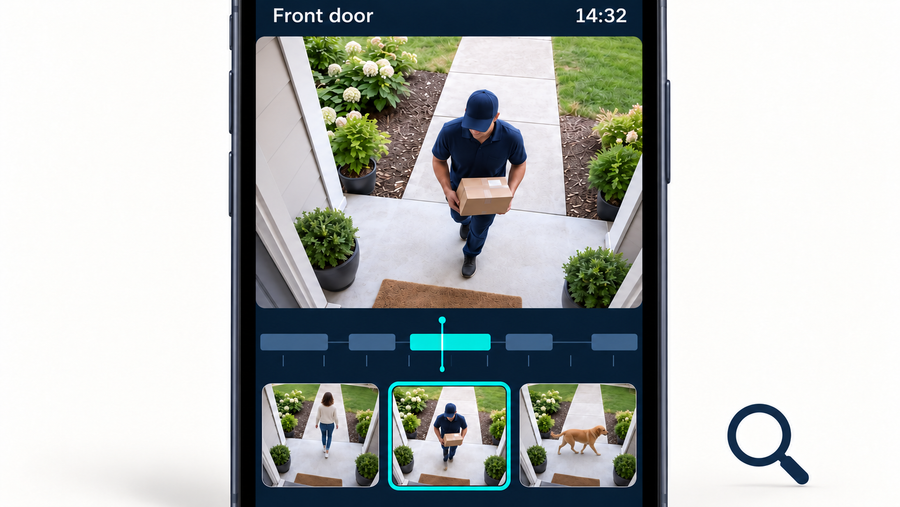
Fifty 30-second clips add up to 25 minutes of video per day. At 4 Mbps, that is about 0.75GB per day, or 22.5GB for 30 days.
A supported 64GB card leaves room above this example’s 30-day requirement. You would need more space if the camera saves longer clips or the front door becomes busier.
Busy driveway: 200 clips a day, one minute each
Two hundred one-minute clips add up to three hours and 20 minutes of video per day. At 4 Mbps, that is about 6GB per day, or 180GB for 30 days.
A supported 256GB card leaves room above this example’s requirement. A 128GB card would hold roughly 21 days before overhead at the same daily recording rate.
Choose endurance and write speed as well as capacity
Choose a high-endurance card designed for surveillance or other repeated video recording. Recording repeatedly writes data to the card, and loop recording also replaces old footage. Endurance cards are built for this write-intensive use; the speed label alone does not tell you how long a card is designed to withstand recording.
Follow the camera’s specified speed-class symbol and minimum rating. Class 10, U1 and V10 each indicate a 10 MB/s minimum sequential write speed under their respective standards; U3 and V30 indicate 30 MB/s. Match the required symbol family and choose the same or a higher class within it.
Mbps and MB/s are different units: 8 Mbps equals 1 MB/s. Do not choose a card using only the large advertised maximum read-speed number, which refers to reading files from the card. Capacity determines how much video fits; write performance determines whether the card meets the recording requirements.
Buy through a reputable seller, and follow the card maker’s operating-temperature specifications for the location where it will be used.
The SD Association’s speed-class guide explains minimum sequential performance under the relevant standards. Match the camera’s specified class rather than choosing from maximum read speed alone.
Endurance is a separate specification. For example, the Samsung PRO Endurance data sheet publishes different endurance ratings by capacity and states its recording test conditions.
An endurance rating describes cumulative recording use under those conditions. It is not the amount of footage held at once or a guarantee of service life in your installation. This example is not a compatibility statement for every aosu device.
Can a larger card last longer?
Within the same endurance-card range, a larger capacity can last longer under the same daily recording workload. The extra space lets the camera write more video before it reuses the same storage. Flash memory wears with repeated writing and erasing, and the card’s controller distributes that wear across its memory.
A larger card is therefore worth considering for frequent or continuous recording, even when a smaller card holds enough history. Compare the manufacturer’s endurance ratings for the capacities you’re considering, and stay within your camera’s supported capacity.
Check the new card before relying on its recordings
Save any clips you need before formatting a card. Follow your camera’s instructions to insert and initialize it, then record an event and play it back. Confirm that the app recognizes the card and that your intended recording mode is enabled.
After several representative days, record the oldest and newest available footage and compare the observed history with your target.
Keep a short record of the camera or storage-device model, card model, recording settings, dates and daily activity. Note any setting changes or periods when recording was unavailable.
If estimating daily use from storage readings, measure before loop overwriting begins. If using exported files, confirm whether the app changes their bitrate or format. Label the result as an observation from that setup, not a guaranteed retention period for other users.
If your retention calculation exceeds the camera’s maximum supported capacity, a larger unsupported card will not solve it. You will need a shorter retention period, less saved video or a recording system with more supported storage.
Related links:
· Base station vs. microSD card storage
To Wrap Up
Choose capacity from compatibility, daily recording volume and your retention target. A card that suits short event clips may be too small for continuous recording, while a larger card is useful only if the storage device supports it.
Calculate the requirement, leave room above it and verify playback after setup. That gives you a card choice based on the recordings you actually need.
FAQs
Is a 128GB SD card enough for a security camera?
A 128GB card can be enough for event recording, depending on daily clip volume and your retention target. For one camera recording continuously at 4 Mbps, it holds about three days before formatting and device overhead. The camera must support that capacity.
Does a 4K security camera need a 256GB or 512GB card?
Choose the capacity from the camera’s recording bitrate, daily recorded hours and the days you want to keep. The 4K label alone does not determine file size. A 256GB or 512GB card gives you more recording space if the camera supports it.
Can a larger SD card last longer in a security camera?
Within the same endurance-card range, a larger card can last longer under the same daily recording workload because writes are spread across more storage. Compare the manufacturer’s endurance ratings for each capacity and choose one your camera supports.
Can I use a regular microSD card in a security camera?
A regular card can work if it meets the camera’s compatibility and speed requirements. A high-endurance card designed for repeated video recording is the better choice for ongoing surveillance use.