Choosing a night vision camera starts with what you need to see after dark: activity near an entrance, a person approaching a driveway, or movement inside a room.
This brand guide compares five aosu models using their published product information. It is not a ranking based on a controlled, side-by-side night test.
What Useful Night Footage Needs
A bright image is not necessarily a useful recording. Check whether a moving subject remains clear at your required distance and whether the saved clip captures the event.
Night imaging, motion detection, recording mode and phone notifications are separate capabilities. Confirm each one for the exact model and storage setup before buying.

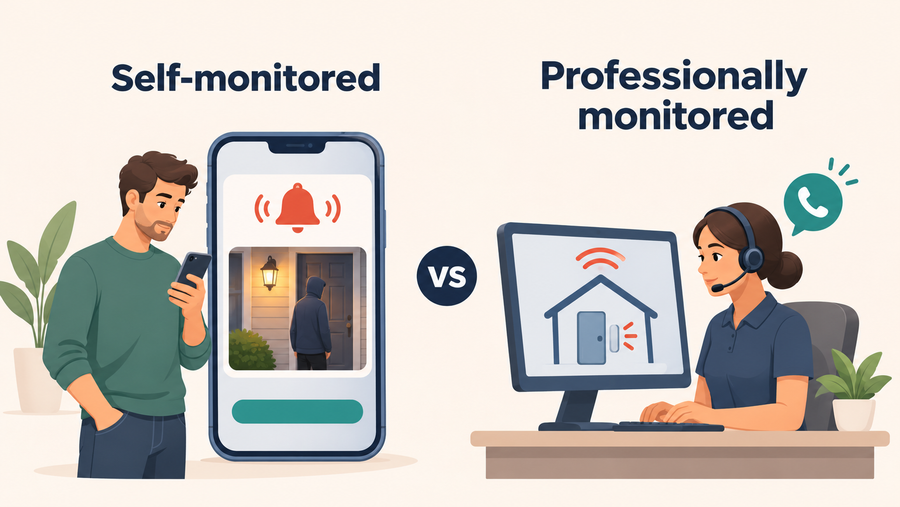
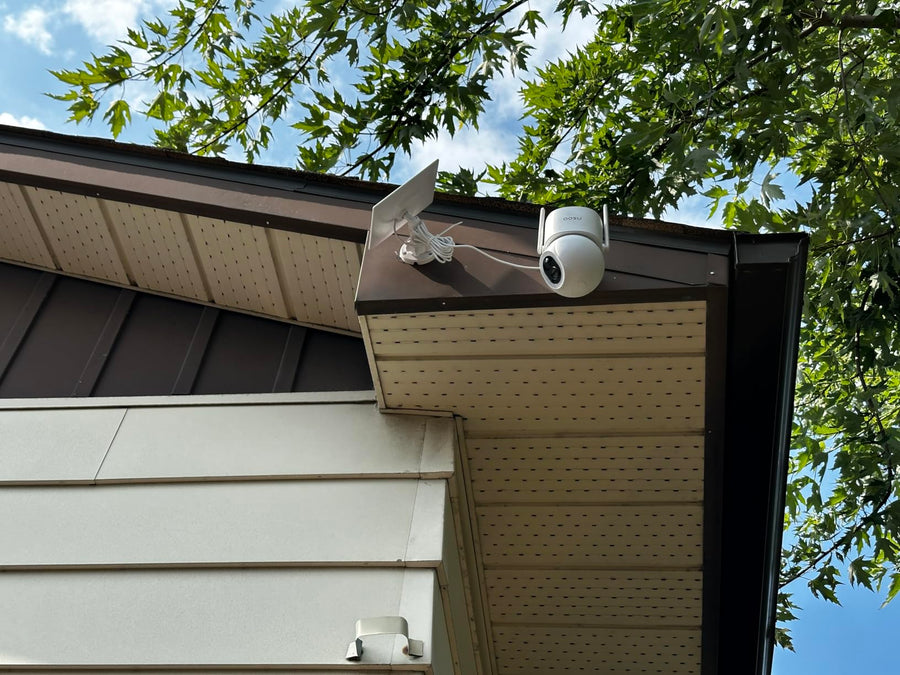
Example image only. The camera model, subject distance, lighting and recording settings are not documented here. This frame is not evidence of a controlled comparison between the five models.
Key Considerations When Choosing Night Vision Security Cameras
Not all night vision cameras are created equal. To find the best fit for your home, it's important to look beyond price and focus on features that impact real-world performance. Here are six key factors to guide your decision:
1. Night Vision Type and Clarity
Compare infrared, spotlight-assisted color and low-light color modes where the selected model offers them. Check which lighting conditions each mode requires. Resolution alone does not establish whether a moving face or other small detail will be readable at night.
Compare night vision modes for your location.
2. Night Vision Range
Treat a published night vision range as a specification to investigate, not a guaranteed identification distance. The detail available depends on distance, field of view, lighting and movement. NIST’s target-size guidance explains why a subject occupying more of the frame can reveal more detail.
3. Smart Motion Detection
Look for AI-enhanced detection that distinguishes between people, animals, vehicles, and random movement like tree branches. Some cameras also allow you to customize motion zones and reduce false alarms with smart alerts.
4. Power Source and Setup
Choose battery-powered, wired or solar-assisted power around the location. Check the exact model’s recording modes and storage support separately from its power source. Solar assistance may reduce manual charging, but it still requires suitable sunlight, battery checks and safe maintenance access.
5. Durability for Outdoor Use
Check ingress protection and operating temperature separately. An IP65 rating concerns dust and water ingress; it does not establish heat tolerance or year-round image quality. Follow the model’s installation instructions and temperature limits. See Intertek’s explanation of IP testing for the scope of the rating.
6. Storage and App Integration
Compare cloud and local storage for the exact model. Confirm where recordings are saved, how playback and export work, and which functions require internet or a paid plan. Live viewing and notifications do not by themselves establish that a usable clip was saved.
Five aosu Cameras to Compare by Location
The specifications below come from the linked product pages, checked November 9, 2026. They identify options to investigate, not winners from a controlled night test.

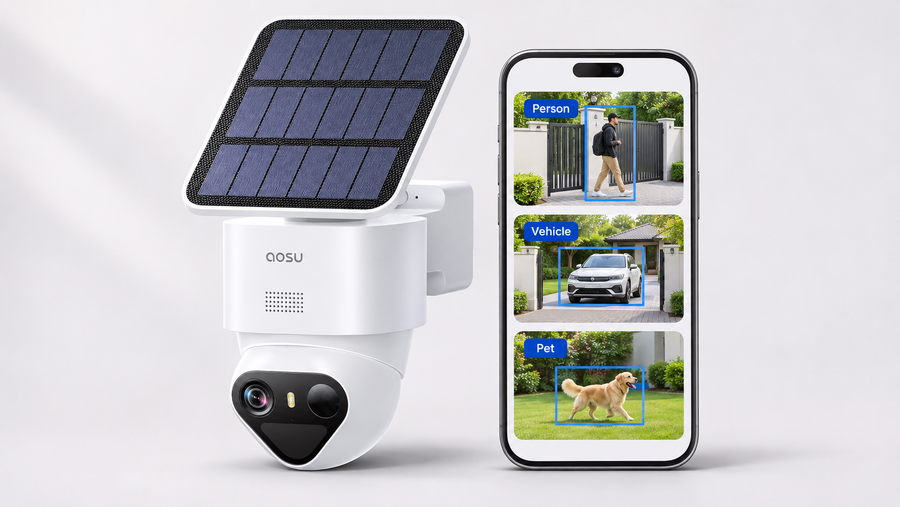
Illustrative aosu product image. It does not show all five models or establish their comparative night performance.
| Camera | Published imaging information | What to verify at your location |
|---|---|---|
| SolarCam D1 Classic | 2K video and advertised color night vision | Lighting requirements, recording settings and moving detail at the entrance or yard |
| SolarCam D1 Max | 3K video, advertised color night vision and 400-lumen lighting | Light coverage, glare and saved footage across the intended view |
| SolarCam P1 Max | 4K video, advertised color night vision and a spotlight | Mounting direction, lighting mode and detail at the distance that matters |
| IndoorCam P1 Pro | 4MP video, infrared night vision and motion tracking | Indoor placement, privacy settings and moving footage under normal nighttime conditions |
| Floodlight Cam Pro | 5MP video, wired power and color night vision | Electrical installation, light direction, recording settings and reflections |
Higher resolution does not, by itself, establish better night footage. Check the exact version, power arrangement, storage requirements and saved video before making a final choice.

Where and How to Set Up a Night Vision Security Camera

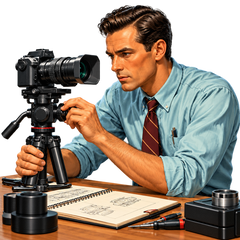
Illustrative equipment and accessories. Confirm the contents and instructions for the selected model and bundle.
Placement affects the useful view, glare and detection. Use the model’s instructions as a starting point, then check saved footage under the lighting and movement conditions that matter at your property.
1. Prioritize Strategic Placement
Start with entrances, garages, side paths or indoor areas you want to monitor. Check outdoor suitability and a clear view. For solar-assisted models, assess seasonal shade and the manufacturer’s charging assumptions rather than applying one sunlight requirement to every camera. Keep maintenance safely accessible.
2. Mount at the Right Height and Angle
Use the mounting guidance for the exact model, then test the intended view before final installation. Check whether faces are visible from the approach direction and whether nearby walls, glass or lights create glare. Do not rely on one mounting height for every camera and location.
3. Ensure Good Connectivity and Night Performance
Check connectivity at the intended mounting point. After setup, review day and night recordings, detection behavior and available lighting modes. Adjust motion zones or other supported settings and repeat the check. A working connection alone does not establish complete recording or timely notifications.
4. Use Ambient Light Wisely (Optional Boost)
Compare the available lighting modes at the location. Ambient or visible camera lighting may help color imaging, but nearby lights and reflective surfaces can also cause glare. Review moving footage rather than judging only the brightness of a still image.
5. Test Saved Footage With a Moving Subject
Test after dark under the lighting conditions you expect to use. Have an adult walk toward and across the camera at measured positions.
| Record for each test | Details |
|---|---|
| Equipment | Camera model, firmware and storage method |
| Installation | Mounting height, angle and target distance |
| Lighting | Ambient lights, infrared mode and spotlight or floodlight settings |
| Recording | Resolution, frame rate and other available quality settings |
| Result | Event start, moving detail, glare, playback and export |
Review the original saved clip, not only live view or a selected still frame. If vehicle plates matter, test that task separately at the actual angle and expected speed.
Keep the results specific to those conditions. A successful test does not establish the same performance at every distance or in every kind of weather. NIST’s motion guidance explains how movement can affect visibility and blur.
Conclusion: Choosing the Best Night Vision Security Camera for Your Home
Choose a night vision camera around the view you need, the lighting available and the recording you want to keep. Compare the linked specifications, confirm the exact model and test saved footage after dark.
Explore the aosu solar camera options if solar-assisted power fits the location, or review the Floodlight Cam Pro when wired power and visible lighting suit the installation.
FAQs About Night Vision Security Cameras
Which night vision camera should I choose?
Start with the location and the detail you need. Compare the exact model’s lighting modes, power, recording and storage, then review saved nighttime footage from a suitable test.
Does a longer night vision range mean clearer faces or plates?
No. A range specification does not establish identification performance. Distance, viewing angle, lighting, movement and the subject’s size in the frame all matter.
Is color night vision always better than infrared?
Compare the available modes under the conditions where you will use them. Check whether color mode requires ambient light or a visible spotlight, and whether moving subjects remain clear.
Does night vision mean continuous recording?
No. Night imaging and recording mode are separate specifications. Confirm whether the selected camera records events, continuous video or both, and what power and storage it requires.
What should I check before buying an outdoor model?
Check installation requirements, ingress protection, operating temperature, connectivity and storage. Then test the saved nighttime footage at the required distance.