


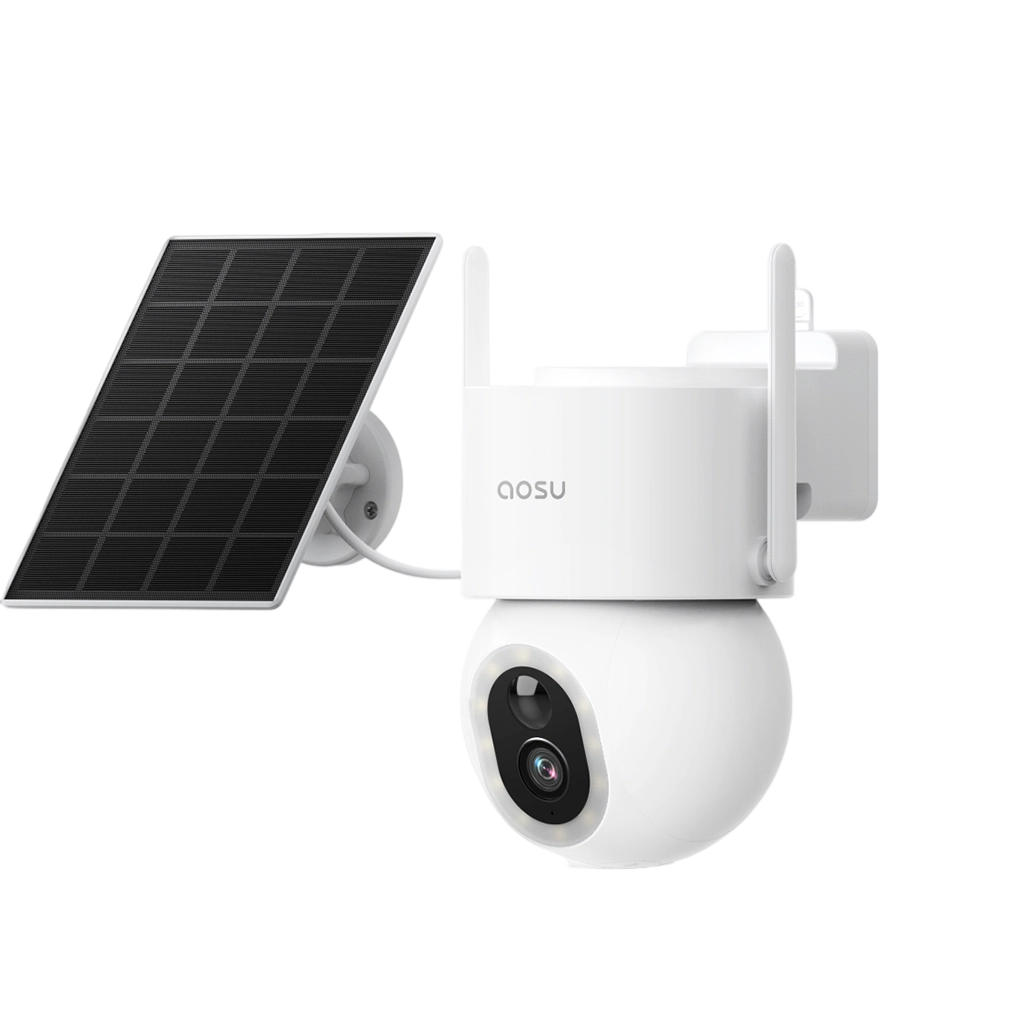
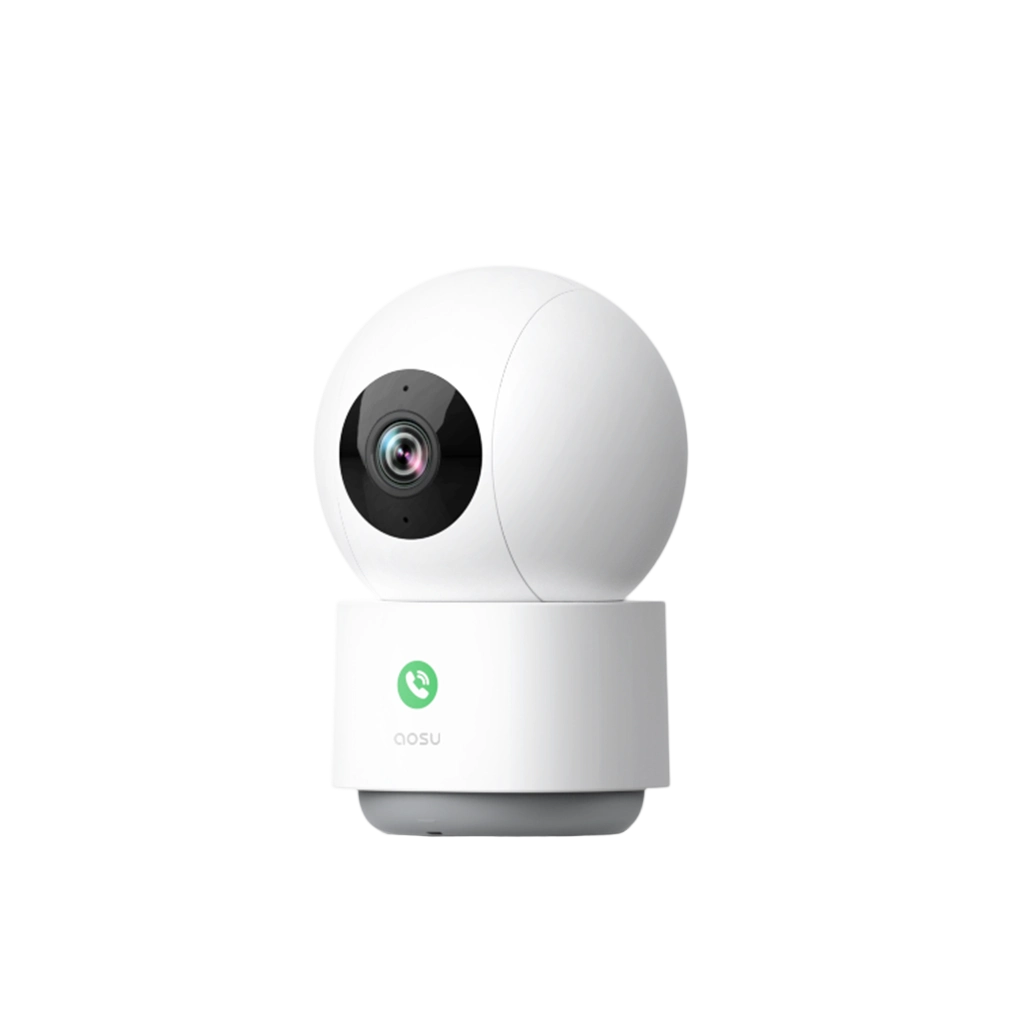

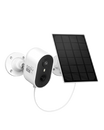
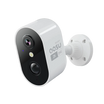
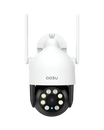
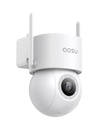

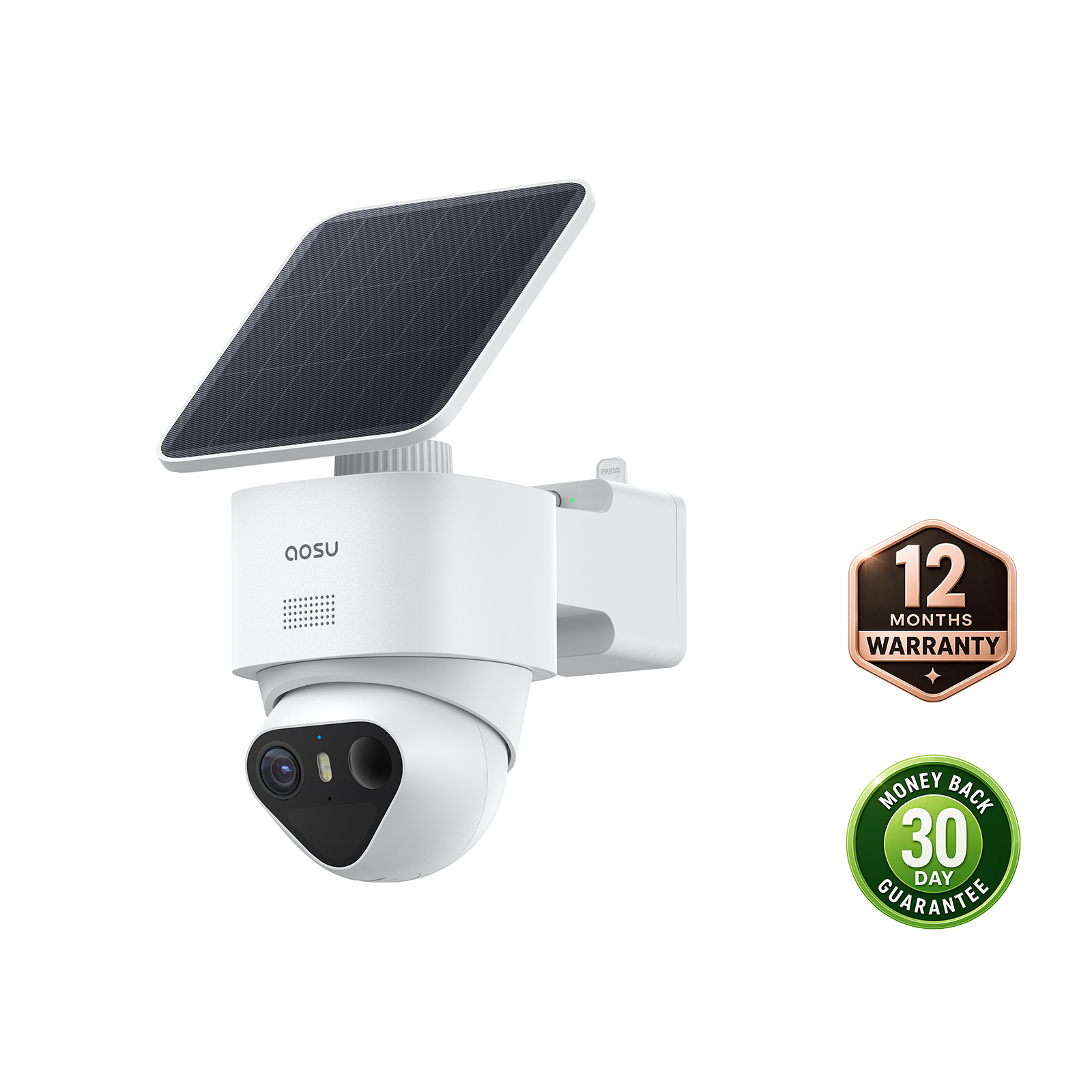
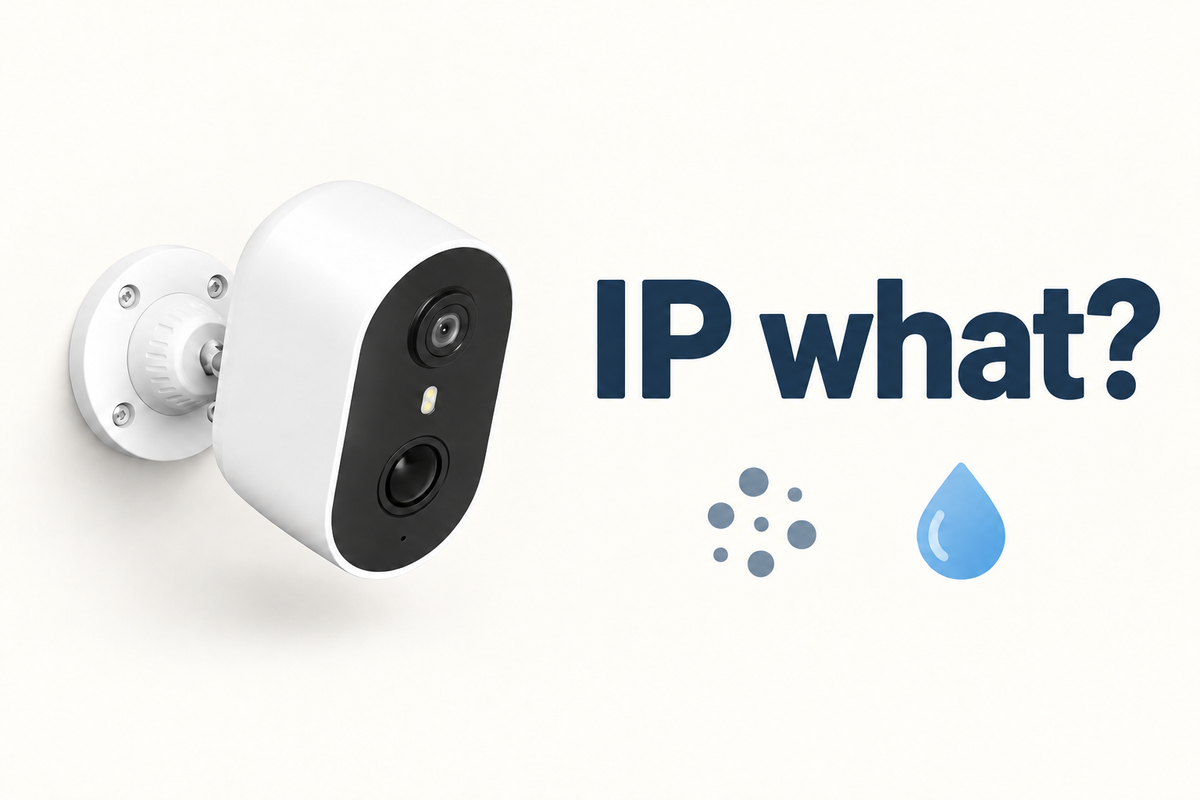
For outdoor security cameras, an IP rating shows how the camera enclosure was tested against solid objects and water ingress. It helps you match a camera to its mounting conditions, but it does not rate every part of the installation or every kind of weather. Read both digits, then compare them with the rain, spray, dust, and runoff at the exact spot you plan to use.
Where Can You Find an Outdoor Security Camera's IP Rating?
Look in the exact model's specifications, manual, packaging, or official support material. The rating should identify the component it covers, usually the camera enclosure, rather than the whole product category.
Before relying on a rating, confirm:
- The full code, including both digits or an X where a digit is not stated
- Which component is rated: the camera body, a detachable panel, the power adapter, or a cable connection
- Any stated conditions, such as a required port cover, mounting orientation, or temperature range
IEC 60529 defines the two digits used to classify enclosure protection. If a listing only says "weather resistant," look for the model documentation before assuming what rain or dust exposure it can handle.
What Do the Two Digits in an IP Rating Mean?
The first digit shows protection against access to hazardous parts and solid objects, including dust. The second digit shows protection against harmful water ingress. A security camera IP rating is therefore two separate protection results, not one all-weather score.
For solid-object protection, IP5X means dust-protected, while IP6X means dust-tight. This difference matters most in locations exposed to driveway dust, yard work, or nearby construction.
For water protection, the second digit identifies the type of water exposure used in the test. In IP65, for example, 6 indicates dust-tight protection, while 5 refers to a water-jet test. A higher water digit does not automatically confirm protection against every other type of water exposure.
| Water Code | General Test Category | What It Helps You Distinguish |
|---|---|---|
| IPX4 | Water splashing from different directions | General splashes are not the same as a focused spray. |
| IPX5 | Water jets | A sprinkler stream or direct spray can call for a different check than ordinary rain. |
| IPX6 | Powerful water jets | Stronger, more forceful water exposure is a distinct test category. |
| IPX7 | Temporary immersion | Immersion is different from jet exposure, so do not assume IPX7 also confirms a jet rating. |
IP65, IP66, and IP67 therefore describe different combinations. Choose the code that matches the documented exposure, rather than treating the highest second digit as automatically best for every home.

What Does an IP Rating Not Tell You About Outdoor Use?
An IP rating does not predict all outdoor performance. It covers specified enclosure tests for solids and water, not the camera's full service life or every condition at a home.
Check separate documentation for:
- Operating-temperature limits and battery guidance
- Long-term direct sun, heat buildup, and ultraviolet exposure
- Corrosion risk near salt air, pool chemicals, or other airborne contaminants
- Mount strength, impact risk, and theft exposure
- Image quality, Wi-Fi performance, and camera view
Read the Rating for the Exact Camera
Confirm the code for the exact model and the component it covers. Read both digits to understand its dust and water protection.
FAQs
Does an IP Rating Apply to the Camera Power Adapter and Cable?
Not automatically. A rating may cover only the camera enclosure, while the adapter, connector, cable, or solar connection may have separate requirements. Check each component's instructions and keep any unsupported adapter or connection in the protected location the manufacturer specifies.
Should Port Covers Be Closed Again After Charging or Setup?
Yes. Close the cover before outdoor use and make sure it lies flat and is fully engaged. A cover that is loose, crooked, or left open can leave the opening exposed even when the camera body has an appropriate IP rating.